
The Sims 4 for macOS



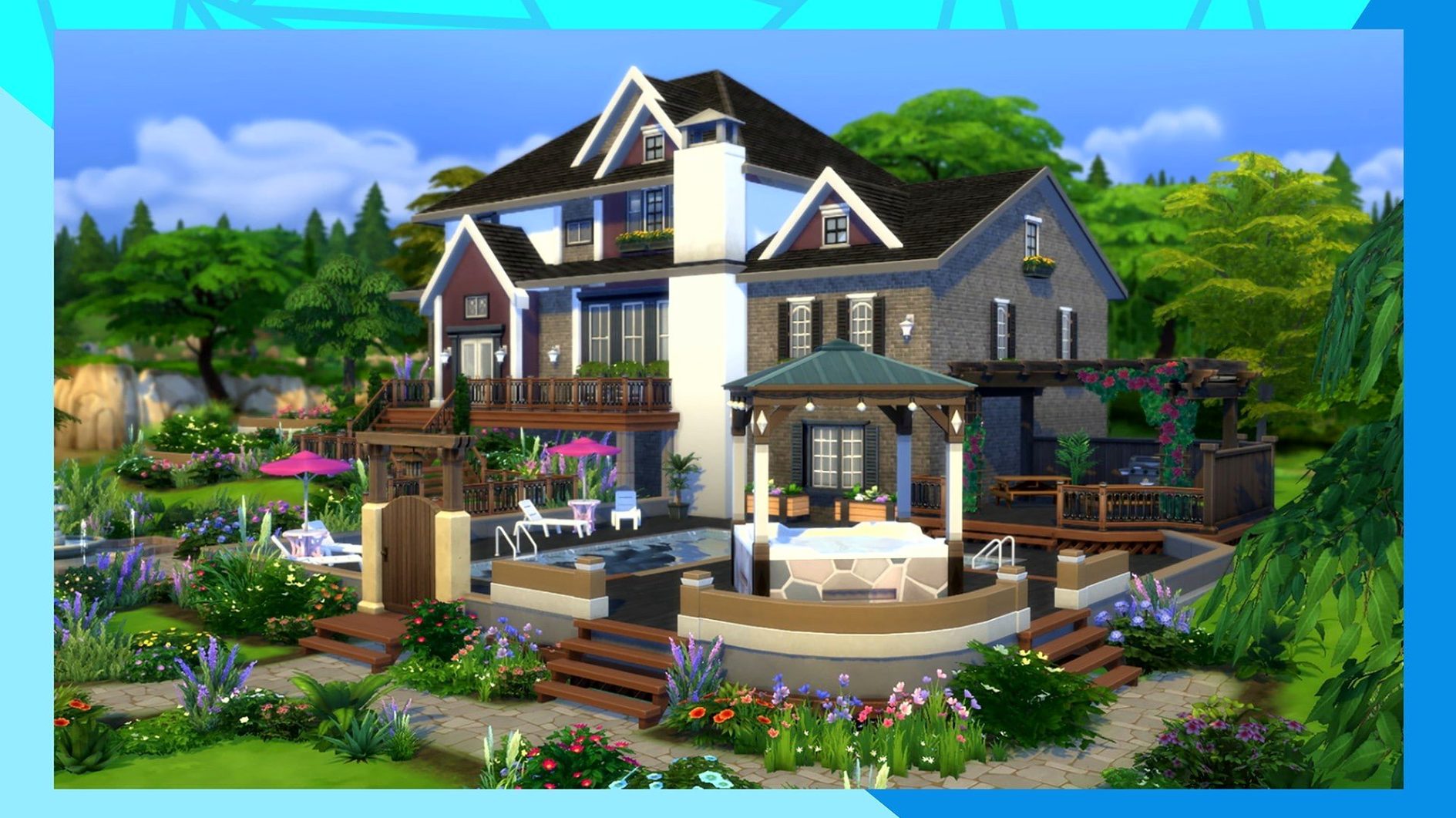
You’ve just finished a session where a mod you wrote forces every townie into a llama costume when it rains. The game didn’t crash, the script fired correctly, and your custom tuning held. That is the kind of session where you stop seeing the dollhouse and start seeing the simulation engine—a state machine managing motives, autonomy, and object interactions across a live neighborhood. The current build, 1.127.41.1030, ships as a universal binary with native ARM code for Apple silicon and x86_64 for Intel Macs.
How the simulation and build tools actually work
Tuning resources in .package files define nearly every behavior in the game, from social outcomes to object failure states. Experienced players dig into these with tools like Sims 4 Studio to alter XML-based tuning, overriding the game’s data via the Delta and Gameplay folders inside ~/Documents/Electronic Arts/The Sims 4/Mods. The build is compiled for Metal on macOS, so rendering the houses you design—room by room with drag-and-drop architectural pieces—relies on the GPU pipeline Apple provides. That same pipeline also handles the caching system introduced for Marketplace images, which stores downloaded assets locally after the first fetch to reduce bandwidth on repeat browsing.
Managing the live client and its data
The base game client lives inside the EA app container, which means all updates, including the recent bug fixes, arrive as delta patches to that package. When the game freezes on the initial splash screen—a common symptom of a stale simulation data cache—cleaning the The Sims 4 folder in Documents down to just the Tray, Saves, and Mods directories forces a regeneration of the localthumbcache.package and other volatile files on next launch. It’s a blunt but effective way to reset the client’s state without touching your actual save data or downloaded creations.
A legacy player returning to a Mac after years away will notice the difference immediately. The ARM-native build on a 2020 M1 MacBook Air runs cooler and quieter than the Intel build ever did on a 2015 MacBook Pro with fans screaming. Load times from neighborhood to lot hover around twelve to fifteen seconds, and the simulation clock stays smooth at triple speed on a household of four Sims with a mid-sized house and maybe a dozen script mods. Activity Monitor shows the game consuming roughly 2.8 GB of memory in live mode on a fresh save, creeping up past 4 GB after a few hours of continuous play as the simulation history accumulates. That is fine on a 16 GB machine. On an 8 GB model with a browser and Discord open, you will feel macOS start compressing memory, and frame pacing in build mode can get jittery when you rotate a complex furnished room quickly.
Build mode on the M1 is solid at 1080p with most settings on medium to high, but the real bottleneck is not the GPU. It is the simulation thread. Every Sim in the active neighborhood runs on a single core, and when the game decides to recalculate autonomous behavior for thirty Sims at once—say, at a community lot during a festival—you can see a micro-pause. Not a freeze, just a half-second hitch where the animation pipeline waits for the logic thread to finish. Turning off multi-story autonomy in the game options reduces that load measurably, and players who push population limits with mods like MC Command Center learn to cap the number of active Sims per zone to keep the simulation responsive.
The EA app language lock blocks install changes
The EA app language lock is the first real snag. You pick a language during the initial download, and the client treats that as fixed for the install. Switching to another of the seventeen supported languages later—say, from English to Polish—requires opening EA App without the DLC Unlocker active, finding the game properties, changing the language there, saving, and triggering an update download to pull the correct string tables and audio references. If you skip the update step, the game launches in the old language or shows missing text strings everywhere. Closing the app and clicking “Update” is mandatory, not optional.
Another common failure point is the The Sims 4 folder in Documents ballooning with stale caches and orphaned thumbnails. After installing a batch of new custom content—especially merged .package files—the thumbnail cache stops matching the actual catalog, and the UI shows wrong previews or blank icons. Deleting localthumbcache.package alone sometimes fixes it. Sometimes you need to pull the entire cache and cachestr folders too, then let the game rebuild everything on the next boot. The splash screen freeze that new Mac users panic about is almost always this cache mismatch in disguise.
Mistakes that make the first few hours harder than they should be
The biggest beginner mistake is dumping fifty mods into the Mods folder on day one with no subfolder structure. The game loads files one level deep by default, and a flat mess of .package and .ts4script files means you cannot isolate a bad mod when the game starts throwing lastException errors. Organizing by creator or function—Mods/MCCC, Mods/UI_Cheats, Mods/Furniture—and keeping script mods no more than one folder deep saves hours of binary-searching later. The second mistake is ignoring the game-generated lastException.txt and lastUIException.txt files that appear in the The Sims 4 folder. Those are the game telling you exactly which tuning resource failed to load or which script threw an error, but new players treat them as junk logs instead of debugging breadcrumbs.
Another classic: building a gorgeous two-story house without turning on bb.moveobjects first, then discovering half the clutter cannot be placed where you want it. The cheat unlocks object placement from the grid and removes intersection checks, and experienced builders toggle it on before placing a single wall. Beginners also tend to ignore the lighting engine entirely—plopping down one ceiling light in the center of a room and wondering why screenshots look flat. The game uses a forward renderer with limited dynamic lights per lot, so placing multiple small light sources near surfaces you want to highlight makes a disproportionate difference to visual quality, even on the M1’s integrated GPU.
Stardew Valley sips battery on a MacBook Air unplugged
Compared to Stardew Valley, the scope is fundamentally different. Stardew runs on a lightweight custom engine that barely touches the GPU and sips battery, making it the obvious pick for long sessions on a MacBook Air unplugged. But it offers no character customization depth, no architectural sandbox, and no simulation of autonomous social networks. A sims mac torrent search brings people here because they want systemic storytelling, not hand-crafted narrative beats. The two games scratch opposite itches, and plenty of Mac players keep both installed.
Cities: Skylines overlaps more than you would think. Both games simulate autonomous agents with persistent needs, both revolve around infrastructure layout, and both have deep modding communities that extend the base systems. But Skylines leans into macro-scale traffic and zoning while The Sims 4 drills into individual psychology and interpersonal drama. On an M1 Mac, Skylines hits the CPU harder because it runs thousands of vehicle pathfinding queries per frame; The Sims 4 spreads its load differently, with one heavy logic thread and lighter rendering work. If you want city-level emergent behavior, Skylines is the better simulation toy. If you want to follow a single family through generations, there is no real substitute.
The closest actual competitor on Mac is Life by You—or it would be, if it ever shipped. As of now, no other native macOS title offers the same blend of character creation, open-ended construction, and moddable tuning. The Sims 4 fills a gap that nobody else on the platform has seriously attempted, and the ARM-native build at least ensures it does so without Rosetta overhead. That alone makes a The Sims 4 Mac torrent worth grabbing for anyone with an Apple silicon machine who skipped the Intel era entirely. The game runs, the mods work, and the simulation holds together—flaws and all.
- Marketplace browsing performance was improved, with a new caching mechanism that stores images locally after the initial download.
- Bug fixes addressing stability issues were rolled into the client.
- macOS Sonoma (tested on MacBook Air, M1, 2020)
- Apple silicon (native ARM) or 64-bit Intel processor
- The EA app client
$ man the-sims-4 | grep -A2 "?"
Where does The Sims 4 store its save data and mods on macOS?
Everything lives in~/Documents/Electronic Arts/The Sims 4/. Your save files are in the Saves folder, mods go inside the Mods directory, and your Library items are stored in Tray.
How can I switch the game’s interface language?
Open the EA app without any unlocker tool running, find The Sims 4 in your library, open its properties, pick a language from the setting—there are 16 supported, including Russian and Japanese—save, and click Update to download the new localization files.
Comments 0
Sign in or create an account to leave a comment.
No comments yet. A codec, a slice, a machine — they appear after moderation.