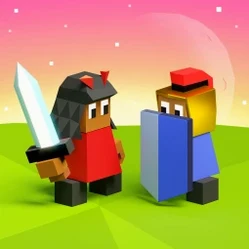
The Battle of Polytopia for macOS
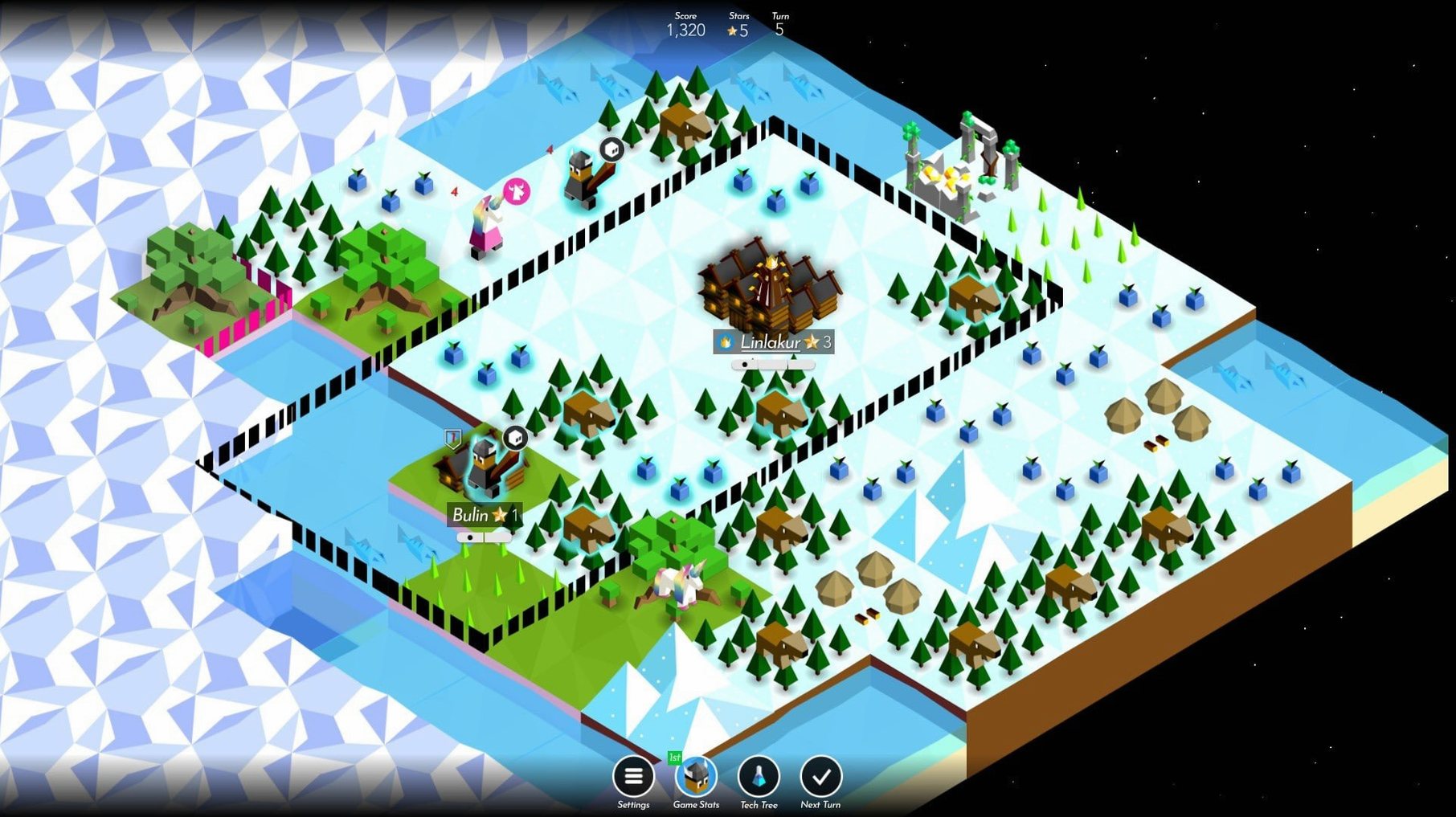
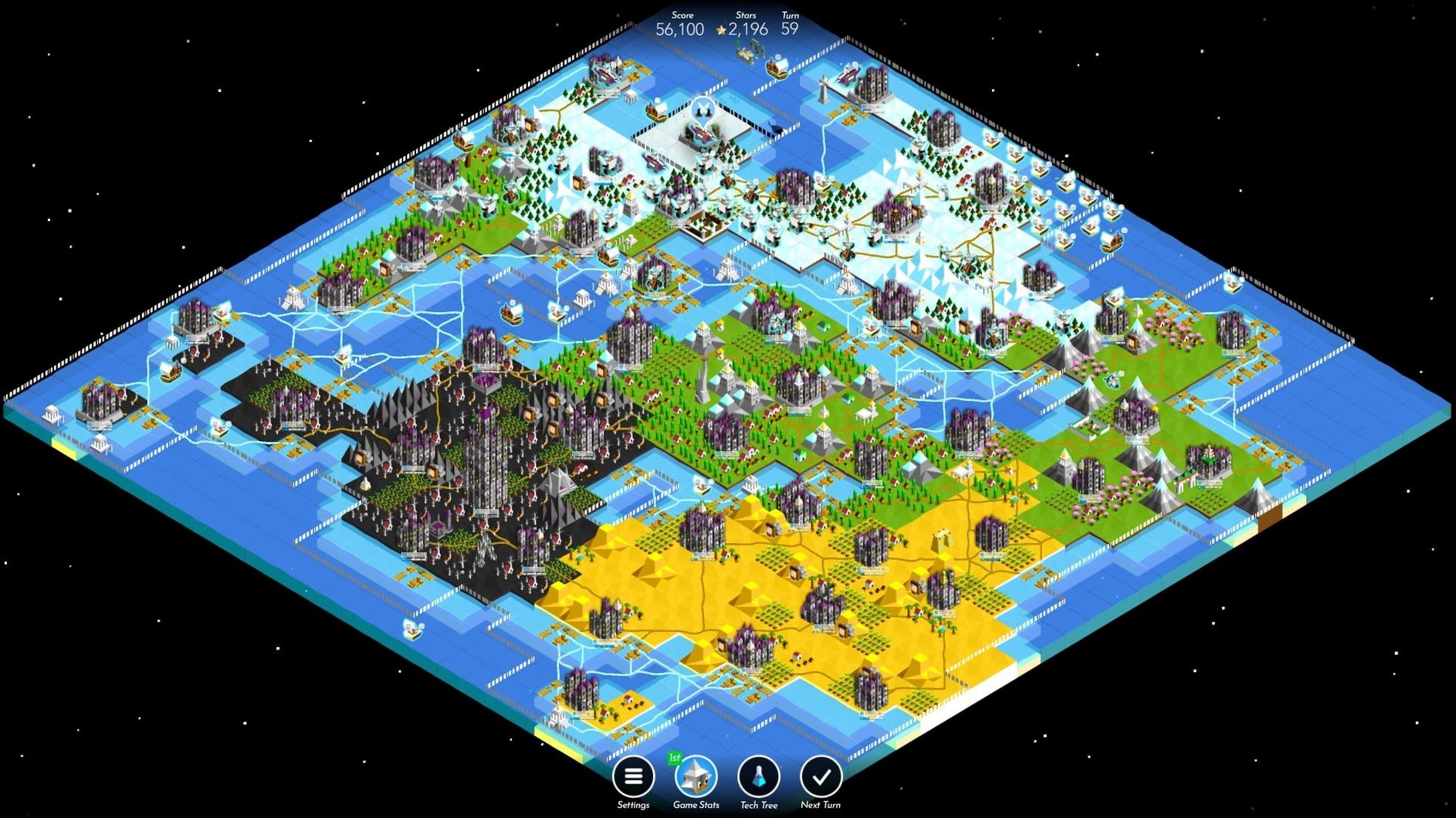
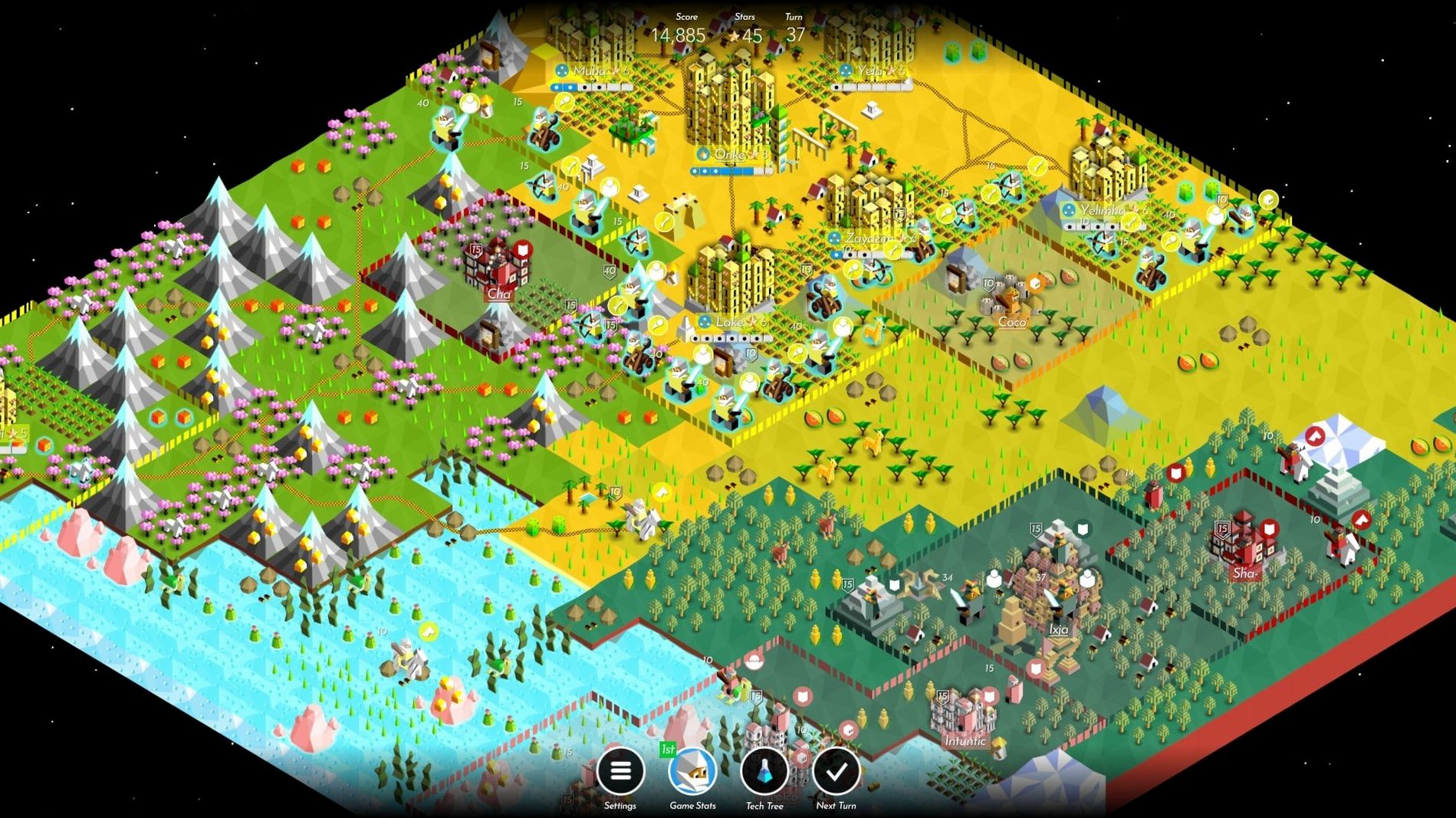
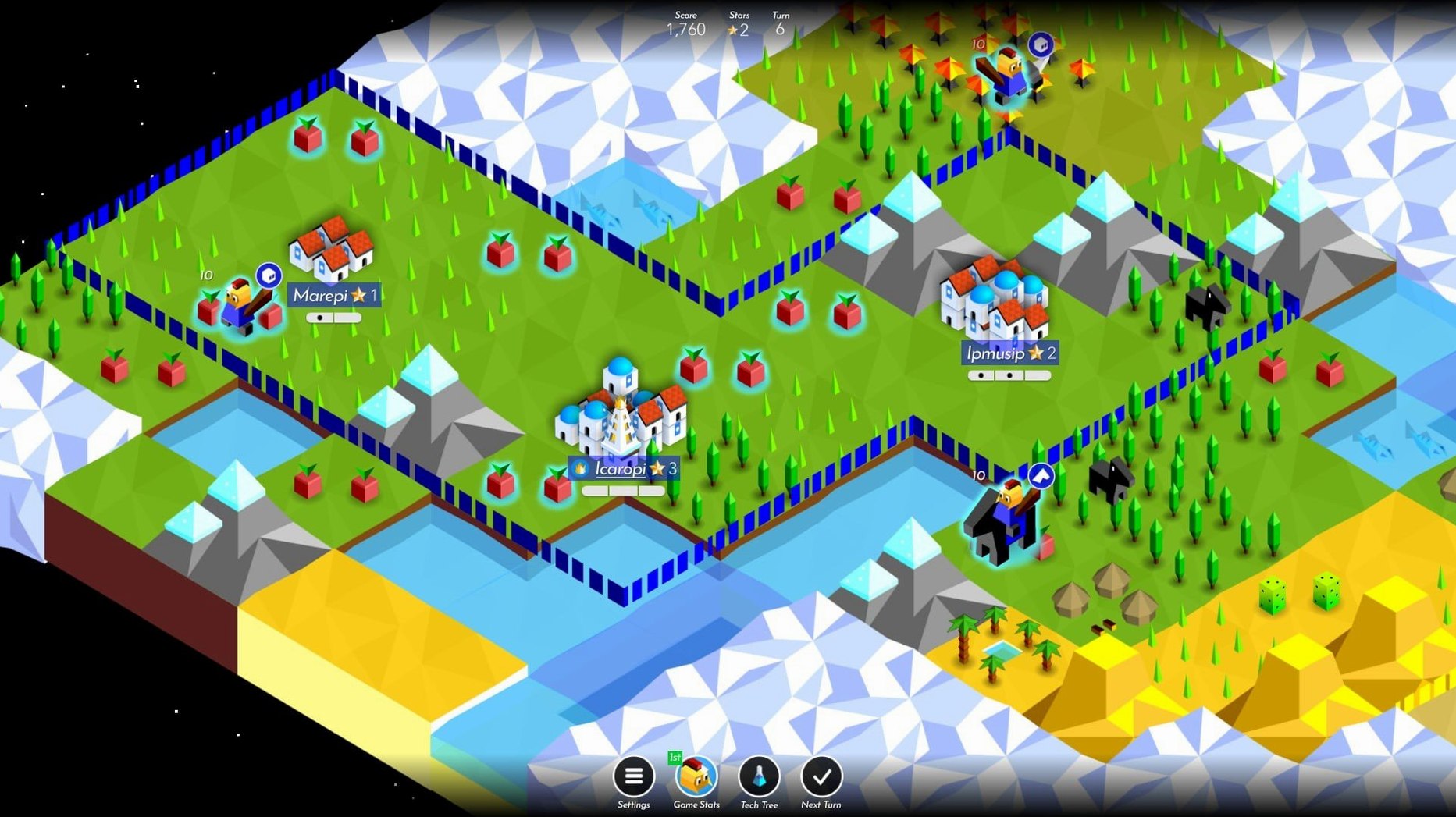
The Battle of Polytopia is a turn-based strategy game that puts you in charge of a fledgling tribe competing for dominance on a square-tiled map. You explore fog-shrouded land, research a tech tree that runs from riding and archery through to philosophy and naval power, and either forge alliances or crush rivals under the weight of your civilization's progress.
What does it ask of a Mac?
The native Apple Silicon build means M-series processors handle the game’s procedural map generation and AI turn calculations without Rosetta translation. On an M4 Mac mini running macOS Tahoe, turns resolve instantly even on maps packed with a dozen opponents, and the low-poly art style keeps GPU load negligible — fans never spin up. The only concrete requirement is macOS 12.0 or later; there is no Intel build, so older Intel Macs are out of luck unless you are running it through a compatibility layer, which is unsupported territory.
How do controls and interface translate to Mac?
The interface is built for pointing, so a mouse or trackpad feels natural — click a unit, click a tile, done. There are no keyboard shortcuts beyond what the OS provides, and the clean, icon-driven UI reads identically across English, German, Spanish, French, Italian, Portuguese, and Russian localizations. The turn-based rhythm means you can play in short bursts, and the music accompaniment (a distinct theme per tribe) respects the Mac’s audio routing properly, ducking under other system sounds without hiccups.
Does it sync matches from an iPad?
One question that keeps surfacing is whether the Mac version supports cross-platform multiplayer with iOS and Android players. It does — the game uses Midjiwan’s own account system, so a match started on an iPad picks up on the Mac without extra steps. Just sign into the same account. Another common concern is disk footprint: the app clocks in under 200 MB, so it does not demand much from a small SSD. People also want to know if the .dmg distribution includes all tribes. The download contains the base game with four free tribes; additional tribes unlock as you play or are already present in the app bundle and tied to your account, no separate .pkg installers needed.
A less obvious thing newcomers ask is whether the game runs in a window. It does — you can toggle fullscreen with the green traffic-light button or the usual macOS fullscreen gesture, and the game remembers that choice between launches. There is no buried config file to edit. And if someone stumbles across a phrase like The Battle of Polytopia Mac torrent while searching, it is worth knowing that the native build is tiny, clean, and self-contained — there is no activation, no launcher, and nothing phoning home except multiplayer match data, which makes the whole experience refreshingly straightforward.
What helps during the first few days?
- Settle on turn zero. Your starting position matters more than tribe choice. If the capital sits on a barren tile with one fruit and no nearby ruins, restart. No penalty, no loading screen — just hit the menu and generate a new map.
- Pick a tech path and commit for the first ten turns. Spreading stars across hunting, organization, and climbing leaves you with nothing usable. Rush riding if you want early exploration, or rush organization for a quick giant via farms. The tech tree rewards focus.
- Play the tribe’s trait, not your habit. Vengir starts with swordsmen and poor resources — you must attack early. Bardur starts in forested terrain and wants forestry first. The game punishes you for treating every tribe the same way.
See exact movement range before committing
Holding the Option key while clicking a unit reveals the exact tile-by-tile movement range before you commit, which saves you from misclicks that strand a giant one tile short of a city siege. The same modifier works on the tech tree: Option-click a technology to see which units or buildings it unlocks without opening the full tooltip animation.
Multiplayer matches use asynchronous turns, and macOS notifications fire reliably when it is your move — but only if you granted notification permission on first launch. If you dismissed that prompt, re-enable it in System Settings under Notifications, because the in-app banner alone is easy to ignore. Also, a pinch gesture on the trackpad zooms the map in and out, which is faster than hunting for the zoom buttons in the corner of the screen. The game never explains that, but it has worked since the earliest Mac builds.
- macOS 12.0 or later
- Apple Silicon (M-series) processor
Comments 0
Sign in or create an account to leave a comment.
No comments yet. A codec, a slice, a machine — they appear after moderation.