The Lightkeeper for macOS
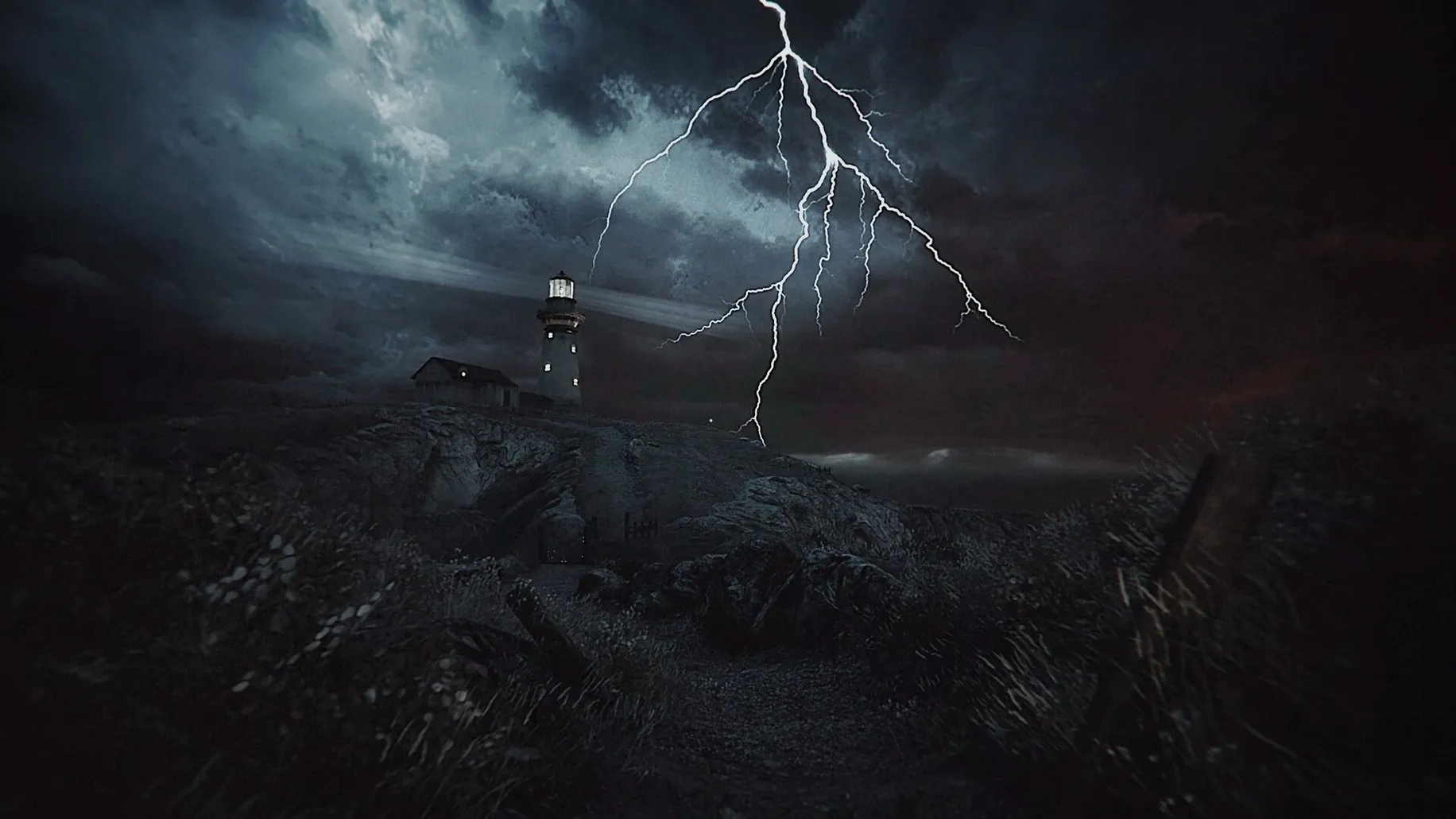
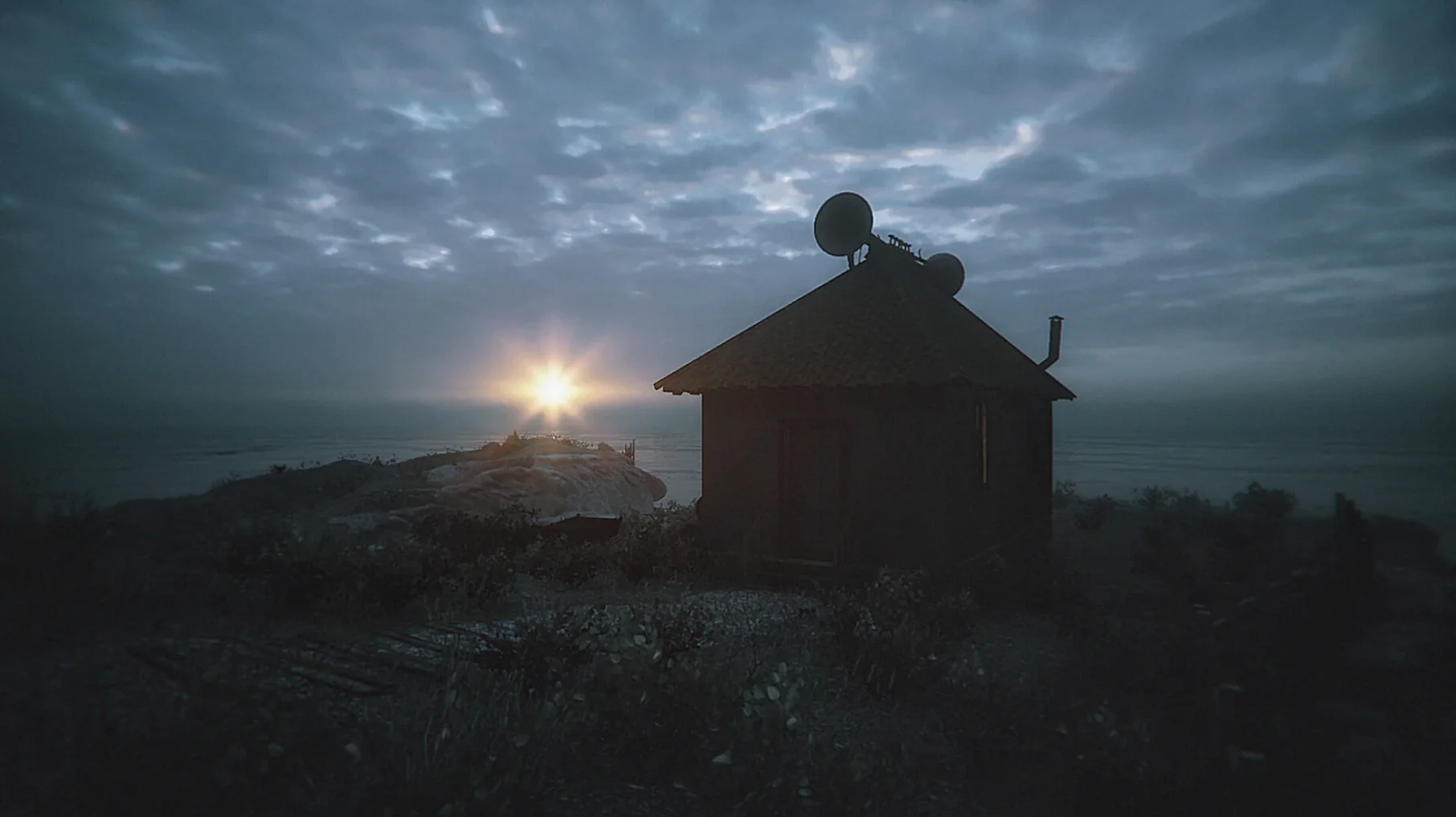
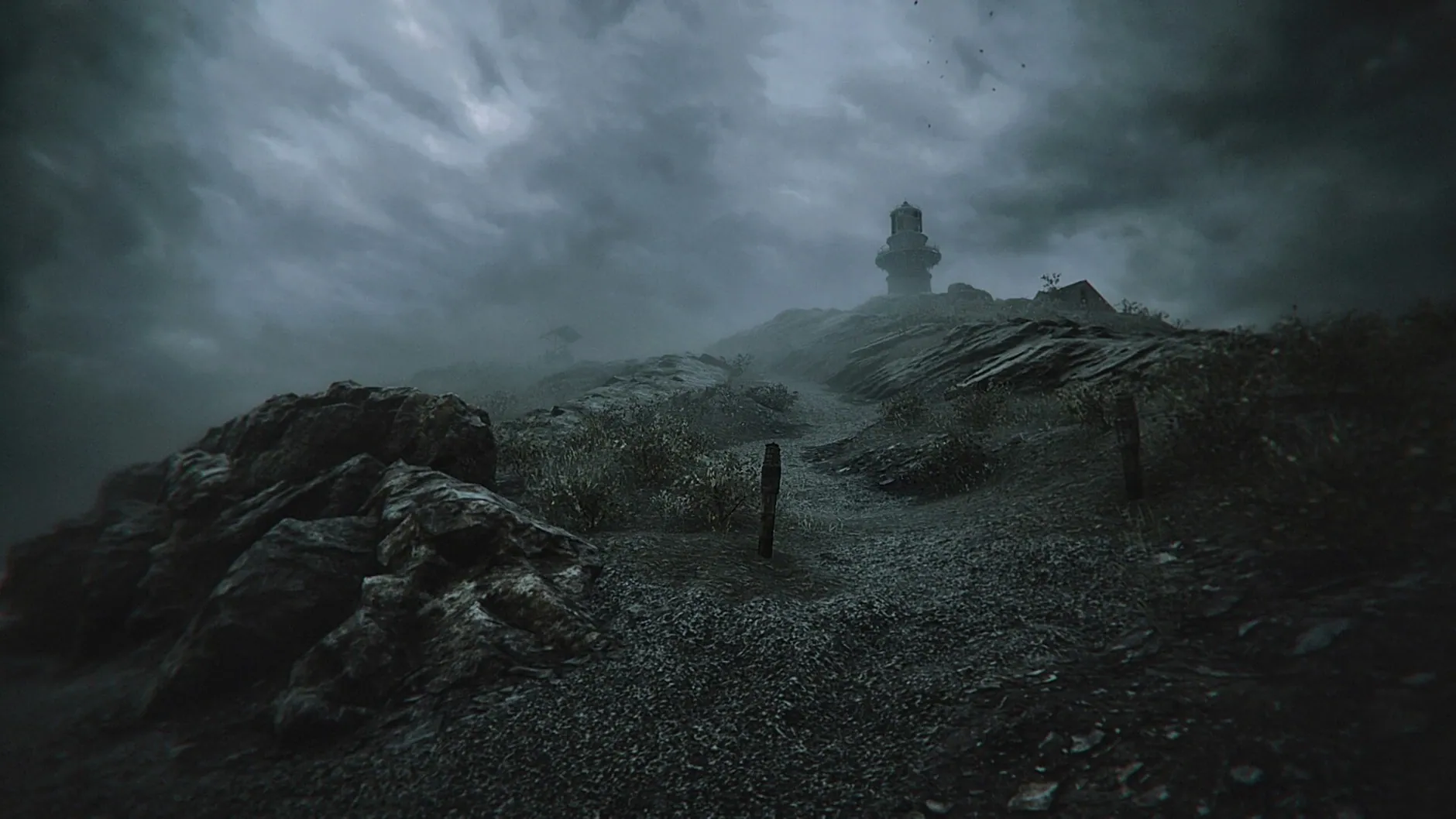
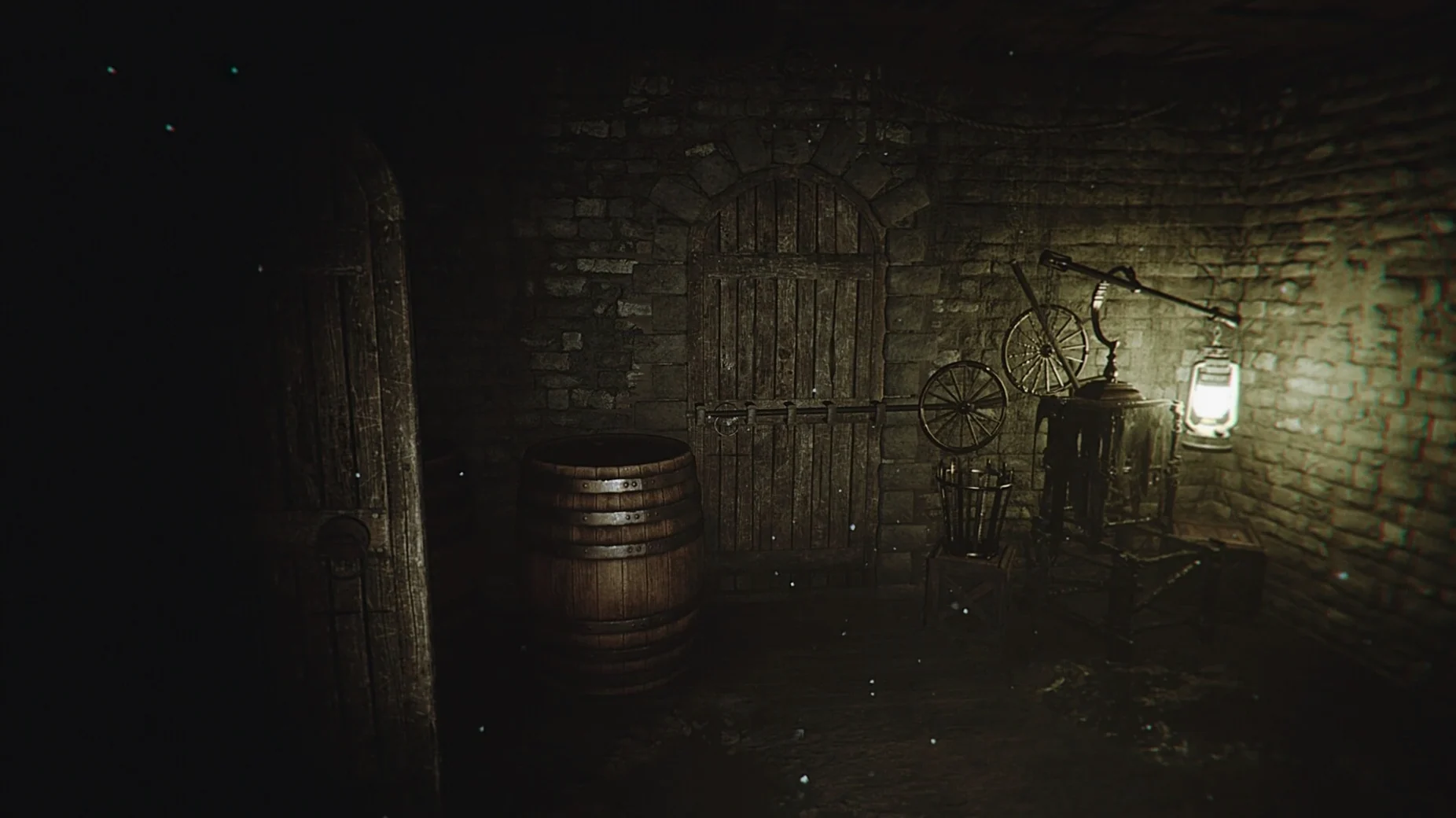
Drag the .dmg app to Applications like any Wineskin-wrapped Windows build
You'll recognize the delivery format right away if you've ever handled a Windows build wrapped for the Mac. This ships as a standard .dmg containing a Wineskin-packaged app, ready for Apple Silicon. Drag it to Applications, and if you hit a launch error, there's a Fix file inside the disk image that sorts out the Wine prefix.
Tuning performance
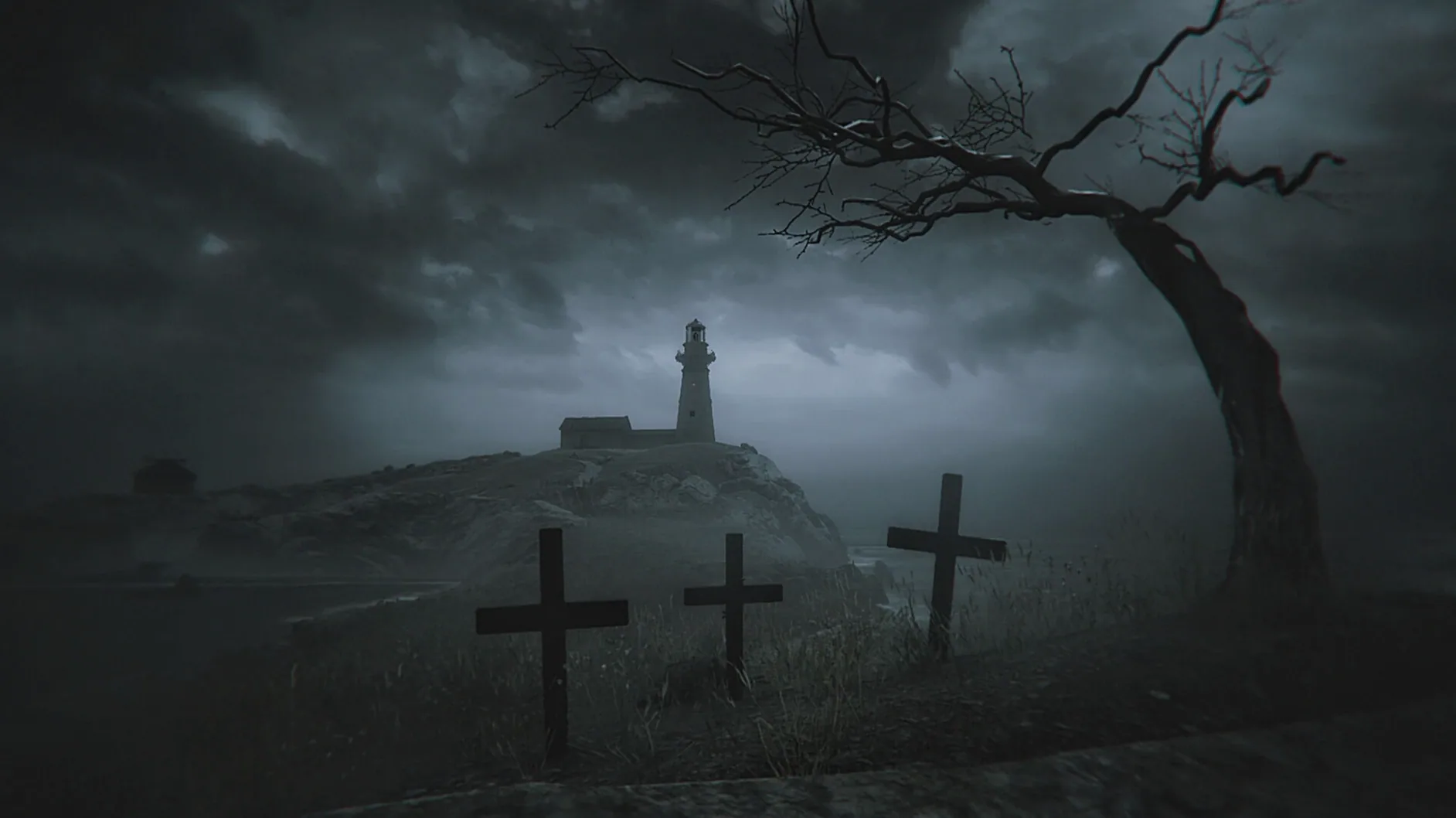
The realistic environments on the remote island push the GPU even on an M4. For a stable framerate, drop the in-game graphics and effects settings, and pull Screen Percentage down to 50%. The visual style holds up surprisingly well at lower resolutions, so you aren't ruining the atmosphere by doing this.
Feeding oil and hitting the right lighting times in 1925
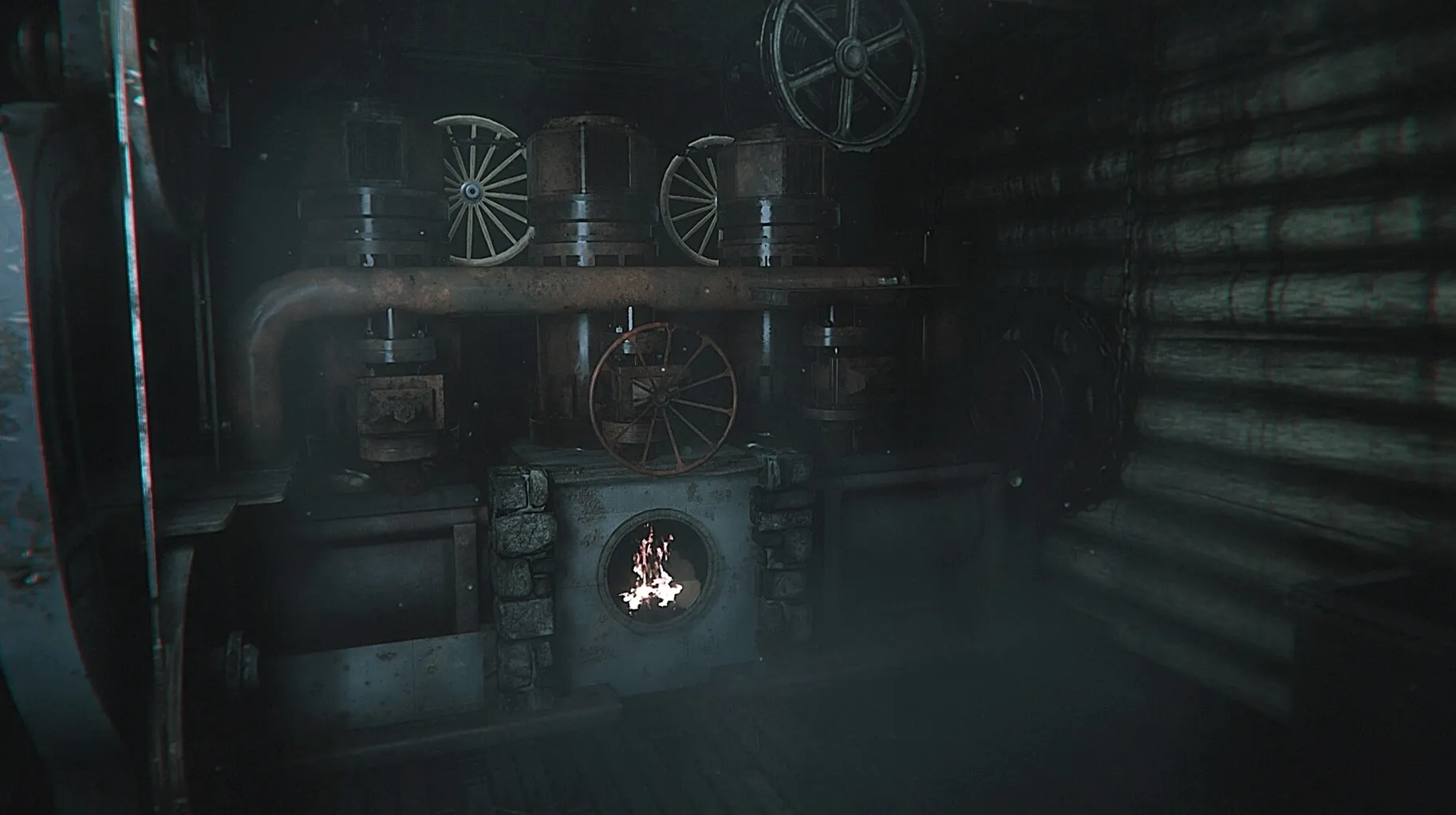
Arthur's story starts in 1925, and your immediate jobs are keeping the lighthouse lamp fed with oil and hitting the correct lighting and extinguishing times. The interface supports both Russian and English text. The underlying Wineskin wrapper maps keyboard and mouse input directly, so you get native-feeling control without any translation-layer lag interfering with those tense resource-management moments.
Why it won't show up in Screen Time or OBS capture sources
Because the game ships inside a Wineskin wrapper, it doesn't register with macOS the way a native app would. You won't find it in Screen Time reports, and it won't appear as a recording source in OBS unless you capture the whole desktop. That's standard for Wine-packaged builds. The wrapper keeps the game's prefix self-contained inside the app bundle — look inside Contents/Resources/wineprefix if you're curious — so there's zero chance of it interfering with other Wine-based tools you might already have installed.
If you like capturing your playthroughs, set up a dedicated desktop space for it and record the entire screen from there. The game responds fine to Mission Control gestures, though I'd turn off Hot Corners before a session. Nothing breaks immersion like accidentally triggering Quick Note during a cutscene.
After dark, headphones on, coffee cold, and the oil gauge needs checking
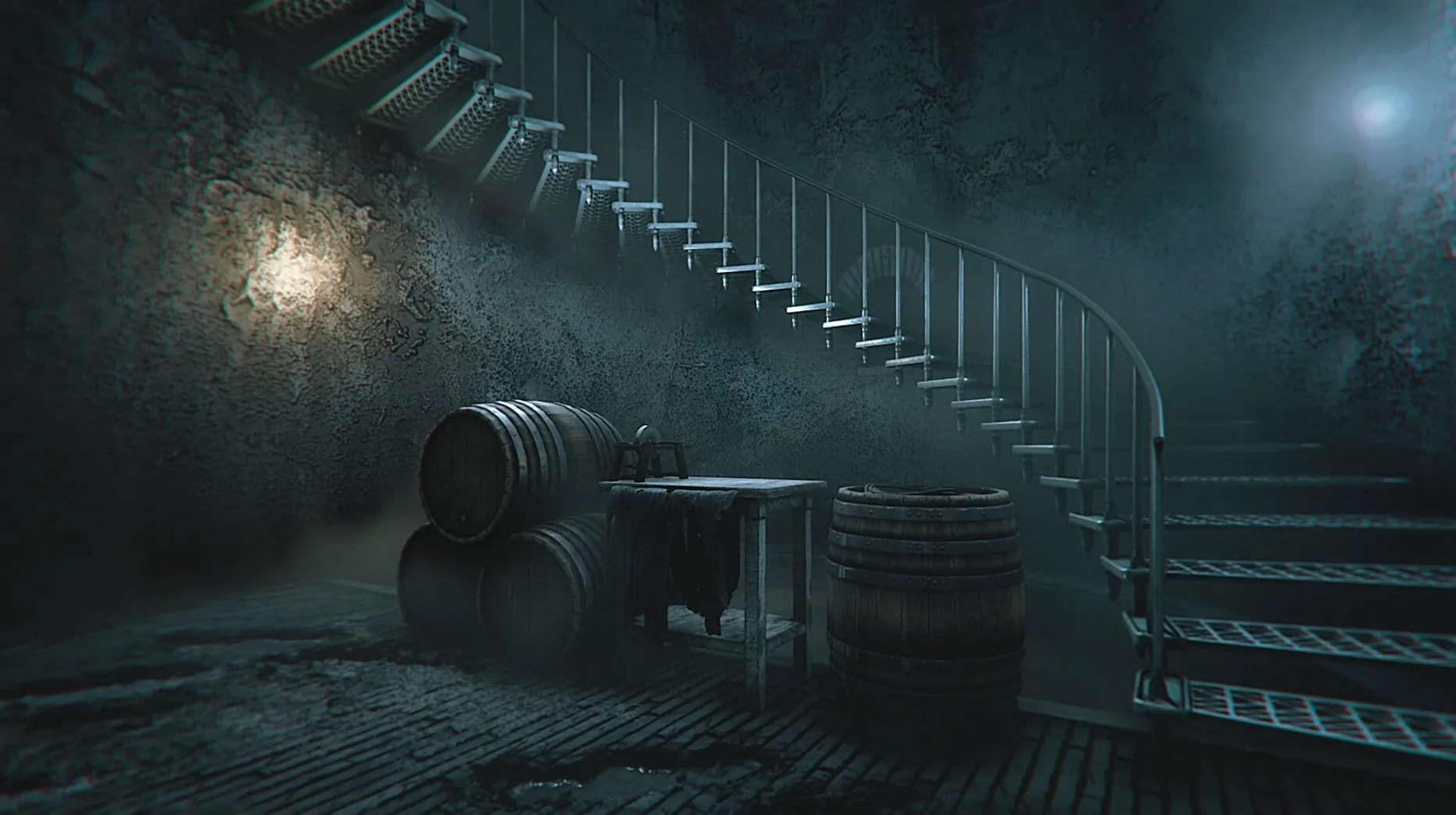
You settle in after dark, headphones on, coffee going cold on the desk. Arthur's just arrived on the island, and the fog outside the tower windows is thick enough to taste. First job: check the oil reserves. The gauge reads lower than you'd like, so you note the time — you'll need to ration carefully before the next supply run. You climb the spiral stairs to the lamp room, the wood groaning under your footsteps, and light the wick at precisely 21:47. The beam cuts through the mist, and for a moment the island feels almost safe.
Around midnight, a sound you haven't heard before drifts up from the shoreline. Not waves. Not wind. You pause mid-step on the stairwell, listening. The game's audio design does heavy lifting here — no jump scare, just layered, distant noises that make you second-guess whether you actually heard anything at all. That uncertainty is the whole point. You check the lamp again, top up the oil with what little remains, and wait for dawn.
By the time the sun breaks over the horizon and you extinguish the light, you realize you've been holding tension in your shoulders for the past two hours. The game doesn't rush you. It just sits there, quiet and patient, letting the isolation do its work.
Finding yourself in the dark because you ignored the oil gauge
- Ignoring the oil gauge until it's too late. The lighthouse doesn't give you a flashing warning when reserves run low. You'll simply find yourself in the dark, fumbling for a supply that should have lasted another three hours. Check the gauge every time you pass it.
- Treating every strange noise as a threat. The island makes sounds constantly — shifting timber, distant birds, water in the rocks. If you sprint to investigate every creak, you'll exhaust yourself and miss the patterns that actually matter. Learn what the environment normally sounds like first.
- Skipping the Fix file after a failed launch. The app bundle sometimes needs the Wine prefix repaired on first run, especially if you moved it from a different location. Open the disk image again and run the Fix file before reinstalling.
- Maxing out graphics on an M-series Mac. The Screen Percentage setting is there for a reason. Crank it too high and the framerate tanks during weather-heavy scenes. Stick around 50% and push effects up gradually from there.
Some players hunting for The Lightkeeper torrent Mac build will find that older versions may lack the Fix file. If your copy doesn't have it inside the disk image, you're probably running a pre-release version that wasn't fully packaged. The current Build 21228210 includes everything you need to get Arthur's first night underway without extra tinkering.
- Apple Silicon Mac
- Wineskin wrapper (included)
$ man the-lightkeeper | grep -A2 "?"
What languages does The Lightkeeper support?
The build includes both Russian and English text for the interface and in-game storytelling.
Comments 0
Sign in or create an account to leave a comment.
No comments yet. A codec, a slice, a machine — they appear after moderation.