The Life and Suffering of Sir Brante for macOS
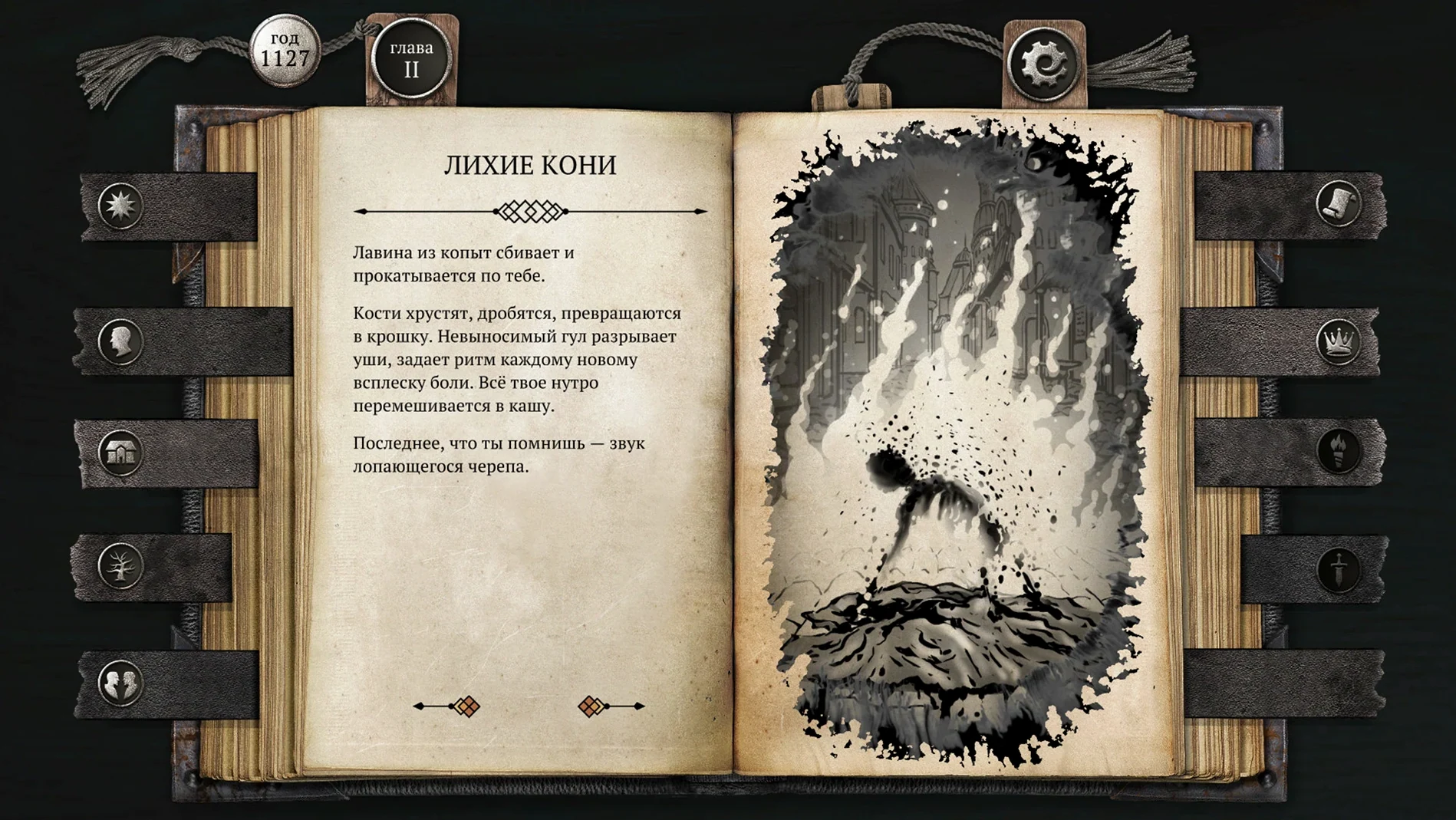
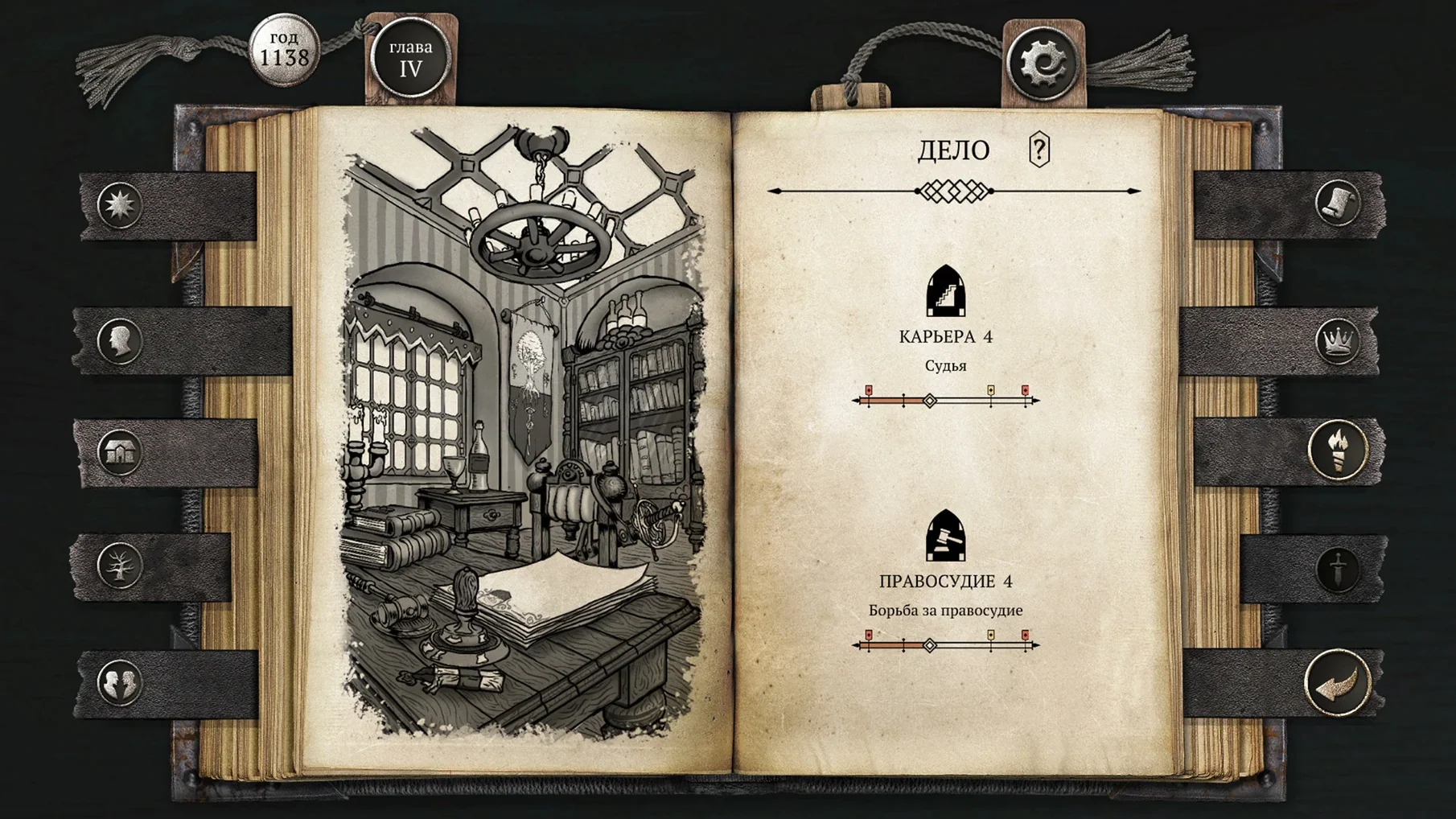
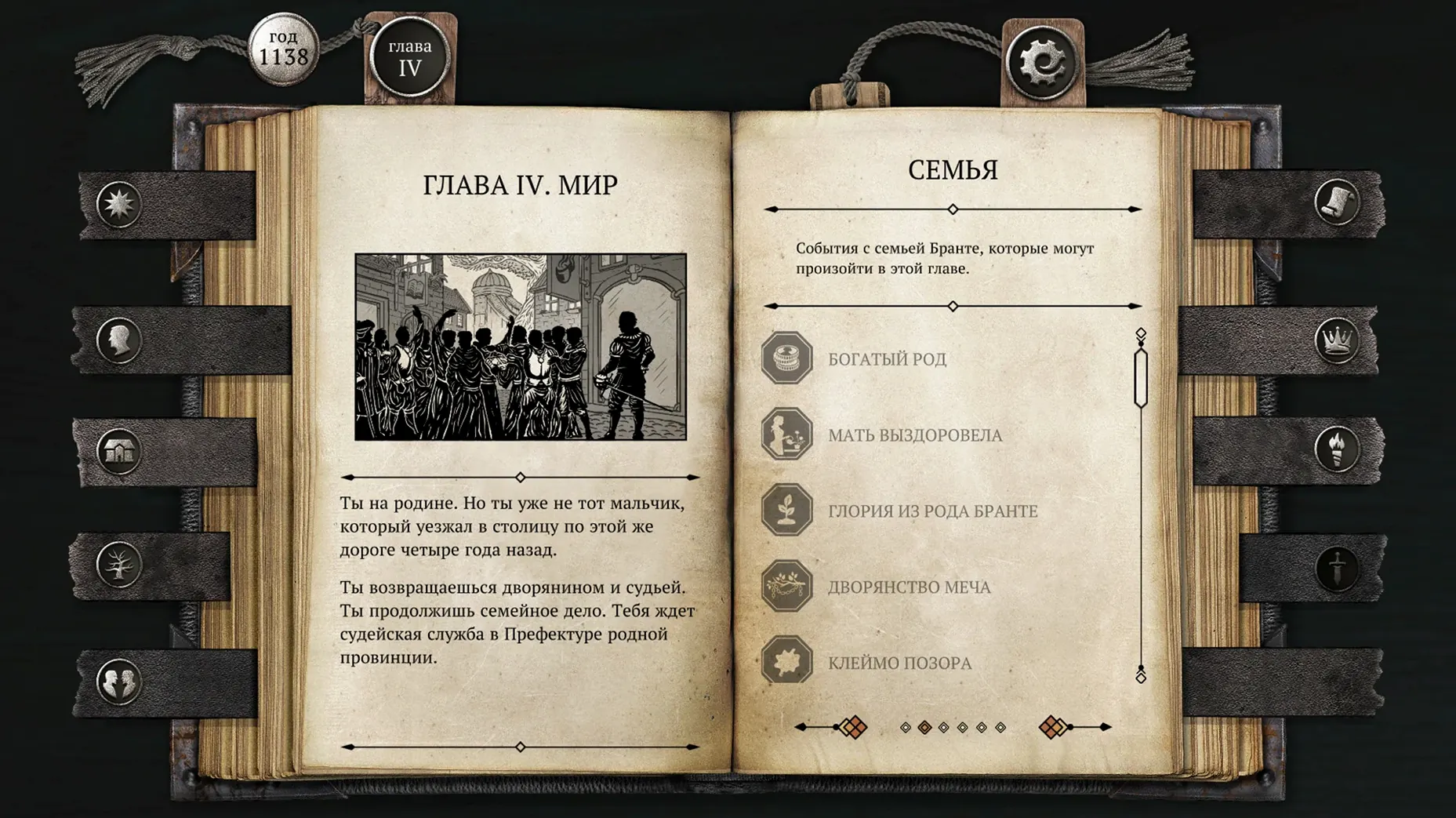
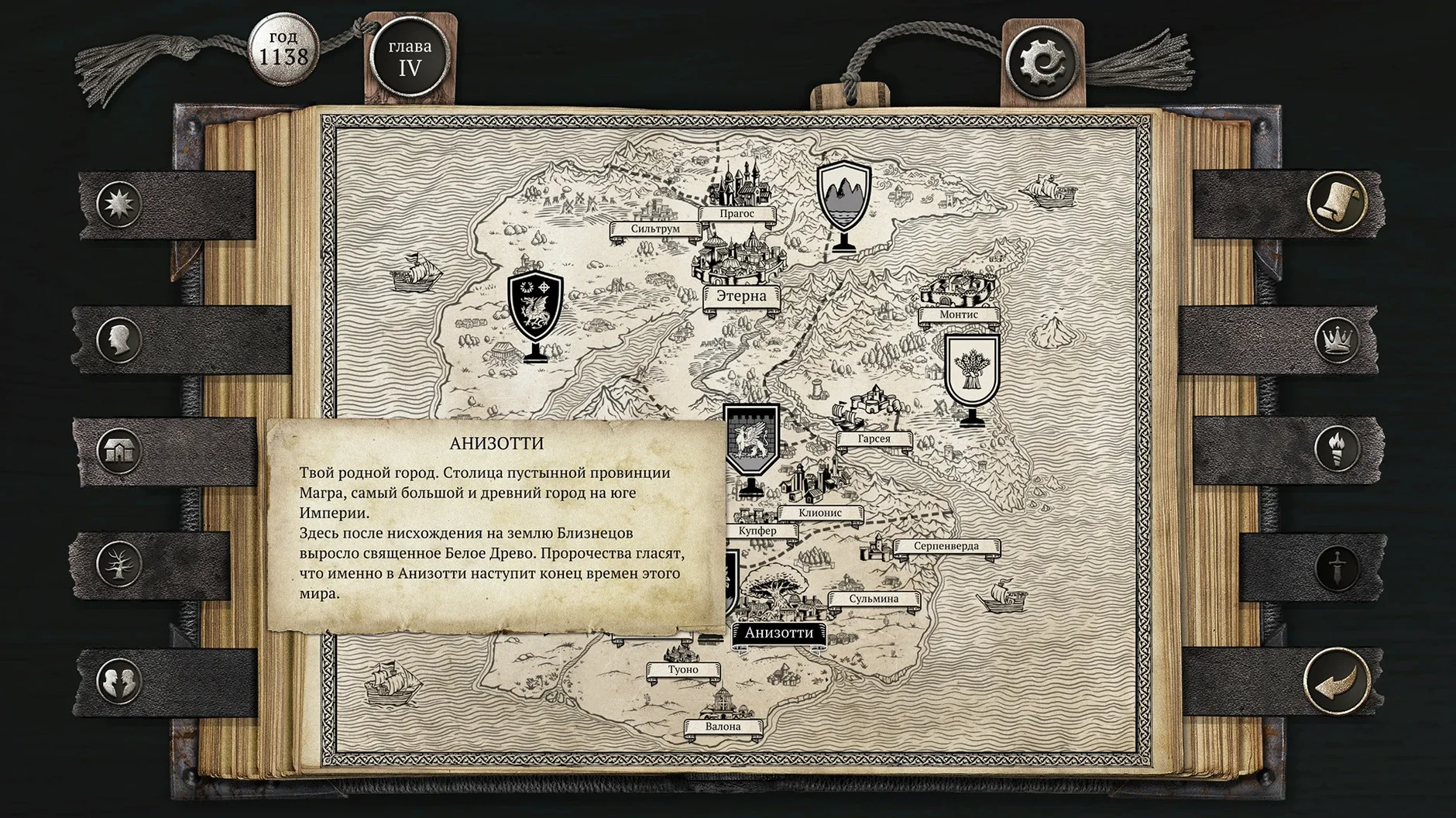
It solves the problem of a character sheet that stays empty because you haven't really decided who your protagonist is yet.
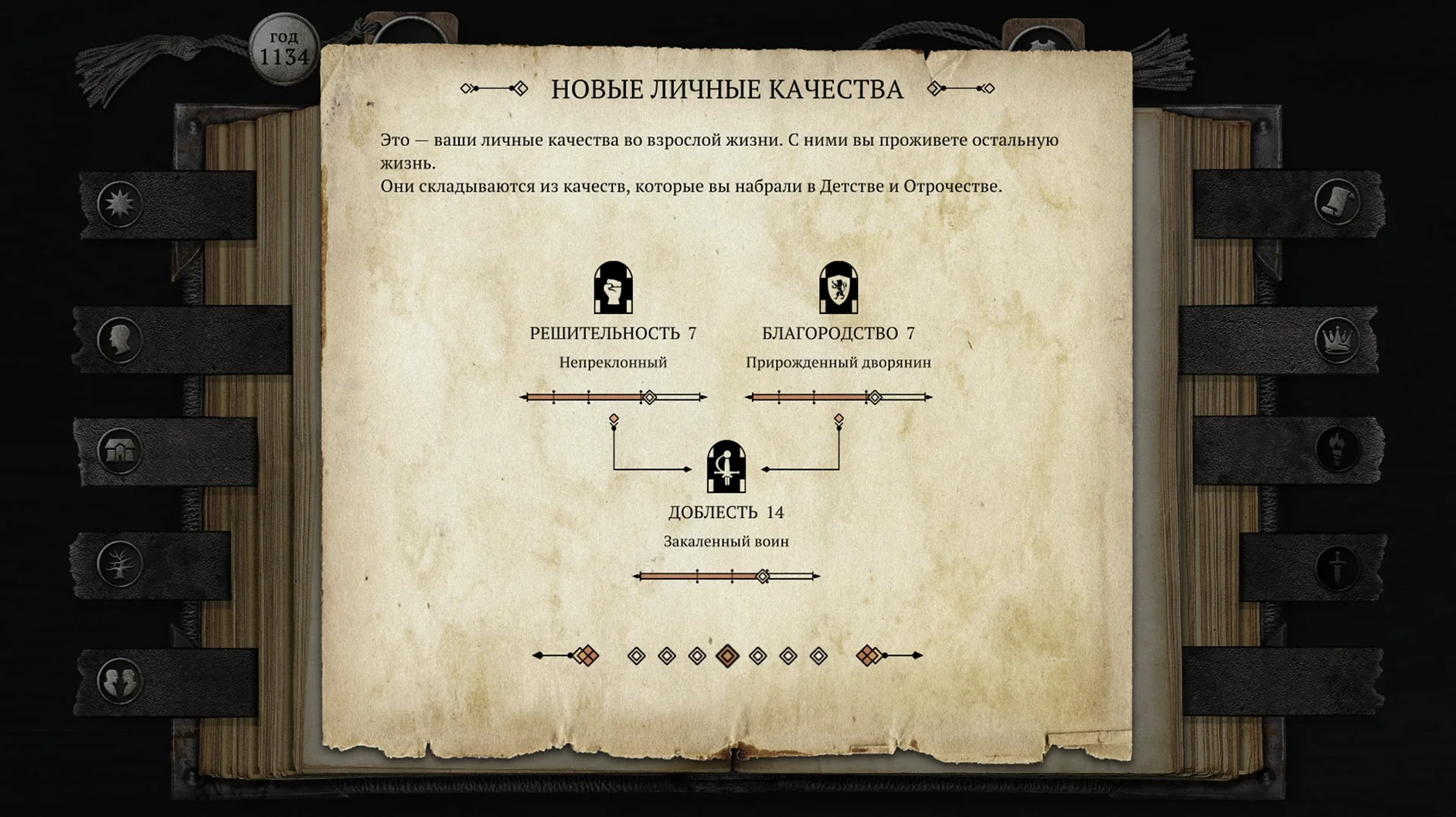
Resolve, empathy, endurance — the three poles of Brante's personality, shaped by decisions that also warp his place in a society divided into strict estates.
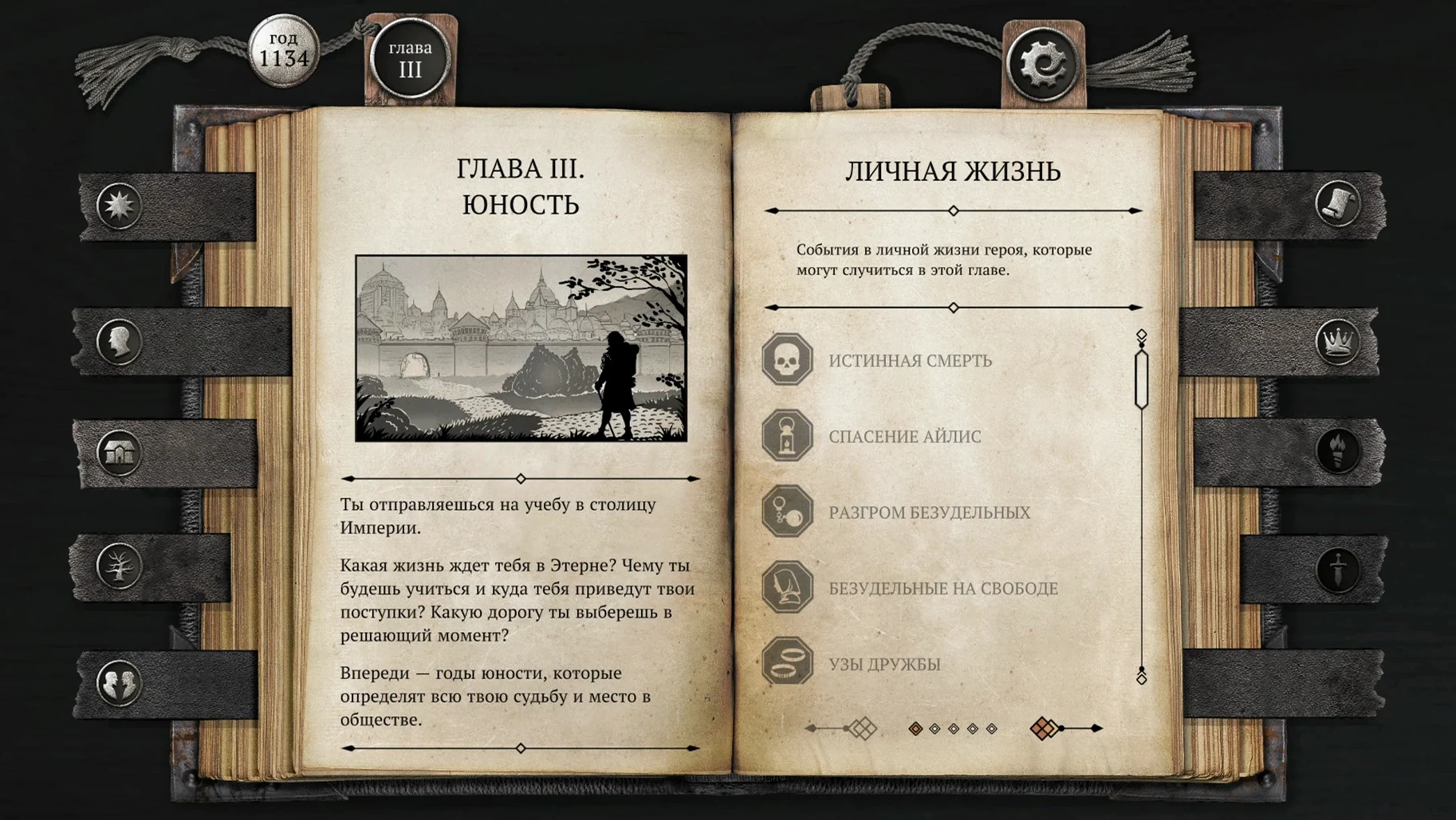
From birth to death — you aren't just steering a hero through a crisis; you're guiding an entire lifespan, with each chapter narrowing the possible endings.
The resurrection system — a rare safety net that preserves earned experience across fatal mistakes, keeping the story tense without turning it into a save-scumming chore.
A Wineskin build — the 1.05.1 release runs on Apple Silicon natively as far as the game logic goes, though it's wrapped for compatibility, so you'll want to glance at the install notes.
Who it's for — readers who treat dialogue trees as a primary mechanic and enjoy seeing a single stat check echo decades later. If you skim text and skip to action, you'll starve here.
There are a handful of small things the game doesn't advertise that, once you spot them, make the journal feel more responsive. Holding Shift while clicking a dialogue option skips the short fade animation and drops the text onto the page immediately — useful when you're retracing a branch you've already explored and just want to reach the fork. The scroll wheel advances text by a full paragraph instead of a single line, and if you middle-click anywhere on the journal, the interface toggles all stat tooltips on or off for the current scene. Neither of these shortcuts is listed in the settings panel.
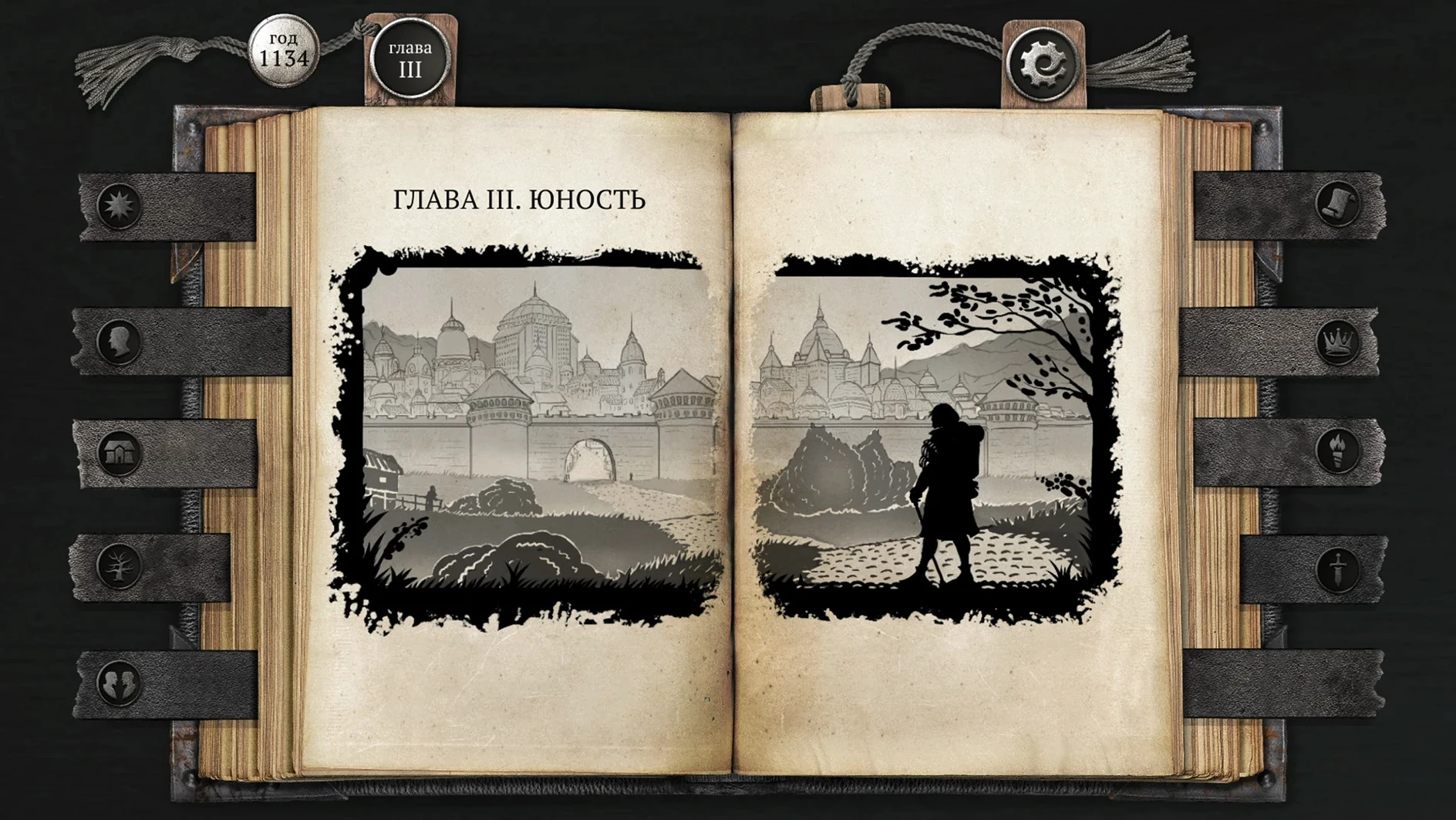
Another easy miss: the estate symbol in the top-left corner of the journal is live. Clicking it opens a condensed reference of the social hierarchy as Brante currently understands it, which updates between chapters. It's the fastest way to recall why a particular slight from a lesser noble carries weight that a commoner's insult does not.
What did the latest build change for everyday play?
The 1.05.1 Wineskin build doesn't touch the narrative or add new scenes. What it does change is stability around scene transitions on Apple Silicon — earlier Wine wrappers could stutter when the journal turned a page, especially during chapter closings where the game writes multiple stat snapshots at once. That pause is effectively gone on an M4, and the audio layer no longer drops the ambient drone during long reading sessions, which matters more than it sounds. The soundtrack is all instrumental texture; having it cut out mid-chapter broke the mood badly.
For anyone carrying over an old save, the wrapper now looks for the LocalLow/SEVER/saves folder inside the app bundle consistently, whereas earlier community builds sometimes scattered the path depending on how Wine was configured. If you're hunting for a save to back up or share, that's the only place you need to check.
A journal you can't copy to your notes
The game is self-contained — no internet calls, no telemetry pings — so it doesn't reach out to other apps, but macOS treats it well if you like to keep notes alongside your playthrough. The journal text is not selectable, but because the app runs in a standard window rather than forcing fullscreen, you can keep Notes or a plain text editor open beside it and jot down the names of estates, grudges, and the exact wording of a promise you made three chapters ago. That matters here more than in most narrative RPGs: a single line of dialogue offered when Brante is fourteen can be thrown back at him at age thirty, and the game won't remind you of the original phrasing.
If you use VoiceOver, the Wineskin layer doesn't expose text to the accessibility API, so the game remains a purely visual read. The language switch lives inside the in-game settings rather than following the system locale — you set it once after launch and it stays. For those searching out alternate-language playthroughs to compare localization choices, the six supported languages (Russian, English, Simplified Chinese, Korean, Portuguese, Japanese) all ship in the same bundle, no separate downloads needed.
One last macOS-specific note: because the app isn't code-signed in the traditional sense, Gatekeeper will flag it on first launch. Right-click → Open is the standard route, but if you've already run the Fix file from the disk image, that step handles the quarantine attribute for you. After that, Launchpad recognizes it like any other app, and it sleeps cleanly when you close the lid — no hung Wine processes to clean up later.
- Build 1.05.1 (77598) ships as a Wineskin package for macOS.
- macOS 12.0 or later
- Apple Silicon
- Interface languages: Russian, English, Simplified Chinese, Korean, Portuguese, Japanese
Comments 0
Sign in or create an account to leave a comment.
No comments yet. A codec, a slice, a machine — they appear after moderation.