
iZotope Neutron for macOS
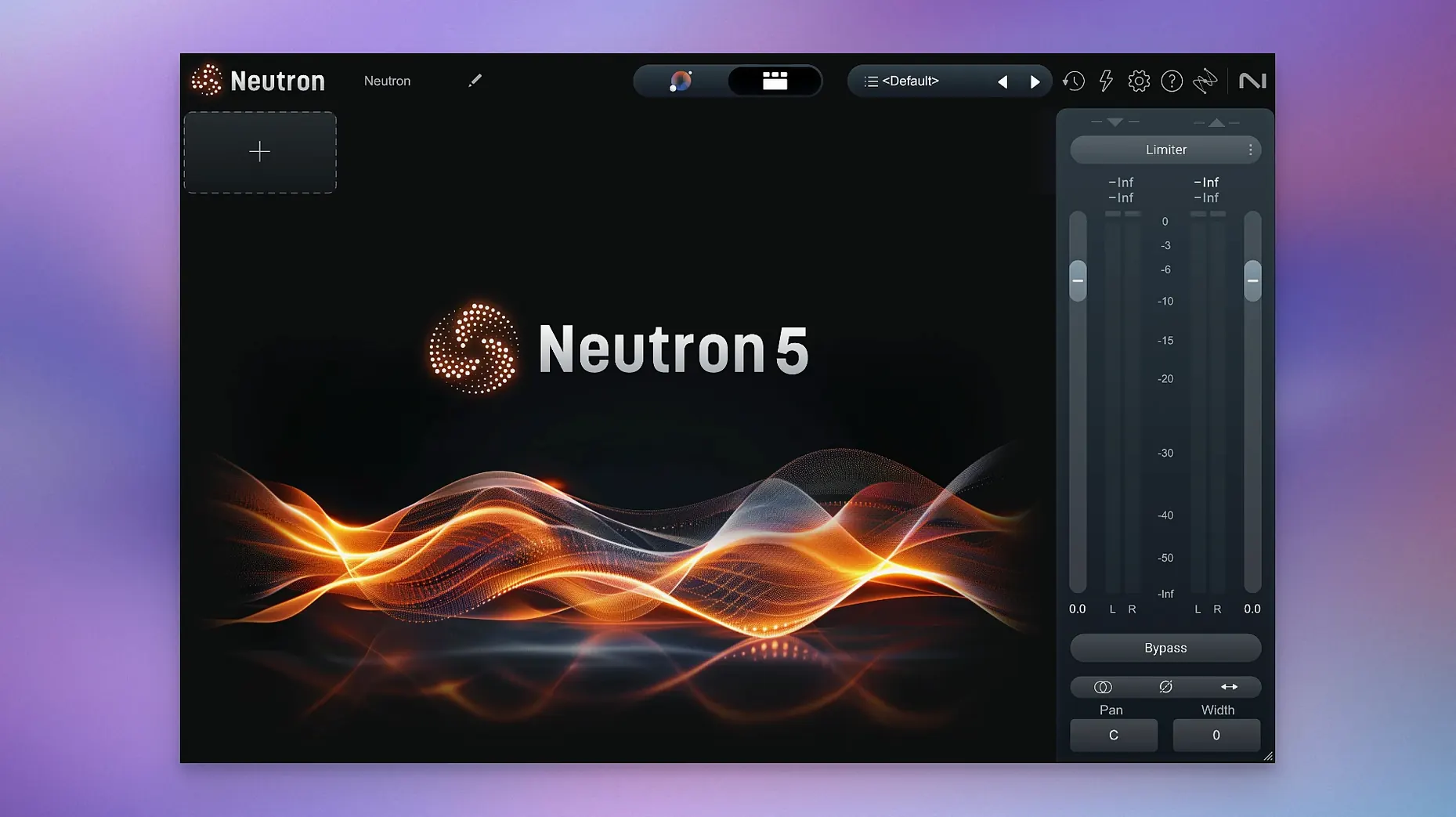
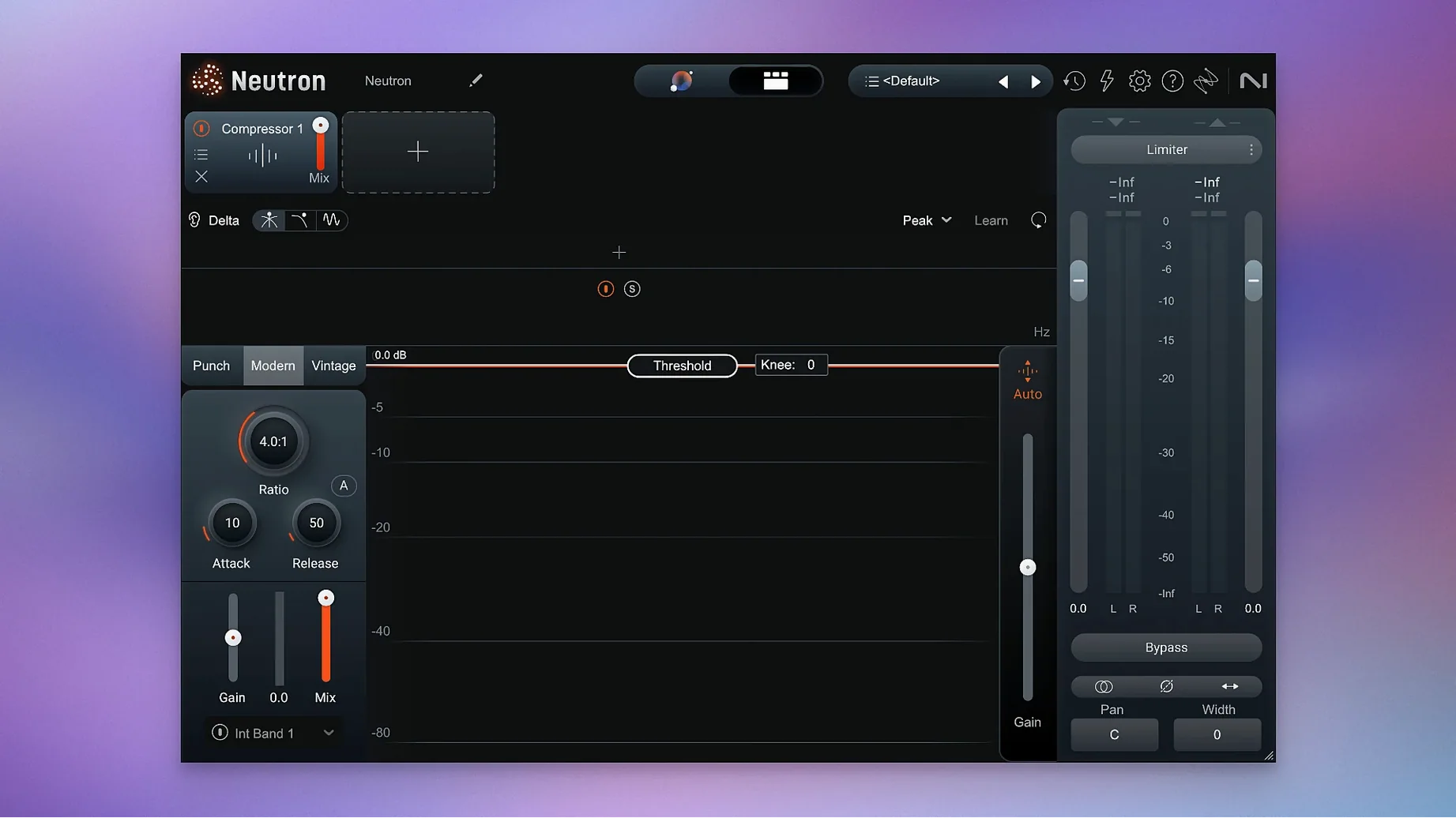
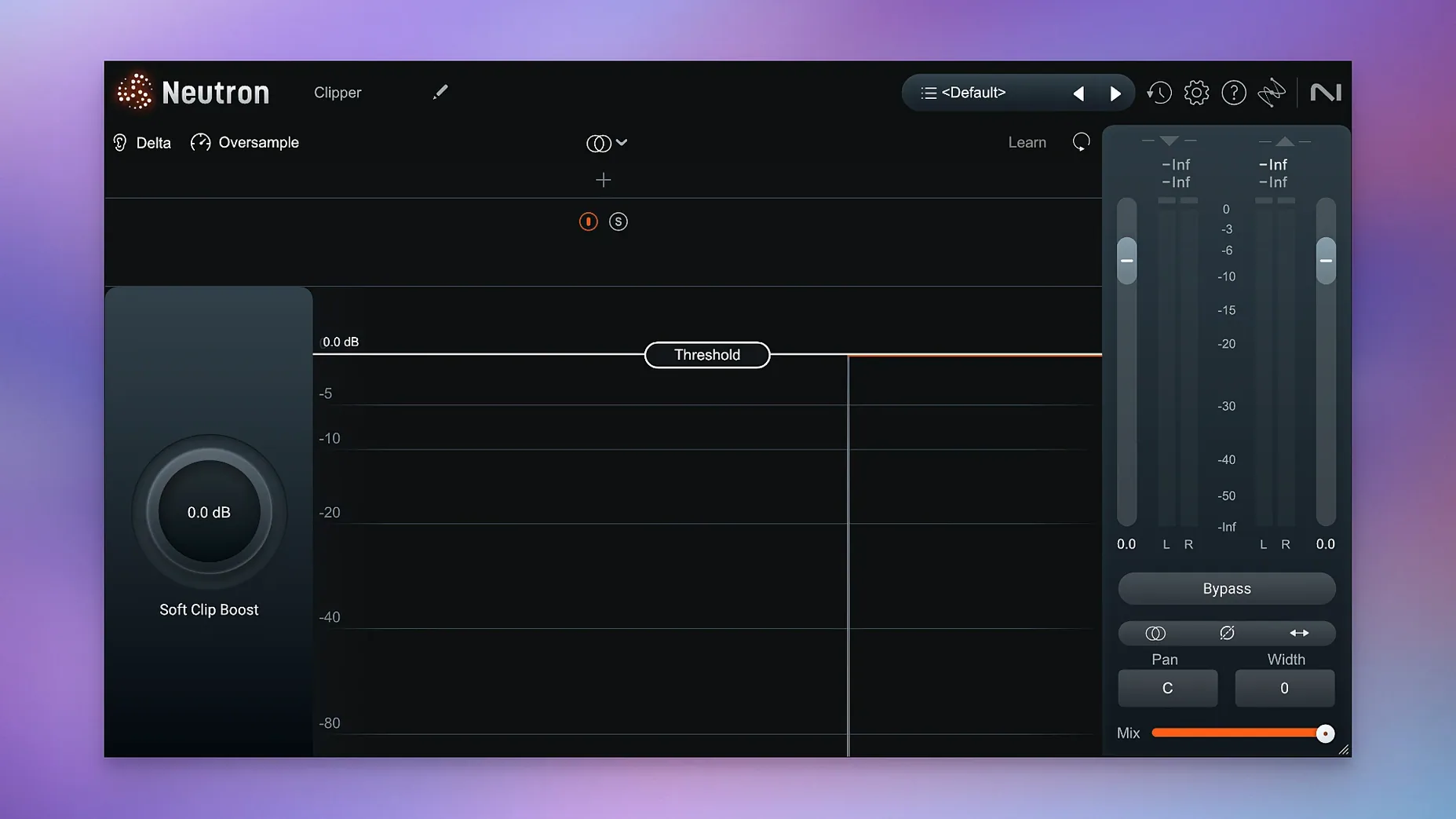
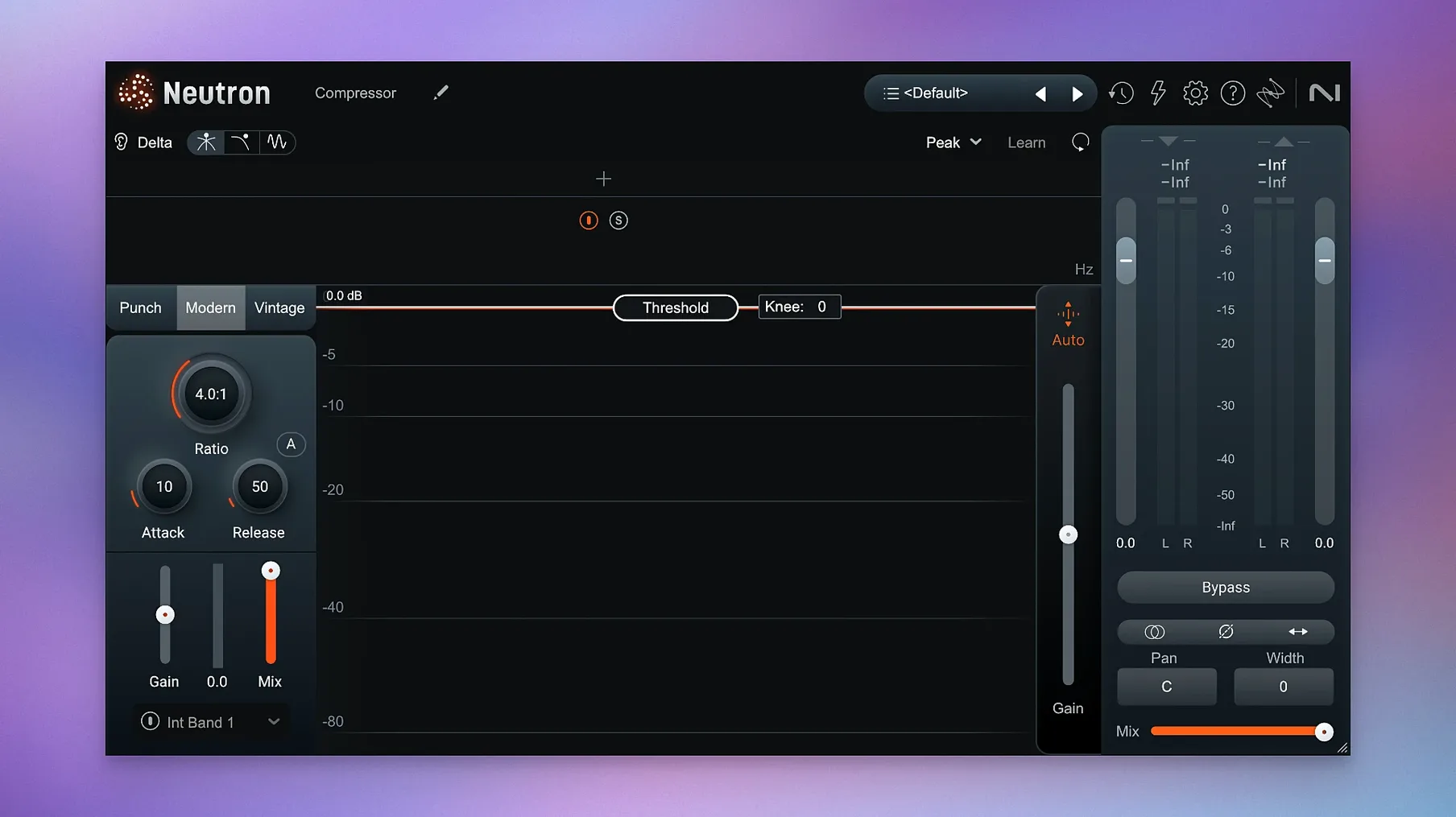
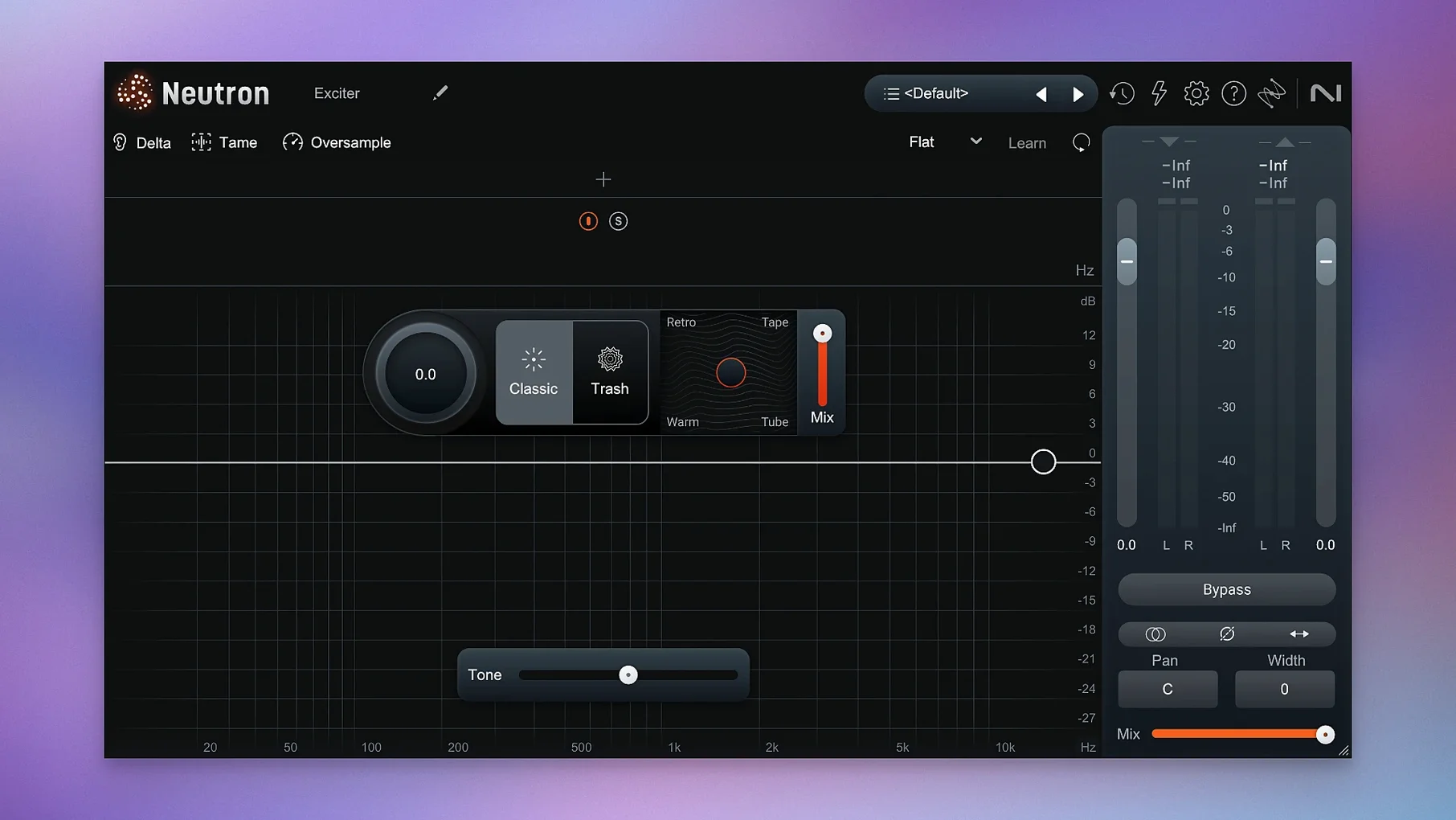
Bedroom producers, podcast editors, and post-production folks who want a faster path to a balanced mix tend to pick up Neutron. The suite bundles eight modules around its AI Mix Assistant, which listens to your track and builds a starting point you can refine.
Run the Mix Assistant first
Load an instrument profile or feed it a reference, then let the Assistant set EQ, compression, and width. Version 5.2.0 improved Assistant View, so the suggestions are easier to read at a glance.
Audition what each module changed
Every module has a Delta Button, which isolates exactly what that processor added or removed. It turns a compressor or EQ into something you can actually hear working.
Push Trash Mode for texture
Trash Mode adds distortion when a track needs grit. It sits inside the suite, so you can dirty up a bass or vocal without leaving the Neutron window.
A real-world scenario: editing a dense podcast interview
Picture a freelance podcast editor who receives a thirty-minute interview with two speakers, a host and a guest, recorded in different rooms. The guest track has low-end rumble from a desk stand, and the host track has a slightly hollow midrange. Deadlines are tight; there is no time to dial in six plugins by hand. The editor drops Neutron onto each track, selects the spoken word profile in the Mix Assistant, and lets it suggest an EQ curve, a gentle compressor setting, and a subtle exciter. Within a minute, both voices sit in the same space without sounding processed. The masking meter confirms the two voices are not stepping on each other, and the editor can move straight to loudness normalization.
Start with the bass to anchor the low end
Open a Logic Pro project with a half-finished rock mix: drums, bass, two guitar tracks, and a lead vocal. Start with the bass, because it defines the low end. Insert Neutron as the first plugin on the bass channel strip.
- Click Mix Assistant and choose the Bass Guitar profile from the instrument list. The Assistant listens for a few seconds and proposes a starting chain: a high-pass filter, two EQ bands trimming mud around 250 Hz, and a compressor with a medium attack.
- Toggle the Delta Button on the EQ module to hear only the frequencies it removed. The cut around 250 Hz removes cardboard-like resonance; the bass immediately feels tighter, even soloed.
- Open the Compressor module and switch between Punch Mode and the standard view. Punch Mode shows a visual envelope of the transient shape. Dial the threshold back until the gain reduction meter dances around 3 to 4 dB on the hardest notes.
- Duplicate Neutron to the kick drum track. This time, run the Assistant with a custom reference: a kick from a commercially released rock track in the same tempo range. The Assistant matches the spectral balance and suggests a slightly wider stereo image.
- Enable the Masking module between the bass and the kick. Neutron highlights the overlapping region around 60–80 Hz. Apply a narrow dynamic cut on the bass side so the kick transient punches through on every hit.
- On the lead vocal, insert Neutron and select the Vocal profile. The Assistant adds an exciter for air, a de-esser, and a compressor set to a fast release. Turn on Trash Mode in the exciter module at 15% mix for a hint of saturation that gives the vocal a lived-in texture without obvious distortion.
The session moves fast because you spend time listening, not guessing. Each module shows its contribution visually, and the Delta Button means you never wonder whether a processor is helping.
Tame analog synth low-mid buildup without thinning it out
A synth pad recorded from a hardware analog synth often arrives with dense low-mid buildup that clouds the mix. Neutron can isolate and fix it without making the pad sound thin.
Start by inserting Neutron on the pad track and loading the Synth Pad profile through the Mix Assistant. The Assistant typically adds a dynamic EQ band around 300–400 Hz and a multiband compressor that only activates when the mud piles up. Switch the EQ module to Dynamic mode so it reacts to level, not just frequency. Set the threshold so the cut engages only during sustained chords, leaving short stabs untouched. This keeps the body of the pad intact while preventing long-held notes from masking the vocal or snare.
Next, open the masking view and select the lead vocal as the sidechain source. Neutron shows where the pad’s harmonics overlap with the vocal presence range, roughly 2–4 kHz. Apply a subtle dynamic reduction in that band on the pad side. The vocal gains a little more air without a single EQ boost. Finally, engage Trash Mode on the exciter module at 8% wet for a gentle tape-like compression that glues the pad’s stereo field. The whole process takes under three minutes and leaves the pad present but polite in a busy arrangement.
CPU idle on a mono track with eight to ten instances
Neutron 5.2.0 loads quickly on both Apple silicon and Intel Macs running macOS 13.4 or later. An instance on a mono track typically idles at a fraction of a CPU percent; a full band session with eight to ten instances on a modern M-series Mac keeps the buffer at 128 samples without hiccups. The iLok authorization fix in this version resolved a frustration for surround users, and the updated Assistant View means less waiting for analysis results to render. Memory use is predictable: each instance holds about 80–100 MB of RAM on average, and the plugin releases resources cleanly when you remove it from a channel. For heavy sessions, freezing tracks with Neutron active works as expected, and the plugin recalls settings reliably after a project close and re-open. It feels like a tool built for people who need to work fast and trust that their mix will open tomorrow exactly as they left it.
- Fixed iLok authorization failing in surround instances of Neutron 5.
- Adjusted supported macOS versions.
- macOS 13.4 or later
- Intel or Apple Silicon
$ man izotope-neutron | grep -A2 "?"
Is Neutron 5 Apple Silicon native?
Yes, the current version runs on both Intel and Apple Silicon Macs with macOS 13.4 or later.
What is the Mix Assistant?
It's an AI-powered tool that uses instrument profiles or a custom reference to set up a starting mix across the included modules.
What does Trash Mode do?
Trash Mode is a distortion option built into Neutron for adding saturation and grit to individual tracks.
Comments 0
Sign in or create an account to leave a comment.
No comments yet. A codec, a slice, a machine — they appear after moderation.
More in VST Plugins
cd ../ iZotope Nectar
VST Plugins 545 MB
 iZotope RX
VST Plugins 3.6 GB Updated
 iZotope Insight
VST Plugins
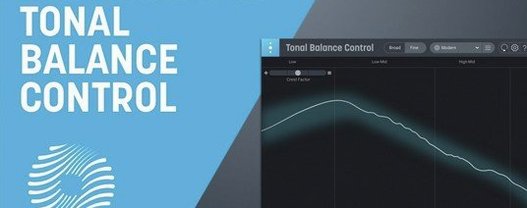 iZotope Tonal Balance Control
VST Plugins 264 MB
 Kalifornia Dynamic KD Alkane
VST Plugins 270 MB
 kiloHearts Ultimate & Slate Digital Bundle
VST Plugins 4.9 GB
 Komplete FX Bundle
VST Plugins 3.2 GB
 Komplete Kontrol
VST Plugins 785 MB