

Komplete Kontrol for macOS
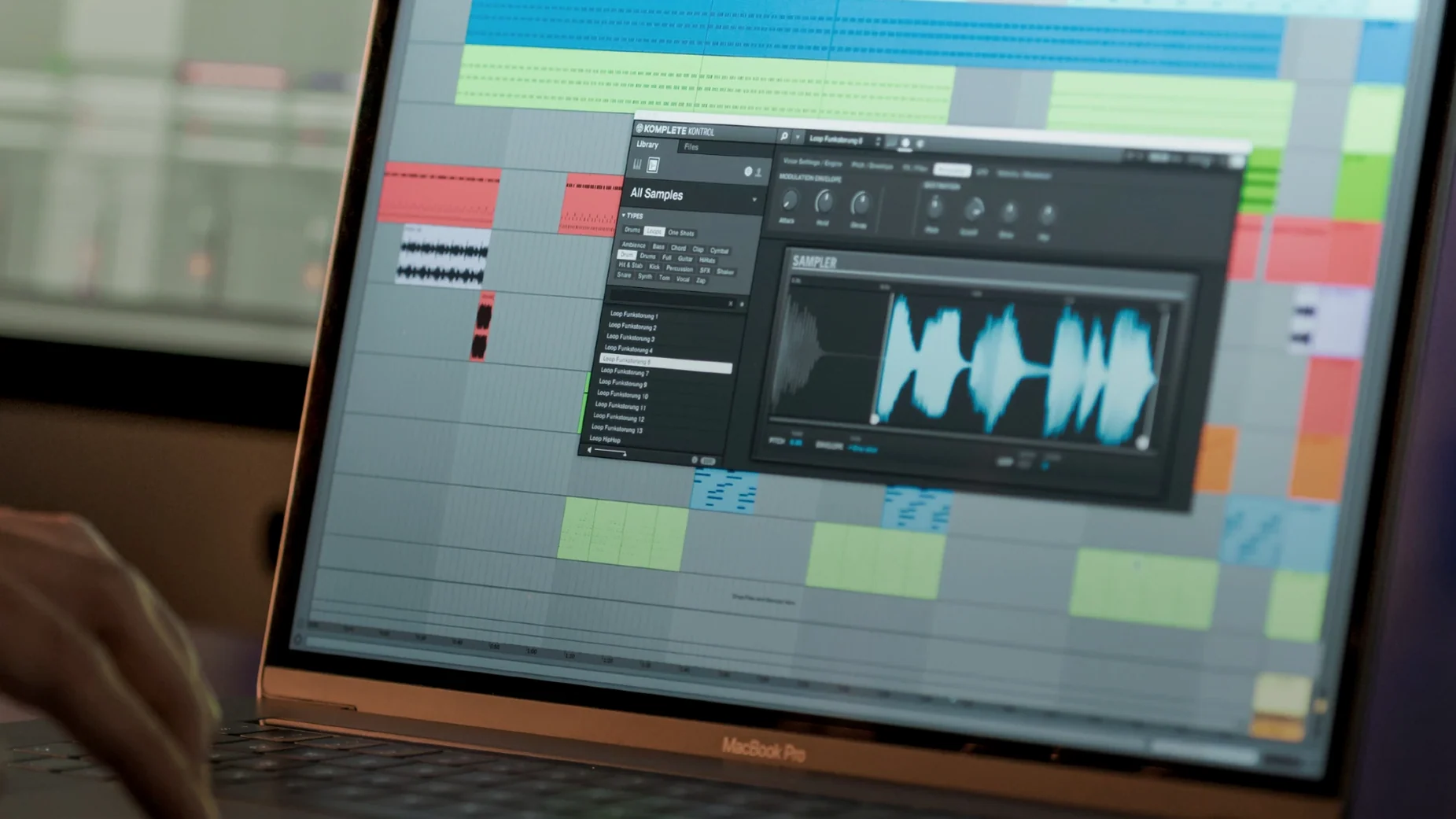
Komplete Kontrol is the librarian and loader that ties your instrument and effect collection together, whether that collection lives in the Native Instruments ecosystem or stretches across more than 750 third-party plug-ins from 90 developers.
The plugin hands you a unified browser that pulls in instruments, effects, presets, loops, and samples so you can find a sound without remembering which folder a developer buried it in. Tagging runs through the NKS format, which means you can sift by instrument type, character, or timbre across manufacturers. If you own an S-Series keyboard, the Light Guide paints scales, chords, and key zones right onto the hardware, and the built-in sampler lets you play one-shots and loops straight from the browser without loading a separate instrument.
You control it with a MIDI keyboard, the mouse, or the computer keyboard — whichever fits how you work. Collections can sync with Sounds.com, so loops you find there appear inside the same browser instead of forcing you to drag files around. Version 3.5.4 adds NKS Connect support and NKS Mode integration for compatible controllers, plus a performance fix for parameter changes on Kontrol S-Series MK3 keyboards.
Where to dig in the settings first
Out of the box the plugin makes a few assumptions that are worth questioning. The first place I head is the Audio and MIDI Settings panel in standalone mode. The buffer size defaults to 256 samples on most systems — fine for browsing patches, but it adds enough latency to throw off your timing when you play a drum loop or a percussive pluck sound. Drop it to 128 or 64 if your interface can handle it, and map the audio output to the specific pair of jacks your monitors sit on instead of leaving it at the system default.
After that, open Preferences > Plug-ins and check both the VST and AU scan paths. By default it looks in the standard system folders, but if your third-party instruments are scattered across a custom directory — common with older libraries or boutique developers — you will stare at an empty browser and wonder why nothing shows up. Hit Rescan once you have the paths set, then give it a minute; the scan checks every plug-in for NKS compatibility metadata.
Finally, turn on Load Plug-in in Edit View from the View menu if it is off. Without it, double-clicking a loaded instrument opens a generic wrapper instead of the actual plug-in interface, which hides parameters you might want to tweak immediately. It is a small toggle that changes how often you reach for the mouse.
The browser isn't a Finder window
The most common mistake I see is treating the browser like a Finder window. It is not. When you select an instrument and hit Enter, Komplete Kontrol loads that instrument and dismisses the active search, which means you cannot keep browsing while a sound plays unless you click the small pin icon first. Pinning the browser keeps the results list open so you can audition one patch after another without re-typing your search each time — a muscle memory worth building early.
Another one: loading a third-party synth and expecting the eight rotary knobs on an S-Series keyboard to be pre-mapped. They are not, unless that synth ships with an NKS factory mapping. For instruments that do not — including plenty of popular ones from smaller developers — the knobs default to a generic CC set. You need to create a mapping template inside Komplete Kontrol's controller editor, save it, and assign it to that plug-in, or the hardware stays half-dead.
Beginners also frequently load a loop, like the groove, and forget to check the tempo sync toggle in the sampler section. The built-in sampler respects the host DAW tempo when sync is on, but it defaults to off for one-shots, so dragging a rhythmic loop to the timeline can land it at the wrong speed. It is a five-second fix once you know the switch exists.
A single MIDI track shell for everything
Inside a DAW, Komplete Kontrol works best as a shell you reach before you reach for anything else. Load it on a MIDI track, and every instrument you call up inside it inherits the same routing, the same MIDI channel, and the same automation lane assignments without you re-patching. That means you can swap a Massive X bass for a Kontakt upright piano without touching the mixer — a real workflow accelerant when you are chasing a tone during arrangement.
It also plays nicely with macOS Audio Unit hosting in unexpected ways. Because the plug-in itself wraps AU and VST instruments, you can use it inside Logic Pro to load VST-only instruments that Logic would normally reject. The translation layer adds a negligible CPU cost on Apple Silicon; the .component bundle runs natively for the wrapper, and the hosted plug-in benefits from the same ARM path if the developer compiled for it.
Outside the DAW, the standalone app can sit open alongside a notation program, a transcription tool, or even QuickTime Player when you are figuring out a part by ear. Since it grabs its own audio device independently, you do not need a DAW project just to hear a piano and work something out. MIDI input from any connected keyboard — not only Native Instruments hardware — passes through Smart Play, so the scale and chord features are available no matter what controller sits on your desk.
- Added NKS Connect support directly inside Komplete Kontrol.
- Added NKS Mode integration for compatible NKS Connect controllers.
- Fixed performance issues when changing plug-in parameters from Kontrol S-Series MK3 keyboards.
- macOS 12 or later
- Apple silicon and Intel native
- Interface: English
$ man komplete-kontrol | grep -A2 "?"
Does Komplete Kontrol work with plugins that aren't from Native Instruments?
Yes. It can browse and load more than 750 third-party instrument and effect plug-ins from 90 developers through the NKS format.
Comments 0
Sign in or create an account to leave a comment.
No comments yet. A codec, a slice, a machine — they appear after moderation.
More in VST Plugins
cd ../ Komplete FX Bundle
VST Plugins 3.2 GB
 kiloHearts Ultimate & Slate Digital Bundle
VST Plugins 4.9 GB
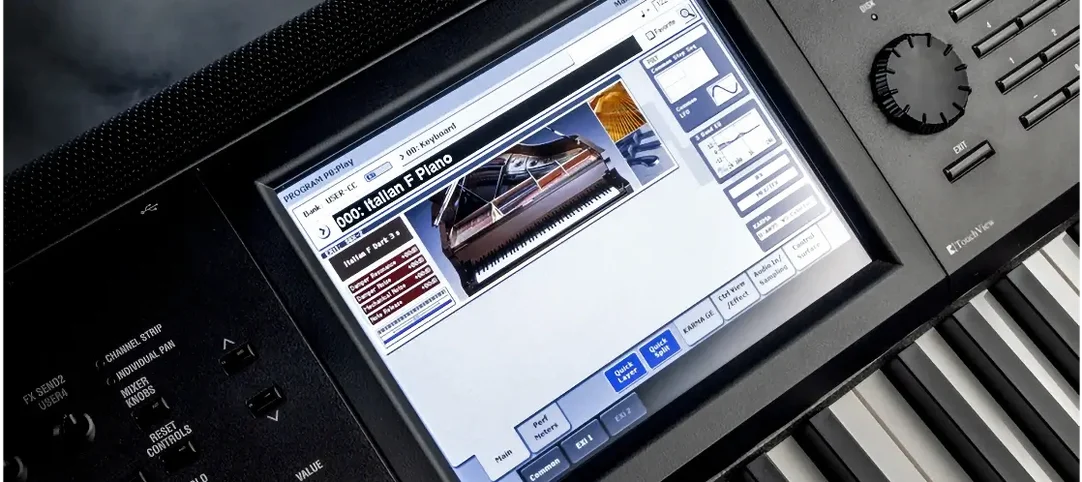 KORG Collection
VST Plugins 175 MB
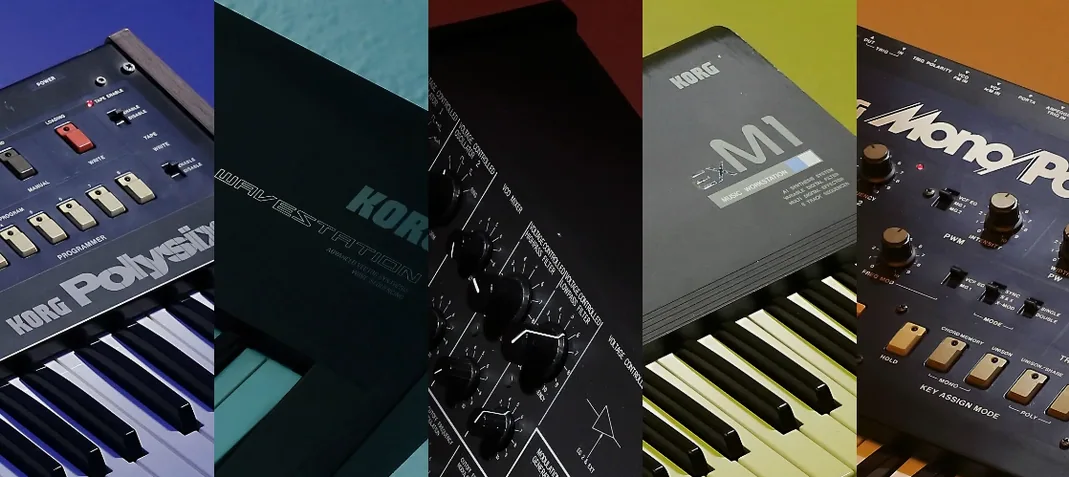 KORG TRITON
VST Plugins 586 MB
 LANDR Mastering Plugin PRO
VST Plugins 365 MB
 LANDR Vocal Bundle
VST Plugins 447 MB
 Kalifornia Dynamic KD Alkane
VST Plugins 270 MB
 iZotope Tonal Balance Control
VST Plugins 264 MB