
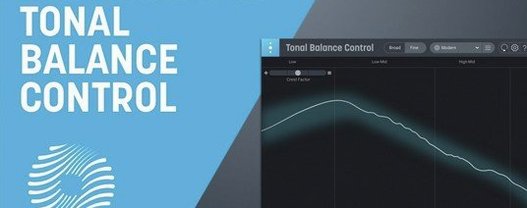
iZotope Tonal Balance Control for macOS
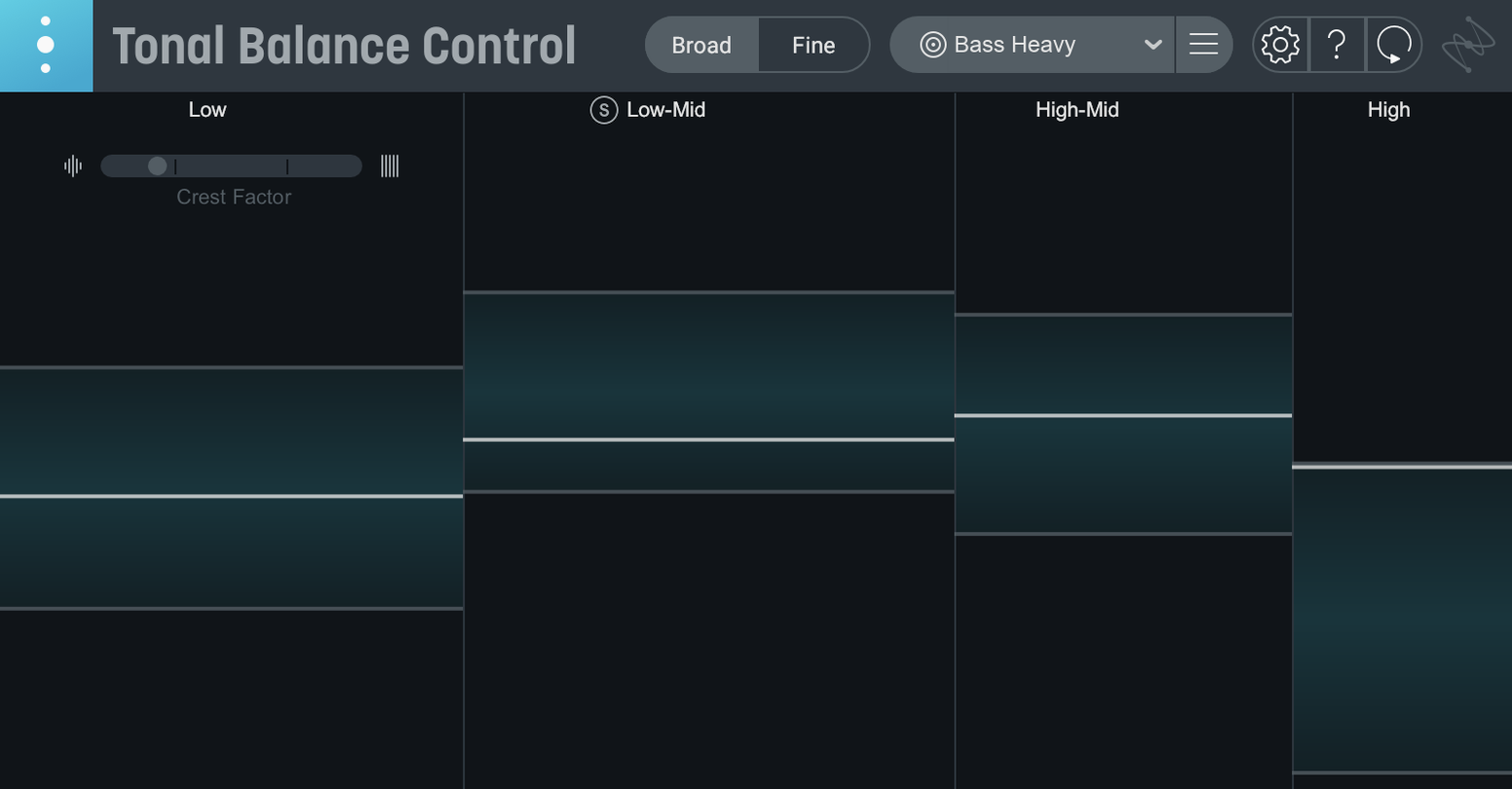
Version 3.0.0 pushes analysis beyond a single broadband curve. The plugin still overlays 12 genre targets on your spectrum but now watches things that classic Tonal Balance Control ignored: vocal presence relative to the full mix, short-term dynamics contour, and stereo width per band. All of it lands in a resizable standalone app alongside the existing AU, VST3, and AAX plug-in formats.
How does the hybrid EQ sit inside a metering plugin?
iZotope embedded a surgical EQ directly into the analysis view. When a band drifts outside the chosen target curve, you can grab a node in the display and pull it back into range without opening Ozone or Neutron. The EQ talks to the same inter-plugin communication bridge, so compatible instances of Ozone and Neutron respond to the moves.
What do the extra meters show?
Three new readouts sit below the main spectrum. Vocal Balance tracks the level relationship between the vocal bus and the backing track, Dynamics maps crest factor over time, and Stereo Width warns when the side image tilts too far forward in a specific frequency band.
Can it bring in settings from the old version?
Yes. The quick import path reads snapshots saved in Tonal Balance Control 2, so custom curves and saved analysis views transfer straight into version 3 without rebuilding them.
A session from zero to balanced
Picture a late-night mix that sounded punchy in the studio but falls apart on a phone speaker. I drop Tonal Balance Control 3 onto the master bus, pick the Rock target curve, and let it read a full chorus passage. Within seconds the main spectrum lights up: lows sit right in the pocket, but 2–4 kHz pokes nearly 3 dB above the shaded reference band. That explains the harshness.
The new hybrid EQ saves the trip to Neutron. I click the offending peak in the display, drag the node down until it nestles inside the target envelope, and the EQ shapes the master accordingly — no window switching. I loop the verse and watch the Vocal Balance meter. It shows the vocal hovering around −2 dB relative to the backing track during quieter lines, then jumping +1 dB in the chorus. A little automation on the vocal fader later, the readout stays within ±0.5 dB. Ten minutes in, the mix already translates better to earbuds and laptop speakers.
Before calling it done, I glance at the Stereo Width meter. The low band stays reassuringly narrow — kick and bass locked center — but the 8 kHz region flares wide on hard panned cymbals. I pull the side channel down a touch in Relay, which sits on the drum bus and talks directly to the analysis window. The width readout settles, and the image feels coherent on headphones.
Opens in under two seconds on M-series Macs
On an M-series Mac, the standalone app opens in under two seconds and feels native — resizable metal window, smooth dragging of EQ nodes, no UI stutter during real-time analysis. The plug-in versions add roughly 2–3% CPU load on a mastering chain with Ozone 11 already running, which stays consistent whether the analysis window is open or minimized. Memory sits around 180 MB for the plug-in, closer to 220 MB for the standalone app with a custom reference file loaded.
I have thrown 90-minute live recordings at it without a dropout. The spectrum refresh stays fluid at a 60 fps frame rate, and the new meters update in lockstep. Reloading a project with multiple instances of Ozone and Neutron linked through the inter-plugin bridge reconnects cleanly — no lost communication, no need to reassign targets. That reliability matters when a recall session needs to sound identical three weeks later.
Custom references need manual loudness-matching
A few things trip people up. The most common is loading a custom reference from a file that was not loudness-matched to the current mix. The plugin does not auto-level the reference, so a quiet acoustic track as the target can push you toward a mix that is too hot. Normalize the reference to around −14 LUFS before importing, or use one of the 12 built-in genre curves as a sanity check.
Another hiccup: the hybrid EQ works inside Tonal Balance Control, but it writes its moves to the first compatible iZotope equalizer in the chain. If you have both Ozone and Neutron instantiated and both are connected, the EQ target may not be the one you expect. Open the inter-plugin link panel and confirm which instance is receiving the commands before you start shaping.
If the Vocal Balance meter reads flat zero no matter what the track does, check that Relay is inserted on the vocal bus and that its sidechain communication is active. Tonal Balance Control 3 looks for the vocal signal through Relay specifically — it does not guess from the master bus alone. On Intel machines running larger sessions, disabling the Stereo Width meter's high-resolution mode (a checkbox in the meter panel) can claw back 1–2% CPU without losing the overall readout.
A standalone app now lets you study references outside the DAW
The shift from a plug-in-only tool to a standalone desktop app changes the quick-check workflow. I can open a reference mix outside the DAW, drop it into the standalone window, and study its tonal footprint without launching a full session. That alone makes building custom target curves faster — drag in three reference tracks, average the curves, save the snapshot, and it is waiting in the plug-in later.
The extra meters turn what used to be a static spectrum overlay into a moving picture of the mix. Vocal Balance catches level relationships that a broadband curve misses entirely. The Dynamics readout gives a real-time crest factor trace, which highlights over-compressed passages faster than toggling between a loudness meter and the EQ. And the Stereo Width band breakdown means you spot imaging problems before a mastering engineer sends the track back with notes.
Importing old Tonal Balance Control 2 snapshots worked without a hitch on my archive of custom curves — the quick import found the files, pulled in the saved analysis views, and mapped them to the new interface layout. No conversion tool needed, no rebuilds. For anyone deep in the iZotope ecosystem, the tighter communication between the hybrid EQ, Relay, Ozone, and Neutron means fewer plugin windows open at once, which keeps the screen — and the thought process — less cluttered.
- Initial major release of Tonal Balance Control 3, rebuilding the analysis engine for a standalone workflow.
- Standalone desktop app added, letting the meters run outside a DAW.
- Extra metering for vocal balance, dynamics, and stereo width now sits below the main spectrum display.
- Built-in hybrid EQ allows direct curve matching from inside the analysis view.
- macOS Sonoma 14.7 or newer
- Intel Mac or Apple silicon M-series Mac
- Host DAW that supports AU, VST3, or AAX (for plug-in use)
$ man izotope-tonal-balance-control | grep -A2 "?"
Does Tonal Balance Control 3 run natively on Apple silicon?
Yes. The plugin and standalone app both include native support for Intel Macs and Apple silicon M-series Macs running macOS Sonoma 14.7 or later.
Which equalizers can Tonal Balance Control 3 adjust remotely?
It opens and controls EQ modules inside compatible instances of Ozone and Neutron through iZotope's inter-plugin communication.
What format does Tonal Balance Control 3 ship in?
It arrives as a standalone desktop application alongside AU, VST3, and AAX plug-in formats.
Comments 0
Sign in or create an account to leave a comment.
No comments yet. A codec, a slice, a machine — they appear after moderation.
More in VST Plugins
cd ../ iZotope RX
VST Plugins 3.6 GB Updated
 iZotope Neutron
VST Plugins 928 MB
 iZotope Nectar
VST Plugins 545 MB
 Kalifornia Dynamic KD Alkane
VST Plugins 270 MB
 iZotope Insight
VST Plugins
 kiloHearts Ultimate & Slate Digital Bundle
VST Plugins 4.9 GB
 Komplete FX Bundle
VST Plugins 3.2 GB
 Komplete Kontrol
VST Plugins 785 MB