
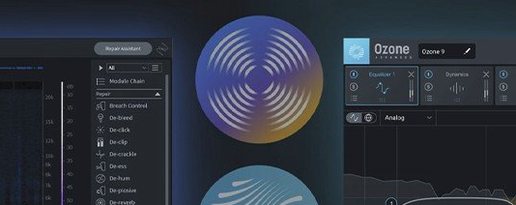
iZotope RX for macOS
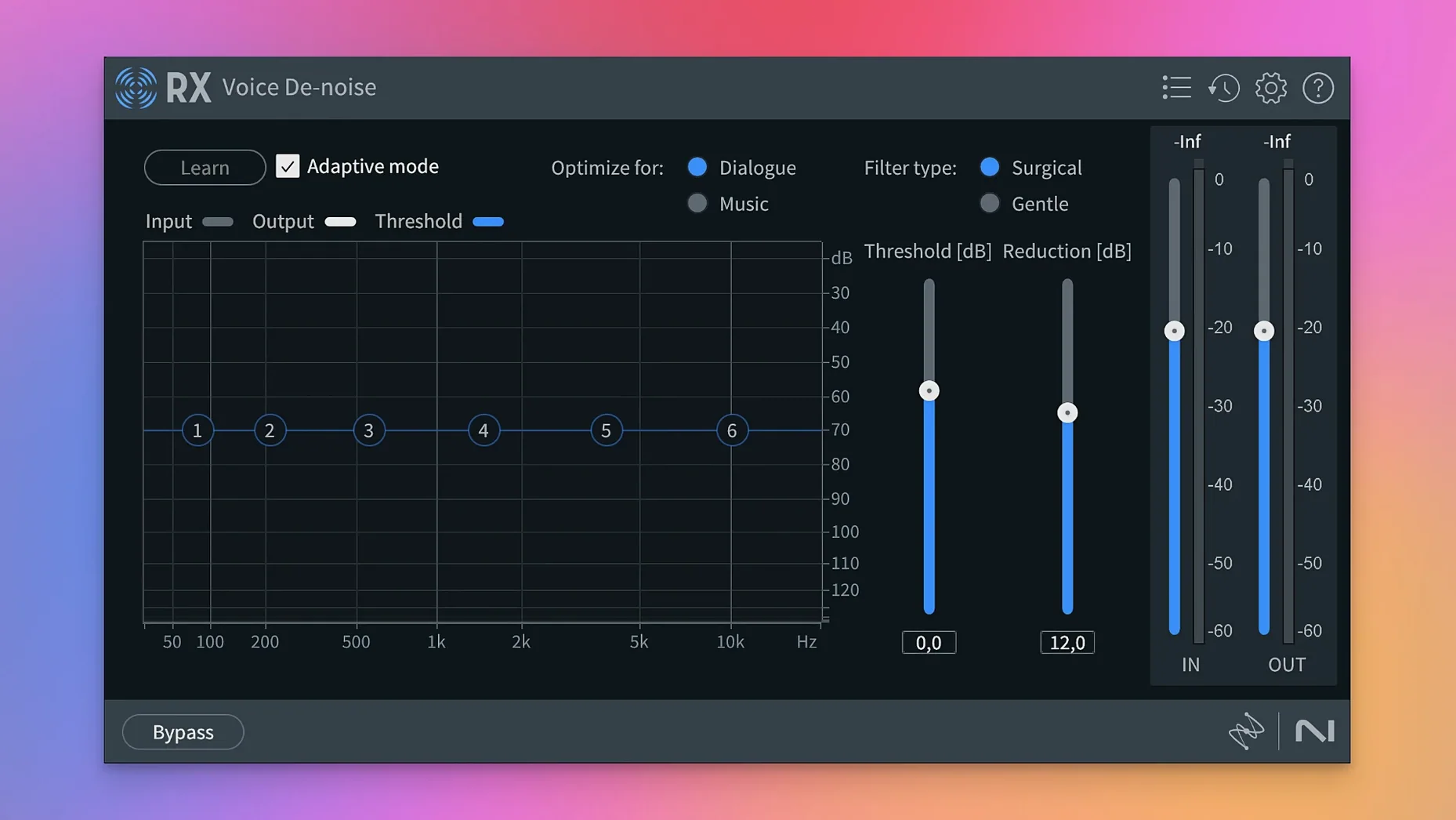
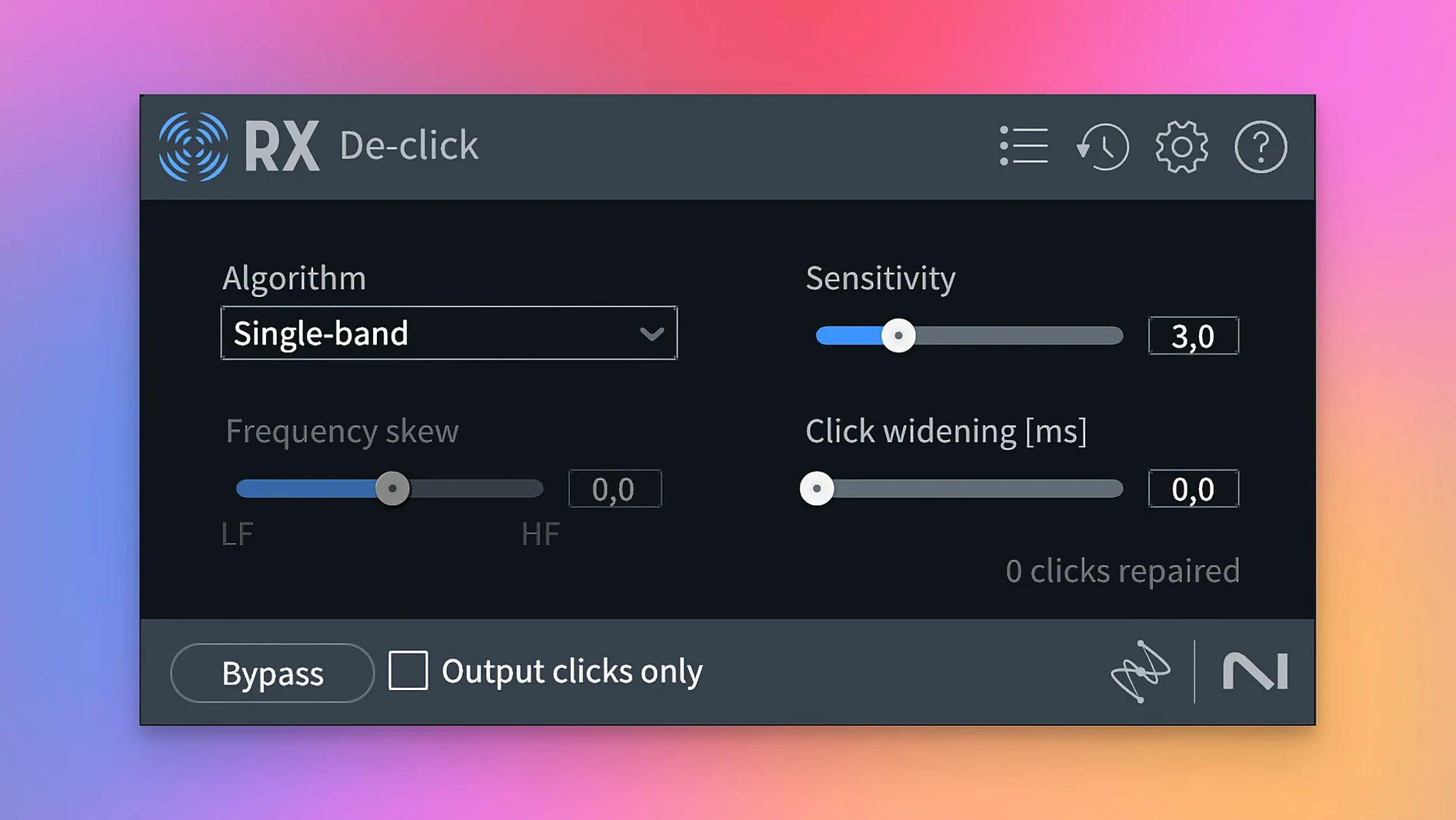
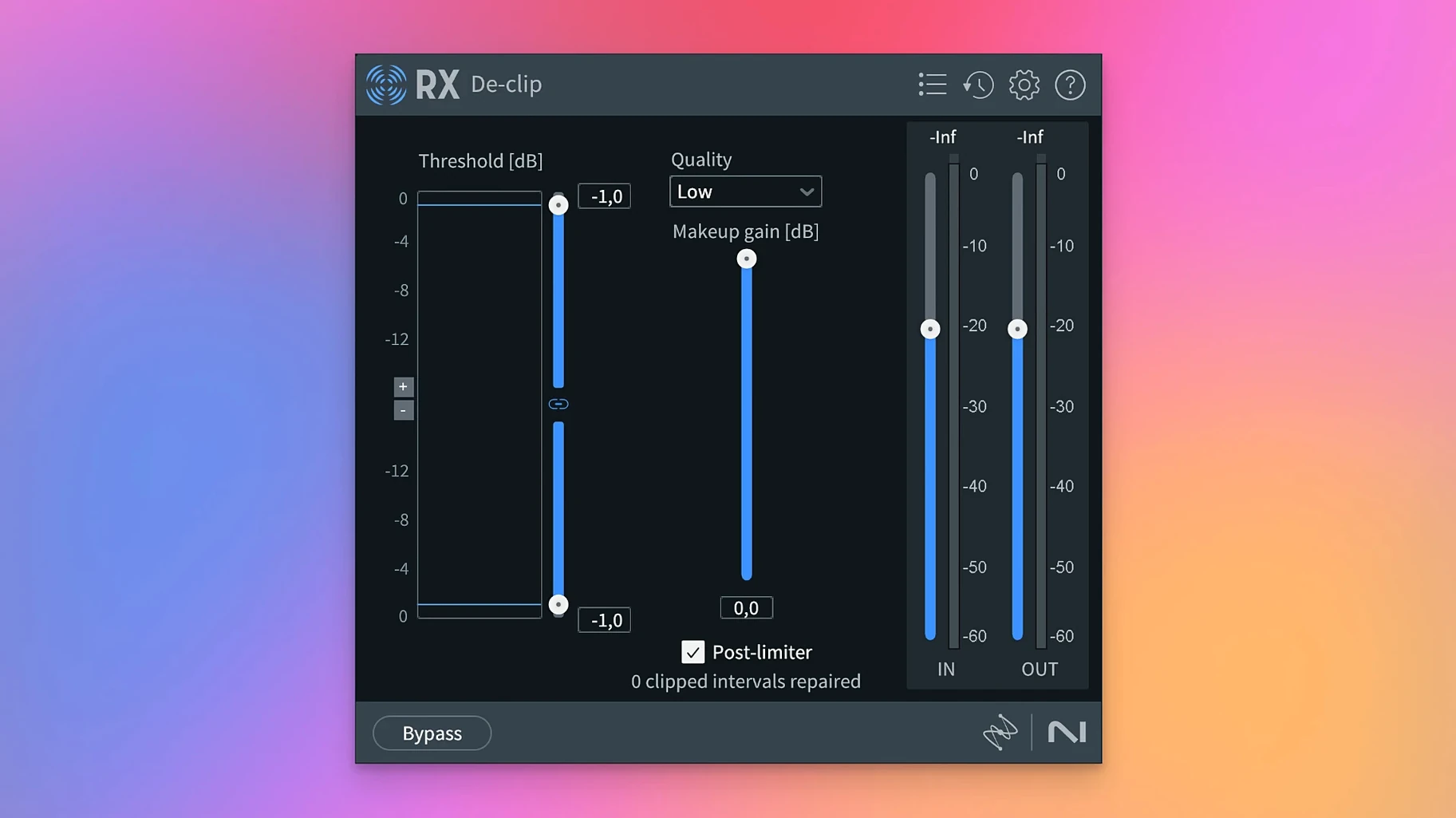
Anyone who has spent time pulling a voice out of noisy location audio in a DAW has probably used a gate or an expander and wished for something cleaner. RX is the tool that does what a gate can't — it lets you see sound as a spectrogram and surgically remove the parts you don't want while keeping what you do.
Why can I now de‑click just the dialogue stem?
Stems View lets you apply any RX module to an individual stem — dialogue, music, or effects — without bouncing between separate sessions. Scene Rebalance feeds that workflow by generating those stems from a finished mix, so repair tools hit exactly the right layer.
Is De-bleed still the same module?
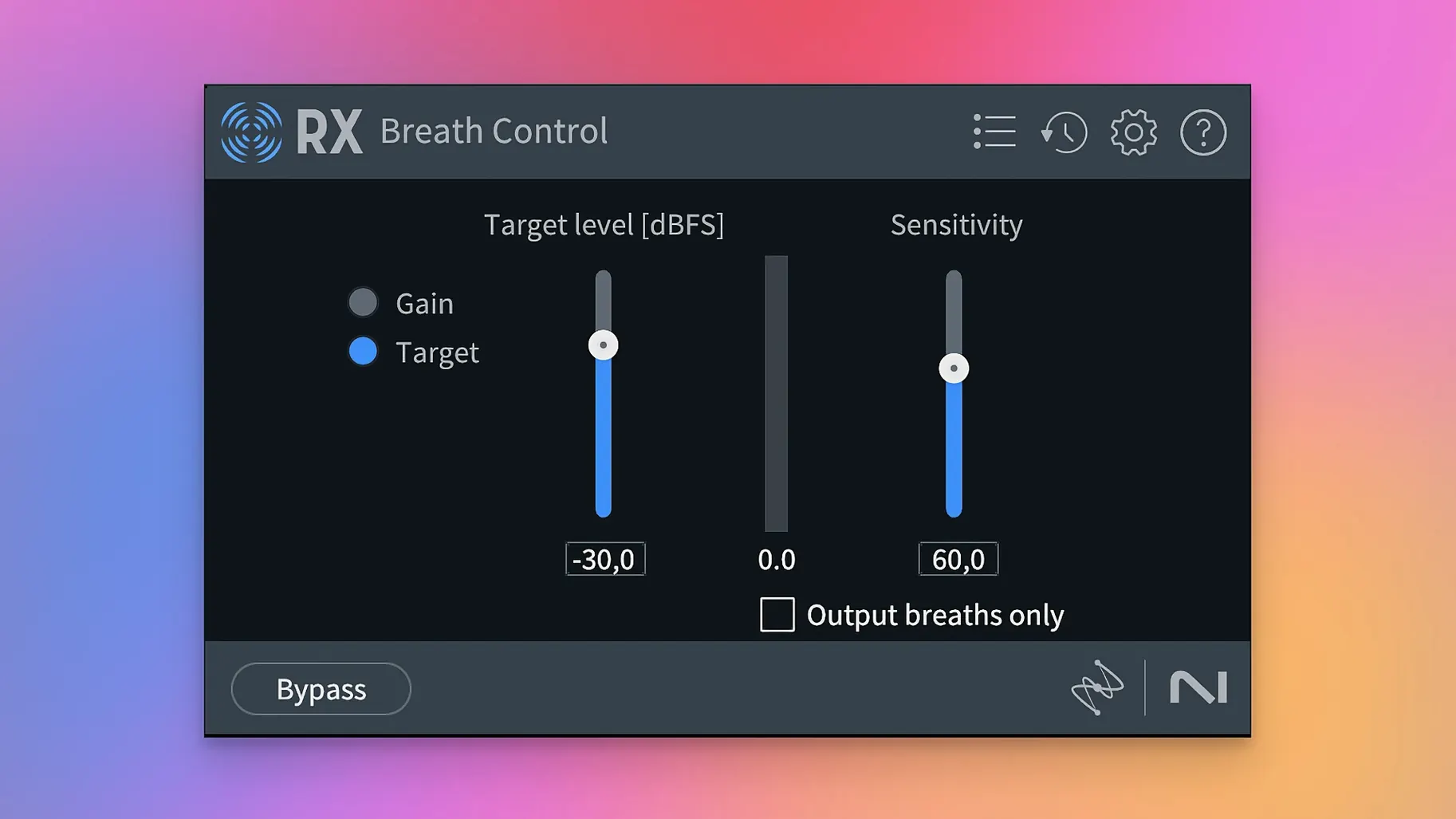
No. De-bleed was rebuilt in RX 12 with a new algorithm that targets headphone spill more cleanly. Breath Control also got a rewrite, so the two modules people lean on for podcast and film dialogue got attention in the same release.
What does Trim Silence actually do?
Trim Silence scans long files — think hour-long field recordings or interview tracks — and strips the dead air between phrases. It is a time-saver for anyone who batch-processes spoken word before editing.
Where does RX fit in a real post‑production chain?
Most Mac‑based audio work happens inside a DAW — Logic Pro, Pro Tools, Reaper, Ableton Live — and RX slides in as a set of AU and VST3 plug‑ins. That means you can stay in your timeline, highlight a clip or a region, open Repair Assistant or Spectral De‑noise, and hear the change in context with the rest of the mix. AU ARA and VST3 ARA support in version 12 pushes integration further with hosts that have adopted ARA2, letting RX modules communicate directly with the DAW’s audio engine without rendering a new file first.
Outside the DAW, the standalone application takes over when you need to process an entire file start to finish. You can open a .wav or .mp4, run Scene Rebalance to split stems, then hand those stems back to your video editor or NLE. Final Cut Pro and DaVinci Resolve users often receive RX‑cleaned dialogue stems this way — the editor sends a noisy production track, the sound person returns a cleaned file, and round‑tripping stays simple because RX exports to the same format and channel count it received.
macOS features tie in at a practical level. AU plug‑ins are validated in macOS’s Audio Unit cache, so Logic Pro and GarageBand pick them up without extra configuration. On Apple silicon Macs, running RX natively means the same repair that once tied up half the efficiency cores can finish while you keep working in another Space — Spectral De‑noise on a long interview renders in the background, and you can swipe over to Notes or Safari without the system dragging.
How Scene Rebalance speeds up the repair decision
Version 12.0.0 didn’t just add modules — it changed how quickly you can decide where a repair belongs. Scene Rebalance means you can throw a finished mix at RX, pull out dialogue, music, and effects layers, and then apply De‑click or De‑hum to the layer that actually has the problem. Before, you would solo tracks manually, bounce stems, and hope you had enough isolation. Now you feed one file and get three layers you can treat independently, which matters most when a client sends a mixdown and the stems are long gone.
Trim Silence alters the rhythm of podcast and interview editing. Instead of slicing silence by hand across a 90‑minute recording, you set a threshold and let RX mark and remove dead air. The result is a tighter timeline before you’ve made a single edit decision. Combined with the rebuilt Breath Control, a raw voice track gets breath attenuation and gap removal in one pass — the kind of cleanup that used to cost a morning now runs while you make coffee.
De‑bleed’s rebuild targets a specific annoyance: headphone spill during vocal takes where the artist keeps one ear off. The new algorithm preserves more of the direct vocal while pulling the click track or guide mix out of the background. In practice, that means fewer retakes for minor leakage and less time automating mute regions around phrases.
When does Spectral Editor become the main tool?
Dialogue editors for film and television live in RX. A lavalier rustle, a camera hum, a door slam that clips a syllable — these are the moments where Spectral Editor becomes the primary tool, not a fallback. The people who benefit most are the ones who receive production audio they didn’t record themselves and have no way to re‑record.
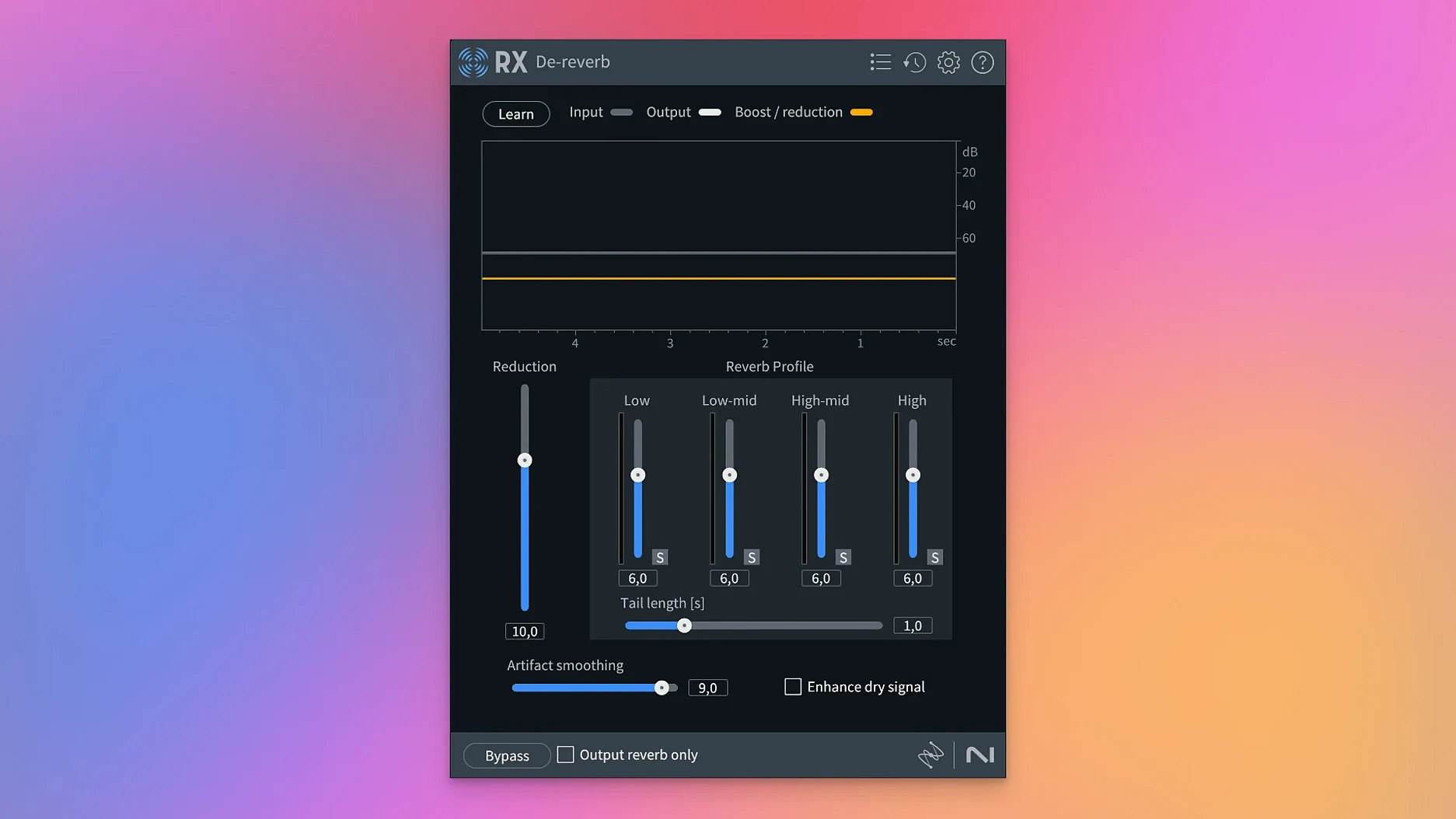
Podcast producers with a single‑mic setup and an untreated room lean on Voice De‑noise and De‑reverb. RX lets them record in a living room and publish something that sounds like a treated booth. Music Rebalance extends that to music‑heavy shows — when a guest plays a track from their phone and the copyright algorithm might flag it, pulling the music stem down a few dB in the final mix saves a headache.
Sample library builders use RX for forensic clean‑up. Removing mouth clicks, chair squeaks, and AC rumble from a thousand one‑shots is not practical by hand. Batch Processor in the standalone app chains De‑click, De‑noise, and De‑crackle across folders of files, and the results are consistent because the machine‑learning profiles adapt less dramatically file‑to‑file than a human ear might after hour three.
Music producers who record live instruments get the most from De‑clip and De‑crackle. A DI bass take that clipped the interface gain knob can be salvaged; a vinyl sample full of crackle can be cleaned without dulling the high end. The rebuilt Breath Control also finds use in vocal comping, where a singer’s intake before a big chorus doesn’t need to disappear — just step back a few dB so the phrase hits harder.
Let Repair Assistant propose your first chain
Start in the standalone application, not the plug‑in. Drop a problem file into RX and open Repair Assistant before you touch any module. Let it analyze and propose a chain — you can accept, tweak, or reject individual suggestions. This teaches you what the algorithms see in your material faster than reading module manuals.
Learn one spectrogram shortcut early: hold Option and scroll to zoom the frequency axis, hold Command and scroll to zoom time. Once you can navigate the spectral display without thinking, selecting and attenuating a footstep or a phone buzz takes seconds.
Set up a Batch Processor template for the kind of cleanup you do repeatedly. If every voiceover gets De‑click, De‑noise, and a gentle high‑pass, save that chain so a folder of files processes with a drag and drop. The template stores thresholds and module order, so the only decision later is whether to adjust the noise profile for a new room.
When using the plug‑in in a DAW, insert RX before any dynamics or EQ. Repair works on the raw waveform; compression and equalization can mask or exaggerate the artifacts you are trying to remove. Once the track is clean, then shape it.
For podcast dialogue, try Voice De‑noise in Adaptive mode before reaching for a gate. Adaptive mode learns the noise floor from the playback head position, so a few seconds of room tone at the top of the recording gives it everything it needs. The result is a consistent noise reduction that doesn’t pump with the speaker’s cadence.
How RX compares with similar Mac tools
Accusonus ERA Bundle takes a different approach: single‑knob plugins for specific problems — noise, reverb, mouth clicks — without spectral editing. ERA is faster for a podcaster who wants one control and no learning curve, but it doesn’t offer the surgical view RX gives you. If you need to see and erase a single chair squeak between two words, RX’s spectrogram is the tool; ERA works on the whole signal at once and can’t isolate events by time and frequency the same way.
Adobe Audition includes spectral editing natively and integrates with Premiere Pro’s round‑tripping, so video editors already in the Adobe ecosystem might stay there for basic repair. RX steps ahead when the problem is complex — multiple overlapping noises, reverb removal from a specific frequency band, or stem separation from a stereo mix. Audition’s toolset overlaps with RX’s core modules but doesn’t match the depth of Dialogue Isolate or the new Scene Rebalance.
Waves Clarity Vx and its sibling DeReverb are single‑purpose, machine‑learning‑driven plugins. Clarity Vx does one thing — voice noise reduction — and does it with two knobs. It is lighter on the CPU and simpler to dial in than Voice De‑noise, but it stops where RX continues. RX adds de‑click, de‑clip, spectral editing, stem separation, and batch processing in one package. A post‑production workflow that needs voice cleanup and hum removal and mouth‑click attenuation is three Waves plugins and a lot of routing; in RX it is a module chain in one window.
None of the alternatives offer Stems View or Scene Rebalance, which means repair on a finished mix without access to the session tracks is currently unique to RX 12. If you receive a compressed video file with baked‑in audio and no stems, the ability to pull apart dialogue, music, and effects inside one application shifts what is possible without a re‑edit.
Version 12.1.0 has landed. The developer has posted the full changelog on their site for anyone who wants the detailed breakdown.
- macOS 14.7 or later
- Apple Silicon or Intel 64-bit
Comments 0
Sign in or create an account to leave a comment.
No comments yet. A codec, a slice, a machine — they appear after moderation.
More in VST Plugins
cd ../ iZotope Tonal Balance Control
VST Plugins 264 MB
 iZotope Neutron
VST Plugins 928 MB
 iZotope Nectar
VST Plugins 545 MB
 iZotope Insight
VST Plugins
 Kalifornia Dynamic KD Alkane
VST Plugins 270 MB
 kiloHearts Ultimate & Slate Digital Bundle
VST Plugins 4.9 GB
 Komplete FX Bundle
VST Plugins 3.2 GB
 Komplete Kontrol
VST Plugins 785 MB