

Kalifornia Dynamic KD Alkane for macOS
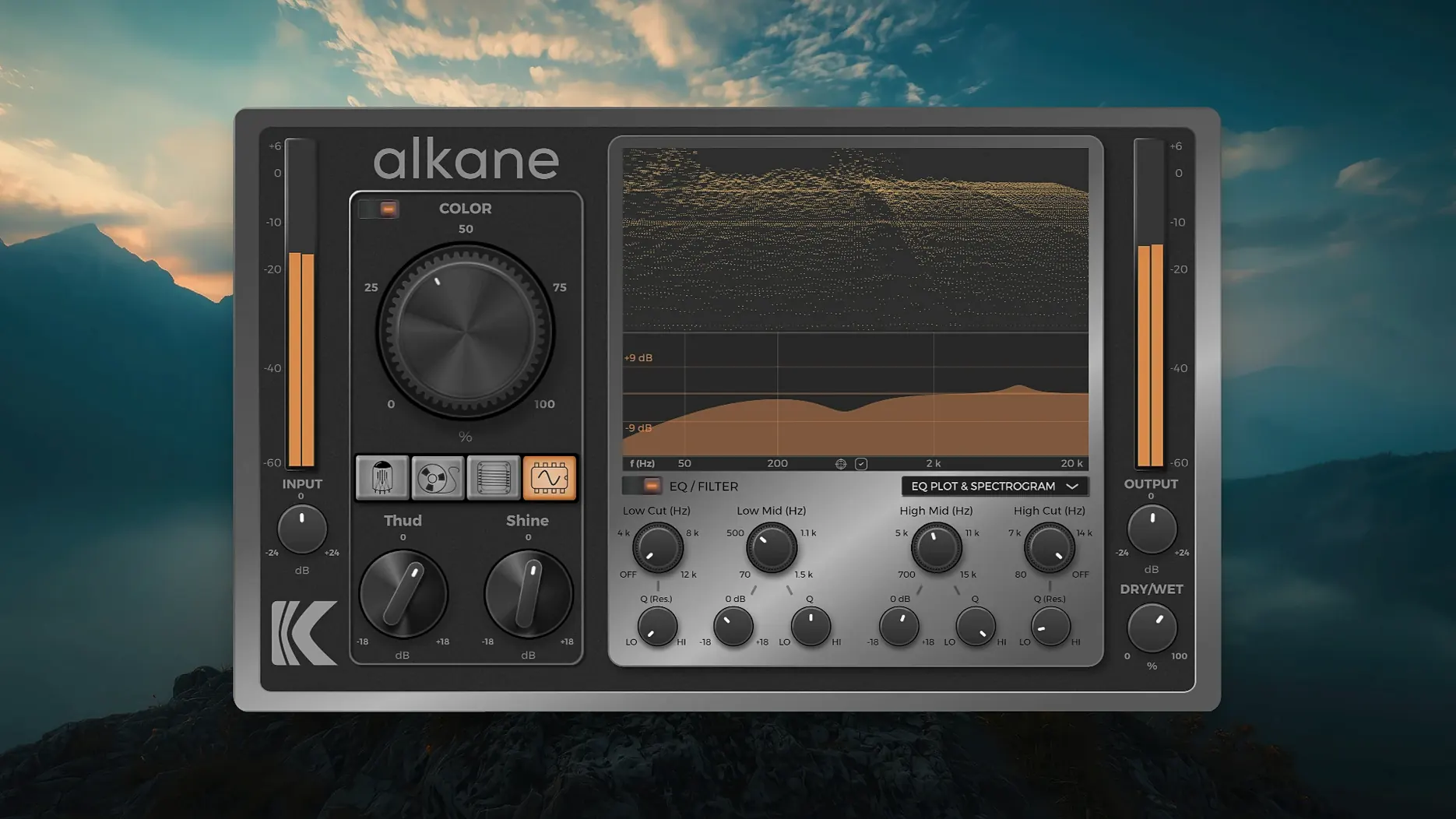
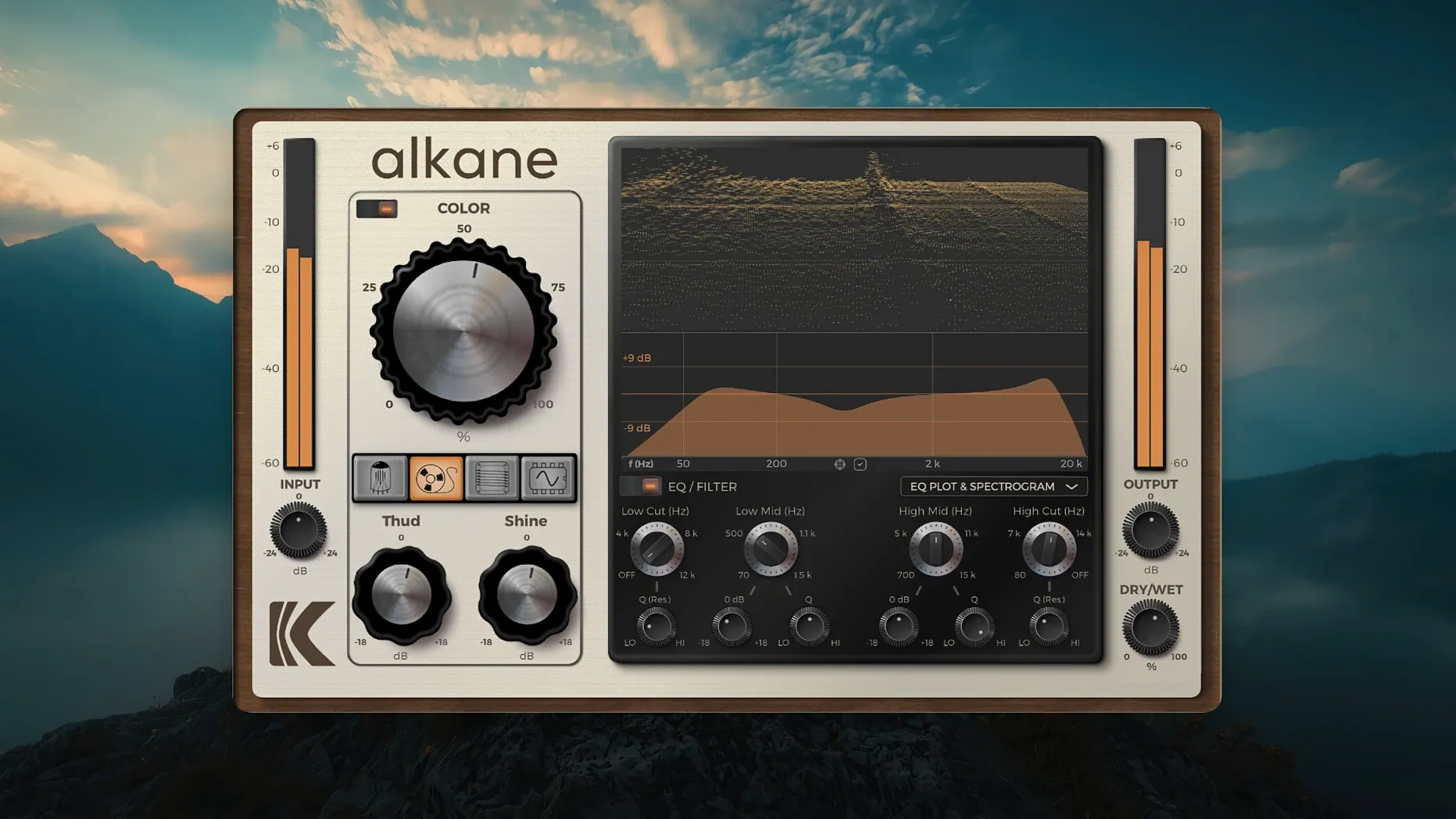
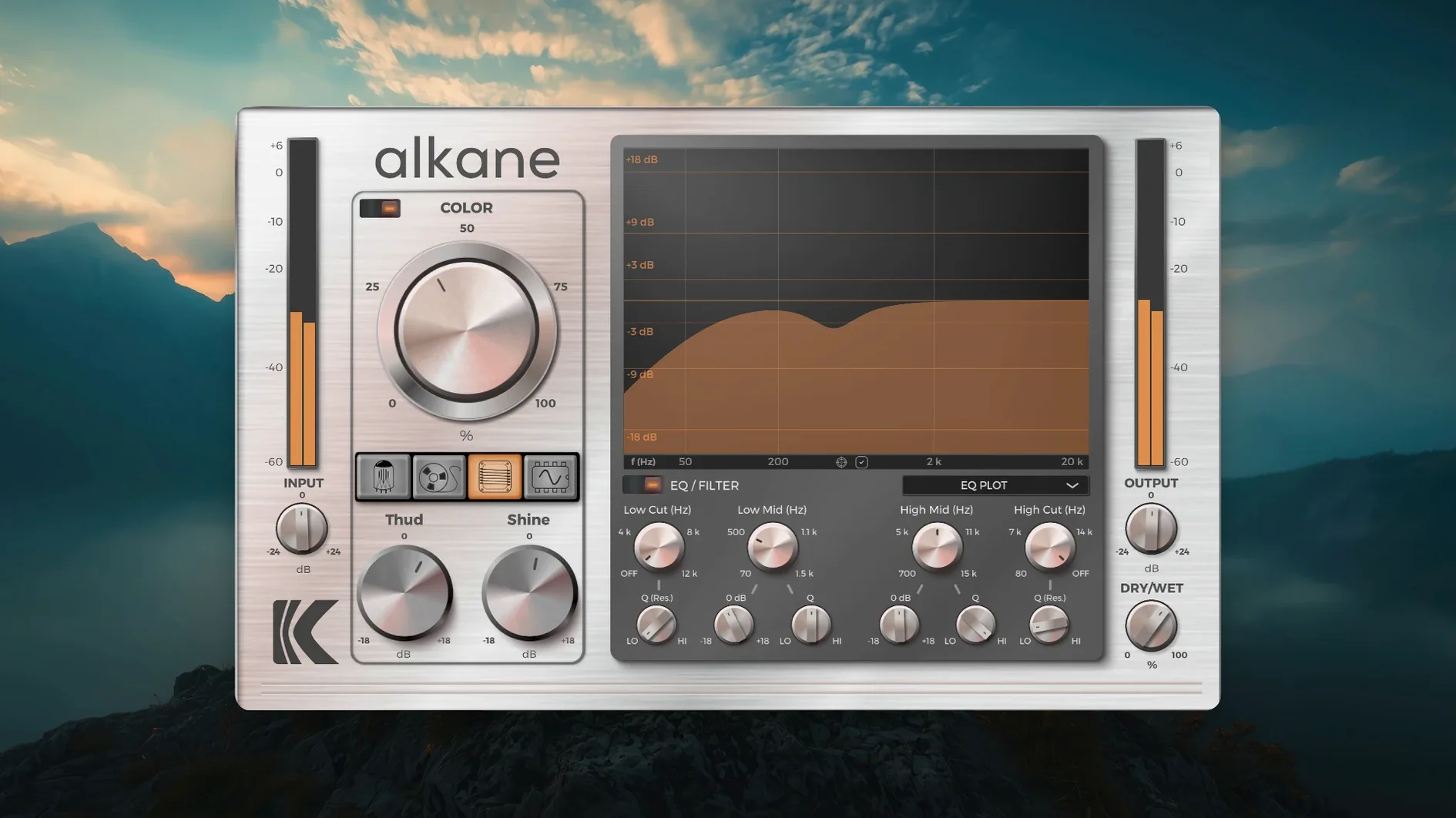
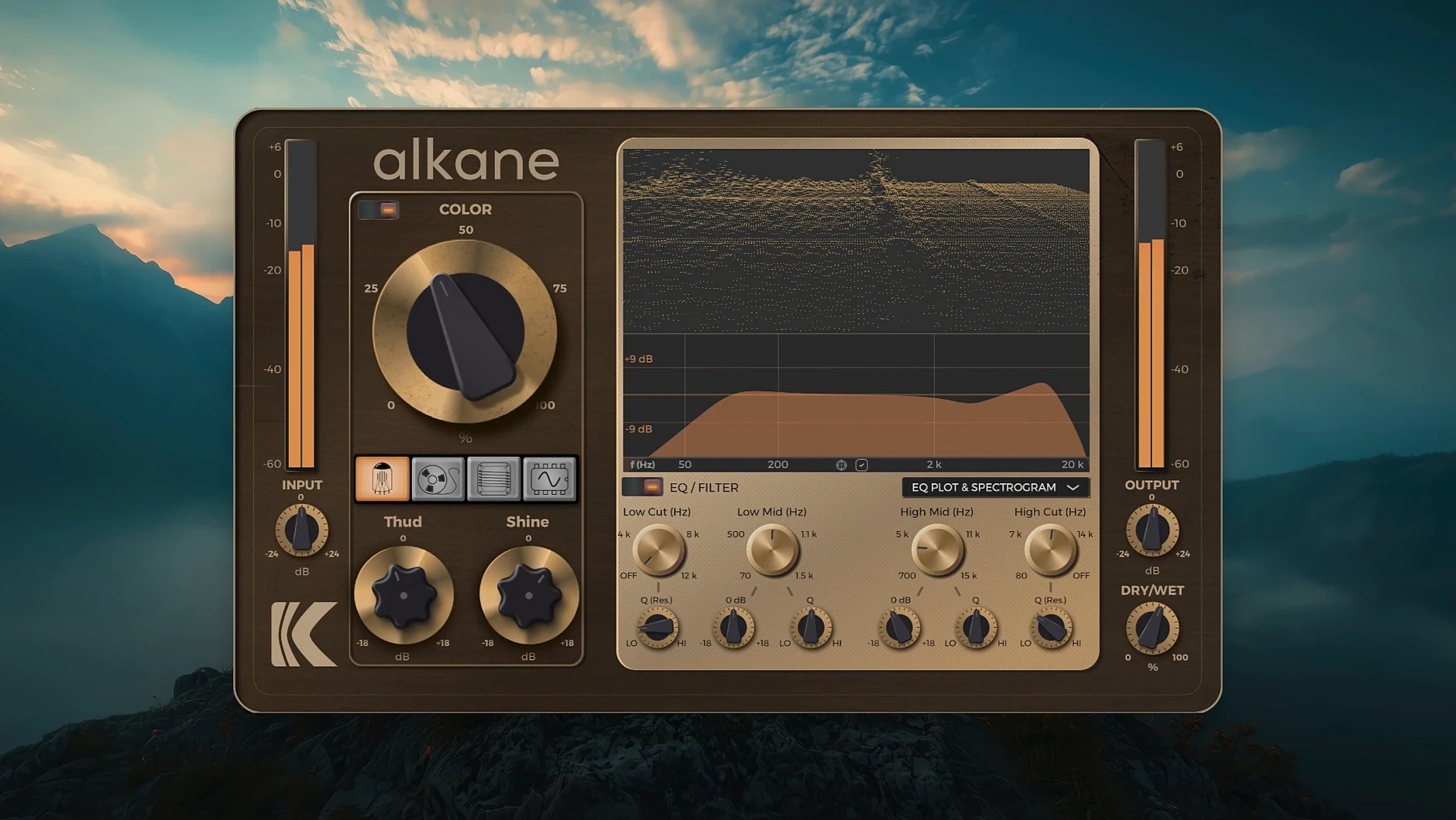
You pull up a drum bus that sounds a little flat, drop KD Alkane on it, and drive one of its four circuits until the transients bite. That is the basic loop this plugin is built for: add analog-style saturation and distortion to vocals, drums, bass, or a full mix without leaving the DAW.
Four saturation circuits plus a parametric EQ
- Four switchable harmonic circuits, each with its own saturation character
- A two-band parametric EQ for shaping the tone before or after the drive
- Formats:
AAX,AU, andVST3 - Runs natively on Apple Silicon under macOS 11 or later
- English interface, standard plugin installation
Auditioning multiple distortion models per source
Producers and music designers who want analog-flavored harmonics without patching in outboard gear. The quad-circuit design means you are not locked into one distortion model — you can audition different circuits per source, whether you are warming up a vocal or adding grit to a bass line. The built-in EQ keeps the useful part of the signal controlled while you push the harmonics harder.
A typical session: starting from a blank insert
I open a Logic project where the kick drum feels polite. I insert KD Alkane on the Kick channel — AU format, loads instantly on an M1 MacBook Air. The default state is Tube circuit engaged, Drive at noon, Output at unity. I loop a four-bar section.
First move: switch to Tape. The low-end thickens immediately, almost like a bass boost but without the phase shift. I push Drive to about 2 o'clock and watch the 3D spectrogram bloom — the even-order harmonics stack up in neat vertical stripes on the analyzer. The kick now has chest. I back off the Output knob by 2 dB to compensate for the perceived loudness bump.
Next, I pull up the EQ section. A low shelf at 110 Hz, cut by 1.5 dB, cleans up a woolly resonance the Tape circuit excited. High-pass filter set to 30 Hz, just to shave the subsonic rumble. The visualizer confirms the low-end is tidier — the blue peaks now sit tighter on the grid.
Then I audition Transformer on the same loop. Completely different texture: more odd-order harmonics, a midrange push around 1 kHz that makes the kick's attack click through a dense mix. I land on Synth for the bridge section — it folds the waveform into something square-ish, aggressive, perfect for a breakdown where the kick needs to sound broken and synthetic. Four circuits, four flavors, one insert slot.
Before closing the session, I save the Tape setting as a user preset. The plugin writes it to the standard AU preset path; Logic recalls it next session without fuss.
Real-world scenario: vocal chain rescue
A mix engineer receives stems from a bedroom producer. The lead vocal is thin — recorded on a budget condenser in an untreated room. Compression and EQ alone are not fixing the brittle top end. KD Alkane sits first in the chain, before the compressor.
Tube circuit, Drive at 10 o'clock — a gentle nudge. The Color module, engaged at 20% wet, adds transient-safe harmonics that fill in the gaps between the sibilant spikes without softening them. The parametric EQ cuts 4.8 kHz by 3 dB with a narrow Q, targeting the worst of the room resonance. The high-pass filter rolls off at 80 Hz.
The result: the vocal gains body without losing articulation. The harmonics from the Tube circuit sit beneath the original signal, so the vocal still sounds like the same performance — just with weight. The engineer prints the processed vocal, drops the dry stem, and moves on to bass.
Workflow: parallel drum crush
Parallel distortion on drums is a standard move, and KD Alkane is built for it. Here is the chain:
- Create a send from the Drum Bus to an Aux track.
- Insert KD Alkane in
VST3format on the Aux. - Select the Synth circuit. Drive to 3 o'clock. The waveform squares off — snare transients turn into short, noisy bursts.
- Engage the Color module at 50% mix. This layers non-linear harmonics on top of the already-squared signal, adding a fuzzy halo around each hit.
- EQ section: low-pass filter at 6 kHz to roll off the fizziest harmonics. High-pass at 200 Hz to keep the kick's fundamental out of the crushed layer.
- Pull the Aux fader down to -18 dB, then slowly raise it until the parallel signal adds texture without overpowering the clean drum bus.
- Toggle the 8x oversampling on and off during playback. At extreme Drive settings, the aliasing foldback is audible without oversampling; engaging it cleans the top octave noticeably.
The final drum sound is punchy and clean in the main bus, with a layer of controlled chaos underneath. The Synth circuit's square-wave character makes the parallel layer cut through a dense mix even at low blend levels.
Why turn on 8x oversampling for cymbals and full mixes
KD Alkane ships with sensible defaults, but a few tweaks improve the experience immediately:
- Oversampling toggle. 8x oversampling is off by default. Turn it on for any source with significant high-frequency content — cymbals, acoustic guitars, full mixes. The CPU hit is modest on Apple Silicon, and the reduction in aliasing is audible at Drive settings above noon.
- Color module mix. The Color knob defaults to 0% wet. Even 10–15% adds a layer of transient-safe saturation that works on almost any source. It is the fastest way to hear what the plugin does without committing to a circuit character.
- EQ routing. The EQ can sit pre- or post-drive. Check the routing button — pre-drive means you shape what the circuit sees (boost a frequency to push it harder into saturation), post-drive means you clean up what comes out. I default to post-drive for corrective work and switch to pre-drive when I want a specific frequency band to break up.
- Visualizer scale. The 3D spectrogram is pretty, but the default scale can hide detail. Pinch-to-zoom on the plot if you are on a trackpad, or click-drag the axis labels to focus on the range you are actually saturating — usually 100 Hz to 5 kHz for most sources.
- macOS 11 or later
- Apple Silicon architecture
- English interface
$ man kalifornia-dynamic-kd-alkane | grep -A2 "?"
Which plugin formats does KD Alkane include?
It is available in AAX, AU, and VST3 formats for use inside compatible digital audio workstations.
What macOS version does KD Alkane require?
It requires macOS 11 or later and runs natively on Apple Silicon architecture.
Is KD Alkane a standalone application?
No, it is an audio plugin that runs inside a DAW or other host application that supports AAX, AU, or VST3.
Comments 0
Sign in or create an account to leave a comment.
No comments yet. A codec, a slice, a machine — they appear after moderation.
More in VST Plugins
cd ../ iZotope Tonal Balance Control
VST Plugins 264 MB
 kiloHearts Ultimate & Slate Digital Bundle
VST Plugins 4.9 GB
 iZotope RX
VST Plugins 3.6 GB Updated
 Komplete FX Bundle
VST Plugins 3.2 GB
 iZotope Neutron
VST Plugins 928 MB
 Komplete Kontrol
VST Plugins 785 MB
 iZotope Nectar
VST Plugins 545 MB
 iZotope Insight
VST Plugins