
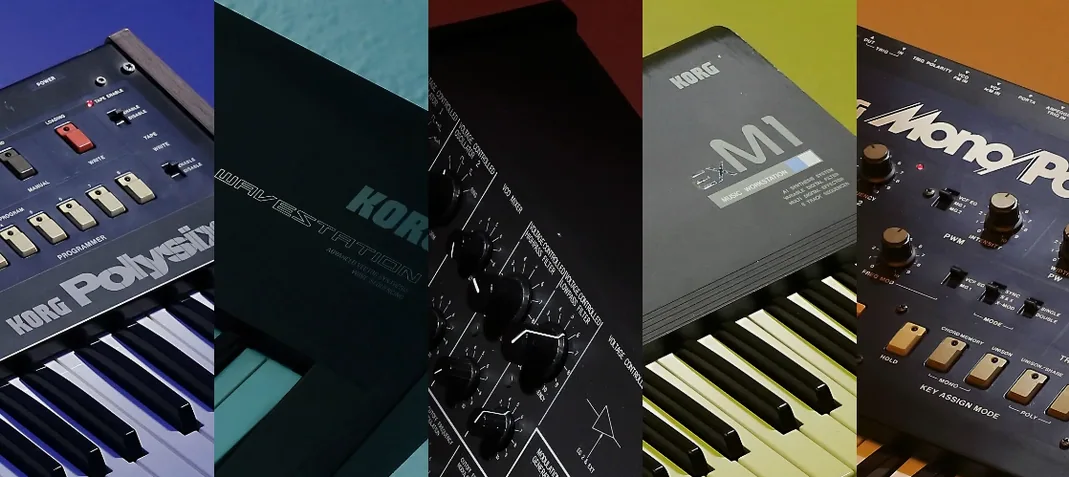
KORG TRITON for macOS
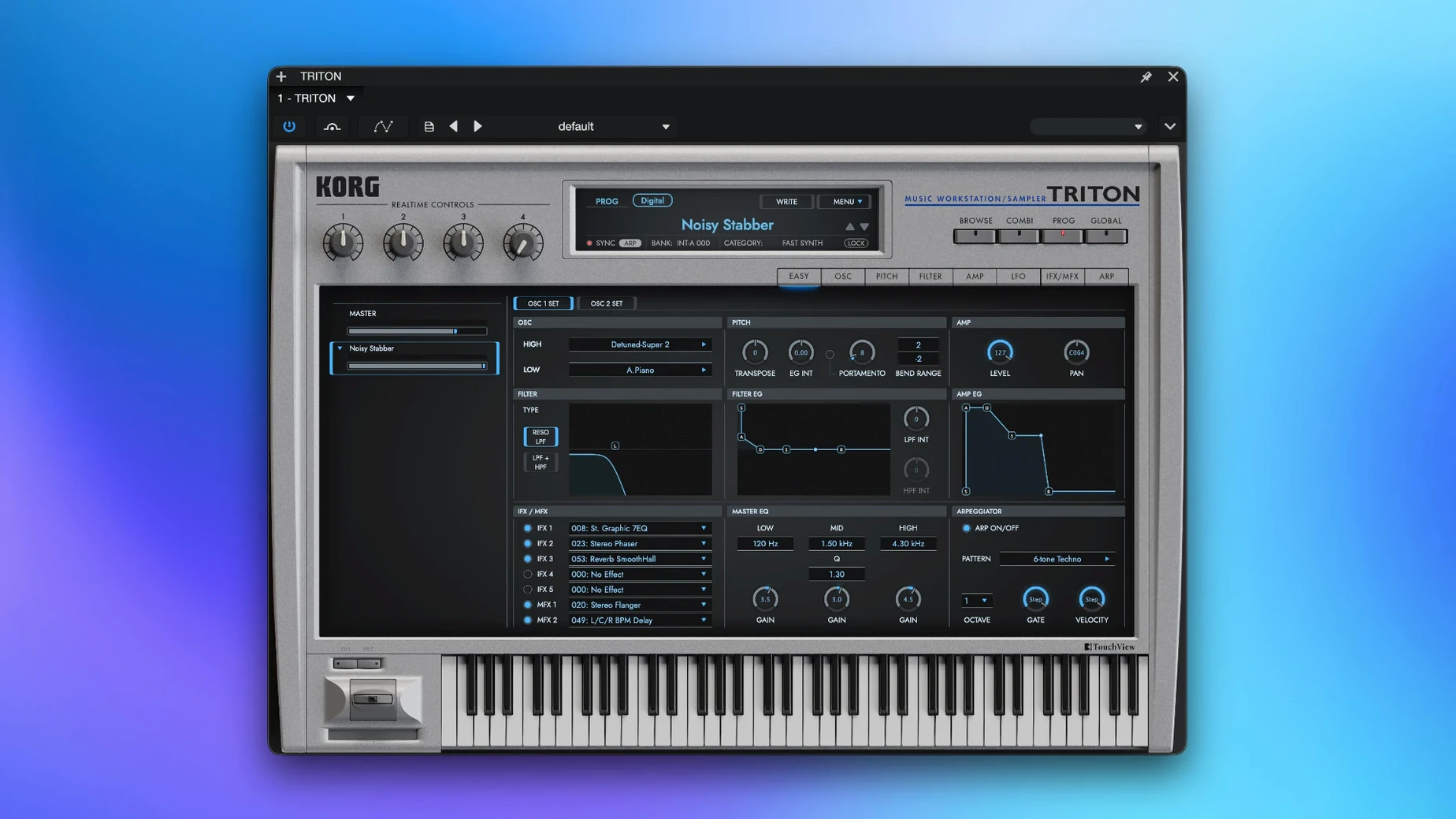
Open the Combination mode and you’re staring at eight parts, each ready to hold its own program—just like the hardware. KORG’s TRITON plug-in brings the original 1999 workstation and the later TRITON Extreme into a single software instrument, part of the KORG Collection. It’s not a sample pack pretending to be a TRITON; it’s a recreation of the HI synthesis engine running PCM captured at 48 kHz, so the raw waveforms that defined early‑2000s R&B, hip‑hop and film scoring are all present and accounted for.
- The full TRITON and TRITON Extreme sound set, running on a model of the HI synthesis system
- Eight‑part multi‑timbral Combination mode—stack, split or layer patches in one instance
- PCM samples captured at 48 kHz, preserving the character of the original ROM
- Runs natively on both ARM and x86 64‑bit architectures under macOS 11 and later
- Straightforward single‑window interface that keeps the hardware’s signal flow intact
If you know the original workstation, the layout feels immediate. The same dual‑oscillator programs, the same insert and master effects structure. What’s different is the lack of a loading bar for floppy‑disk banks—everything snaps into place instantly. It’s built for people who want those specific late‑’90s PCM textures without hunting down aging hardware that needs recapping every few years. The engine doesn’t try to be a modern super‑synth, and that’s exactly the point.
Flipping to Combination mode when a beat feels too clean
A hip‑hop producer sits down with a half‑finished beat. The kick and snare are hitting right, but the melodic elements feel thin—too clean, too modern. They open a TRITON instance on a stereo instrument track, flip to Combination mode, and load a patch built from a warm electric piano layered with a soft pad. The low end of the piano sits exactly where a sampled Rhodes would, but the upper harmonics have that slightly grainy PCM edge you only get from the original ROM. They dial back the insert effect wet/dry on part two to let the pad breathe, then route the whole combi through the master EQ with a gentle 200 Hz bump. Ten minutes in, the track has a centerpiece that would’ve taken hours of layering with other plug‑ins. The producer isn’t thinking about synthesis parameters—they’re just playing, scrolling through categories the way people used to spin the data wheel on the hardware, trusting that the next patch will spark something.
The UI lag fix when scrolling large banks on M-series Macs
Version 1.4.7 tightened the native Apple Silicon path further. On earlier builds, some users saw occasional UI lag when scrolling through large program banks on M‑series machines—the latest update clears that up. The patch‑loading time across all 4,000‑plus sounds is essentially zero now, even when switching between TRITON and TRITON Extreme banks in the same session.
More significantly for everyday use, the update improved how the plug‑in remembers its state inside DAW projects. Earlier versions sometimes dropped the selected bank when reopening a session on a different machine architecture; that’s no longer an issue. If you move a project between an Intel MacBook and an M2 studio machine, the TRITON instance recalls its exact program, combi, effect settings and master EQ curve without a hiccup. For anyone who regularly switches machines, that single fix saves real frustration.
Maxing out polyphony on modern Apple Silicon machines
The factory defaults are sensible, but a few tweaks make the instrument feel more like yours:
- Increase the voice allocation immediately. The default polyphony limit protects lighter systems, but on modern Apple Silicon machines you can max it out. Combination mode with eight parts eats voices fast—hitting the ceiling mid‑phrase sounds like notes randomly dropping. Set it high and forget it.
- Turn off the global reverb on first listen. The TRITON’s hall and room algorithms are part of its identity, but they’re also applied pretty generously on many factory combis. Drying things up reveals what the raw waveforms are doing, and you can always add reverb back inside the DAW with more control.
- Map the master EQ bypass to a MIDI controller. The two‑band master EQ is powerful—sometimes too powerful on bass‑heavy programs. Toggling it with a knob or button while you’re building a track helps you hear whether the EQ is helping or just making things louder.
- Set the insert effect routing to “parallel” on at least one slot. By default, insert effects run in series. Parallel routing on a delay or modulation effect preserves the dry punch of a program while adding movement behind it—especially useful on arpeggiated patches.
What small conveniences do people miss?
The interface looks dense, and it’s easy to skip things that aren’t labeled with flashing arrows.
- Right‑click any knob to return it to its stored value. No modifier keys, no reset menu. If you’ve mangled a filter cutoff and lost the original sound, a single right‑click snaps it back.
- The program category search works with partial text. Typing “bell” in the search field pulls up every program tagged with mallet, bell and chime categories—no need to know the exact bank or number. This alone makes the 4,000‑sound library manageable.
- Hold Shift while adjusting a parameter for fine control. This isn’t documented prominently, but it works on nearly every knob and slider. Useful when you’re nudging an envelope decay by milliseconds.
- Drag‑and‑drop MIDI from the arpeggiator. If a combi’s arpeggiated part plays a phrase you like, you can drag the MIDI pattern straight into your DAW as a region. No routing, no real‑time recording—just a clean MIDI clip ready for editing.
- The standalone app remembers your last audio interface routing. If you use the TRITON outside a DAW for live playing or quick sound design, it picks up exactly where you left off—same output channels, same buffer size. One less thing to reconfigure.
TRITON vs. M1 software—4 MB ROM era versus 32 MB workstation
Three other Mac instruments land in roughly the same territory, each with a different angle.
KORG TRITON vs. KORG M1 (software). The M1 plug‑in covers the earlier 4 MB ROM era—house pianos, the “Universe” pad, those unmistakable late‑’80s textures. The TRITON starts where the M1 stops: the ROM is larger, the waveform set broader, and the filter section has real bite. If you need the M1’s specific piano‑and‑organ vibe, the TRITON won’t replace it. But for multi‑part layering with insert effects and a master EQ that actually shapes a full combi, the TRITON is the more complete workstation. Producers who own both often use the M1 for single‑program duties and the TRITON for stacked, effected combis.
KORG TRITON vs. Roland JV‑1080 (software). Roland’s JV‑1080 plug‑in covers the same late‑’90s ROMpler territory from a different manufacturer. The JV‑1080 is more polite in the high mids—its filters are smoother, its effects more polished. The TRITON is grainier, punchier, and its dual filters can get nastier when you push resonance. In combination mode, the TRITON’s eight parts with five insert effects give you more sound‑shaping per instance than the JV’s architecture. For lush pads and strings, the JV‑1080 often wins. For aggressive basses, biting leads, and layered combis that cut through a dense mix, the TRITON pulls ahead.
KORG TRITON vs. Arturia V Collection instruments. Arturia doesn’t make a direct TRITON competitor—their emulations target analog synths and early digital instruments like the CZ and SQ‑80. The TRITON fills a gap Arturia hasn’t touched: late‑’90s PCM workstation sound with that specific HI‑synthesis engine character. If you primarily want modeled analog filters and oscillator drift, Arturia’s suite gives you that. If you want the exact waveform ROM that powered thousands of R&B and hip‑hop records, the TRITON is the only software instrument that delivers it from the original source material.
- macOS 11 or later
- ARM (Apple Silicon) or x86 64‑bit processor
$ man korg-triton | grep -A2 "?"
Does the TRITON plug-in run natively on Apple Silicon?
Yes, version 1.4.7 supports both ARM and x86 64-bit architectures, so it runs natively on Apple Silicon and Intel Macs running macOS 11 or later.
How many parts can play at once in Combination mode?
The Combination mode handles up to eight multi-timbral parts simultaneously, matching the architecture of the original TRITON workstation.
Comments 0
Sign in or create an account to leave a comment.
No comments yet. A codec, a slice, a machine — they appear after moderation.
More in VST Plugins
cd ../ LANDR Mastering Plugin PRO
VST Plugins 365 MB
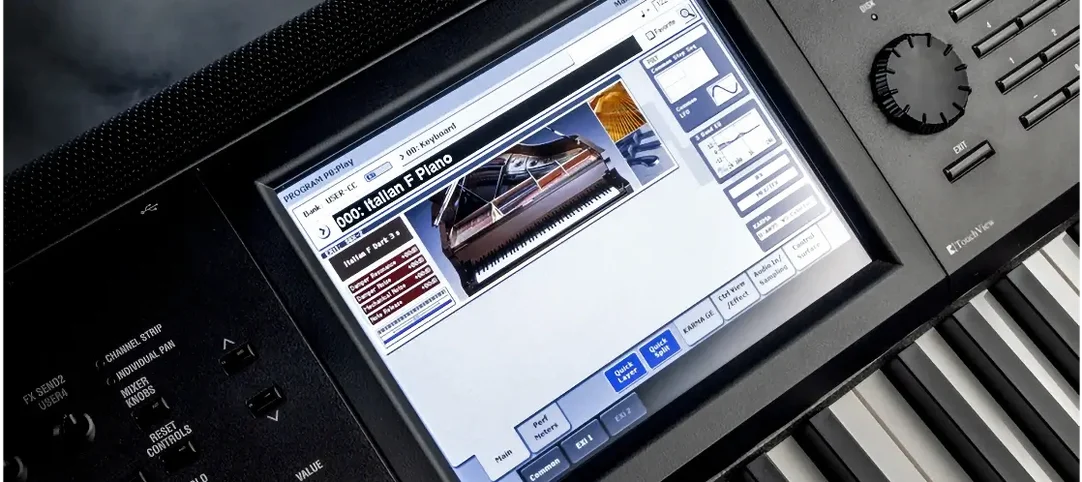 KORG Collection
VST Plugins 175 MB
 LANDR Vocal Bundle
VST Plugins 447 MB
 Komplete Kontrol
VST Plugins 785 MB
 Komplete FX Bundle
VST Plugins 3.2 GB
 LFOTool
VST Plugins 7 MB
 kiloHearts Ultimate & Slate Digital Bundle
VST Plugins 4.9 GB
 Kalifornia Dynamic KD Alkane
VST Plugins 270 MB