WaveLab Pro for macOS
Mastering engineers, forensic audio analysts, and DAW users who want sample-accurate editing without leaving their host land on WaveLab Pro. Version 13.0.30 runs on macOS 13 and later as a native Apple silicon or Intel build, which matters when you are moving large montages around. The ARA plug-in version means the same editing engine can sit inside a compatible DAW instead of forcing a round trip through a separate .wav file.
Where do fades and splices actually land?
The interesting part is not a single processor but the editing model underneath it. Sample-accurate edits mean a fade, a splice, or a repaired transient lands exactly where you tell it to. File and montage navigation can be synchronized, so the clip you hear is the region you see in the montage view. Drag and drop plus copy and paste across platforms keeps file handling predictable when source material arrives from other machines.
What does the montage view change?
A montage in WaveLab Pro behaves less like a linear editor and more like a mastering session container. Dolby Atmos master montages can include channel-based surround files, and the binaural monitoring path supports loading a personal HRTF profile. That is a real workflow change: the same montage that holds your stereo master can carry an Atmos bed without switching to a separate authoring tool. Forensic audio analysis tools sit alongside the mastering features, which makes the English-language interface feel less like a single-purpose limiter host and more like a general audio inspection environment.
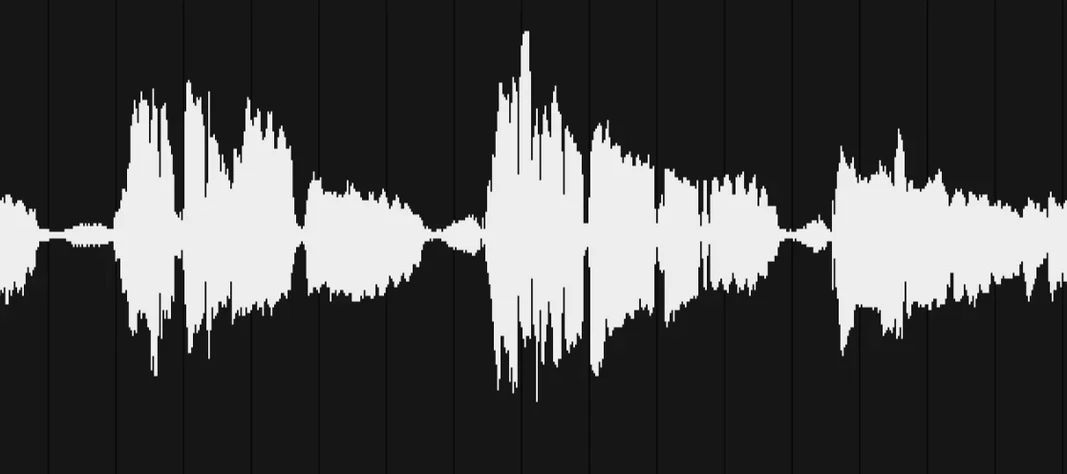
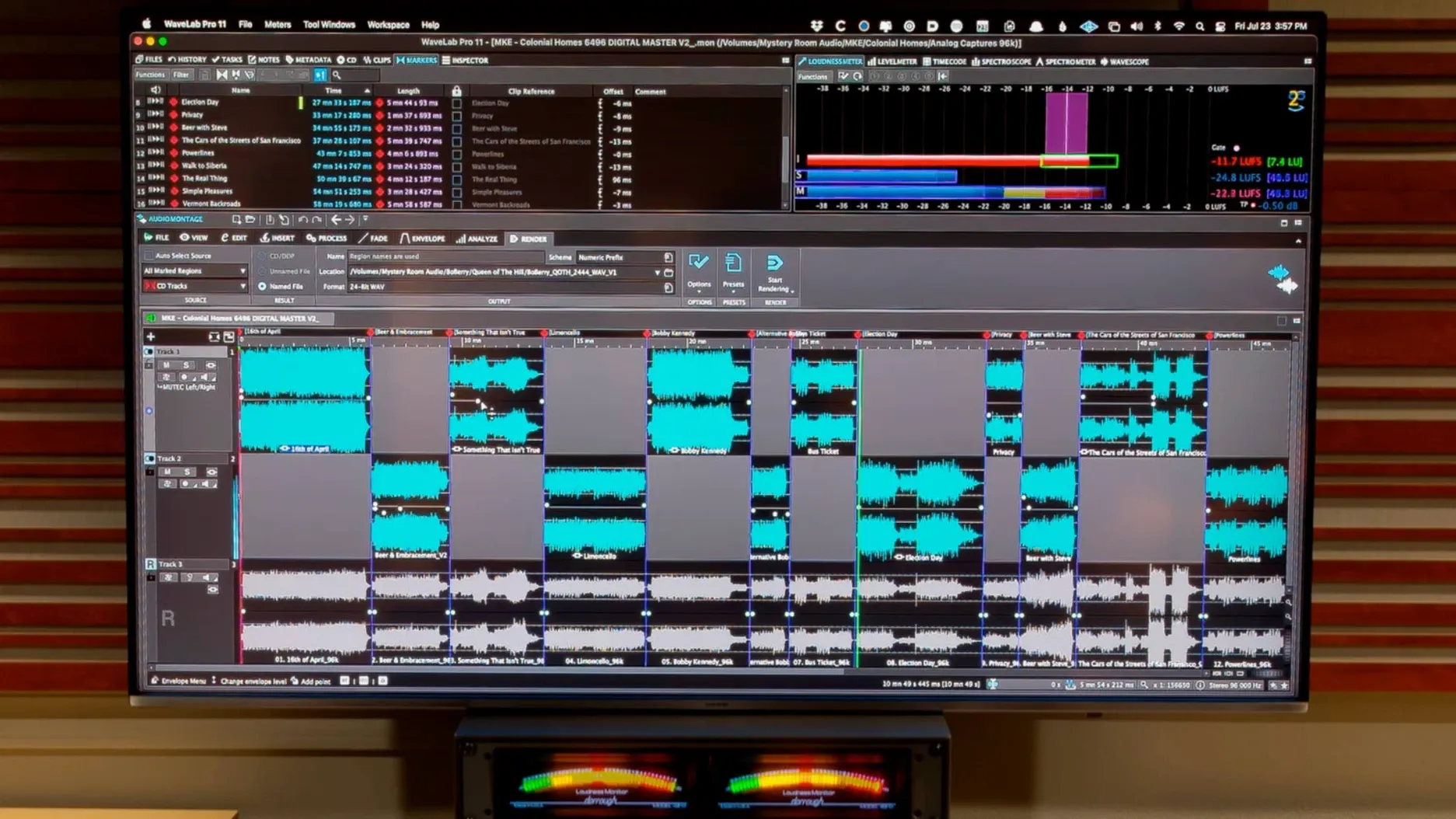
Here is what a first real session tends to look like, once the WaveLab_Pro_13.0.30_macOS.dmg is mounted and the app is dropped into /Applications. I dragged in a 24-bit/96 kHz stereo mix that a client had sent as a single long file with three songs and a gap of room tone between them. The waveform scaled itself to the visible area automatically, so I could see the quiet tail of the first song without zooming. I set a marker at the start of each song and turned on synchronized file and montage navigation. That meant clicking a marker in the montage view moved the waveform display in the editor to exactly the right sample. I split the file into three clips inside the montage, added a short linear fade at the tail of song two, and dragged an unmastered reference track onto a parallel track to compare levels. The reference track was a 16-bit file from another DAW, and WaveLab Pro handled the mixed sample rates inside the same montage without complaint. I assigned a limiter in the master section, adjusted gain for each clip independently, and exported the three songs as a single DDP image from the same montage.
What small things are easy to overlook?
There are a handful of conveniences that hide just below the surface. The peak file display option automatically scales waveform amplitude to the visible area, which sounds trivial until you are editing a quiet section of a voice recording and want to see the actual waveform shape without switching to a logarithmic view. Another one: when the ARA plug-in is running inside Cubase 13, you can extend an audio event across a range that WaveLab will edit, and effects you apply inside the plug-in window stay with that range when you transfer it back. Drag and drop works across platforms, so you can pull a clip from the macOS Finder straight onto a montage track. Copy and paste across platforms works the same way; a selection copied inside WaveLab on the Mac can land in a DAW running on another machine without intermediate files. The HRTF loading in the binaural monitoring setup is a single click in the master section, not a buried preference pane, which makes it practical to switch between a generic profile and your own measurement inside a single session.
What should the first few days look like?
If you are moving to WaveLab Pro from a mixing DAW, spend the first afternoon inside a montage, not the single-file editor. The montage is where the mastering workflow lives. Create three tracks, load a finished mix, a reference file, and a silence track for gaps. Practice splitting a long file into CD tracks with markers and exporting a DDP set. That teaches you more about the tool than reading the processing section. Turn on synchronized navigation early; it changes how fast you can work when you jump between the overview and the zoomed waveform. When you download the full installer from the developer page, the activation is part of the package, so the app is ready to use as soon as you follow the included instructions. If you work in post-production, load a short dialogue clip and try the spectral editing tools on a mouth click; the sample-accurate repair is a better introduction than reading about it. For those searching for a wavelab 13 torrent or a wavelab mac torrent to get the software on their machine, the real value becomes apparent after the first real session with a high-resolution montage, not during installation.
- Dolby Atmos master montages can include channel-based surround files.
- Dolby Atmos binaural monitoring supports loading a personal HRTF profile.
- macOS 13 or later
- Apple silicon or Intel Mac
- Interface language: English
Comments 0
Sign in or create an account to leave a comment.
No comments yet. A codec, a slice, a machine — they appear after moderation.