Canary Mail for macOS
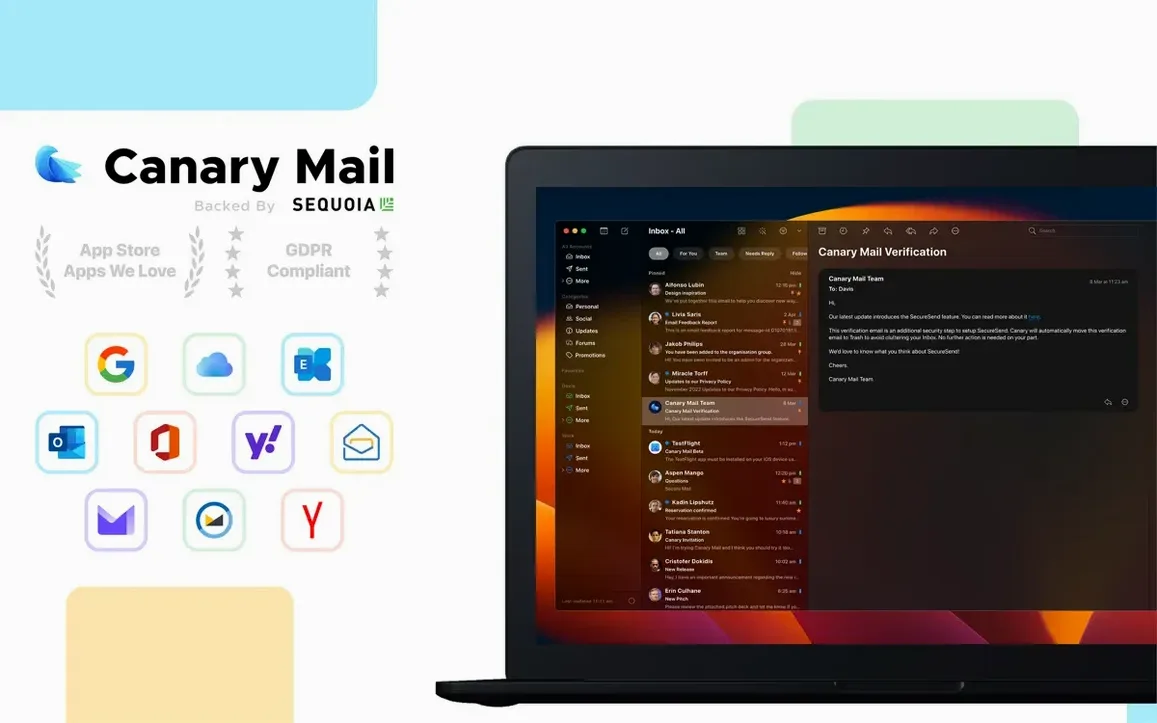
Canary Mail runs on any Mac with an Apple Silicon (M-series) or 64-bit Intel processor, as long as it's on macOS 10.15 or newer. The download is a standard .dmg that unpacks into the Applications folder — no package installer or weird permissions to fiddle with.
The core idea is simple: it's a desktop client that pulls your existing Gmail, iCloud, Office 365, Yahoo, IMAP, and Exchange accounts into a single app. Your mail stays hosted wherever it lives right now. Canary just gives you a local interface to read, write, and organize it, with a few tricks the stock web apps don't offer.
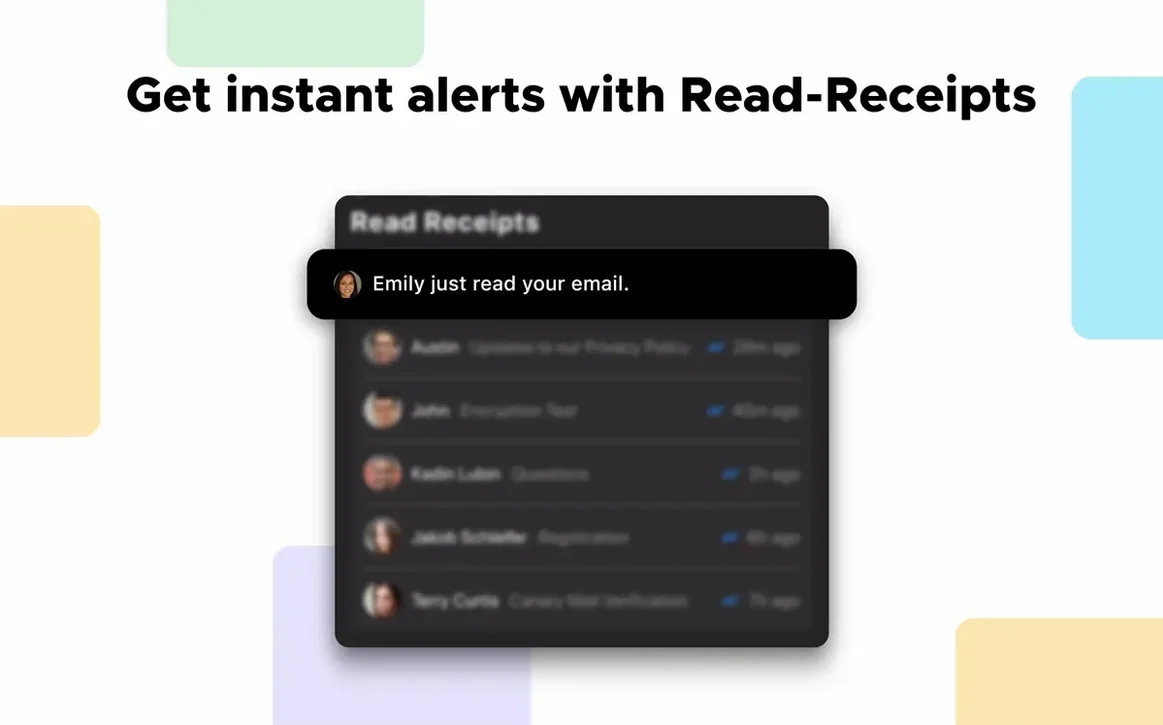
The one that gets mentioned first is encryption. You can send end-to-end encrypted messages using either PGP or Canary's own encryption scheme, and the app automatically encrypts the local database where your downloaded messages sit. Beyond that, you get read receipts, per-account custom notification sounds, and a snooze function that hides a thread until a time you set.
Workflow-minded users will lean on the custom actions system, which lets you script multi-step message handling — move, flag, forward, and tag in one swipe. The interface is localized into ten languages, including Russian, Japanese, and both Simplified and Traditional Chinese, so it's genuinely usable for a spread-out team.
Getting through a Monday inbox with custom actions and snooze
Monday morning, three accounts lit up — Gmail for work, iCloud for personal, and an Office 365 tenant for a side project. Canary’s unified inbox shows everything in one stream, but the real win is what happens next without touching a web browser.
First pass: newsletters and notification spam. A custom action called “Archive & Mark Read” handles these — one swipe left triggers a sequence that marks the message read, strips the inbox label, and files it under a “Bulk” folder I created. Total time for thirty messages: about fifteen seconds of swiping.
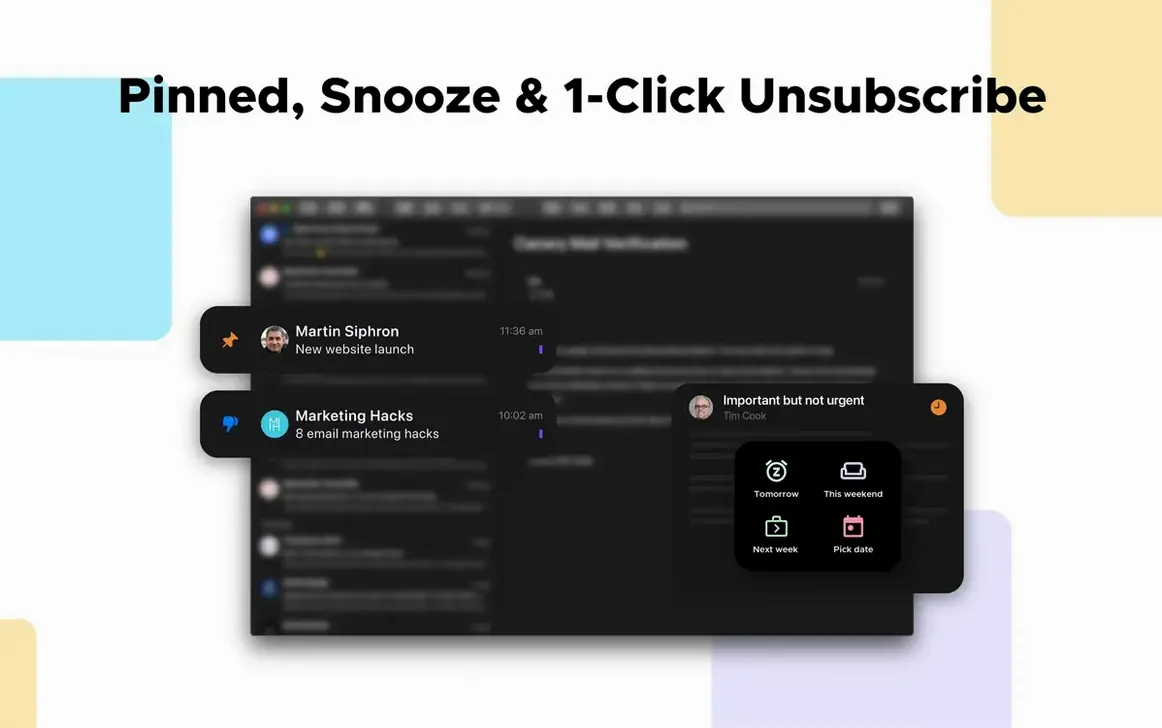
Second pass: emails that need a reply but not right now. These get snoozed. The thread about contract revisions gets pushed to 2 PM when I actually have the document open. The quick question from a teammate gets snoozed to 4 PM — late enough that I’ve cleared real work, early enough that they’ll still be online. Snoozed threads vanish from the inbox and reappear at the set time like new mail.
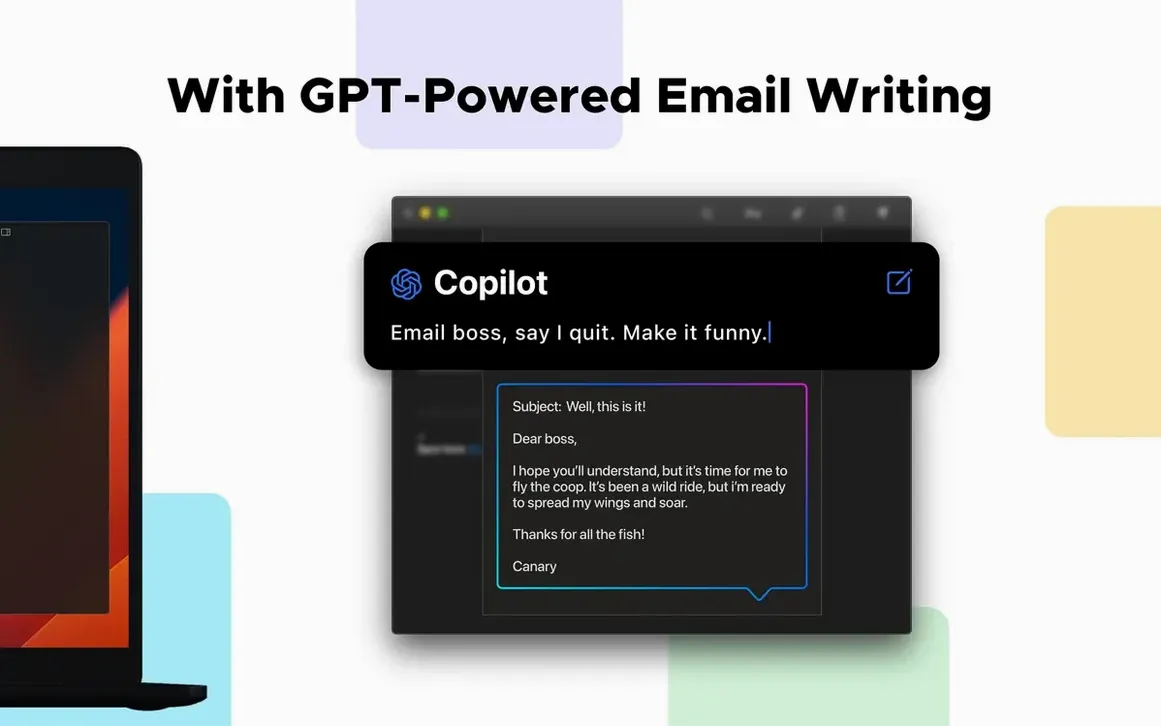
Third pass: the remaining dozen or so get processed with templates. PGP-encrypted replies to two collaborators use a saved “Weekly sync notes” template that pre-fills subject and body structure. Three other replies use a “Quick confirm” template — one sentence, no greeting fluff. The dark composer keeps my eyes from frying during a two-hour email session, and pinned threads keep the active conversations at the top even as new mail trickles in.
Encryption, receipts and cross-account snooze Apple Mail never shipped
Compared to Apple Mail, Canary adds three things the stock app never shipped: end-to-end encryption in the compose window, read receipts, and a snooze system that actually works across account types. Apple Mail handles PGP only through third-party plug-ins, and its snooze is absent entirely. On the other hand, Apple Mail is already on the Mac and costs nothing to use — if none of those features matter, it’s already there.
Next to Spark, the split is philosophical. Spark pushes team collaboration and a shared inbox model hard. Canary keeps everything local — your database lives on your drive, encrypted at rest, with no server-side processing of your messages. For someone managing personal and freelance accounts rather than a department, that’s a cleaner fit. Spark’s free tier also limits storage and connected accounts in ways Canary simply doesn’t, since Canary pulls directly from your providers.
Thunderbird sits at the other end of the spectrum — open-source, deeply customizable, and rough around the UI. It handles PGP natively through its OpenPGP integration, which is solid, but the interface feels like a relic from 2010. Canary’s attachment browser, per-account notification sounds, and the custom actions panel make it feel more like a modern Mac app, while Thunderbird remains the choice for people who want to tinker with every setting and inspect the source code.
A privacy researcher’s Friday afternoon
A privacy researcher I know uses Canary for one specific reason: the local encryption model means her email archive stays on her Mac’s encrypted APFS volume, not on a cloud server somewhere. She runs three accounts — one personal Gmail, one institutional Exchange, and one Proton Mail bridge via IMAP — and values that the app encrypts its local database without her having to think about it.
On a typical Friday, she pulls a dozen PGP-encrypted threads from colleagues, replies inline without ever leaving the compose window, and uses read receipts to confirm her messages landed before the weekend. The attachment browser lets her scroll through shared PDFs and images across a long conversation without hunting through quote-reply chains. It’s not flashy work, but the tool fits the routine without getting in the way. For someone who spends six hours a day in email and cares about where her data lives, that’s what matters.
- macOS: 10.15 or later
- Architecture: Apple Silicon (ARM) and 64-bit Intel
$ man canary-mail | grep -A2 "?"
Does Canary Mail store my emails on its own servers?
No, it works solely with your existing email providers — Gmail, iCloud, IMAP, Exchange — and keeps the data hosted where it is. The app stores a local encrypted copy on your Mac for offline access.
What kinds of encryption does Canary Mail support?
It supports end-to-end encryption for sent messages via PGP or Canary's own encryption protocol, and applies automatic encryption to all data it stores locally on your drive.
Comments 0
Sign in or create an account to leave a comment.
No comments yet. A codec, a slice, a machine — they appear after moderation.