BuhoLaunchpad for macOS
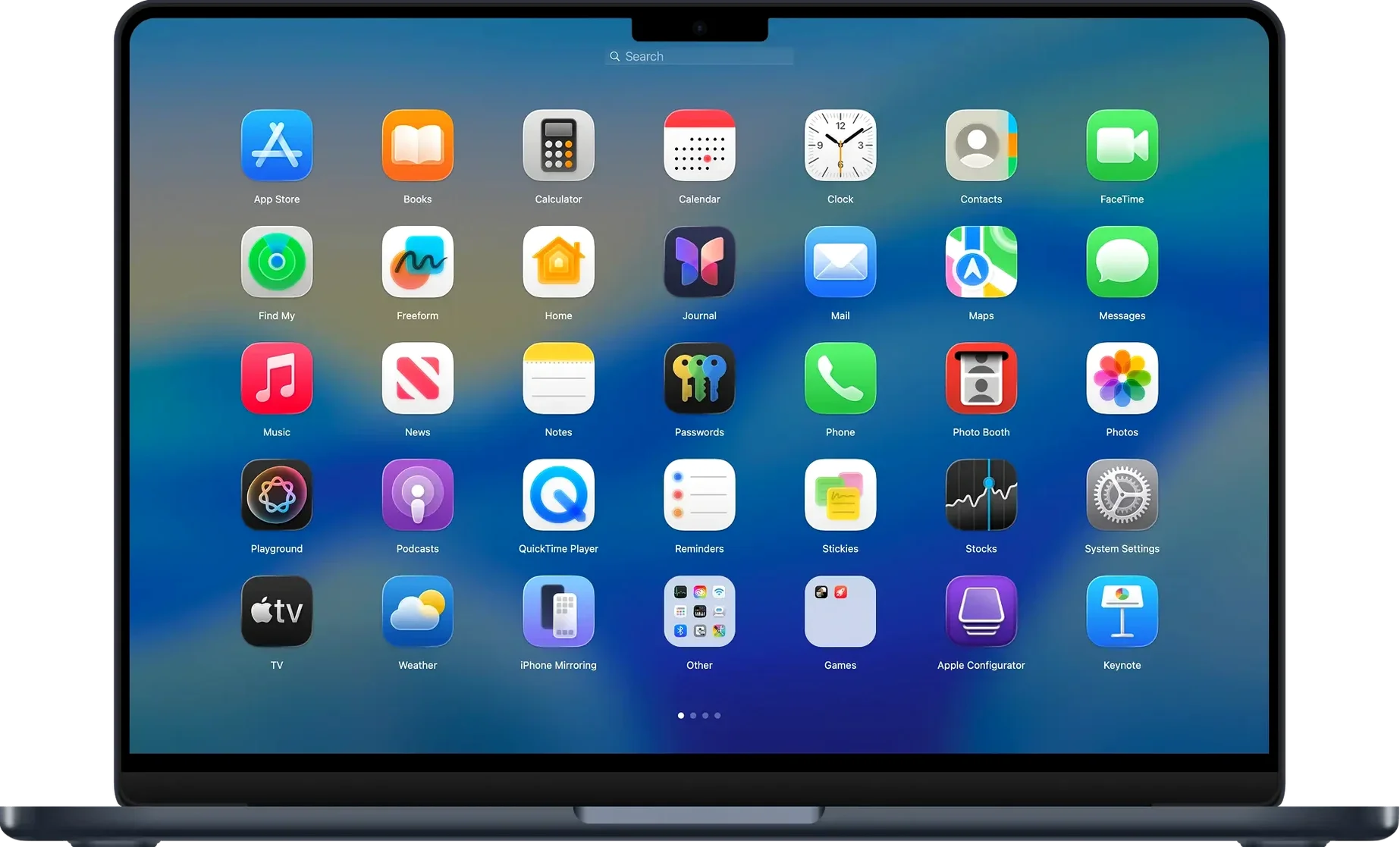
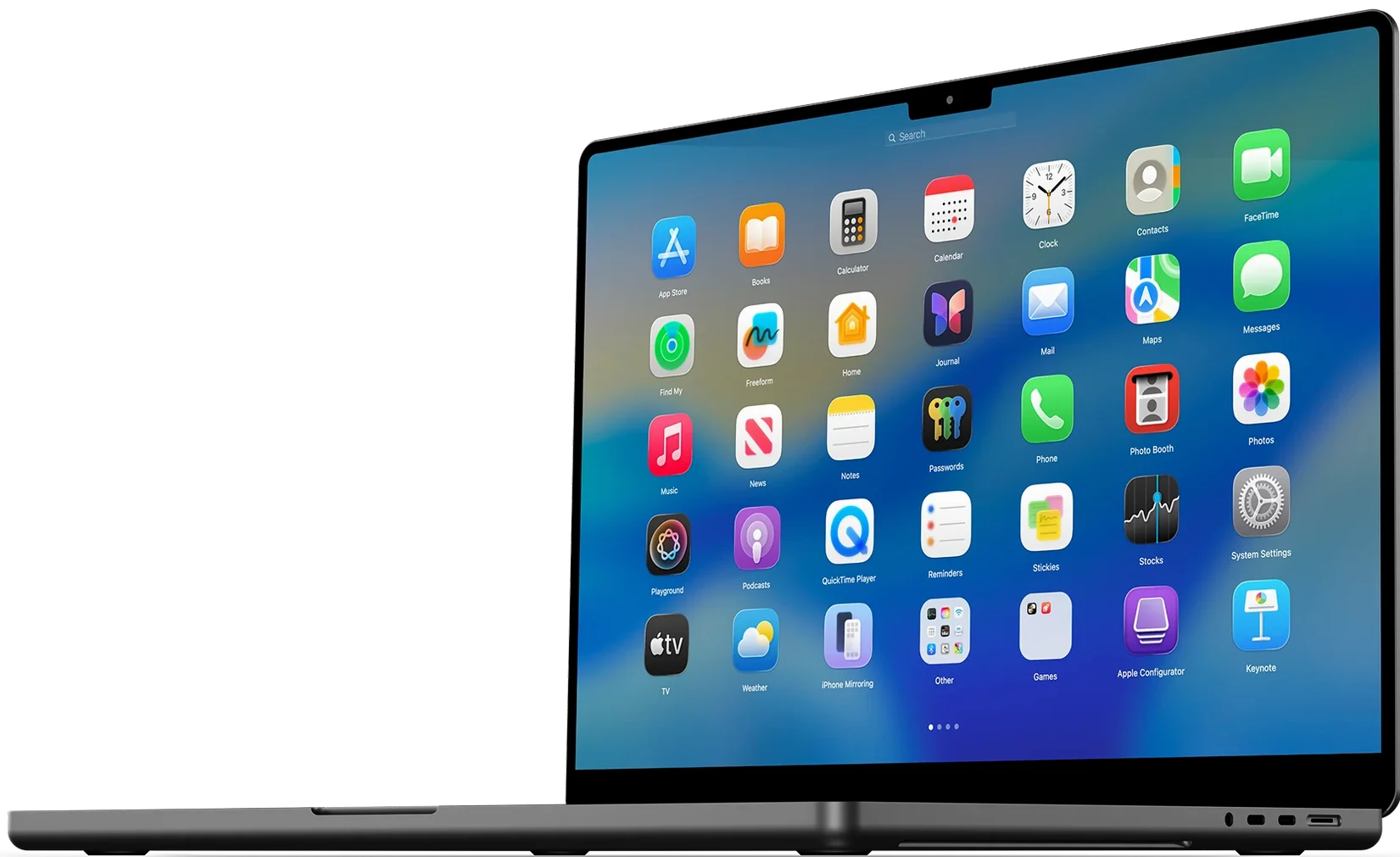
BuhoLaunchpad is a macOS app launcher that brings back a full-screen, Launchpad-style grid for opening, organizing, and searching your installed applications.
A full-screen grid you can resize app-by-app
On recent macOS releases, the built-in Launchpad feels less like a first-class way to reach your apps. BuhoLaunchpad restores that familiar full-screen grid and gives you more control over it. You can set how many apps appear per row and column, create folders for grouped apps, and search the grid directly instead of scrolling through pages. Navigation works with arrow keys, trackpad gestures, the mouse wheel, or plain clicks, so it fits both keyboard-heavy and pointer-heavy habits.
Built for people who juggle a lot of apps
It is aimed at anyone who keeps a lot of apps installed and wants a predictable, full-screen launcher again. That includes people who liked the older Launchpad behavior, users coming from Windows who miss a similar grid, and Mac owners running Tahoe who want to import their previous Launchpad settings instead of rebuilding everything by hand. It runs on Apple Silicon and Intel Macs, and the interface is localized into nine languages, including English, German, Japanese, and Simplified Chinese.
Change the pinch gesture and column count first
Right after launch, open preferences and look at two things: the gesture trigger and the grid dimensions. The default four-finger pinch calls BuhoLaunchpad from any space, which is fine, but if you already use that gesture for Mission Control or something else, switching to a five-finger pinch prevents collisions immediately.
The row and column counts matter more than you might think. The factory setting gives you a reasonable density, but on a 14-inch MacBook Pro screen I find dropping to six columns and four rows makes each icon large enough to spot without scanning. On an external 27-inch display, bumping up to nine columns uses the real estate without feeling crowded. Experiment with it once — you will probably never touch it again, but it is the difference between the grid feeling spacious or cramped.
Also worth enabling early: the backup option. BuhoLaunchpad can save your icon positions and folder layouts to a file. If you ever reinstall macOS or move to a new machine, restoring that backup saves you from manually reordering fifty apps.
A third access path that lives alongside the Dock
BuhoLaunchpad does not fight the Dock or Spotlight — it sits beside them as a third access path. I tend to keep the Dock slim with only daily drivers, use Spotlight for launching by name when my hands are already on the keyboard, and hit the gesture for BuhoLaunchpad when I am browsing visually or looking for an app whose name I half-remember by its icon.
It also plays well with Spaces and Stage Manager. Because the launcher opens as a full-screen overlay on top of your current space, it does not rearrange your windows or pull you out of a full-screen app the way accidentally triggering Mission Control sometimes does. With Stage Manager enabled, BuhoLaunchpad still overlays cleanly and dismisses back to exactly the set of windows you had before.
On the automation side, the app does not expose AppleScript hooks or a URL scheme of its own, so you cannot wire it into Shortcuts or scripted workflows the way you might with Alfred or Raycast. That is worth knowing if you are building complex launcher chains. BuhoLaunchpad is purely a manual, visual launcher — it does one thing and leaves the automation layer to other tools.
Dragging everything onto one endless screen
The biggest one is treating it like the old Launchpad and ignoring the folder structure. New users often drop every app onto a single sprawling grid, then complain about scrolling. BuhoLaunchpad lets you create named groups by dragging one icon onto another, and the context menu in version 1.10.2 adds an Ungroup option when you change your mind. Grouping utilities, media apps, and development tools into separate folders cuts the visible grid down to a single page for most setups.
Another common stumble: forgetting that the search field exists. People swipe through three pages looking for an app, when typing two or three letters in the search bar at the top of the grid would filter the list instantly. It works with partial names and acronyms, so "ps" matches Photoshop and "xcd" matches Xcode.
Gesture conflicts trip up newcomers too. If BuhoLaunchpad does not appear when you pinch, check System Settings > Trackpad > More Gestures. The four-finger pinch might be assigned to something else. Switching BuhoLaunchpad to a five-finger gesture in its own preferences side-steps the conflict without needing to reconfigure macOS.
Finally, a few users on macOS 15 and later report that after a major system update, the gesture stops working until they toggle it off and on again in BuhoLaunchpad's preferences. Not a bug in the app itself — macOS occasionally resets third-party gesture registrations during an OS upgrade. A quick flip of the checkbox restores it.
- macOS 11 (Big Sur) or later
- Apple Silicon or Intel 64-bit Mac
$ man buholaunchpad | grep -A2 "?"
Does BuhoLaunchpad work on Apple Silicon Macs?
Yes, the official FAQ lists support for both Apple Silicon and Intel Macs.
Can I search for apps in the launcher?
Yes, it includes search for installed apps, so you can type to filter the grid instead of paging through it.
Can I import my previous Launchpad layout?
BuhoLaunchpad can import previous Launchpad settings for macOS Tahoe, including folders and arrangement.
Comments 0
Sign in or create an account to leave a comment.
No comments yet. A codec, a slice, a machine — they appear after moderation.