macOS High Sierra for macOS
Apple polished its 10.13 release with version 10.13.6, adding AirPlay 2 multi-room audio to iTunes and patching a handful of workflow bugs. For users coming from earlier releases, the real shift arrived with the underlying file system jump and a set of app-level tweaks that have since become familiar landmarks.
APFS speed and native HEVC playback
- Machines that benefit from the speed and native encryption built into Apple File System (APFS).
- Working with HEVC video—playback and streaming are handled at the system level.
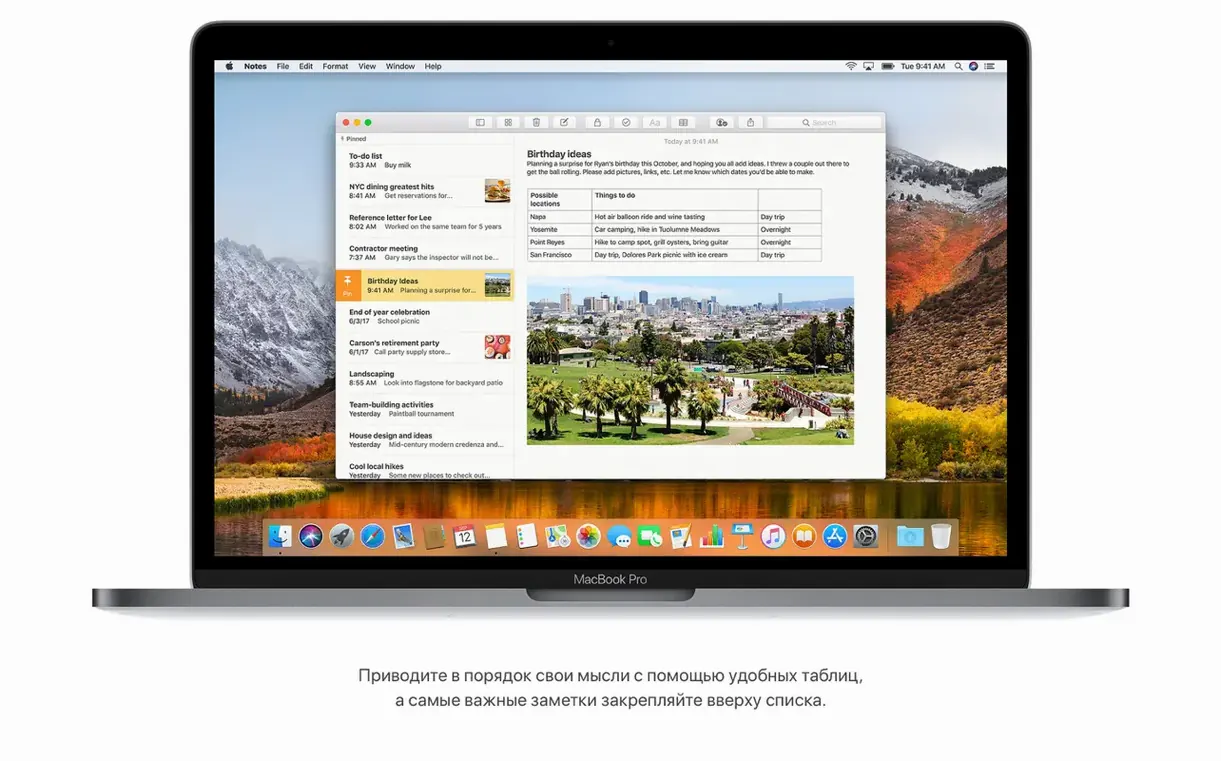
- Quick table creation in Notes, a small addition that holds up well for lightweight data tracking.
- Mail users who rely on Top Hits to surface relevant results without complex rules.
- Anyone experimenting with VR content creation tools that target Mac.
Late-2009 Macs and 14.3 GB of extra storage
- The supported Mac list starts at late-2009 models, so older plastic MacBooks are out of luck.
- An upgrade needs 14.3GB of free storage on top of the installer, which can be a squeeze on smaller SSDs.
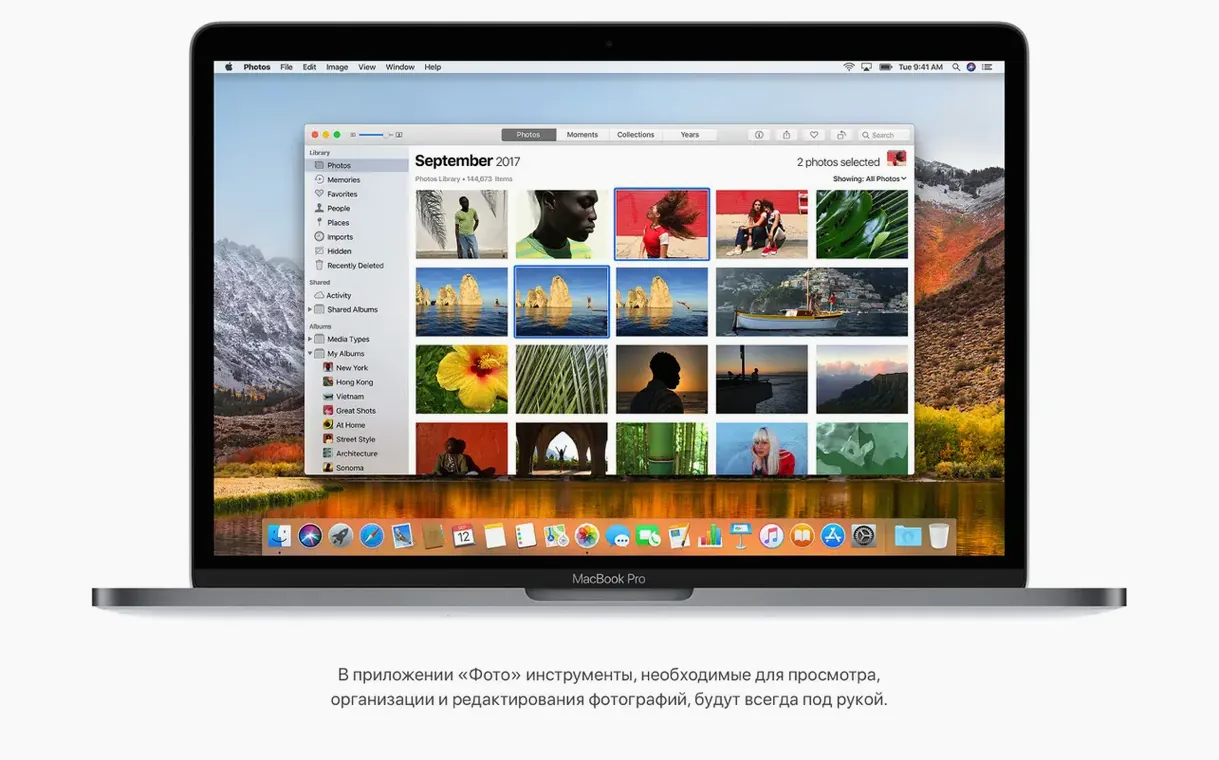
- Photos gained a fixed sidebar and better sorting, but AVCHD media from some cameras needed a point-release fix to behave.
- This is a 64-bit Intel build only—no Apple silicon support and no 32-bit kernel path on newer hardware.
Assuming the APFS conversion is reversible
Almost every support question I saw for High Sierra during its first year traced back to three things. First, people assumed the APFS conversion during install was optional or reversible without a wipe. It isn't—the moment you run the installer on an SSD-based Mac, the system volume flips to APFS. You can't opt out through any checkbox in the setup assistant. If you need HFS+ for a dual-boot setup or older recovery tools, partition before you upgrade, don't after.
Second, beginners tend to ignore the 14.3GB free-space requirement and wonder why the installer stalls at "about a minute remaining" for an hour. That number isn't a suggestion. The Install macOS High Sierra.app in /Applications unpacks a shared support folder and several asset bundles that balloon during staging. Clear space first, then launch the installer. If you grab a macOS High Sierra torrent or a High Sierra DMG torrent, the disk image itself may be compressed, but the staging still happens on your boot drive.
Third, people install High Sierra on a late-2009 MacBook with a platter hard drive and then blame APFS for perceived slowness. APFS was designed with solid-state storage in mind; its copy-on-write metadata structures and space sharing behave differently on spinning disks. It will run on a rotational drive, but the throughput characteristics you read about in benchmarks assume flash. Manage your expectations accordingly.
The last stop before Mojave’s notarization
High Sierra sits at an interesting crossroads in the Mac software landscape. Because it's the last stop before Mojave's dark mode and notarization headaches, a lot of audio production setups treat it as a stable target.
Here's how the integration points line up:
- Metal 2 and VR pipelines. Any app that links against Metal 2—SteamVR builds, Unity scenes targeting macOS, certain Blender viewport renderers—gets a real performance delta on supported GPUs. The window server itself leans on Metal 2 for compositing, which means screen recording tools like OBS see fewer frame drops under load.
- HEVC decode hardware. QuickTime Player X, Final Cut Pro X 10.4, and any app that calls into VideoToolbox.framework can decode HEVC in hardware on Skylake-and-newer Intel GPUs. Export times for h.265 footage drop noticeably compared to software fallback on earlier OS releases.
- Mail and Spotlight. Mail's Top Hits ranking feeds into system-wide Spotlight queries, so a search for a flight confirmation in Spotlight can surface the same result Mail indexes—gate, terminal, delay info all pulled from the message body without opening the app. Third-party launchers like Alfred and LaunchBar benefit from the same index.
- iCloud Drive sharing. The share sheet in Finder sends a link instead of a file copy. Collaborators who open that link from an older macOS or iOS version get a web-only view, but anyone on High Sierra or iOS 11 gets live collaborative editing inside the native app. Apps that register as iCloud document providers—like OmniGraffle or Pixelmator—plug into this without extra configuration.
- APFS snapshots. Time Machine on APFS volumes creates local snapshots that third-party backup tools like Carbon Copy Cloner (v5.1+) and SuperDuper! can leverage for faster delta copies. If you use
tmutilfrom Terminal, you can list and manage those snapshots manually—useful for scripting pre-upgrade rollback points.
One note for people installing from a high sierra torrent: the shared support folder inside the installer contains firmware update bundles for specific Mac models. If you strip those out to save space on a USB stick, you skip the EFI firmware patch that enables APFS booting. That's how you end up with a Mac that boots to a prohibitory symbol. Don't mess with the contents of InstallESD.dmg unless you know exactly which firmware payload your machine needs.
Tethered shooting with a 5D Mark IV
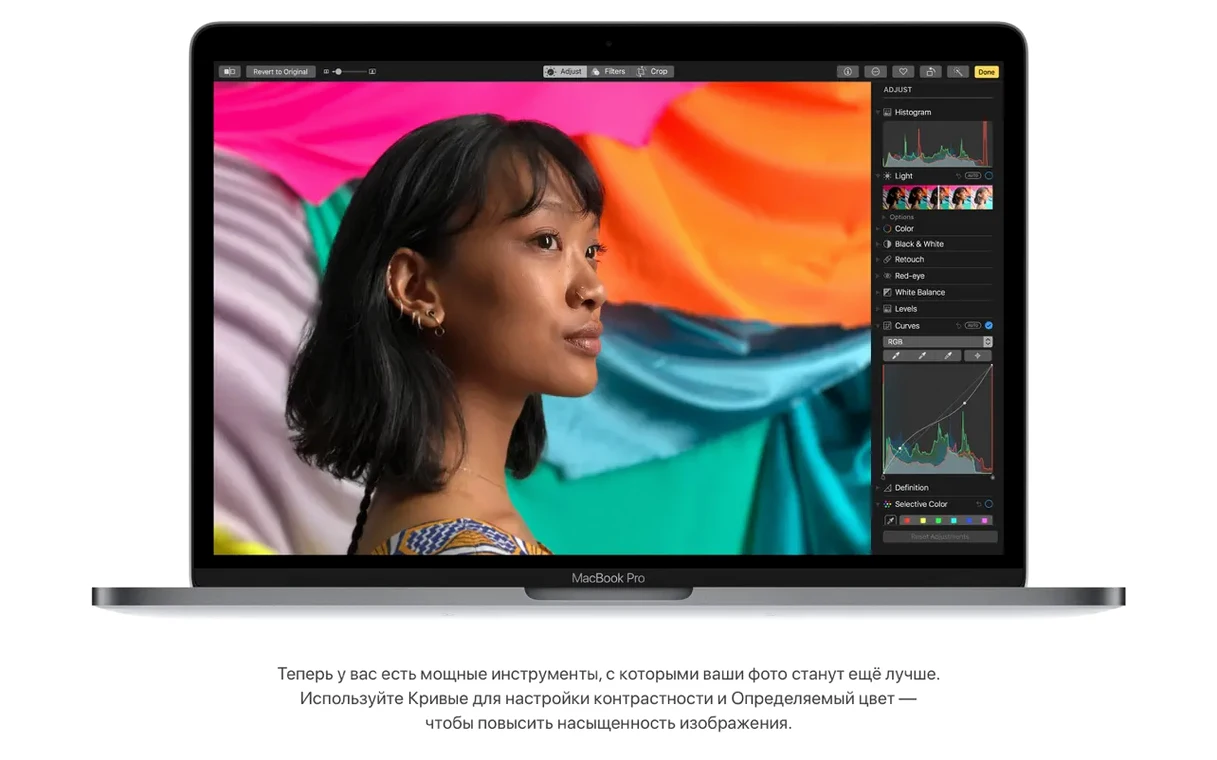
A product photographer is running High Sierra on a mid-2012 MacBook Pro—8GB of RAM, a 256GB SSD swapped in a couple of years back, tethered to a Canon 5D Mark IV over USB. The morning's shoot is a batch of ceramic tableware for a local maker's online store. She imports the RAWs into Photos, which automatically stacks burst sequences and pulls up the new Curves tool inside the Edit panel.
The Curves adjustment—lift the midtones just a hair, drag the blue channel's upper quarter down a notch to warm the background without shifting the white balance on the ceramics themselves—takes about thirty seconds per image. Selective Color lets her desaturate a red tablecloth that's pulling too much attention, isolating the hue range with the eyedropper and pulling saturation down without masking.
Once the selects are ready, she drops them into a shared iCloud Drive folder from the Finder sidebar. The client, also on High Sierra, opens the folder on the other side of town and marks up a few images with inline comments—no zip files, no wetransfer links, just a live folder that syncs the selects as they're added. While the sync runs, she checks the flight info for a stylist flying in for the next shoot: swipes right on the trackpad to bring up Spotlight, types the airline name, and sees the gate and terminal update in real time, pulled from a confirmation email that landed in Mail two days ago.
First-day practical tips
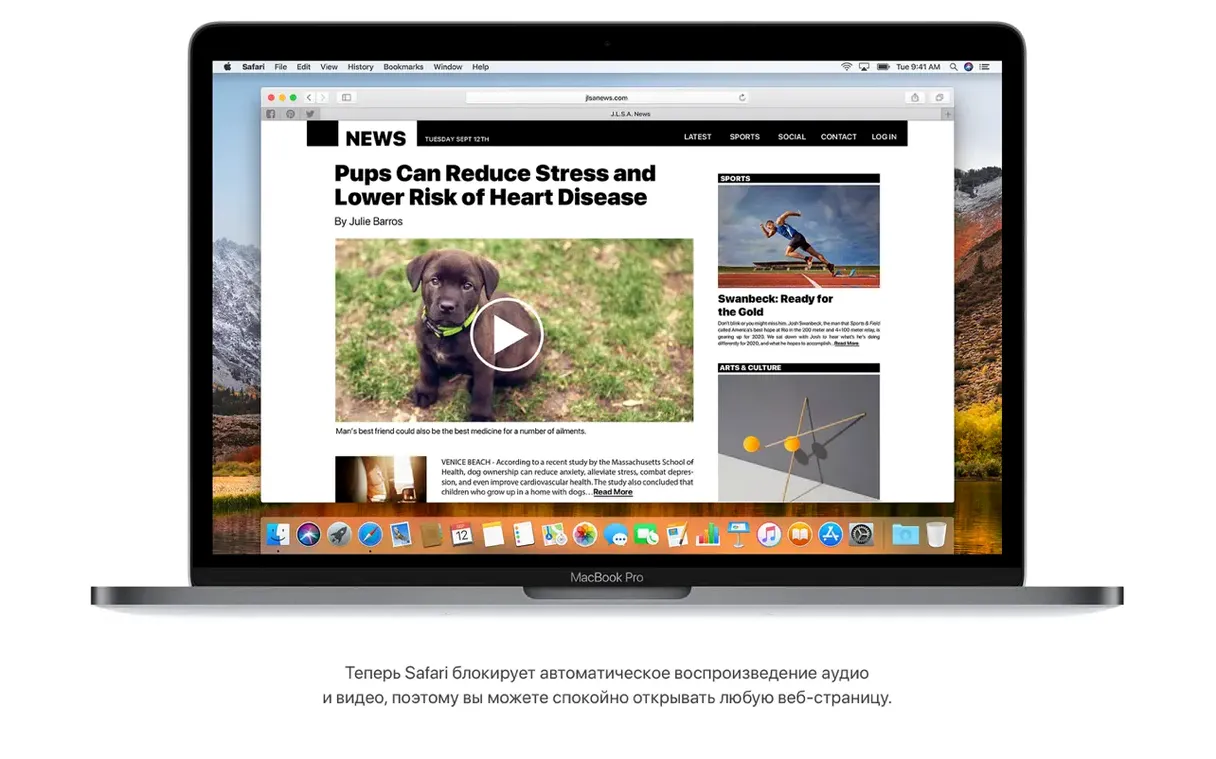
- Force Safari into Reader mode everywhere it makes sense. Safari's per-site auto-reader setting is buried in
Safari > Preferences > Websites > Reader. Set your go-to news domains to "On" immediately, and turn on "Stop media with sound" while you're there. Both features disappear in a pile of tabs if you don't configure them upfront. - Claim your APFS space back. After the upgrade, APFS may report used space that seems higher than expected. That's local snapshots, not bloat. Run
tmutil listlocalsnapshots /in Terminal to see them, thentmutil thinlocalsnapshots / 999999999999 4if you need breathing room for the first day's app installs. - Test your AVCHD workflows early. If you ingest video from Sony or Panasonic cameras, import a short clip into Photos before committing to a full card transfer. The 10.13.6 update fixed several AVCHD recognition bugs, but certain folder structures from older camcorders can still trip up the importer. A one-minute test saves a weekend of re-imports.
- Make a bootable backup before you get comfortable. Whether you installed from the App Store or used a torrent mac os high sierra image, your first bootable clone is your safety net. Carbon Copy Cloner can copy an APFS volume to an external SSD and make it bootable in one pass. Do it now, not after you've spent three days configuring your environment.
- Check firmware version. Some Macs—particularly mid-2010 MacBook Pros and early Mac Pro 5,1 models—need a specific Boot ROM version to boot APFS volumes reliably. Hold Option at startup, select your boot drive, then open System Information and look at Boot ROM Version under Hardware. If it doesn't end in
.0.0.0.0or a recent build number, the firmware patch from the High Sierra installer may not have applied cleanly. A reinstall over the top usually triggers it.
- Adds AirPlay 2 multi-room audio support for iTunes.
- Addresses stability and security improvements across the system.
- Fixes a bug that blocked Photos from recognizing AVCHD media from certain cameras.
- Resolves an issue where Mail could not move a Gmail message to another account.
- Intel-based Mac (64-bit)
- 2GB of memory
- 14.3GB of available storage for the upgrade
$ man macos-high-sierra | grep -A2 "?"
Does High Sierra include built-in disk encryption?
Yes. APFS has native encryption support integrated directly into the file system layer.
Which file system does macOS 10.13 use?
Apple File System (APFS), which replaced HFS+ for solid-state drives to improve performance and reliability.
Comments 0
Sign in or create an account to leave a comment.
No comments yet. A codec, a slice, a machine — they appear after moderation.