MacPilot for macOS
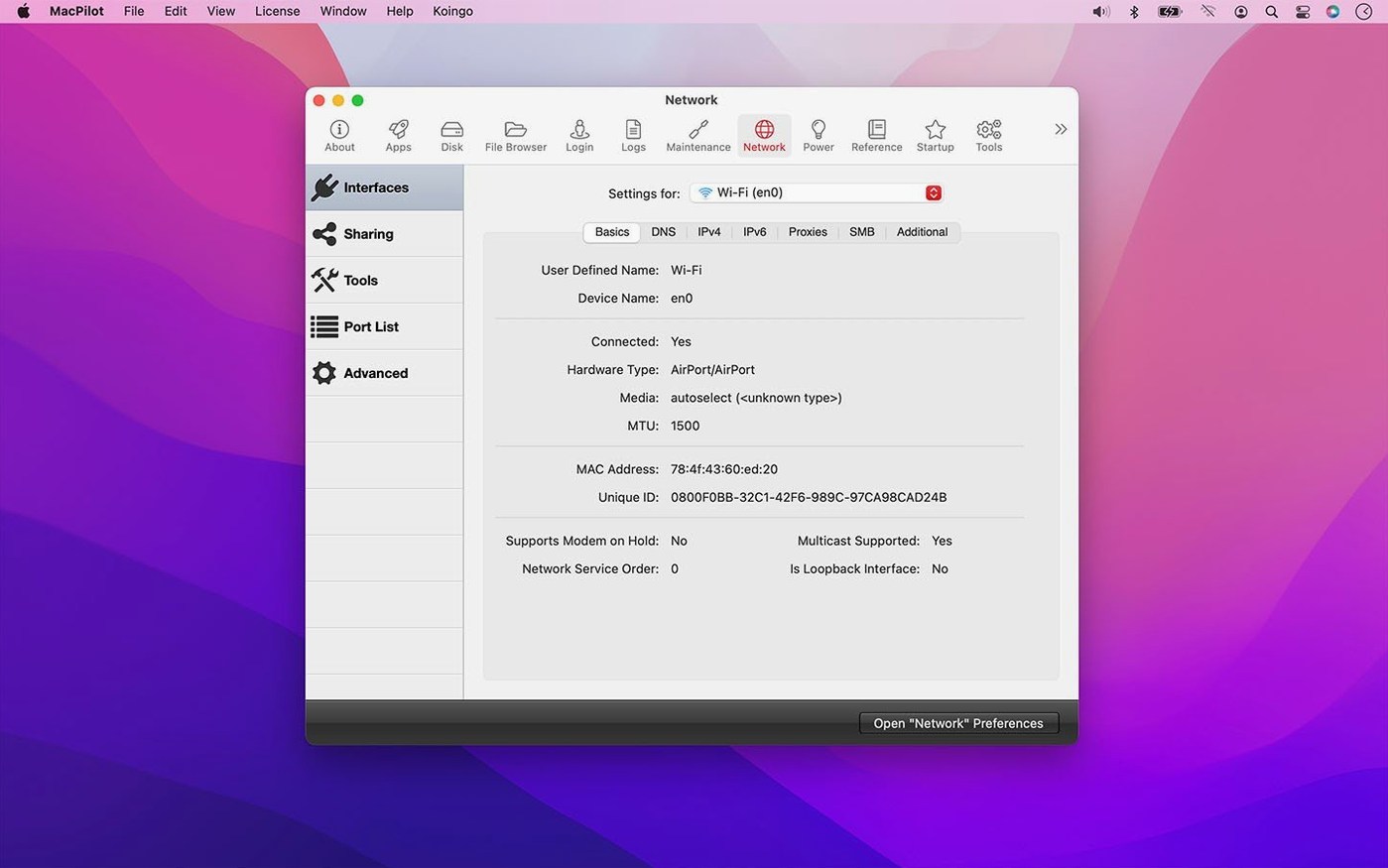
- Open the Interface panel and toggle Play startup sound. No terminal command, no property list hunting — just a checkbox that writes the NVRAM setting correctly. The release improved safety around NVRAM edits, so you are less likely to need a PRAM reset if something goes sideways.
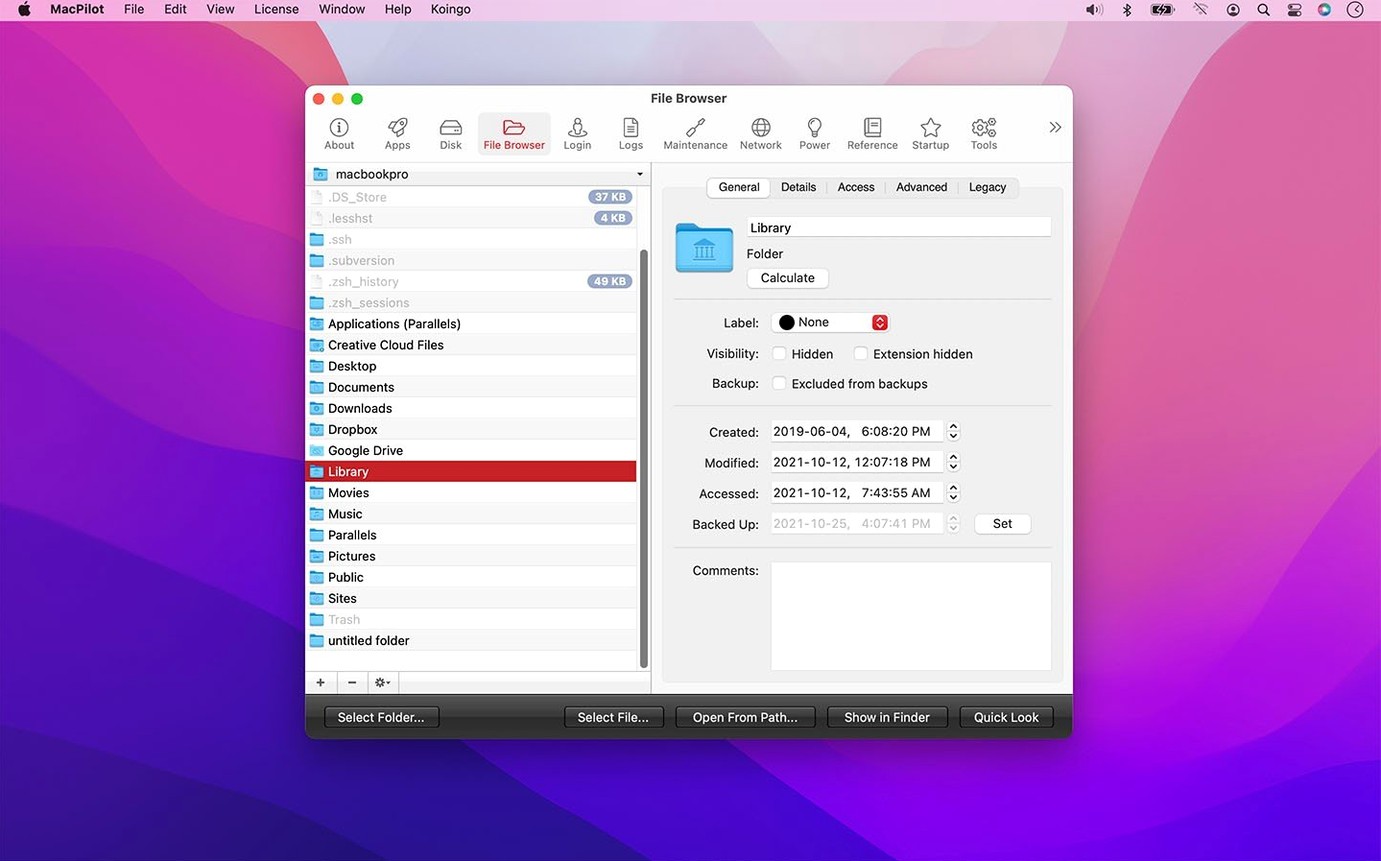
- Jump to the File Browser. It shows invisible files and system directories without a
defaults writeincantation. The file date handling for creation, access, and backup dates got tightened up in this version, so timestamps you see actually match what the filesystem records. - Open the Screenshots tab and pick a different default format — PNG, JPEG, TIFF, or PDF. macOS hides this behind a terminal command; MacPilot writes the same preference key through a dropdown menu.
- Head to Maintenance and run the Force Empty Trash routine when a locked file refuses to budge. The release also improved safety when touching Trash contents and protected preferences, which matters if you have ever had a
.plistlock up on you.
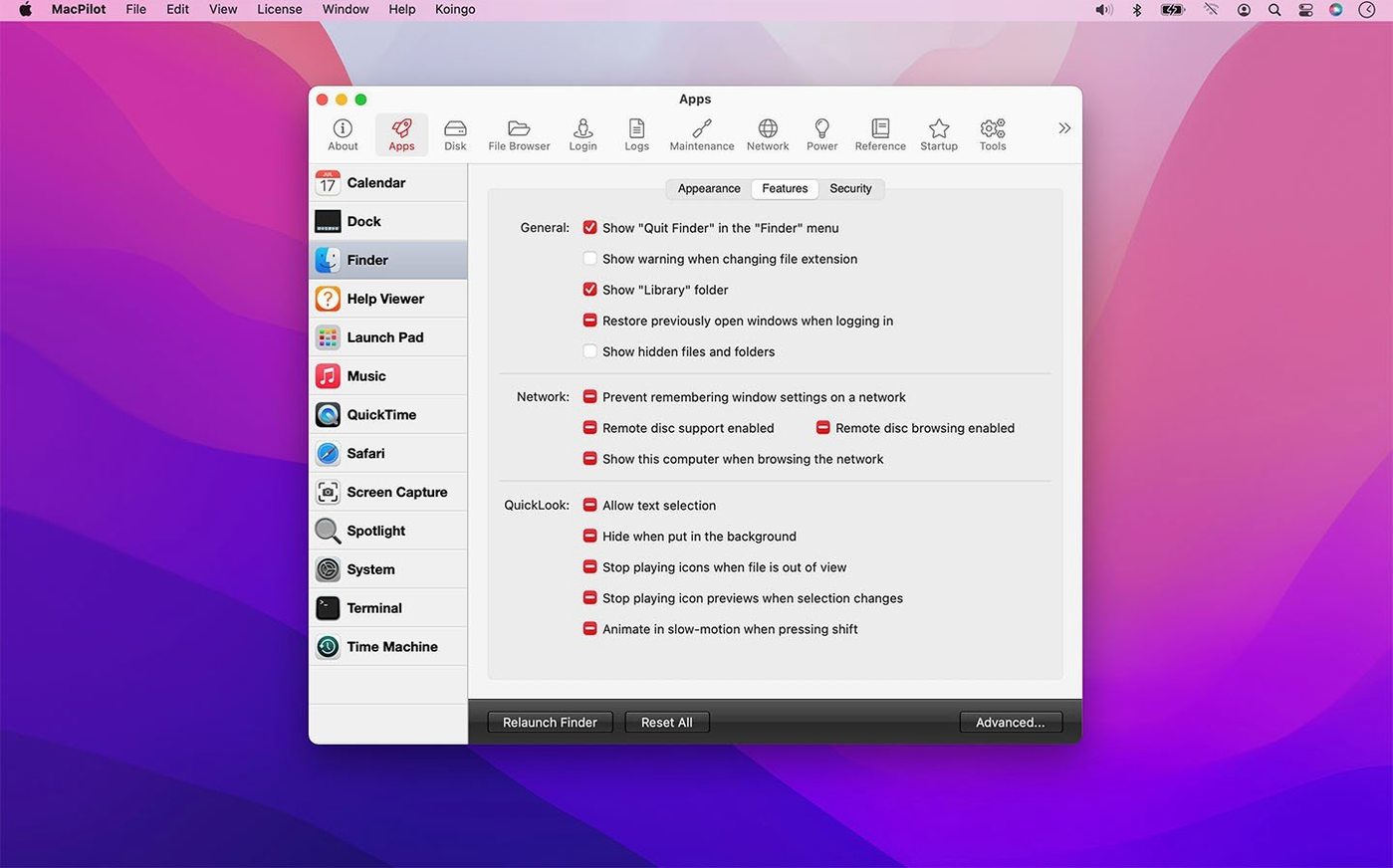
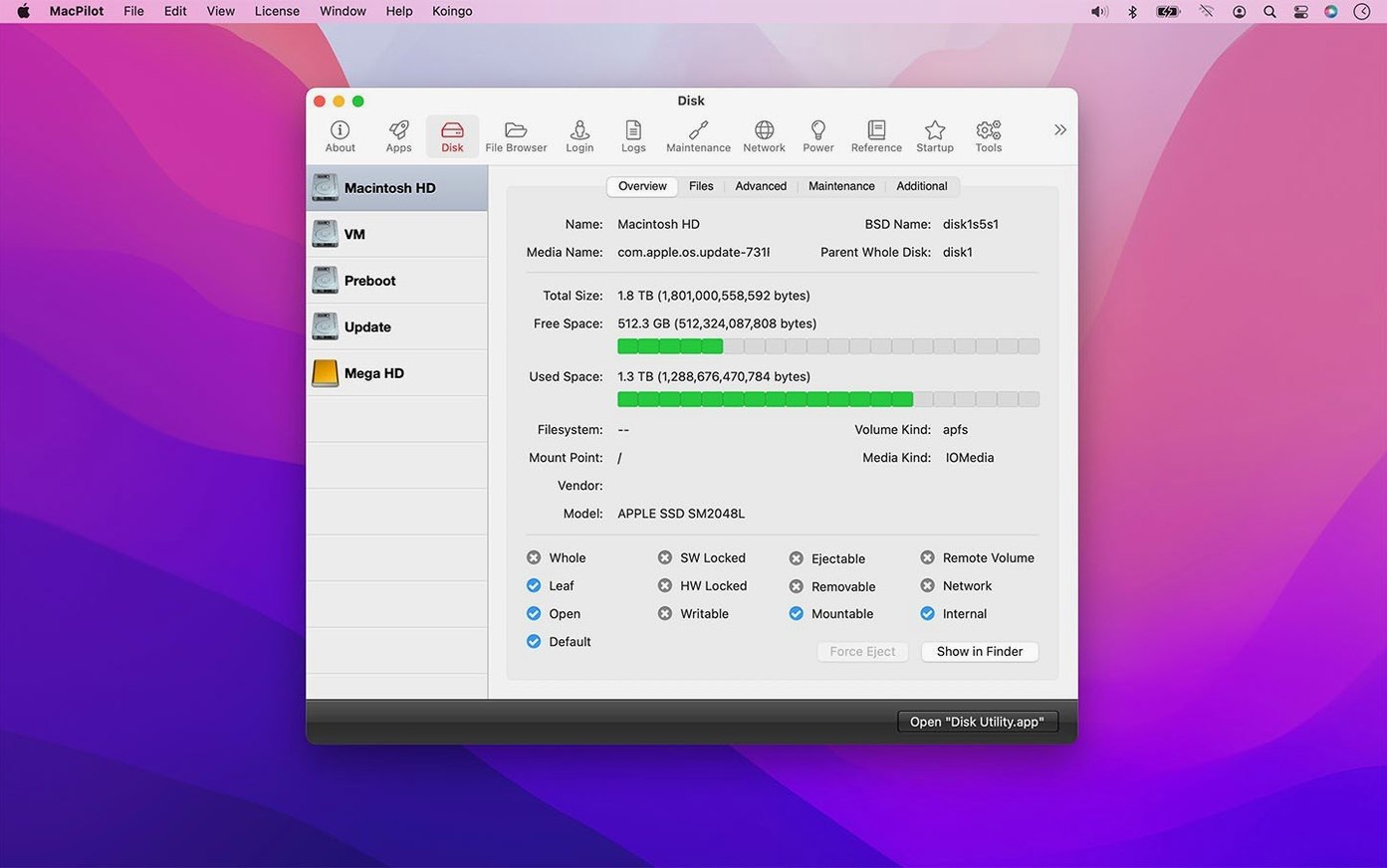
Where MacPilot fits among the other tools on a Mac is as the settings layer that sits between System Settings and the command line. It does not replace a backup utility or a disk repair tool — it handles the switches Apple built but never exposed. The property list editor and Hex editor are there if you need to inspect what a toggle actually changed, and the I/O Benchmark gives you raw throughput numbers when you are comparing drives. Everything runs under macOS 13 or later, compiled for both Apple silicon and Intel.
Will this mess up my Mac, and does it have to stay running?
The most common questions I hear boil down to two things: will this mess up my Mac? and do I need to keep it running all the time?
On the first point — the settings MacPilot touches are the same preferences any defaults write command would modify, stored in the same .plist files inside ~/Library/Preferences or /Library/Preferences. There is no daemon, no background process that stays alive after you quit. The recent improvements to safety when editing protected preferences and NVRAM settings mean the app double-checks permissions before committing a change, so you get a clear failure message instead of a silent misconfiguration.
On the second — no. You open it, flip the switches you want, and close it. The changes persist because they are written directly to the preference domains macOS already respects. Some people search for MacPilot torrent Mac expecting a system-level hack that patches the OS; it does not work that way. It is a settings editor with a GUI, nothing more invasive.
Another question that comes up: can I undo things? Each toggle has a reset button that restores the default value for that key. If you go on a tweaking spree and forget what you touched, the Features Database logs what was changed, and the release notes for version 18.0.1 mention improved reliability there — the log actually reflects what was written now.
Can I fix a stubborn Dock on a new Mac in minutes?
Say you just set up a new Mac and the Dock is driving you nuts. You have used macpilot 17 before on an older machine, so you grab the current build and mount the .dmg.
You launch it and go straight to the Dock panel. You add a spacer tile — a blank gap that lets you group app icons visually. You drag the slider for tile size down a few notches because the default feels enormous on a 27-inch display. Then you enable Show only active applications, which hides everything that is not currently running. Three clicks, and your Dock goes from a cluttered shelf to a lean task switcher.
Next you remember that macpilot 17.3 had a handy option for the screenshot format, so you open the Screenshots tab and switch from PNG to JPEG. You also disable the drop shadow on window captures — the shadow looks nice but bloats image files and annoys you in documentation screenshots.
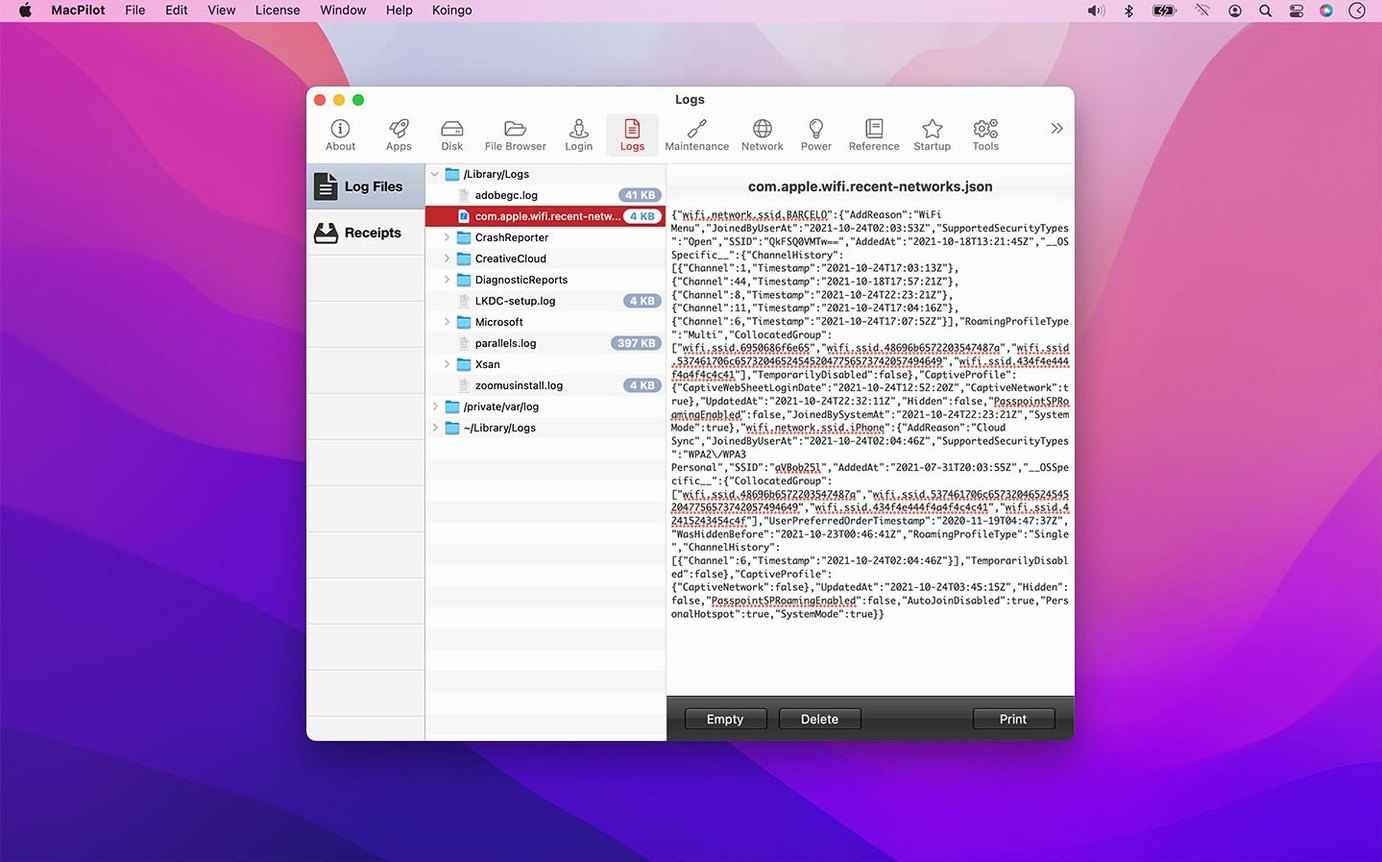
Before closing the app, you open System Maintenance and run a quick scan. The maintenance tools clear user and system caches, rebuild the LaunchServices database, and rotate log files. You watch the progress bar — the release improved command progress and cancellation reporting, so if a task stalls you can actually stop it without force-quitting. The whole session takes under four minutes, and you will not open MacPilot again until you have another annoyance to fix.
- File date handling for creation, access, and backup dates is more reliable across the File Browser.
- Command progress, failure, and cancellation reporting is clearer — you get better feedback when a maintenance task does not finish cleanly.
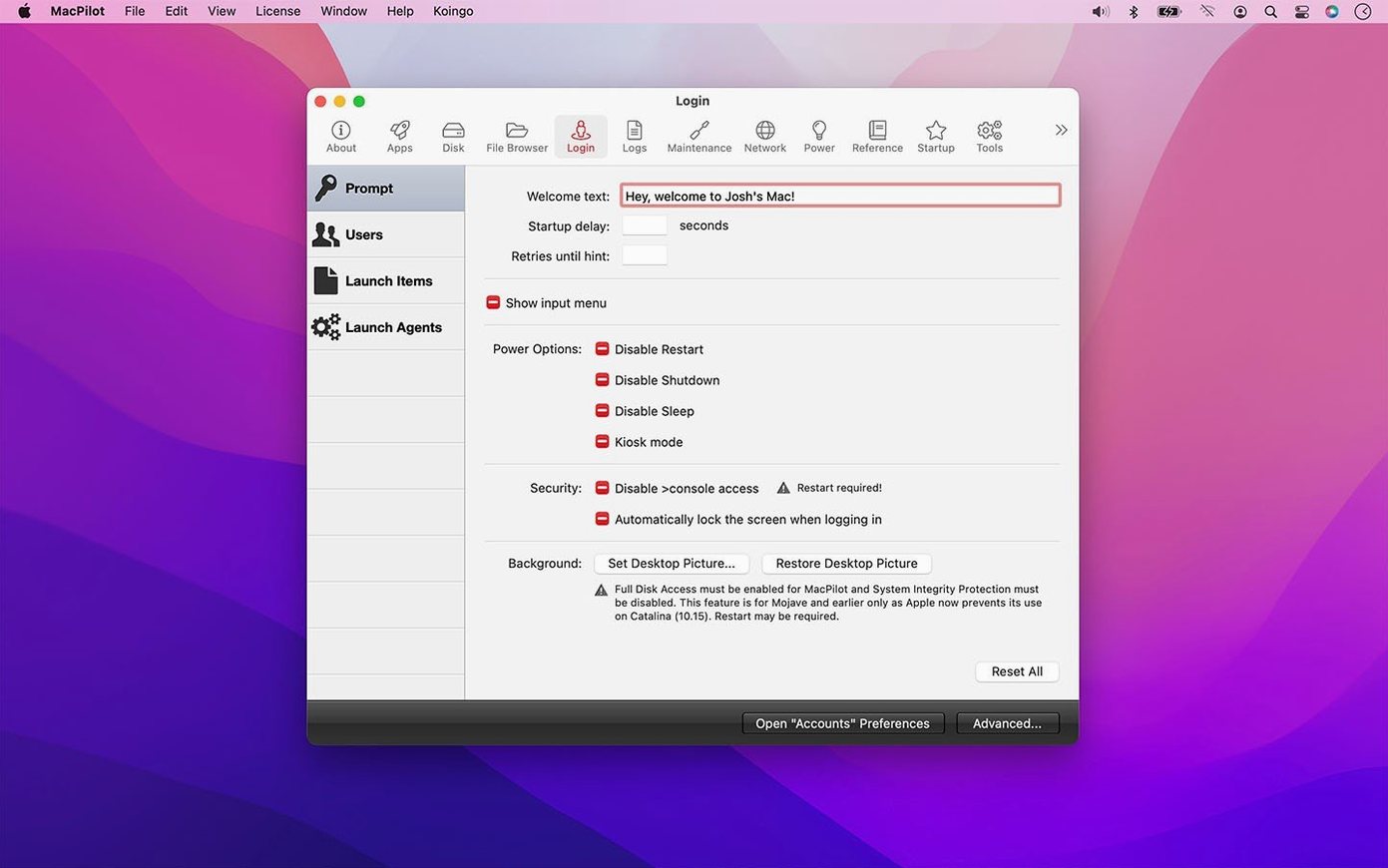
- Safety checks were improved when editing protected preferences, property lists, logs, Trash contents, NVRAM settings, and login pictures.
- The Features Database, property list editor, Hex editor, File Browser, Manuals viewer, and I/O Benchmark all received reliability fixes.
- macOS 13 Ventura or later
- Apple silicon and Intel Macs (native on both)
- Interface language: English
Comments 0
Sign in or create an account to leave a comment.
No comments yet. A codec, a slice, a machine — they appear after moderation.