Magic Disk Cleaner for macOS
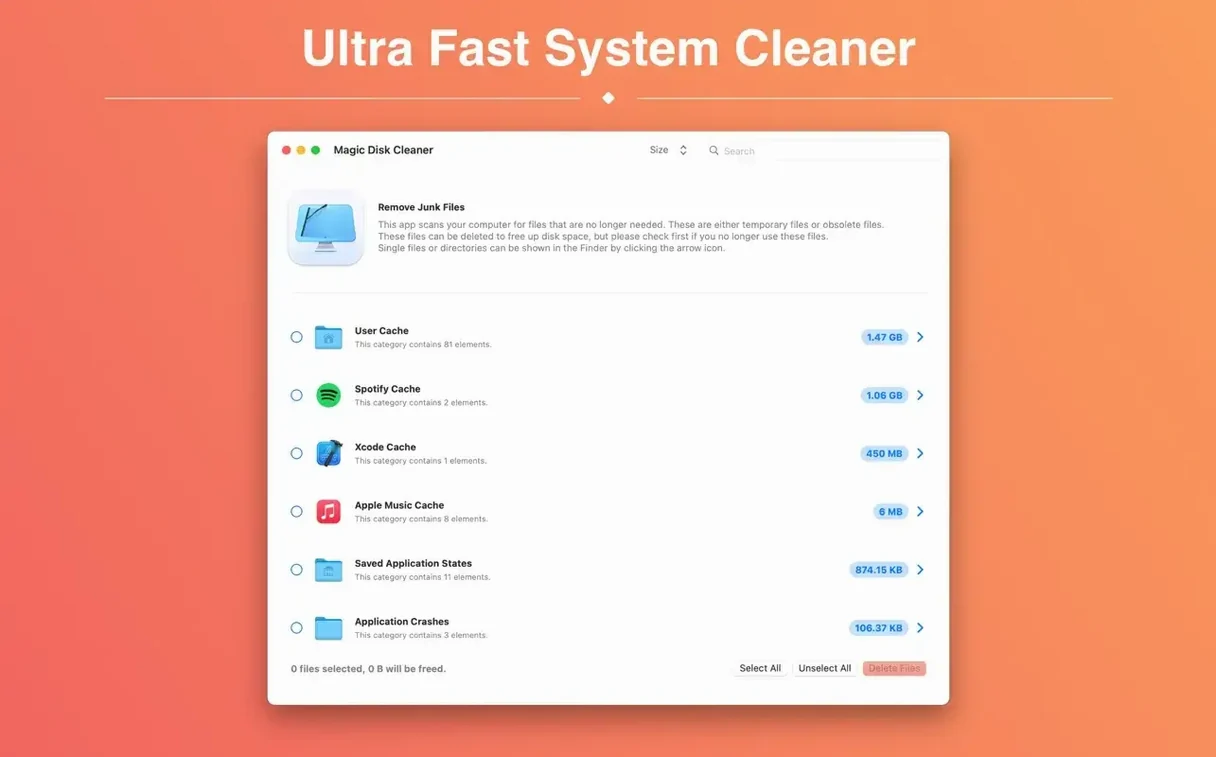
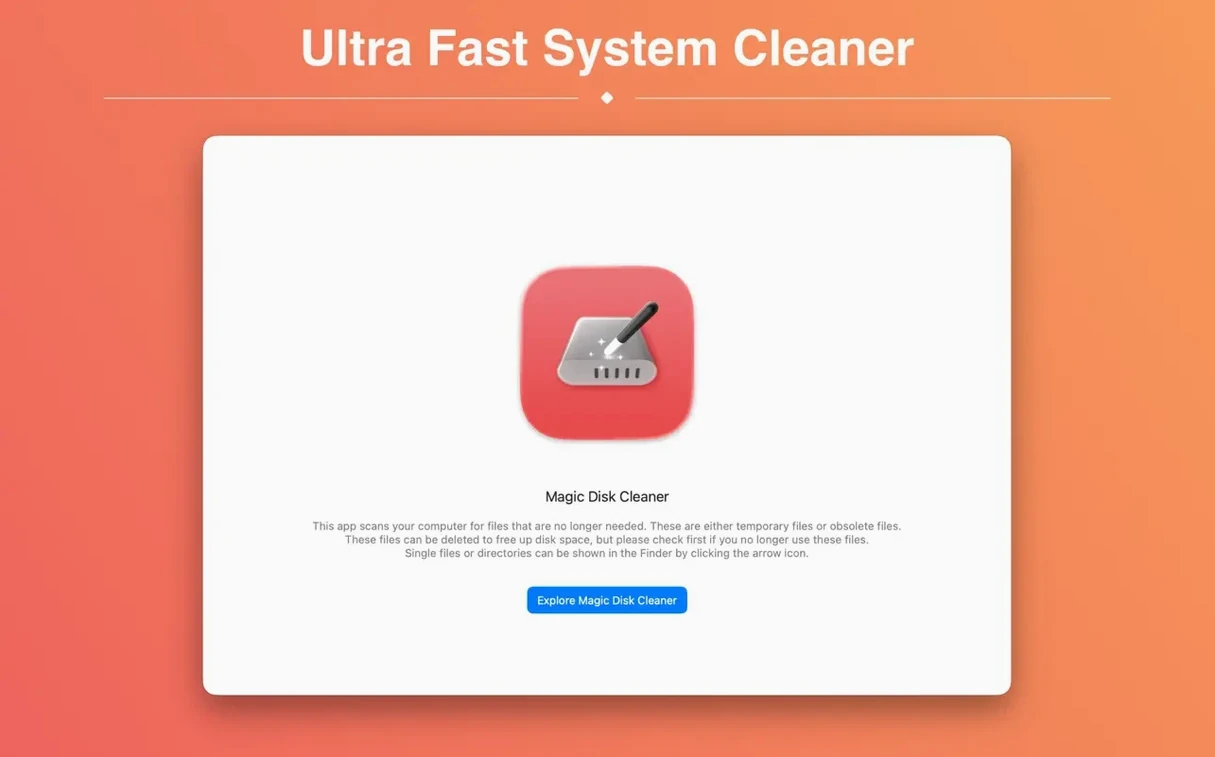
5.4.0 is the current build, and it runs natively on Apple Silicon and Intel Macs. Magic Disk Cleaner scans common caches, logs, and temporary directories — ~/Library/Caches, /tmp, and similar locations — then presents a single-click deletion list. Nothing is wiped without your explicit click. The interface is a single window, no background daemons or login items.
Temporary file removal only, no duplicate or large-file scanning
| What | Details |
|---|---|
| Developer | Sascha Simon |
| Version | 5.4.0 |
| Architecture | Universal (Apple silicon and Intel) |
| Languages | Russian, English, German, Spanish, Italian, Simplified Chinese, Portuguese, Finnish, French, Japanese |
The app focuses on one job: temporary file removal. It does not handle duplicates, large-file hunting, or system tweaking. Because it reads standard user cache paths, it respects sandbox boundaries — it won't touch system folders that require SIP to be disabled.
Scan finishes in seconds because it targets known scratch directories
A scan that finishes in seconds feels suspiciously fast. People wonder: did it actually look everywhere? Magic Disk Cleaner hits the well-known scratch directories — ~/Library/Caches, ~/Library/Logs, /tmp, and the per-app container caches inside ~/Library/Containers. It skips anything outside those predictable temp zones, which is exactly why the scan is quick. If you have a 40 GB Xcode derived data folder sitting elsewhere, this tool won't see it, and that is by design.
Another recurring question is whether deleting caches slows down apps afterward. The short answer: in 2025, almost never in a way you'd notice. Caches exist to avoid re-downloading or re-computing data. Wiping your browser cache means sites load a little slower on the next visit; clearing the Mail attachment cache means inline previews regenerate. Nothing breaks. The macOS system caches — Spotlight indexes, dyld shared cache, kernel extension auxiliaries — are stored elsewhere and are not in the scan scope, so the OS itself stays unaware anything changed.
"Does it remove duplicates or large files?" No. The tool is a purpose-built temp file cleaner. People who type magic disk cleaner 4.1.3 into a search expecting a broad system janitor will find a simpler tool than they imagined. If your goal is reclaiming gigabytes from old iOS backups, Steam installers, or abandoned Parallels snapshots, you need a different utility.
Where Magic Disk Cleaner fits in your Mac workflow
The app doesn't run in the background, doesn't install a launch agent, and doesn't schedule scans. That makes it closer to a disk-inventory tool like DaisyDisk or GrandPerspective in usage rhythm: you fire it up when you notice free space shrinking, run a scan, act on the results, and quit. It complements those tools nicely — the visualizers find the what, and Magic Disk Cleaner handles the low-hanging temp-file where in one click.
macOS itself has a built-in storage manager under System Settings → General → Storage, and it recommends culling purgeable data. Magic Disk Cleaner often surfaces the exact same gigabytes that macOS classifies as purgeable but doesn't always let you delete directly without clicking through a dozen categories. Having the app means you skip the recommendations interface entirely.
For anyone using a Mac with a 256 GB or 512 GB internal drive and juggling Final Cut Pro libraries or large git repos, the app becomes a quick pre-archive step. Export a project, run a scan, clear temp files, then copy the clean project folder to an external drive. It is not essential software, but it earns its keep on systems where 30 GB of temporary cruft can accumulate between Friday and Monday.
Deleting an app’s cache entry does not uninstall the application
The most common one is treating it like an uninstaller. People notice an app's cache entry — say com.adobe.Photoshop — and delete it thinking they've removed Photoshop. They haven't; they have removed Photoshop's cached scratch data, which the app will rebuild on next launch. The correlation between an entry in the scan list and an installed application is purely one of temporary storage, not program presence.
Another mistake is running the scan immediately after quitting a heavy app and expecting accurate numbers. Some apps flush their own caches on exit; others leave them intact. If you quit Logic Pro and scan three seconds later, the result reflects whatever was still sitting on disk. Wait thirty seconds and scan again — the number may drop because Logic wrote out final state files. This is normal, not a bug.
Beginners also occasionally drag the .dmg to Trash and think the app is installed. The .dmg is a disk image; you mount it, drag the app to /Applications, then eject the image. Running the app from inside the mounted image works, but it disappears on reboot. That confusion isn't specific to Magic Disk Cleaner, but its one-window simplicity makes the mistake more common — people don't notice they never actually placed it in the Applications folder.
18 GB free after two weeks of After Effects and Resolve on a 512 GB drive
A freelance video editor is cutting a 45-minute documentary on an M2 MacBook Air with a 512 GB SSD. After Effects, Resolve, and a dozen stock-footage folders have been running simultaneously for two weeks. The system reports 18 GB free, and Resolve refuses to render because it wants 25 GB of scratch space. They have already trashed obvious media files and emptied the Trash.
They launch Magic Disk Cleaner. The scan takes under ten seconds and surfaces 31 GB across browser caches, Final Cut Pro render files left in ~/Library/Caches, After Effects disk cache, and a 9 GB Adobe Media Encoder temp directory that was never cleaned after a batch export three days ago. They review the list — none of the items are project files or source media — and click delete. Resolve now sees 49 GB free and the render queue processes without complaint. The editor closes the app and does not think about it again until the next project wraps.
Version 6.0.0 [MAS] is a clean, targeted update with two precise changes:
- The User Cache category now displays its correct German name — a tiny localization fix that German-speaking users will appreciate.
- The app now requires a Mac with Apple silicon. Intel Macs can keep using the previous version without interruption.
- macOS 15.6 or later
- Apple Silicon or Intel 64-bit
$ man magic-disk-cleaner | grep -A2 "?"
Does Magic Disk Cleaner delete files automatically?
No. It only removes files after you review the list and click the delete button.
Comments 0
Sign in or create an account to leave a comment.
No comments yet. A codec, a slice, a machine — they appear after moderation.