Marmoset Toolbag for macOS
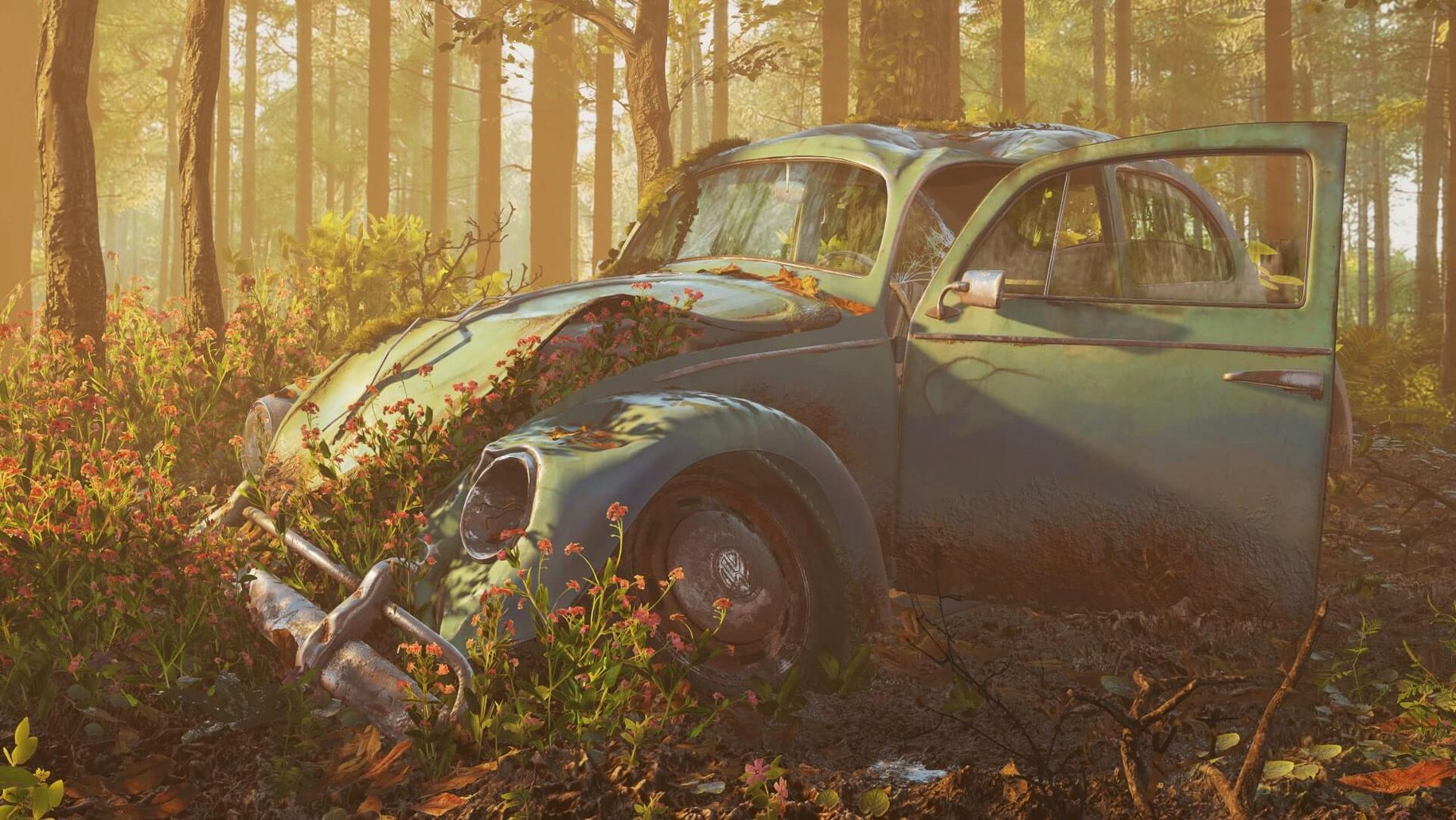
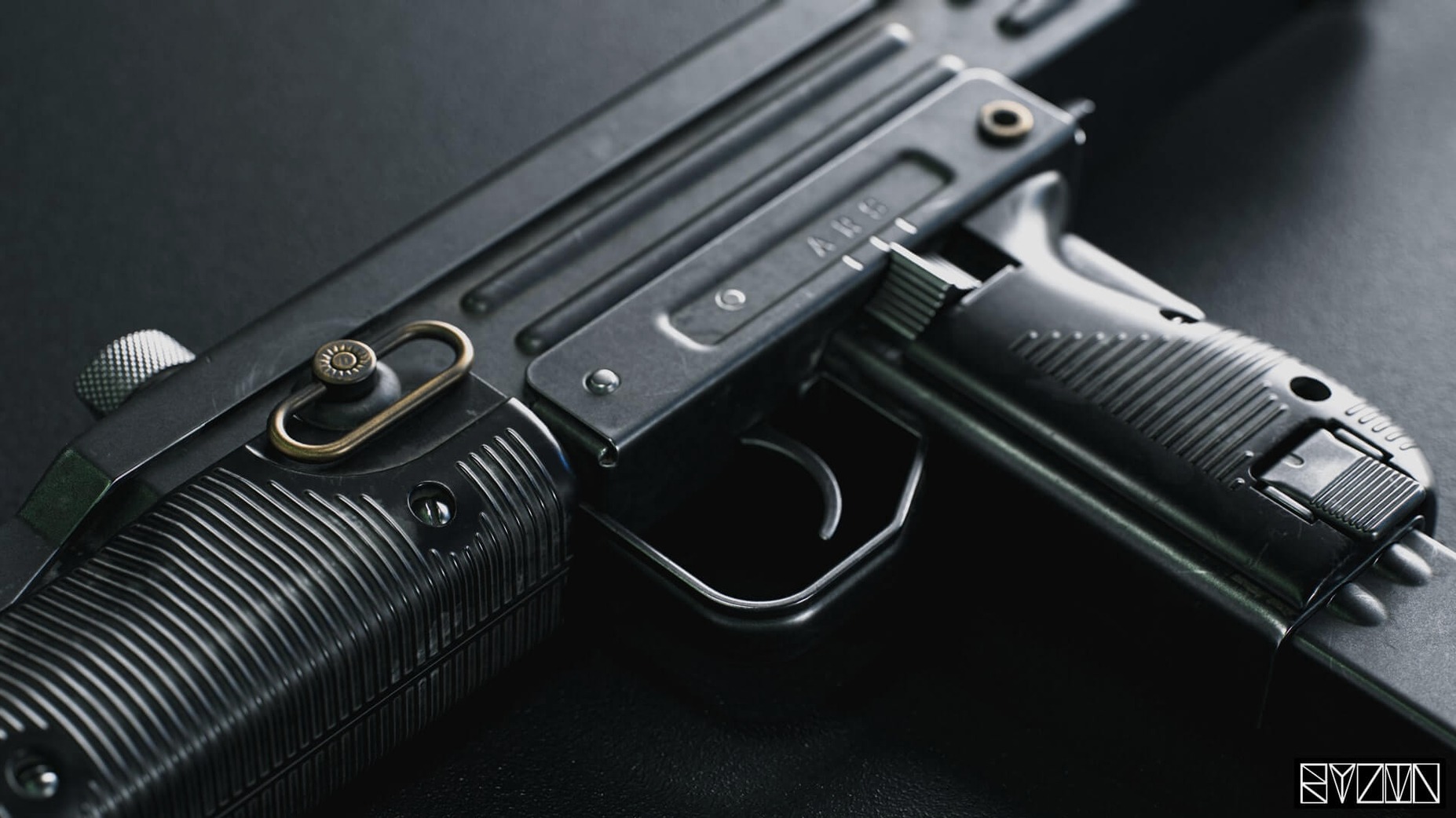

High-poly models look flat until you put them in the right light. A mesh by itself is just math—it takes materials, HDR skies, and a camera with real-world settings to sell the illusion. Marmoset Toolbag is built to solve exactly that problem, giving artists a real-time window into what their work will look like before it ever hits a slow offline renderer.
| Detail | Info |
|---|---|
| Current version | 4.02 |
| macOS support | 10.15 or later (Intel) |
| Key tasks | Rendering, material editing, animation, retouching |
The whole pipeline sits in one window. You tweak subsurface scattering on a character, swap an HDRI to check rim light, then scrub through a turntable animation—all at interactive framerates. Fine-tuning materials, lighting, and camera settings is the core loop, and Toolbag makes it feel direct rather than technical. For shader work, it gives you selectable UV sets on the emissive shader and supports AO maps in the Viewer, so you catch occlusion problems the moment they appear. Meshes update automatically when you save from your DCC app, and the additive background blending option in the Viewer helps when you need to comp a subject over a plate without leaving the scene. When a project is ready to show, you can publish straight to ArtStation from inside the app—useful for portfolio pieces that need to go from final render to public page in a few clicks.
What does a working session look like?
I got a message last week from a game art student trying to nail a portfolio piece—a stylized fantasy axe with hand-painted textures and a lot of metal roughness variation. She sent over a screenshot where the blade looked dull, almost plastic, and the wood haft had no depth. The geometry was solid, but the lighting wasn't telling the story. That's the kind of thing Toolbag handles in a few minutes of interactive tweaking, no render queue required.
She'd been working in a flat-lit viewport, so her roughness maps were dialed in blind. Once we dropped the model into Toolbag with a warm interior HDRI, she immediately saw where the edge wear needed to be sharper and where the wood grain normal map was too strong. The session turned into a back-and-forth: she'd adjust maps in her texturing app, hit save, and Toolbag picked up the changes without a manual reload. Automatic mesh updates sound like a small feature, but they eliminate the mental friction of "did I remember to re-export?" every time you tweak a tangent normal.
How the version 4.02 fixes changed everyday use
Toolbag 4.02 arrived on January 11, 2021, and while the changelog reads like a collection of small fixes, it addressed some genuinely disruptive display bugs for Mac users. If you ran a mixed-resolution setup—say a 4K main display next to a 1080p reference monitor—tooltip pop-ups could crash the app outright. That's gone now. For artists who rely on hover states to check shader property values while tweaking materials, a tooltip crash mid-session was maddening, and the fix makes the material editor feel trustworthy again.
Other fixes cleaned up how the window behaves when you move it between differently scaled displays. Before 4.02, dragging Toolbag from a 200% HiDPI monitor to a standard one caused window flicker and sometimes pushed interface elements off-screen on widescreen monitors. Text at 125% and 175% scaling no longer renders blurry, which matters when you're squinting at texture details in the Viewport. The tooltip display option in preferences had also stopped working—now it toggles on and off as expected. None of these are glamorous, but when you spend hours in the viewport, a stable UI keeps you from rage-quitting at 2 a.m.
A specific task: preparing a character for ArtStation
Here's a workflow I walked through with that student, start to finish, for a single character bust. The goal was a clean turntable render with consistent lighting and a transparent background for compositing later.
- Import the FBX from the DCC app. Toolbag picks up embedded cameras and lights from the file, so I kept the authoring app's spotlights on a separate layer and let the FBX lights populate the scene for a rough starting point.
- Swap the sky to a neutral studio HDRI. I cycled through a few until the specular response on the character's metal pauldron read clearly without blowing out. Camera limits for Viewer export got set here—no point rendering frames the audience can't navigate to.
- Assign materials to each mesh group and dial in the emissive shader on the character's glowing runes. Selectable UV sets for the emissive shader meant I could isolate the glow map on a dedicated UV channel without disturbing the base color layout.
- Enable volumetric fog at low density. Just enough to catch the rim lights and give the background some depth behind the bust. The fog reacts to scene lights in real time, so adjusting a spotlight's cone angle changed the god rays instantly.
- Set up a turntable animation. Toolbag's animation tools are straightforward: keyframe the model rotation over a few seconds, set the timeline to loop, and preview at full framerate before committing to export.
- Enable AO maps in the Viewer and check the lossless normal map option. The normal map compression setting matters—lossy compression can introduce banding that shows up in rim-lit areas, so lossless is the safer bet for a portfolio piece.
- Apply texture warping and variant filtering if needed. For this bust, variant filtering helped keep the fabric weave pattern on the character's scarf from aliasing at a distance when the turntable was in motion.
- Set additive background blending in the Viewer so the rendered turntable sits over any webpage background on ArtStation without a visible matte edge. Then publish directly from Toolbag to ArtStation—no intermediate export, no manual upload.
The whole thing, from FBX import to published turntable, took under an hour. The student's takeaway wasn't just a finished portfolio piece—it was the realization that she could iterate almost as fast as she could think, which changes how you approach look-dev entirely.
- Tooltip display option in preferences works again, and tooltips no longer crash on mixed-resolution displays.
- Window elements stay within bounds on widescreen monitors; the window no longer flickers after a DPI scaling change.
- Text renders sharply at 125% and 175% display scales—no more blurry UI labels.
- macOS 10.15 or later
- Intel processor
$ man marmoset-toolbag | grep -A2 "?"
Can Marmoset Toolbag publish directly to ArtStation?
Yes, version 4 includes a direct publishing option that sends your project to ArtStation without needing to export renders separately.
Comments 0
Sign in or create an account to leave a comment.
No comments yet. A codec, a slice, a machine — they appear after moderation.