MediaMate for macOS
Sleek edge HUDs for the giant overlay haters
Anyone who finds the giant, centered macOS volume and brightness overlays intrusive during focused work or gaming. MediaMate shrinks those indicators into sleek, edge-of-screen HUDs and adds a now-playing pill for music.
The unchanged trinity of compact HUDs and media banner
The core trio is unchanged: you still get a compact volume HUD, a compact brightness HUD, and a media banner that shows the current track. Keyboard backlight control remains part of the brightness overlay, so you see the level change even on external keyboards that support it.
Native ARM and Intel from macOS 13 onwards
Yes. The binary is universal, covering both ARM Macs and 64-bit Intel machines. It requires macOS 13 Ventura or later.
How does the now-playing pill behave?
It appears briefly near the edge of the screen whenever a new track starts, showing artist and title. It pulls metadata from whatever media app is currently active, just like the system player widget, but without grabbing focus.
HUDs appear at a custom edge, not the center
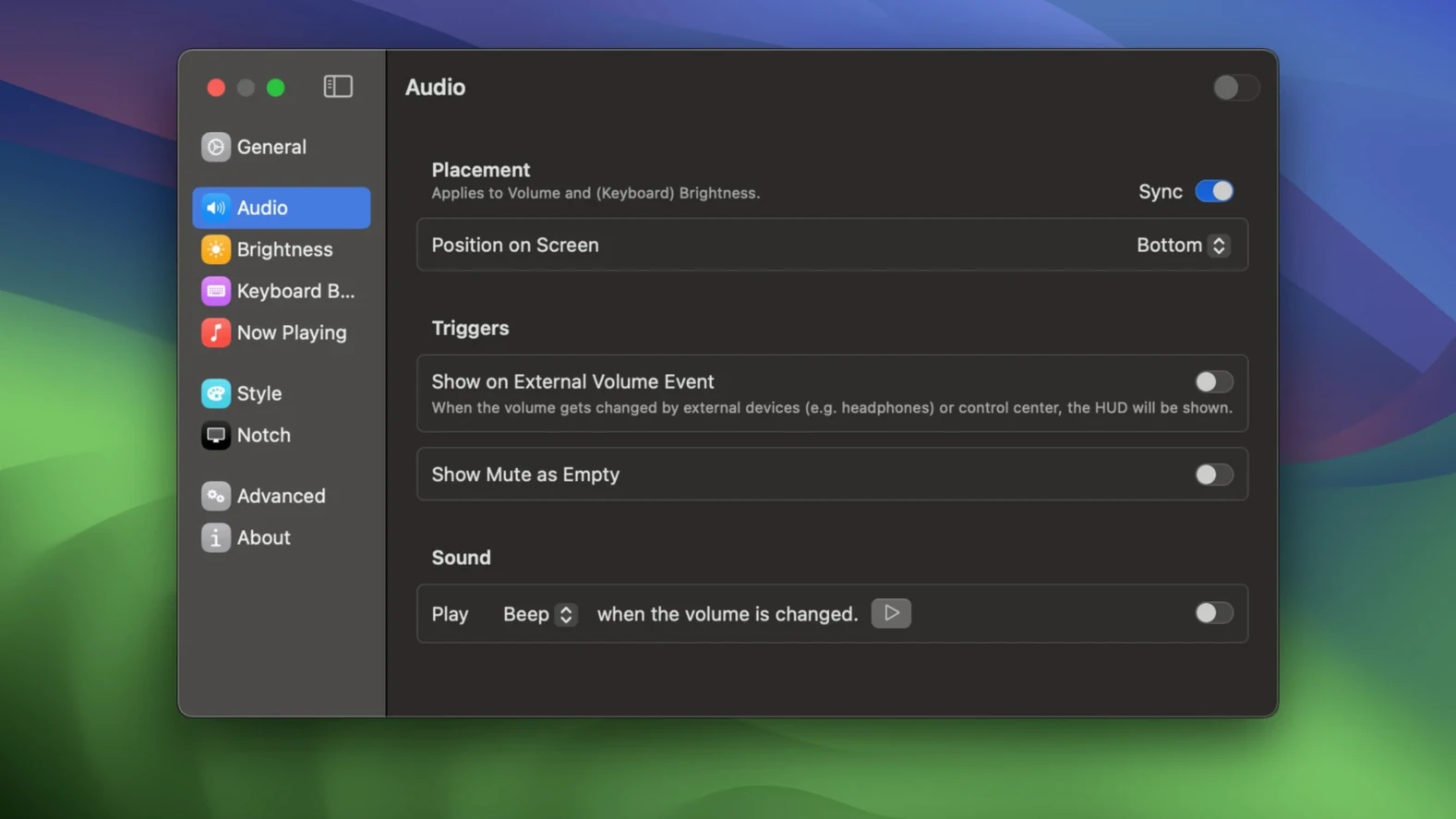
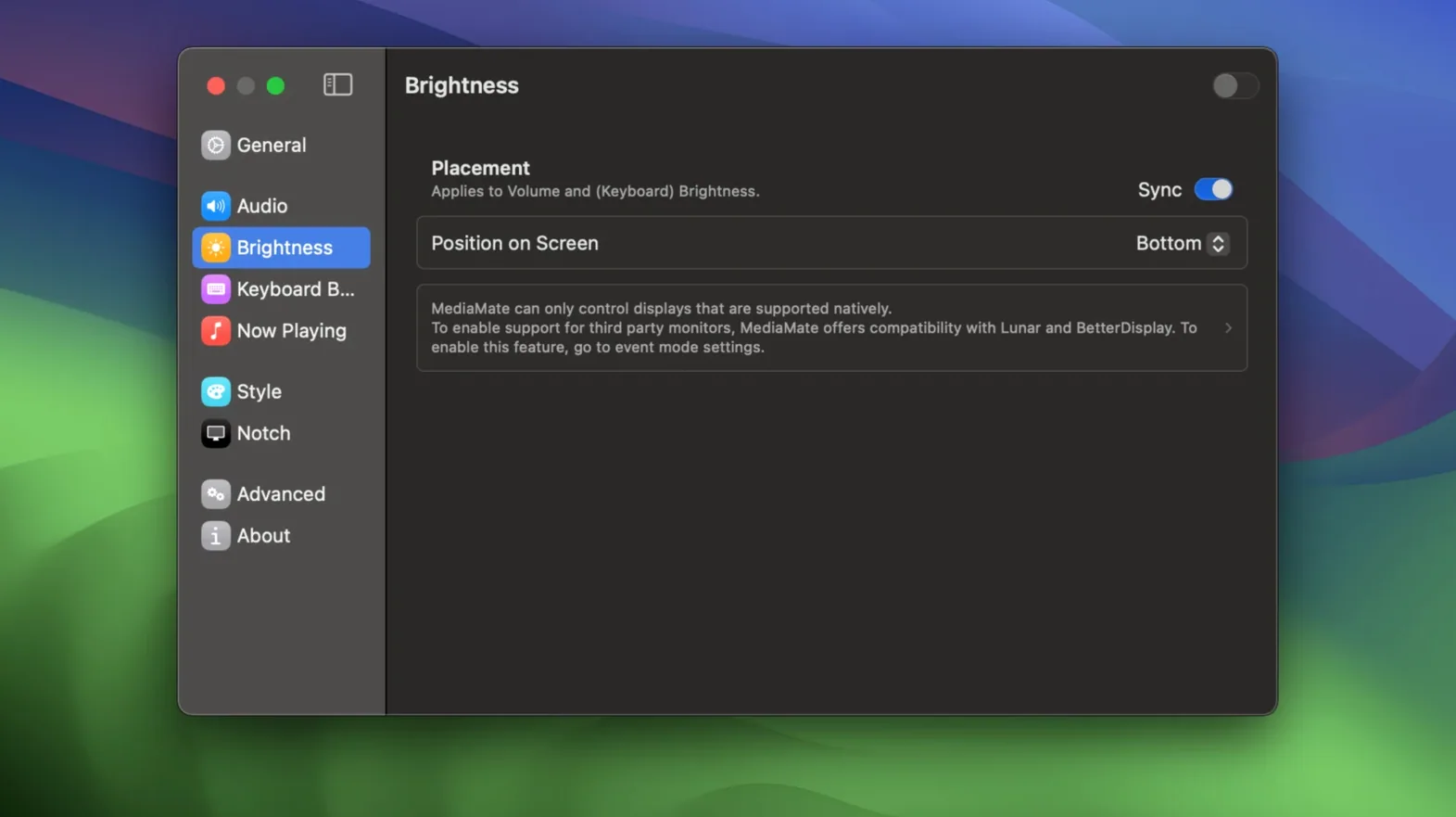
First-day confusion almost always comes down to two things: expecting the HUDs to appear exactly where the system ones did, and forgetting that Touch Bar Macs need a deliberate mode switch. The standard HUD slides in from an edge you pick in preferences — top or bottom for volume, left or right for brightness — and people sometimes stare at the center of the screen waiting for something that is already fading out near the bezel.
The other early stumble is granting permissions then immediately quitting the app before it can hook into system events. MediaMate needs Accessibility access to intercept the brightness and volume key presses, and on first launch it asks for that. If you grant it but then quit and relaunch manually, the helper component sometimes does not reconnect until you log out and back in. A simple reboot sorts it, but it catches people off guard.
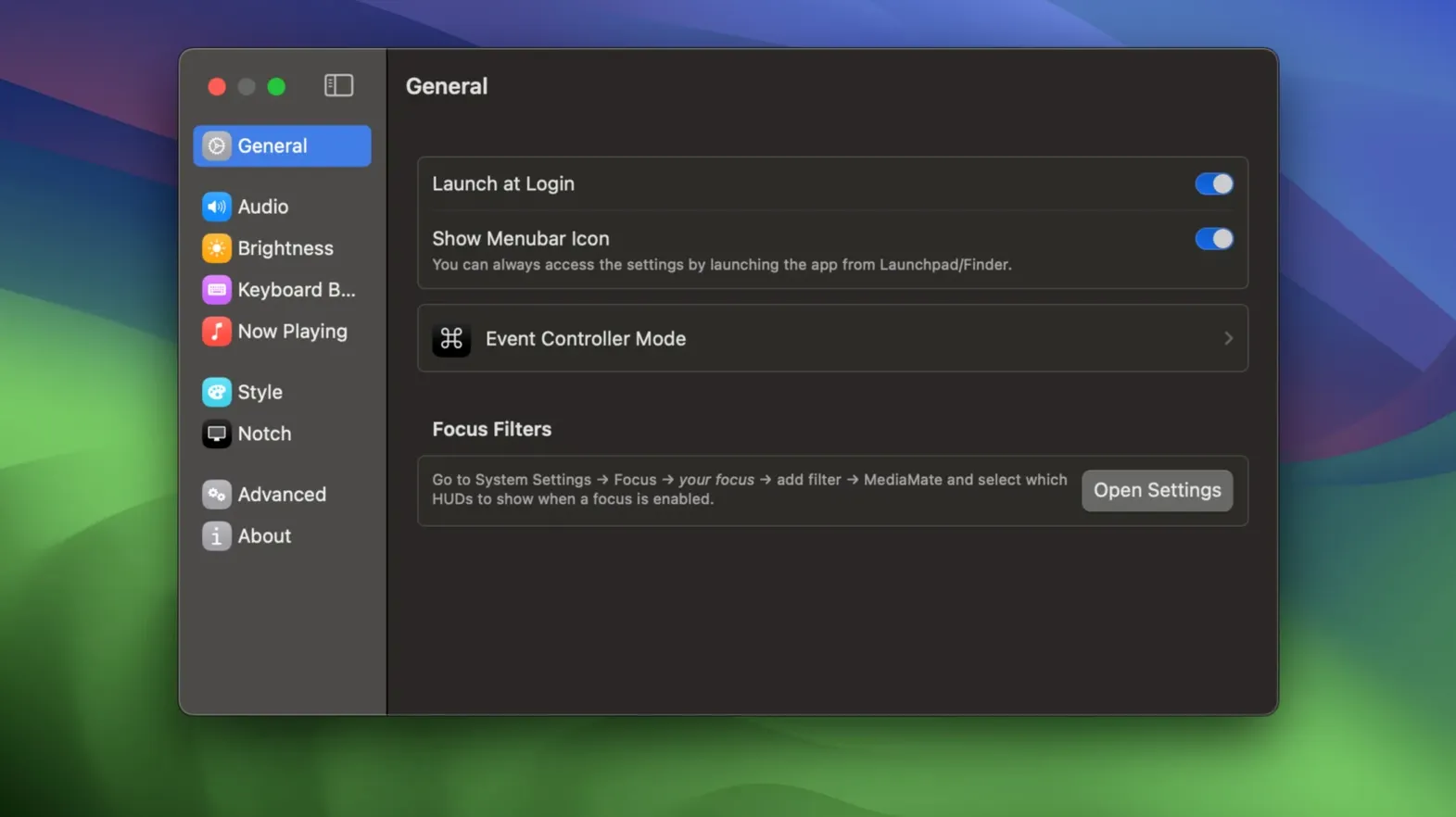
Touch Bar users occasionally miss the fact that MediaMate ships with a separate helper for the Touch Bar interface. Without enabling it, you get the replacement HUDs on the main display but no on-keyboard controls. The setting lives under the Touch Bar tab and takes effect immediately once ticked.
Coffee, volume-up key, and a slim white top-edge bar
You sit down with coffee, unlock the Mac, and hit the volume-up key to nudge the music. A slim white bar slides out from the top edge of the display, shows the speaker icon and level for a second and a half, then fades. You tap brightness-down because morning sun is hitting the screen; a similar bar appears from the right edge, this time including the keyboard backlight level beneath the sun icon since your external keyboard supports it.
Mid-morning, a notification from Music pops the now-playing pill near the top-left corner — artist and track name on a rounded gray lozenge. It vanishes after a few seconds without stealing keyboard focus from the terminal window you were typing in. At lunch you switch to a podcast app; the next episode triggers the pill again, same behaviour, pulling the title from Overcast without any configuration.
Later, while editing video, you ride the volume keys hard to check mix levels. The HUD is brief enough that it never obscures the timeline. When you plug in headphones, the volume indicator still reflects the system output — MediaMate simply draws the overlay differently, it does not replace the audio routing logic. That is the whole session: small visual feedback that stays out of the way, no settings tweaking once it is set up.
Runs in user space with standard windowing APIs
Does it break System Integrity Protection or modify system files? No. It runs as a normal user-space app and draws its overlays using standard windowing APIs. It does not patch /System or disable SIP. The Accessibility permission is the only system-level ask, and that is a standard macOS entitlement for apps that observe key presses globally.
Will it conflict with BetterTouchTool or other HUD replacements? If you already run something that also replaces the volume overlay, you will see double indicators or flicker. The fix is simple: disable the feature in one of the apps. MediaMate plays nicely with window managers and clipboard tools, but two volume-HUD replacements will fight for the same key events.
Does it show the now-playing pill for all media apps? It hooks into the system's now-playing information, which covers Music, Spotify, Overcast, and most apps that populate the Control Center widget. Web-based players in Safari sometimes expose metadata, sometimes not — that depends on the site, not on MediaMate.
Can I try it out before committing to keeping it around? You can grab the current build for your Mac, run it, and see whether the HUD placement and timing suit your workflow. There is no feature gating and no time limit — the app is fully functional from the moment you drag it to Applications.
Tuning edge positions and fade to your screen layout
Spend five minutes in the preferences pane. The defaults are sensible, but the edge positions and fade duration are worth tuning to your screen layout. If you use multiple monitors, pay attention to which display the HUD appears on; MediaMate follows the screen that contains the menu bar unless you override it.
Next, test the keyboard backlight overlay on your specific hardware. On a MacBook Pro, it shows when you use the dedicated brightness keys. On a desktop with a third-party mechanical keyboard, the backlight bar may not appear at all if the keyboard does not report levels to macOS. Knowing this early avoids confusion later.
Finally, note how the now-playing pill interacts with apps that send frequent track-change notifications — some radio-style streaming apps fire an update every few seconds, which makes the pill pop up constantly. If that happens, you can raise the minimum display interval or hide the pill entirely from the Media pane. A few minutes of observing real usage will tell you which setting works.
- macOS 13 Ventura or newer
- Apple silicon or 64‑bit Intel Mac
$ man mediamate | grep -A2 "?"
Does MediaMate replace the native macOS HUDs completely?
It replaces the standard brightness and volume HUDs system-wide. The original overlays are hidden whenever MediaMate is running, so you only see the compact versions.
Comments 0
Sign in or create an account to leave a comment.
No comments yet. A codec, a slice, a machine — they appear after moderation.