
Scrutiny 12 for macOS
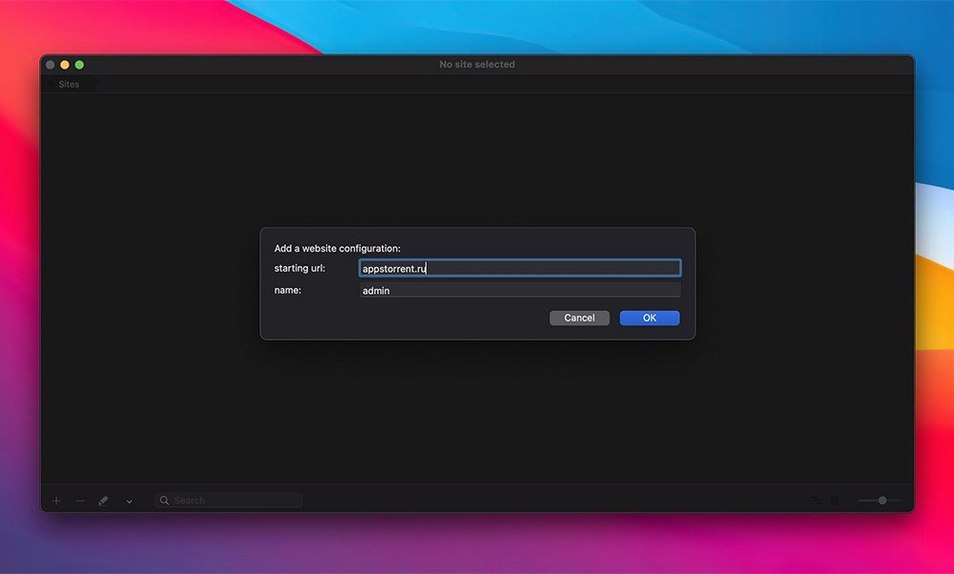
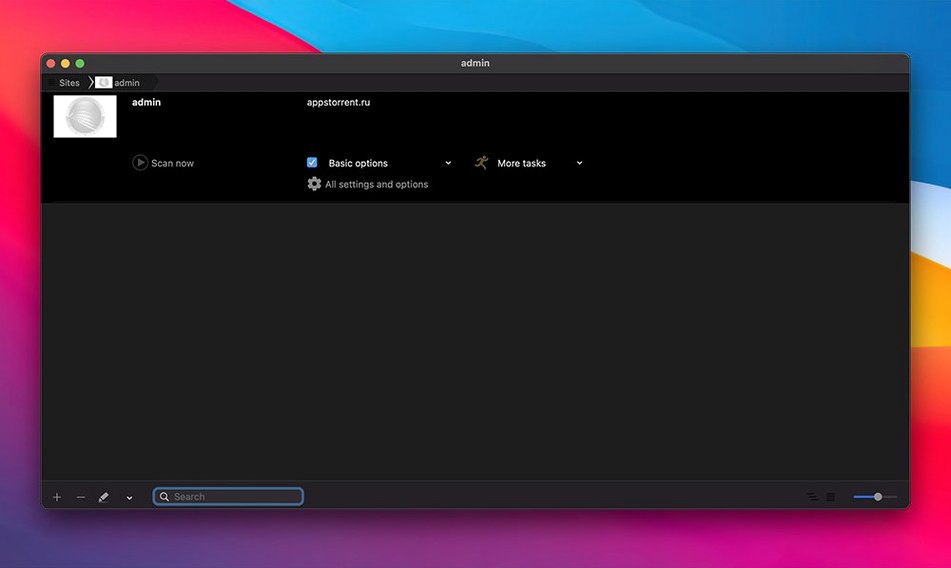
Scrutiny is one for the webmasters, digital marketers, and the quietly obsessive site owners who want to know every broken link before a visitor does. It crawls through your pages, maps the structure, and flags what's broken, redirecting, or just plain missing.
Audit a site's links
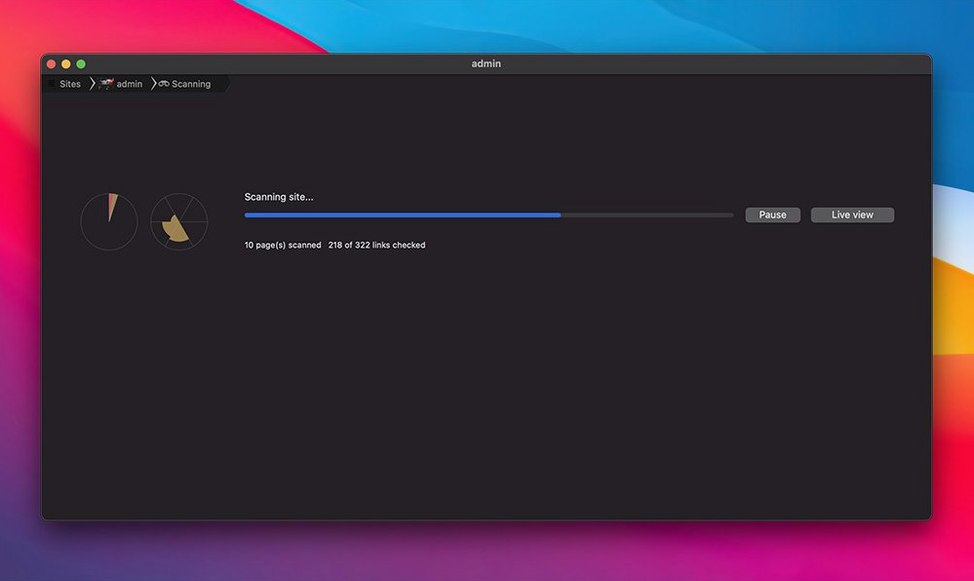
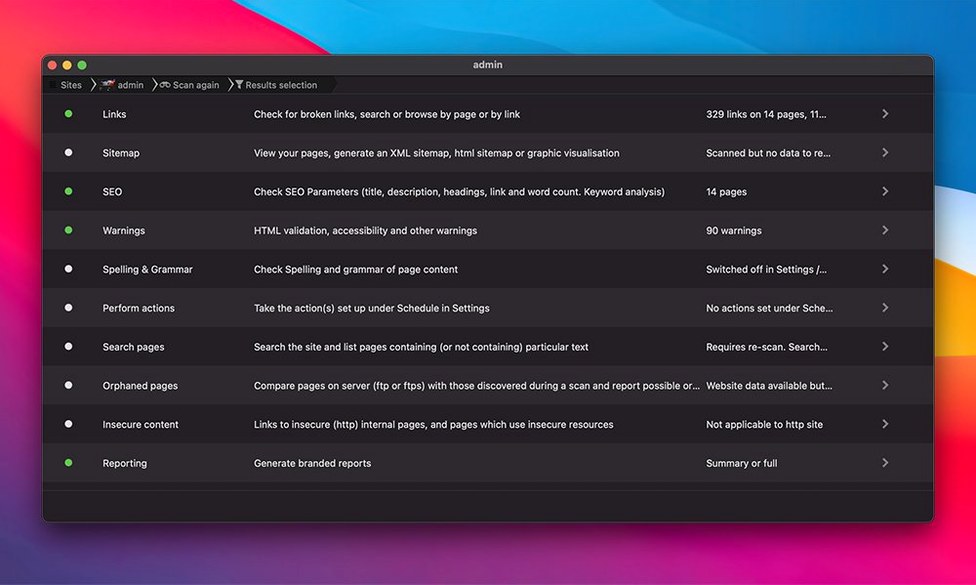
Point Scrutiny at a URL and it will crawl the entire domain, checking every internal and external link it finds. The report shows you exactly which links return errors, which ones redirect, and which pages they live on.
Generate a sitemap
After a crawl completes, you can export the discovered page structure as a proper XML sitemap, or in HTML, CSV, and DOT formats. The app can even FTP that sitemap file to your server automatically when the scan finishes.
Automate the busywork
Schedule crawls to run on their own, then have Scrutiny email the report, save a file, open a document, or trigger an AppleScript when it's done. It fits into a workflow with tools you already use—your text editor can open the link list in HTML or plain text, and your spreadsheet app can crunch the exported CSV.
Why did JavaScript-heavy sites stop returning false negatives?
The jump to version 12 brought a rewritten crawl engine that handles JavaScript-heavy sites more patiently than earlier releases. In everyday use, that means fewer false negatives on pages that build their navigation after the initial HTML loads. The crawl doesn't execute JavaScript the way a browser does, but the parser is now smarter about waiting for server responses and following redirect chains without bailing out early.
Apple Silicon support arrived in this cycle, which matters more than you'd think for a link checker: on an M1 or M2 Mac, a full crawl of a medium-sized site finishes noticeably faster, and the app barely registers in Activity Monitor. The French localization also landed in the 12.x releases, so switching your Mac's language preference to French surfaces the entire interface in French without a separate download.
The monitoring feature got a quiet upgrade too—alert conditions are more granular. You can now flag specific HTTP status ranges (all 4xx responses, for instance) rather than a blanket "something broke." Scheduled crawls gained per-schedule email recipients, so the Monday crawl goes to the dev team and the Friday crawl goes to the marketing lead.
Which hidden shortcut opens a link in your browser?
A few shortcuts hide in the interface that aren't called out loudly in the menus. Double-clicking a row in the link table opens that URL in your default browser—handy when you want to visually verify why a page returned a 404. Right-clicking the same row gives you Copy URL and Copy as plain text, which saves a trip through the Export menu for one-off fixes.
The spelling check runs on every page it crawls by default, but it respects the language you've set per-crawl. Set it to French and it switches dictionaries automatically. Misspelled words show up in their own report tab with the page they were found on, not just a raw list—that makes fixing a typo on a 200-page site actually practical.
If you hold Option while starting a crawl, Scrutiny skips the cached .scrutiny database and forces a fresh crawl of every page. The cache normally speeds up repeat runs by skipping unchanged pages, but when you've just restructured your URL scheme, you want the full pass.
The DOT sitemap export generates a directed graph of your site's link structure that tools like Graphviz can render into a visual map. It's tucked into the export options and easy to miss, but it's the quickest way to explain your information architecture to a client who needs to see the shape of the site.
Can one URL catch 400 pages of broken redirects after a CMS migration?
Imagine someone managing a 400-page documentation site that spans three subdomains. They've just migrated from an old CMS and half the internal links point to the previous URL structure. On a Monday morning, they feed the root URL into Scrutiny, set the crawl depth to cover all three subdomains, and let it run while they answer emails.
Fifteen minutes later, the report shows 27 broken internal links, 12 redirect chains, and 8 pages with missing meta descriptions. The broken links are grouped by source page, so they open each source in their CMS and fix the links in batches rather than hopping between files. The redirect chains are all legacy /docs/v2/ paths that now redirect twice before landing; they update those to point directly to the final destination and shave load time off every affected page.
Before closing the app, they schedule a weekly crawl for Sunday night with an email report sent to their inbox. Monday mornings just got quieter.
How do you stop external URLs from dragging the scan out forever?
One recurring headache: Scrutiny crawls too many external URLs and the scan takes forever. The fix sits in the crawl settings under "Limits." Check "Stay within domain" to restrict the crawl to the starting domain, or add specific domains to the "Allowed domains" list. For a site that links out to CDNs, analytics services, and social media, this setting alone can shrink a crawl from an hour to five minutes.
Another common complaint: the spelling checker flags code snippets and URLs as misspellings. There's no built-in ignore list for patterns, but adding common terms to your Mac's local dictionary (right-click the word in any native text field and choose "Learn Spelling") carries over. For bulk exclusions, run the crawl once, note the recurring false positives, and add them through System Preferences > Keyboard > Text.
If FTP upload of the sitemap fails silently, check that the remote path in Scrutiny's settings uses the full absolute path from the FTP root—relative paths starting with ./ or a bare filename often fail because the FTP server doesn't resolve them the way you'd expect. The app logs the FTP command it tried, viewable from Window > Log, and the error message there usually tells you exactly what the server rejected.
For users who grabbed Scrutiny 12 Mac torrent builds and hit Gatekeeper warnings, the install requires mounting the .dmg, running the Open Gatekeeper friendly script from the disk image, and pressing Enter in Terminal when prompted. After that, drag the app into /Applications and it launches without complaint on both Intel and Apple Silicon Macs running macOS 10.14 or newer.
Version 12.13.1 ships with the developer's latest fixes and improvements. As always, the full changelog lives over at peacockmedia.software.
- macOS 10.14 or later
- Apple Silicon or Intel 64-bit
Comments 0
Sign in or create an account to leave a comment.
No comments yet. A codec, a slice, a machine — they appear after moderation.