
Shadowrocket for macOS
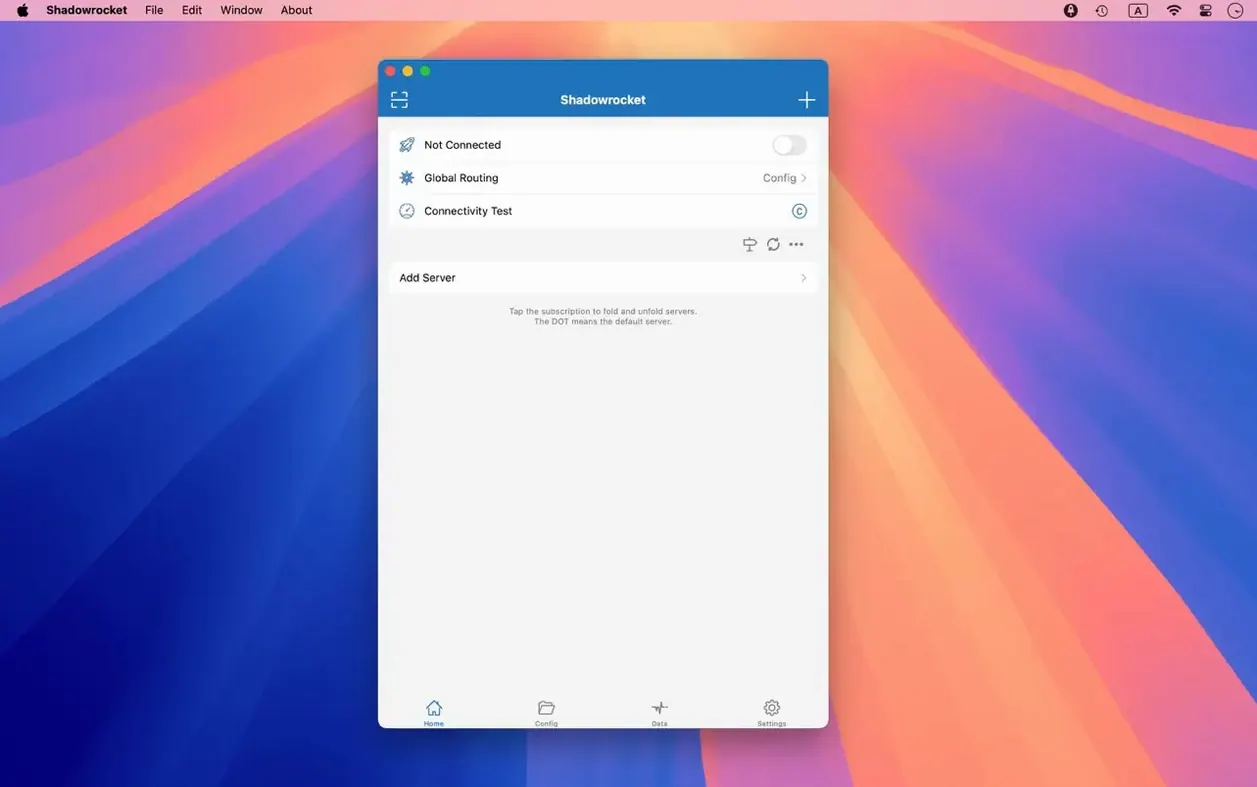
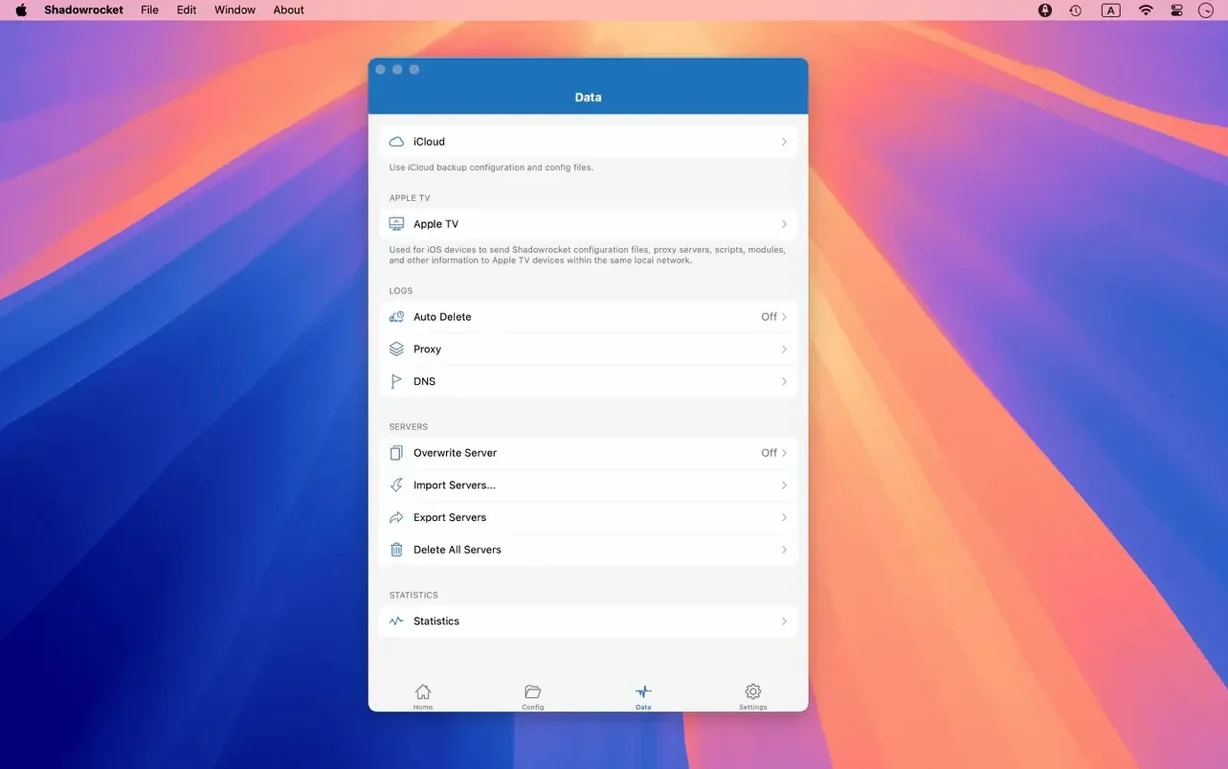
A developer in Taipei needs to inspect how her app's staging build handles a new GeoIP rule before it hits production. She opens a proxy client, starts capturing requests, and filters the session by domain suffix. That is the kind of moment Shadowrocket is built for.
Intercepts and decrypts HTTPS requests for inspection
It intercepts HTTP, HTTPS, and TCP requests from applications on your Mac and forwards them to a proxy server according to a rule set you define. It can also record and display those requests for inspection, including decrypted HTTPS bodies.
How does it decide which traffic to proxy?
You build rule lists that match traffic by domain, domain suffix, domain keyword, CIDR IP range, or GeoIP lookup. Script filters give you finer control when static rules aren't enough, and the app supports multi-level proxy chaining for complex routing setups.
Does it handle modern DNS and IPv6?
Yes. DNS over HTTPS, DNS over TLS, and DNS over QUIC are all supported, and the app has full IPv6 support. The native Apple silicon and 64-bit Intel builds mean it runs directly on any Mac from the last several years.
First-run snags that trip people up
Proxy clients have a habit of failing silently, and Shadowrocket is no different. The most common one I see: you import a server config, flip the connection toggle, and... nothing. Safari loads blank pages, every app times out. Nine times out of ten the proxy server address resolves fine, but the rule set isn't matching anything. Open the rule list and check that you haven't accidentally left it empty, or that your default policy isn't set to "direct" when you meant "proxy." The app won't warn you about an empty rule set — it'll just pass everything through as direct traffic, which looks exactly like a broken connection if your network blocks raw access to the services you're trying to reach.
Another headache: the system proxy toggle. Shadowrocket can set itself as the macOS system proxy automatically, but it doesn't always clean up after itself on quit. If you force-quit the app or it crashes, your network preferences stay pointed at 127.0.0.1 with whatever port the proxy was listening on. Everything stops working until you go into System Settings → Network → Proxies and uncheck SOCKS or HTTP proxy manually. The fix is to quit the app normally whenever possible, or keep the proxy configuration window bookmarked.
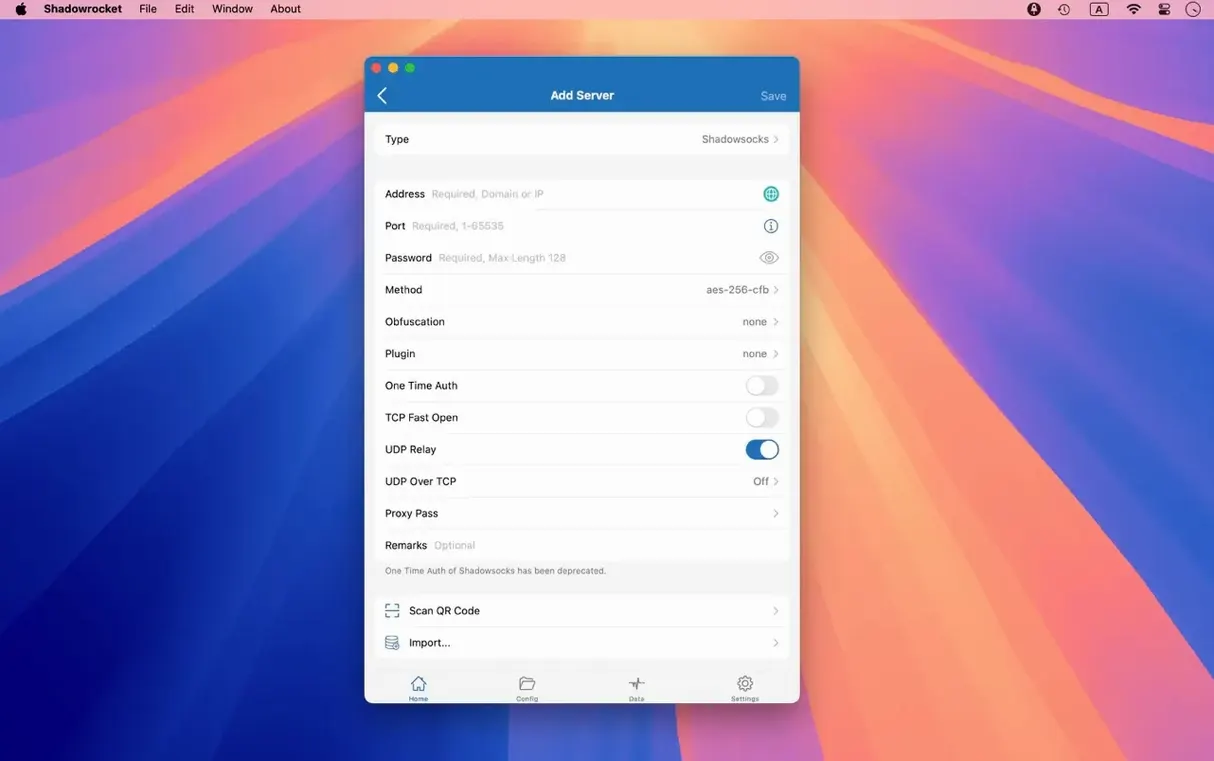
Plugin-related failures deserve their own mention. Shadowrocket supports kcptun, cloak, gost, and V2Ray plugins, but it doesn't ship with them bundled. You need the plugin binaries on your Mac, and the app needs to know where they live. If the plugin path field points to a binary that isn't executable (check with ls -l in Terminal), the proxy just won't start. No error dialog pops up — you'll only catch it in the log view. Always test a new plugin path with the log panel open.
Will clash with Charles Proxy or mitmproxy if both try to intercept
Shadowrocket plays reasonably well with other tools as long as you understand the traffic chain. It sits between your apps and the network, so anything that also wants to intercept traffic — Charles Proxy, Proxyman, mitmproxy — will clash if they're both trying to listen on the same port or rewrite the system proxy settings. If you need both, run Shadowrocket as the upstream and point your debugging proxy at it, not the other way around.
With Little Snitch or LuLu there's no conflict as long as you allow Shadowrocket's outbound connections. The firewall sees the app phoning home to your proxy server; that's expected. What trips people up is the decrypt HTTPS feature. Shadowrocket can decrypt HTTPS traffic for inspection, which means it acts as a man-in-the-middle using its own certificate. If you turn this on, browsers and apps will see certificate warnings until you install Shadowrocket's CA certificate in your system keychain and mark it as trusted. Safari uses the system trust store, so it'll work automatically. Firefox uses its own certificate store — you'll need to import the CA there separately through Firefox's certificate settings.
On the macOS integration side, the version 2.2.92 fixes for the menu bar and Dock icon make the app feel less janky when running in the background. You can minimize it to the menu bar for quick toggling, and the traffic counters show in the menu bar extra if you want a live speed readout without opening the main window. That's handy when you're on a metered connection or just want to confirm your traffic is actually routing through the proxy.
Can you set everything up without touching the terminal?
"Does this need terminal configuration or can I set everything up in the GUI?" The GUI covers everything for day-to-day use — adding servers, editing rules, importing rule sets from a URL, toggling protocols. The one terminal-adjacent step is installing external plugins like kcptun or gost if your proxy server requires them, since you'll download and place those binaries yourself. After that, the path configuration happens inside the app.
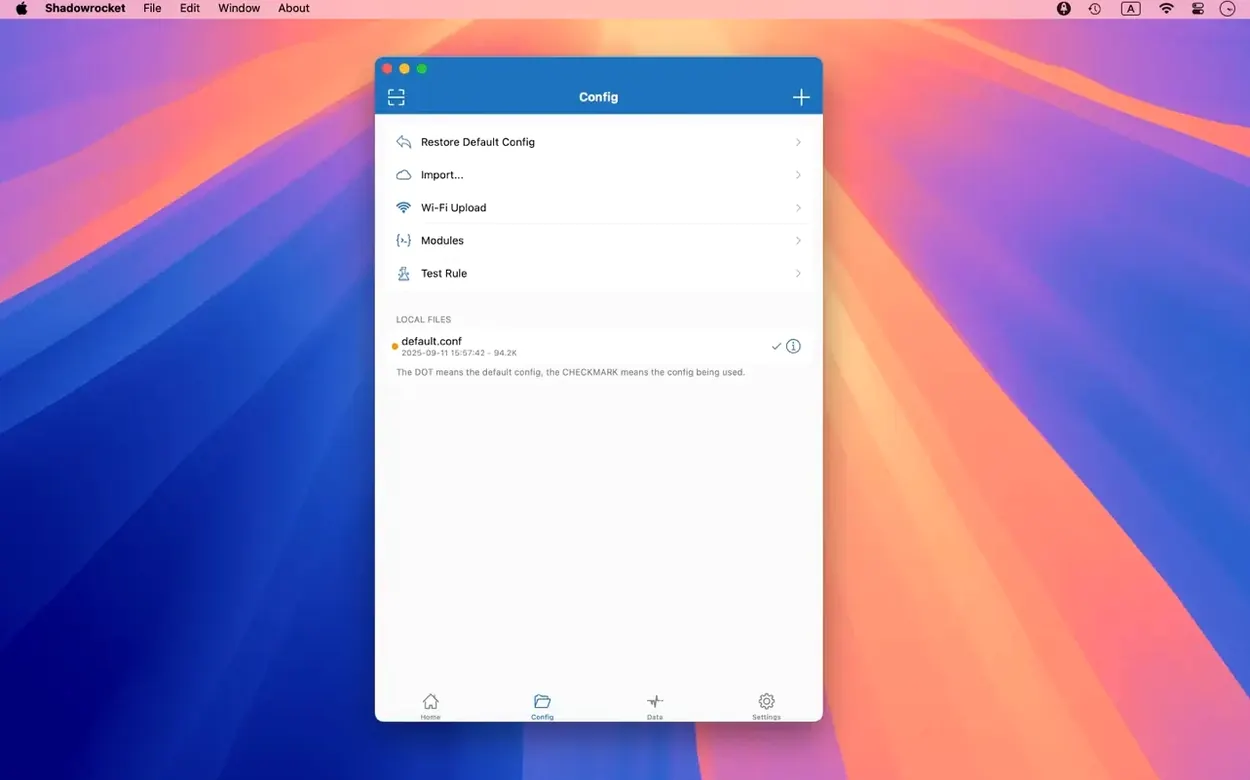
"Can I share my rule set between a Mac and an iPhone?" Yes, and the cleanest way is to host your rule file somewhere reachable — iCloud Drive works — and import it from a URL or file path on both devices. The rule format is the same across Shadowrocket's platforms. Domain-suffix and GeoIP rules transfer without modification; script filters may need tweaks since the JavaScript runtime environment differs slightly between iOS and macOS.
"Does it slow down my connection noticeably?" The app itself adds negligible overhead — you're limited by your proxy server's bandwidth and latency, not by Shadowrocket's local processing. Traffic decryption does add CPU load, but on Apple silicon it's handled in hardware-accelerated crypto. On an M1 or later Mac you won't feel it during normal browsing.
Set the catch-all rule to direct or proxy explicitly
- Set your default fallback policy explicitly. Go to the rules section and check what the catch-all rule does. If you want unlisted traffic to go direct, set it to "direct." If you want everything proxied by default and only specific domains excluded, set it to "proxy." Leaving it unconfigured is the source of most "it's not working" confusion.
- Enable the log view and keep it tucked in a separate window. The real-time HTTP, HTTPS, and DNS request log is the fastest way to diagnose rule mismatches. You'll see exactly which rule caught a request, or that no rule matched at all.
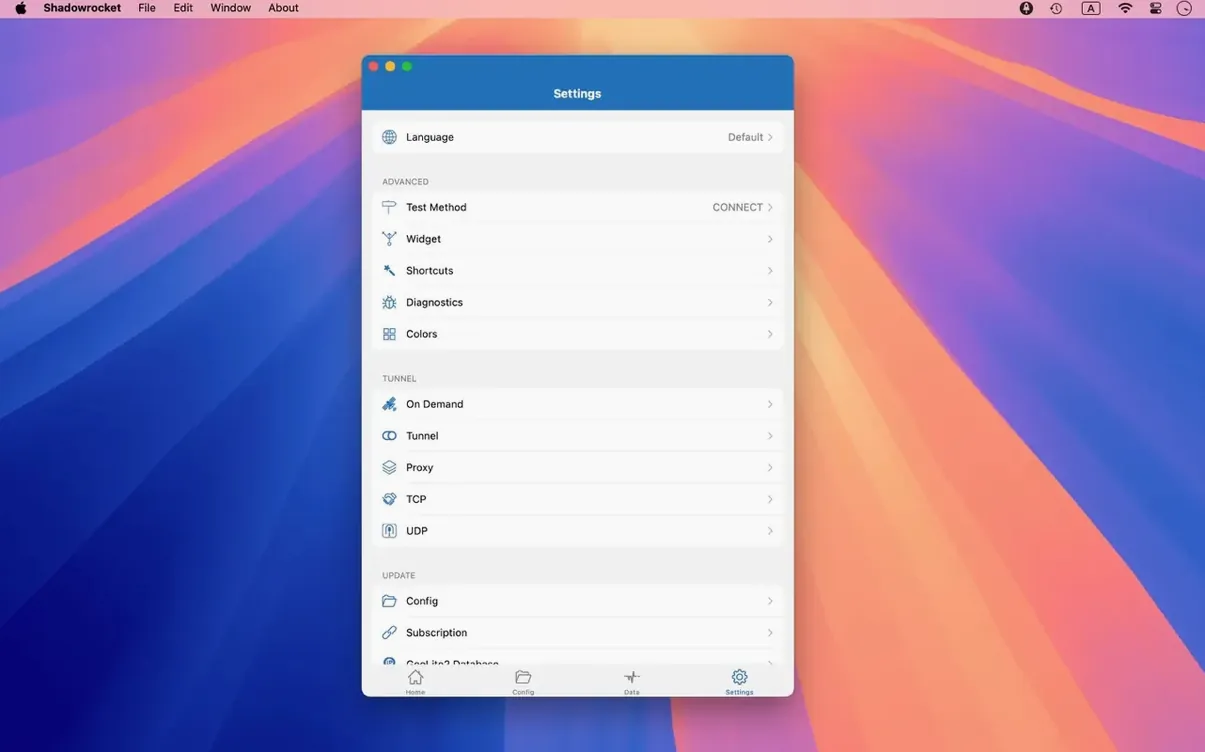
- Configure DNS over HTTPS or DNS over TLS early. If your proxy setup is meant to prevent DNS leaks, set the DNS settings before you start routing traffic. Shadowrocket supports all three secure DNS transports — pick one that your DNS resolver actually offers.
- Set up local DNS mapping if you have split-horizon DNS at home. This is easy to overlook. If some hostnames only resolve inside your local network, add them to the local DNS mapping so the proxy doesn't try to look them up through the remote server.
- Check the measurement panel after your first session. Shadowrocket tracks traffic usage and speed separately for direct and proxy connections. That breakdown is useful for spotting misconfigured rules — if "direct" data counters are climbing when you expected everything on the proxy, a rule isn't matching.
- Fixed UI bugs in server table views, menu bar behavior, and the Dock icon on macOS.
- macOS 10.15 or later
- Apple silicon or 64-bit Intel processor
$ man shadowrocket | grep -A2 "?"
Can I see what my apps are sending over HTTPS?
Yes, Shadowrocket can decrypt HTTPS traffic and display the contents of HTTP, HTTPS, and DNS requests in its capture log.
Which macOS versions can run it?
The current version works on macOS 10.15 and later, and it ships as a universal binary for both Apple silicon and Intel processors.
Comments 0
Sign in or create an account to leave a comment.
No comments yet. A codec, a slice, a machine — they appear after moderation.