Slidepad for macOS
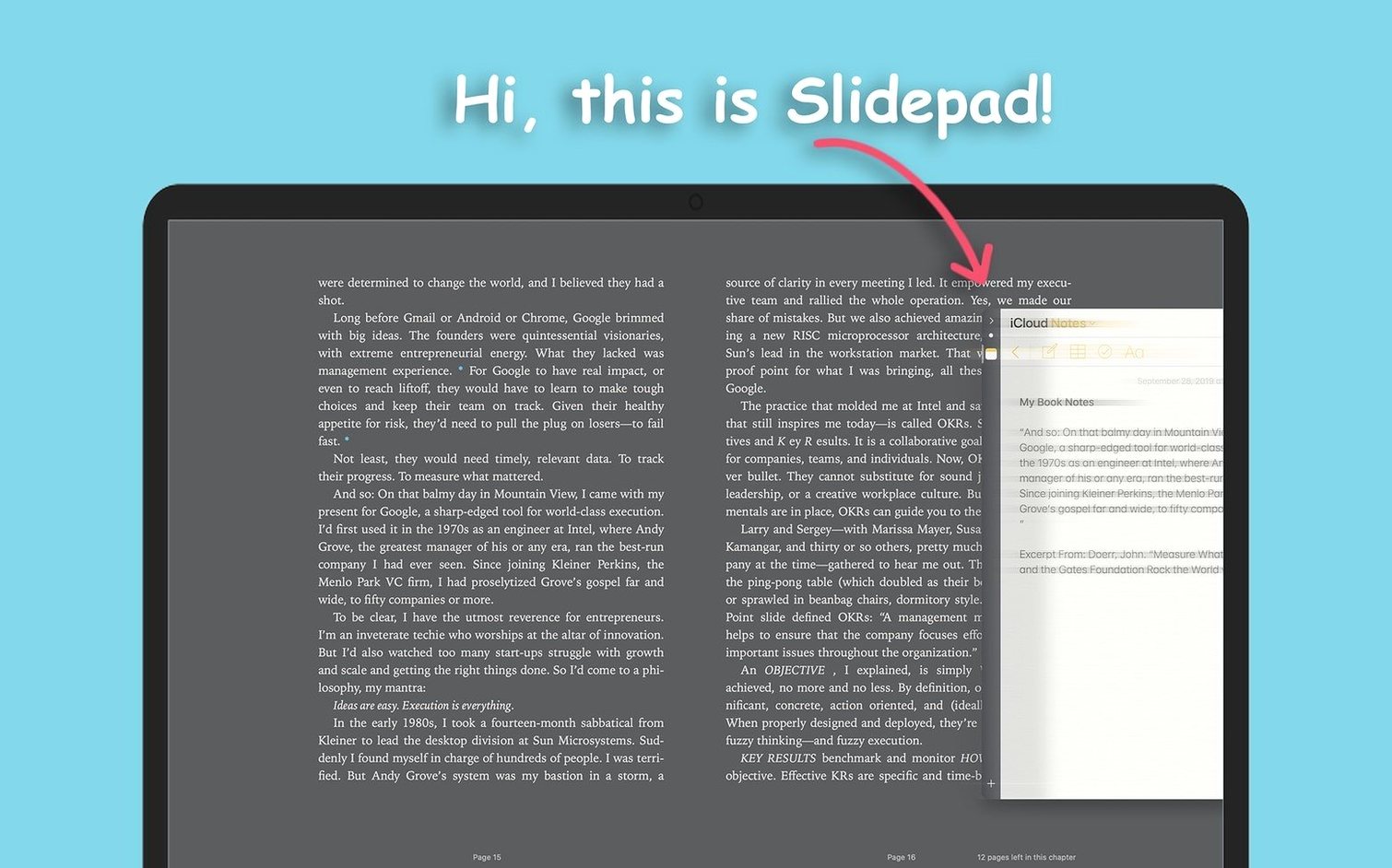
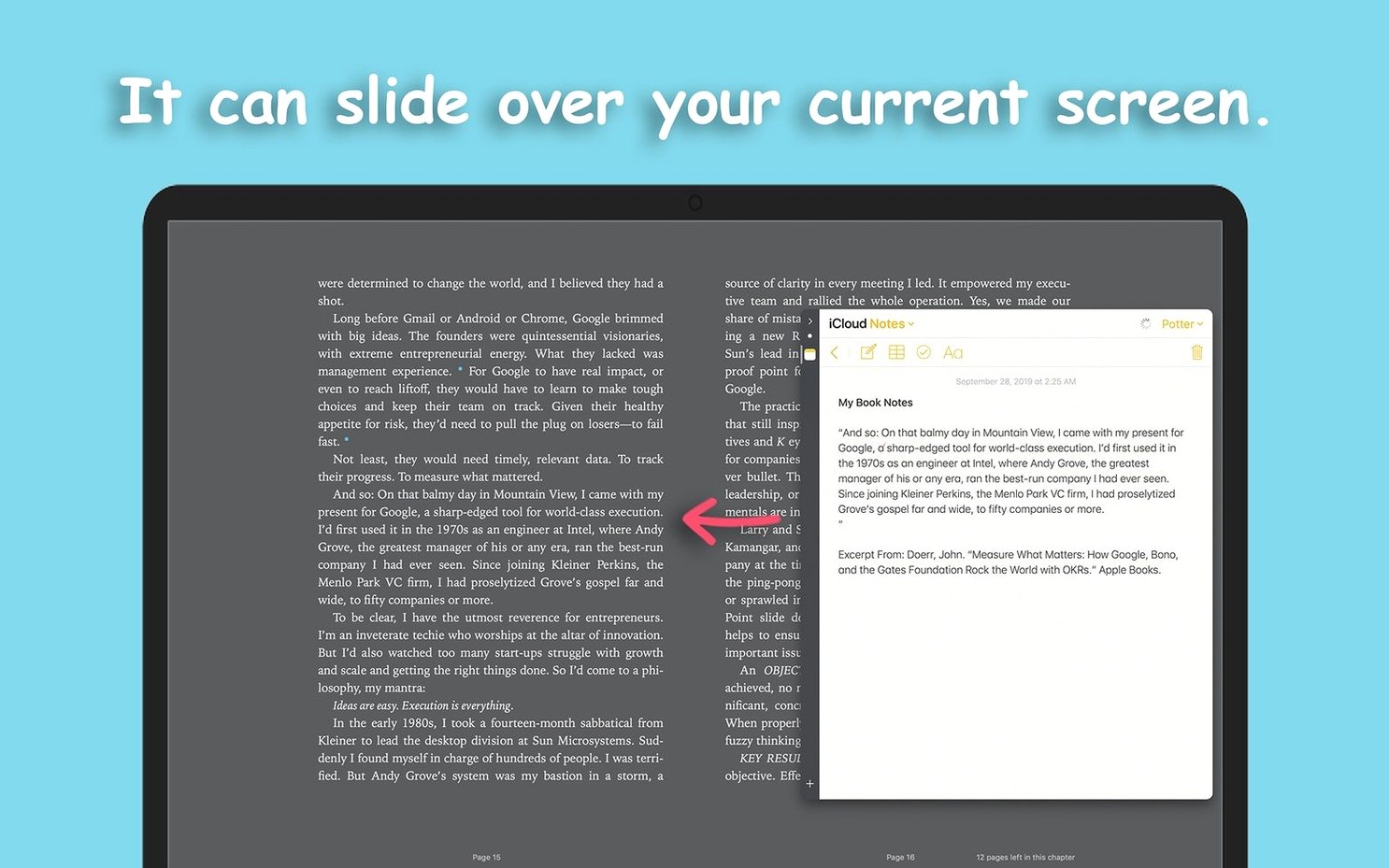
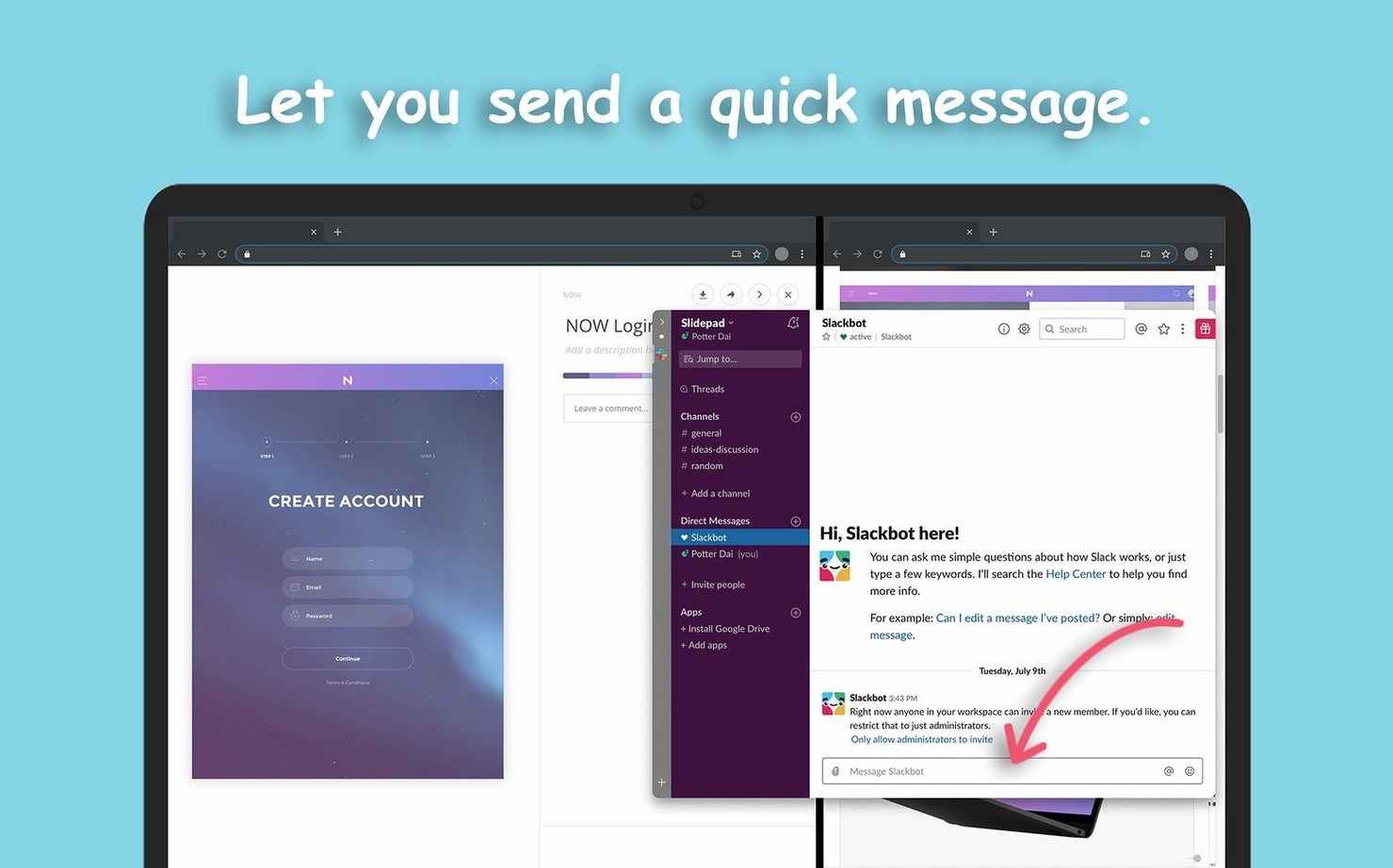
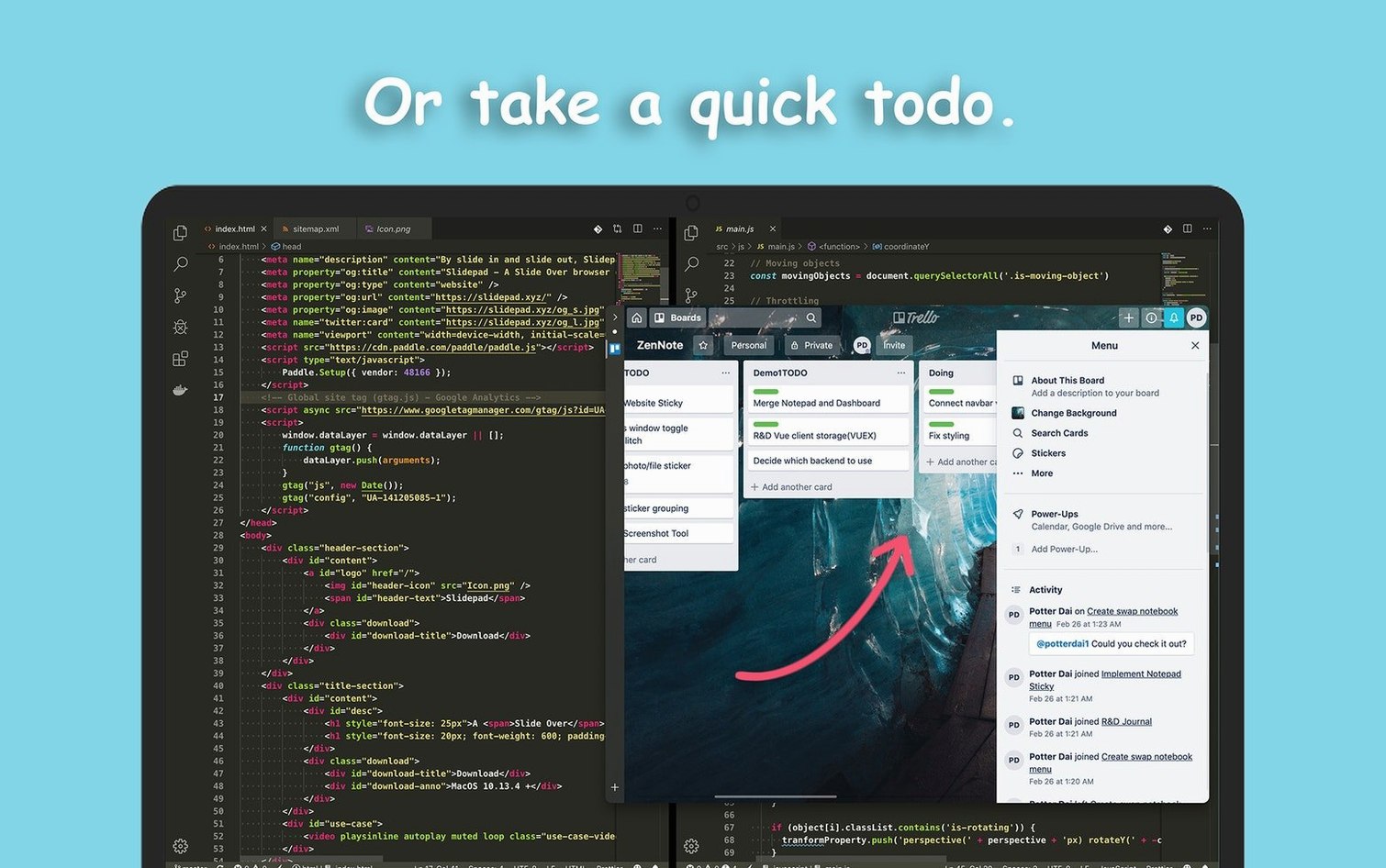
Omnibox entry hits a key combo and the panel slides in from the right — a persistent, always-ready browser layer that borrows its interaction model directly from iPadOS. It sits next to your existing tools without replacing your main browser. You keep Safari or Firefox for deep research and tab-heavy sessions; Slidepad handles the glance-and-go stuff: messaging apps, calendars, note takers, music controllers.
Swiping open a drawer of web apps and PiP video
Think of it as a designated quick-access drawer. You add web apps — no stated limit on how many — and each one lives a swipe away inside a sliding panel. The app supports picture-in-picture video, so a YouTube tutorial or a live stream can float above other windows while you work in something else. Auto mute keeps things quiet until you choose otherwise, and dark mode support kicks in automatically on macOS 10.14 and later. Because it runs as a standalone browser shell, clearing cache and cookies is a single menu-bar action — handy when a web app gets into a weird state and you need a clean slate without touching your main browser’s session data.
What’s the architecture underneath?
Slidepad 1.6.2 ships as a universal binary, native on both Apple Silicon and 64-bit Intel Macs, with a minimum requirement of macOS 11. The sliding panel is a lightweight WebKit view — it’s not a full multi-tab browser but a focused runtime for web apps you use repeatedly. The omnibox accepts URLs and search keywords, routing input the same way a standard browser address bar does, just tucked inside a panel that appears and dismisses without disturbing window layouts. Picture-in-picture uses the system-level PIP controller, so detaching a video feels like pulling a tab out of Safari, except the video floats independently of the panel once it’s detached.
A writer’s side panel during deadline hours
Imagine a freelance editor working on a manuscript in Ulysses with the main window maximized. Research queries pop up constantly — word origins, style guide entries, a shared team calendar. Opening a full browser window each time breaks focus. With Slidepad assigned to a hot corner or a custom key combo, a flick of the mouse brings in a panel with Merriam-Webster, the Chicago Manual of Style search, and a Google Calendar instance all pre-loaded as separate apps. The editor checks a meeting time, confirms a hyphenation rule, and dismisses the panel in under ten seconds. Picture-in-picture keeps a reference interview playing in the corner while the text stays front and center. History is preserved, so re-opening the panel later in the day brings back the same pages where they left off.
Give it a muscle-memory keyboard shortcut
- Assign a keyboard shortcut immediately. Open System Settings → Keyboard → Shortcuts, find Slidepad, and set something muscle-memory friendly like
⌥Spaceor⌘⌥S. The default trigger works, but a custom shortcut makes the panel feel like part of the OS. - Add your three most-checked web apps first. Slack, Notion, WhatsApp Web — whatever you alt-tab to most often. Getting those into the panel early trains you to reach for Slidepad instead of breaking flow with a full browser window.
- Decide on notification sounds early. Slidepad supports customizable sounds per app. Set an audible ping for messaging services and silence for news feeds or dashboards you glance at passively. Auto mute in settings applies globally, but per-app tuning prevents notification fatigue.
- Clear the cache once after initial setup. The menu-bar option wipes cookies and cached data specific to Slidepad’s WebKit instance. Doing this after adding a batch of apps gives you a clean baseline — useful if a service later behaves oddly and you need to isolate whether the issue is in Slidepad or the web app itself.
- Test picture-in-picture early with a video you know. Detach a YouTube clip, resize it, and drag it to a corner you rarely use. Knowing how PIP behaves before you need it during a focused session prevents fumbling later.
- macOS: 11 or later
- Architecture: Apple Silicon and 64-bit Intel (universal binary)
- Languages: English
$ man slidepad | grep -A2 "?"
Can Slidepad mute web apps automatically?
Yes, you can enable auto mute in the settings so web apps load silently until you explicitly unmute them.
Comments 0
Sign in or create an account to leave a comment.
No comments yet. A codec, a slice, a machine — they appear after moderation.