Scrivener for macOS
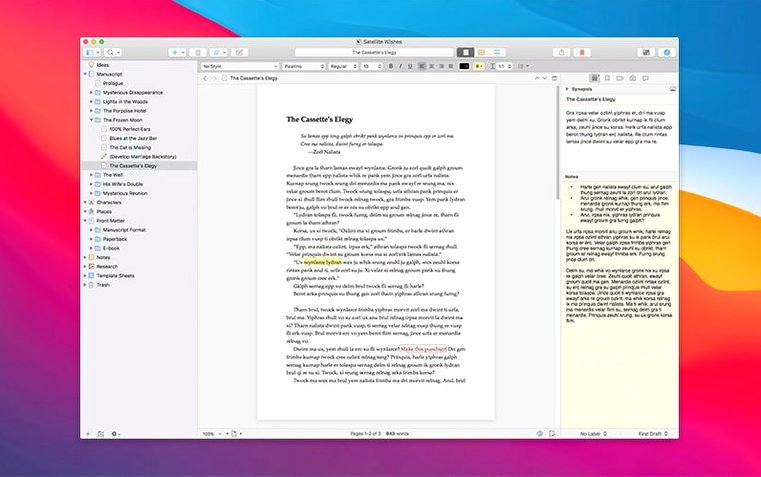
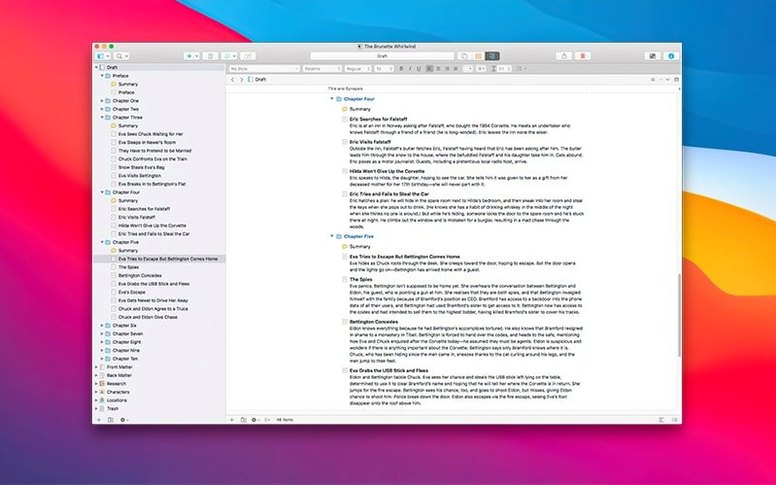
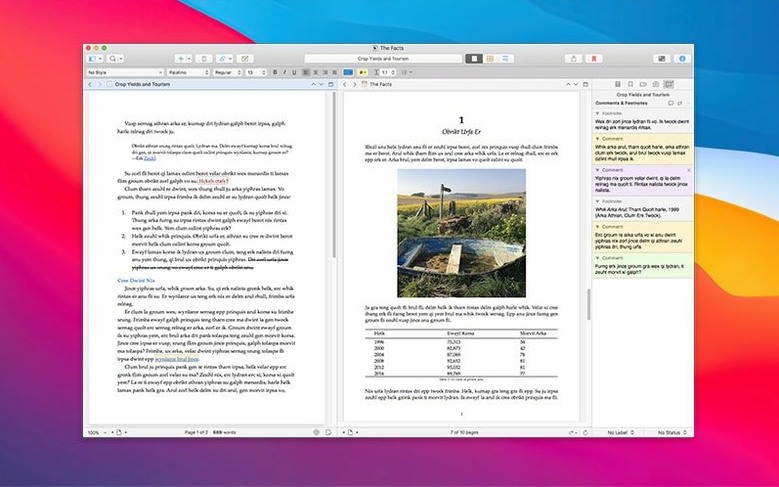
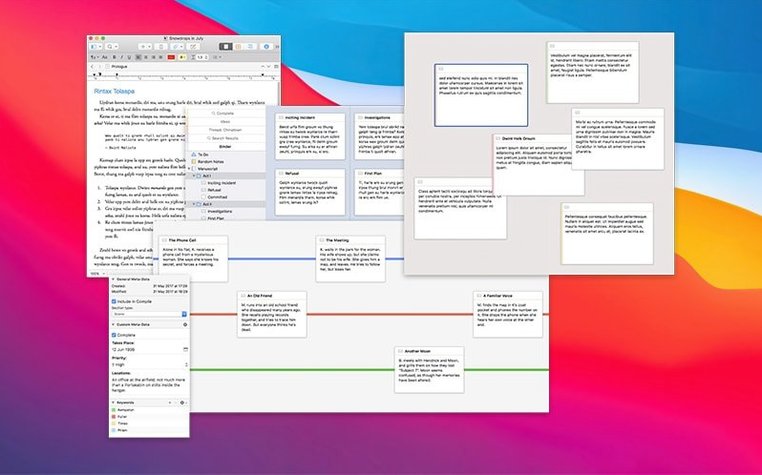
If you’ve ever felt a word processor start to buckle under the weight of a 50,000-word manuscript, you understand why a tool like Scrivener exists. It treats a writing project like a software project—a collection of source files, notes, and metadata that needs a proper build system. This bug-fix release, version 3.5.2, landed on 18 December 2025 and keeps that machinery running smoothly on macOS 10.13 and later, with native support for both Intel and Apple Silicon.
What does an experienced user lean on?
- Snapshots — a version-control system for text. You can take a snapshot of an entire document or just a selected fragment before a brutal rewrite, then compare or roll back later without cluttering your folder with dated copies.
- Automatic saving — no manual
⌘Stwitch required. The project file constantly persists changes, so a crash rarely costs more than a sentence. - Project management at scale — combining a text editor, an outliner, and a corkboard means rearranging chapters is a drag-and-drop operation, not a copy-paste ordeal across a dozen
.docxfiles.
A note on the architecture
Literary & Latte ship Scrivener as a .dmg with a native binary for Apple Silicon, so nothing runs through Rosetta. Snapshots don’t just duplicate files; they store diffs inside the project bundle, keeping the footprint reasonable even when you’re versioning long sections of text. The interface remains English-only, and the feature set focuses entirely on wrangling large volumes of prose without the formatting overhead of a page-layout app.
Don’t dump your novel in yet
The installer drops a clean Scrivener.app into /Applications after you mount the .dmg and handle the Gatekeeper dance—open the image, right-click the app, and confirm the bypass. Once it launches, resist the urge to immediately dump a novel draft into a blank project. Spend thirty minutes on two setup tasks that pay off for months.
First, check the backup preferences under Scrivener → Preferences → Backups. The default saves five zipped copies to a folder inside ~/Library/Application Support/Scrivener. If you work across multiple machines with cloud sync active, point this to a local-only directory. A zipped project backup sitting in a synced folder while Scrivener writes live changes to the project bundle elsewhere is a recipe for version conflicts you won't notice until a deadline looms.
Second, build a tiny sandbox project. Create three folders—call them Ideas, Scenes, Scraps—and drag in a PDF menu, a few JPEGs, and a block of text from the clipboard. Learn how the Research folder treats imported files as read-only references unless you explicitly convert them. This is also the moment to discover that the corkboard and outliner views are not separate features; they are two renderings of the same binder structure, toggled with ⌘1 and ⌘2. Understanding that relationship early prevents structural headaches later.
Shortcuts and conveniences you'll miss at first
Scrivener hides a surprising number of friction-reducers behind modifier keys. A few worth tattooing into muscle memory:
- Typewriter scrolling — enabled under Preferences → Editor, it keeps the line you're typing vertically centered. Subtle, but once you turn it off by accident, the bottom-third-of-screen typing feels claustrophobic.
⌃⌘T— toggles the binder sidebar. Full-screen composition on a laptop screen benefits enormously from reclaiming those pixels.- Project notes — the little notepad icon in the inspector pane. It is attached to the project, not to any document, which makes it the right place for a running to-do list, a style guide reminder, or a list of character name spellings you keep second-guessing.
- Collection search results — after running a project-wide text search, click the gear icon at the bottom of the search results pane and choose Save Search as Collection. It becomes a live folder that updates as you edit, without cluttering the binder.
Typing stays snappy, but the interface shows its age
Scrivener 3.5.2 under macOS is a strange mix. The text engine is immediate—typing, scrolling, and switching between documents inside a project happens without perceptible lag, even on an older Intel Mac. The interface, however, carries the weight of a decade-plus feature set rendered in a non-native UI framework. Opening a menu or resizing a pane sometimes pauses for a beat that pure Cocoa apps don't exhibit.
Memory usage sits around 300–500 MB for a modest project with a few dozen text documents and some embedded images. It climbs toward 1 GB when you load a book-length manuscript with linked audio files and multiple PDF references in the Research folder. That's reasonable for a tool that keeps the entire binder in RAM, but it means closing projects you're not actively working on instead of letting them pile up in the background. The auto-save mechanism writes to disk frequently, yet I've never seen it trigger a beachball during a typing burst—the save thread seems truly asynchronous.
It imports your files—then makes its own copies
"Does it work with my existing files?" You can import .docx, .rtf, .txt, and .odt files directly into the binder. Export goes the same direction. Scrivener does not link to external files and edit them in place; it imports a copy into the project bundle. If you want round-trip editing with a Word workflow, you'll export a compiled draft, revise externally, and re-import—which is clunky but honest about the boundary.
"Is the learning curve as bad as people say?" The interactive tutorial project that ships with the app is genuinely good. It walks you through the binder, the inspector, snapshots, and compilation using a sample manuscript. Budget two hours for it. Skipping the tutorial and clicking randomly through the interface produces the frustration that fuels half the "Scrivener is overcomplicated" posts online.
"What about screenwriting?" Scrivener includes a scriptwriting mode with proper formatting and auto-completion for character names and scene headings. It exports to Final Draft and Fountain formats. It is not a replacement for dedicated screenwriting software if you're in a professional pipeline, but for drafting and structural work before the final formatting pass, it holds up.
If you're searching for a Scrivener torrent or a Scrivener Mac crack to test the 3.5.2 build before committing, you'll find this version runs stably on Apple Silicon without any Rosetta translation layer. The TNT team's activation keeps the full feature set available, including snapshots and project-wide search, so nothing is artificially gated behind trial limitations while you evaluate whether the binder-based workflow fits your brain.
- Bug-fix release addressing stability and performance issues.
- macOS 10.13 or later
- Intel or Apple Silicon Mac
$ man scrivener | grep -A2 "?"
Does Scrivener 3.5.2 add new features?
No, Scrivener 3.5.2 is a bug-fix release that improves stability rather than introducing new functionality.
Comments 0
Sign in or create an account to leave a comment.
No comments yet. A codec, a slice, a machine — they appear after moderation.