Rhino for macOS
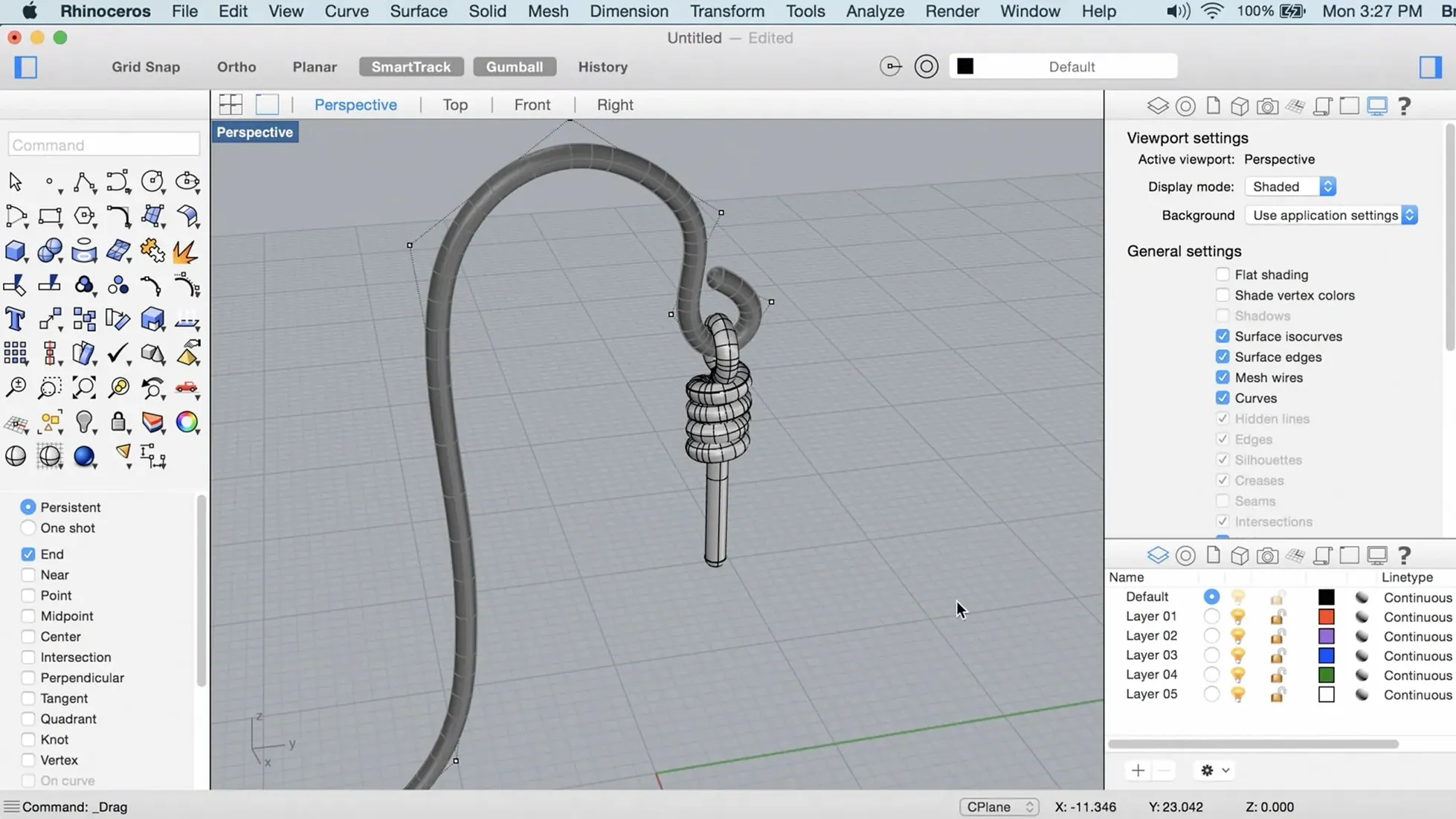
When a model grows beyond what polygon-by-polygon editors can handle gracefully, you need a geometry kernel that thinks in curves and surfaces. Rhino 8 tackles that problem with a set of tools that keeps the math precise while adding ways to simplify messy real-world data.
- ShrinkWrap turns open meshes, loose curves, and point clouds into closed, watertight meshes in one step — useful for 3D printing prep or cleaning scanned data.
- PushPull workflows let you extrude and edit faces of solids and surfaces directly, without digging through construction history.
- Grasshopper gains new data types, which means fewer scripting workarounds when passing structured information between components.
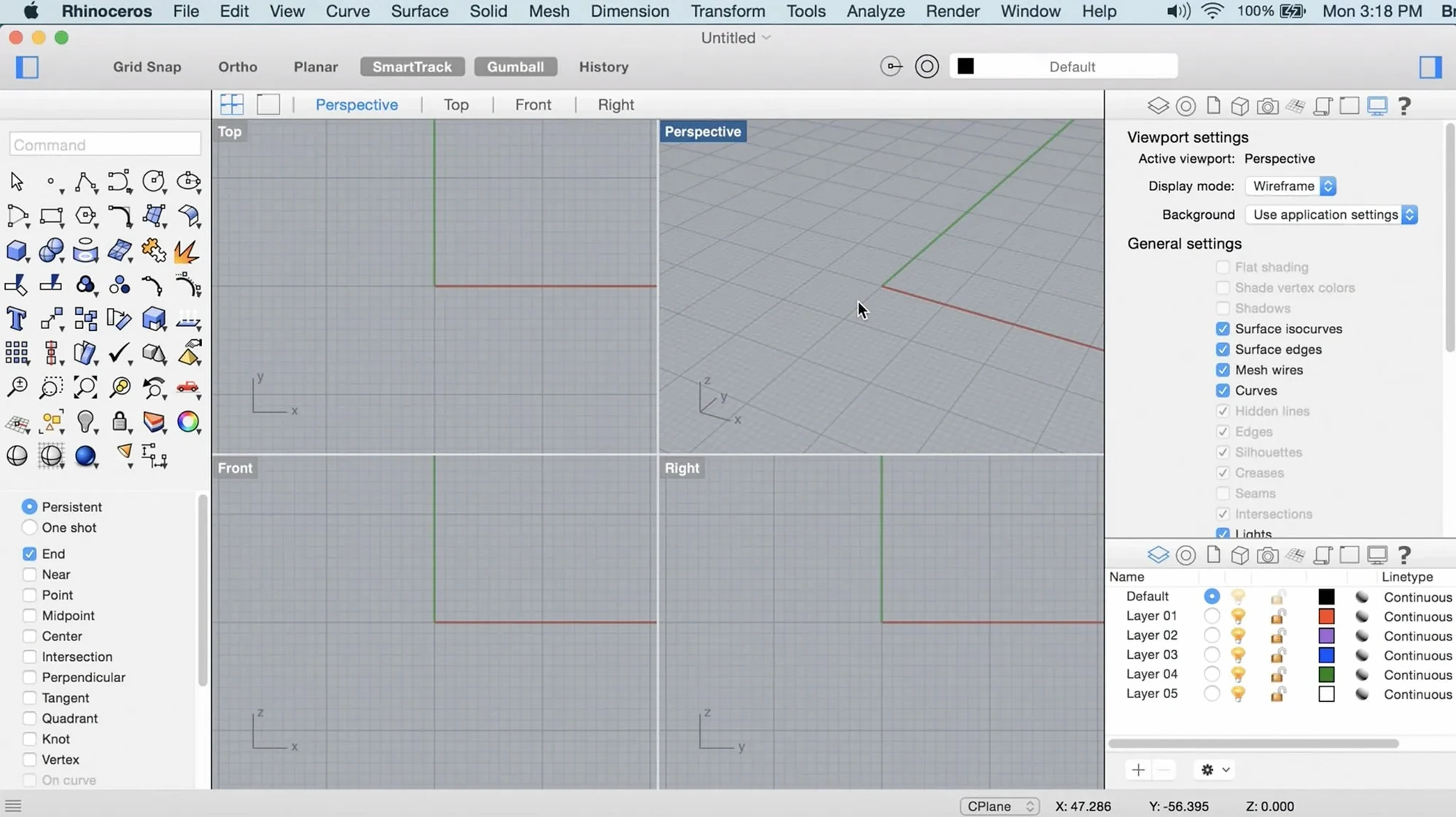
- The UI is now more customizable on Mac, so toolbars and palettes can reflect the way you actually work rather than a one-size-fits-all layout.
- Graphics run on the Apple Metal display stack, reducing the overhead you'd get from a translated OpenGL pipeline.
Underneath the new features, the modeling core still handles NURBS curves, surfaces, solids, point clouds, and polygon meshes with the same math-driven approach. The hardware is the real limit — if your machine has the RAM and GPU headroom, Rhino won't stop you from pushing complexity as far as you need.
Industrial designers and curvature continuity on Apple Silicon
Industrial designers moving between concept sketches and production-ready surfaces tend to feel at home fastest. Rhino's NURBS engine gives them curvature continuity controls that subdivision modelers don't expose, and the Mac build's Metal viewport means they can orbit a full-detail model without the stutter that used to plague CAD on Apple machines.
Architects with a Grasshopper habit find the Mac version genuinely usable now. Earlier releases ran Grasshopper through a translation layer that introduced lag whenever a definition grew beyond a dozen components. The current build executes graph updates on the same thread model as the Windows version, so iterative form-finding with hundreds of sliders and data trees doesn't turn into a waiting game. If you're the person on the team who builds the parametric facade studies while everyone else is still sketching massing diagrams, this is your environment.
Jewelry designers and anyone working at sub-millimeter tolerance benefit from the absolute modeling precision. A ring shank modeled as a degree-5 NURBS curve won't develop subtle faceting when you offset it for a stone setting — polygon modelers need dense subdivision to approximate the same result, and the file sizes balloon accordingly. Pair that with the new SubD Creases feature in Rhino 8, and you can mix hard-edge mechanical parts with organic swept forms in the same object without converting between representations.
Reverse-engineering folks — the ones handed a pile of scan data and asked to produce a CAD model by Thursday — will reach for ShrinkWrap constantly. Draping a watertight mesh over noisy point clouds used to mean a round-trip through Meshmixer or a separate retopology tool. Having it inside the same session means fewer format conversions and less chance of coordinate system drift.
How Rhino fits with other apps and macOS features
Rhino doesn't try to be an island. The file format ecosystem matters more than most newcomers realize.
Adobe Illustrator and vector workflows. Curves drawn in Rhino can export as .ai files with layers preserved. Industrial designers use this to send accurate 2D profiles for packaging dielines or laser-cutting templates directly to graphic design teams. The Make2D command projects 3D geometry to a flat drawing with hidden-line removal, and the result lands in Illustrator as editable Bézier paths — no tracing, no guesswork.
Rendering pipelines. Rhino 8's built-in Cycles renderer is faster than the previous engine, but plenty of users still need more. The app exports to .obj, .fbx, and .gltf with material assignments, so moving a scene into Blender for final rendering or into Unreal Engine for real-time visualization is straightforward. Architectural visualization studios often model in Rhino, assign basic materials, then hand off .3dm files to a dedicated viz artist who re-materials everything in a DCC app.
Apple ecosystem integration. On a Mac, Rhino respects the usual conventions: Quick Look previews of .3dm files work in Finder, so you can scan a folder of project iterations without launching the app. The viewport supports macOS color management through ColorSync, which matters if your display is calibrated for print-proofing and you're evaluating surface color assignments. Spotlight indexes the metadata inside Rhino files, though the searchable fields are limited to file name and basic geometry statistics.
CAD interoperability. STEP, IGES, and Parasolid export still work as they always have, so sending a surface model to a SolidWorks or Fusion 360 user downstream doesn't require rebuilding geometry. The Mac build writes the same .step and .iges files as the Windows version — byte-for-byte identical when the same export tolerance is set.
Does the interface use native Cocoa windows or a cross-platform toolkit?
Does it feel like a real Mac app, or a port? The interface uses native Cocoa windows, not a cross-platform toolkit. Tool palettes snap to screen edges like any Mac panel. The biggest tell that it's a port is the right-click behavior — Rhino expects a two-button mouse, and while Control-click works, you'll want a physical right mouse button within the first hour. The developers recommend a scroll-wheel mouse, and they're not being fussy: orbiting without a middle mouse button is an exercise in modifier-key gymnastics.
Will my Windows Rhino files open without issues? The .3dm format is identical across platforms. Plugins are the real compatibility boundary — Grasshopper definitions that reference Windows-only plugins won't resolve on Mac unless the plugin author ships a Mac build. Core Grasshopper components, Kangaroo physics, and most of the commonly used add-ons work. If your workflow depends on a specific third-party plugin, check whether it has a Metal-compatible Mac version before committing.
What about performance on Apple Silicon? The app runs natively on both Apple Silicon and Intel. On an M-series chip with 16 GB of unified memory or more, viewport navigation stays fluid on models with tens of thousands of surfaces. The Metal render pipeline keeps frame times low during orbit and pan operations. Heavy Grasshopper definitions with recursive data trees still stress the CPU, but that's true on any architecture — the math doesn't get cheaper, it just runs without translation overhead.
Is the install process unusual? You'll mount a standard .dmg, but then you run a helper called Open Gatekeeper friendly and press Enter in Terminal. This bypasses the macOS quarantine that would otherwise block an unsigned app. After that, it's the usual drag to the Applications folder. The procedure is documented and takes under a minute. If you've installed software from outside the Mac App Store before, nothing here will surprise you.
Typing commands instead of hunting for icons
The command line at the top of the window isn't just for show. Rhino inherits an AutoCAD-style command prompt, and you can type any command name instead of hunting for its icon. Veteran users barely touch the toolbars — they type partial commands and let autocomplete fill in the rest. Commands like DupBorder (duplicate surface borders as curves) and SelDup (select duplicate geometry) don't have obvious toolbar buttons but are reachable in three keystrokes.
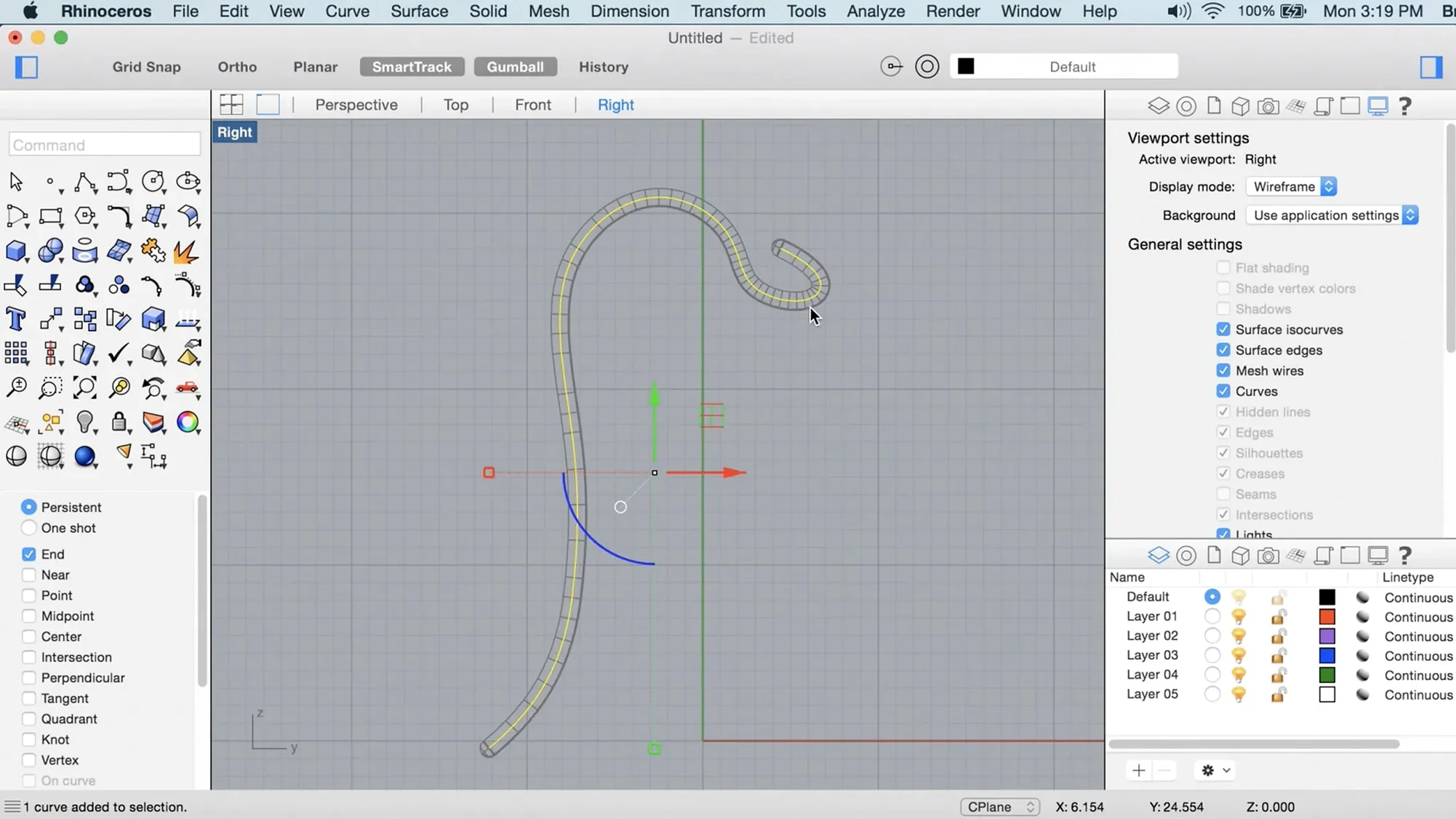
Gumball manipulation behaves like the move/rotate/scale widget in most 3D apps, but holding the Option key while dragging a gumball arrow extrudes a face or edge rather than moving it. That one modifier key turns a transform operation into a modeling operation without switching tools.
The History panel tracks parent-child relationships between objects. If you loft a surface through a set of curves with history enabled, editing those curves later updates the lofted surface. It's not a full parametric solver like Grasshopper, but for quick design explorations it saves rebuilding geometry from scratch.
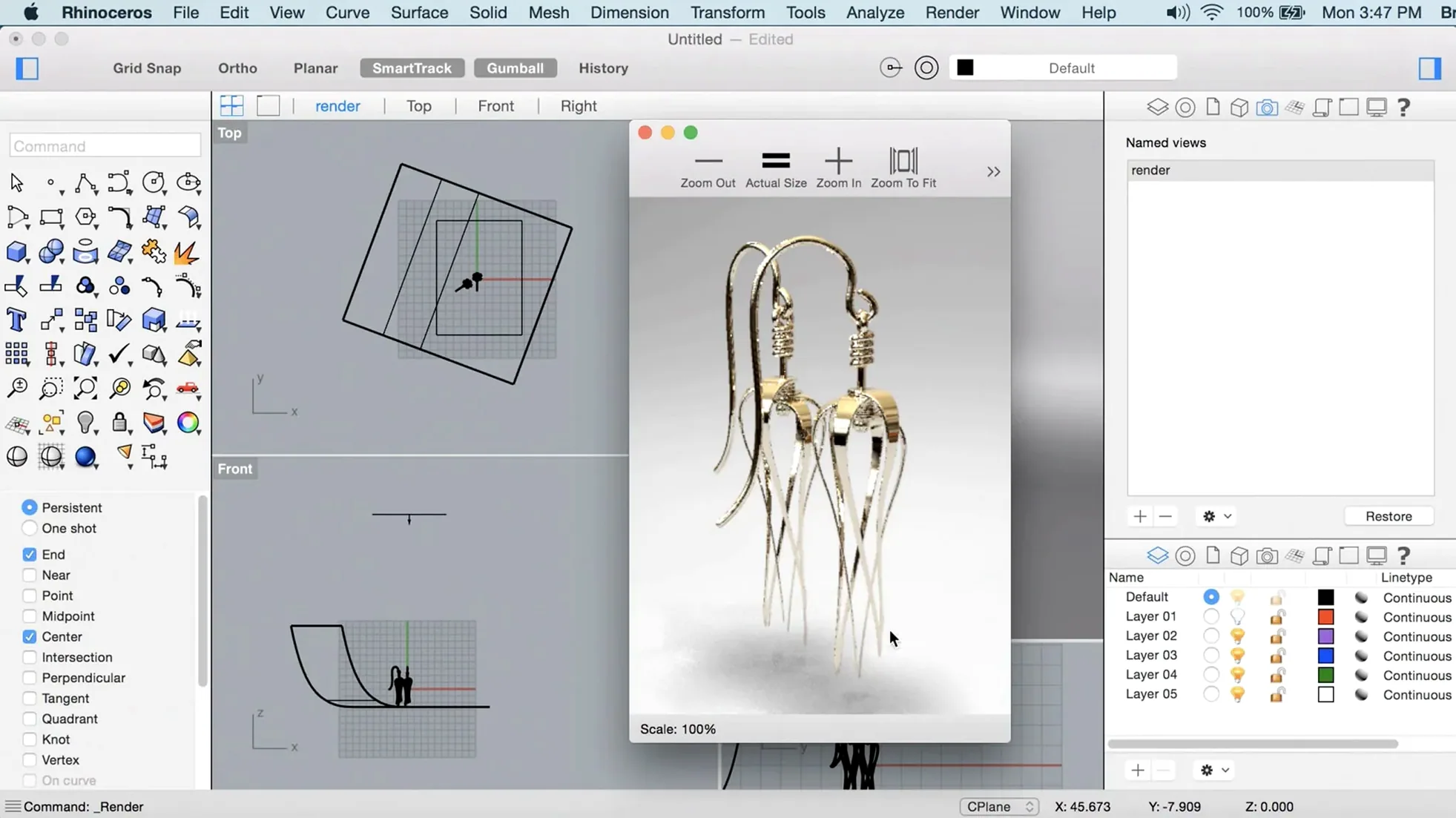
Named views saved in the viewport panel persist in the .3dm file. Restore a precise camera angle, projection type, and clipping plane state by double-clicking a thumbnail. Presentation workflows benefit enormously — set up a dozen camera angles for a client review, and switching between them is instant.
Bumping anti-aliasing to 8x for smoother curved edges
Open Rhino Settings > Display Modes and bump the anti-aliasing to 8x if your GPU can handle it. The default 4x setting leaves visible jaggies on curved surface edges, and the Metal renderer has enough headroom on Apple Silicon that the performance hit is negligible for most models.
Under Rhino Settings > Files, set the autosave interval to something you can live with — the default is 20 minutes, which is an eternity if you're in a flow state. Ten minutes is a safer floor. While you're there, increase the number of backup files kept; the default of one backup means you have exactly one previous version to fall back on.
In Rhino Settings > Units, lock your template to the unit system you actually use. Opening a file and discovering you've been modeling in inches when your project is metric is a rite of passage nobody needs to repeat. Set the default to millimeters or inches and name the template so it's the first thing you see in the New File dialog.
If you work with imported mesh data frequently, visit Rhino Settings > Mesh and switch the display mode for meshes from "shaded" to "shaded with wireframe" at a low opacity. It's the fastest way to spot non-manifold edges, flipped normals, and triangulation artifacts without running analysis commands on every import.
- ShrinkWrap creates closed meshes from open or messy input geometry.
- Graphics on Mac now use the Apple Metal display stack.
- The Mac interface is more customizable than in previous releases.
- macOS 12.4 Monterey or later
- Intel or Apple Silicon processor
- 8 GB RAM (recommended)
- 10 GB available disk space
- Multi-button mouse with scroll wheel (recommended)
$ man rhino | grep -A2 "?"
What macOS version does Rhino 8 require?
Rhino 8 needs macOS 12.4 Monterey or later, and runs natively on both Intel and Apple Silicon Macs.
Which interface languages are included?
The app ships with Russian, English, German, Spanish, Italian, Traditional Chinese, Simplified Chinese, Korean, Polish, Portuguese, French, Czech, and Japanese.
What are the recommended hardware specs?
Robert McNeel & Associates recommends at least 8 GB of RAM, 10 GB of disk space, and a multi-button mouse with a scroll wheel.
Comments 0
Sign in or create an account to leave a comment.
No comments yet. A codec, a slice, a machine — they appear after moderation.