AIMP for macOS
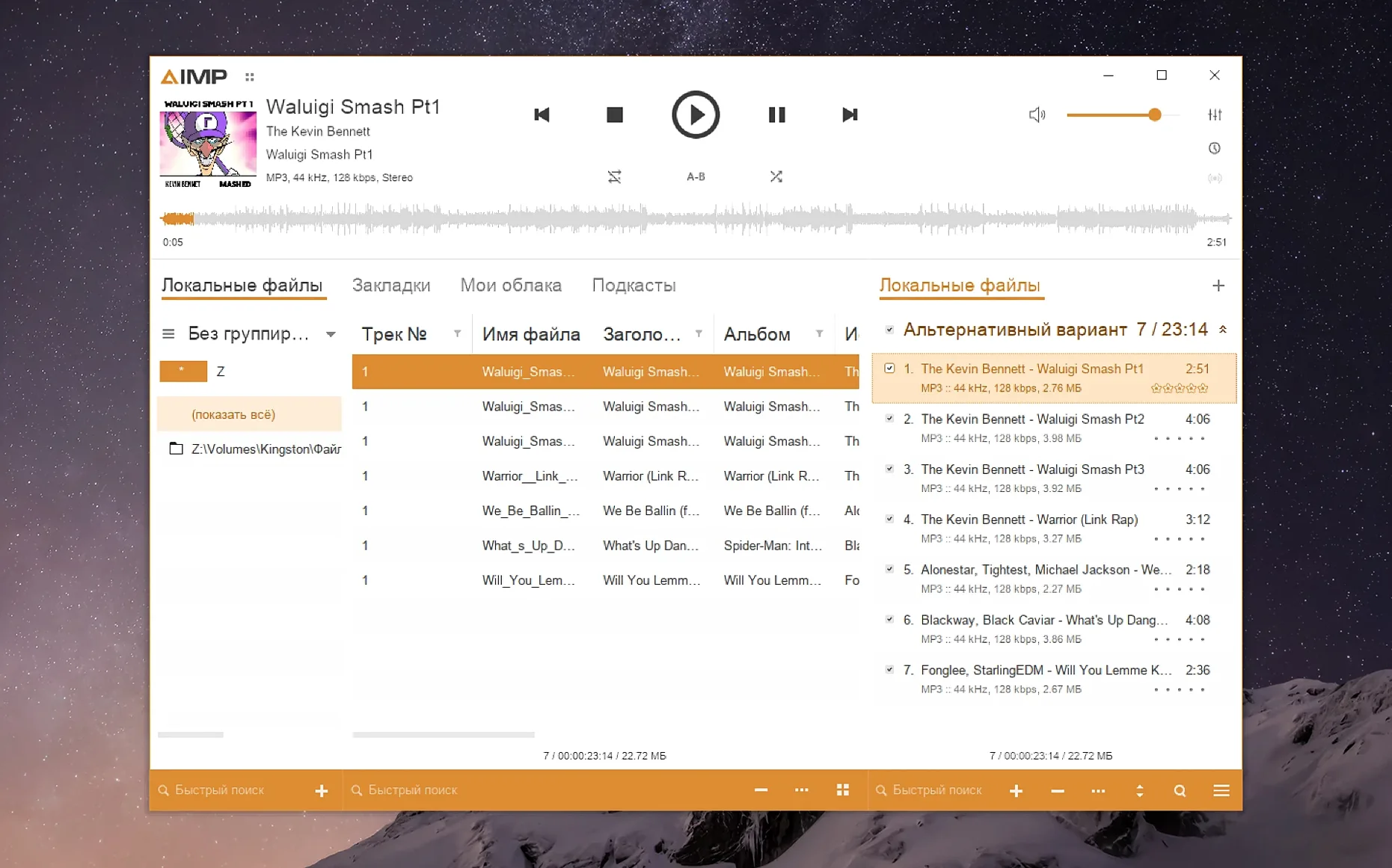
Version 5.40.2675 landed with a handful of quiet, technical improvements. The Monkey’s Audio codec moved to 11.08, waveform calculation got faster, and a libVorbis conflict that could trip up third-party plugins was fixed. A sampling-frequency buffering glitch also got patched. Underneath all of that, the macOS build is still the Windows player inside a Wineskin wrapper — not a native port, but a functional one.
AIMP is an audio player built for Windows and Android. On macOS, it’s packaged so Apple Silicon machines can run it through Wineskin without you needing to configure a prefix by hand. People who miss the Windows version’s detailed library management, tag editing, and radio capture tend to seek it out.
| Detail | Note |
|---|---|
| Current version | 5.40.2675 |
| Package type | Wineskin wrapper (Windows binary) |
| Architecture | Apple Silicon |
| Interface languages | Arabic, Czech, Finnish, Japanese, Russian, Spanish, Swedish, Traditional Chinese, and others |
The localization updates in this release touched several of those languages. If you’re coming from the Windows side, the interface should feel familiar — just keep in mind that font sizing might need a tweak through the Wine configuration tool after the first launch.
Why the main window pauses before it appears
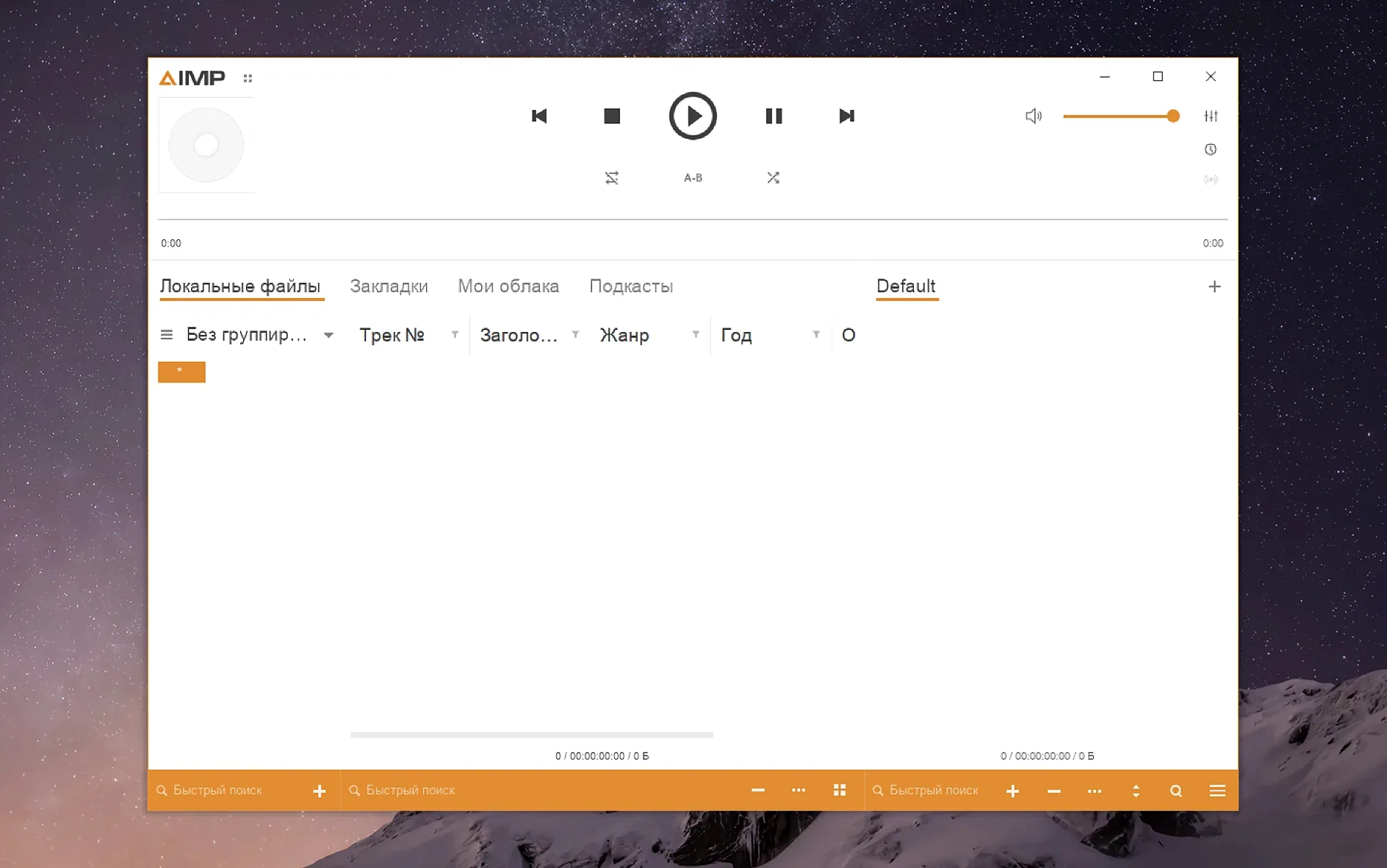
You open the app from Launchpad. The main window appears after a slightly longer pause than a native Mac app — the Wineskin layer needs a moment to bridge the Windows API calls. Once it settles, you see the familiar dark interface with the playlist taking up most of the space.
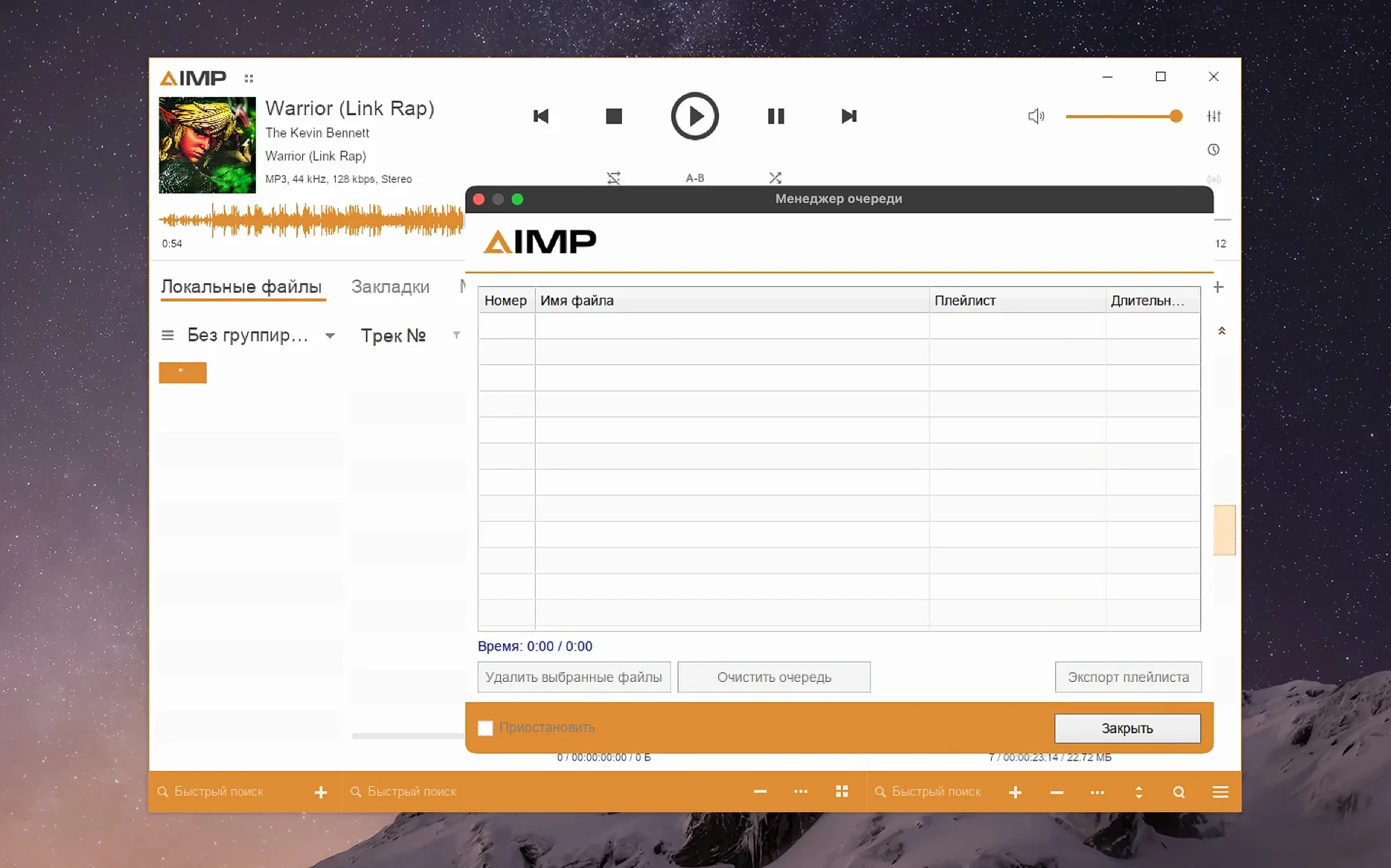
Say you want to queue up an album you haven't tagged properly yet. You drag the folder from Finder straight onto the playlist area. AIMP reads the files, picks up whatever metadata is already there, and populates the columns. If some tracks show generic "Track 01" entries, you right-click them and open the tag editor. The editor appears as a separate panel, not a modal dialog, so you can keep the playlist visible while you type album names, artist fields, and track numbers into the grid. You fix three tracks, close the editor, and hit play. The waveform display in the bottom panel draws almost instantly — the calculation improvement from the 5.40.2675 update makes that noticeable with longer FLAC files.
While the album plays, you open the music library panel on the left and point it at your main music folder. AIMP starts scanning in the background. Playback doesn't stutter. You switch to the radio tab, pick a stream from the default list, and listen for a few minutes. The stream title scrolls across the info bar. When you switch back to the playlist, the radio keeps playing — AIMP doesn't stop one source just because you're browsing another.
What do people get wrong at first?
The most common mistake is launching the app, seeing tiny text and icons, and assuming it's broken. The default Wine screen resolution makes interface elements look cramped on a Retina display. You don't need to squint. Right-click the app bundle in Finder, choose Show Package Contents, and navigate to Contents. Run KegworksConfig, then go to Tools → Config Utility (winecfg). In the Graphics tab, set the screen resolution to something between 122 and 144. Apply it, restart AIMP, and the interface scales up to a comfortable size.
Another stumble: people treat the Wineskin wrapper like a native app and expect it to open files from iCloud or network volumes without issue. Windows-style path handling inside Wine doesn't always map those cleanly. Keep the music you want to play on a local drive or an external volume formatted as APFS or exFAT. Network-attached storage sometimes works, sometimes doesn't — the file dialog may show the share but fail to enumerate folders.
Beginners also assume the aimp for mac build includes every plugin from the Windows ecosystem. It doesn't. The Wineskin package includes the core player, the library, the tag editor, and the radio capture tool. Some visualizations and DSP plugins that rely on DirectX features may not load or may behave oddly. If a third-party plugin triggers a libVorbis conflict, the fix in 5.40.2675 should prevent the crash, but the plugin still might not function as intended.
Tagging a messy library: a start-to-finish workflow
You just grabbed a folder of live recordings, all named things like track03.flac with no metadata. You want them properly tagged, organized into a playlist, and saved with cover art.
First, drag the folder into an empty AIMP playlist. Select all the tracks, right-click, and choose Tag Editor. The multi-file editor opens. You fill in the album artist and album name fields — those apply to every selected file. AIMP writes the fields without touching the audio data.
Now you work track by track in the lower part of the editor. Click the first file, type the song title, set the track number to 1, and hit the down arrow to move to the next. The cursor jumps, so your hands stay on the keyboard. If a track has a guest performer, you add that in the artist field for that single file while the album artist remains unchanged. The unnamed MP4 field bug that sometimes threw a parser error in earlier builds is gone now — the editor won't choke on an empty custom tag in an M4A container.
Once all the metadata is in, you select all tracks again, switch to the Cover Art tab in the editor, and drag a JPEG onto the drop zone. AIMP embeds it into every file. You save and close the editor.
Back in the playlist, you select all tracks, right-click, and choose Send To → Music Library. The files land in the library under the artist and album you just entered. Now you can rebuild the playlist from the library view later without hunting through Finder. The whole process — from a folder of nameless audio to a tagged, cataloged album — takes a few minutes and never opens another application.
Is this a real Mac build or a Windows hack?
Does an aimp macos build actually exist, or is this a Wine hack? It's a real build packaged for macOS, but the player inside is the Windows binary running through Wineskin. The team packages it so you don't have to set up Wine yourself. You drag it to Applications and launch it. The wrapper handles the translation layer transparently, though you'll notice the non-native file dialogs and the occasional font quirk.
Will aimp for macos work on an Intel machine? The current Wineskin package targets Apple Silicon. If you're on an Intel Mac, you may be able to run it through Rosetta 2, but performance isn't guaranteed and the wrapper might refuse to launch. The developer lists ARM architecture support specifically.
Can I use my existing Windows AIMP skins and plugins? Many skins work if you copy them into the right location inside the wrapper. The path lives inside the app bundle under Contents/Resources/drive_c/Program Files/AIMP/Skins. Plugins are trickier. Audio processing plugins that don't depend on DirectX or Windows-specific GUI frameworks usually load. Visualizations that need hardware-accelerated Direct3D often don't. The mouse wheel issue with the Skin Engine visualization window was fixed in this release, so basic skin interaction is smoother now.
Does aimp mac handle the same formats the Windows version does? The core decoders — MP3, FLAC, AAC, Ogg Vorbis, Opus, WMA, Monkey's Audio, and WavPack — are all present. The Monkey's Audio codec was updated to 11.08 in this build, so newer APE files with higher compression levels decode correctly. The waveform calculation improvement means even long high-resolution files draw their peak display faster than before. Radio streaming, playlist formats like M3U and PLS, and cue sheet parsing all work as expected.
- Localizations were updated across several languages.
- The Monkey’s Audio codec was updated to version 11.08.
- Waveform calculation speed was improved.
- A
libVorbisconflict with third-party plugins was fixed. - A sampling-frequency buffering issue was fixed.
- macOS 11 or later
- Apple Silicon
$ man aimp | grep -A2 "?"
Is AIMP a native macOS app?
No. The macOS build is the Windows player packaged with Wineskin, so it runs as a translated Windows binary on Apple Silicon.
What interface languages are included?
The player supports Arabic, Czech, Finnish, Japanese, Russian, Spanish, Swedish, Traditional Chinese, and several others — 20 languages total.
Comments 0
Sign in or create an account to leave a comment.
No comments yet. A codec, a slice, a machine — they appear after moderation.