Audiobook Builder for macOS
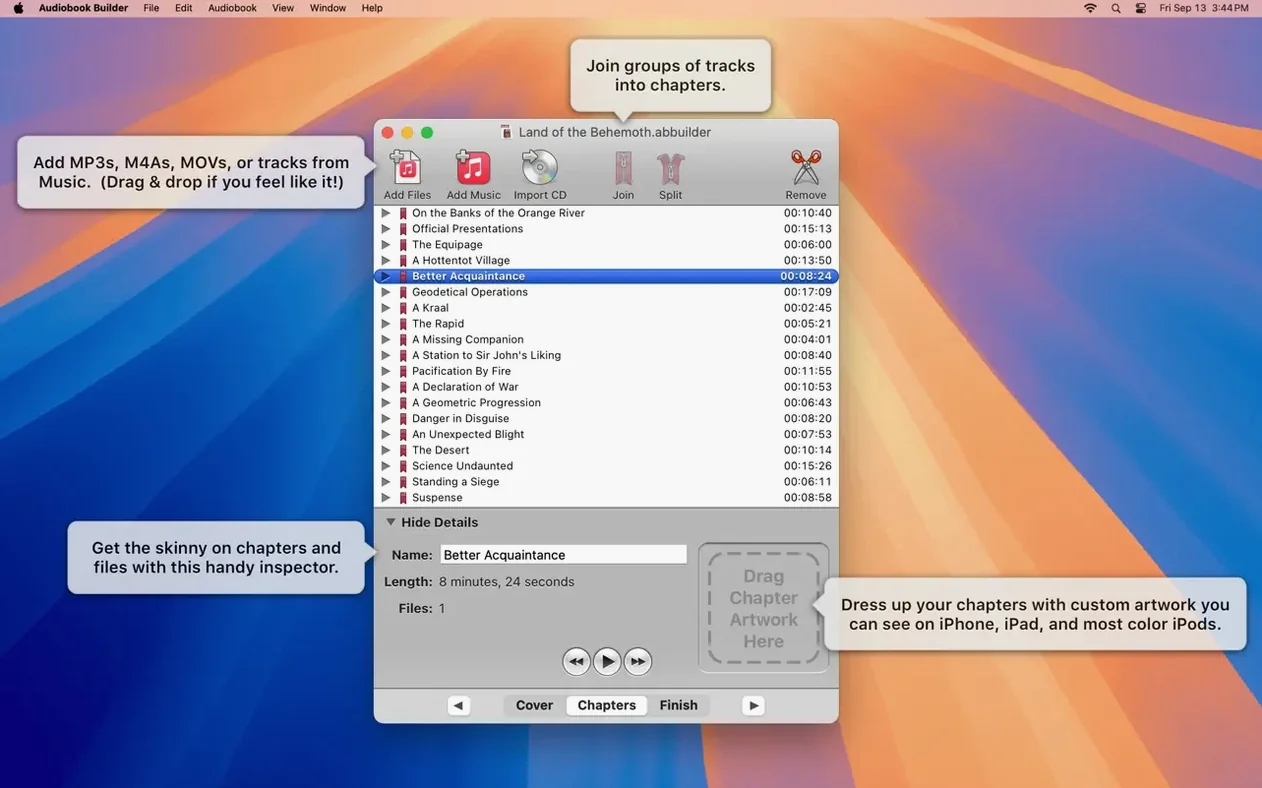
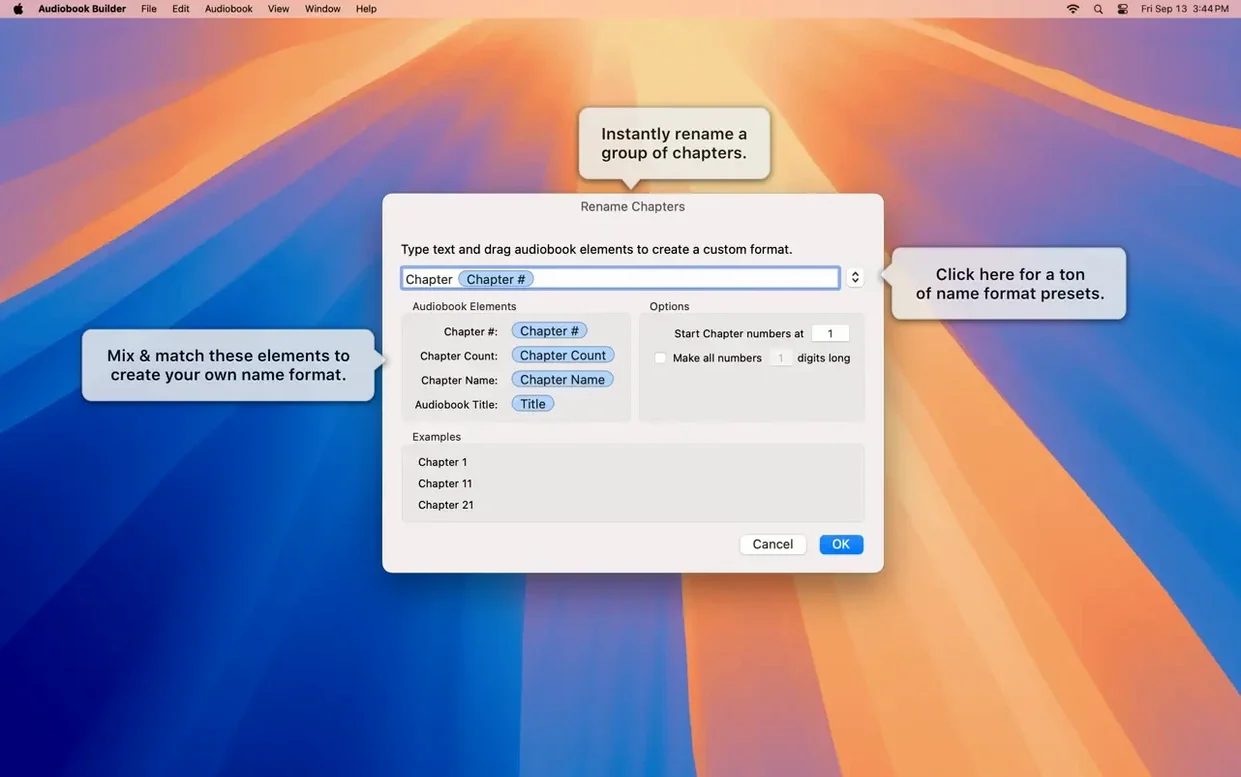
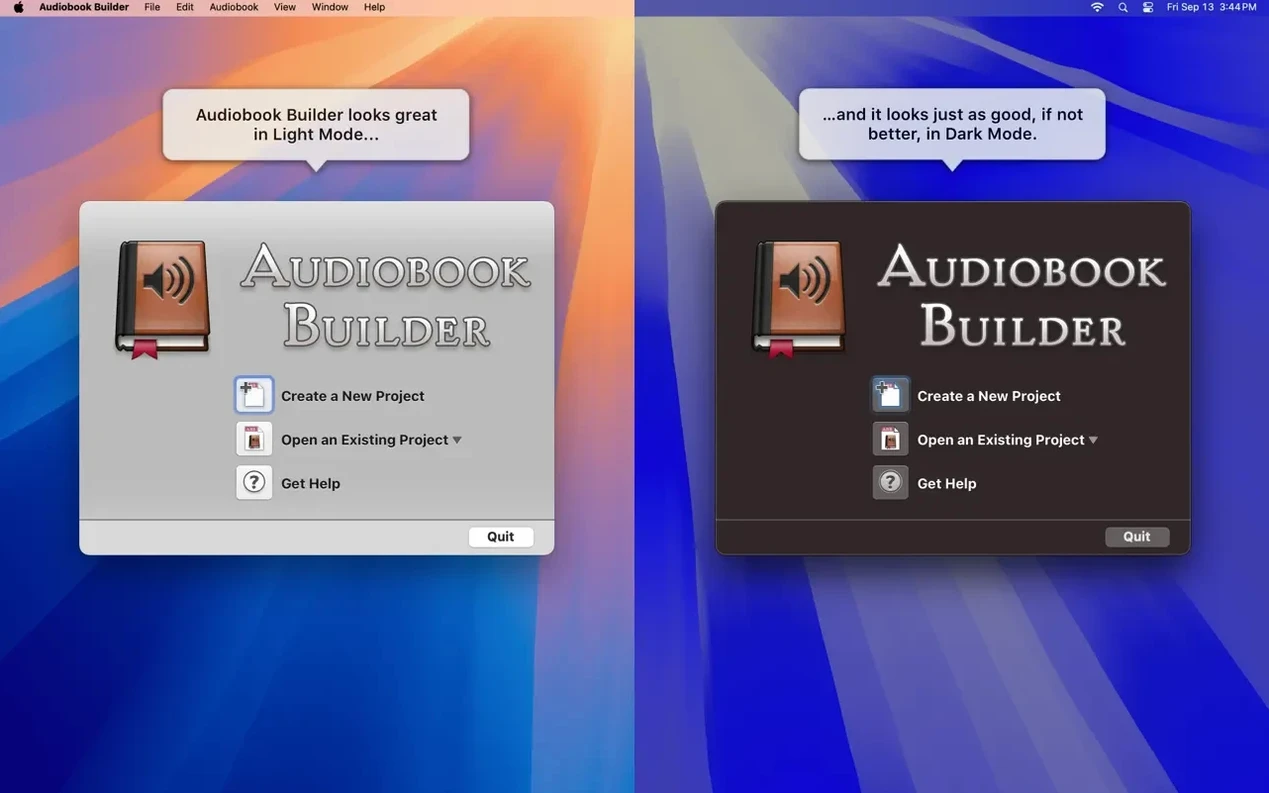
The Project Builder’s chapter inspector is where a loose collection of audio files becomes a proper audiobook with artwork and named sections. Splasm’s Audiobook Builder 2.2.9 handles the entire conversion from source material to a finished .m4b in your Apple Books library, and it runs natively on both Apple Silicon and Intel Macs through macOS 15 Sequoia.
Good for
- Turning multi-file audio courses and live recordings into single, navigable audiobooks with custom chapter images.
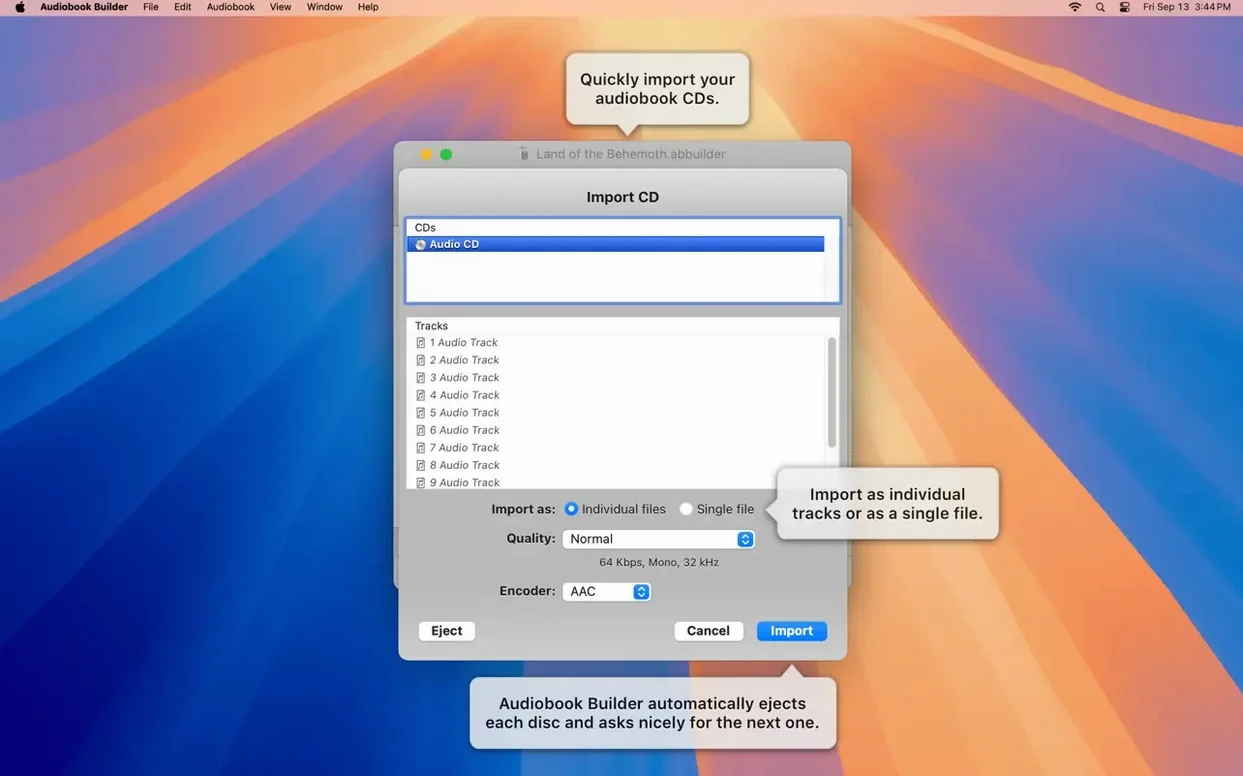
- Combining separate tracks ripped from CDs into one or more chapters, with manual control over where chapter breaks fall.
- People who want finished audiobooks placed directly into the Books, Music, or iTunes app without extra steps.
Keep in mind
- You manage chapter merging and splitting yourself — the app gives you the tools but won’t guess your structure.
- The interface handles English, German, Spanish, Portuguese, Swedish, and Russian, but the underlying macOS region settings affect sorting and date formats.
One project, start to finish
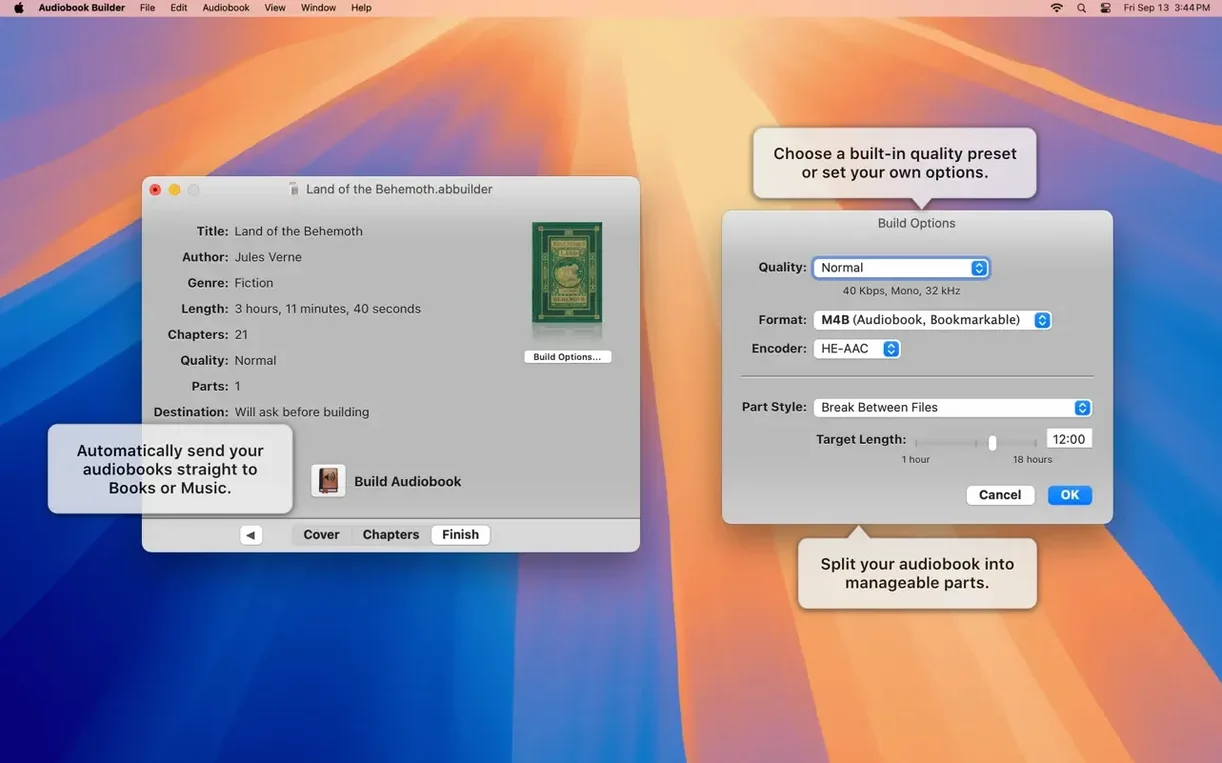
Drag a folder of WAVE files into the Project Builder. A recent fix in version 2.2.9 squashes a false “no audio in file” error that used to appear with WAVE containers holding MP3 data, so imports are cleaner now. In the chapter inspector, group the files into logical chapters — say, one chapter per lecture — then assign cover art and individual chapter images on macOS Ventura and later, where artwork rendering was specifically patched. Set the output quality and hit Build. Audiobook Builder encodes a single .m4b with chapter stops and embedded artwork, then sends it straight to the Books app. The Description tag even populates correctly on classic iPods again, which is a quiet nod to anyone keeping older hardware in service.
A full spoken-word workflow
Here’s a scenario I run into often: a friend passes along a folder of sixteen WAVE files from a conference recording. They’re named track01.wav through track16.wav, no metadata, no structure. The goal is a single audiobook with three chapters — one per keynote — and cover art that shows up on an iPhone.
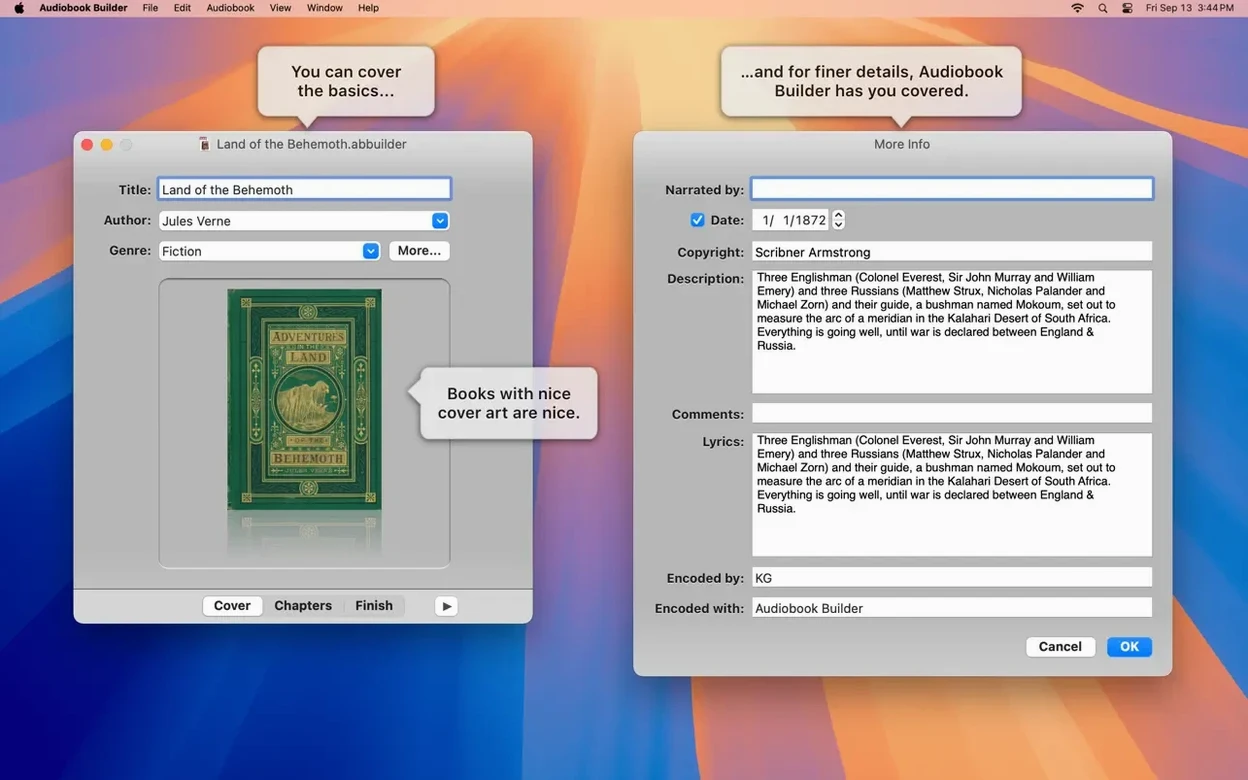
I start by sorting the files in Finder and dragging the three groups into Audiobook Builder’s Project Builder one group at a time. The chapter inspector lets me name each chapter right there, so chapter one becomes “Opening Remarks,” chapter two “Panel Discussion,” and chapter three “Closing Q&A.” I grab a photo from the conference site, drop it into the cover art well, and assign smaller speaker headshots as chapter images. On macOS Ventura and later, those chapter images now render reliably — version 2.2.9 patched exactly that.
For quality I pick the Spoken Word preset, which keeps the bitrate sensible for voice without bloating the file. Hit Build, and about ninety seconds later the .m4b lands in Apple Books with all three chapter stops intact. Swipe through chapters on an iPad and the artwork changes at each boundary. The Description field I typed during setup — “Spring 2025 Regional Conference, Portland” — appears in the book info panel, and on a classic iPod that tag is back in business too.
Where it fits with other apps and macOS features
Audiobook Builder doesn’t try to be a tag editor or a playback app. It sits between those tools and does the one conversion step they don’t handle. A typical chain looks like this: rip CDs with something that outputs clean WAVE or AIFF, clean up silences and normalise levels in an audio editor, then bring the polished files into Audiobook Builder for chapter layout, artwork embedding, and the final .m4b encode.
On the output side, the app talks directly to the system media libraries — Books, Music, or iTunes depending on your macOS version. You don’t export to a folder and then drag the result somewhere; the finished audiobook appears in the library you chose during setup. That matters because Apple Books syncs chapter-aware .m4b files over iCloud, so a book built on a Mac shows up on an iPhone with chapter navigation intact. The app also writes standard QuickTime chapter tracks, which means third-party players like BookPlayer on iOS read the structure correctly.
Finder integration is minimal but useful: the Project Builder accepts drag-and-drop from folders, the desktop, and directly from CD volumes mounted in /Volumes. Quick Look doesn’t preview .m4b files with chapter markers particularly well, but Audiobook Builder’s own playback pane lets you audition chapters before the final build, so you’re not flying blind.
What changed in everyday use with the latest versions
Version 2.2.9 is a maintenance release, and the fixes it brings are the kind you notice by their absence. The “no audio in file” error that used to pop up on WAVE files with MP3 audio data is gone, which means less time chasing false negatives when importing files sourced from voice recorders that use that container-codec combination. On pre-macOS 11.3 systems, an error-reporting glitch that could obscure the real problem during a failed build has been corrected — diagnostics now point to the actual issue instead of a red herring.
The artwork fix for macOS Ventura is the most visible change if you’re on a recent system. Before 2.2.9, chapter images would sometimes fail to display on Ventura even though the data was embedded correctly. Now cover and chapter artwork render as expected across the whole supported range from El Capitan through Sequoia. And the restored Description tag for classic iPods means metadata workflows that rely on that field aren’t silently broken on older devices.
Snags and how to sort them out
Gatekeeper blocking first launch. Mount the .dmg and you’ll likely see the “unidentified developer” warning. The fix is a Terminal one-liner: xattr -cr /Applications/Audiobook\ Builder.app after dragging the app to your Applications folder. That clears the quarantine flag. If you prefer the manual route, head to System Settings → Privacy & Security and click “Open Anyway.”
Chapter breaks landing in the wrong spot. The app places chapter stops at file boundaries by default. If you want a break mid-file — say, between two segments of a long recording that arrived as one track — split the file in an external editor first. Audiobook Builder doesn’t do sample-accurate internal splits; it builds chapters from the file groupings you define.
Build failing on oddly-encoded source files. If a WAVE file imports but the build fails with an audio error, check the actual codec inside the container. The fix in 2.2.9 covers WAVE-with-MP3, but other mismatches — like AAC inside a .wav wrapper — can still trip the encoder. Re-encode the source to straight PCM WAVE with a tool like XLD and re-import.
Audiobook not appearing in Books after a build. The app sends the finished file to your chosen library, but if Books isn’t running or the library is locked by another sync operation, it can land in limbo. Quit Books, relaunch it, and check File → Import if the book doesn’t show up in Recently Added within a minute or two.
- Ready for macOS 15 Sequoia.
- Cover and chapter artwork render correctly on macOS 13 Ventura.
- WAVE files containing MP3 audio no longer trigger a false “no audio in file” error.
- Fixed an error reporting glitch affecting pre-macOS 11.3 systems.
- The Description tag is restored for some classic iPod models.
- macOS 10.11 or later
- 64-bit Intel or Apple Silicon Mac
$ man audiobook-builder | grep -A2 "?"
What audio sources can Audiobook Builder use?
It converts audio files and audio CDs into audiobooks formatted for iPhone, iPad, and other Apple devices.
Does version 2.2.9 run on Apple Silicon Macs?
Yes, it ships as a universal binary with native support for both ARM-based Apple Silicon and 64-bit Intel Macs.
Where does the finished audiobook end up?
Audiobook Builder adds completed projects directly to the iTunes, Music, or Books app on your Mac.
Comments 0
Sign in or create an account to leave a comment.
No comments yet. A codec, a slice, a machine — they appear after moderation.