Boom 3D for macOS
Boom 3D runs on any Mac with macOS 10.14 or later, with native support for both Intel and Apple Silicon processors. It sits as a separate utility from the older Boom 2, acting as a system-wide audio layer that intercepts and reprocesses sound before it reaches your speakers or headphones.
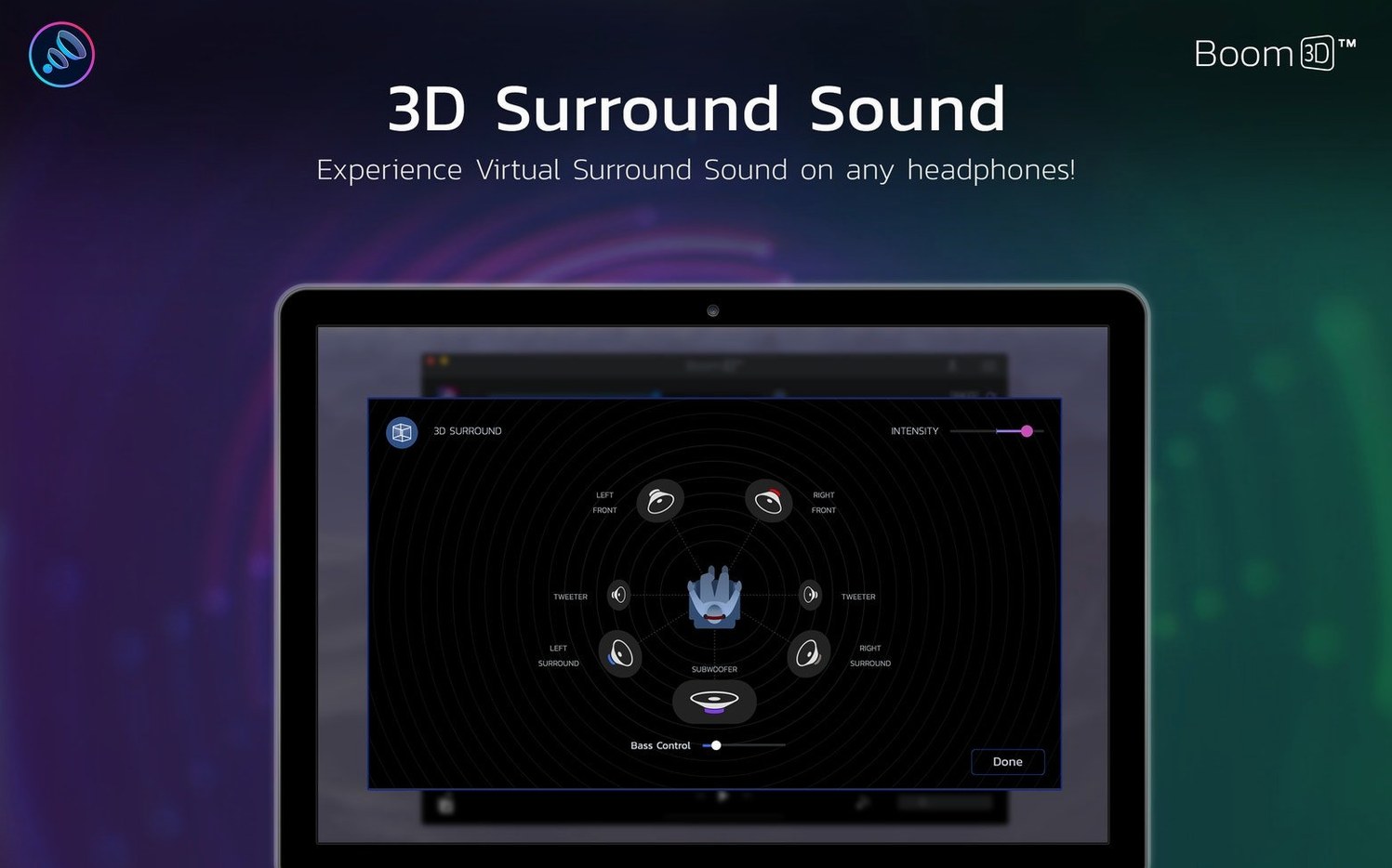
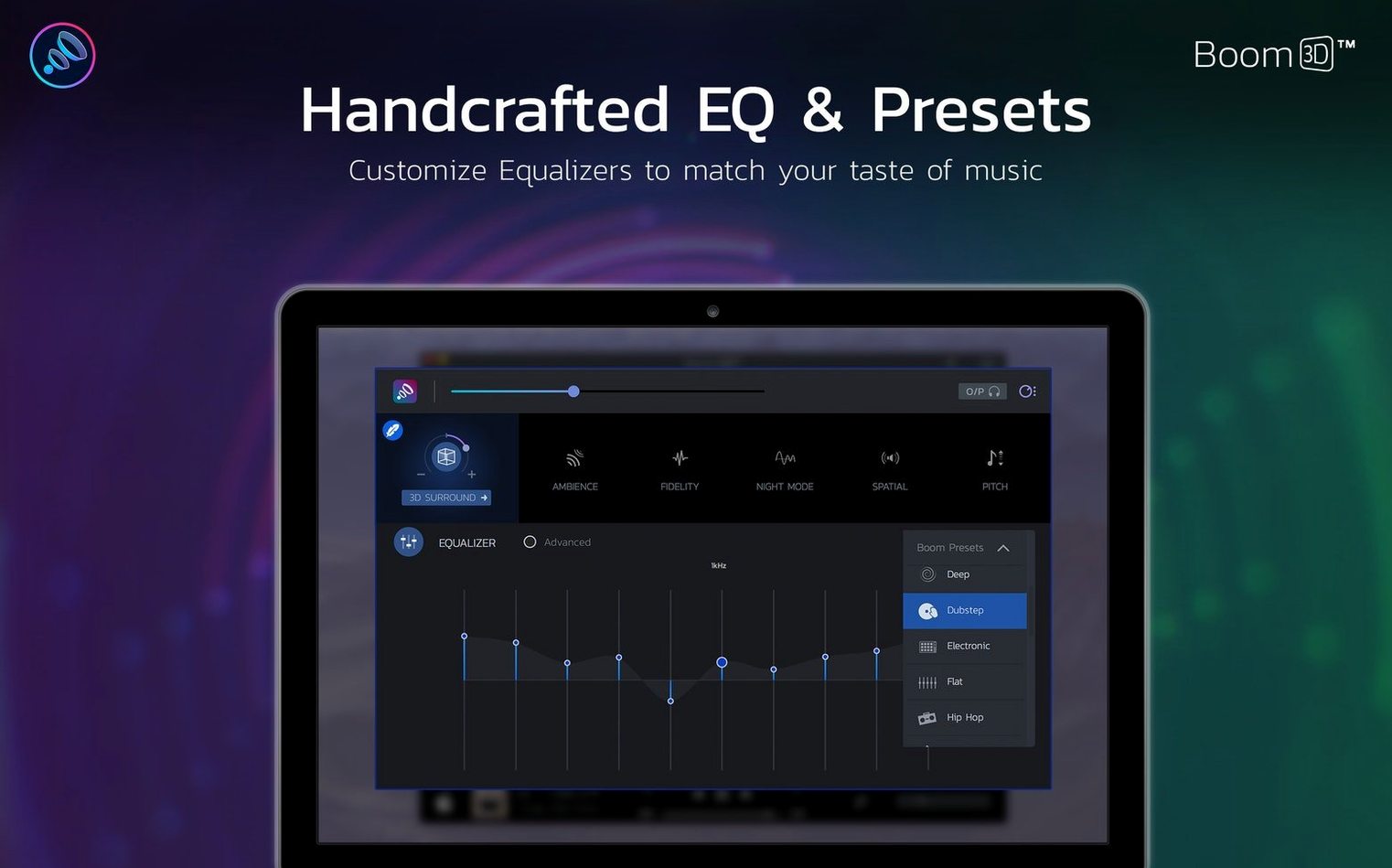
To set up a movie night, open the app and load its built-in equalizer. You start by pulling the bass frequencies up a few decibels and smoothing out the treble peaks. Switch the output mode to 3D Surround, and the app applies spatial processing across all audio — not just specific file types. You can push the system volume beyond the hardware limit with the boost slider, which uses a combination of advanced gain algorithms and dynamics control to avoid the distortion you'd normally get from a simple amplification.
During playback, open the per-app volume panel. You keep your music player at half its normal level so it doesn't compete with dialogue from a video stream, adjusting both independently inside Boom 3D. The interface responds in real time, with no need to restart audio sources. When you want less intensity, you can pull the spatial effect back with the intensity slider, keeping the surround texture subtle.
For late-night sessions, you load a preset that compresses dynamic range. Quiet speech gets lifted, explosions get tamed, and the boost stays off so you're not riding the volume control. The app processes the audio chain through its own engine, handing you precise control over what each application contributes to the mix.
When audio stubbornly ignores the custom HAL device
Audio not routing through Boom 3D is the most common snag. After installing the .pkg, the app places a custom audio device in /Library/Audio/Plug-Ins/HAL. If you skip the setup assistant or change your output device later, macOS falls back to the built-in speakers or your default headphones. The fix is straightforward: open System Settings → Sound → Output and select "Boom 3D Audio Device." The app's icon in the menu bar turns orange when the routing is active — if it's grey, the device isn't selected.
A related issue shows up after macOS updates. Occasionally the system resets the output device without warning. You'll notice the equalizer sliders don't affect the sound and the boost does nothing. Switching back to the Boom 3D device restores everything, but some users on the boom 3d mac torrent side of things report needing to run the installer again after major OS upgrades — the audio driver component sometimes needs a fresh injection.
Headphone detection can play tricks too. If you plug in headphones and the 3D effect sounds thin or phasey, check whether Boom 3D has correctly identified them as headphones rather than internal speakers. The output type dropdown sits at the bottom of the main window — manually setting it to your headphone model fixes the spatial processing calibration.
Dial back the out-of-box 30% boost to stop clipping
The default boost level is aggressive. Global Delight ships the app with the volume booster at 30%, which can push some headphones into audible clipping. For most setups, dial it back to 15–20% and increase only when you genuinely need more headroom. The difference between 0% and 15% is already substantial — the gain staging is non-linear, meaning the first few percent deliver the bulk of the amplification.
The equalizer presets are a mixed bag, but two tweaks make them useful. First, disable the "Ambience" knob if you're listening to music with existing reverb. It adds a synthetic tail that muddies tracks with dense production. Second, flip the "Fidelity" toggle on — it applies a subtle harmonic exciter in the upper mids that restores clarity to compressed audio streams without introducing harshness.
For the per-app volume panel, create a profile where your browser runs at 70% and your music app at 100%. This prevents autoplay videos from overpowering everything else without forcing you to hunt down tab-level mute buttons. The per-app settings persist across restarts, so you set it once and forget it.
Why 3–5 ms latency slips past video but breaks live DAW monitoring
Speed-wise, Boom 3D adds roughly 3–5 ms of latency to the audio path on Apple Silicon. That's low enough to be imperceptible during video playback or casual listening, but musicians using real-time input monitoring through a DAW will notice. The app isn't designed for production work — the audio driver operates at a fixed buffer size that you can't adjust.
Memory usage sits around 120–180 MB on an M-series Mac, with CPU hovering at 1–3% during playback. The 3D processing is the heavier task; enabling surround on a busy audio stream bumps CPU to 5–8%. Intel machines see slightly higher numbers, particularly on older chipsets where the signal processing falls back to scalar code paths instead of the ARM-optimized NEON routines. The app doesn't spin up the efficiency cores much on Apple Silicon, so background battery drain is minimal.
Stability is generally solid on version 2.2.6, though the boom library torrent crowd mentions occasional audio dropouts when connecting Bluetooth headphones mid-session. The workaround is to select the Boom 3D output device after the Bluetooth handshake completes, not before. Once the connection stabilizes, the app re-establishes the processing chain cleanly.
Resource contention with other audio software is worth watching. If you run a screen recorder or a VOIP app that also touches the system audio layer, you might hear crackling when both apps fight for the device. Setting Boom 3D as the output in the other app's preferences, rather than letting it grab the default device, usually resolves the conflict.
How a $50 headphone leapfrogs stock $200 cans with EQ and spatial engine
Headphone listeners with mid-range hardware see the biggest transformation. A $50 pair of headphones paired with Boom 3D's equalizer and spatial engine often outperforms stock $200 cans in perceived quality. The boost alone compensates for the weak headphone amps built into MacBook Air models, driving high-impedance headphones to usable levels without an external DAC.
People who use their Mac as a media centre gravitate toward the per-app volume control and surround features. A single interface that balances a music player, a browser streaming sports, and a messaging app's notification pings eliminates constant system volume adjustments. The 3D effect works surprisingly well on dialogue-heavy content — it pulls voice frequencies toward the phantom centre while pushing ambient noise to the edges, which helps vocal clarity on stereo headphones.
Accessibility is an under-discussed angle. Users with mild hearing loss can apply targeted EQ boosts in the frequency ranges where their hearing dips, and the dynamic compression preset keeps sudden loud sounds from becoming uncomfortable. The interface is large and contrasty enough to operate without squinting, which isn't a given among audio utilities.
Power users who chase Boom 3D crack Mac downloads often come for the volume boost and stay for the EQ scheduling. You can set different profiles to activate based on time of day — a flat, quiet profile for mornings, a bass-heavy curve for evening gaming, and a compressed late-night preset that triggers automatically. That kind of automation is rare in a system-wide audio tool and turns a simple equalizer into something that adapts to your actual routine.
- macOS 10.14 or later
- Intel or Apple Silicon Mac
Comments 0
Sign in or create an account to leave a comment.
No comments yet. A codec, a slice, a machine — they appear after moderation.