Cubase for macOS
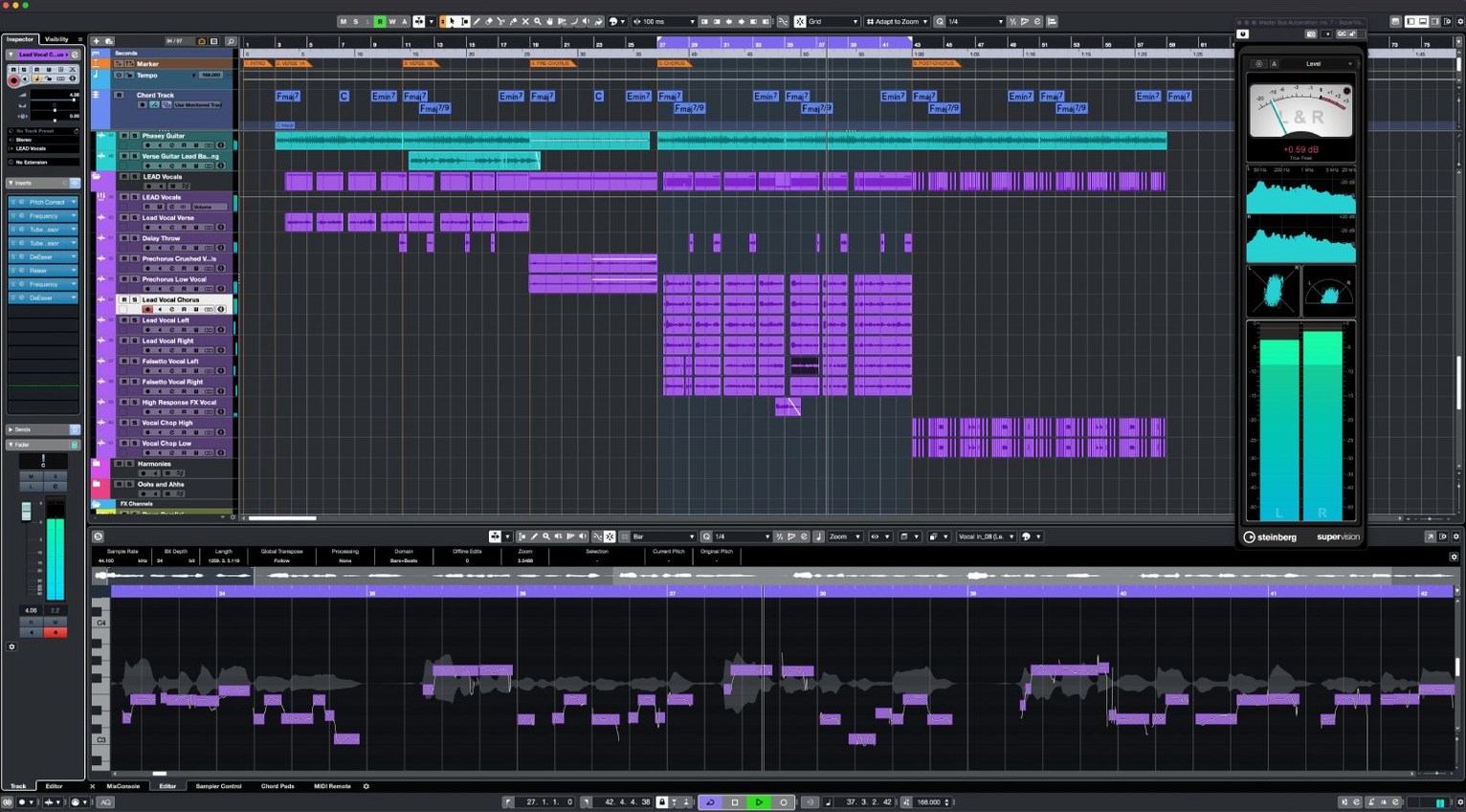
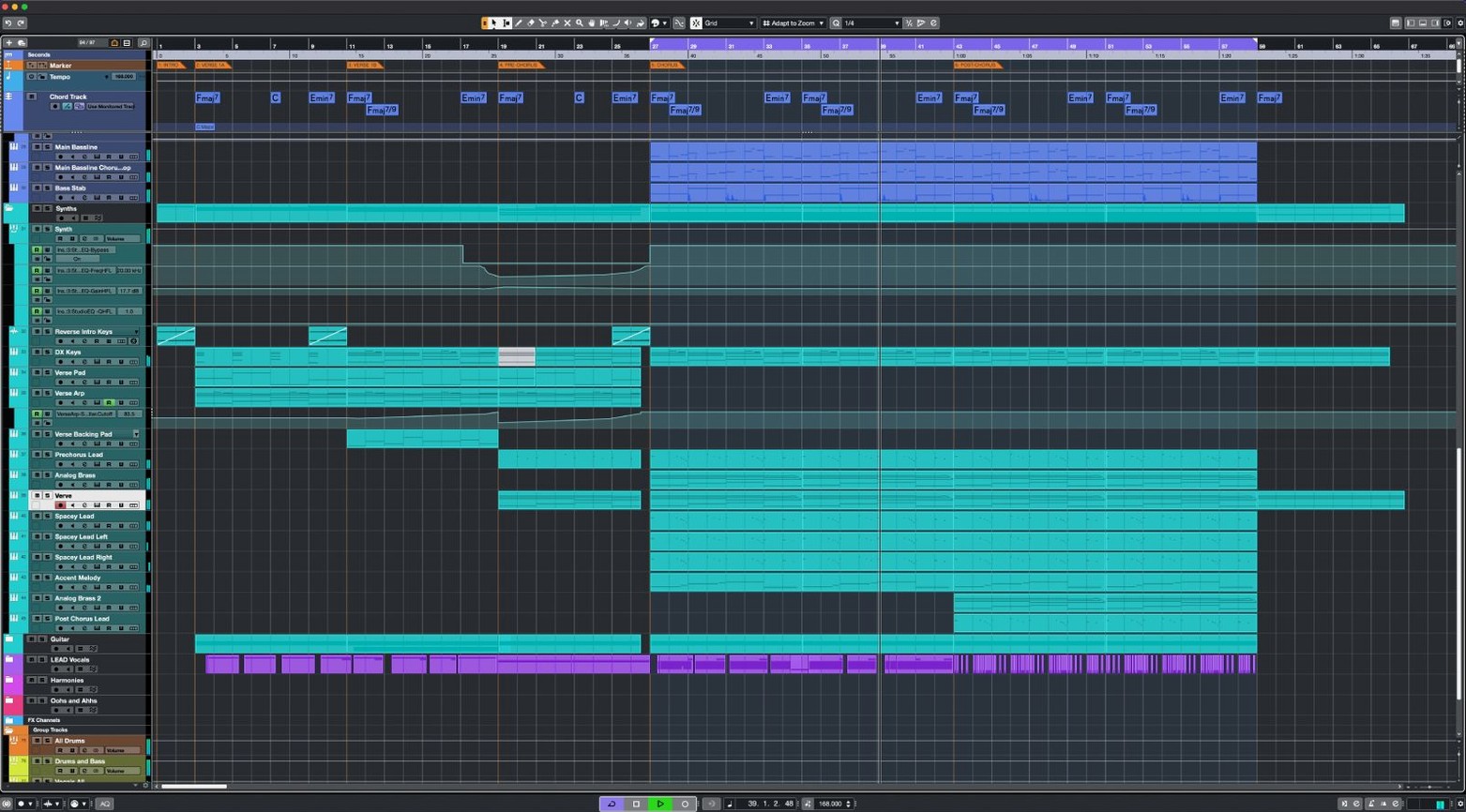
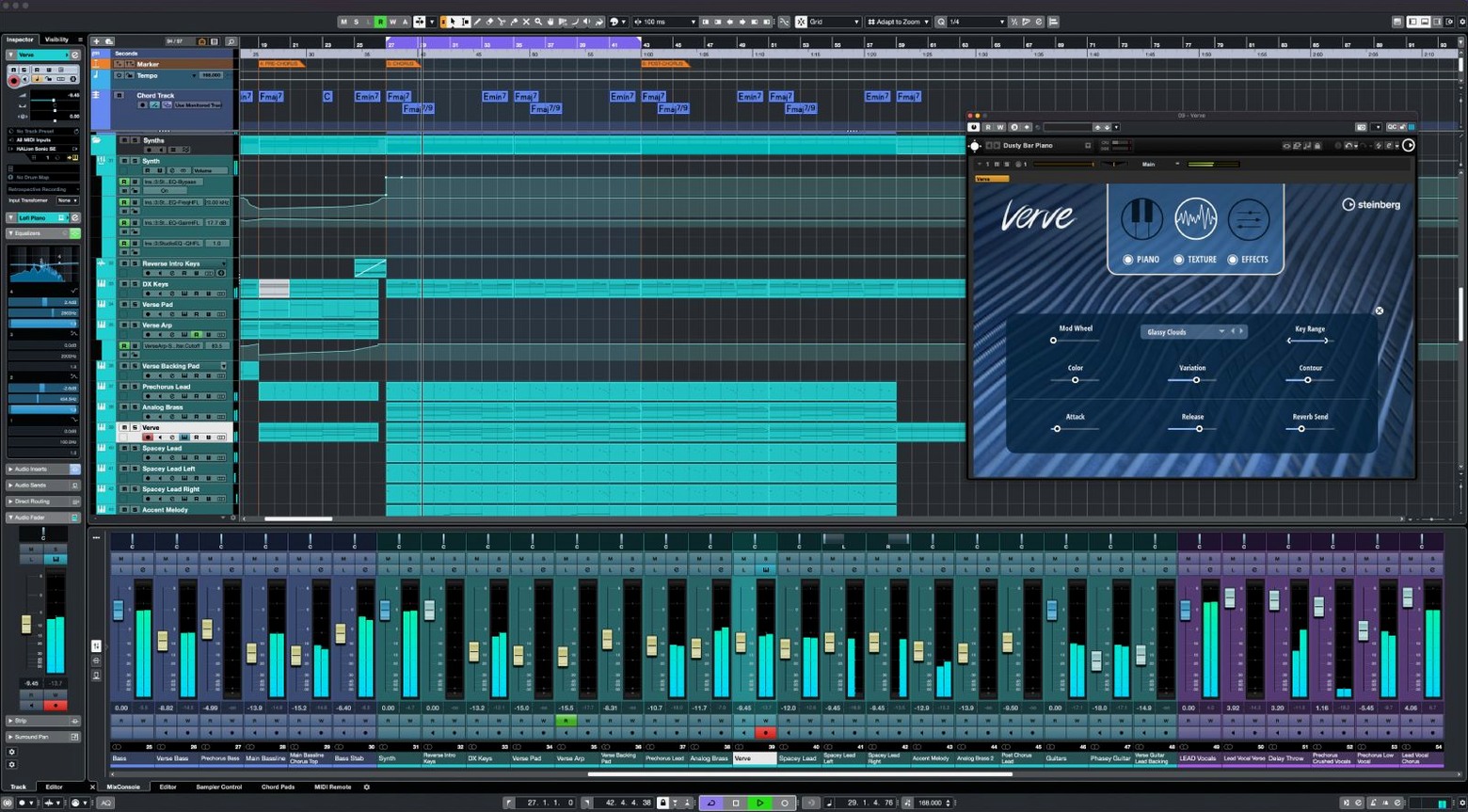
256 group channels. That is how much routing headroom you get in a single Cubase project before you have to start bouncing things down. For a professional composer juggling a full orchestral template, that ceiling matters. Cubase 15.0.30 from Steinberg is built around a 64-bit floating-point sound engine that goes up to 192 kHz, and the feature set is aimed squarely at producers, sound engineers and anyone who needs surgical control over audio and MIDI.
The features that shape the sound
Raiser is one of the newer processors in the channel strip, a compressor designed to push loudness while leaving the transient snap and overall clarity intact. It is the sort of tool you reach for when a mix needs to feel louder, not just measure louder. On the vocal side, VariAudio gives you note-by-note pitch editing directly in the arrange window without round-tripping to an external editor. For surround work, the integrated Dolby Atmos tools let you place sounds in three-dimensional space and export compliant ADM BWF files. The Audio-to-MIDI Chords function is a useful bridge between worlds: it analyzes existing harmony and converts it into MIDI note data you can feed to any virtual instrument.
What the hardware sees
Cubase 15 speaks MIDI Remote API 1.3 and has added support for the Novation Launch Control Series 3, so physical faders and knobs map deeper than they did before. The Steinberg Download Assistant handles the installation files, and the application itself runs natively on Apple Silicon and Intel Macs starting with macOS 13.
Routing depth beyond a tape-machine DAW
Logic Pro for Mac shares a certain DNA with Cubase: both grew up as linear tape-machine DAWs that later absorbed loop-based features. The difference today is in how far the routing goes. Logic is friendly out of the box, but when you need 256 group channels, 64 return channels and a physical I/O count that can fill a Dante network, Cubase is the one that does not blink. Logic also lacks a native Dolby Atmos renderer at the depth Cubase provides—you can do Atmos in Logic, but the object-based panner and ADM export in Cubase feel more like what a post-production room expects.
Ableton Live approaches music from the opposite angle. It is a performance instrument first, a linear recorder second. Cubase does not try to be a live looper; it assumes you are building a production from start to finish, with takes, comping, and detailed automation lanes. If your day involves recording a string quartet at 192 kHz and tuning the cello with VariAudio afterward, Ableton will fight you. Cubase was designed for that. Where Ableton wins is the immediacy of warping a drum loop with a single click. Cubase can warp audio too—AudioWarp is precise—but it asks you to understand hitpoints and algorithms before it does what you want.
Studio One is the closest rival in spirit. Both have chord tracks, both can convert audio to MIDI, and both put drag-and-drop front and center. The gap appears in the deep plumbing. Cubase has more insert slots per channel (sixteen), more VST instrument racks (sixty-four slots), and the MIDI Remote integration that now speaks API 1.3, which makes custom controller scripts a programmer-friendly exercise. Studio One feels unified; Cubase feels modular. If you like assembling your own toolkit, Cubase gives you more parts to play with.
Why scoring templates lean on its group architecture
Film composers and media scoring professionals live inside Cubase because a template with hundreds of MIDI tracks, expression maps for orchestral libraries, and video playback that stays frame-accurate under load is not a luxury—it is the job. The group-channel architecture means you can route entire string sections to a single fader, process them together, and still send individual desks to a reverb return without duplicating anything.
Audio post-production engineers lean on the same routing for dialogue, Foley, and atmospheres. The Dolby Atmos renderer outputs an ADM BWF file that goes straight to a distributor, and the physical I/O support means a Mac Studio with a Thunderbolt audio interface can address every speaker in a 7.1.4 rig without patching workarounds.
Electronic producers who want the precision of a linear DAW but also the texture tools of a modular system get a middle ground. The FX Modulator can turn a static pad into a moving rhythmic element, Raiser adds density without crushing the transients, and the Scale Assistant keeps a synth line within a chosen mode when you are experimenting. It is not a replacement for a Eurorack, but it brings more modulation to the mixer than many people realize.
Native Launch Control Series 3 support arrived in mid-2026
The 15.0.30 update, released in early June 2026, tightened a handful of bolts rather than adding headline features. The most visible change in daily work is the expanded controller support: Novation Launch Control Series 3 is now recognized natively, and the MIDI Remote API bump to 1.3 means that scripts can query the DAW for track names, colors and plugin parameters with less latency. If you use a custom control surface, that translates to faders that follow your channel selection more reliably.
Under the surface, Steinberg applied fixes across several areas of the application. One practical gain reported by users is smoother playback when projects contain large numbers of tempo changes and time-signature shifts—a scenario that previously could cause the transport to stutter on Intel machines. On Apple Silicon, the same projects now hold steady at lower buffer sizes, which matters when you are tracking a vocal over a finished arrangement.
Another quiet improvement is how the single installer now behaves. Every Cubase 15 edition—Elements, Artist and Pro—uses the same package (under 1.3 GB through the Steinberg Download Assistant), and the license key alone determines which feature set unlocks. That means no separate download if you upgrade tiers later, and no orphaned preference files from side-by-side installations.
Skipping the Control Room cue-mix and listen bus
The first one is ignoring the Control Room. Cubase can route your master output through a dedicated monitoring section with multiple speaker sets, a cue mix for the artist, and a listen bus that solos tracks without muting others. New users often skip setting it up, then wonder why they cannot hear the click track while recording or why the headphone mix sounds identical to the mains. Taking twenty minutes to configure the Control Room—even with nothing more than a pair of monitors and headphones—removes a layer of friction that otherwise follows you through every session.
Another classic stumble is leaving the project sample rate and bit depth at the default 44.1 kHz/16-bit when the audio interface and source material are both 48 kHz/24-bit. Cubase does not auto-detect this; it trusts your project settings. A mismatched session will resample everything on import, adding CPU load and a subtle quality hit. Set the project correctly before dragging in the first file.
The third trap is overloading the stereo out with insert effects, then trying to fix headroom with the channel fader. The insert chain processes pre-fader, so pulling the fader down just feeds a quieter signal into an already-clipped chain. Gain-staging the last insert—or using Raiser with its transient-preserving algorithm—is the cleaner path. Newcomers who treat the mixer like an analog desk from the start tend to get cleaner exports sooner.
A start-to-finish workflow: vocal comping and tuning
Imagine you have recorded a lead vocal across twelve takes on a single track. The first step is to group those takes into lanes. Open the track in the lower zone editor, enable Lanes, and Cubase stacks every pass in its own lane. You can now swipe across the best phrases from each take; Cubase crossfades the transitions automatically. Use the Comp tool to click and drag the sections you want. If a breath cuts off unnaturally, adjust the fade handles at the boundary until it sits right.
With the comp assembled, flatten it into a single audio event and open VariAudio. The editor shows a piano-roll view of the detected pitches. For a natural correction, set the Snap Mode to chromatic but reduce the strength to around sixty percent; this nudges flat notes closer to pitch without stripping the performance of character. Drag individual note segments vertically to correct a sharp "ee" vowel in the chorus, and use the Tilt Micro-Pitch tool to slide the pitch transition between two notes so the scoop sounds musical rather than robotic.
Next, route the tuned vocal to a group channel and insert Raiser in the first slot. Dial the Input Gain until the loudest syllables tickle the reduction meter by two to three decibels. The trick is to set the Release fast enough that the compressor resets between words, keeping the transient of each consonant intact. Follow Raiser with a channel-strip EQ: a high-pass at 80 Hz removes stage rumble, and a gentle dip around 400 Hz clears any boxiness the microphone picked up.
Finally, create an FX channel with a plate reverb and send the vocal group to it at around minus twelve decibels. With the Control Room enabled, switch between your near-fields and headphones using the Monitor Select buttons to check the wet/dry balance at different playback levels. Export the stereo mix via the Export Audio Mixdown dialog with the ADM BWF option selected if you are delivering to a post-production house; otherwise, bounce a 48 kHz/24-bit WAV with dithering off. The whole process, from raw takes to a finished comp with dynamics and space, lives inside one project file without leaving Cubase.
- Fixes and stability improvements across the application.
- Added support for Novation Launch Control Series 3 controllers.
- Cubase now integrates with MIDI Remote API 1.3 for deeper hardware mapping.
- macOS 13 or later
- Runs natively on Apple Silicon and Intel
$ man cubase | grep -A2 "?"
Does Cubase 15 include vocal tuning tools?
Yes. VariAudio is built in and lets you correct pitch, adjust timing and edit individual notes directly on the waveform display without leaving the project window.
What surround formats does Cubase support?
It includes Dolby Atmos authoring tools, so you can mix and export object-based surround sound projects up to the full spatial specification.
Comments 0
Sign in or create an account to leave a comment.
No comments yet. A codec, a slice, a machine — they appear after moderation.