Dorico Pro for macOS
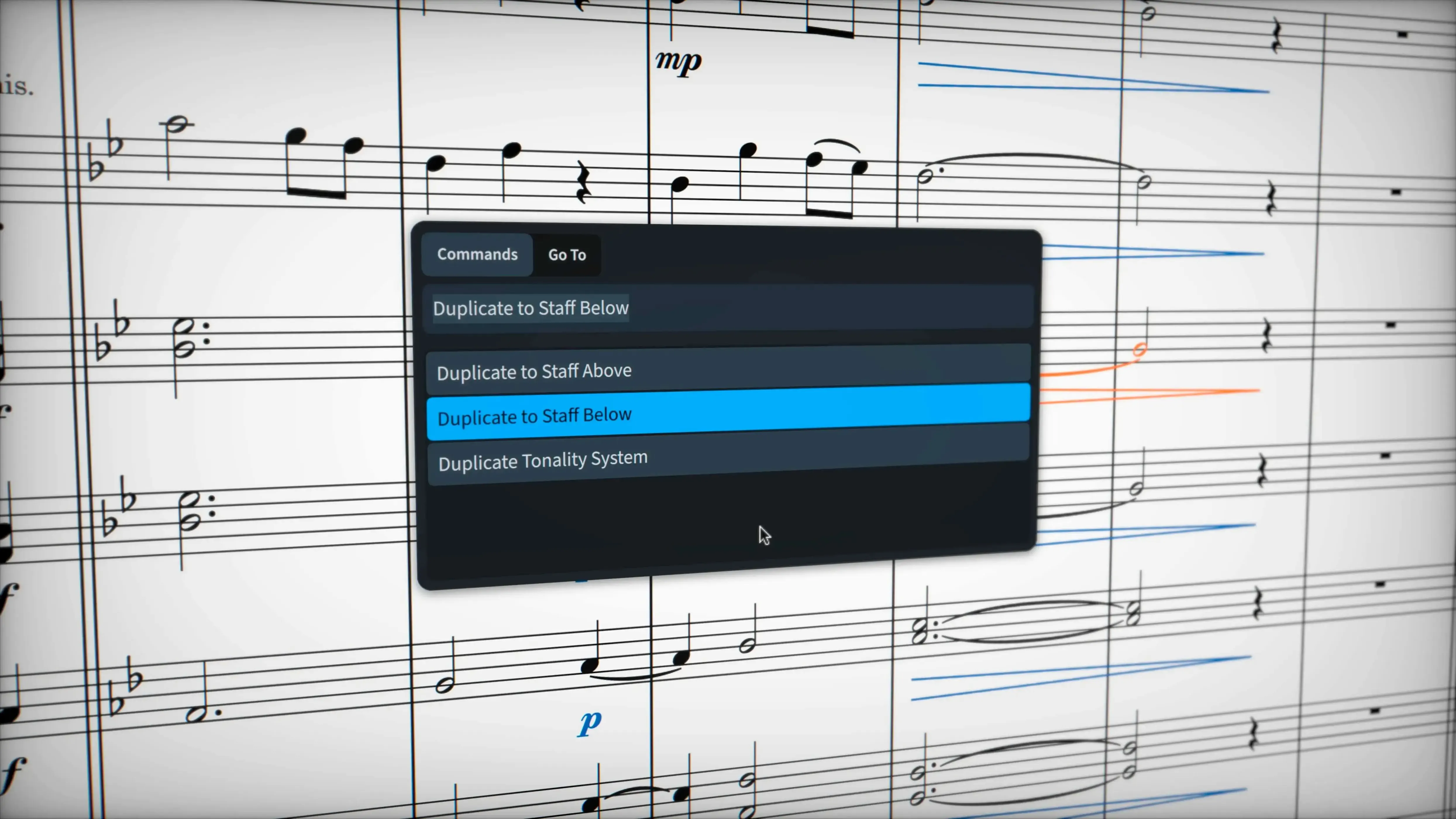
Dorico Pro runs on any Mac with macOS 12 or later, natively on both Apple Silicon and Intel processors.
Dorico Pro — Advanced music notation and composition software from Steinberg, built for professional engraving, publishing, and copying work.
Who it's for — Composers, arrangers, engravers, and copyists who need a notation engine that handles complex scores without workarounds. It's equally at home with a lead sheet or a full orchestral score.
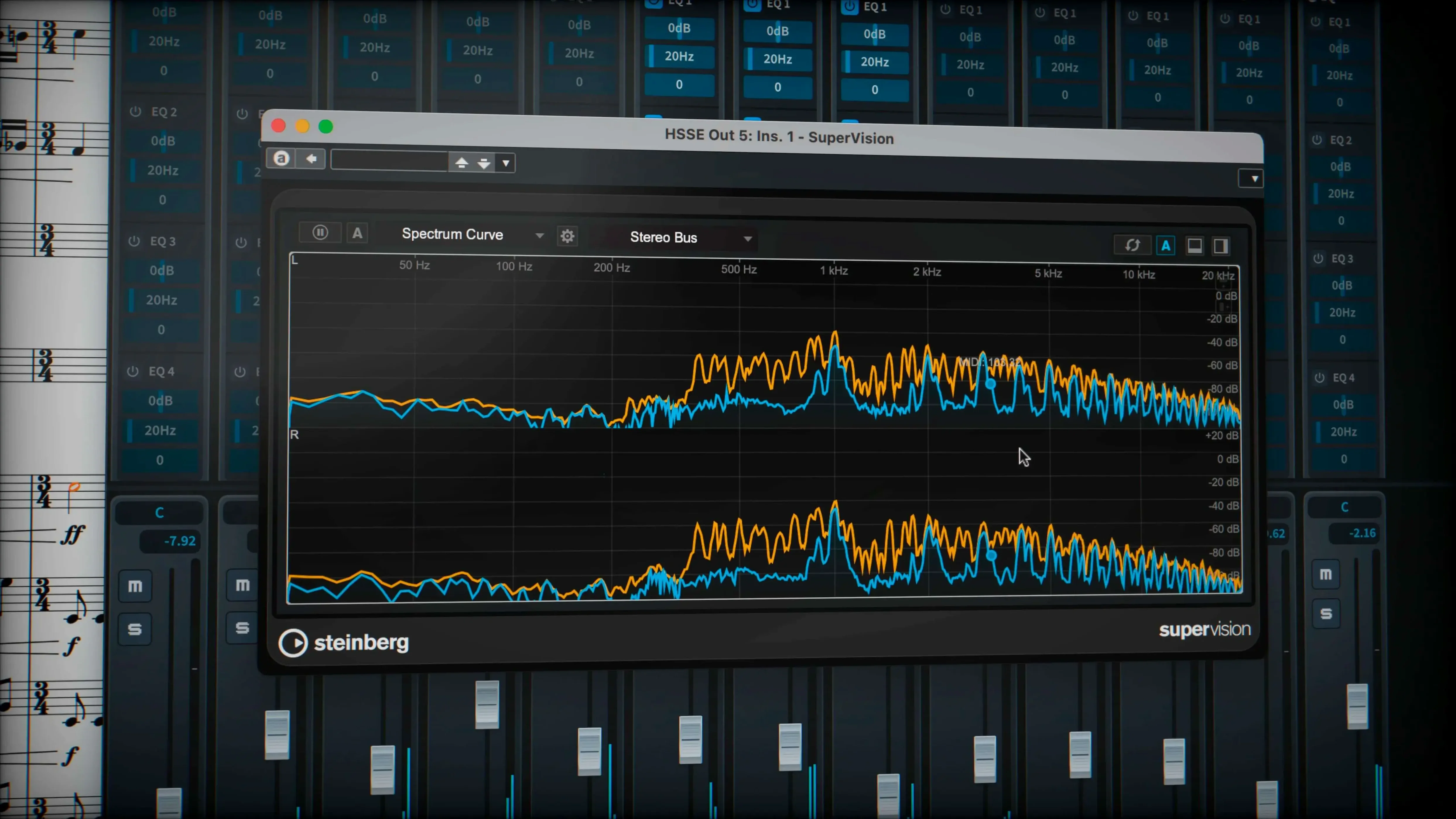
Playback engine — Comes with almost 1,500 built-in sounds and supports VST 3 virtual instruments and effects processors. You get 30 VST 3 processors in the box for shaping the mix directly on the score.
Notation that doesn't fight back — The program understands musical context. Tuplets across barlines, microtonal accidentals, stemless music, complex chord symbols, and percussion notation all work from the start. You're not tricking a graphics program into drawing notes; the software models the music semantically.
Exchange and output — Share data with other applications through MusicXML, MIDI, and PDF. The MusicXML import and export routines got attention in this release, smoothing out rough edges when round-tripping scores.
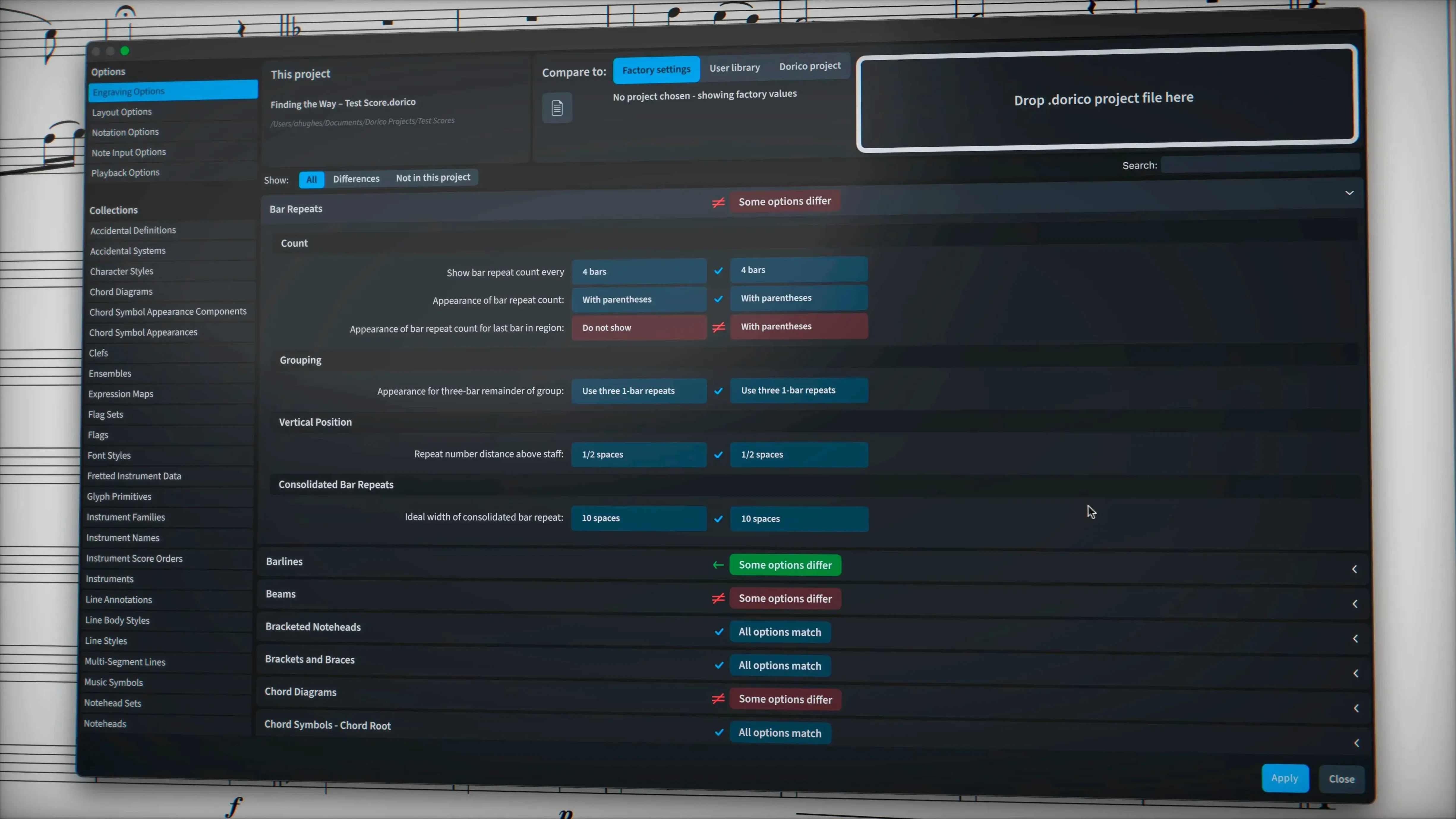
Engraving details — Wiggly glissando lines can use the traditional trill wiggle glyph or borrow a line style from the project settings. Hidden note handling is more predictable now, which matters when you're cleaning up a part for a session player.
When a director asks for a cue revision at 4 p.m.
Not every Mac user needs this level of notation firepower. The people who genuinely feel the difference tend to fall into a few camps.
Working orchestrators and arrangers pushing against deadlines. When a director asks for a cue revision that adds three bars of 7/8 inside a 4/4 section, Dorico doesn't flinch. The semantic model recalculates bar lines, beaming and spacing without the manual click-and-drag gymnastics other programs demand. That alone can turn a late-night panic session into something manageable.
Engravers and copyists who obsess over plate-quality output. The automatic collision avoidance isn't just a marketing bullet point — it genuinely respects engraving conventions around stem directions, slur contours and dynamic placement. If you prepare performance materials for publishers or recording sessions, the defaults get you 90% of the way toward a printed score that looks like it came from a traditional engraving house.
Music educators producing worksheets, exam materials or method books. Dorico handles non-standard notation — stemless noteheads for rhythm exercises, complex tuplet ratios for contemporary techniques, percussion grids — without requiring a stack of workarounds. You type what the music needs and the program renders it correctly.
Composers who hear their work during writing, not after. With 1,500 built-in sounds and VST 3 support, the playback isn't a tacked-on afterthought. The piano-roll editor in the sequencer-style MIDI view lets you tweak note velocities and timings right alongside the engraved score. You're not bouncing between two separate applications to audition what you just wrote.
Rescuing a messy MusicXML piano-vocal score on a tight turnaround
Picture a freelance copyist on a Tuesday afternoon. A music prep service sends over a piano-vocal score as a MusicXML file exported from an older notation program. The chart has three independent vocal lines per staff, some questionable beaming across phrase marks, and pedal markings that didn't survive the export. The session is Thursday morning.
The copyist opens the XML in Dorico Pro. The independent voice playback feature — the one you enable from the Track Inspector in Play mode — makes it possible to isolate and audition each vocal line separately, even when they share a staff. That catches a cross-voice clash in bar 42 that would've wasted ten minutes in the booth.
The sustain pedal lines come through now, courtesy of the new export support in version 6.2.30. Tuplet brackets that the old program swallowed during export reappear correctly. The copyist spends twenty minutes tightening page turns and adjusting system breaks rather than two hours reconstructing lost notation. The finished PDF lands in the contractor's inbox before dinner.
Fighting the popover system instead of letting it lead
Every powerful notation program has its own mental model, and Dorico's semantic approach can catch newcomers off guard. Here are the friction points that show up most often.
Fighting the popover system instead of using it. Dorico wants you to type commands through floating popover panels — Shift+N for notes, Shift+D for dynamics, Shift+T for tempo text. Beginners who hunt through menus for every action miss the speed gains the program is built around. Learning the five or six popover shortcuts you'll use daily is the fastest way to stop feeling slow.
Treating notes like objects to be placed. In a graphics-style notation tool, you click a note value and drop it on a staff. In Dorico, you select a rhythmic grid position and the note value together — the caret system. Dragging existing notes around the page to adjust spacing works against the automatic layout engine. Trust the defaults first, then tweak engraving options globally rather than nudging individual elements.
Ignoring the Play mode for proofing. The playback tab isn't just for hearing your composition back. Solo individual voices, slow the tempo and listen for parallel fifths you missed, or check that your divisi strings don't accidentally cross ranges. The Track Inspector's independent voice routing to VST instruments makes this practical even on dense orchestral scores.
Not setting up flows early. A common mistake is building a multi-movement work as one enormous project file without using flows — Dorico's system for separate movements or sections. Setting up flows at the start lets each movement keep independent tempo, key signature, and layout settings. Retroactively splitting a long project into flows is possible but tedious.
Set a line style on a single glissando instead of the whole project
Some features sit just below the surface and don't announce themselves. Once you know they exist, they quietly save you time.
The line style override for glissando lines. Version 6.2.30 lets you set a line style property on individual glissando lines rather than project-wide. Right-click a glissando, open properties, and you can swap the traditional trill wiggle for any custom line style from the project's library. Handy when one passage calls for a straight portamento and another needs the wiggly jazz fall.
Hidden note handling is smarter now. The update improved how hidden notes interact with surrounding notation. If you hide a cue note in a part, the spacing no longer leaves an awkward gap. Spacing adjusts as if the note were never there, which is exactly what you want when preparing clean performance parts.
Quick MIDI editing without leaving the score. The piano-roll editor lives in the lower zone, accessible with a single click. Select a passage in the score, open the lower zone, and you're looking at velocity lanes, note lengths and start times for that exact selection. No separate window, no import-export round trip.
Tuplet and bracket export fidelity. If you share scores via MusicXML, the 6.2.30 release tightened up how tuplet brackets and numbers survive the exchange. Brackets hidden through engraving options stay hidden on the other side instead of reappearing and cluttering the imported score.
Download options worth knowing. For those looking to try the full feature set, search terms like dorico pro 6 free download or Dorico Mac torrent lead to the current build. The package bundles an installation and activation guide, and the .dmg runs natively on both Apple Silicon and Intel Macs back to macOS 12.
- macOS 12 or later
- Apple Silicon or Intel processor
Comments 0
Sign in or create an account to leave a comment.
No comments yet. A codec, a slice, a machine — they appear after moderation.