Loop Mash Up Pro for macOS
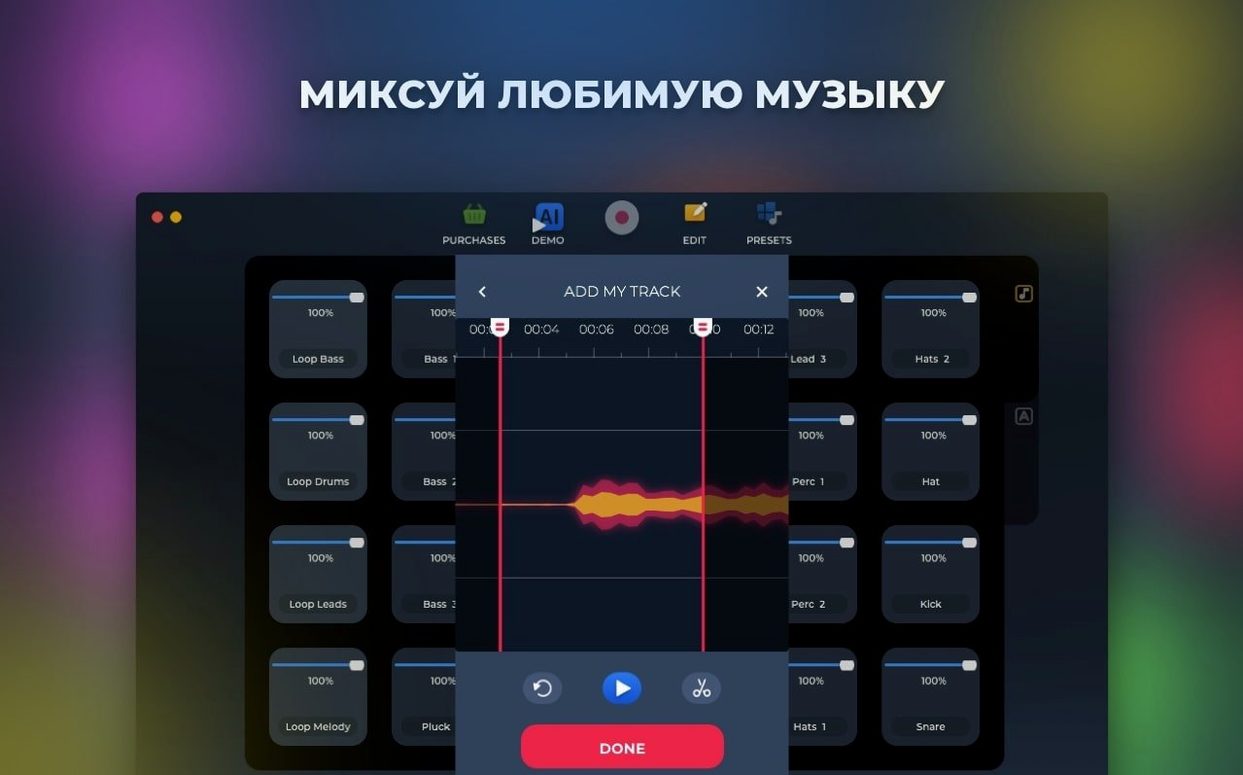
The current version of Loop Mash Up Pro needs an Intel Mac running macOS 11 or newer. There is no native Apple silicon support, so M1/M2/M3 machines will run it through Rosetta 2. If you’re on an older Mac with an Intel chip and a reasonably recent OS, you’re in the clear.
Build tracks from pro DJ loops and record straight to your drive
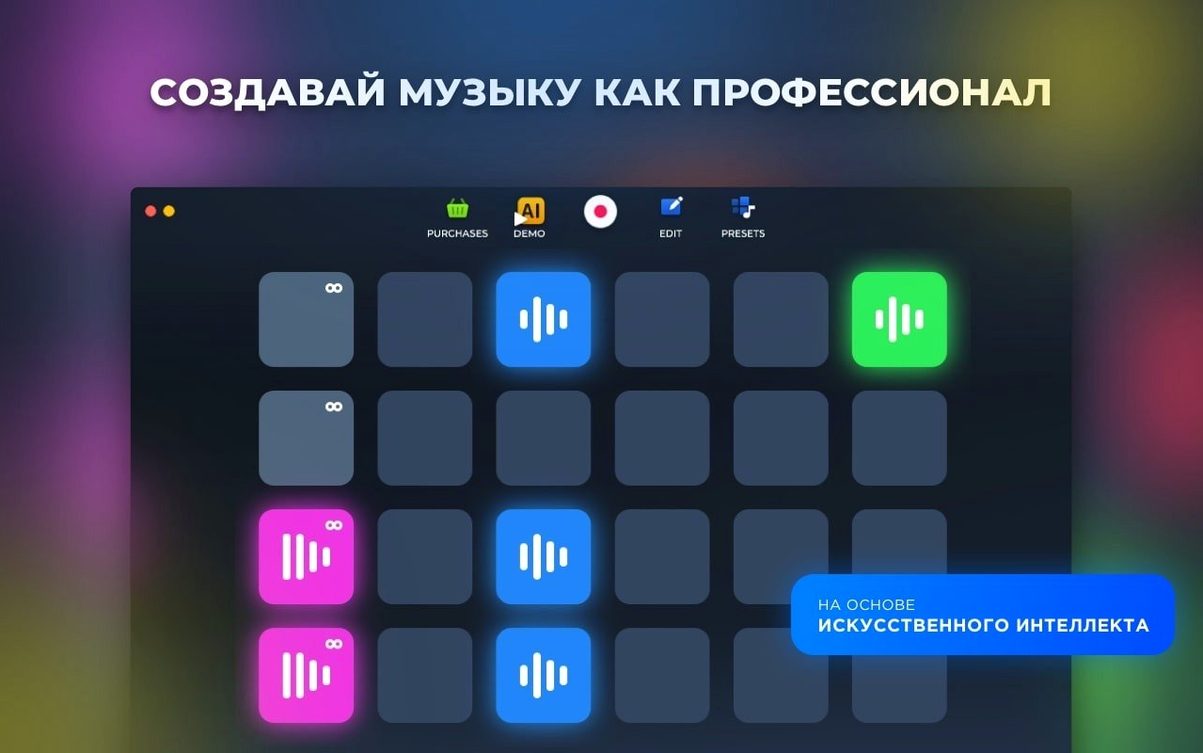
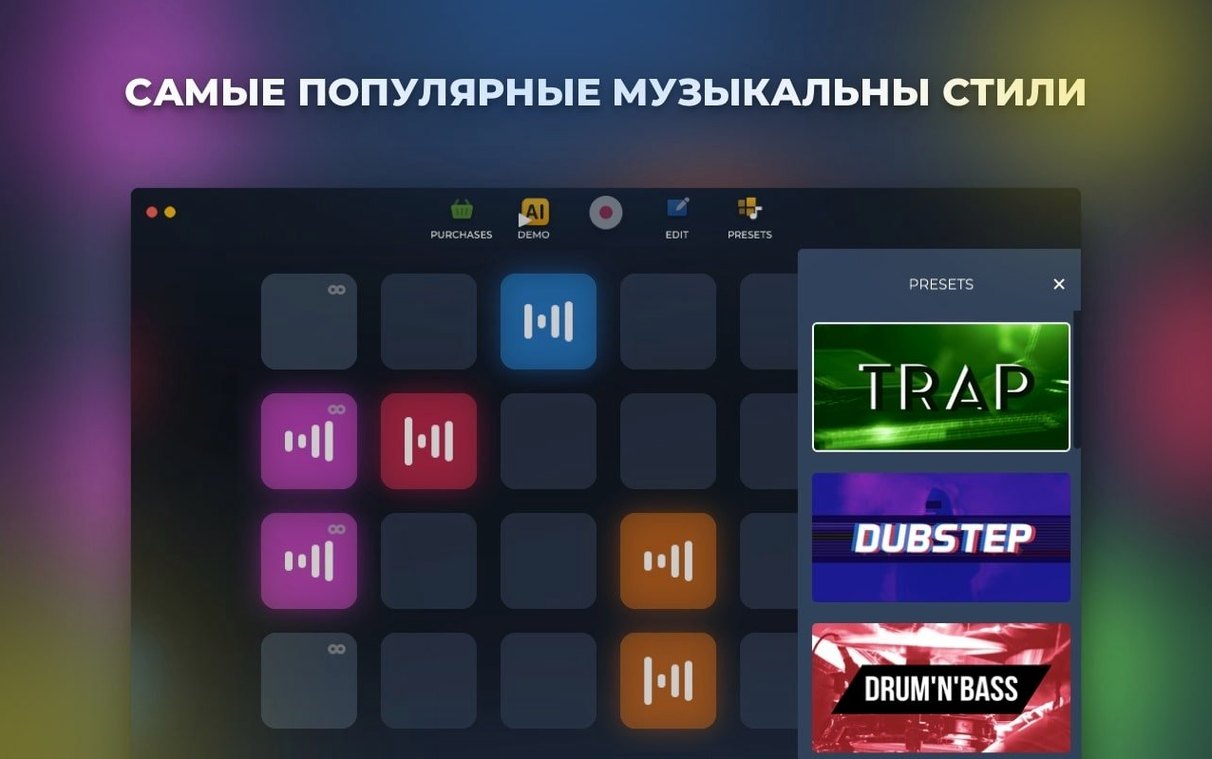
- Building tracks from a library of loops and presets created by professional DJs and musicians
- Live recording and saving completed tracks directly to your drive
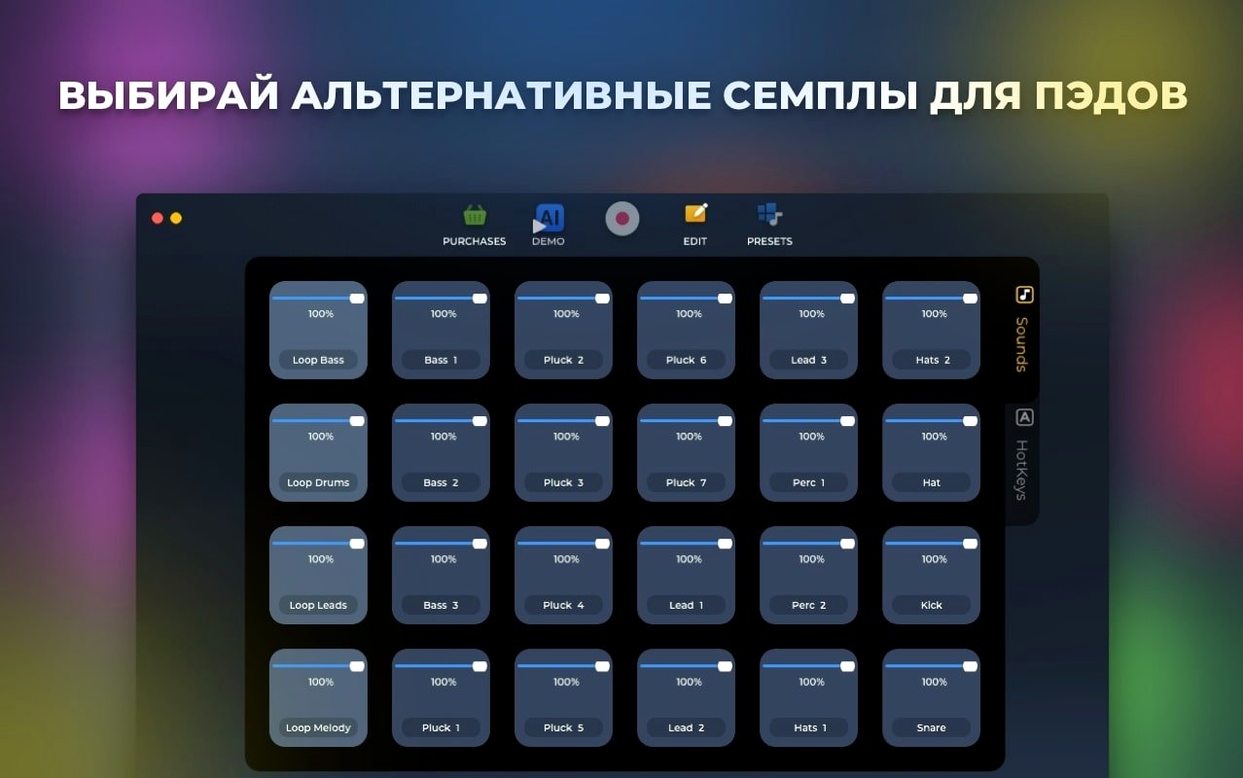
- Rearranging pads on the fly and assigning them to hotkeys for performance
Intel binary runs on Apple silicon through Rosetta translation
- The app is Intel-only; Apple silicon Macs must translate it with Rosetta
- AI-based track generation is present but works within the supplied sample library
Does it work on an M1 or M2 Mac?
Does it work on an M1 or M2 Mac? Yes, through Rosetta 2. The binary is Intel x86-64, so Apple silicon machines translate it automatically on first launch. You might notice a slightly longer cold start and a bit more memory pressure than a native build, but once the sampler engine is running there’s no audible penalty. If you’ve never opened an Intel app on your M-series Mac before, macOS will prompt you to install Rosetta — it takes one click and about twenty seconds.
Where do the samples live on disk? The factory library ships inside the app bundle at Loop Mash Up Pro.app/Contents/Resources/. Recorded tracks you save land in ~/Music/Loop Mash Up Pro/ by default. You can change the save location from the preferences, but the bundled loops and presets stay where they are — the app won’t let you relocate them, so don’t move the .app bundle after installation or the pads will go silent.
Can I load my own samples? Not in version 1.2.17. The sampler works strictly with the included library. If you’re used to dropping arbitrary WAV files onto an ab loop player, this isn’t that tool. The trade-off is that every included sample is pre-trimmed, gain-staged, and tagged for the six built-in styles, so the AI-based track generation can reason about what fits where.
Is this the same as the loop mash up pro torrent distributions floating around? The build we’re looking at is the 1.2.17 App Store release. Third-party Loop Mash Up Pro torrents and loop torrent bundles that claim to unlock extra sample packs are a separate conversation — they often carry older versions or modified binaries where you'll want to verify the AI arrangement logic is intact. Stick with the signed .dmg if you want the bugfixes from the current release.
Drop the audio buffer from 512 samples for live performance
Open preferences before you tap a single pad. The defaults are sensible for a first impression but less so for actual sessions.
Audio output buffer. The shipped default is 512 samples, which prioritizes stability over responsiveness. If you’re performing live or recording fast pattern changes, drop it to 256 or 128 samples. On an Intel Mac with a half-decent audio interface you can push 64 samples without crackles; built-in output on older MacBook Airs tends to protest below 256.
Record path. As noted, it defaults to ~/Music/Loop Mash Up Pro/. If you keep a dedicated project drive or a synced folder for stems, point it there now. The app doesn’t prompt on first save — it just writes wherever the pref says — so changing it early saves you from hunting for WAVs later.
Hotkey mode. Toggle this from “assign per project” to “global” if you use the same key layout across sessions. Otherwise every new project resets your pad-to-key bindings and you’ll spend the first minute reassigning the kicks to Q and the snares to W.
AI generation style lock. The AI-based track generator defaults to “auto,” meaning it picks a style from whichever pad you last triggered. That leads to genre-hopping arrangements that sound confused after eight bars. Lock it to one of the six built-in styles before you hit generate, then unlock when you want a deliberate change-up.
Live-looping DJs treat it like a second deck with hotkeys
Three kinds of Mac users tend to click with Loop Mash Up Pro quickly.
The live-looping DJ who already plays with hardware samplers gets the pad reassignment and hotkey workflow. They treat the app as a second deck — loading a style, remapping kicks and hats to muscle-memory keys, and layering transitions over a playing set. The fact that the library is locked doesn’t bother them; they want a predictable pallet, not an infinite sample browser.
The bedroom beatmaker on an older Mac benefits from the low system requirements. If you’re still on a 2015 MacBook Pro or a 2017 iMac running macOS 11, this is one of the few loop mash up pro-style tools that launches quickly and doesn’t peg the CPU. The Intel-only binary is actually an advantage here — no Rosetta overhead, and the engine was tuned for the hardware you already own.
The idea-sketching producer who wants to capture a groove before they forget it appreciates the AI generation as a starting point. They hit generate, get an eight-bar skeleton in a chosen style, swap a few pads, record a pass, and export the WAV. The sketch moves to a proper DAW for arrangement and mixing later. The app is the notebook, not the publishing tool.
A short session, in practice
Imagine a DJ prepping a transition for a Friday set. She opens Loop Mash Up Pro on her Intel MacBook Pro, locks the AI style to the dubstep/glitch preset, and taps through a half-dozen bass pads until she finds a descending wobble that sits in the same key as the track she’s mixing out of. She assigns the wobble to 1, a sparse hi-hat loop to 2, and a reversed cymbal swell to 3 — three hotkeys she can hit with her left hand while her right hand stays on the mixer.
She records a sixteen-bar pass with the pads, drops the buffer to 128 samples so the latency doesn’t fight her timing, and saves the WAV to a folder already synced to the thumb drive she’ll carry to the club. The whole process — from opening the app to closing the lid — takes under twelve minutes. The generated file isn’t the finished transition; it’s the raw loop she’ll load into an ab loop player on her performance laptop and trigger at the right moment. But the capture happened fast, the hotkeys matched her fingers, and the sample quality held up through the venue’s PA because the source material was well-recorded from the start.
- Several bug fixes improving stability during playback and recording.
- macOS 11 (Big Sur) or later
- Intel 64-bit processor
$ man loop-mash-up-pro | grep -A2 "?"
What kind of software is Loop Mash Up Pro?
It’s a sampler and ab loop player for building tracks from pro-grade loops and presets, with AI-assisted arrangement and live recording.
Which languages does the interface support?
The UI is localized into Russian, English, German, Spanish, Italian, Traditional Chinese, Simplified Chinese, Korean, Portuguese, French, and Japanese.
Comments 0
Sign in or create an account to leave a comment.
No comments yet. A codec, a slice, a machine — they appear after moderation.