
iZotope Ozone for macOS
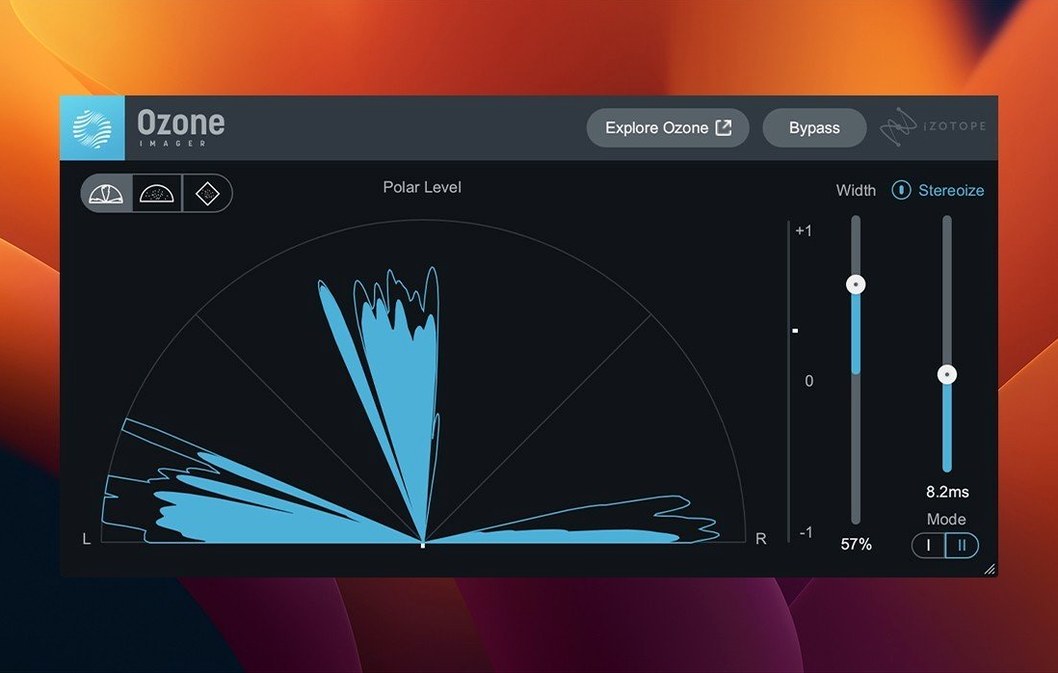
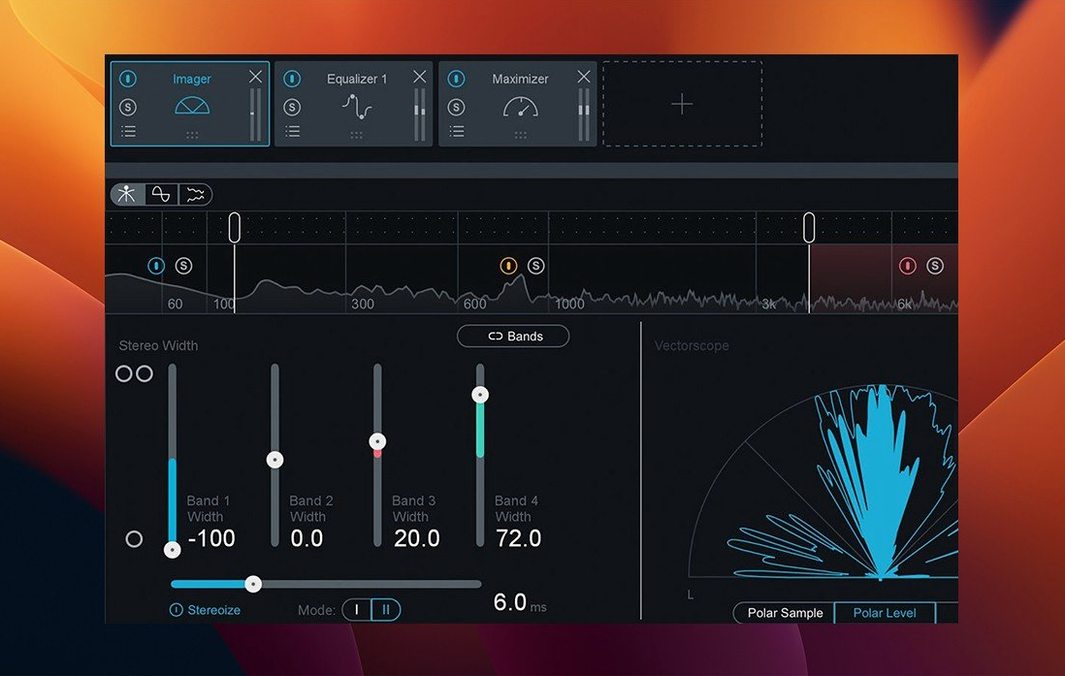
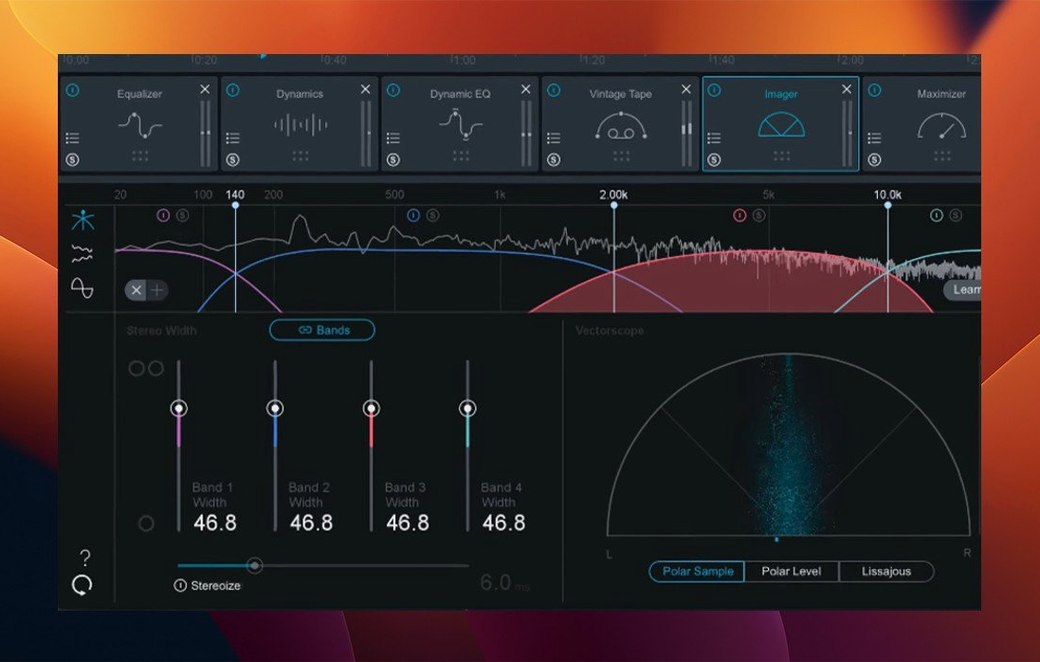
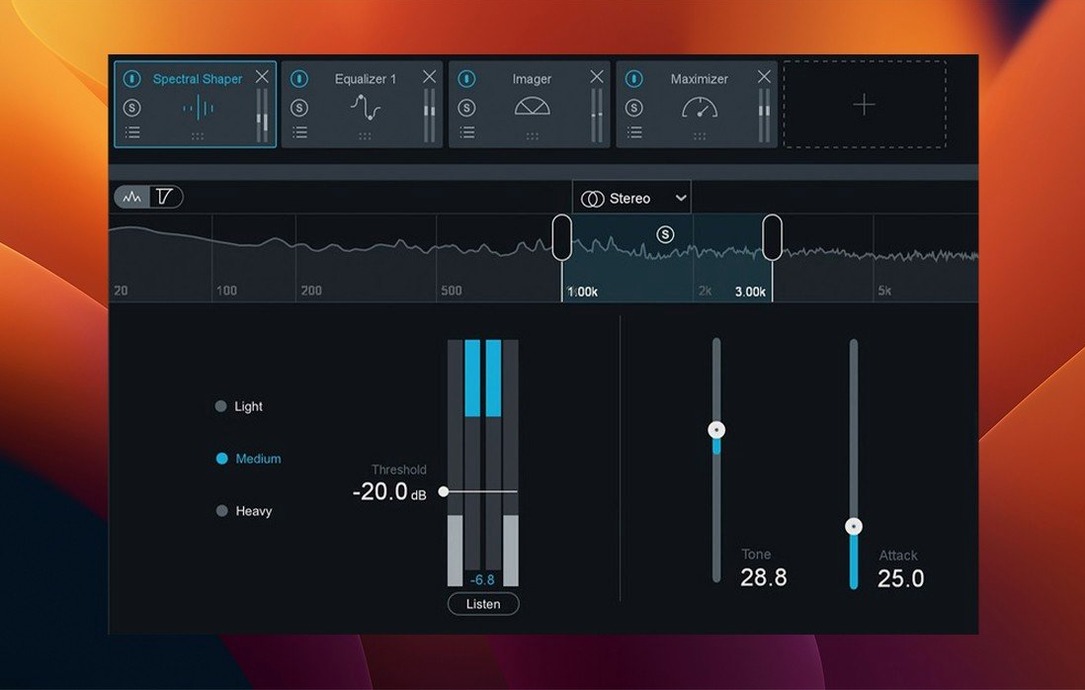
You just exported a mixdown of a dense electronic track. The level is conservative, the stereo image feels a bit narrow, and the low end could use a firmer grip before you send it off. Loading the suite on a mastering chain gives you a single window where you can pull up the Maximizer, dial in an IRC 5 mode, and set a ceiling without turning the transients to mush.
How does the AI assistant shape a starting point?
The assistant listens to a section of your audio and sets module parameters based on what it hears. It picks a target curve, adjusts the Stabilizer toward one of 25 genre profiles, and balances the Maximizer threshold and IRC 5 character so you begin from a sensible state instead of a blank slate.
Which modules do the heavy lifting in a chain?
Twenty pro plugins live inside the suite, but the Stabilizer and Maximizer tend to anchor most workflows. The Stabilizer reshapes tonal balance dynamically with genre-aware targets, while the Maximizer's IRC 5 mode handles peak control with fewer artifacts than older limiting algorithms.
AU, AAX, and VST3 on Apple silicon without Rosetta
On macOS 13.7 and later, the suite appears as 64-bit AU, AAX, and VST3 instances. It runs natively on Intel and Apple silicon M-series Macs, so there is no Rosetta penalty when you drop it into a Logic or Cubase 15 session.
Does it bloat a heavy session as you add modules?
The first question almost always comes down to whether the plugins will load in a session that's already heavy. Ozone's modules share a common framework, so the memory footprint grows gradually as you add pieces rather than ballooning with the first insert. On an M-series Mac, opening the full suite with five or six modules active typically adds around 300–400 MB of RAM. It's noticeable on an 8 GB machine but rarely a dealbreaker. The bigger variable is the Maximizer's IRC 5 mode — the Transient and Modern algorithms run a denser analysis pass than the Classic or Tube modes, so switching to one of those lighter options recovers CPU headroom quickly if you're pushing against the limit.
Another recurring question is whether you can run the individual modules as separate plugins. You can. Every module in the suite — the Maximizer, the Stabilizer, the Bass Control — is available as a standalone plug-in in your DAW's menu. This matters when you prefer building a chain with third-party metering between stages, or when you only need the Unlimiter on a stem and don't want the full shell loaded.
People also ask about the assistant's listening window. By default it analyzes a snippet of up to 10 seconds, and short loops with a clear chorus or drop section tend to give it the most useful material. Feeding it a quiet intro with no low end will steer the tonal targets in a direction you didn't intend, so giving it a loud-ish, representative section saves you from re-correcting the Stabilizer afterward.
Switch Maximizer to IRC 5 Transient for dense low end
The default Maximizer character is set to IRC 5 Modern, which leans toward a transparent, transient-preserving response. For electronic music with a dense low end, switching to IRC 5 Transient often tightens the sub frequencies without clamping the kick's attack. For acoustic material, IRC 5 Classic rolls off the top end less aggressively and can sound less processed on strummed transients.
The Stabilizer ships with its detection speed at a neutral midpoint. On material that shifts dynamically — a track that moves from a sparse verse into a wall-of-sound chorus — nudging the speed toward fast makes the module chase the tonal changes more tightly. On a steady-state club track, a slower speed keeps the curve from jittering around a consistent mix balance.
Bass Control's default crossover sits at 120 Hz. For a mix where the kick dominates around 60 Hz and the bass guitar lives higher, dropping the crossover to 80 Hz keeps the punch and the body in separate processing lanes. The module can operate in Mid/Side mode too, which is worth enabling if the low end feels wide in headphones but collapses in mono — narrowing the side signal below the crossover cleans up vinyl cuts and club playback at once.
One small but impactful UI setting: the I/O meters can show RMS, peak, or LUFS short-term readings. If you're targeting a specific integrated LUFS for streaming, switching the meters to short-term LUFS and setting the Maximizer ceiling to −1.0 dB True Peak gives you a real-time loudness reference without needing a separate metering plugin on the master fader.
The mono-to-stereo bug that locked output to mono
The mono-to-stereo bug that version 12.1.0 addressed tripped up users who were mastering a mono source file inside a stereo session template. Before the fix, the output stayed collapsed to mono even when the Maximizer's stereo link control suggested otherwise. If you're running an older version and hear the problem, the workaround was to insert a stereo gain plugin before Ozone and pan the mono signal slightly off-center to force a true stereo path. With 12.1.0, the issue is resolved and the workaround isn't needed.
Slow UI loading was another friction point that the update targeted. On some Intel machines, opening the suite's window took several seconds and the plugin host would briefly beachball. If you still see sluggish drawing after updating, toggling "OpenGL rendering" off in the plugin's preferences forces a software fallback that can be snappier on older integrated GPUs. The tradeoff is that the real-time spectrum analyzer updates less smoothly, but the controls remain responsive.
Users occasionally report that the assistant sets the Maximizer threshold too hot and the output clips before they've touched anything. This usually happens when the input level is already near 0 dBFS. The assistant expects a healthy headroom of roughly −6 dB to −3 dB peak. Lowering the clip gain on the audio region before the plugin, or inserting a trim plugin as the first insert, gives the assistant a workable range and prevents the Maximizer from starting in gain-reduction territory.
Another snag relates to AAX instances in Pro Tools on Apple silicon. If the DAW is running under Rosetta but the plugin is the native ARM build, the mismatch can cause blank UI panes. Checking that both the host and the plugin are running the same architecture — either native or translated — clears it up. The installer places both binaries, so a quick re-scan from the DAW's plugin manager usually picks up the correct one.
Stabilizer's 25 genre targets for cross-genre engineers
Mastering engineers who work across genres benefit from the Stabilizer's 25 genre targets. A hip-hop session at noon and an acoustic folk session at three o'clock each get a meaningfully different starting curve, which cuts down the time spent building a custom EQ match from scratch. The ability to save a user target from a reference track means the library grows with repeat clients too.
Electronic producers running stems through the suite find the Bass Control module particularly useful. Being able to solo the low band and sweep the crossover while the kick and sub-bass play in context makes phase-coherent low-end decisions faster than bouncing between a dedicated EQ and a multiband compressor on the master bus.
Content creators and podcast editors who need a consistent loudness without digging into manual compression chains get a lot from the assistant's one-click workflow. Dropping the plugin onto a voiceover track, running the assistant on a 10-second sample of spoken word, and checking the short-term LUFS readout delivers a finished level that matches streaming recommendations without building a chain of three or four separate processors.
Users on older Intel Macs with limited CPU headroom can still work effectively by running the lighter Maximizer modes and keeping the Stabilizer's analysis resolution at the standard setting. The suite scales down gracefully — you don't need an M3 Max to get a usable mastering chain, though the extra cores definitely shorten export times on full-album sessions.
Mastering a six-track EP mixed in four different rooms
The mastering engineer has a six-track EP from a synthwave artist. Each track was mixed in different rooms — some in a treated home studio, two on headphones in a living room — so the tonal balance shifts noticeably from song to song. Track one is bright and slightly thin below 80 Hz. Track four is warm but the snare transients are blunted. The goal is a cohesive sequence that plays as an album, not a shuffled playlist.
She loads Ozone on the first track's master bus, feeds the assistant the loudest chorus, and selects the Synthwave target in the Stabilizer. The initial curve adds a gentle 1.5 dB shelf above 8 kHz and pulls up 60 Hz by about 2 dB, which fills out the thin low end without booming. She switches the Maximizer to IRC 5 Transient and sets the ceiling to −1.0 dB True Peak, watching the short-term LUFS hover around −9.0 during the drop.
On track four, the assistant suggests a cut around 300 Hz that cleans up the warmth into clarity and a slight boost at 5 kHz that brings the snare wire forward. She matches the Maximizer settings from the first track to keep loudness consistent, then saves a custom Stabilizer target from a reference section of track one and applies it to track four as a sanity check — the curve is close to what the assistant chose independently, which confirms the tonal direction.
By the time she reaches track six, she's built three user targets from her own material and cross-referenced each track's loudness with the Maximizer's built-in meters. The EP bounces as a single continuous render. When she drops the files into a playlist for client review, the shift from one song to the next feels like a deliberate sequence rather than a volume jump. She keeps the session file saved as a template, with the Bass Control crossover locked at 100 Hz and the Stabilizer detection speed set to fast, ready for the next project where the source mixes arrive equally scattered.
- UI panels and plugin instantiation now load noticeably faster after fixes for slow drawing and initialization routines.
- Mono-to-stereo instances no longer mishandle the stereo output path.
- Cubase 15 joins the list of officially supported hosts.
- macOS version requirements shifted;
macOS 13.7is the current baseline.
- macOS 13.7 or later
- Intel Mac or Apple silicon M-series Mac
- 64-bit AU, AAX, or VST3 host (Logic Pro, Cubase 15, Pro Tools, or compatible DAW)
- English interface
$ man izotope-ozone | grep -A2 "?"
Does the Stabilizer work automatically or manually?
It works both ways—you can let the assistant pick a genre target and shape the response, or you can drag the nodes yourself to sculpt the spectral balance across the frequency range.
Comments 0
Sign in or create an account to leave a comment.
No comments yet. A codec, a slice, a machine — they appear after moderation.