
RC-20 Retro Color for macOS
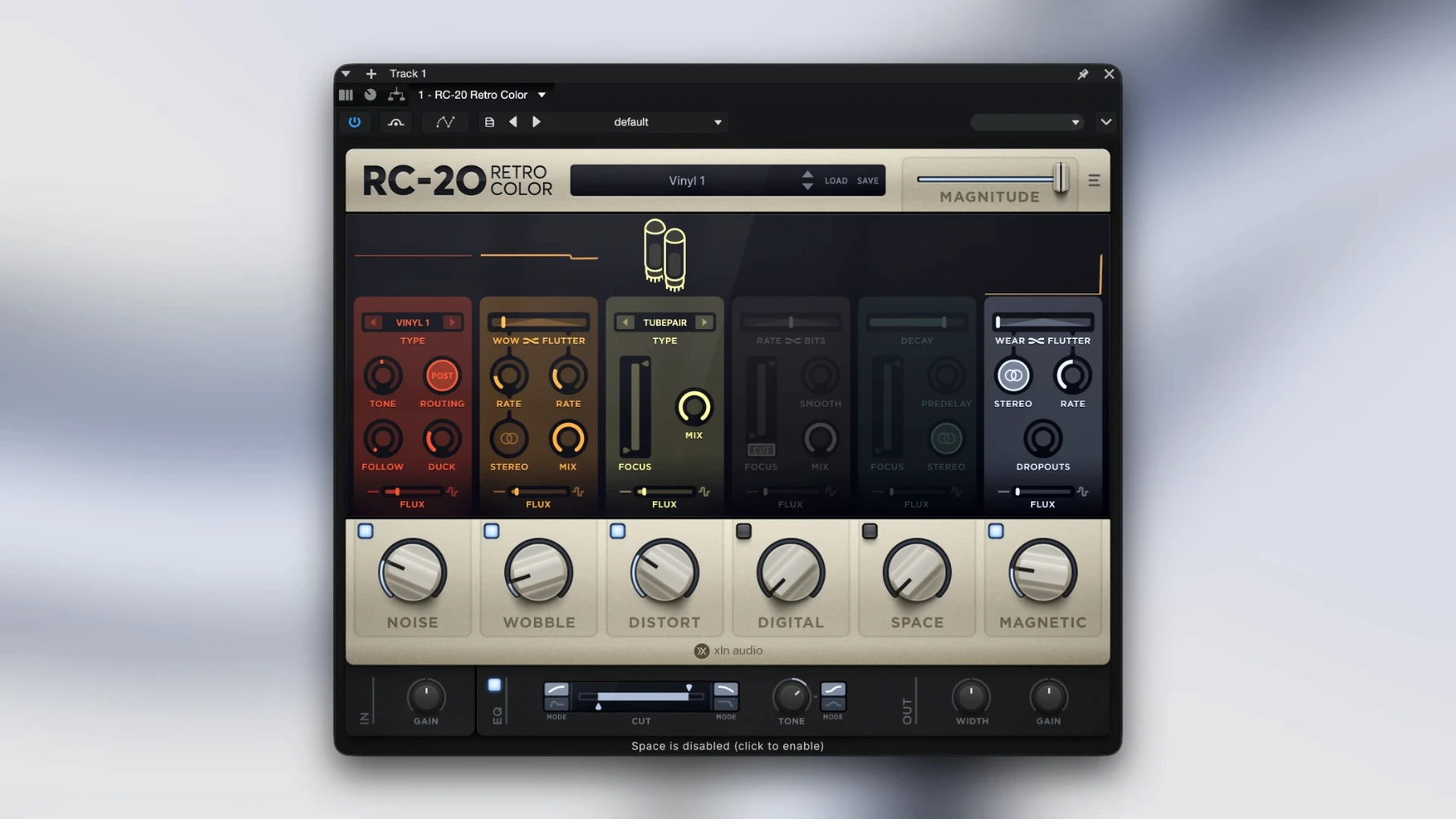
Version 1.5.1 is a maintenance release that keeps the plugin stable on current macOS hosts — no new modules, just a quiet compatibility refresh. Here is where it sits when you’re actually building a mix.
Individual track insert — Where most people drop it first. A clean DI guitar, a sterile synth line, or a flat drum hit goes in and something with age and dust comes out. One instance per source gives you independent control over wear.
Drum bus — The Magnetic module’s dropouts and the Noise module’s vinyl crackle glue a kit together differently than a compressor would. Subtle Flux movement keeps the texture from locking into a static loop.
Return channel — Blend a heavily degraded parallel signal under the clean original. The Digital module’s bit-crush and Space reverb tail can be pushed hard without wrecking the dry track.
Master bus (rare, but useful) — A touch of Wobble at a very slow rate, barely any depth, can give a whole mix the feel of a slightly unstable tape machine. You have to be careful with phase here, but the module bypass switches make it quick to check what’s actually helping.
Sound design layer — All six modules active at once, Magnitude cranked, Flux animating parameters randomly. It stops being a coloring tool and becomes a texture generator you resample and chop later.
What happens when a clean beat meets a decade of decay?
Here is a morning I come back to often. A beat is programmed — kicks from a clean sample pack, a bass patch from Diva, some chords from a DX7 librarian pull. Everything sits in the right place but sounds like it was born five minutes ago. That’s the problem.
I drop RC-20 on the drum bus first. Open the Noise module, pull the slider until I hear vinyl crackle sitting just below the hi-hat, then dial it back two clicks. That’s the floor of the track now — something physical under the samples. Next I add a slow Wobble to the bass, depth around 15%, speed synced to a bar and a half. It breathes. The chords get the Magnetic module with dropout probability set low and flutter turned up enough to catch the top end of each stab. By the time I’m done, the beat hasn’t changed musically — same notes, same timing — but it feels like it was tracked to a quarter-inch machine in a room with bad power.
When I want the whole thing to degrade over time, I open the Flux panel and assign it to the Noise volume and the Distort drive. Three minutes of slow random drift. I render the pass, chop out the best 16 bars, and that’s the loop I build around.
Who needs a shortcut to a dusty SP-1200 sound?
Beatmakers who work entirely inside the box. The ones whose sample libraries are too clean, whose drum hits have no tail, whose synths have never met a transformer. RC-20 gives them a shortcut to the sound of old records without needing to buy old records — or an old console.
Mixing engineers who handle vocals tracked in untreated bedrooms. A high-pass filter and some compression get the signal under control, but it still sounds like a closet. A touch of the Space module — short decay, pre-delay zeroed out — plus a sliver of Noise at tape-hiss level can push the voice into a believable environment. Not a good room, exactly, but a real one.
Sound designers working on horror scores or sci-fi ambiences. The Digital module’s bit-crusher combined with extreme Flux modulation turns any input into something that glitches and stutters unpredictably. Resample it, reverse it, layer it under footsteps. It’s a texture factory when you stop thinking about it as a “coloring” tool.
If you’ve been searching for an rc 20 retro color free download or stumbled across an rc 20 crack while trying to test the workflow before committing, you’ve probably already seen how many producers keep it on their go-to insert list. The plugin gets passed around because it solves a specific problem fast: cold digital audio that needs grit, and no amount of stock EQ is going to provide it.
Should you place the grit before or after the delay?
RC-20 works as a texture stage between a synth and a delay. Run a Serum pad through the Distort and Magnetic modules, then into ValhallaSupermassive. The degradation happens before the repeats, so the echoes smear the dirt rather than dirt smearing the echoes — cleaner tails with a dirty source.
It pairs well with transient shapers placed before it. Tighten the attack of a snare in your DAW’s stock transient designer, then let RC-20’s Wobble and Noise soften the sustain. You get punch and age at the same time, which is hard to achieve with either tool alone.
macOS Audio Unit hosting means you can rack it inside Logic’s channel strip alongside a compressor in sidechain mode, or push it into a bus and automate the Magnitude knob from a MIDI controller. The plugin responds to parameter automation without audible stepping, so riding the overall degradation in real time across a breakdown is practical, not just a mix move you draw in afterward.
For users who’ve looked around for an RC-20 Retro Color crack or an RC-20 torrent, the draw is usually the same: you want to hear what those six modules do to your own stems before you rearrange a template around it. Once the Noise and Magnetic sections hit a drum loop you know well, the decision tends to make itself.
- macOS 10.13 or later
- Apple Silicon and Intel, 64-bit only
- AU, VST3, and AAX plug-in formats
$ man rc-20-retro-color | grep -A2 "?"
What do the six modules in RC-20 Retro Color do?
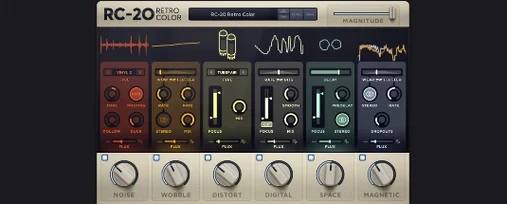
The module set breaks down into Noise, Wobble, Distort, Digital, Space, and Magnetic — each modeling a specific type of analog or lo-fi degradation that can be used alone or stacked.
What is the Flux engine for?
Flux introduces random, continuous variation over time to parameters you assign, so the effect never sounds like a repeating loop.
Does RC-20 run natively on Apple Silicon Macs?
Yes, version 1.5.1 includes native Apple Silicon support alongside Intel, and requires macOS 10.13 or later in a 64-bit host.
Comments 0
Sign in or create an account to leave a comment.
No comments yet. A codec, a slice, a machine — they appear after moderation.
More in VST Plugins
cd ../ reFX Nexus
VST Plugins 72 MB
 Revoice Pro
VST Plugins 39 MB
 RipX DAW Pro
VST Plugins 1.6 GB
 Pulsar Audio IPA
VST Plugins 75 MB
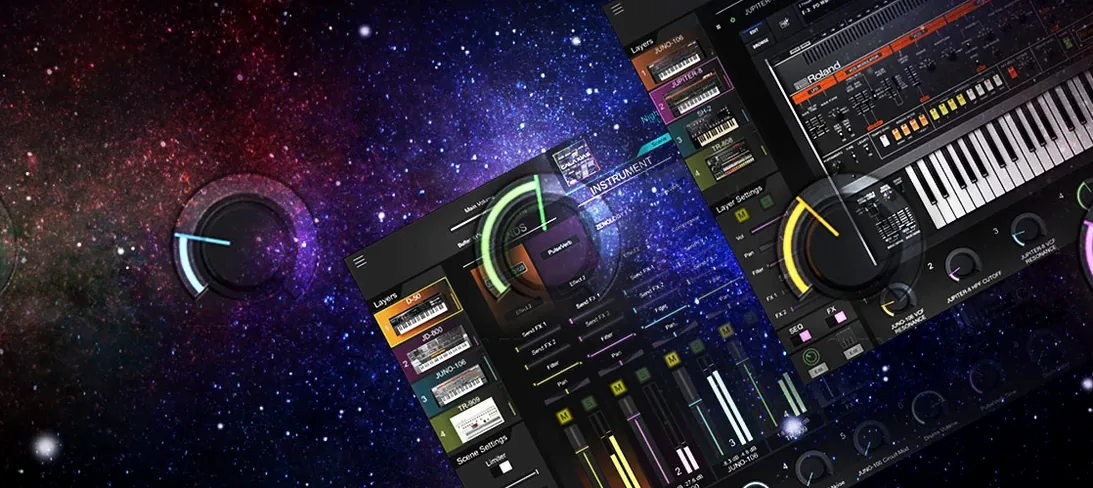 Roland Cloud Legendary Series
VST Plugins 1.3 GB
 Roland ZENOLOGY Pro
VST Plugins 1.8 GB
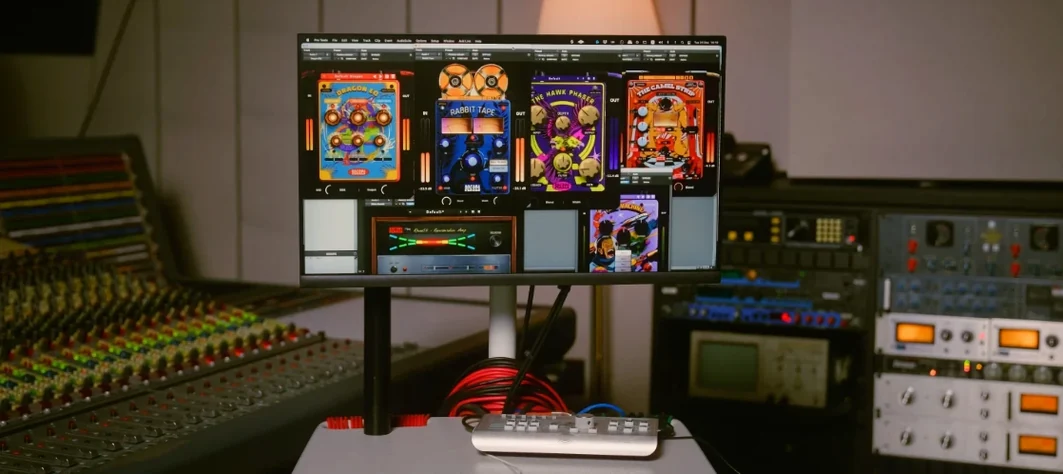 Safari Pedals Everything Bundle
VST Plugins 628 MB
 Sauceware Audio Scorch 2
VST Plugins 2 GB