
reFX Nexus for macOS
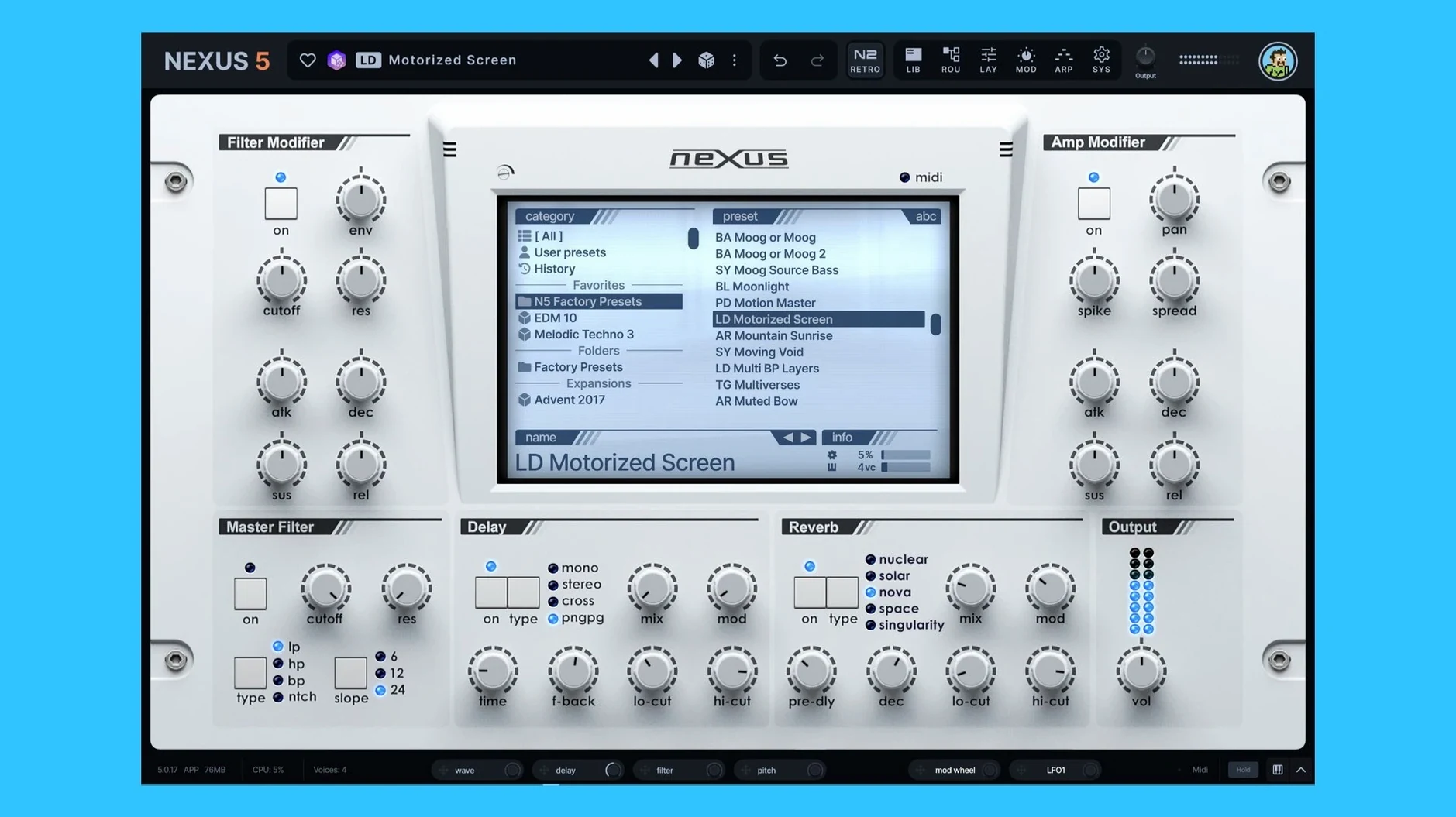
Up to 16 unison voices per oscillator — that’s the first thing version 5.5.12 throws at you. Nexus sits somewhere between a classic rompler and a full synthesis engine. The current build layers sample playback with virtual analog, wavetable, granular and FM oscillators, all inside one preset. You’re not locked into the factory library either; custom expansions and user presets are fully supported.
| Detail | Info |
|---|---|
| Current version | 5.5.12 |
| macOS | 10.15 (Catalina) or later |
| Architecture | Intel + Apple Silicon native |
| Plugin formats | AU, VST3 |
| Interface language | English |
On the modulation side, you get a routing system that can target destinations like oscillator phase minimum and maximum — a small but telling detail that points to how far the architecture has moved beyond simple sample playback. The oscillator section now includes two wrap modes, and the preset preview can lock to host tempo, which makes browsing expansions in a project far less jarring. A built-in effects rack and a new Clipper FX handle tone-shaping without leaving the window, and if you’ve ever wanted to tear up the UI, the added skin editor lets you rebuild the look from scratch. Projects and libraries from older NEXUS versions remain compatible, so existing work comes forward intact.
Click the BPM readout to ignore host tempo?
The BPM readout on the SYS page sounds trivial until you realize it's also an override. Click it and Nexus ignores the host tempo, running arpeggios and sequencer patterns at a fixed speed you set. That's useful when a project drifts into half-time feel but you want the arp to stay aggressive.
Right-click any modulation depth ring and the tooltip names the active source. In a patch with six mod routings, that saves hunting through the matrix to figure out why the filter cutoff is twitching. The arp-pattern-as-initial-seq-pattern button is tucked away but means you can sketch a rhythm in the arpeggiator and instantly turn it into a sequencer phrase — no manual reprogramming.
The ducker keyzone trigger is equally low-profile. Assign it to a specific key range and the ducking only fires when you play in that zone, leaving other ranges unaffected. For a bass patch that needs to duck under a kick on C1 but play open on everything else, that's one checkbox instead of automation lanes.
Logic loads it in under a second on Apple Silicon
You open a project in Logic, insert Nexus on an instrument track, and the interface loads in under a second — Apple Silicon native, no Rosetta translation layer. First task: find a pluck that sits in the verse. You open the browser, and with preset preview synced to host tempo, every patch plays in time with the track. No stopping playback, no dragging MIDI regions onto the track just to audition. You arrow-key through twenty plucks, settle on one, and drag it onto the instrument slot.
The pluck is close but the high end is too brittle. You open the effects rack, drop the new Clipper into the chain, and pull the threshold down until the transients soften without losing the attack. Three clicks, no external insert routing. Next, you drag a dusty vocal sample from Finder straight into the oscillator section — Nexus detects it, maps it across the keyboard, and you set loop points by dragging the markers in the waveform view. A tiny crossfade on the loop boundaries hides the seam.
Now the second oscillator: a wavetable pad an octave down, mixed in at 30%. You route an LFO to the wavetable position and another to the phase minimum of the sample oscillator, so the vocal chop drifts slightly behind the beat. The modulation rings show the LFO intensity in real time as you dial. By the time the chorus hits, you've built a preset that doesn't exist in any expansion pack.
Four oscillators and six effects hover at 3–5% CPU
On an M1 MacBook Air with 16 GB of RAM, a single instance of Nexus with four active oscillators and six effects slots hovers between 3% and 5% CPU in Logic's meter. Loading a large multisample expansion spikes memory usage briefly — 400-600 MB depending on the library — then settles back once the samples are cached. The disk read during browsing is the only time you'll notice the fans, and on Apple Silicon machines those barely exist anyway.
AU and VST3 both pass validation without issues in Logic 11 and Ableton Live 12. I've had sessions with twelve instances running concurrently, each playing back dense four-note chords with unison at 8 voices, and the transport stayed smooth. The unison overhaul in 5.5.12 deserves credit here: spreading 16 voices per oscillator used to choke older builds; now it spreads the load across cores cleanly. Plugin scan time on first launch after installation is about four seconds on an M2 Pro — it finishes before you finish reading the splash text.
Stability-wise, Nexus hasn't crashed a session once in two weeks of daily use across Logic and Live. The one glitch I saw was a hung note during a rapid preset change while playback was running, cleared by hitting the panic button in the host. Nothing reproducible.
Preset preview won't follow host tempo?
Preset preview doesn't follow host tempo. Open the SYS page and check the BPM readout. If it shows a fixed value, click it to re-enable host sync. Also confirm that "Match preset preview to host tempo" is toggled on in the preferences — it's off by default in some installs.
Custom samples map to the wrong root key. Nexus reads the root note from the sample filename if it follows the Note_C3.wav convention. If your samples are named differently, right-click the waveform view after import and set the root key manually in the mapping overlay. The automatic detection is a guess, not a promise.
Expansions from older projects show as missing. Run the update first — the included instructions in the package are specific about this order. If you installed the plugin before running the update, the library index can skip older-format expansions. Re-run the update; it rebuilds the database without touching your project files. Old NEXUS project data remains forward-compatible, but the index needs to know the paths.
Clicking and popping on unison-heavy patches at low buffer sizes. The 16-voice unison mode is genuinely demanding when stacked across multiple oscillators. Bump your buffer to 256 or 512 samples during sound design, then drop it back for tracking. The Clipper effect on the master output can also catch stray peaks from phase stacking — engage it with a fast attack and the pops usually vanish before they hit the DAW channel.
Version 5.5.21 is mostly a polish pass for Nexus's skinning system. The Skin Editor now lets you style dialog elements — backgrounds, title bars, text, and buttons — so full-window themes are possible without leaving gaps. Right-clicking a skin in the browser gives you a direct option to open its .NXP file, which saves a few clicks. Color names in the editor have been cleaned up (no more internal prefixes cluttering the list), and the Impulse oscilloscope now shares the same color mapping as the rest of the effects displays, so it doesn't look like it belongs to a different plugin.
A handful of skin-related bugs got squashed: skins with dots in their filenames now load, save, and display thumbnails correctly; knob colors no longer reset when switching from a light skin back to the default; the Impulse import window's waveform view renders properly; open dialog text updates immediately on a skin change; and double-clicking Save As won't open the window twice anymore.
- macOS 10.15 or later
- Apple Silicon or Intel 64-bit
- Host that loads AU or VST3
Comments 0
Sign in or create an account to leave a comment.
No comments yet. A codec, a slice, a machine — they appear after moderation.
More in VST Plugins
cd ../ RC-20 Retro Color
VST Plugins 170 MB
 Revoice Pro
VST Plugins 39 MB
 RipX DAW Pro
VST Plugins 1.6 GB
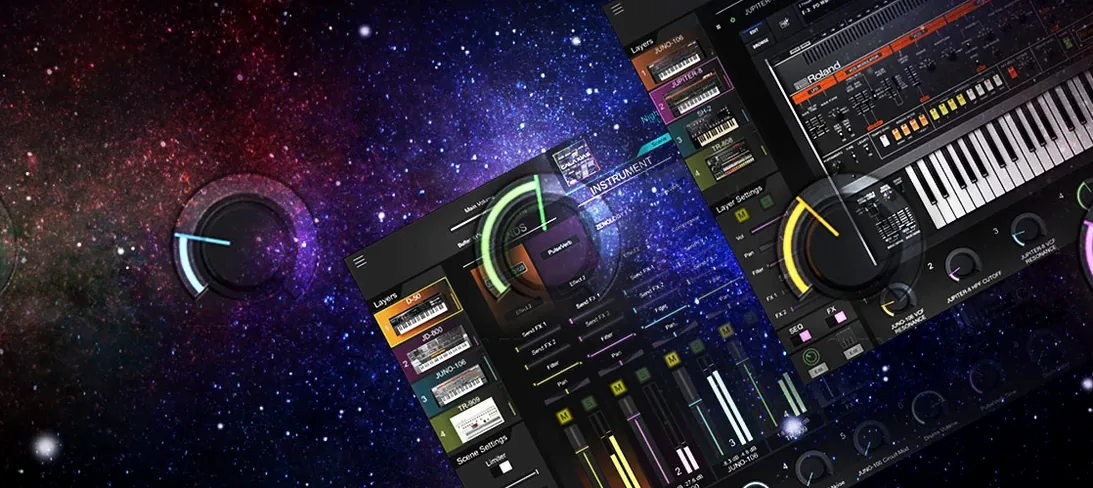 Roland Cloud Legendary Series
VST Plugins 1.3 GB
 Roland ZENOLOGY Pro
VST Plugins 1.8 GB
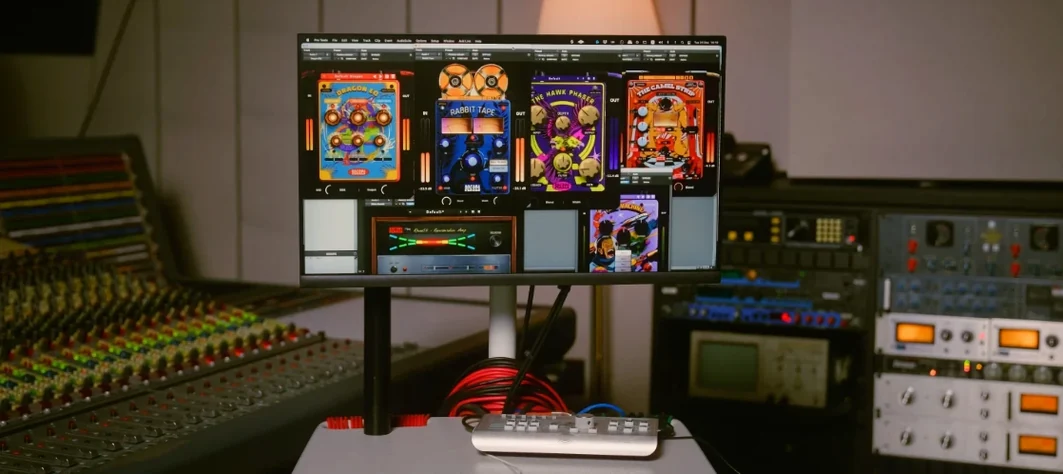 Safari Pedals Everything Bundle
VST Plugins 628 MB
 Pulsar Audio IPA
VST Plugins 75 MB
 Sauceware Audio Scorch 2
VST Plugins 2 GB