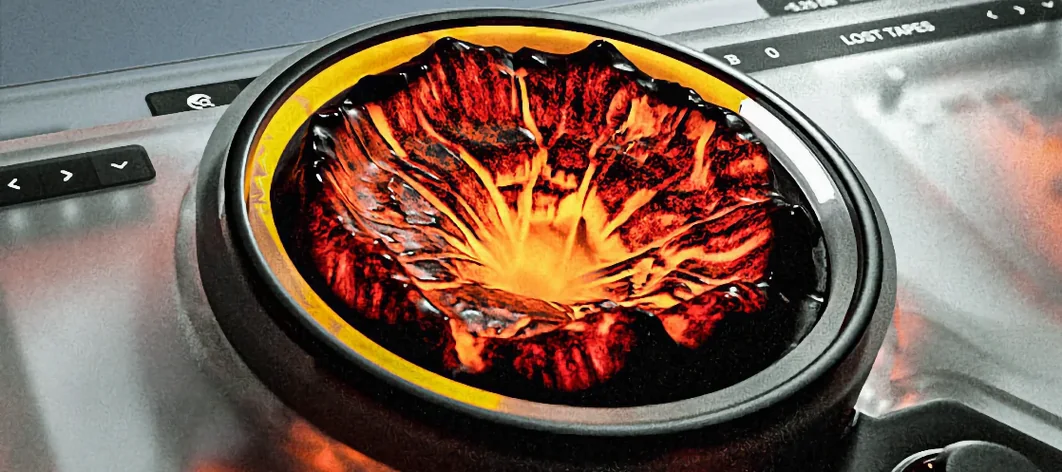
Sauceware Audio Scorch 2 for macOS
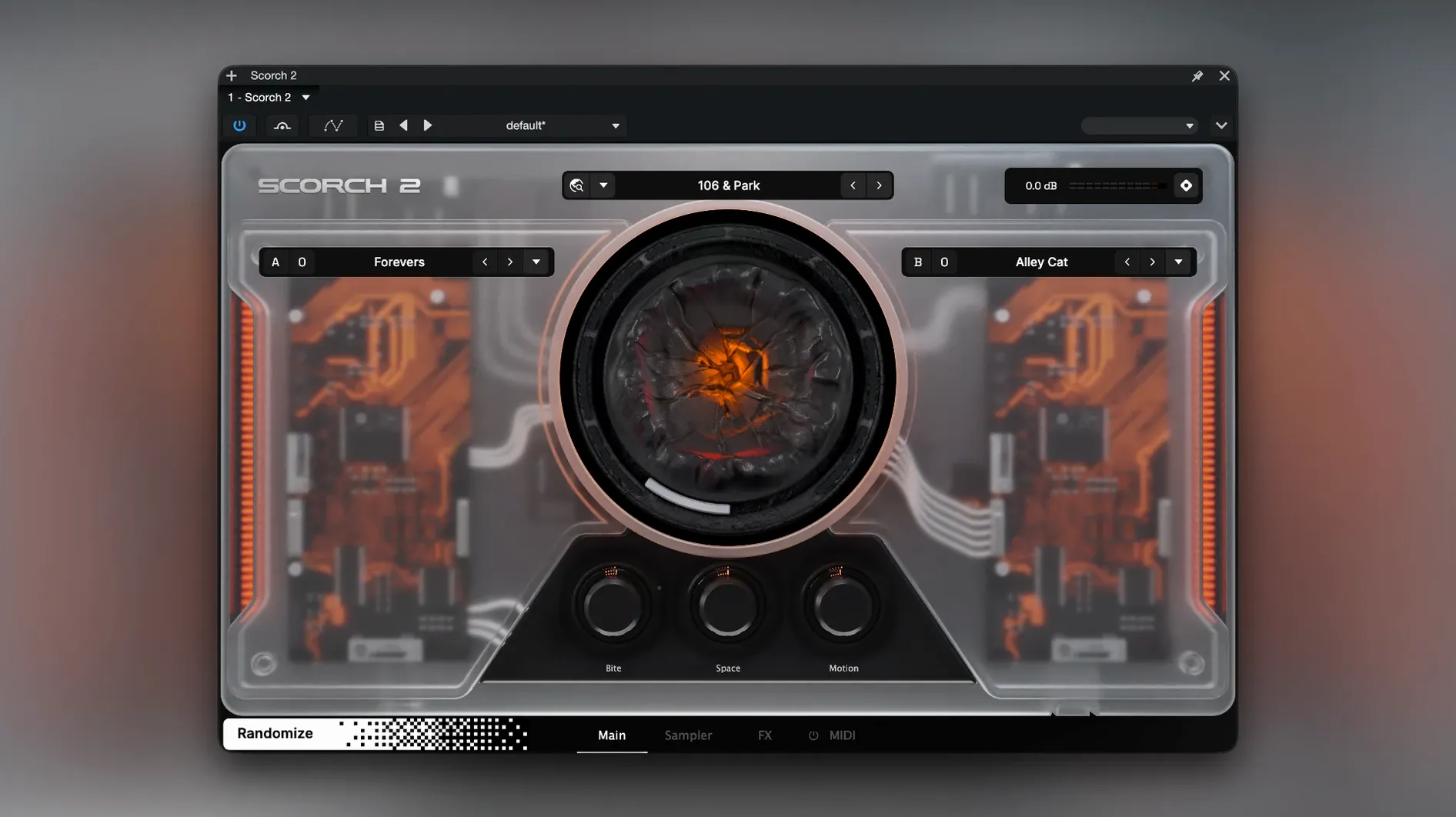
When a project calls for a texture that a synth can't quite nail—something with the organic grit of a sampled source run through analog-style processing—you reach for a sample-based instrument. Scorch 2 fills that slot, loading its own library of raw material and shaping it with a built-in effects chain.
On the compatibility side, the plugin ships as both AU and VST3 on Mac, so it slots into Logic Pro, Ableton Live, and most other major DAWs without bridge headaches. The current 1.0.4 build is a Universal Binary, meaning it runs natively on Apple Silicon without Rosetta translation, though you can force Rosetta from the Finder's Get Info panel if an activation hiccup occurs. Minimum OS requirement is OS X 10.11, which keeps older studio machines in the game.
What defines the sound is the effects section. Tape echo, distortion, and chorus sit right on the interface—no menu diving—so you can push a straightforward sample into lo-fi, warbly, or saturated territory immediately. It's not a deep multi-FX suite; it's three well-chosen processors that match the instrument's character.
At around 10 GB on disk, the sample library is substantial enough to offer variety without eating an entire drive. And if you're upgrading from the original Scorch, the developer confirms version 1 isn't required—this is a clean install, not an add-on.
Why start with the MIDI sequencer, not a preset?
Don't load a preset and start tweaking knobs at random. Spend your first session with the MIDI sequencer instead. Open the chord grid, pick a progression that fits a half-finished track, and let Scorch generate a few bass patterns. Cycle through the results with the Chaos control set low—just enough to introduce variation without losing the groove. Bounce what you like to audio immediately. The sequencer is the fastest route to something usable, and the audio you capture will be easier to mix later than a live MIDI part running through the effects chain.
After that, check your DAW's plugin scan log. The installer drops both AU and VST3 components, but some hosts (looking at you, Ableton on Apple Silicon) need a rescan to pick up the VST3 if you launched the app before the .dmg was ejected. Force a rescan, then test both formats in a blank project—the AU loads slightly faster, but the VST3 handles the sequencer's MIDI output more cleanly in hosts that route it as a virtual instrument track.
What causes the blank white plugin window?
The most common one: the plugin window appears blank or flashes white when you insert it on a track. This almost always traces back to a graphics mismatch on older Metal-capable Macs. Switch your DAW to OpenGL rendering if the preference exists, or launch the host in Low Resolution mode from Get Info. Not elegant, but it clears the problem.
Another: the tape echo introduces a high-frequency whine at extreme feedback settings with the sample rate set above 48 kHz. Scorch doesn't oversample internally, so the effect's modeling interacts with project sample rates in ways that can sound broken. Drop the project to 48 kHz, or insert a low-pass after the plugin at around 16 kHz—it tames the artifact without dulling the chorus or distortion.
If you grabbed a Sauceware Audio Scorch 2 torrent Mac build and it won't validate in Logic, the likely culprit is the Audio Unit cache. Open ~/Library/Caches/AudioUnitCache, delete the files inside, and reboot Logic while holding Control to force a full AU revalidation. The same cache clear resolves most "crashed validation" errors after installation.
- macOS 10.11 or newer
- Intel or Apple Silicon Mac
- 10 GB free disk space
- English interface
$ man sauceware-audio-scorch-2 | grep -A2 "?"
Does Scorch 2 require the original Scorch plugin?
No. The official support page states that Scorch 1 is not required; Scorch 2 operates as a standalone instrument.
What plugin formats are available on macOS?
Scorch 2 is delivered as both AU and VST3, providing broad compatibility with Logic Pro, Ableton Live, Cubase, and other major DAWs.
What built-in effects does Scorch 2 include?
The on-board effects are tape echo, distortion, and chorus, all accessible directly from the main interface.
Comments 0
Sign in or create an account to leave a comment.
No comments yet. A codec, a slice, a machine — they appear after moderation.