

Scaler 3 for macOS
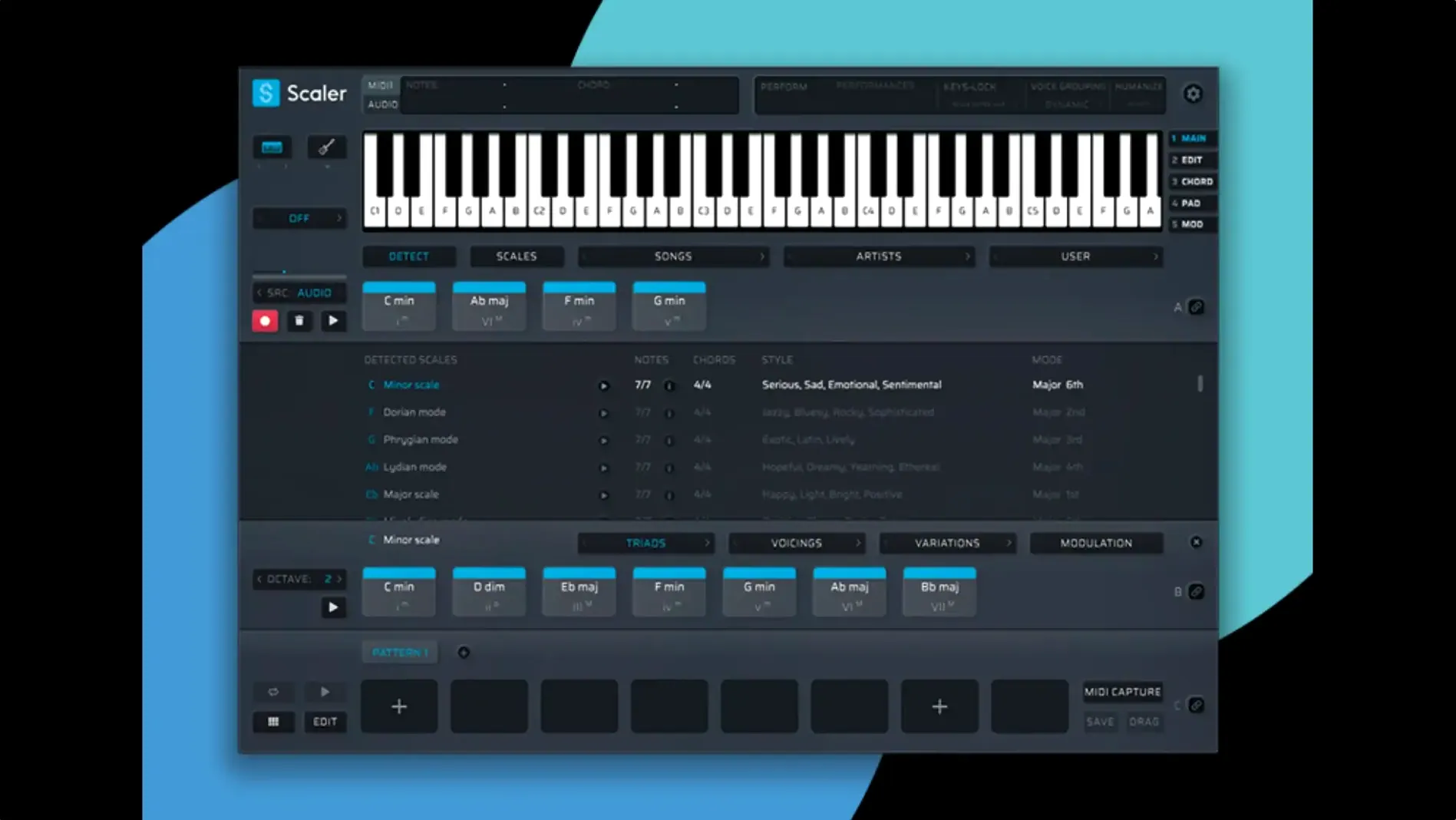
Version 3.3.2 crops empty space at the start of exported MIDI sequences. That one small fix solves a persistent annoyance for anyone moving ideas between Scaler 3 and a DAW. The plugin is a music theory workstation from Scaler Music, built for harmonic exploration, composition, and MIDI editing. It runs as a standalone app or inside a host via .dmg installation on macOS 10.15 and later, native on both Intel and Apple Silicon.
Building a progression with the Multi-Lane Timeline
A realistic session often starts with a blank chord lane. You pick a key, set a scale, and the detection engine suggests chords that fit. The Multi-Lane Timeline then lets you stack separate tracks for chord, melody, bass, and phrase patterns. Multi-Bind links those tracks so a chord change ripples across the other lanes automatically. From there you can drag an arpeggio onto the melody lane, host an AU synth directly on a chord section to hear it with a real sound, and tweak note lengths in the MIDI Editor. The editor had display issues in earlier builds — missing notes and blank space before chords — now fixed in 3.3.2.
Exporting and cleaning up
Once the progression feels right, you export the MIDI. Before the current version, sequences often arrived with unwanted silence at the front, forcing a trim in the DAW. Now the export auto-crops that empty space, so the file lands on the grid ready to play. The plugin hosts VST and AU instruments on chord and MIDI sections, which means you can audition ideas with proper synthesis without leaving the window. The interface stays in English, and the whole setup keeps theory accessible without hiding what the chords are doing.
Under three seconds to open on Apple Silicon
On a modern Apple Silicon machine, the standalone app opens in under three seconds. Plugin scanning on first launch takes longer — that is the host's job, not Scaler's — and once cached, subsequent loads are quick. The timeline redraws smoothly when you drag a chord block across bars, and I have not seen a single beachball during MIDI playback, even with three AU instruments hosted inside chord sections. Memory sits around 380 MB with a moderate session: one chord lane, a melody lane, and two hosted synths. That is reasonable for a tool that is essentially running a miniature DAW inside your DAW.
Intel Macs feel the weight more. A 2019 i9 MacBook Pro will spin fans up when you host multiple instrument plugins and run the timeline loop. The CPU hit comes from the hosted plugins, not from Scaler's detection engine or the chord library. If you stick to the internal piano sound or route MIDI out to tracks in your main DAW, resource use drops to near-background levels. The 3.3.2 build also fixed a MIDI Editor redraw bug that could cause lag when switching between chord and melody views, so the UI feels snappier even on older hardware.
From a two-bar loop to a full arrangement
Suppose you have a vocal hook in E-flat minor and nothing else. Here is a workflow that gets you to a rough arrangement in fifteen minutes.
- Open the standalone app, set key to Eb minor, and click through the Artist presets until something catches the mood. Let's say a Max Martin-style progression lands.
- Drag that four-chord block across eight bars on the chord lane. Enable Multi-Bind so the other lanes follow.
- Add a melody lane. Pick "Generate Melody" and set the rhythm density to medium. Audition three variants, keep the one that stays out of the vocal range.
- Add a bass lane. Switch the pattern to a root-note pulse with octave jumps on the fourth beat. Host an AU bass synth on the lane to check the tone against the chords.
- Add a phrase lane for a simple arpeggio. Set it to sixteenth notes and restrict the range to two octaves.
- Open the MIDI Editor on the melody lane. Shift a few notes that clash with the vocal phrasing. The editor now shows all notes correctly — no ghost gaps before the first chord.
- Export all lanes as separate MIDI files. They land in your project folder with the silence cropped, ready to drag into Logic or Ableton without trimming.
The whole thing stays in key because the detection engine constrains every generated line to the scale. You can break out of that by manually editing notes, but the guardrails keep you moving fast when speed matters more than originality.
Hosted plugins don't save state when you reopen
One common headache: hosted plugins lose their state when you close and reopen a session. Scaler 3 does not save hosted plugin data inside its own project file yet. The workaround is to route MIDI out to instrument tracks in your DAW and save the Scaler project only for the MIDI patterns and chord data. Treat the hosted synths as scratch-pad preview tools, not as part of a recallable mix.
Another snag: the Multi-Bind feature links lanes globally. You cannot bind only the bass and chord lanes while leaving the melody lane independent. If you want that, skip Multi-Bind and manually copy chord changes to the lanes that need them, or duplicate the chord lane and convert it to a bass pattern with the "Generate Bass" function applied to the copied block.
Users searching for a scaler 3 torrent or a scaler 3 crack often end up with builds that predate the MIDI Editor fixes. Those versions still have the blank-space bug on export and the missing-notes display glitch. The 3.3.2 update is what makes the timeline workflow reliable; earlier cracked builds can look functional but silently corrupt MIDI exports. If you grabbed a Scaler 3 Mac torrent and the editor shows phantom gaps before chords, that is the exact bug the current version fixes.
A songwriter's afternoon
Imagine a producer who writes toplines over tracks sent by other people. She receives a bare piano sketch in C major, eight bars, no melody. She drops the audio into her DAW, loads Scaler 3 as an AU plugin on a MIDI track, and uses the detection feature to confirm the key and scale from the chord library. She then mutes the original piano and builds a new progression in the same key but with a darker voicing — swapping I–V–vi–IV for something with suspended resolutions, pulled from the Cinematic presets.
With Multi-Bind active, she adds a melody lane and generates three takes. One take catches a hooky three-note motif. She drags that motif into the DAW piano roll, trims it, and duplicates it with variation. A bass lane gives her a low counter-melody that she routes to a Serum instance on another track. She exports the whole thing as separate MIDI files — no leading silence, grid-ready — and builds the production around the new harmonic structure. The original piano sketch becomes a reference she never uses again, and the whole harmonic rewrite took under twenty minutes. That is the kind of session where Scaler 3 earns its place in the plugin folder.
- Fixed MIDI Editor display issues that could cause missing notes, incorrect chord representations, and unwanted blank space before chords.
- Exported MIDI now automatically crops empty space at the start of the sequence.
- macOS 10.15 or later
- Intel or Apple Silicon Mac
- 64-bit host or standalone
Comments 0
Sign in or create an account to leave a comment.
No comments yet. A codec, a slice, a machine — they appear after moderation.
More in VST Plugins
cd ../ Sauceware Audio Scorch 2
VST Plugins 2 GB
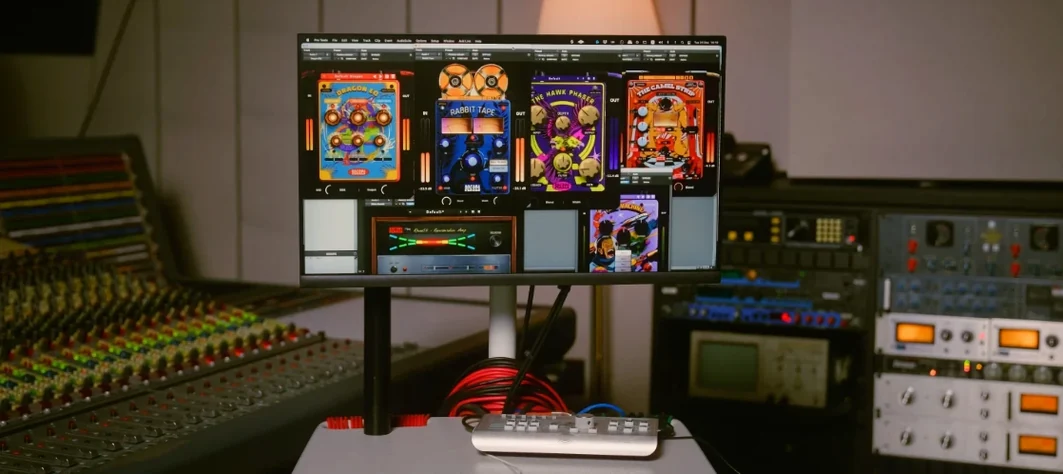 Safari Pedals Everything Bundle
VST Plugins 628 MB
 Roland ZENOLOGY Pro
VST Plugins 1.8 GB
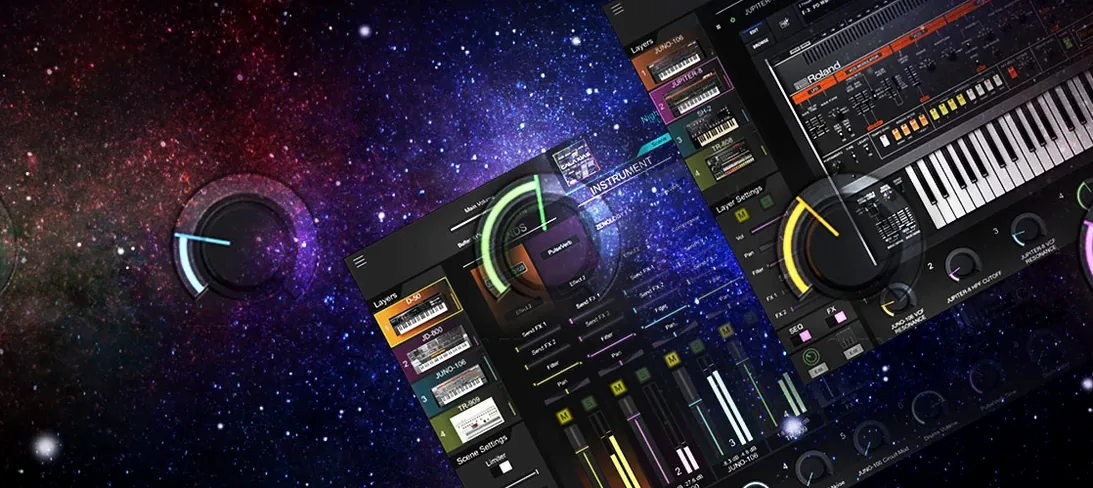 Roland Cloud Legendary Series
VST Plugins 1.3 GB
 Serato Hex FX
VST Plugins 105 MB
 Serato Sample
VST Plugins 612 MB
 RipX DAW Pro
VST Plugins 1.6 GB
 Serum
VST Plugins 1.2 GB Updated