
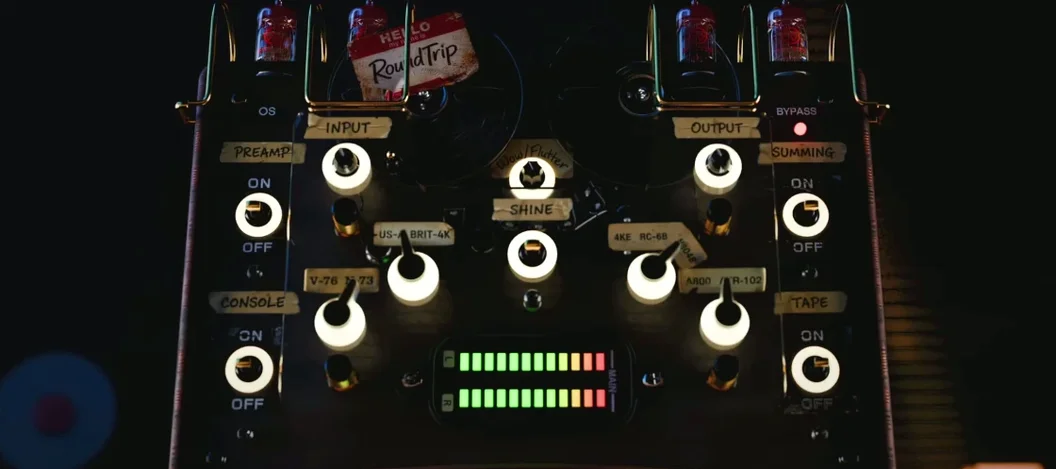
Tokyo Speirs RoundTrip for macOS
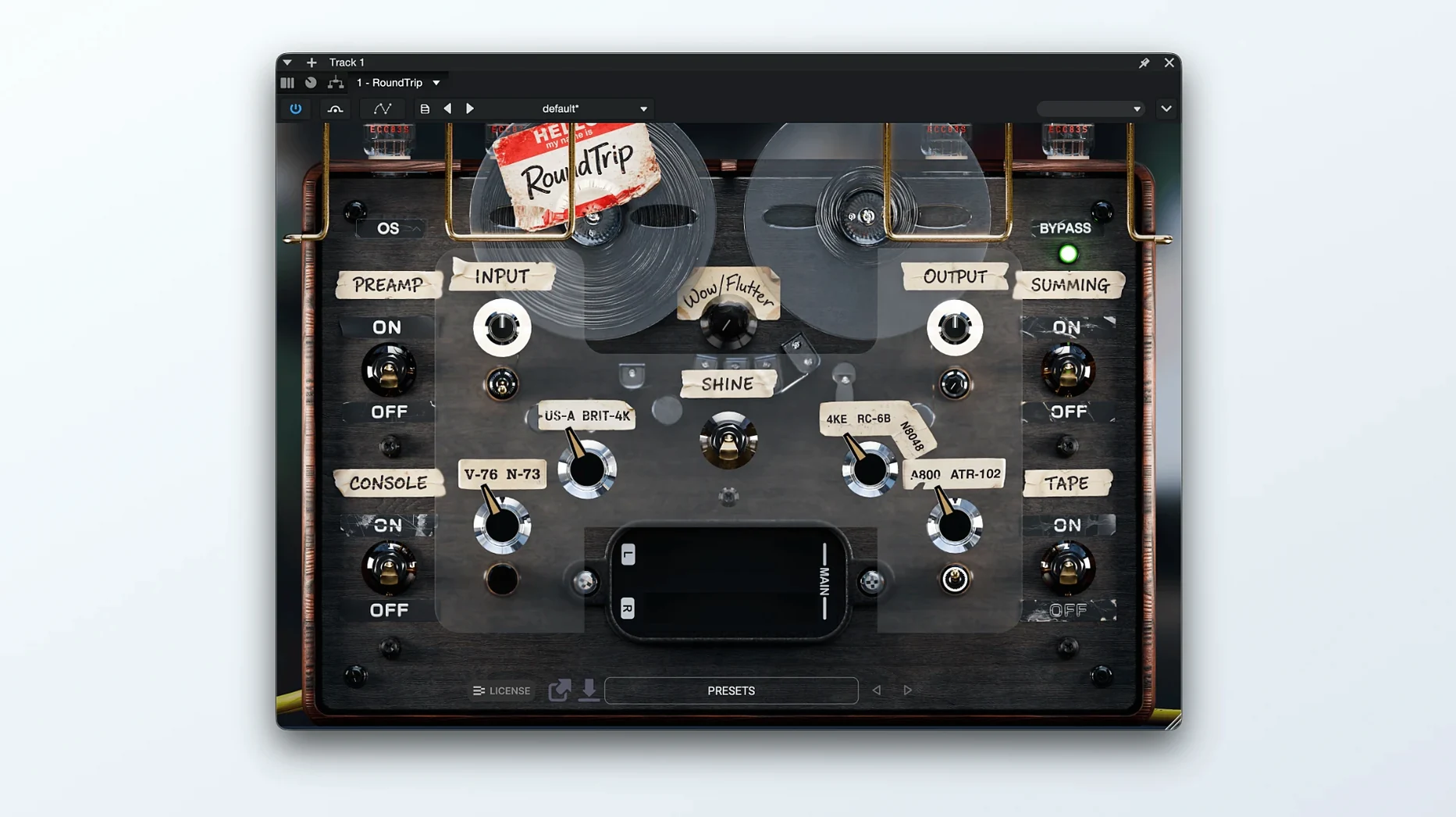
You have tracks that sound clean but feel disconnected, and you want to give them weight and glue before you even touch individual EQs. Tokyo Speirs RoundTrip tackles that early mix foundation problem by modeling a complete analog chain in one insert.
Preamp — the entry point that sets how hard you hit the rest of the circuit; think of it as the gain-staging anchor for the whole chain.
Channel Strip — broad-stroke tone control that pushes or pulls the body of the sound before any surgical moves happen later in your session.
Tone Shaper — an intermediate coloring stage, not a full EQ, more like the way different console designs impart a signature curve.
Tape — saturation and subtle compression that rounds transients and adds the kind of low-end density you notice more when you bypass it than when it is on.
Summing — interacts with how multiple instances across your session combine, introducing the crosstalk and slight nonlinearity you would get from a physical summing mixer.
Each stage can be swapped or nudged with the Drift control added in version 1.1, which introduces tiny, per-instance variances so identical settings do not stack up identically across tracks—useful when you want the separation of ITB mixing but the subtle inconsistency of hardware.
A typical session with RoundTrip starts before I have written any automation. I drop an instance on the drum bus, open the window, and set the preamp so the loudest snare hit nudges the needle just past the yellow marker. The channel strip gets a slight low-mid cut—nothing surgical, just pulling back the cardboard around 300 Hz. From there I often copy the instance to the bass bus and the guitar group, tweaking only the preamp drive and the tape emphasis per source. Having one window that holds the whole chain means I am not hopping between five separate saturation and console emulation plugins chasing a sound that coheres. By the time I hit play again, the drums and bass feel like they occupy the same room, not just the same project file.
Drift is the stage I set and then almost forget about—until I bypass it and the mix suddenly sounds too still. On my overhead mics I keep it subtle, maybe 15 percent, so the stereo image breathes without wandering. On a lead vocal I will push it higher and let the slow variation in the preamp and tape stages give each phrase a slightly different harmonic fingerprint, which keeps a long verse from glazing over.
Dropping AU and VST3 into the right folders
RoundTrip ships as .component (AU), .vst3, and .aaxplugin bundles. I keep the VST3 in ~/Library/Audio/Plug-Ins/VST3 for Ableton Live and Bitwig, and the AU component goes into /Library/Audio/Plug-Ins/Components so Logic Pro picks it up without rescanning. The plugin is a universal binary—you get native performance on Apple Silicon without Rosetta, and it loads fine on an older Intel Mac running macOS 11. No separate installer drama.
On the macOS side, it respects Audio Unit host callbacks properly, so Logic's low-latency mode disengages it cleanly when you arm a track. I have also run it inside Blue Cat's PatchWork for parallel chains, and it reports latency correctly to the host, which keeps delay compensation tight even when you stack instances across subgroups.
If you are building a Tokyo Speirs RoundTrip torrent Mac template, the smart move is to save a channel strip preset with RoundTrip first in the chain followed by your usual EQ and compressor—that way every new track inherits the analog foundation before you touch a fader.
- macOS 11 or later
- Apple Silicon or Intel 64-bit processor
$ man tokyo-speirs-roundtrip | grep -A2 "?"
What plug-in formats does Tokyo Speirs RoundTrip run on macOS?
It ships as 64-bitAAX, AU, and VST3, with native support for both Intel and Apple Silicon processors on macOS 11 and above.
Is this a mixing or mastering processor?
It is designed for early-stage mix setup—placed across tracks and groups to establish analog-style weight, cohesion, and tone before you move into detailed balancing.
Comments 0
Sign in or create an account to leave a comment.
No comments yet. A codec, a slice, a machine — they appear after moderation.
More in VST Plugins
cd ../ Tone Empire EDYN
VST Plugins 198 MB
 Toontrack EZkeys
VST Plugins 707 MB
 Toontrack EZmix Bundle
VST Plugins 977 MB
 T-RackS
VST Plugins 2.3 GB
 Synapse Audio The Legend HZ v2.0.2.R1
VST Plugins 472 MB
 UJAM Beatmaker VICE
VST Plugins 262 MB
 uJAM Cinedream
VST Plugins 3.5 GB
 Supertone Air
VST Plugins 408 MB