
Antinote for macOS
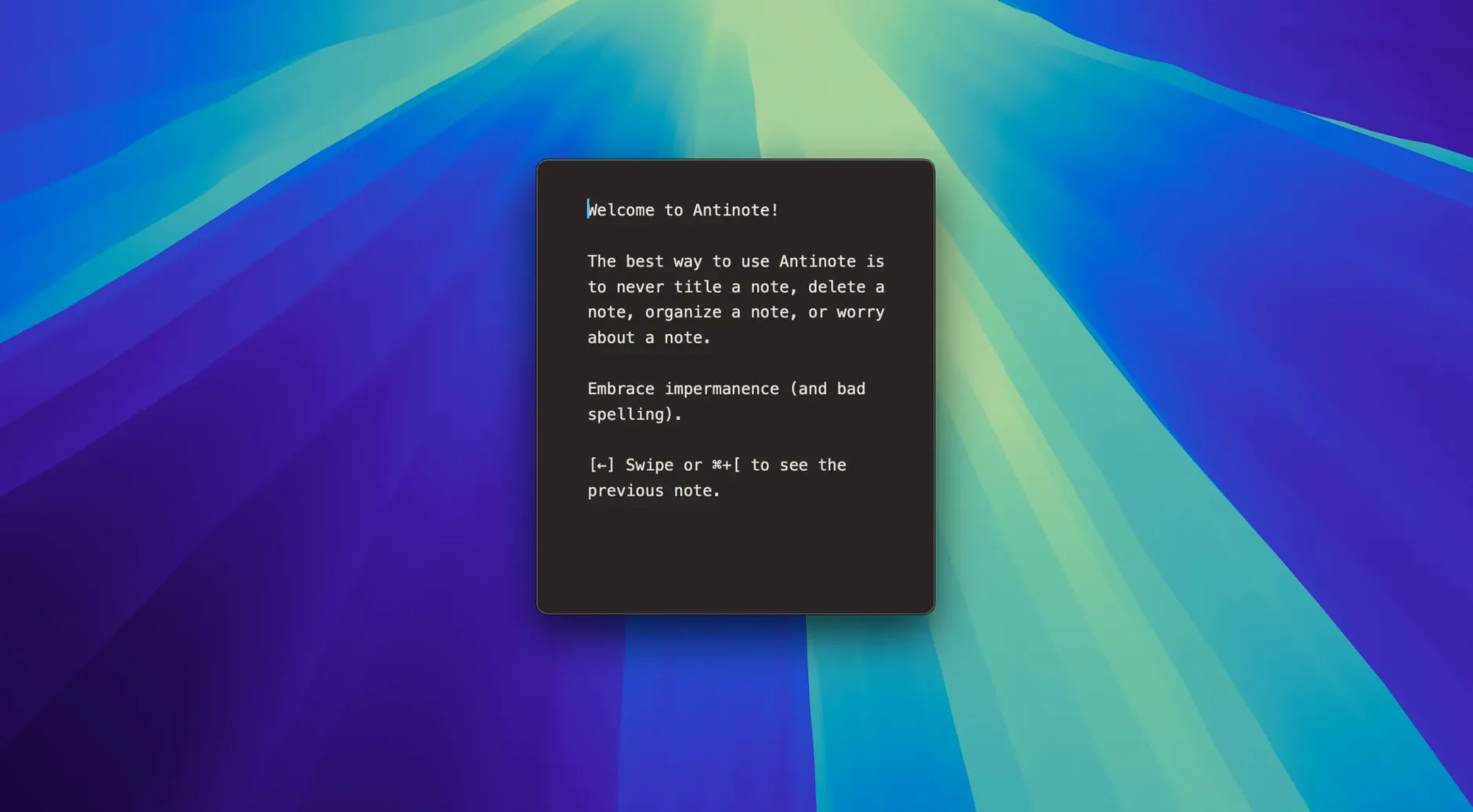
A developer sketching out a regex, a student crunching numbers during a lecture, or anyone who needs a text buffer that won't become clutter—they all reach for Antinote. It's a scratchpad that treats your words as disposable, so you don't have to file everything away.
The math engine works inline as you type. Write out an expression, hit the equal sign, and the answer appears contextually. It handles averages, line and word counts, and even a Flesch reading-ease check. If you need to focus, the built-in timer switches between stopwatch, countdown, and Pomodoro modes without leaving the window.
Checklists are driven by keyboard keywords rather than mouse clicks, keeping your hands on the keys. When you want to save something more permanent, the app exports directly to Apple Notes, Obsidian, or Bear. Any text you paste in gets stripped of its original formatting and indentation—plain text, no surprises.
Typing bullet points between participant interviews without filing
Imagine a UX researcher running remote interviews. Between calls, they need to dump observations fast—no filing, no naming, just a place that opens instantly. They hit the global hotkey, type a few bullet points about a participant's confusion with a menu layout, and the clipboard watcher already pulled in the session ID they copied from Zoom. A quick wc-style line count confirms they grabbed enough notes. Before the next call, they swipe to a fresh note. At the end of the day, the meaningful bits get exported to Obsidian as a .md file. The rest vanishes when they close the window. Nothing to organize, nothing to delete later.
Expecting a fleeting scratchpad to store last month’s meeting notes
The most common slip is treating Antinote like a permanent document store. People start a note, fill it with meeting takeaways, and expect it to still be there three weeks later. It might be, but the app is built around impermanence—notes are lightweight and easy to dismiss. If something matters, export it immediately. Another misstep: forgetting the math evaluator wants an equals sign. Typing 45 * 3 and staring at it won't do anything; 45 * 3 = triggers the computation. Some users also miss that the clipboard watcher is opt-in—you need to enable it in preferences before the app starts pulling in copied text automatically.
Hotkey dead after a macOS update? Check Input Monitoring permissions
If the global hotkey stops responding after a system update, check macOS's Privacy & Security settings under Input Monitoring. Antinote needs permission there to catch keystrokes from anywhere. Occasionally the app gets removed from the list after an OS upgrade; re-adding it fixes the problem.
When currency conversions return stale rates, it's worth remembering the math engine works offline—it uses the last available snapshot, not live feeds. For a quick USD to EUR conversion that reflects today's market, you'll need a brief internet connection so the rates can refresh silently in the background.
OCR pastes coming out garbled usually trace back to image resolution. A blurry screenshot of a slide deck won't produce clean text; the extraction works best with sharp, well-lit source images at screen resolution or higher. If you dragged a .png from a compressed chat thread, try grabbing a cleaner version first.
Some people who install the app find that keyboard shortcuts fire twice on the first launch. That was the exact bug the 2.1.2 hotfix addressed—if you're still seeing it on an earlier version, updating resolves the double-trigger. And if a note disappears before you meant to let it go, File > Recover Notes from The Void can pull it back, but only for a limited window while the session is still alive.
It's not a filing cabinet. It's a place for text that matters right now and can disappear later.
- Hotfix for a bug where shortcuts fired twice on the first launch after updating to 2.1.1.
- Recover notes accidentally sent to the digital abyss with File > Recover Notes from The Void.
- macOS 14 or later
- Apple Silicon and Intel Macs
$ man antinote | grep -A2 "?"
Is Antinote meant for permanent note storage?
No, it's designed specifically for temporary notes and quick text work rather than long-term storage.
Can I recover a note I deleted by accident?
Yes, as of version 2.1.2 you can recover accidentally deleted notes via File > Recover Notes from The Void.
What export destinations does Antinote support?
You can export your notes to Apple Notes, Obsidian, and Bear.
Comments 0
Sign in or create an account to leave a comment.
No comments yet. A codec, a slice, a machine — they appear after moderation.