
Antivirus Zap - Virus Scanner for macOS
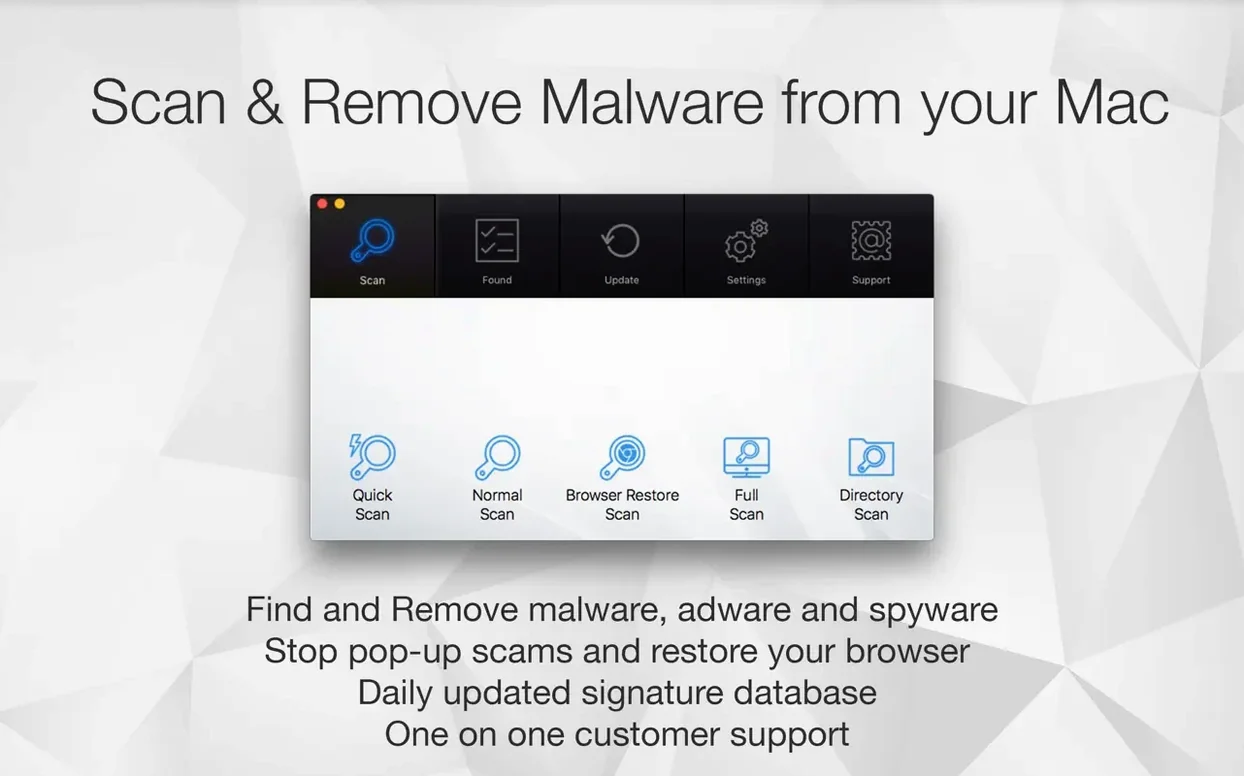
Version 3.3.3 keeps the engine current with macOS 13 and later, adding no new bells but tightening existing detection signatures and scheduler reliability for daily-driver Macs.
Quick Scan — a fast sweep of the places macOS and browsers stash temporary files and known adware helpers. Finished in under a minute on most volumes.
Standard Scan — walks the full file tree. Takes longer, but catches nasties that bury themselves deeper in ~/Library and application support folders.
Browser Restore Scan — targets hijacked search engines and unwanted extensions in Safari, Chrome, and Firefox without resetting your entire browser profile.
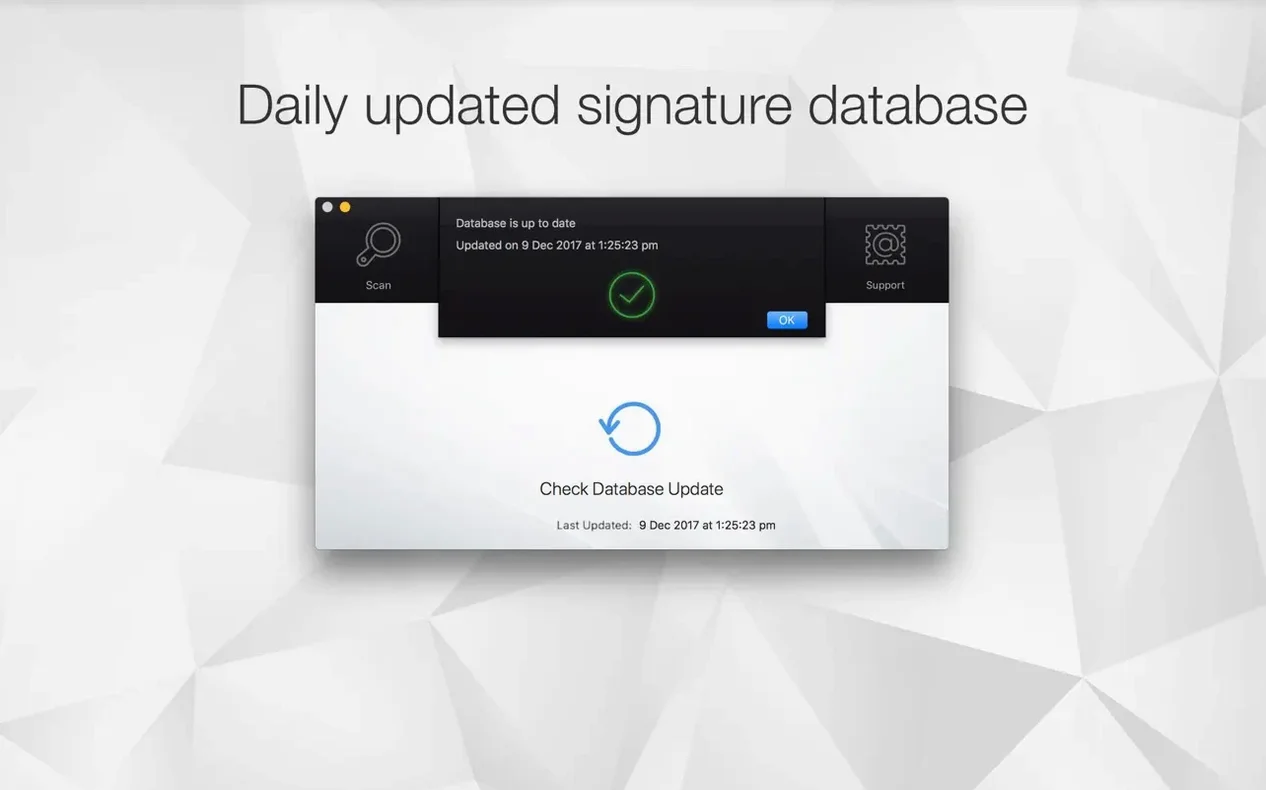
Scan Scheduling — set it once or multiple times per day. The background daemon wakes the scanner even if the main app isn't open.
Finder Integration — right-click any file or folder and send it straight to Antivirus Zap for a targeted check. No need to open the app first.
System integration — the app appears in Launchpad after a standard .dmg install and works with Apple Shortcuts for automation. Interface language is English throughout.
Drag, launch, scan — no installer needed
You grab a coffee while the disk image verifies. It's a .dmg — no installer package, just the usual drag to Applications. After the copy finishes you launch it from Launchpad and land on a single-window interface with four scan buttons stacked vertically.
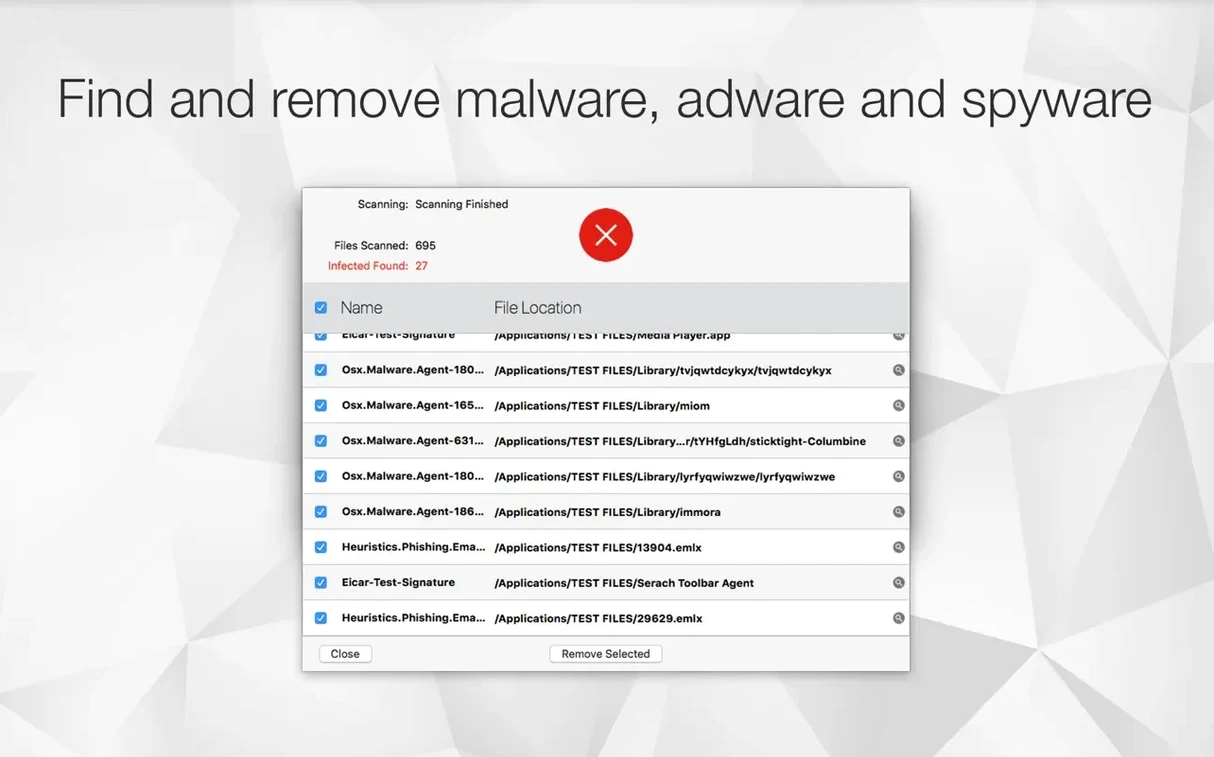
The first thing most people do is hit Quick Scan. The progress bar fills in about forty seconds on a 512 GB volume with a typical home directory. It lists what it touched: LaunchAgents, Safari extensions folders, a handful of preference plists that browser hijackers like to modify. Three items flagged as adware traces — two "Search Marquis" leftovers in ~/Library/LaunchAgents and a configuration profile that should not have been there. You tick the checkboxes and tap Remove Selected. Gone.
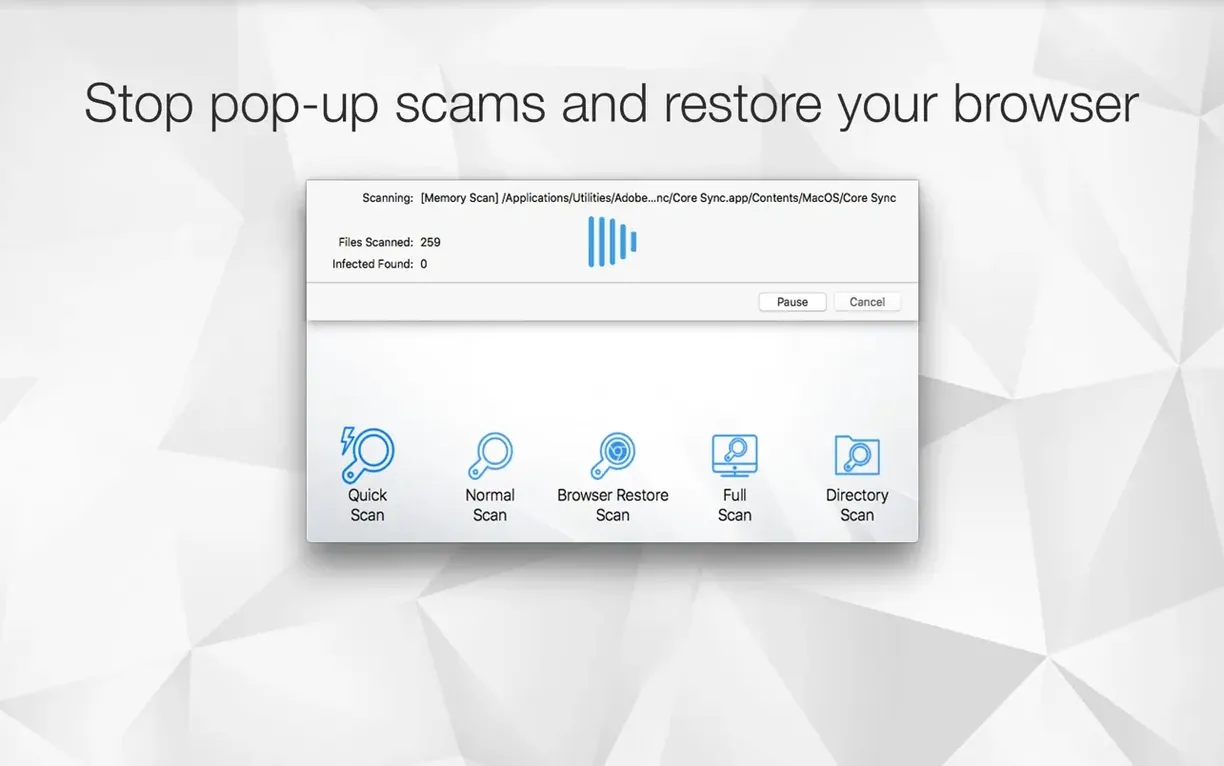
Next you run the Browser Restore Scan because Safari's been redirecting searches through some weird domain. Antivirus Zap enumerates installed extensions across Safari, Chrome, and Firefox, then lists every cookie and cached script matching its adware fingerprint database. You deselect the legitimate extensions — Bitwarden and a Markdown previewer — and let it wipe the rest. Restart the browser and the search redirects stop.
Finally you schedule a Standard Scan for 2:00 AM daily, lock the screen, and go back to actual work. The daemon handles the rest.
Quick Scan skips your Downloads and Documents
The biggest one is treating Quick Scan as a full security audit. It's not. Quick Scan checks a fixed list of high-probability locations — launch daemons, browser support directories, known adware plist names. It skips your ~/Documents, your ~/Downloads archive from 2019, and every random .dmg you mounted and forgot. If you suspect something dug in deep, run the Standard Scan. Quick Scan is triage, not surgery.
Another common slip: deleting everything the Browser Restore Scan lists without reading the list. The scanner flags all extensions and all cookies from domains in its adware database, but it does not distinguish between a cookie set by an ad-injection script and a cookie from a legitimate site that happens to share infrastructure with an ad network. Deselect your password manager extension and your banking cookie before hitting Remove, or you will spend the afternoon re-authenticating.
Beginners also ignore the scheduling daemon's permissions. First launch on macOS 13 or later triggers a system prompt for full disk access. If you dismiss it, scheduled scans silently skip every protected directory. Check System Settings → Privacy & Security → Full Disk Access and make sure Antivirus Zap has its toggle on. No access, no deep scan.
Finally, people install from the disk image and leave the mounted volume sitting on the desktop for weeks. Eject the .dmg after dragging the app. The app lives in /Applications now.
How do you run a targeted cleanup after downloading a suspicious file?
Say a friend sent you a .zip through a messaging app and something feels off. The archive name is "invoice_2025.zip" but you are not expecting any invoice. Here is a step-by-step workflow using what Antivirus Zap actually gives you.
1. Do not double-click the archive. Right-click invoice_2025.zip in Finder and choose Scan with Antivirus Zap from the context menu. The app sends only that file through its signature engine. If the zip contains a known macOS malware binary, it flags it instantly — no need to unpack first.
2. If the scan comes back clean but you remain suspicious, extract the archive to a temporary folder and right-click the resulting .app bundle or executable. Scan it again. Some threats hide inside nested payloads that the outer archive scan does not unpack; scanning the extracted contents catches those.
3. Run a Quick Scan anyway. Some droppers install a LaunchAgent the moment you mount or extract an archive, even without running the payload. The Quick Scan checks those exact directories.
4. Open the Browser Restore Scan panel. If the archive contained a browser hijacker, it may have already set cookies or installed a Safari extension through a background script. Wipe anything flagged that you do not recognize.
5. Schedule an additional Standard Scan for five minutes from now. Wait. If anything persists in ~/Library/Application Support or /Library/LaunchDaemons, the full tree walk catches it.
Built for occasional downloaders, not SOC analysts
It is not for the enterprise SOC analyst running a fleet of Macs with an MDM-enforced EDR. Those people need telemetry dashboards and threat-hunting APIs. Antivirus Zap is for the Mac user who occasionally downloads things from places they probably should not — and knows it.
The first group is anyone who regularly searches for an antivirus mac torrent — not because they are pirating security software, but because they are grabbing other things from torrent sites and want a lightweight scanner to check the results before opening them. The Finder integration makes this frictionless: download, right-click, scan. If the file is clean, proceed. If it is not, you know within thirty seconds.
The second group is Mac users dealing with browser redirects and unwanted ad injections. They do not need a full-disk antivirus suite with a firewall and a VPN bundled in; they need something that surgically removes adware extensions, malicious configuration profiles, and the LaunchAgents that reinstall them on reboot. The Browser Restore Scan targets exactly that layer of the problem.
The third group is people who want scheduled scans but hate resource-hungry background processes. The scheduling daemon in version 3.3.3 is lean — it wakes the scanner, runs it, and quits. No persistent menu bar icon chewing CPU cycles. If you run an older Mac on Apple silicon or Intel and you want periodic malware checks without sacrificing battery life, this fits.
Freelancers and small-office Mac admins who occasionally search for antivirus zap mac also fit the profile — they need a single-purpose tool they can install, run, and forget about, without managing a subscription portal or an account dashboard. Drag the app, grant full disk access, set a schedule, done.
- Refreshed interface with a cleaner, more modern look
- Performance improvements across the scanning engine
- Bug fixes and stability improvements
- macOS 12 (Monterey) or later
- Apple Silicon and Intel 64‑bit
Comments 0
Sign in or create an account to leave a comment.
No comments yet. A codec, a slice, a machine — they appear after moderation.