Apple Keynote for macOS

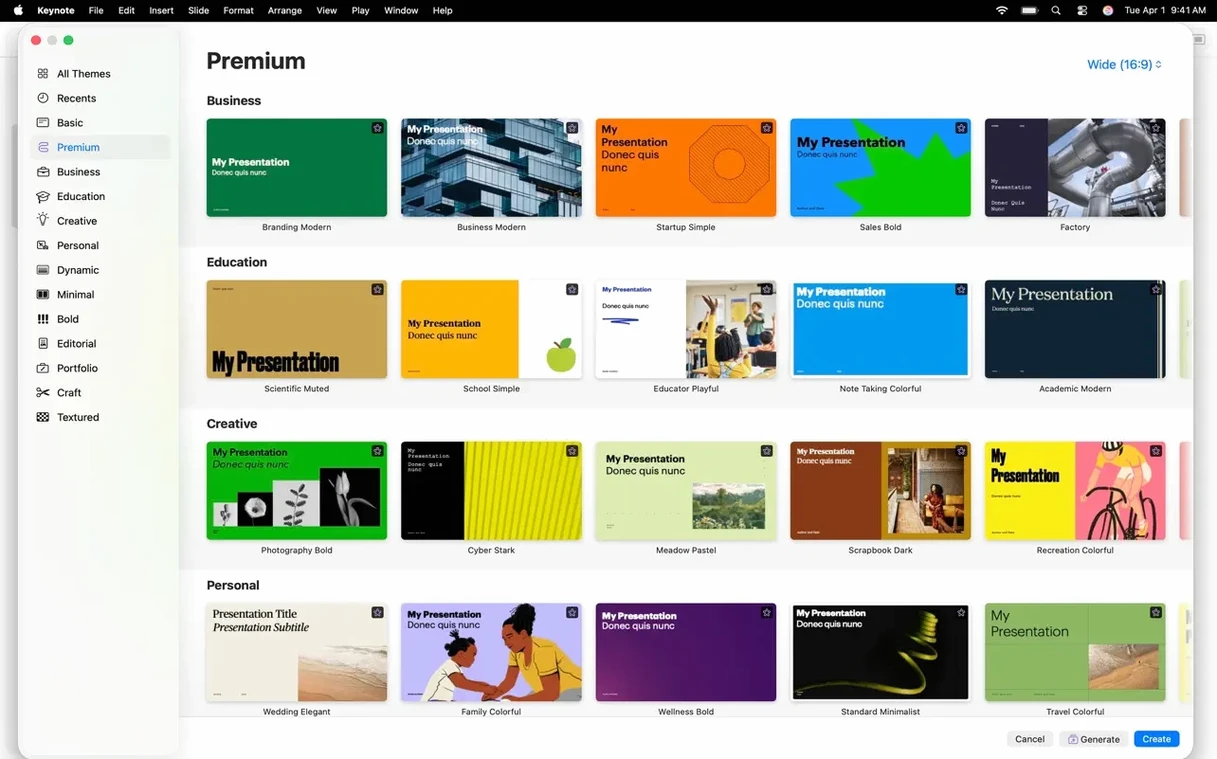
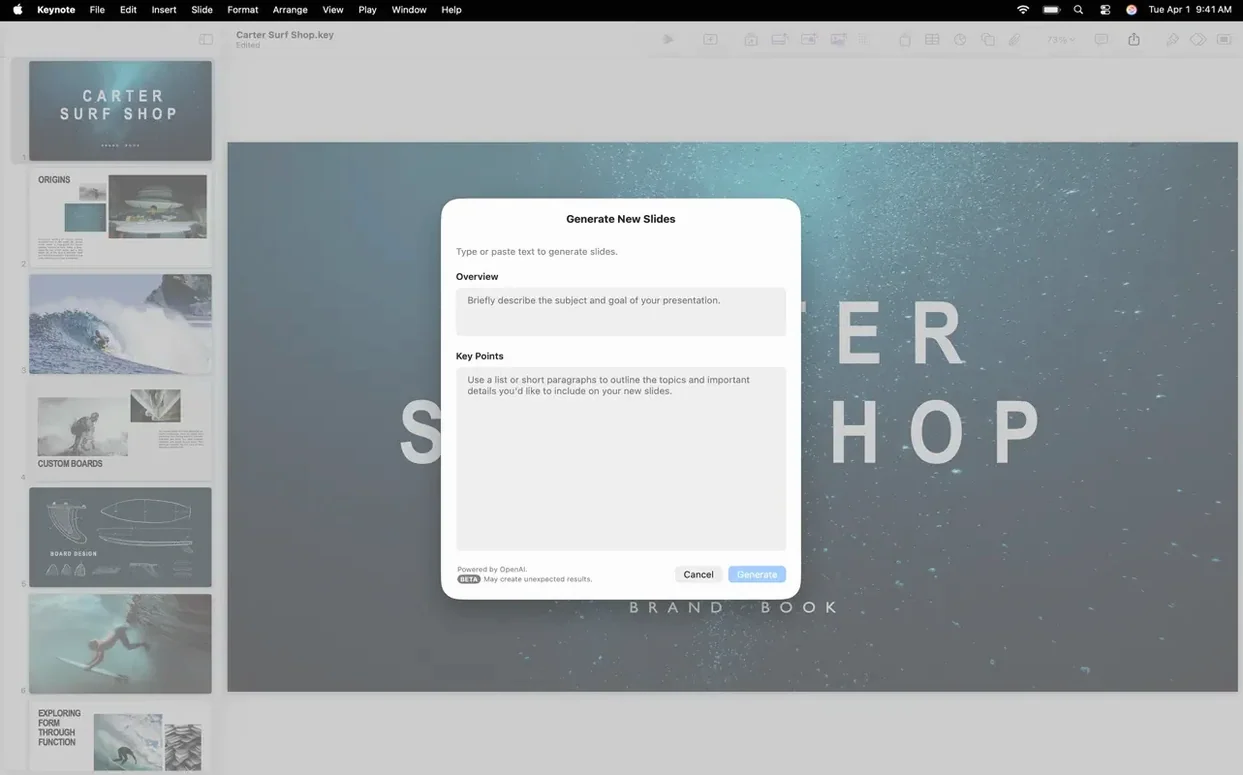
Keynote 15.3.1 ships with three new slide transitions — shift, radial wipe, and character blur — and still requires macOS 15.6 or later.
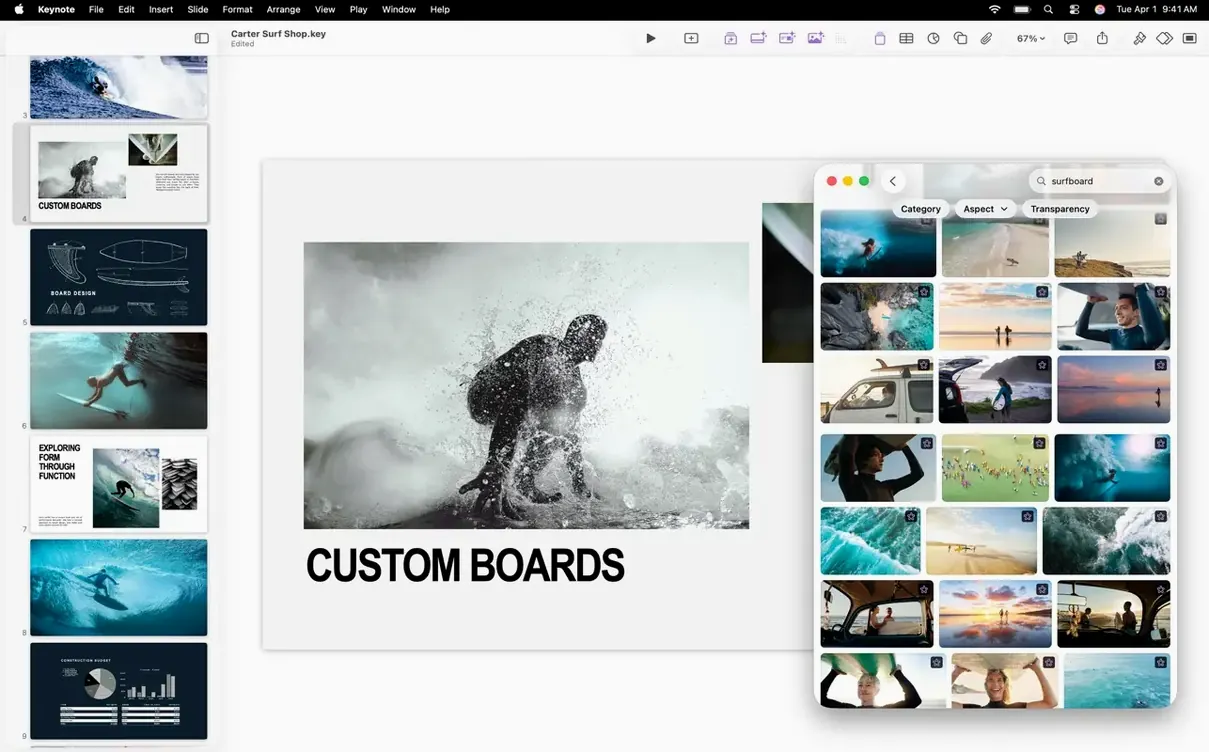
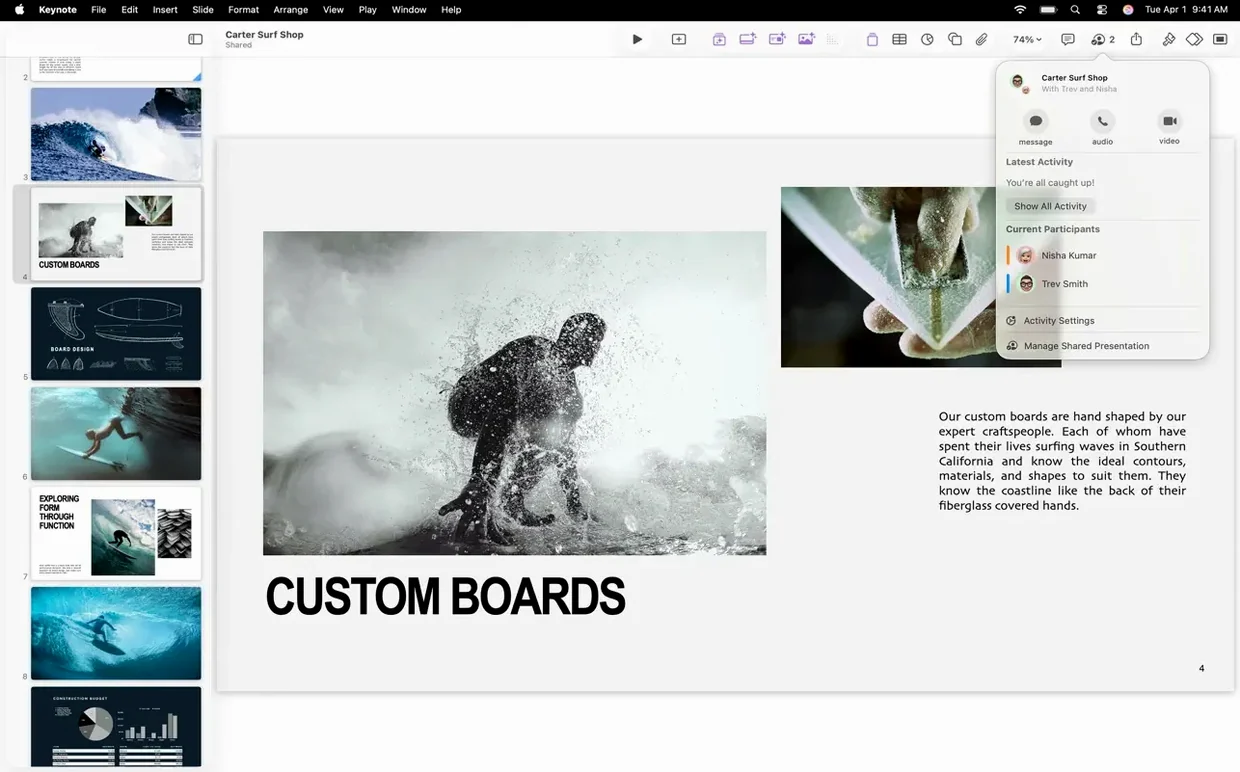
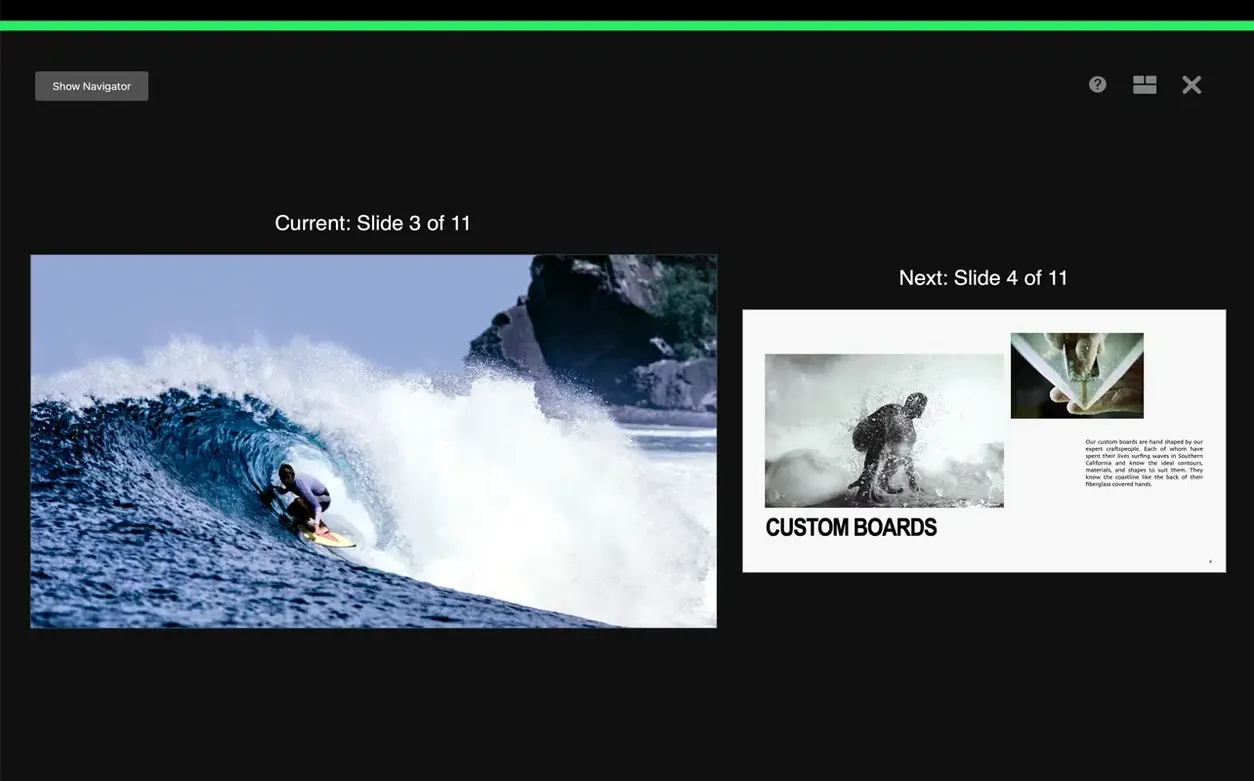
Magic Move — a transition that animates objects between slides by matching their positions and properties. Content Hub — the built-in media browser you open to drop images, shapes, and video into a deck; this release makes swapping a placeholder image for new artwork a one-click job from the same panel. Presenter display — a customizable view that shows your current slide, next slide, notes, and a timer while the audience sees only the presentation. iCloud collaboration — real-time change tracking across Mac, iPad, and iPhone, with the option to share a link to specific users through iCloud or Box. Annotation — on iPad you can draw with Apple Pencil or a finger during playback; those marks appear live on the projected slide. Apple Vision Pro practice — rehearse in the Conference Room or Cinema immersive spaces before you present to a real room.
How fast and stable is it in daily work?
On Apple Silicon Macs, Keynote 15.3.1 launches in about two seconds and a blank document appears instantly. Memory pressure stays low — a 40‑slide deck with a dozen full‑resolution photos and three embedded 4K video clips typically holds around 180–220 MB of RAM. The app runs natively on ARM and x86_64, so Rosetta translation never enters the picture on M‑series hardware.
Scrolling through the slide navigator remains fluid even with complex builds stacked on every slide. The new character‑blur build renders on the GPU, and I see no frame drops when it triggers — even while another video track plays underneath. Stability on macOS 15.6 is uneventful in a good way. I have left the same document open across four days of sleep‑wake cycles with no beachball, no leaked memory, and no sudden CPU spikes. The only quirk worth noting: if you place a radial‑wipe transition between two slides that both contain large embedded movies, the first half‑second of the wipe can hitch on Intel Macs with integrated graphics. On M1 and later it’s smooth.
Building a quick product pitch from scratch
A concrete workflow helps you see how the pieces connect. Here is a 15‑minute product pitch built entirely inside Keynote 15.3.1, using no external media editor.
- Open a Black slate theme and delete the placeholder text. Drop a product photo from Finder onto the first slide. The Content Hub opens automatically — grab a replacement shot from the Photos tab if the first one doesn’t fit.
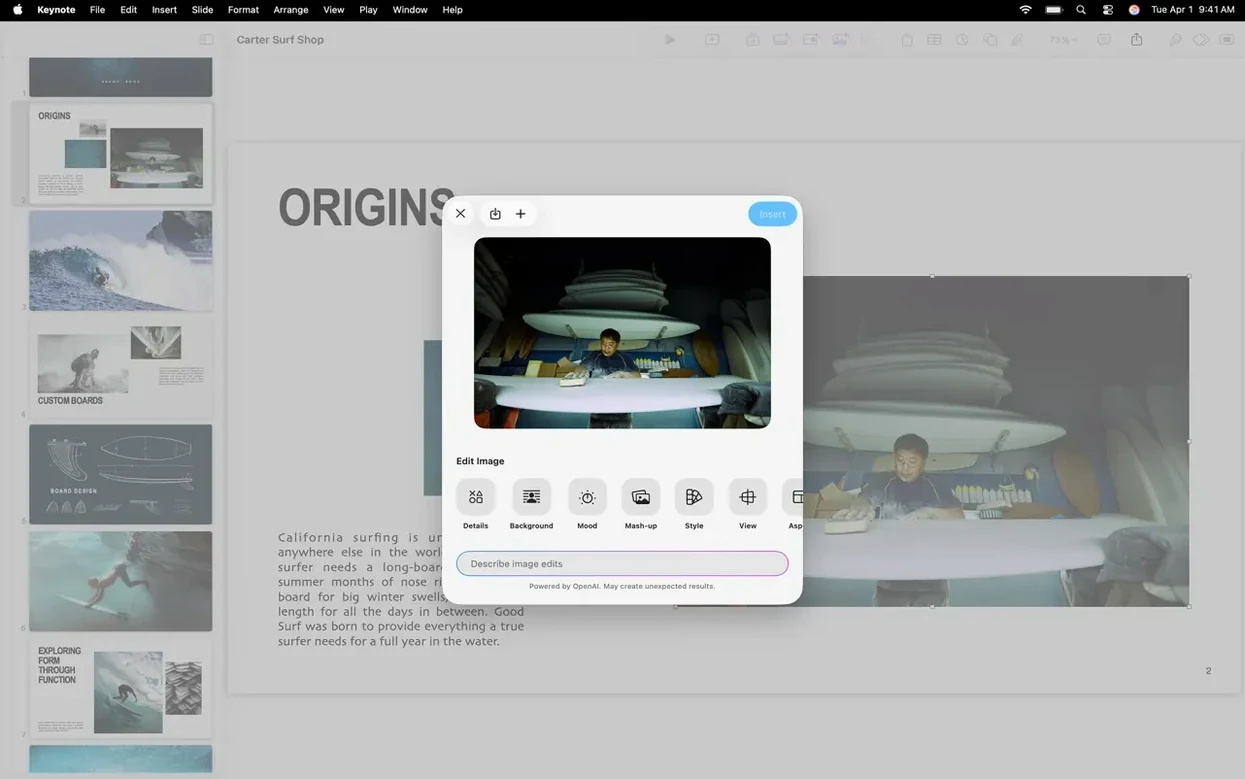
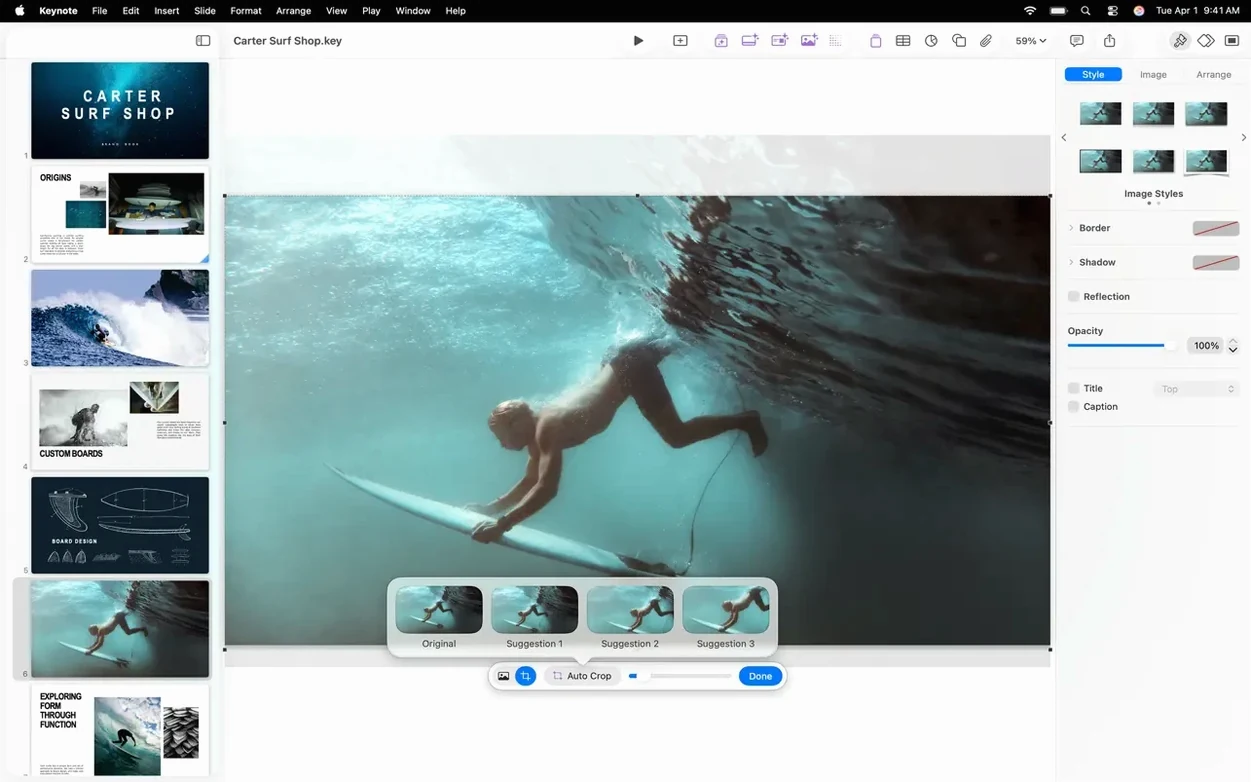
- Select the image, switch to the Image tab in the Format inspector, and turn on Instant Alpha. Drag across the background to knock it out in one pass. No round‑tripping to a bitmap editor.
- Duplicate the slide. On the second slide, resize the image to 30 % and move it to the upper‑left corner. Add three bullet points next to it with shift‑wipe builds. The shift transition pushes each bullet line in from the right with a soft motion blur.
- Insert a third slide and drop a chart. Keynote shares the same chart engine as Numbers, so you can paste a small CSV table straight into the Chart Data editor. Style it with the palette from the slide theme.
- Select the second and third slides and apply the Shift transition. Set duration to 0.5 seconds. Run through the deck once with the presenter display open — notes visible on the Mac screen, timer counting up.
- Export via File > Export To > PowerPoint. The shift and radial‑wipe transitions fall back to fade on export, which is expected; Magic Move and character blur do the same. For a native playback experience, keep the
.keyfile or export an H.264 movie.
The whole sequence runs without touching another app. That matters when you are iterating fast and don’t want to manage four different document formats for one deck.
Copy a diagram from Freeform on iPad straight onto a slide
Keynote talks to the rest of macOS in ways that save real time. Universal Clipboard lets you copy an image on an iPad — say, a diagram drawn in Freeform — and paste it directly onto a slide on the Mac. Handoff passes the open deck between devices mid‑edit; walk away from the desk and pick up the same slide on an iPad without saving to iCloud first.
Quick Look (spacebar in Finder) previews .key files instantly, which is handy when you have a folder of old pitch decks and need to find the right one without launching the app. Spotlight indexes slide text, presenter notes, and even text inside shapes, so a search for a product name pulls up the deck that contains it.
The Share menu integrates with Mail, Messages, and AirDrop. Drag a .key file onto an AirDrop recipient and they get the full editable document, not a flattened export. For teams that use Box, Keynote saves directly to Box folders and respects the collaboration permissions set there — real‑time edits from multiple people sync back to the same file. If you already keep Pages documents in Box, the workflow feels identical.
Video‑oriented workflows benefit from the movie export pipeline. When you need to add video to Keynote and then reuse the finished deck as a standalone clip, export to H.264 at up to 4K resolution. The encoder uses VideoToolbox on Apple Silicon, so a five‑minute slide‑narration export finishes faster than real‑time playback on M2 and later chips. Drop the resulting .mov into Final Cut Pro or DaVinci Resolve and the edit is ready to go — no transcoding step needed.
- Bug fixes and performance improvements.
- Three new transitions and builds — shift, radial wipe, and character blur — now available in the Animate sidebar.
- Replace images directly from the Content Hub without hunting through Finder.
- macOS 15.6 or later
- Apple silicon and Intel Macs
$ man apple-keynote | grep -A2 "?"
Can I add video to Keynote from the Content Hub?
Yes — the Content Hub gives you access to your Photos library and media folders, so you can drag video clips straight onto a slide and trim them in the Format sidebar.
Comments 0
Sign in or create an account to leave a comment.
No comments yet. A codec, a slice, a machine — they appear after moderation.