Art Text 4 for macOS
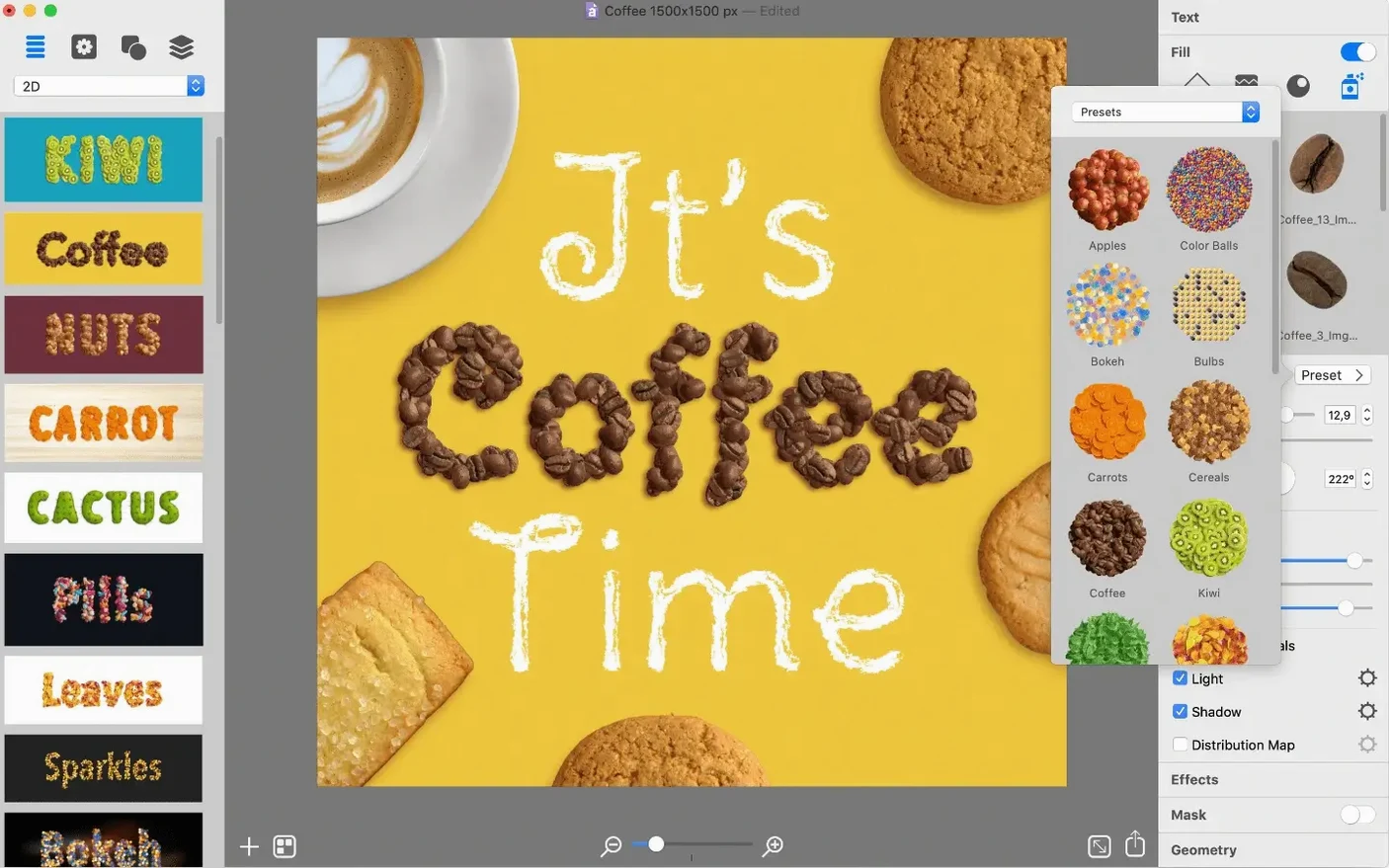
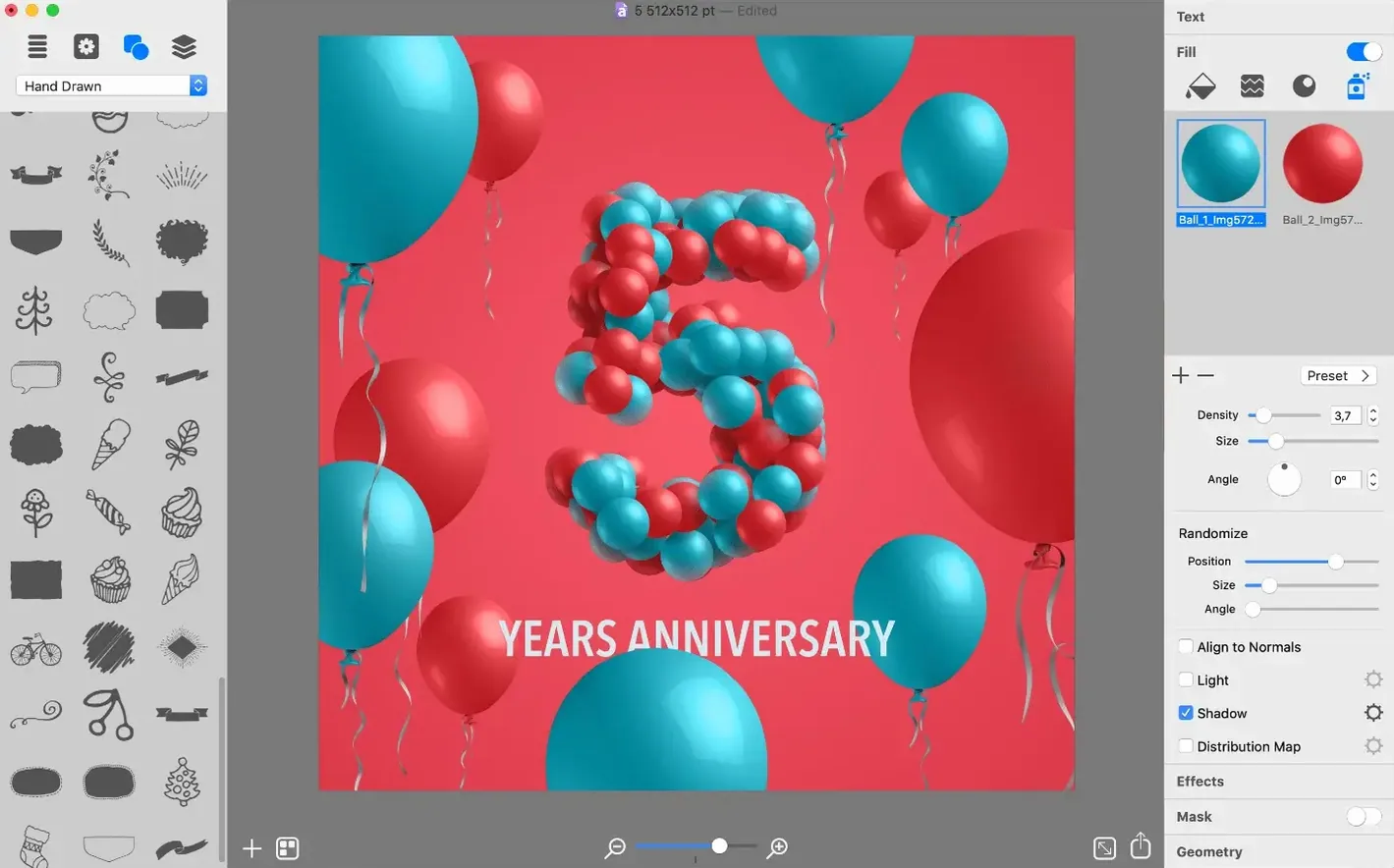
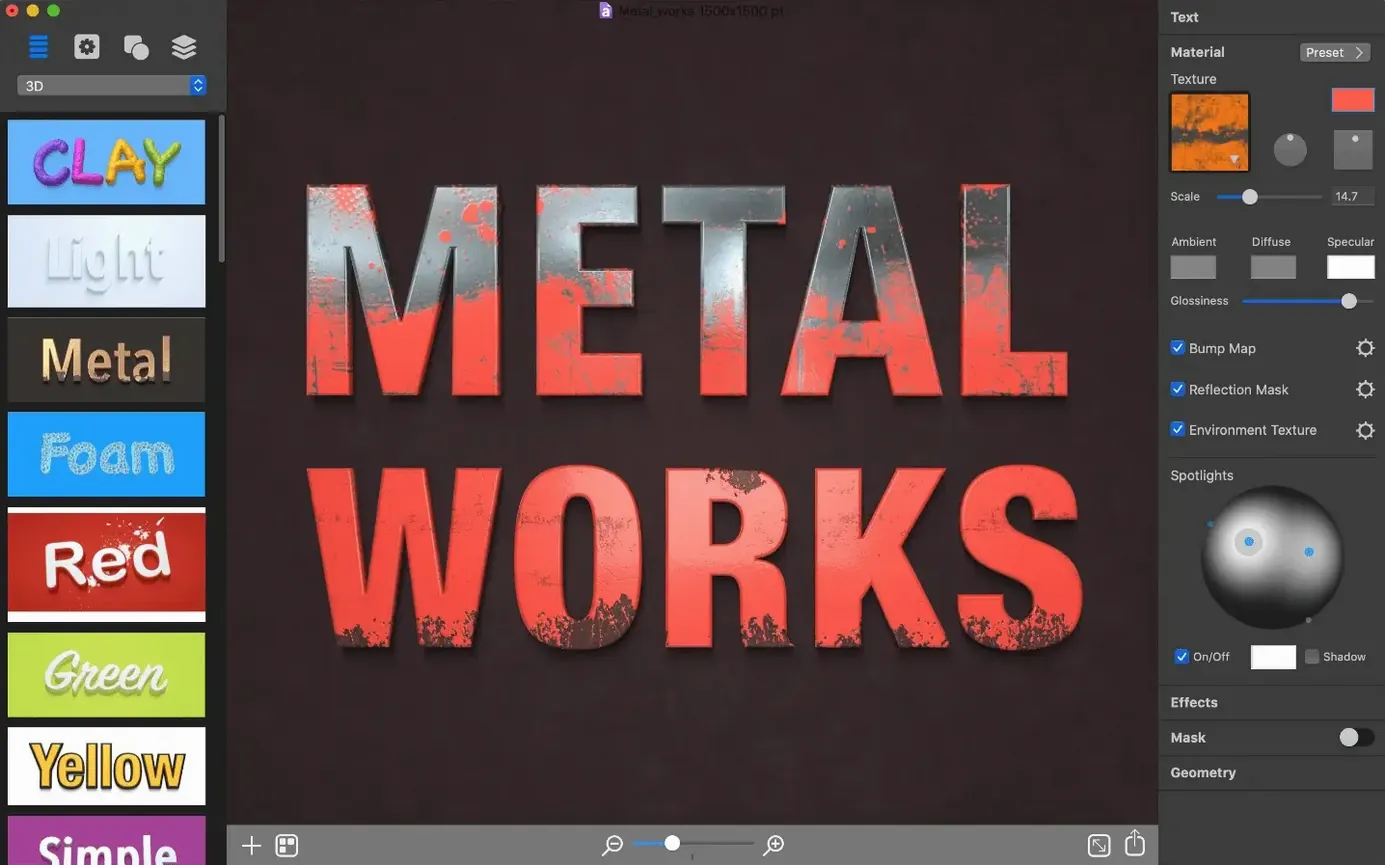
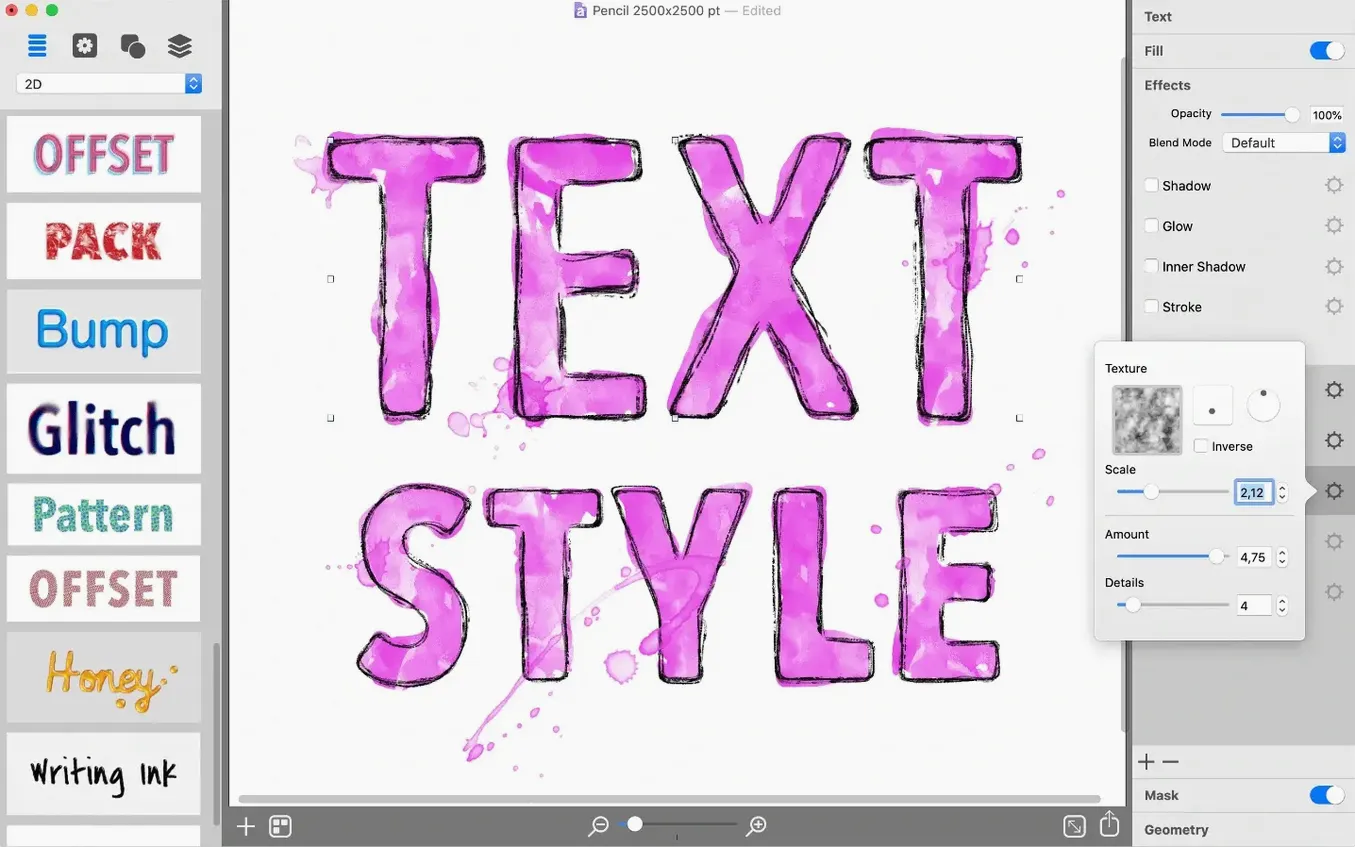
Version 4.5.10 is a quiet one on the surface — minor technical improvements and a new AI Bundle 3 offer — but for a first session with Art Text 4, the build number (1129) matters less than what you do with it. The app turns text and vector shapes into layered typographic graphics using shadows, textures, materials, deformations, and gradients.
What should a newcomer try first?
- Start with one word, not a long sentence. Short text shows off materials and deformations without visual clutter.
- Browse the 400+ vector icons. Drop one in as a shape layer and apply the same effects you use on text.
- Create your own icon. The vector editing tools let you build a simple symbol and treat it like a text layer.
- Save in two ways. Keep a copy in the native Art Text format for editing, then export a PNG or another common graphic format for use elsewhere.
How the workflow feels
The app is built around experimentation. You apply a material, then pair it with a deformation, then check how a gradient interacts with both. Because everything works on vector shapes and text layers, changes stay non-destructive until you export. The native format preserves your stack of effects; the exported file gives you something a browser or design tool can read.
Build a morning habit of deconstructing presets
Get comfortable by building a personal set of go‑to combinations. Open a fresh document each morning and drag in a different preset from the 110 included designs — not to use it as‑is, but to pull apart which layers and effects make it tick. You will quickly notice which materials read well at small sizes (the matte metals tend to survive scaling better than the high‑gloss ones) and which deformations keep letter shapes legible.
Set up a folder called ArtText_exports somewhere on your drive and pin it to the Finder sidebar for a week. Saving every experiment as both .art4text and .png builds a searchable library you can raid later. The habit pays off when you need a quick social‑media graphic and already have a shaded headline that just needs a background swap.
If you work with other design tools, export a couple of test words as .pdf early on. The vector path stays intact, so you can drop the result into a layout app and resize without pixelation — useful to confirm before you commit to a full project.
Typography-first tools cut quote graphics to a few minutes
Social‑media creators tend to live in the space between the 110 presets and the material sliders. A quote graphic that takes twenty minutes in a general‑purpose image editor often comes together in five here, because the typography‑first toolset skips the part where you hunt for layer styles. Logo designers lean harder on the vector side: building a custom icon, applying a consistent material across the mark and the company name, then exporting an .eps gives them something a client can scale from a business card to a sign.
Desktop‑publishing users who regularly place styled text into .indd or .qxp layouts find the .tiff and .pdf exports slot in cleanly. The 400+ included icons also serve as starting points for chapter ornaments and callout badges — drop one into Art Text, tweak the material, and you have a graphic that matches the typography tone of the document.
A dedicated type tool sheds the photo‑retouching weight
The first question is almost always about file size versus a full image editor, and the answer is what you would expect: a dedicated tool is smaller and loads faster because it is not carrying a photo‑retouching engine. The second question is whether text stays editable after export. It does not — a .png or .tiff is a raster snapshot — but the native .art4text file keeps every layer, material and deformation live, so you always have a fully editable source next to your flat export.
Somebody always asks if the app runs natively on Apple Silicon. It does — the binary is universal, and on an M‑series Mac the shader‑based material previews feel immediate. And yes, you can use it completely offline; there is no cloud‑sync layer or account requirement getting between you and the canvas. Those who find their way here by looking for an Art Text 4 Mac torrent will want to make sure they grab a complete build with the full resource library — that way they get the same 400+ icons and export formats, with the toolset unchanged.
- Minor technical improvements in build 1129.
- Introduces the AI Bundle 3 offer.
- macOS 10.14 or later
- Runs on both Intel and Apple Silicon Macs
- Interface languages: English, German, Spanish, French, Japanese
$ man art-text-4 | grep -A2 "?"
What file formats does Art Text 4 save in?
It saves projects in the native Art Text format for later editing, and supports exporting to common graphic file formats.
Comments 0
Sign in or create an account to leave a comment.
No comments yet. A codec, a slice, a machine — they appear after moderation.