Artlantis for macOS
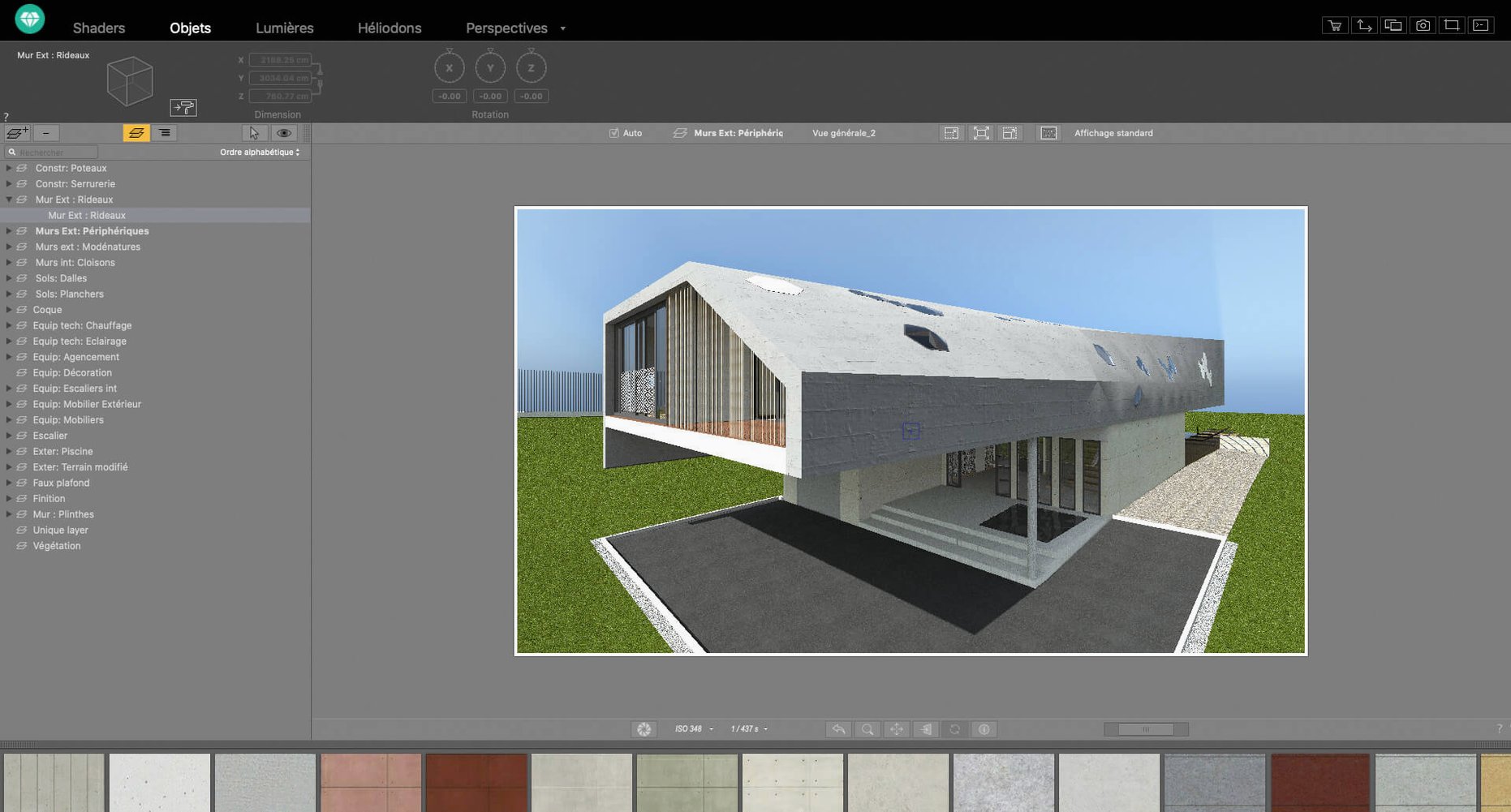
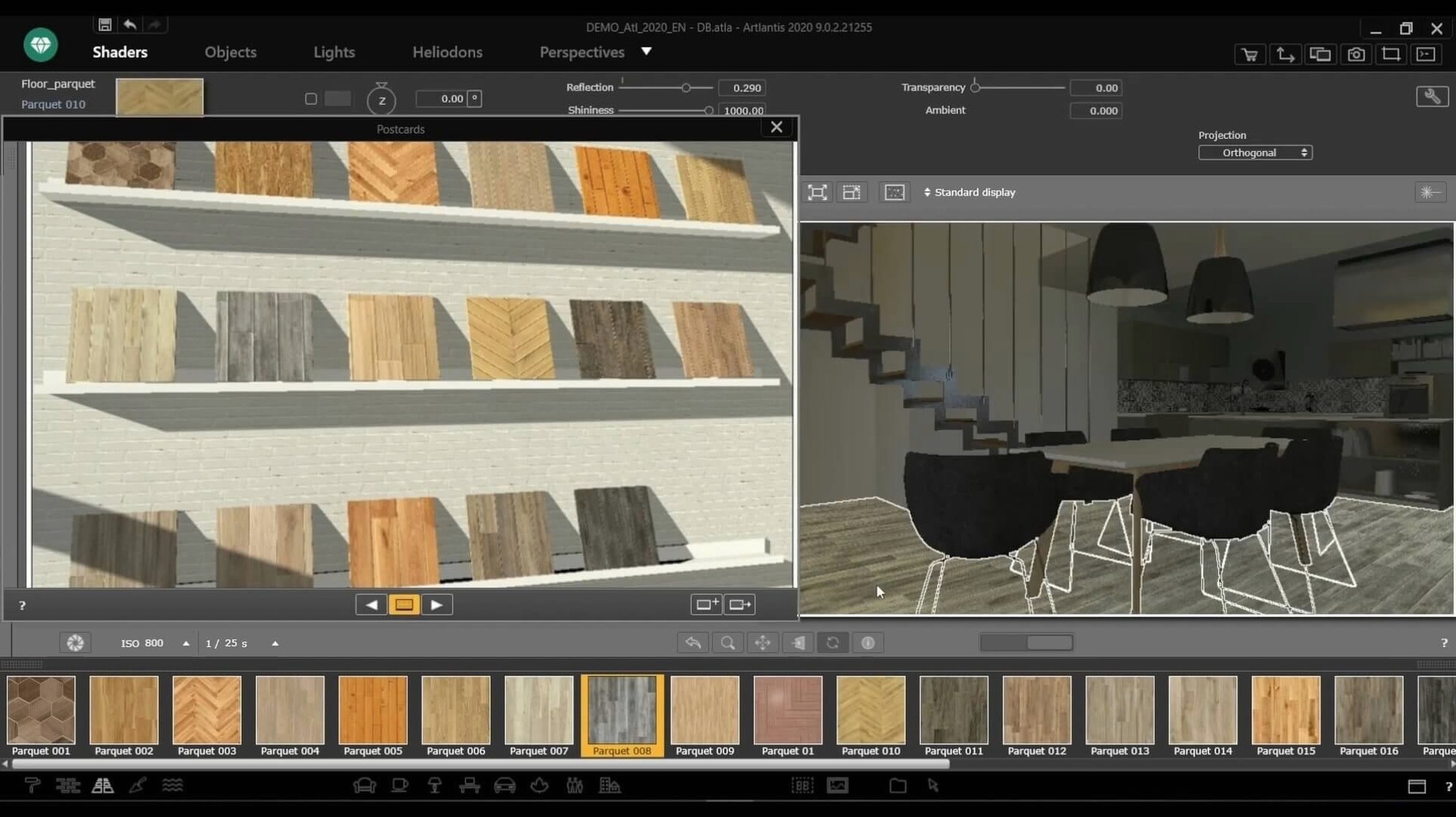
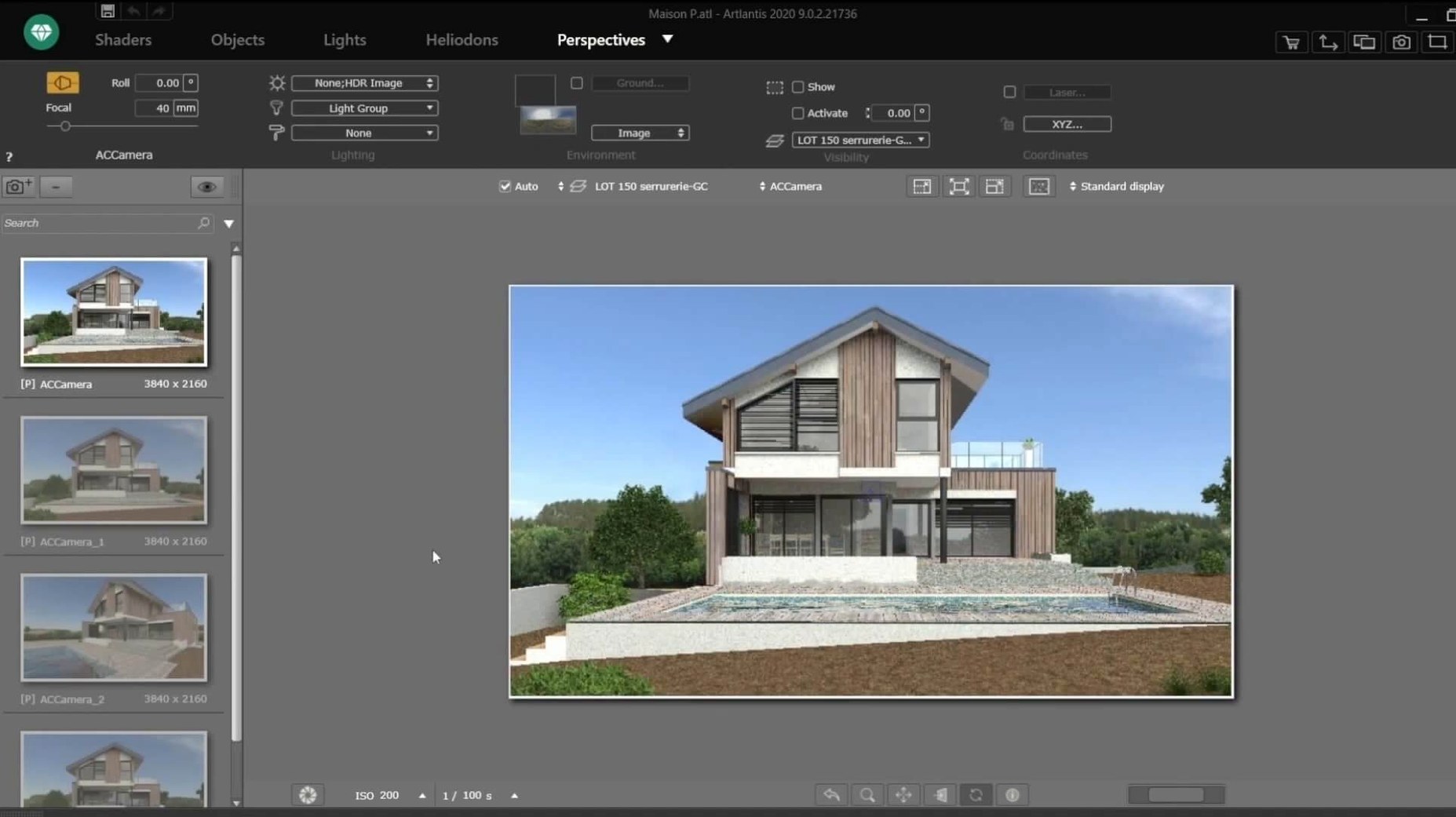
You bring a detailed CAD model into the scene and the viewport settles. The first draft of a daylight interior is flat, so you open the shader inspector and swap the stock wall material for a custom bitmap. A user image dragged straight from the Finder becomes a layered plaster with a bump map and a subtle reflection channel tuned in the preview panel. That one adjustment pulls the geometry into focus.
Working the scene
- Assign materials by dragging presets from the catalog onto surfaces. The built-in collection gives you a starting point for glass, metal, and timber, but the real control comes when you replace the diffuse slot with your own photographed textures.
- Balance the shot using the integrated post-processing tools. Brightness and contrast live alongside color correction tables, so you can grade the image without leaving the render window—useful when a client asks for a warmer shadow tone mid-review.
- Set up a camera path for animation or choose a spherical projection for VR. Exporting a QuickTime VR file gives you a standalone panorama that runs in Apple’s legacy player, a format still needed for some archival visualization workflows.
Artlantis is a 64-bit Intel application that expects macOS 10.13 or later. Development ceased after the R&D team at Abvent was disbanded. The interface ships in eleven languages, and the installer ships as a standard disk image package.
From CAD model to client presentation: a daylight interior in five steps
Here is a repeatable sequence I use when a DWG floor plan lands on the desk and the brief says “warm, natural, ready by Thursday.”
- Bring in the geometry. Open Artlantis and import the
.dwgor.3dsfile directly. If the model came from ArchiCAD or VectorWorks, the direct exchange plug-in preserves layer names, which saves a round of re-grouping later. - Set the site and sun. Switch to the perspective viewport, open the heliodon panel, and enter the project’s real latitude and date. A February morning in Berlin gives a low, soft sun that rakes across wall textures; a June noon in Sydney fills the space with hard down-light. The viewport preview updates in near real-time, so you can scrub the time slider and watch shadow edges crawl across the floor.
- Dress surfaces from the catalog. Drag a matte oak preset onto the floor geometry, then swap its diffuse map for the client’s own sample photo. Pull the same trick on the joinery: a white laminate from the catalog with roughness nudged to 0.35 and a faint Fresnel reflection catches the window light believably.
- Place artificial lights where the sun falls short. Drop an IES profile onto a recessed spotlight symbol in the ceiling grid. Artlantis reads the photometric data and plots the cone angle and falloff correctly. Add a low-wattage fill light behind the camera to lift the shadow under the kitchen island—subtle enough that only you notice it, but the image reads better.
- Render and grade in one pass. Set the output to a 4K still, let the render run, then open the built-in post-processing strip. A small contrast bump and a warm shift in the color table are all it needs. Export the
.tifand the job is done, no round-trip to an external editor.
Why imported models turn up as flat gray surfaces
Missing textures after import. If the CAD model uses linked texture paths that do not exist on the Mac file system, Artlantis shows flat gray surfaces. The fix is to open the shader inspector, click the missing-texture warning icon, and re-link the diffuse slot to a local file. Keeping project textures inside a single tex folder next to the .atl project file avoids the problem entirely.
Render window stuck on “calculating.” This almost always means a rogue light source with an impossibly small shadow-map size combined with high-resolution output. Halve the render resolution, locate the offender in the light list, and increase its shadow quality incrementally until the preview clears.
QuickTime VR export not recognized. The .mov panorama requires Apple’s legacy QuickTime 7 components. On a modern macOS install, the file may refuse to open in the default player. Workaround: use a dedicated panorama viewer that still reads the old QTVR container, or re-export as an equirectangular still for web-based viewers.
If you picked up artlantis torrent bundles from archive sources, you might find the catalog folder stripped to save space. The shader collection and object library live inside the application bundle at Artlantis 9/Media; copy them from a full install if presets appear empty.
An urban designer’s afternoon
A colleague in a small practice needed a set of shadow-study stills for a courtyard housing scheme. The base model was a messy SketchUp export with thirty material slots, half of them duplicate. She spent twenty minutes inside Artlantis merging identical materials—select, right-click, “replace all instances”—and then pulled a single brick map from her phone’s camera roll onto the unified wall surfaces. With the heliodon locked to the site’s coordinates, she rendered eight frames across a December day in under an hour. The sequence went straight into a planning committee PDF, no post-production. That is the kind of session where the renderer does not get in the way, and it is why the application still turns up on machines long after official development stopped.
- macOS 10.13 or later
- 64-bit Intel processor
Comments 0
Sign in or create an account to leave a comment.
No comments yet. A codec, a slice, a machine — they appear after moderation.