Autodesk Flame for macOS
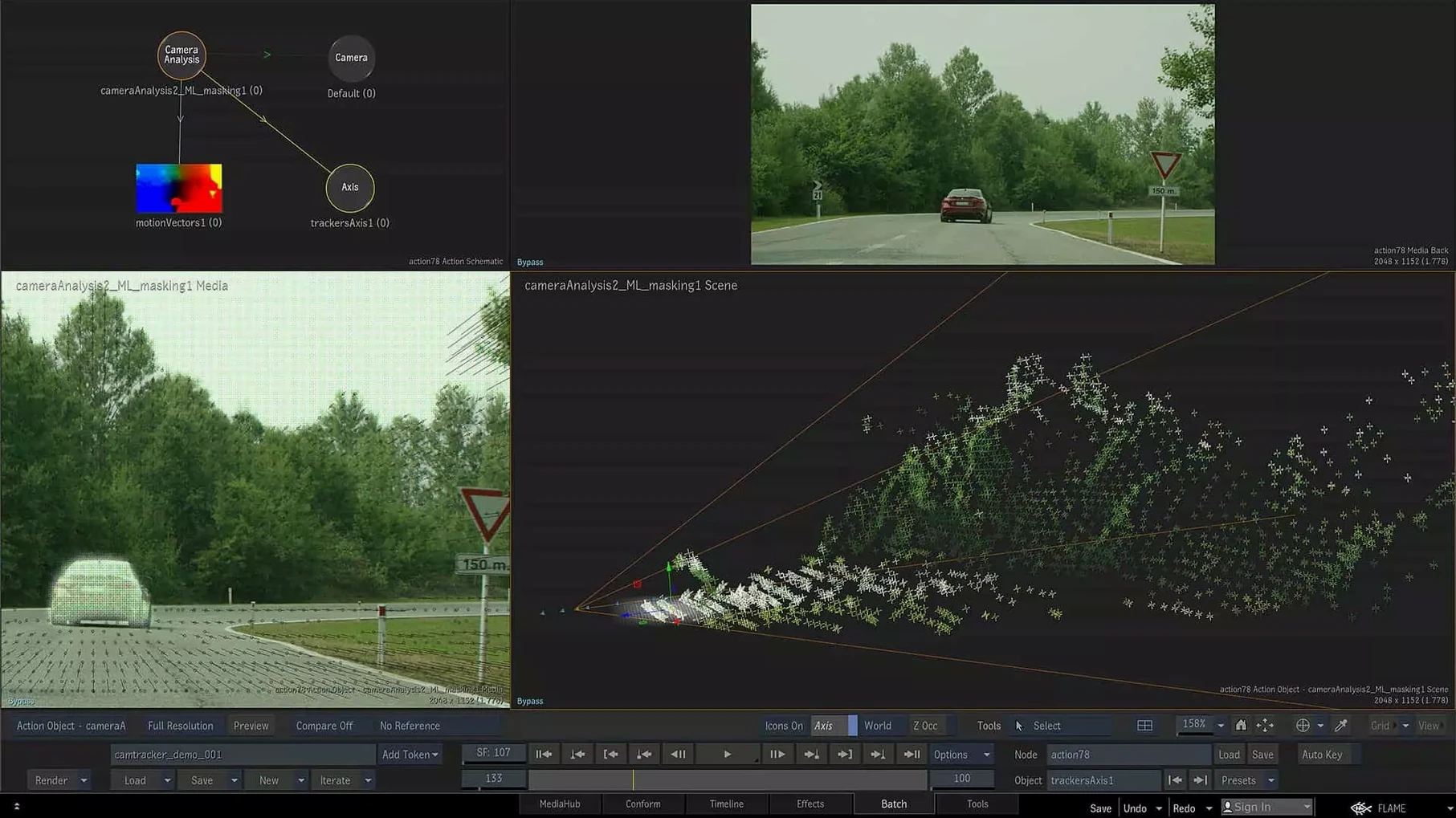
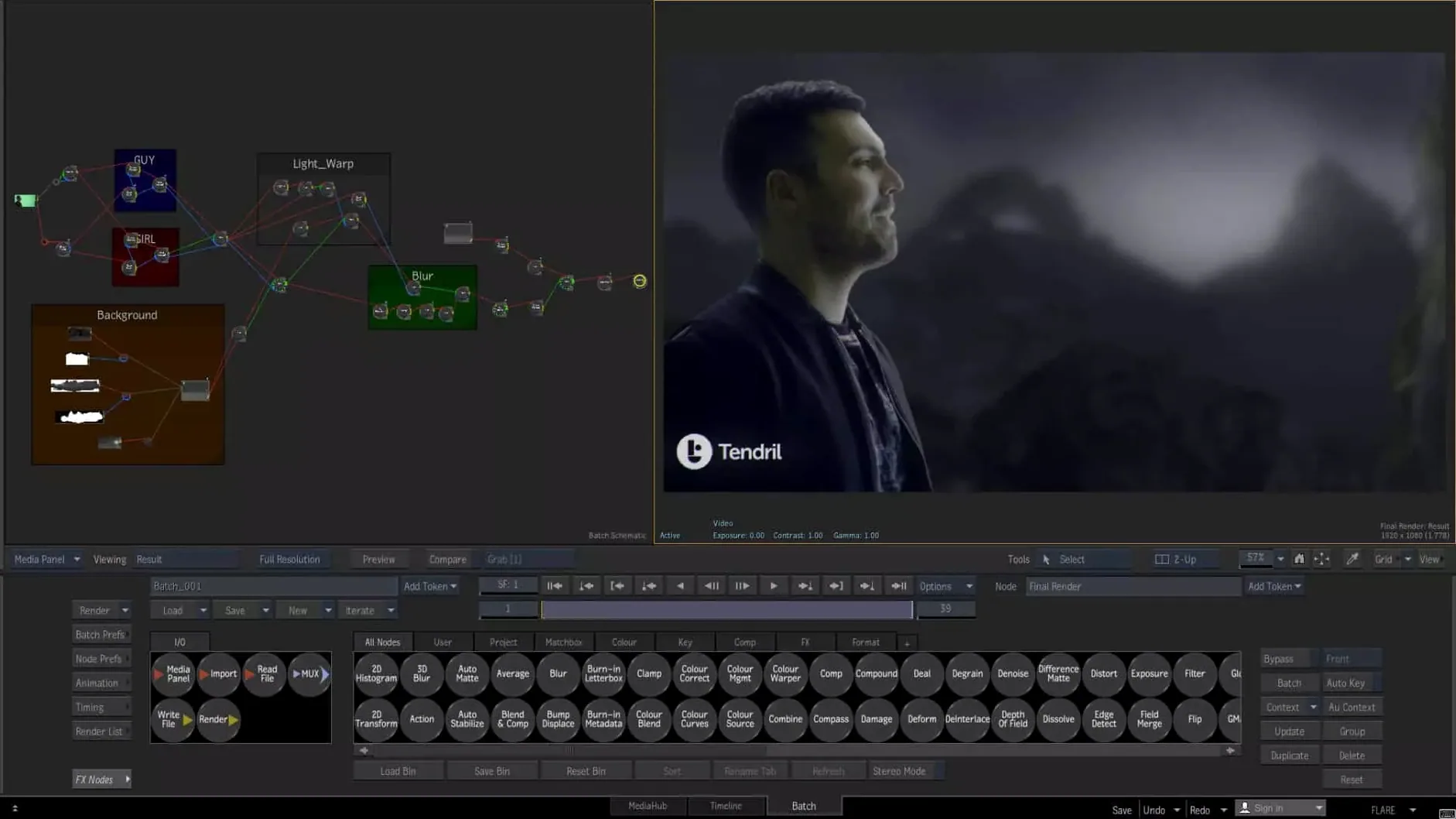
The Isolate tool, new in Flame 2027.1, changes how you pull a subject from a moving shot. Flame has always been the high-end finishing and visual effects application for artists who need a node-based compositing environment alongside a full timeline editorial workflow, and the 2027 release builds on that combination with a handful of precise, workflow-focused additions.
- Isolate tool uses machine learning for live scene depth recovery, letting you extract foreground elements without roto or greenscreen.
- ProRes RAW clips in MediaHub mean camera original files from devices that record ProRes RAW appear directly in the media browser and are ready for processing without transcoding.
- OpenTimelineIO support brings a standardized interchange format into the timeline environment, so moving a conform between Flame and tools that speak OTIO is clean and predictable.
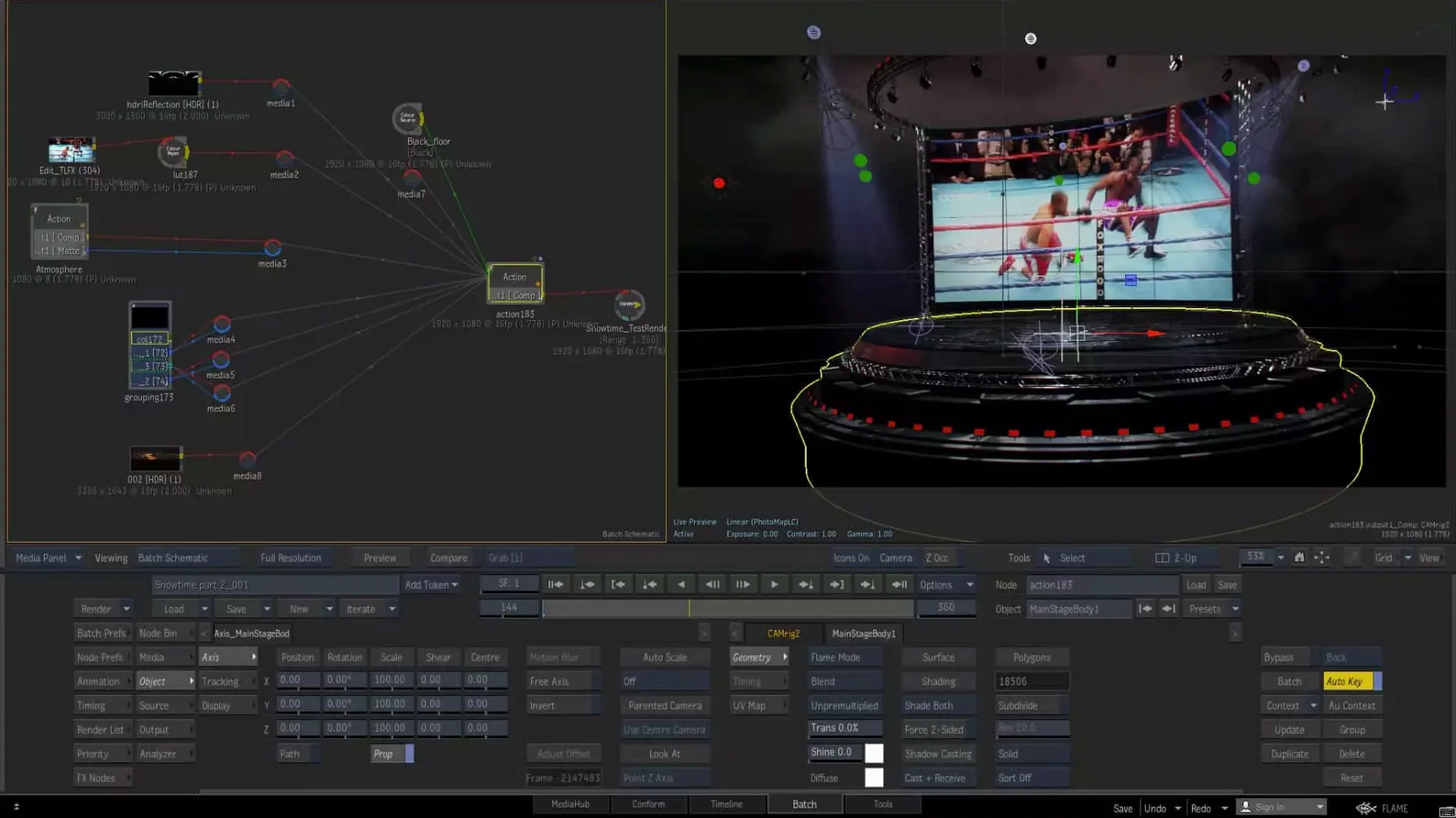
- Batch, the node-based compositing environment, remains the core of procedural shot work and connects to external renderers through the scripting handler.
- Integrated color and cosmetic toolset handles grading, beauty work, and final processing of edited material without leaving the application.
The 2027.1 update sits on the same system requirements as the base 2027 release: macOS 14 Sonoma or later, running natively on both Apple silicon and Intel Mac workstations. Flame is part of the wider Flame Family alongside Flame Assist and Flare, and it keeps the deep toolset that finishing artists rely on—timeline editing, procedural compositing, and direct-to-finish color work—while the new bits tighten the connections to modern camera formats and open timeline standards.
How does Flame compare with other finishing and compositing applications?
On the Mac, the high-end finishing space is small — most shops run Linux — but a few serious tools sit alongside Flame. The closest in spirit is DaVinci Resolve Studio. Resolve wraps a powerful color page, a Fusion-based node compositor, and a capable NLE into one package. The difference is depth. Flame's Batch environment and the way it handles 3D compositing, projection mapping, and connected conform workflows put it in a different tier when a shot needs heavy reconstruction or multi-layer stereoscopic work. Resolve covers 90% of finishing tasks elegantly; Flame is the tool you reach for when the remaining 10% is the whole job.
Motion, going the other way, is a lightweight compositor and motion-graphics playground that ships with Final Cut Pro. It uses a layer-based model rather than a proper node graph, and it has zero timeline-based conform or finishing toolset. You can build a title sequence or a lower-third overlay in Motion, then bring that into Flame as an element in a Batch tree, but comparing them directly is like comparing a scalpel to a full surgical suite.
Mistaking the timeline for a standard NLE
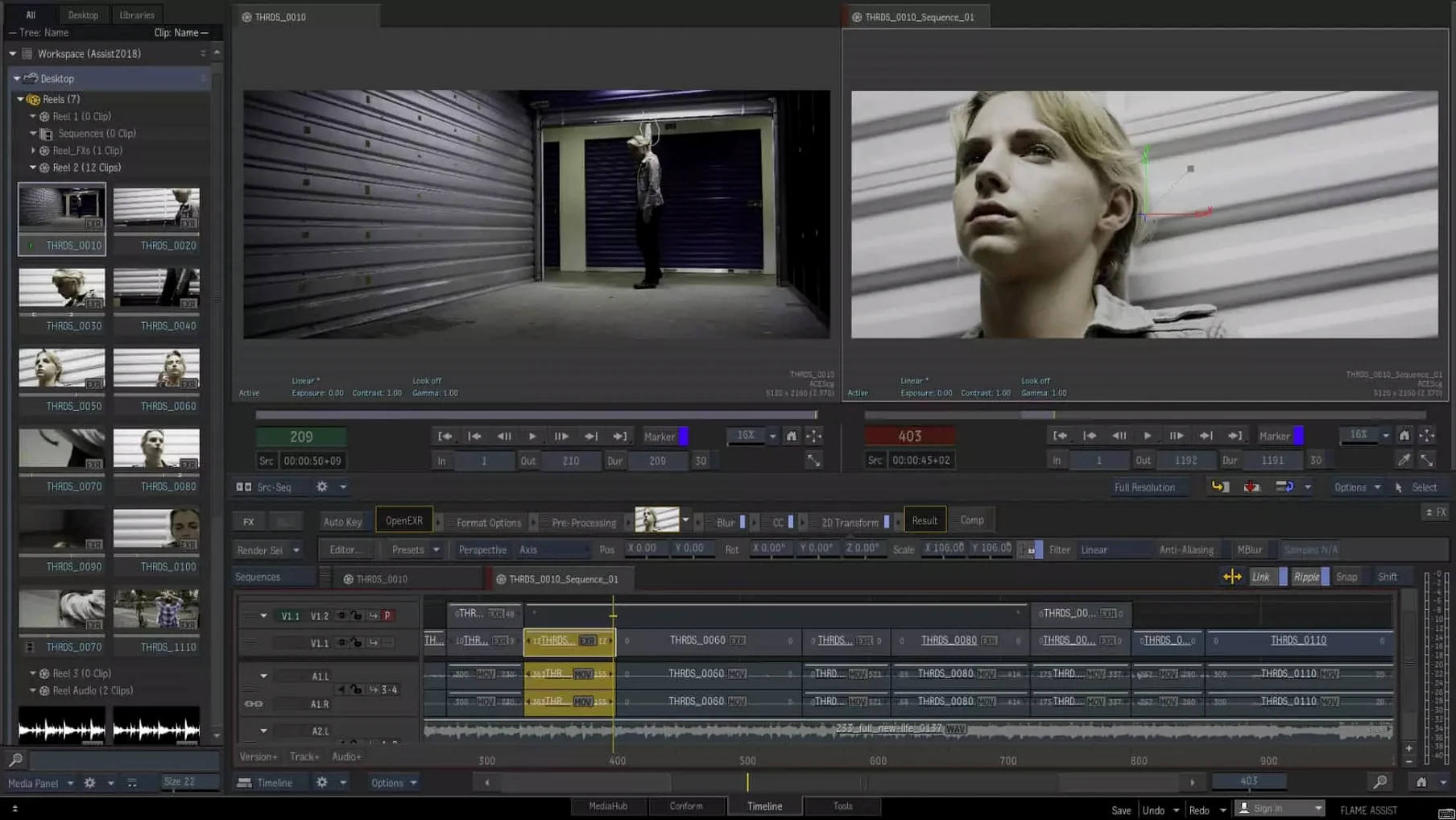
The biggest one is treating the timeline like a standard NLE. Flame's timeline is powerful, but it is tightly coupled to the Batch environment and to the connected conform logic. Beginners often start slicing clips and adding dissolves in the timeline without understanding how those edits ripple back into the underlying Batch setups. A better habit is to think of the timeline as an assembly and review space, not as the primary manipulation surface. Build your shots in Batch, version in Batch, then let the timeline hold the edit structure.
Another common misstep is ignoring the color-space pipeline. Flame tracks color-space information per clip all the way from source to screen, and the MasterGrade tool switches between video, logarithmic, and linear modes. Dropping a log-encoded ProRes RAW clip onto a timeline without setting the input transform correctly leads to washed-out renders that look fine on the viewer but fall apart downstream. Set the color policy before you touch a single grade.
A third one: students who come from After Effects sometimes try to animate everything with keyframes in the timeline. Flame's strength is procedural animation inside Batch, driven by expressions, time-warps, and the scripting handler that talks to external renderers. Keyframing a dozen layers by hand in the timeline misses what makes the application fast on real jobs.
Troubleshooting recurring conform and Batch snags
MediaHub won't show my ProRes RAW files
ProRes RAW support is new in 2027, so the first thing to check is the version. If you are running an older Flame Family build, MediaHub simply will not recognize the clips. On 2027.1, the raw decoder expects the camera originals to sit in a folder structure the application can parse — dropped frame sequences or renamed files will break the detection. Point MediaHub at the top-level camera card folder rather than the individual clip. If the clips still do not appear, rebuild the MediaHub cache from the preferences panel.
Installation stalls or the application won't launch
Flame's Mac installer ships inside a .dmg with internal instructions, and the package will not proceed unless System Integrity Protection is disabled. This is stated in the included documentation, but people skip that step and end up with a frozen install or a launch crash. Disable SIP from Recovery Mode, run the installer clean, then the activation details inside the package walk through the rest.
The Isolate tool gives noisy edges on motion-blurred frames
Isolate uses machine learning for live depth recovery, but heavy motion blur or overlapping fine detail like hair against a busy background can confuse the depth map. The fix is rarely to push the refine sliders harder. Instead, render the depth pass from Isolate, pipe it into Batch, and use the procedural toolset to combine it with a soft rotoshape or a luminance-based matte that cleans the edge. Think of Isolate as giving you an 80% matte in a single click — Batch finishes the rest.
- The Isolate tool uses machine learning to recover live scene depth, letting you pull a foreground subject without manual rotoscoping.
- ProRes RAW support in MediaHub means you can browse and work with ProRes RAW camera clips directly.
- OpenTimelineIO support adds a standardized timeline interchange format for cleaner conforms between applications.
- Operating system: macOS 14 Sonoma or later
- Architecture: Apple silicon and Intel native
- Disk space: 20 GB free for download and installation
- Interface language: English
$ man autodesk-flame | grep -A2 "?"
Does Flame 2027 work on Apple silicon Macs?
Yes. Autodesk lists macOS Sonoma 14 or later as supported for Flame 2027 on both Apple silicon and Intel-based Mac systems.
What is the Batch environment in Flame?
Batch is Flame's node-based procedural compositing environment. It also includes a scripting handler for processing images through external renderers.
Can Flame open ProRes RAW camera files directly?
Yes, starting with the 2027 release. Support for ProRes RAW clips in MediaHub was added, so those files appear in the media browser without transcoding.
Comments 0
Sign in or create an account to leave a comment.
No comments yet. A codec, a slice, a machine — they appear after moderation.