BAO Mask Avenger for macOS
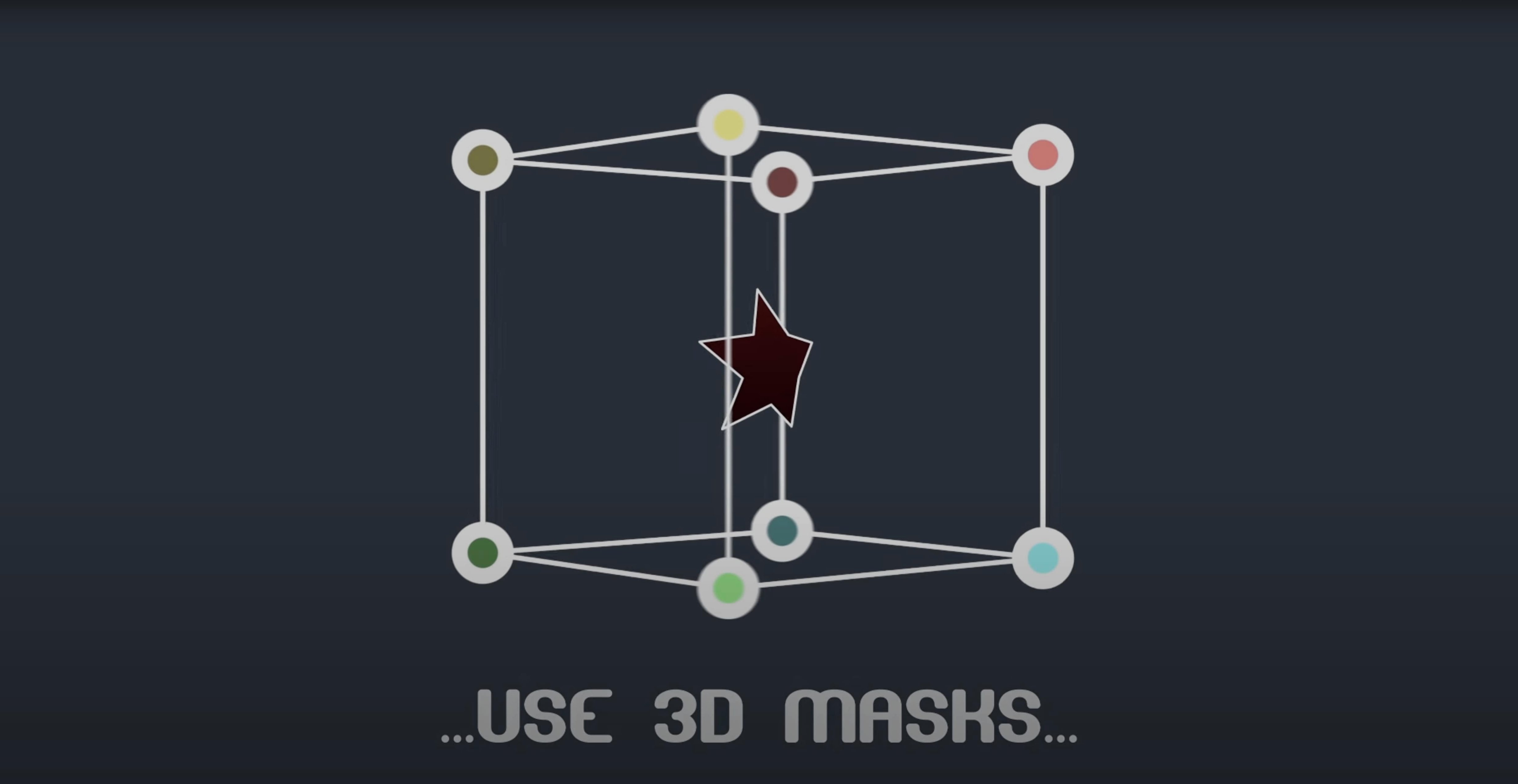
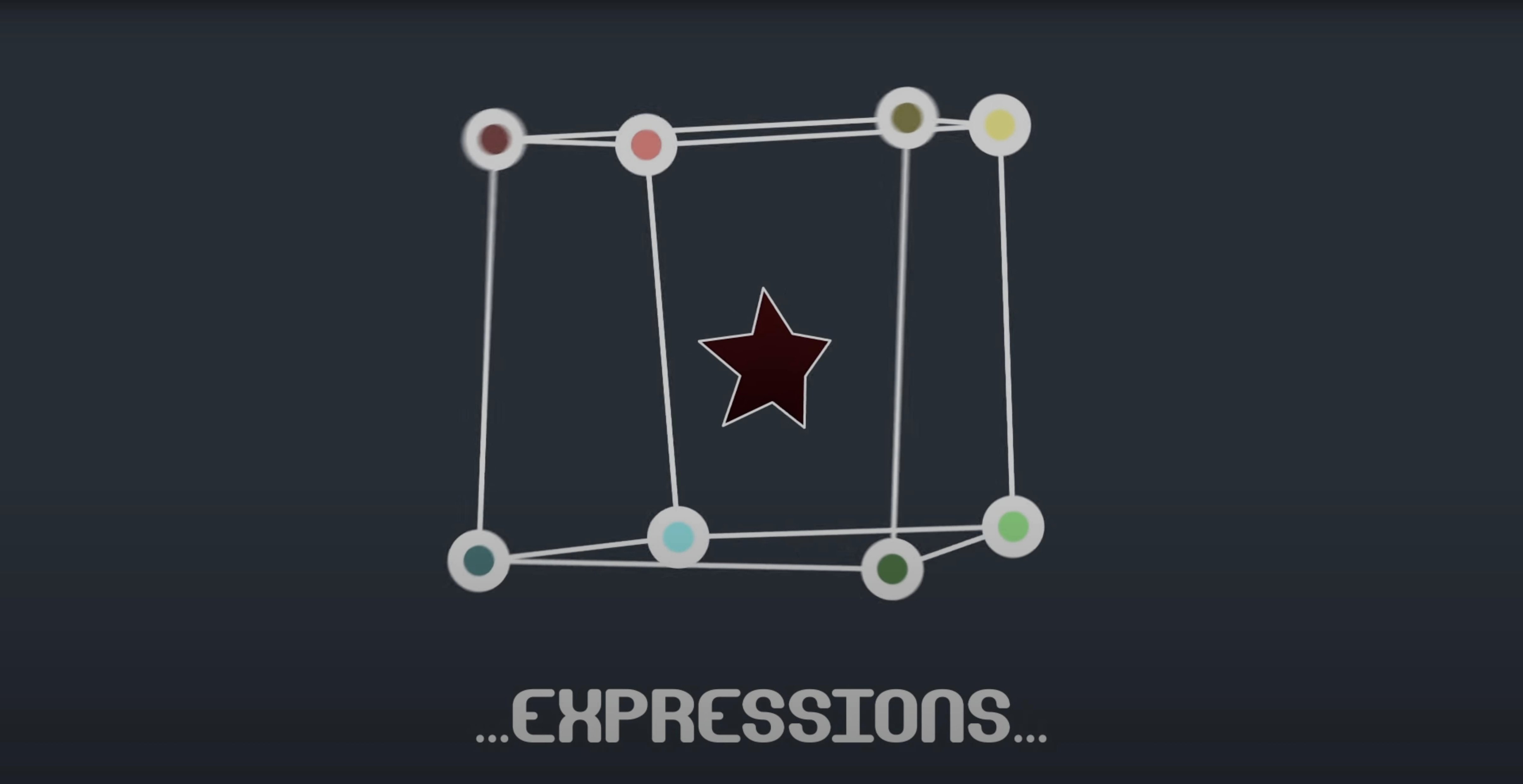
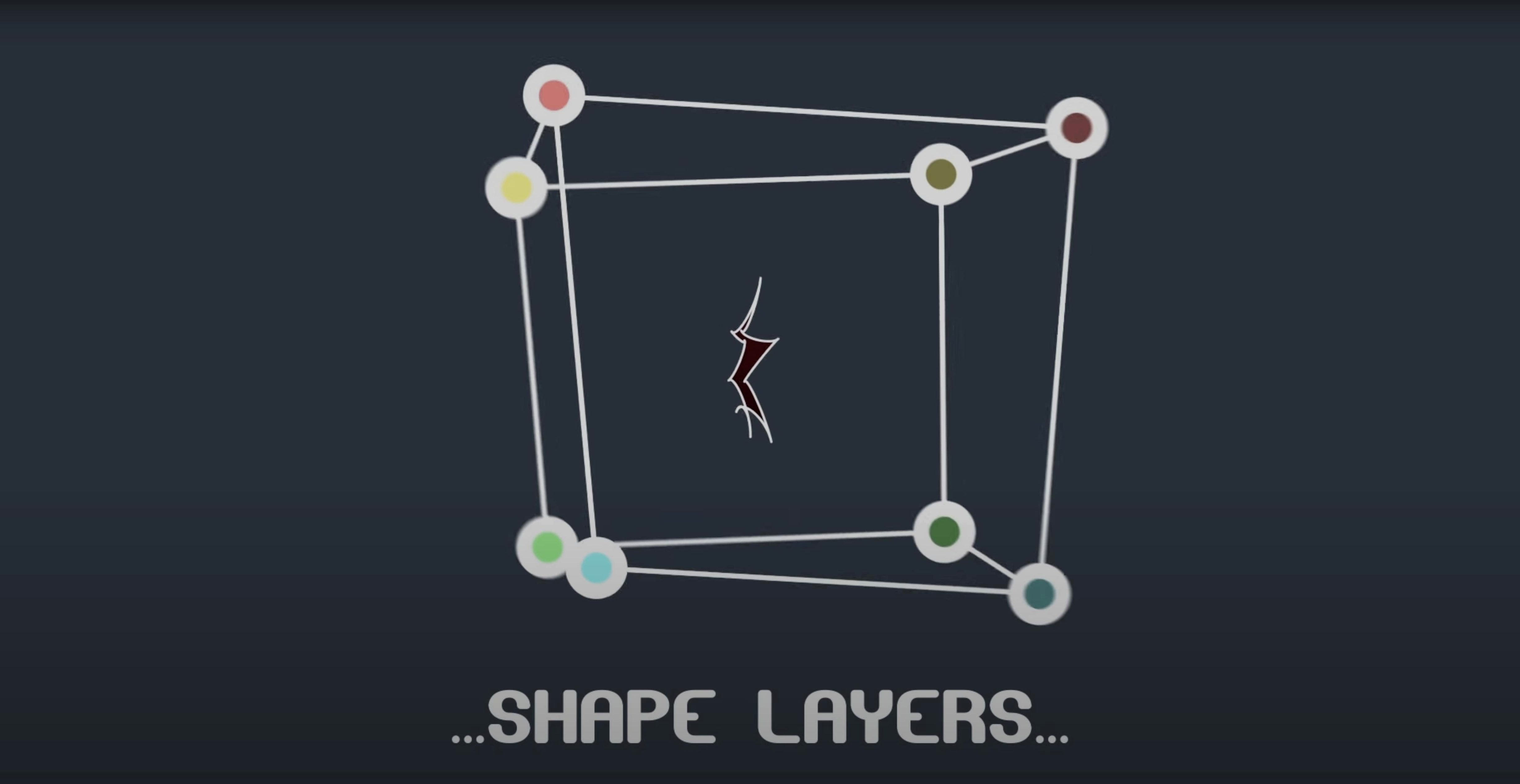
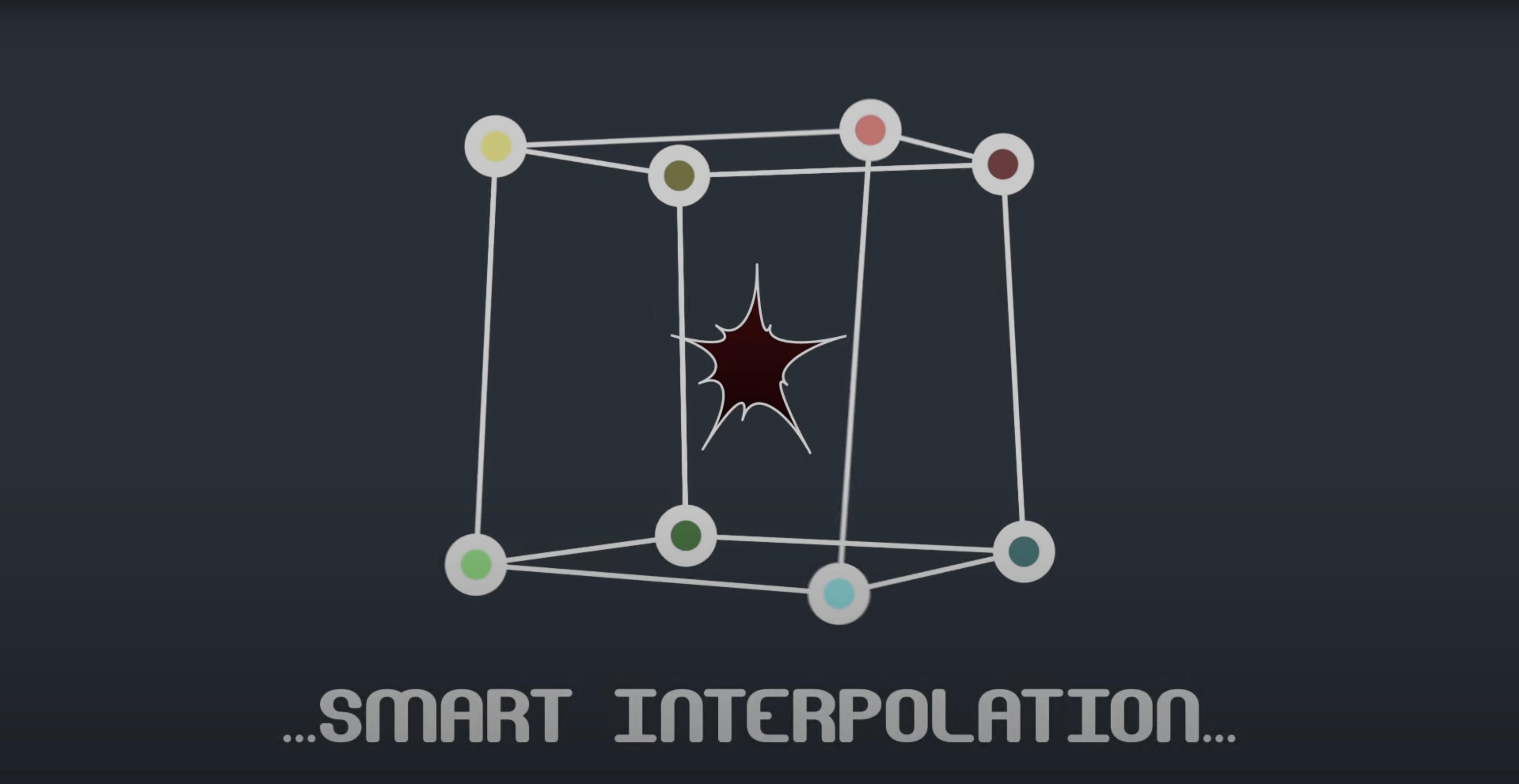
Version 2.7.5 ships as a native .plugin for After Effects, compatible all the way back to CS6 on both Intel and Apple Silicon Macs. The compatibility fix for M1 machines is the headline change in this release. It doesn't use VST or AU plug-in formats—this is purely an AE pixel-bender of mask paths, so you drop it into the Plug-ins folder and it appears inside the effect stack.
- Draw a mask on a solid or footage layer, then apply BAO Mask Avenger from the Effect menu.
- Each vertex and tangent handle becomes an independent control point. You can grab a single point without affecting its neighbors.
- Link any point’s position to a
.sbsnull or a shape layer vertex using expressions. The plugin reads orientation data from anywhere along the path. - Set keyframes on individual tangents to ease a roto shape in ways the built-in mask interpolator won't allow.
- Switch to the intelligent interpolation mode when you need the motion to pivot around the shape’s center of gravity rather than the default anchor.
Everything stays live in 3D space if the layer is 3D, so a tracked mask point can drive a null in z-depth. It’s a small tool that solves the one thing After Effects masks have always been bad at: giving you per-vertex control without converting to a shape layer first.
How does it stack up against similar utilities?
Mask Avenger competes with a handful of tools that try to give masks more personality inside After Effects. The closest in concept is Mask Renderer—in fact, BAO’s documentation mentions Mask Avenger can replace it outright. Mask Renderer was fantastic for its time: it let you extrude and shade masks, but it never offered per‑vertex keyframing or tangent control. If you only need a mask to render as a visible stroke or filled shape, Mask Renderer still works. If you need a single vertex on a roto shape to drift independently while the rest hold still, you need Mask Avenger.
Another neighbor is Bodymovin’/Lottie workflows. Bodymovin exports shape‑layer paths to JSON for web animation, and it does respect individual vertex positions. The difference is that Mask Avenger operates directly on native masks, not shape layers, while still being able to apply its mask data to shape layers when you ask. For motion designers who build complex roto rigs in AE and then hand off to a web animator, Mask Avenger lets the rig stay in mask‑land—no pre‑comp, no shape‑layer conversion, no rebuilding the hierarchy.
RubberHose and similar IK tools occupy a different corner of the AE plugin universe—they’re about character limbs, not mask topology—but the underlying headache is the same: After Effects’ built‑in interpolators don’t give you enough control over how intermediate frames are calculated. RubberHose adds its own interpolation logic for limb bends; Mask Avenger adds it for path vertices. If a project already uses RubberHose for a character, adding Mask Avenger for the character’s shadow or facial roto shapes keeps the same philosophy of “more control over tweening” across the whole timeline.
Where does it sit in a real workflow?
Mask Avenger isn’t an island. It reads position and orientation data from any point along a mask path, which means you can parent a null to a tracked vertex and have that null drive other layers through standard pick‑whip expressions. Drop a 3D camera tracker into the comp, link a mask vertex to a tracker point, and suddenly your garbage matte moves with the shot—without baking keyframes or writing manual wiggle expressions.
The freeze mode deserves a quiet round of applause. It bakes the effect into the project so a colleague who doesn’t own the plugin can still open the .aep file and see the result. For studios where one machine holds the licence but renders happen on a farm, freeze mode turns Mask Avenger from a dependency into a delivery format. It also plays nicely with Essential Properties in After Effects’ master‑property workflows: you can expose a vertex position as an essential property and control it from a master comp, which is something the native mask system simply cannot do.
Speed, stability, and resource feel
On an Apple Silicon machine—the same M1 architecture that version 2.7.5 was patched to support—Mask Avenger adds negligible overhead to a comp. It’s a CPU‑side effect working on vector data, so it doesn’t touch the GPU pipeline. A roto with 200 vertices and tangent handles will feel heavier than one with 20, but the slowdown is linear and predictable. I’ve thrown it at a 3D layer with a mask path of 80 vertices, each vertex keyframed independently over 600 frames, and AE’s UI stayed responsive during RAM preview. The bottleneck is still After Effects’ own mask interpolation engine; Mask Avenger doesn’t replace that, it augments it, so the render cost is only slightly above a native mask with the same number of keyframes.
Stability-wise, the .plugin format keeps it inside After Effects’ process space—no out‑of‑process rendering, no bridge server to crash. In practice that means a malformed expression on a tangent point crashes AE the same way a malformed expression on a position property does: you get the standard error dialog, fix the expression, and move on. The intelligent interpolation mode (center‑of‑gravity or independent key anchor) can produce a brief calculation pause on the first frame of a complex rig, but after that it caches cleanly.
Memory usage is modest. Mask paths are stored as spline data in the project file, not as image buffers, so a project with a dozen Mask Avenger instances won’t blow out RAM the way a stack of heavy blur effects might. If you’re working on a laptop, you’ll appreciate that the fan stays quiet even during roto‑heavy sequences—something you can’t always say about GPU‑accelerated rotoscoping tools that lean on the discrete graphics chip.
- Fixed an M1 compatibility issue on Mac.
- macOS running After Effects 2024, 2023, 2022, 2021, 2020, CC 2019, CC 2018, CC 2017, CC 2015.3, CC 2015, CC 2014, CC, or CS6
- Intel or Apple Silicon Mac
$ man bao-mask-avenger | grep -A2 "?"
Does BAO Mask Avenger work with shape layers?
Yes. You can apply a Mask Avenger mask directly to shape layers, giving you per-vertex control over parametric shapes.
What formats does the plugin use?
It is a native After Effects.plugin file. There are no VST, AU, or standalone application formats—it runs exclusively inside After Effects.
Can I use expressions with the mask points?
Absolutely. You can read position and orientation data from any point along a mask path and drive it with standard After Effects expressions.
Comments 0
Sign in or create an account to leave a comment.
No comments yet. A codec, a slice, a machine — they appear after moderation.