Cinemagraph Pro for macOS
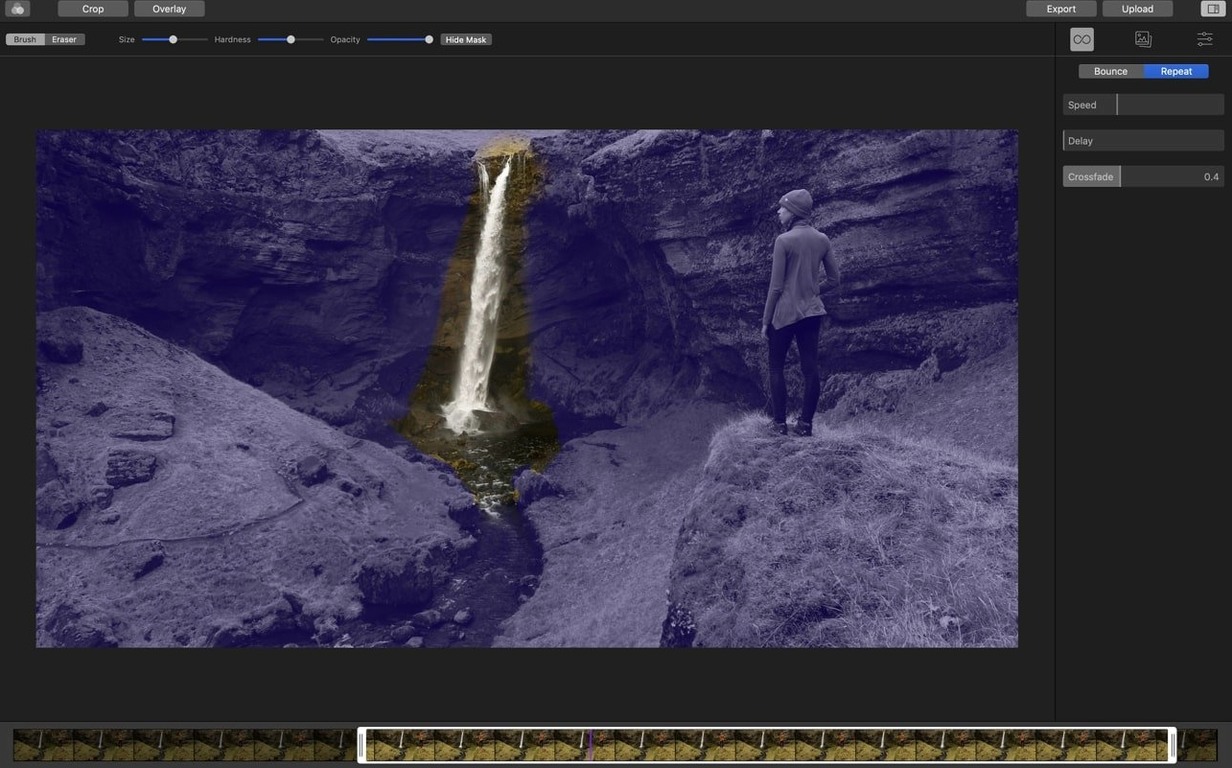
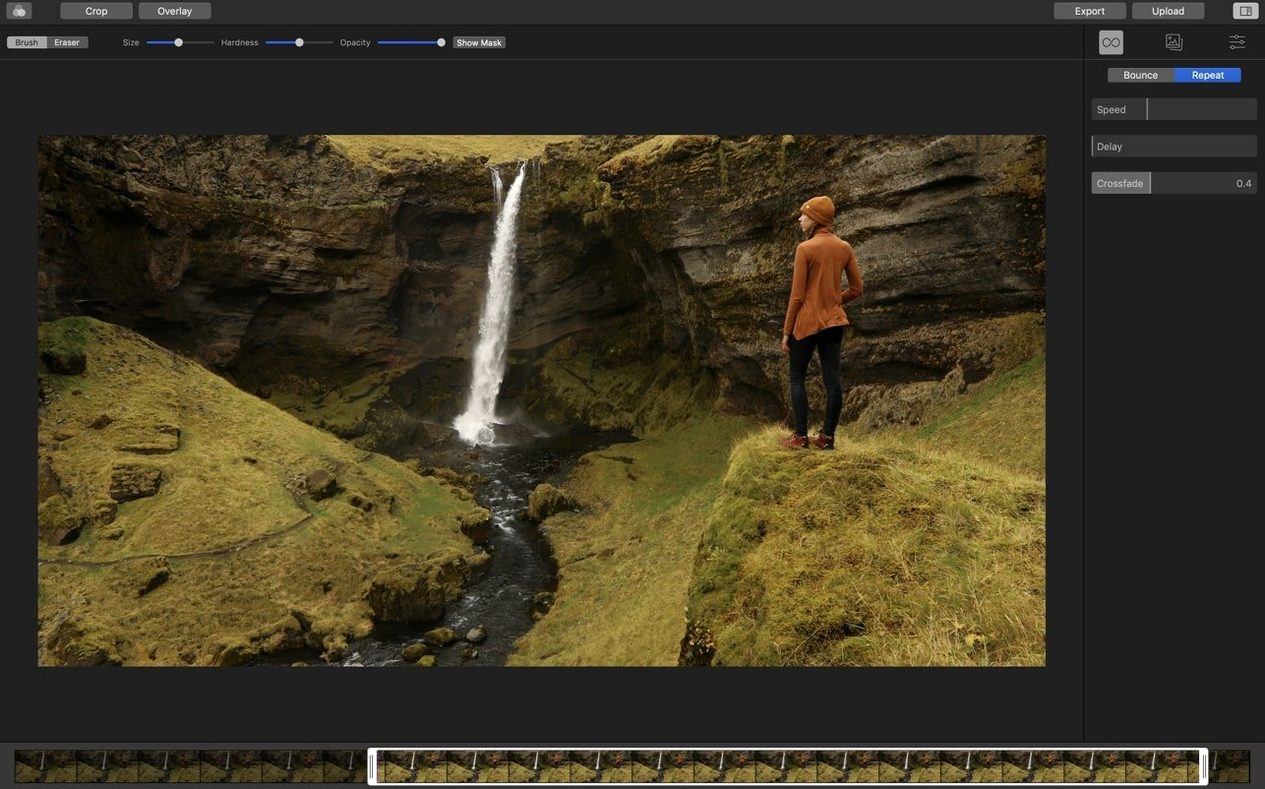
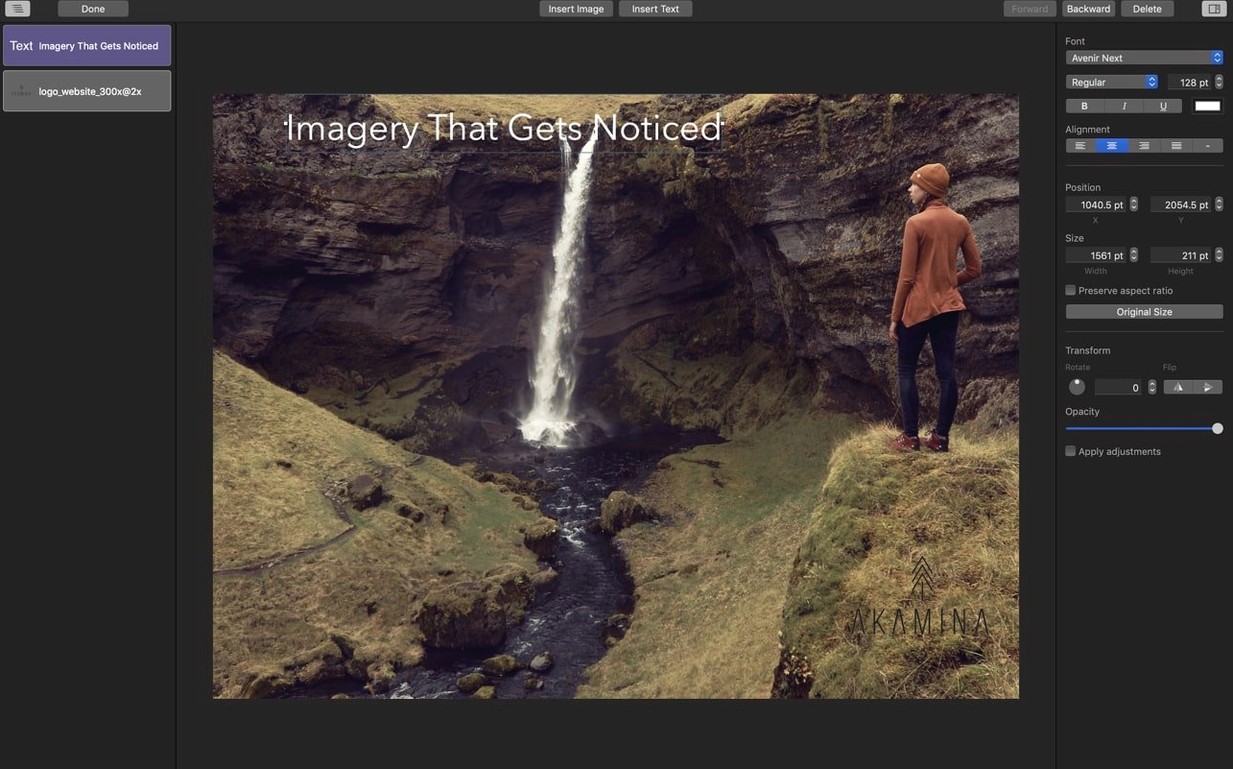
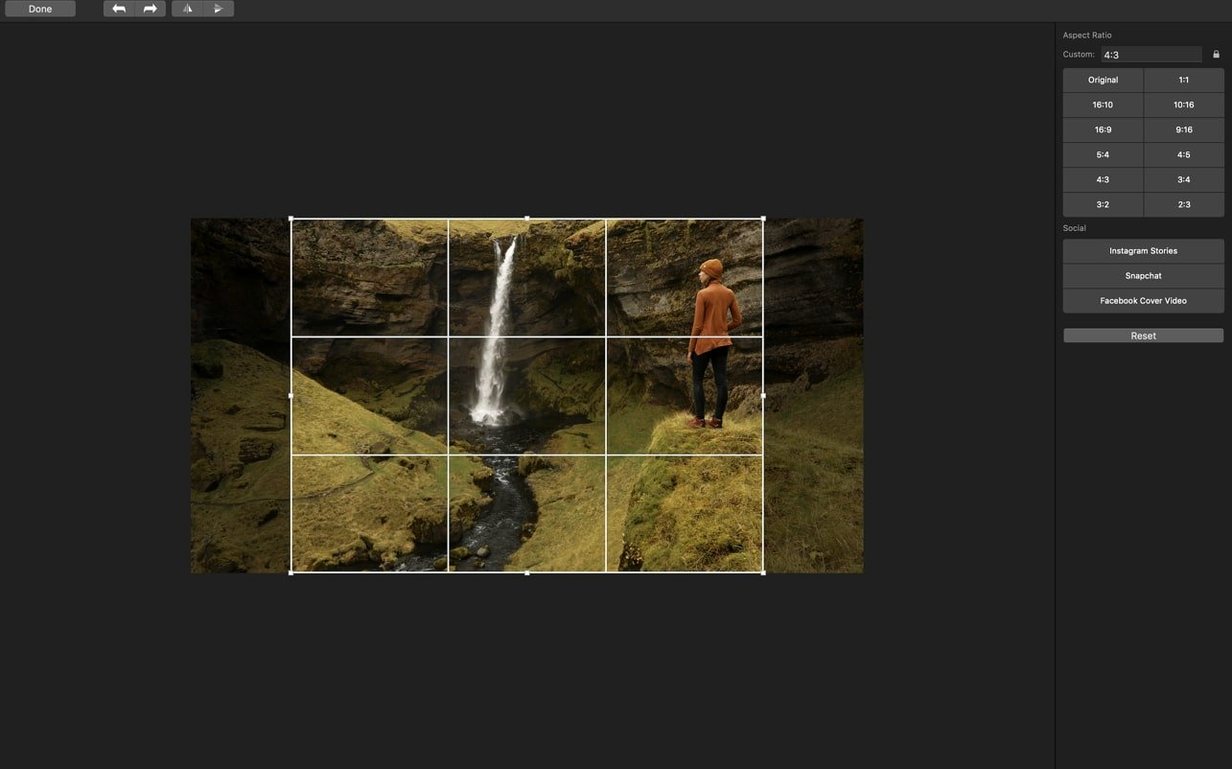
Standard video captures everything that moves—a swaying tree branch, a flickering candle, a passing car. A cinemagraph isolates just one living motion loop against a frozen photograph. Getting that mask right by hand is tedious; Cinemagraph Pro builds the tooling directly into a dedicated timeline so the focus stays on the image, not the workaround.
Built for deliberate motion
You start by choosing a still frame from imported tripod-shot footage to serve as the base image. From there, a mask separates the area that stays in motion from the static background. The timeline gives you playhead-level control over the loop point, and the live preview updates instantly while you tweak the mask edge. Because the app assumes tripod-locked source material, the underlying alignment logic doesn't fight handheld wobble—it just handles the composite cleanly.
Tripod-shot footage with one moving element becomes a looping photograph
- Social media creatives who need a moving photograph, not a full video clip.
- Footage shot on a locked-down tripod where only one element—steam, water, hair—moves.
- Quick roundtrips via iCloud Drive, picking up a project from the iPhone or iPad version of the app.
Handheld footage creates messy masks and GIF exports can band gradients
- Handheld footage produces poor masks; the tool expects a stable, tripod-shot source.
- Export options are thorough for video (
H.264,HEVC,ProRes 422,ProRes 4444) but the GIF path uses a single-pass dither that can band on subtle gradients. - The 2014 Apple Design Award speaks to its interface heritage, though the feature set has stayed tightly focused on the single cinemagraph format rather than expanding into full motion graphics.
Switch loop mode from Repeat to Bounce for organic motion
Open the preferences panel before you send anything out. A few defaults can work against the look you spent time dialing in.
Switch the loop mode from Repeat to Bounce for anything organic—water, smoke, fabric—where a hard jump back to frame one reads as a glitch. Bounce plays the masked motion forward then reverse, which hides the seam in a natural back-and-forth. The Repeat mode works better on mechanical motion like a spinning record or a metronome.
Check the export codec. The app defaults to H.264 at a bitrate tuned for file size, not fidelity. If your cinemagraph has a gradient sky behind the moving element, bump the quality slider to at least 85% or switch to ProRes 422 to avoid visible banding. For Instagram or Twitter, the smaller H.264 is fine—compression on those platforms will eat the nuance anyway.
Set the output resolution explicitly. Leaving it on “Match Source” can produce a file larger than the destination needs. A 1080p export from 4K tripod footage hits the sweet spot for most timelines; 720p for a GIF keeps the file under the size limits that messaging apps impose.
A wedding photographer’s first pass
Someone shooting a reception has ten seconds of locked-off footage: the couple’s hands resting on a table, with only the candle flame between them moving. The rest of the scene—rings, table linen, blurred guests in the background—stays frozen.
In Cinemagraph Pro, she imports the clip, sets a still frame where the flame shape reads clearly, and draws a rough mask over the candle. The live masking preview shows the edge bleed immediately—a faint halo where the flame’s warm light spills onto the tablecloth. She tightens the mask with a smaller brush, trims the loop to three seconds of flame flicker, and switches playback to Bounce. The result plays cleanly: a photograph that breathes. She exports both a ProRes 4444 master for the client gallery and a compressed H.264 for Instagram Stories. The whole edit takes under five minutes, and the couple gets an image their photographer didn’t have to composite in a general-purpose timeline.
Photographers adding motion to still portfolios with tripod-locked footage
The app makes the strongest sense for Mac users who already shoot tripod-locked footage and need a dedicated mask-and-loop tool, not another layer in a video editor.
Photographers adding motion to still portfolios. A wedding, food, or product photographer can pull a five-second clip from the back of a shoot, mask one moving element, and deliver a cinemagraph alongside the raw stills. The iCloud Drive support means a shot framed on the iPhone version can land on the Mac for the fine-mask pass without an airdrop dance.
Social media managers running brand accounts. A cinemagraph stops a scroller more reliably than a static post without the production overhead of a full video. The direct H.264 and HEVC export paths drop files straight into a content calendar folder, sized for the platform.
Motion designers who need a fast, focused loop tool. For a title card or a web hero background where only one detail moves—steam off a coffee cup, a blinking cursor, a slow pan across text—Cinemagraph Pro handles the mask-and-export chain faster than roundtripping through a compositing app. The overlay layer for images and text means simple branding can live inside the same project file.
- macOS 15.6 or later
- Apple Silicon and Intel Macs
Comments 0
Sign in or create an account to leave a comment.
No comments yet. A codec, a slice, a machine — they appear after moderation.