CleanShot X for macOS
Version 5.0.1 keeps the update small: minor bug fixes and improvements on top of the 5.0 release. If you grabbed the major update already, nothing here changes how the app feels day to day.
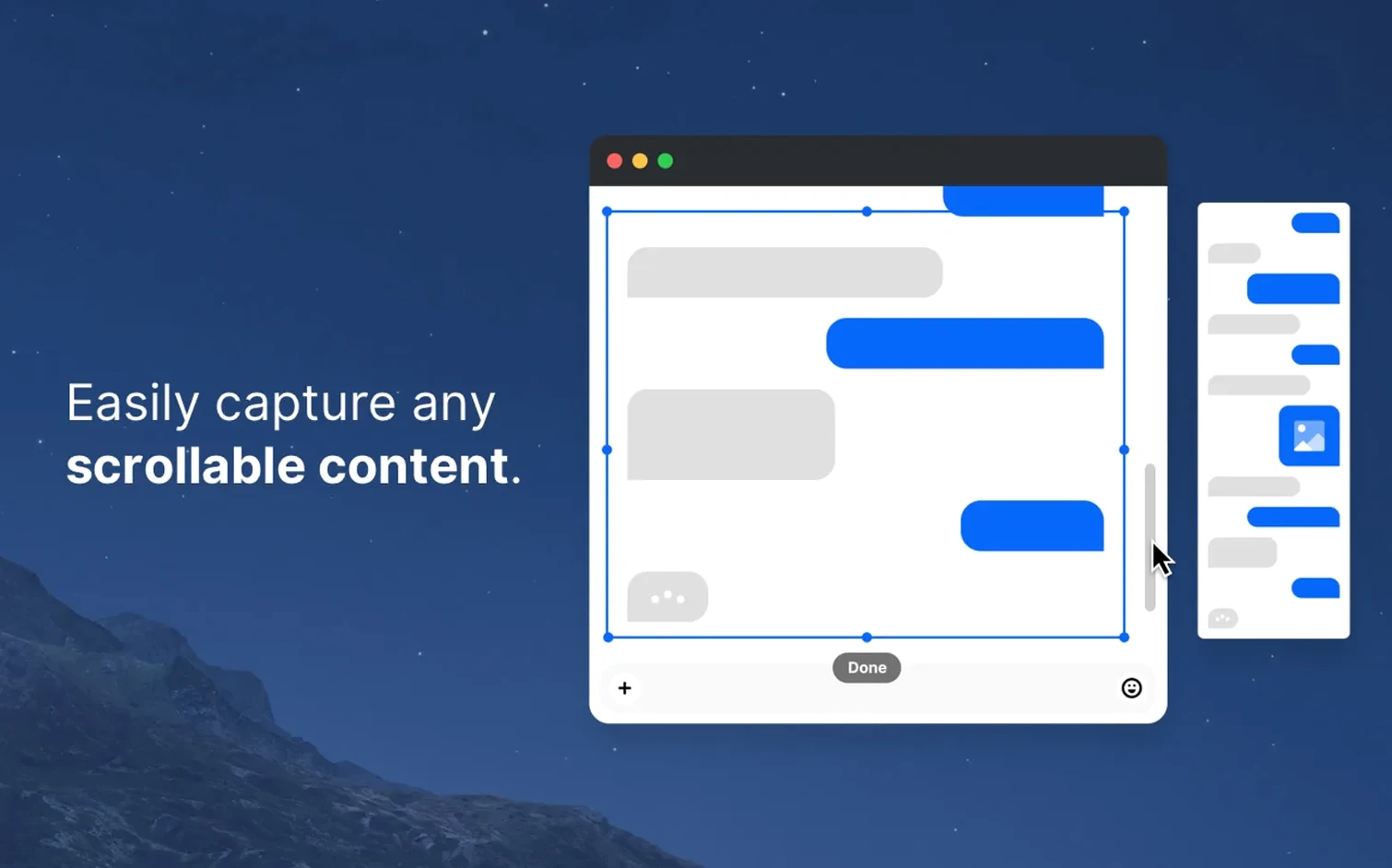
- Pick a capture mode from the menu bar — area, window, full screen, or scrolling window. The last one stitches long pages into a single image.
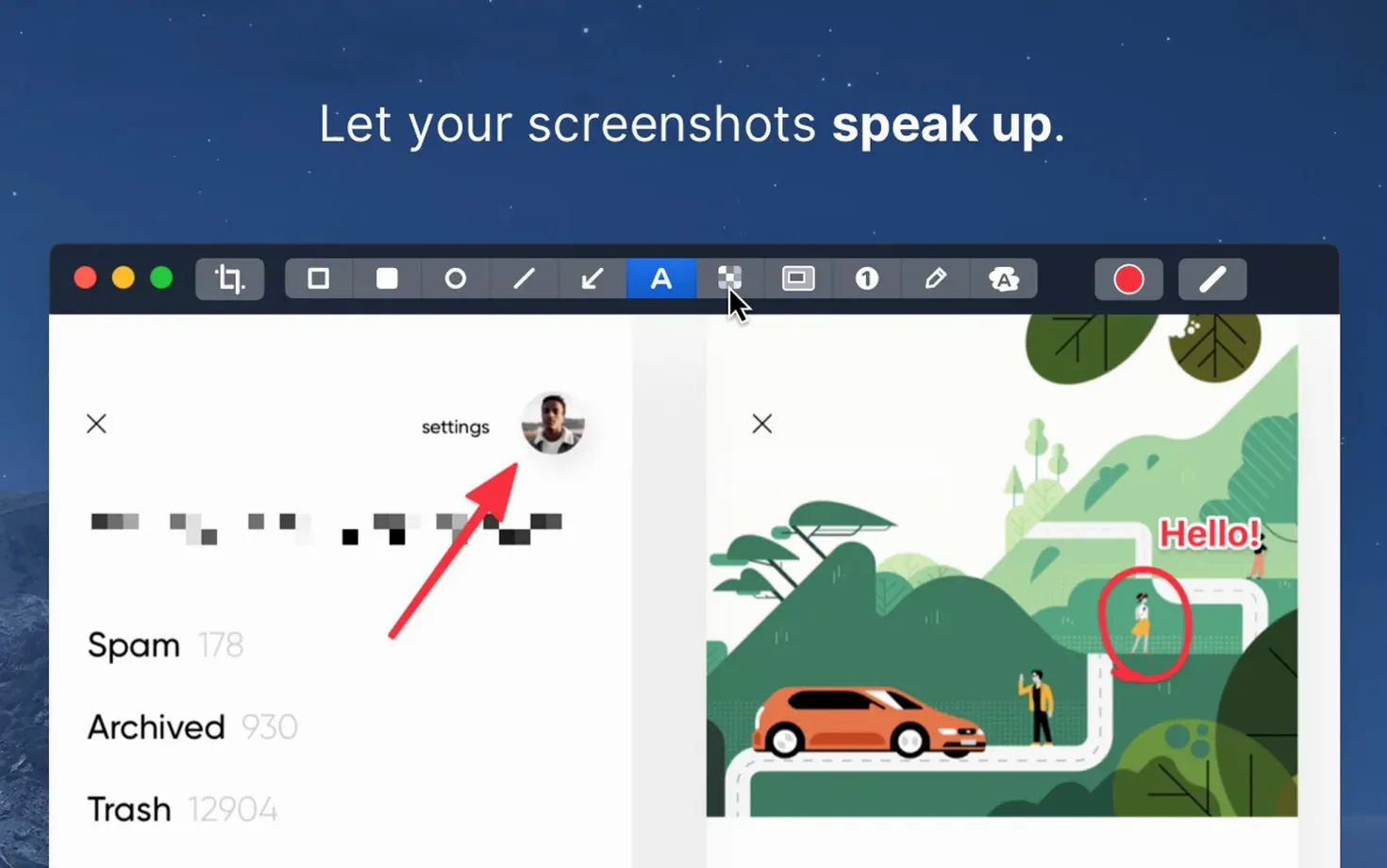
- Annotate in the built-in editor. Highlight, hide sensitive bits, or drop a comment before the file goes anywhere.
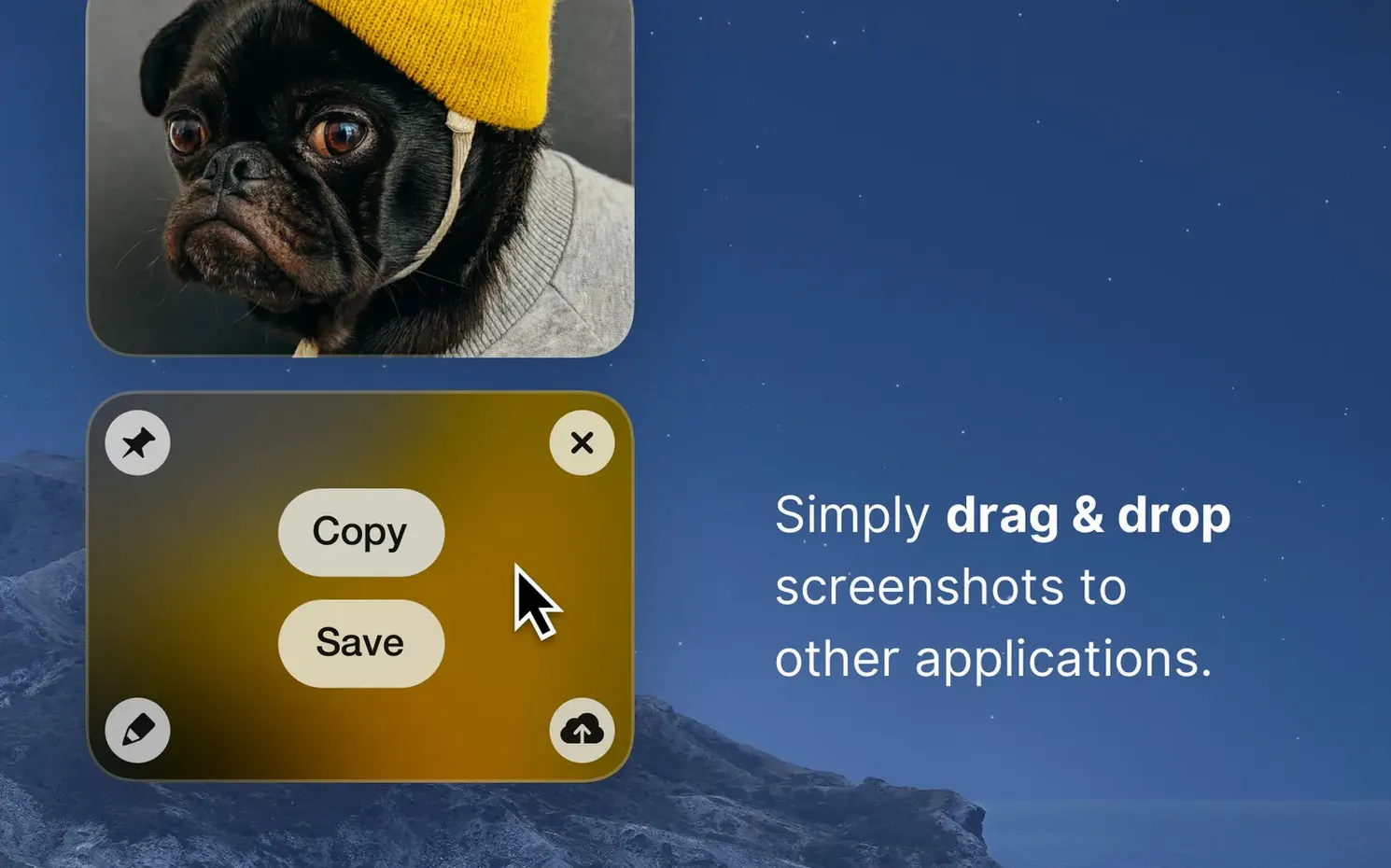
- Pin the result if you need it floating above other windows while you reference it.
- Switch between Retina and standard resolution when file size matters more than pixel density.
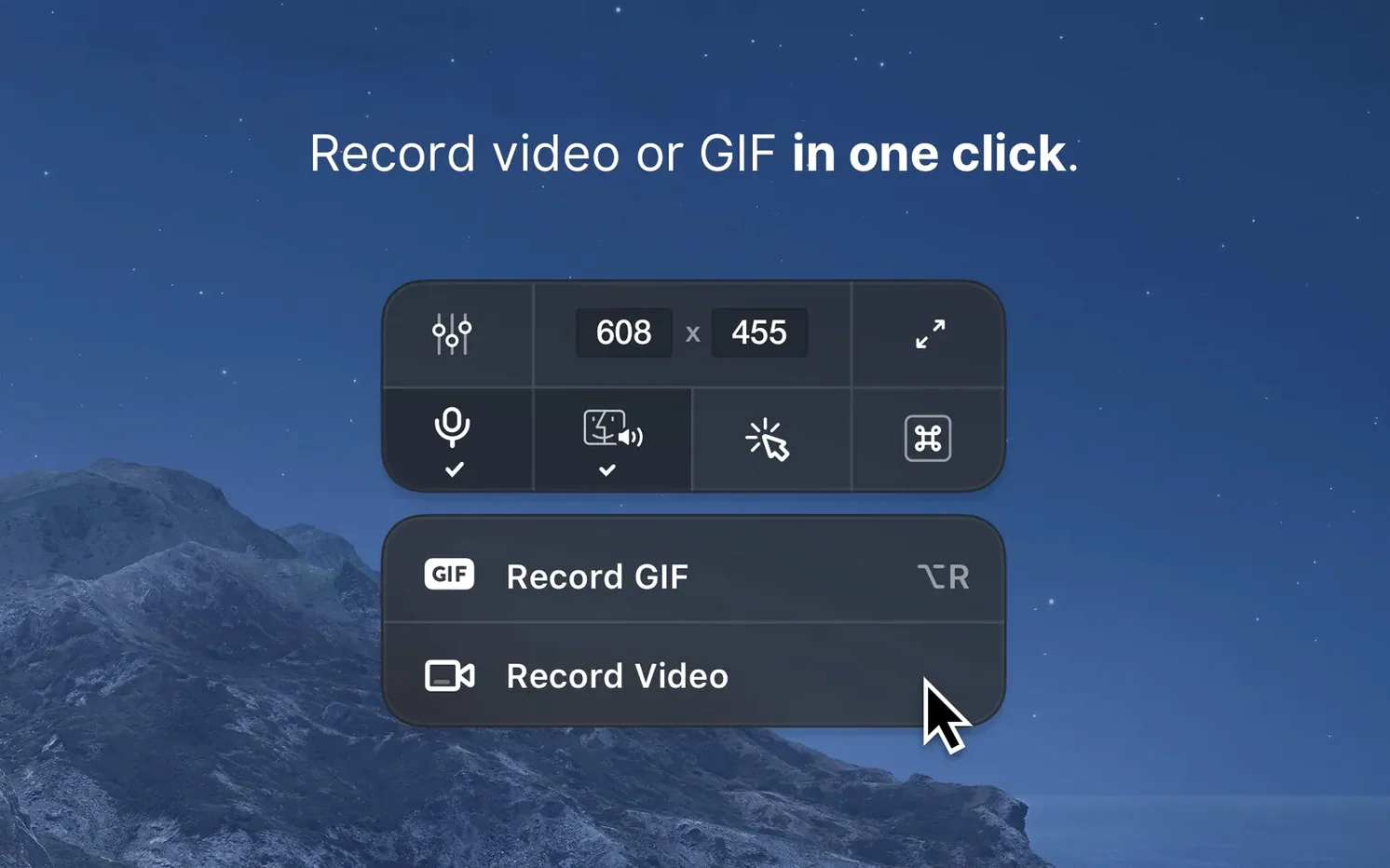
- Record the screen when a still image won't do — the recording tools live alongside the capture options.
CleanShot X is aimed at anyone who takes screenshots for a living: designers sharing concepts, support staff documenting steps, developers capturing bug reports. The pinned screenshots and scrolling capture cover cases the built-in macOS tools don't handle. Backgrounds can be swapped to a solid color or an image before export. It runs natively on both Apple silicon and Intel Macs with macOS 11 or newer.
Hold Option while dragging to resize from the center
CleanShot X packs a lot of shortcuts into a compact menu bar icon. Some of them aren't exactly advertised.
- Hold Option while dragging a capture area to resize from the center instead of the corner. Useful when you already have a subject framed and just need to tighten the edges.
- Space bar during area selection lets you move the entire selection rectangle without changing its size. Works the same as Photoshop's marquee tool muscle memory.
- Right-click the menu bar icon to jump straight into the last-used capture mode — no dropdown navigation needed. If you record GIFs all afternoon, one click gets you back to it.
- Drag a file onto the menu bar icon to open it in the Quick editor. This bypasses the whole capture step when you just need to annotate a screenshot someone else sent you.
- Cmd+Shift+5 integration isn't replaced — CleanShot X can hand off to macOS native recording if you prefer, but most users switch entirely once they get the customisable keyboard triggers set up in Preferences.
- Scrolling capture pauses automatically when the window content stops loading. That sounds minor until you're capturing a long webpage and don't have to babysit the progress bar.
None of these are hidden modes or secret keystrokes; they're just the kind of thing you skim past in a first-run and forget. Coming back to learn them a few weeks in makes the tool feel faster.
Why the 5.0 rewrite changed everyday use more than expected
The jump to 5.0 brought structural changes that affect everyday use more than a dot-release normally would. Version 5.0.1 is a small polish pass — bug fixes only — so everything below traces back to the 5.0 release from September 2026.
- The recording engine was rewritten. In practice, that means smoother video captures on Apple silicon Macs under heavy load. Earlier versions could stutter when recording a 4K display while Xcode was compiling. The new pipeline handles that without dropping frames as often.
- Annotation tools got a precision bump. The highlighter now snaps more tightly to text baselines, and the blur tool respects object edges better. If you spend time redacting screenshots, you'll notice fewer manual adjustments per image.
- Background replacement moved closer to export. You can now swap in a wallpaper or a solid colour as the final step before saving, rather than setting it as a capture preference ahead of time. That's a workflow change that cuts down on settings toggling.
- Menu bar behaviour tightened up. On multi-monitor setups, the capture tools no longer occasionally appear on the wrong display. That bug had been nagging users since 4.x, and it's addressed in 5.0.
- GIF export options improved. Frame rate and colour palette controls are more granular, which matters when you're trying to keep file sizes small for Slack or Notion embeds.
If you're running a cleanShot x mac download from before September 2026, the 5.x line is where these refinements land. The 5.0.1 update doesn't add features — it's strictly a stability release.
Scrolling capture alone replaces three other tools for support engineers
The tool covers a lot of ground, but three groups get disproportionate value from it.
Technical writers and support engineers live in a world of reproducing bugs, documenting steps, and sharing annotated screenshots. The scrolling capture alone replaces three or four separate screenshots stitched together manually. Pinning a reference image while typing up a ticket removes the constant alt-tab dance. The built-in step counter tool — easy to overlook — auto-numbers clicks and taps, which turns a messy capture session into a readable procedure.
UI and product designers tend to screenshot the same interface in ten different states. Background replacement and resolution switching matter here: export a Retina capture for the design review, then drop to standard resolution for the Jira attachment that just needs to be legible. Quick annotations keep feedback loops tight without opening a separate image editor.
Remote team members on async schedules — people who communicate by recording short screen videos instead of holding meetings — lean on the recording side. A 30-second GIF embedded in a chat message replaces a paragraph of text. The notification suppression during recording is a small feature that makes a big difference when you don't want your coworker's Slack notification popping up mid-demonstration.
Casual users who take one screenshot a week won't need what a cleanShot x download offers beyond the built-in macOS tools. But once you cross into double-digit captures per day, the time savings stack up.
Memory usage after repeated full-screen captures and 4K recordings
CleanShot X runs as a lightweight background process — the menu bar helper is a separate process from the capture engine, and neither one hogs memory. On a test session with repeated full-screen captures and 4K recordings, the combined memory usage sat around 120–180 MB. That's modest for a tool that keeps an editor, a recorder, and a scrolling compositor ready at all times.
Launch time from a cold start is under two seconds on Apple silicon. The menu bar icon responds instantly, and there's no splash screen or loading phase. Hotkey-triggered captures feel immediate — the crosshair appears the moment you press the shortcut.
Stability under 5.0.1 is solid, though the 5.0 rewrite introduced a handful of edge-case crashes, mostly tied to scrolling capture on certain Electron apps. The 5.0.1 patch addressed those. In daily use on macOS 11 through the latest release, the app rarely crashes. The recording engine occasionally needs a restart if you switch between GIF and video modes rapidly — a quirk, not a dealbreaker.
On Intel Macs, the experience is identical feature-for-feature, but rendering large scrolling captures takes slightly longer, and 4K recordings push the CPU harder. Apple silicon Macs handle the same workload with less fan noise and lower temperatures. If you're deciding whether a cleanShot x free trial run is worth it on older hardware, it absolutely runs — just budget a few extra seconds for compositing long scroll captures.
Battery impact is minimal. A 10-minute screen recording session on a MacBook Air sips about 5–7% battery, which is in line with the macOS native screen recording tool. The background process idles at near-zero CPU when not actively capturing.
- Minor bug fixes and improvements.
- macOS 11 or newer
- Apple silicon or Intel Mac
- Interface: English
$ man cleanshot-x | grep -A2 "?"
Is CleanShot X free?
No, CleanShot X is a paid app. Searching for "cleanshot x free" will not turn up an official free version.
Comments 0
Sign in or create an account to leave a comment.
No comments yet. A codec, a slice, a machine — they appear after moderation.