ClickClack - Typing Trainer for macOS
You know the feeling: your fingers know where the keys should be, but the moment you stop looking down, everything falls apart. ClickClack is a native Mac typing trainer that works on the habits that cause those errors. It adapts exercises based on your typing pace and the keys you keep getting wrong, so your first session already targets what trips you up.
What should you try first?
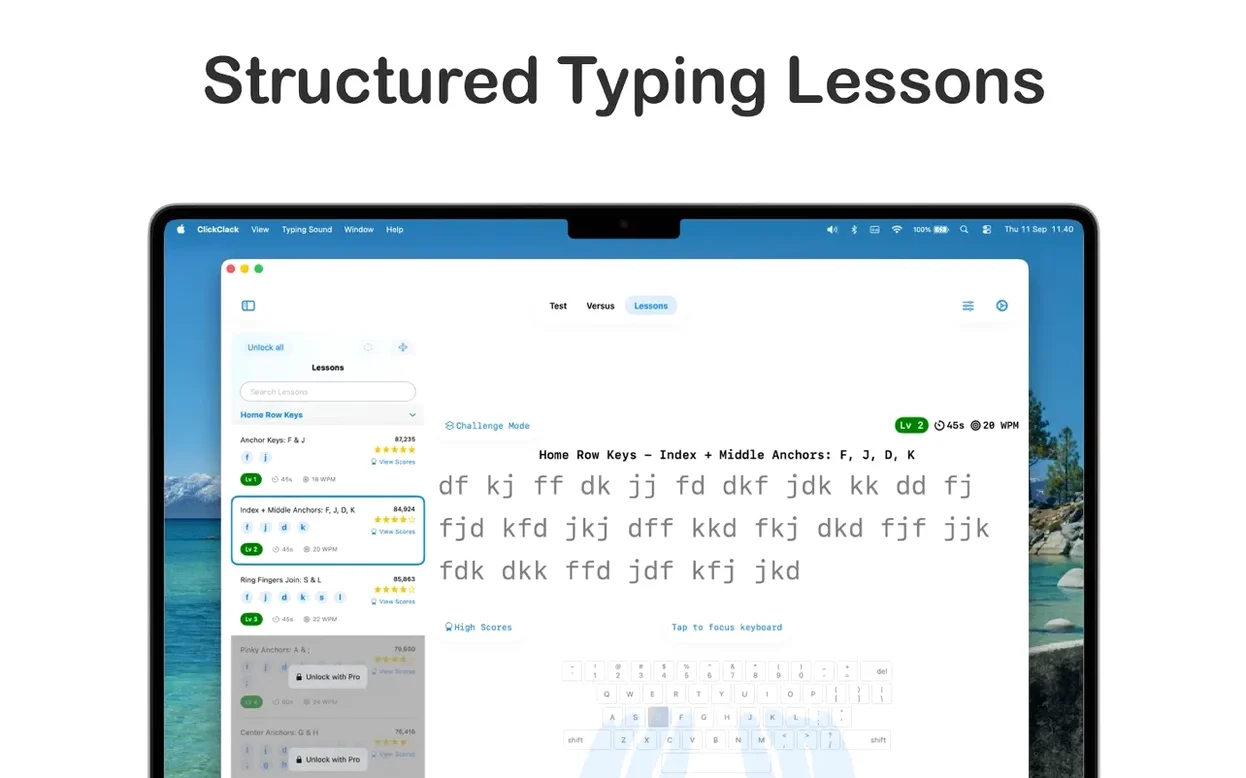
- Start with the adaptive lessons. The app watches your errors and adjusts upcoming exercises to focus on problematic key combinations like
th,ion, or adjacent-letter pairs. - Run a timed practice session. The timed mode gives you a realistic sense of your current pace without the pressure of a formal test.
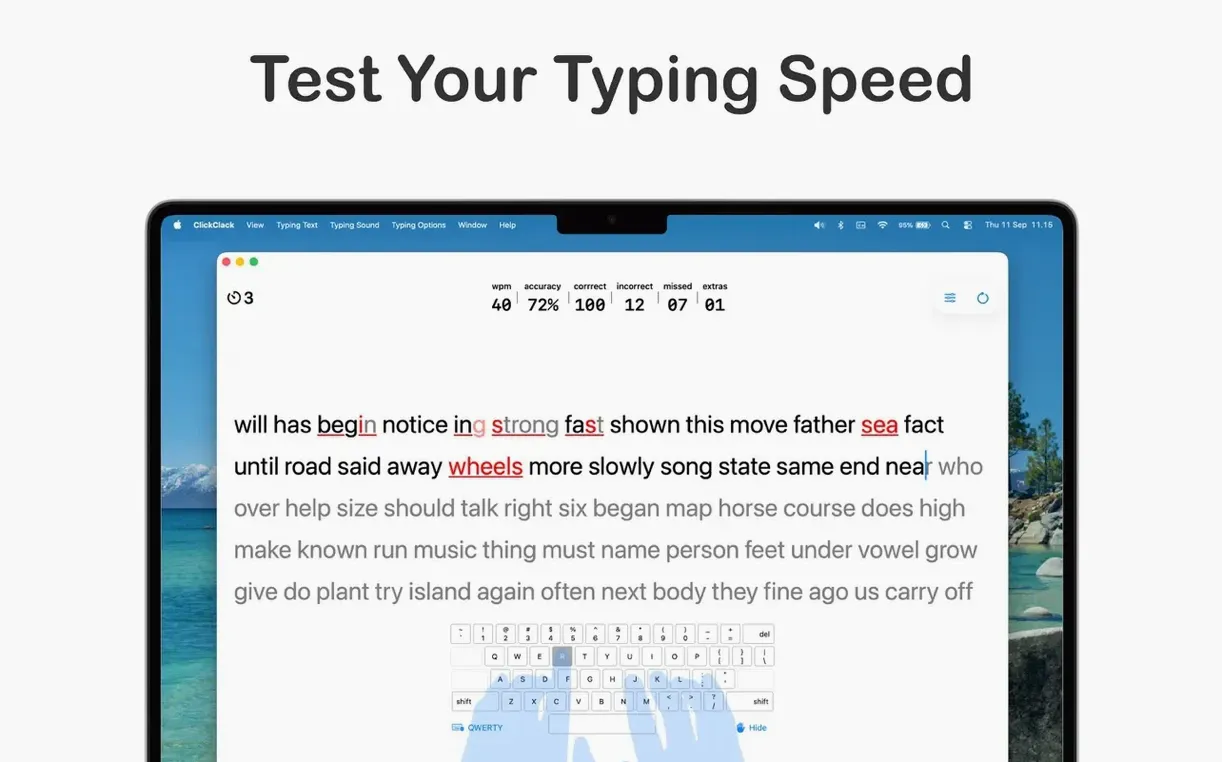
- Pay attention to the visual feedback. Key highlighting, error color indicators, and keypress animation show you exactly where a mistype happens before it becomes a habit.
What does the feedback actually tell you?
ClickClack uses visual cues in real time. The key you should press lights up, errors are marked in a distinct color, and the animation tracks each keypress. This matters because typing errors often come from hesitation or a slightly wrong finger position, not from not knowing the layout. The exercises adapt based on the mistakes you make, so you spend more time on combinations that actually slow you down.
Picking up your evening lesson queue where you left off
You open the app around eight in the evening, coffee in hand, after realizing that a few emails earlier in the day took longer than they should have. ClickClack picks up right where you left off: the lesson queue shows a set of exercises built around e-to-i transitions, a combination you fumbled repeatedly last time. You tap through the first drill — short words like receive and believe — and the key highlights guide your ring finger before you even glance down.
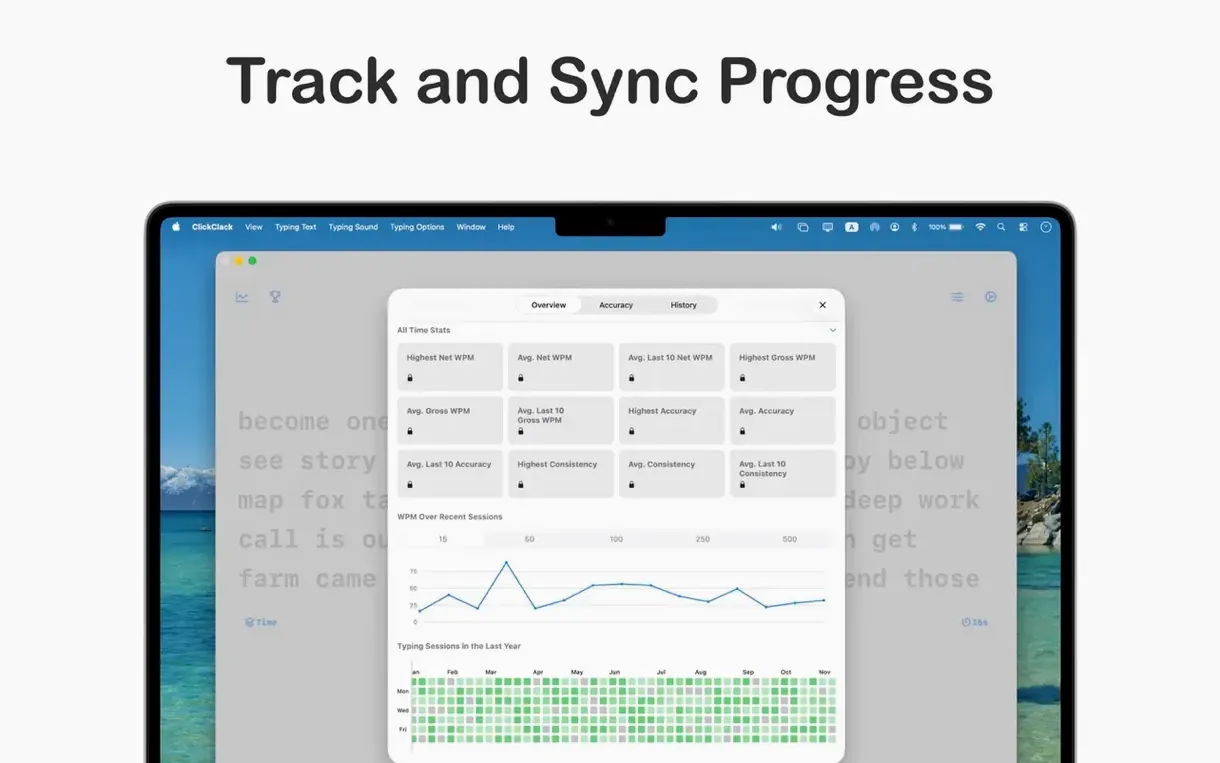
About three minutes in, you notice the pace pick up. The app swapped in longer phrases because your error rate on the target keys dropped below four percent. A timed practice follows: a 90-second extract from a news article. Your accuracy holds at 97%, but the tion ending still triggers a flicker of red on the overlay. After the timer stops, the statistics panel plots a small speed bump against the last seven days, and the error map shows i-o adjacency mistakes clustered more tightly than before. You end the session by queuing a problem keys drill for tomorrow — the app remembers, not you.
180 MB of memory and a locked 60 fps key overlay on an M2 Air
On an M2 MacBook Air, ClickClack launches cold in under two seconds and sits at roughly 180 MB of memory during a lesson with the statistics view open. The animated key overlay runs at a locked 60 frames per second without spiking the GPU, which keeps the fan silent through a 45-minute practice block. The app stays stable across language switches: flipping from English to the Arabic layout mid-session redraws the keyboard instantly, and the same visual feedback rules apply without stutter.
Battery drain is negligible. A full hour of timed drills with the display at half brightness cost around six percent charge — comparable to a lightweight text editor. The .dmg clocks in under 40 MB, and the helper files it writes to ~/Library/Application Support/ClickClack for your progress database stay compact even after weeks of daily use.
Charts no longer clip their labels when you resize the statistics panel
The 5.0.2 update landed on September 17, 2026, and it focused entirely on bug fixes and interface polish. In everyday use, that translates to smoother window resizing on the statistics panel — charts no longer clip their labels when you snap the window to half-screen width — and a fix for the Arabic keyboard overlay, which previously showed misplaced diacritic markers on a few keycaps. The visual feedback timing also tightened: keypress animations no longer lag behind fast typists pushing past 90 words per minute. No new modes or lesson packs shipped with this release, so anyone running a clickclack typing trainer mac torrent from earlier 5.0 builds gets those fixes without workflow disruptions.
Version 5.2.0 adds a genuinely interesting drill engine and some thoughtful on-device AI features. The headline is the Dynamic N-Gram Word Focus Lab — it identifies the exact character sequences that trip you up and builds drills around them, which is a much more direct route to fluid muscle memory than generic repetition. You can choose how the lab picks its patterns: Targeted, Smart Mix, or Expansion logic; the first two are PRO features. If you need to grind multiple weak spots at once, the lab now supports up to twelve concurrent sequences in a single session.
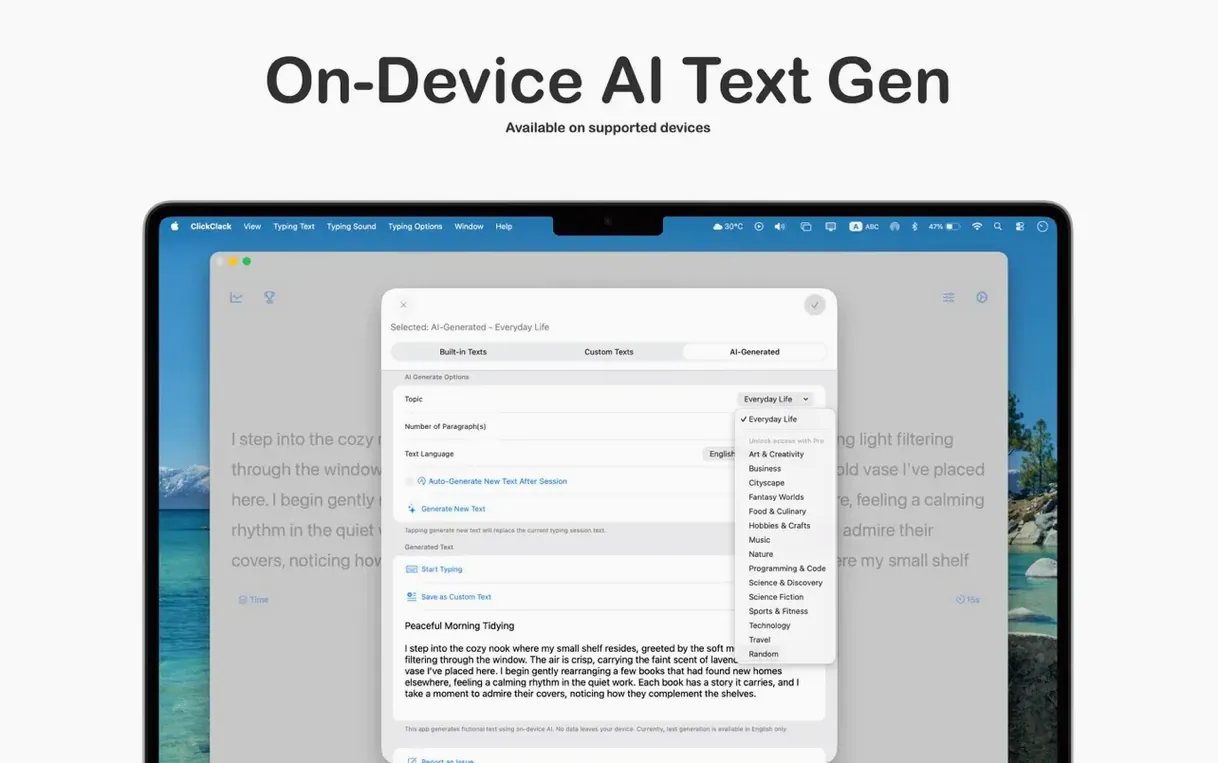
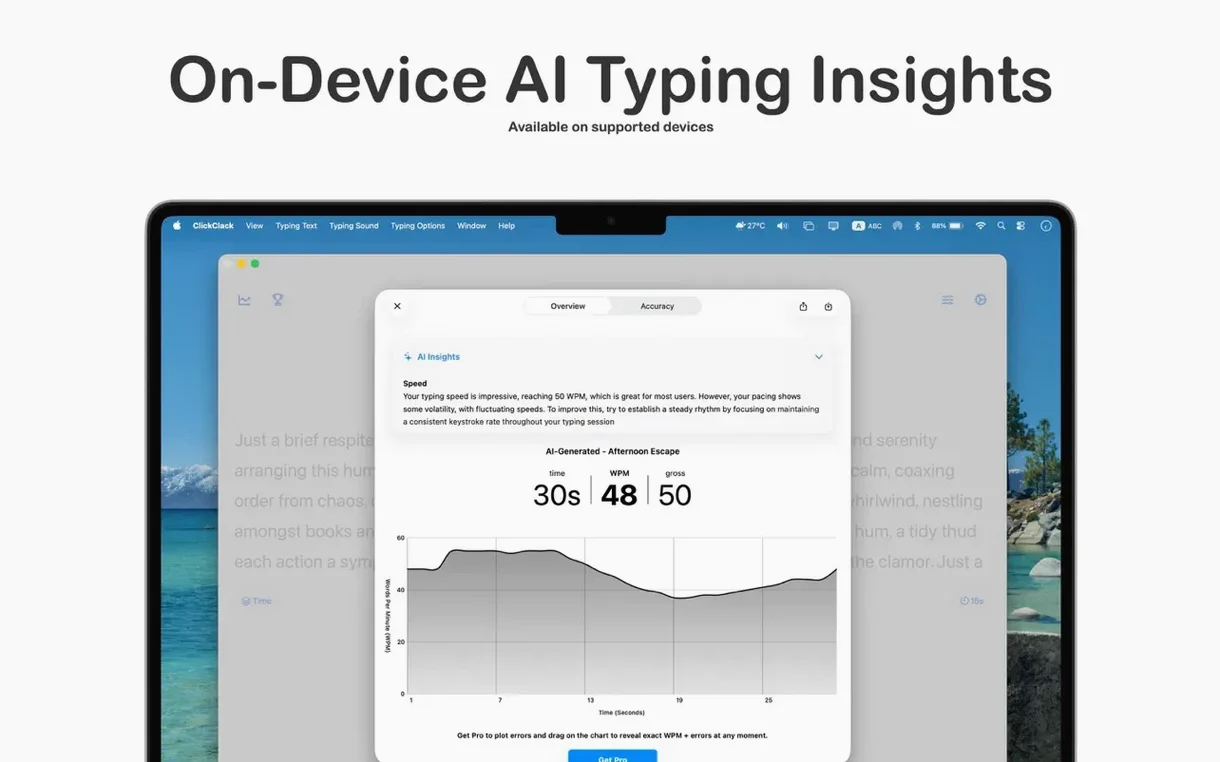
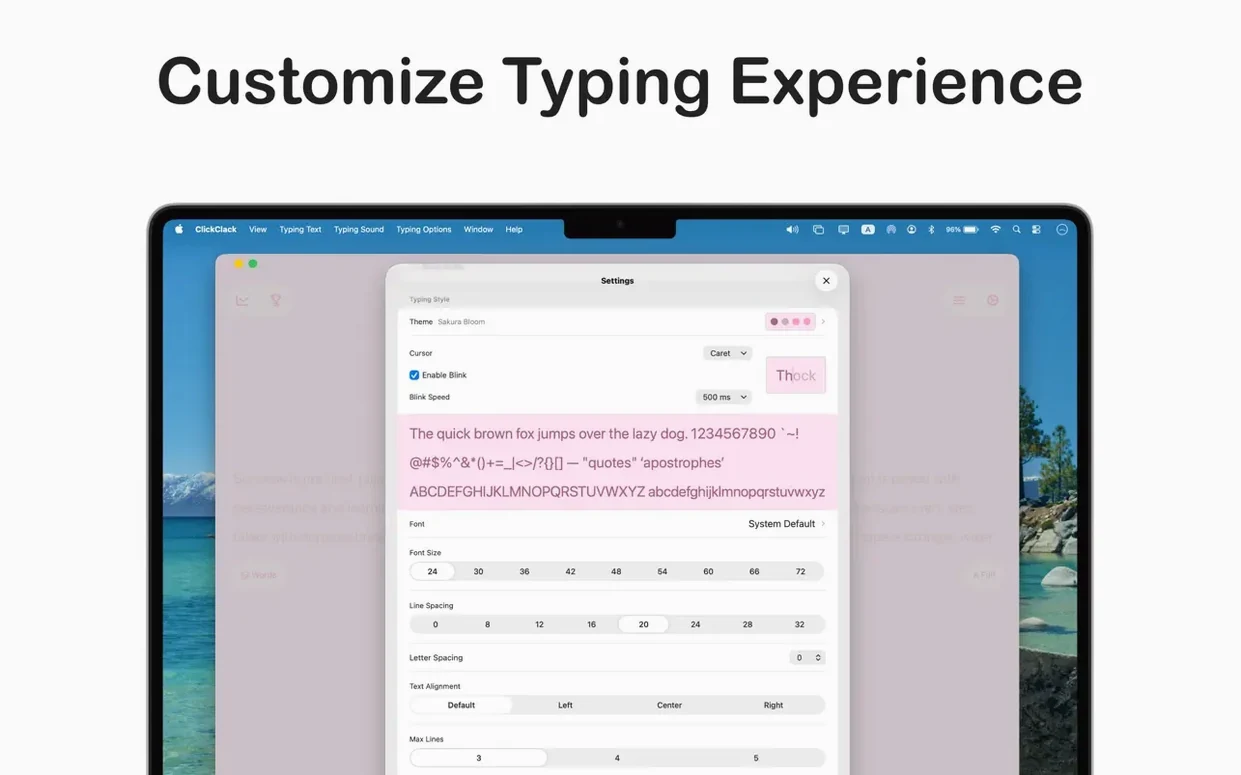
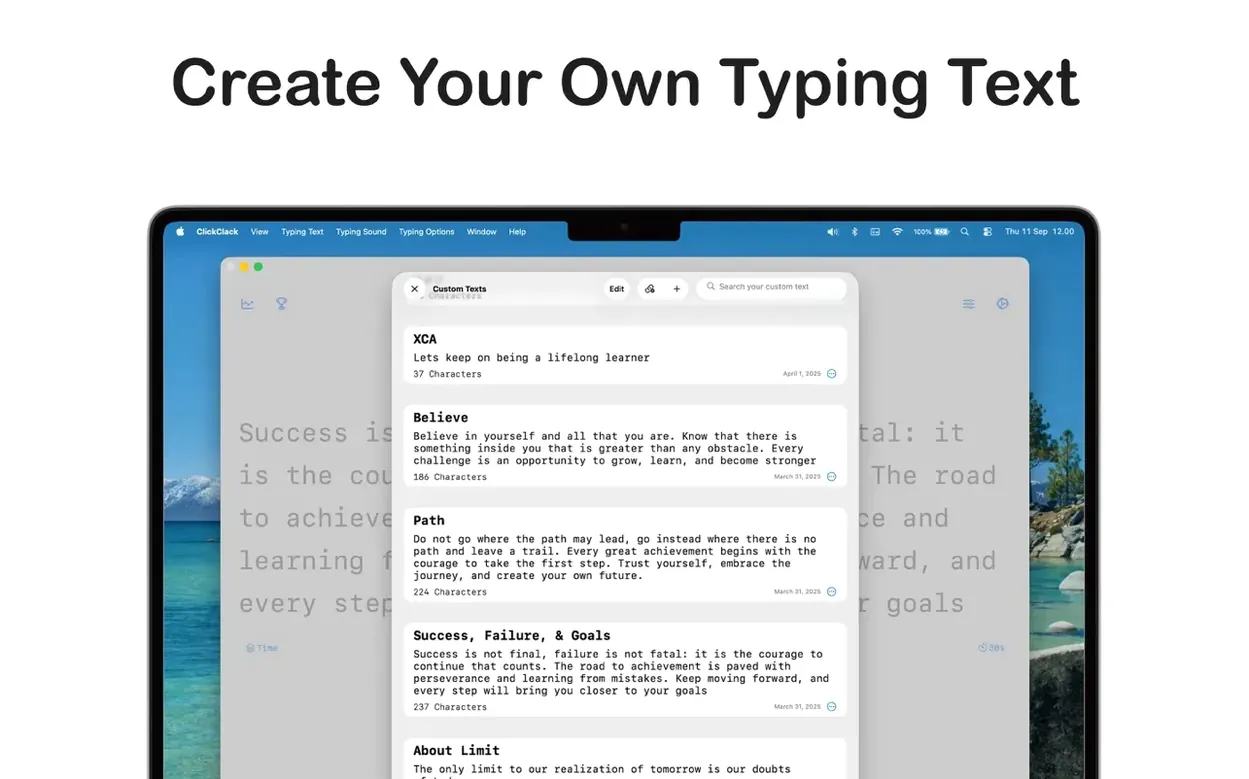
On the AI side, the app can generate practice text locally using Apple Intelligence, though the developer notes that requires iOS 26, so that part is clearly forward-looking on macOS. There is also a private, on-device analysis of your speed, consistency, and accuracy — nothing leaves your machine. No data collection, same as always. The sound engine now accepts custom audio packs, so you can load recordings of your favourite mechanical switches and type along with the actual thock and clack of your own keyboard.
- macOS 14.5 or later
- Apple Silicon or Intel 64-bit processor
Comments 0
Sign in or create an account to leave a comment.
No comments yet. A codec, a slice, a machine — they appear after moderation.