Coherence X for macOS
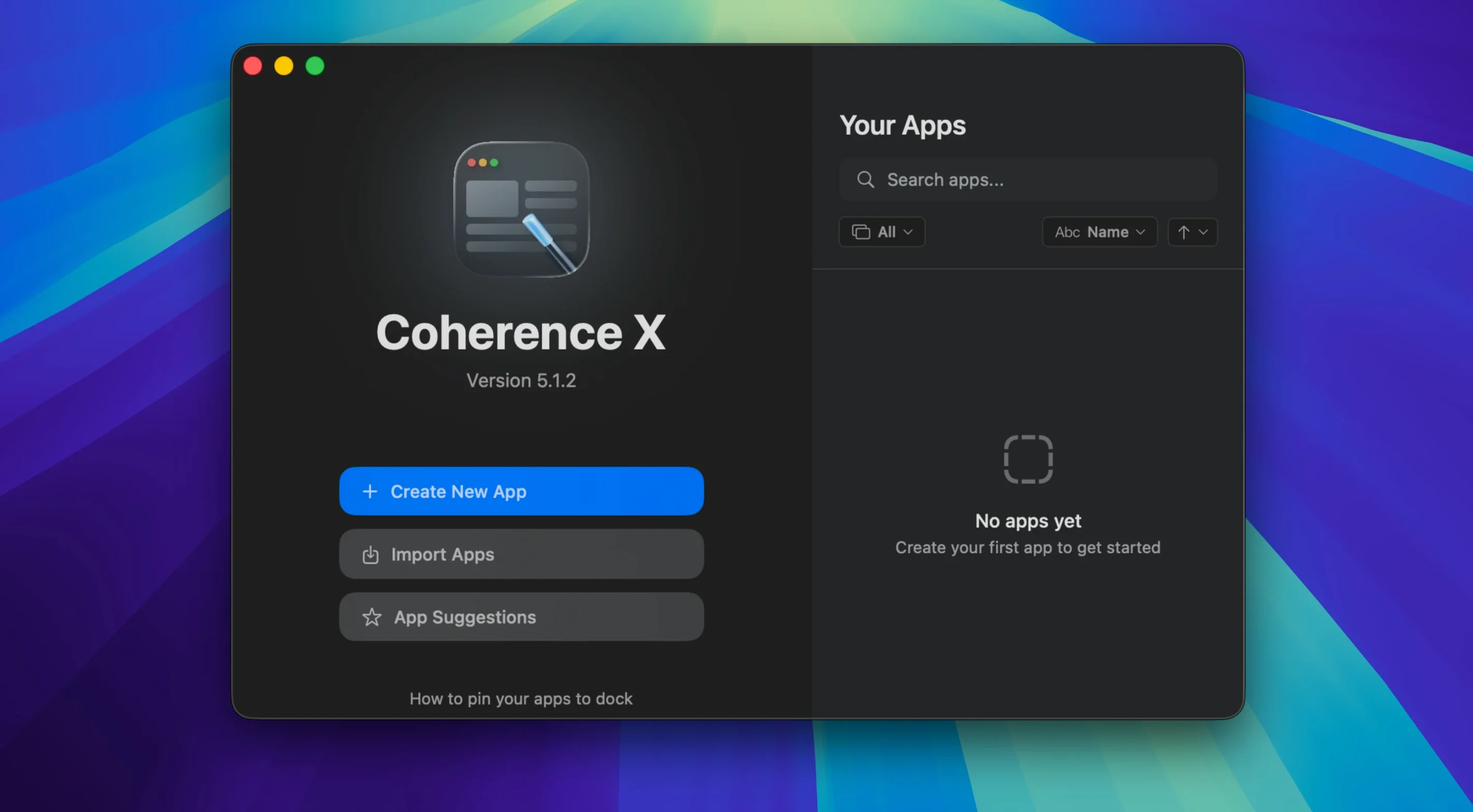
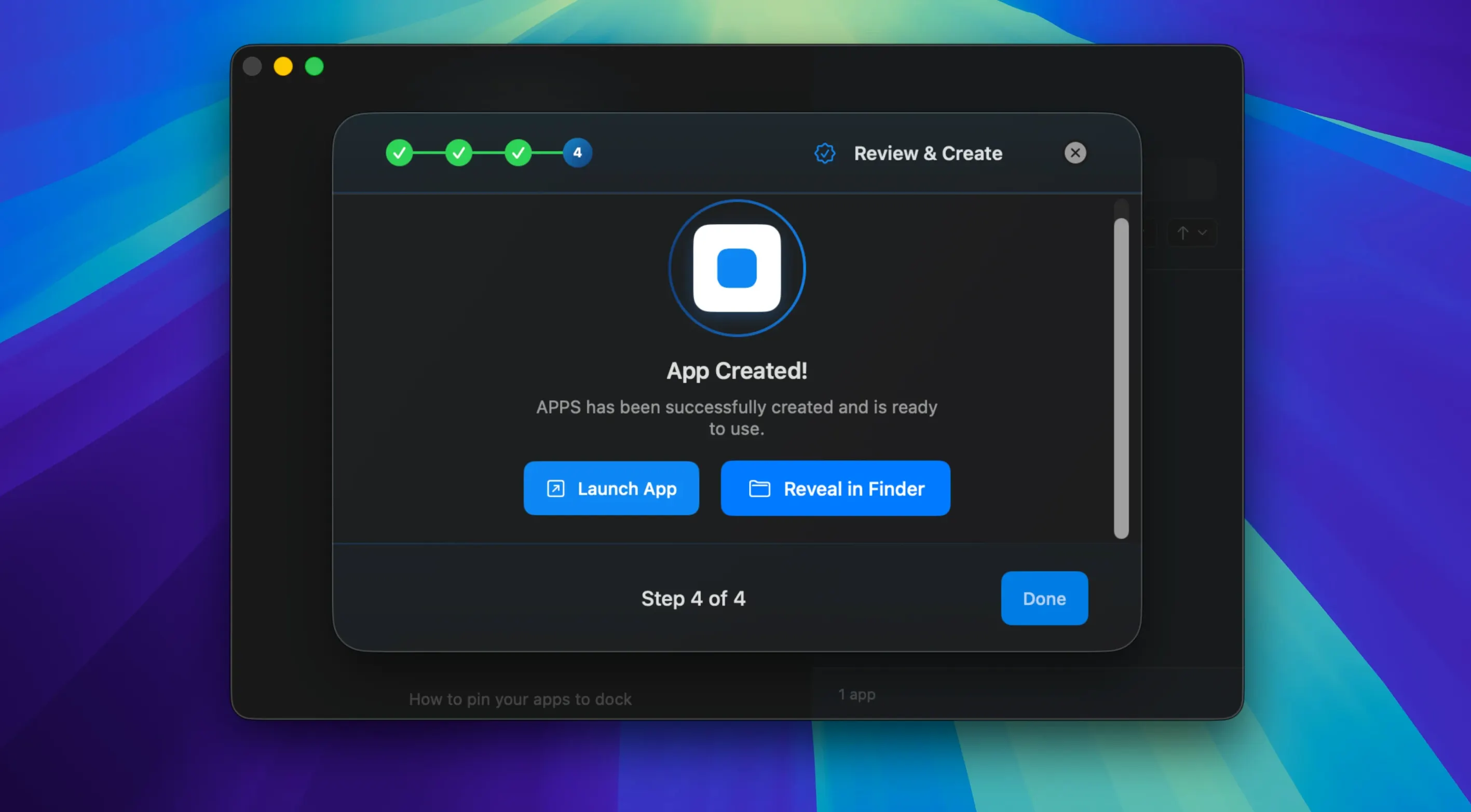
Coherence X is a tool that packages any website into a standalone desktop application using the Chrome engine. Before you look for a coherence torrent download, it pays to know exactly what your Mac needs and what the software actually does once it is installed.
Compatibility checklist
- Requires macOS 13 or later.
- Runs natively on both Apple Silicon and Intel Macs — no Rosetta translation layer needed.
- Interface languages provided: English, German, and Spanish.
Isolated Chrome instance with its own extensions
Each app you create runs its own isolated Chrome instance, so you get full support for Chrome Web Store extensions. You can install and manage those extensions inside the created app, then tweak the URL, icon, or rendering mode later without starting over. Link routing is flexible: you decide which links open inside the app and which ones get sent to your main browser. Version 6.1 improves this by letting you add multiple domains at once and saves routing changes immediately — no rebuild required. The export feature also means you can share a finished app as a self-contained bundle.
Three Gmail accounts, three separate apps with distinct profiles
A freelance writer starts the day with Gmail, Google Docs, and Notion each running as separate Coherence X apps. She keeps three Gmail accounts across different client projects, and each one lives in its own app with a distinct profile — no logging in and out, no accidental cross-posting from the wrong address. The Notion app has the Grammarly extension installed through the Chrome Web Store, so every page she drafts gets checked inline. When she clicks a link in a client email, the routing rules she set up send it to her main browser where she keeps bookmarks and research tabs. Google Docs links, however, stay inside the Docs app. She never accidentally edits a manuscript in a browser window cluttered with social media tabs, because the app strips away the chrome and lets her focus on the text.
Choose app mode before you build anything
After you drag the app into /Applications and launch it, a few small decisions early on will save you headaches later. Here is a practical order to follow in your first hour.
- Decide on app mode before you build. A Standard app works best for single-purpose tools like a calendar or a task board. A Tabbed app suits services where you often open multiple pages — think Slack with several workspaces or a documentation site where you jump between sections.
- Name apps clearly from the start. The name you pick becomes the Dock label and the menu bar title. Calling an app “Mail” when you already have Apple Mail installed leads to confusion. Use descriptive names like “Client Gmail – Acme” or “Notion – Personal.”
- Install extensions during the first session. Open the Chrome Web Store inside the created app straight away. Extensions like password managers, ad blockers, or grammar checkers need to be present before you start relying on the app for real work. Adding them later means re-training your muscle memory.
- Set up link routing immediately. Version 6.1 lets you add multiple domains per rule and suggests destinations for new rules. Spend five minutes listing the domains you want kept inside the app versus the ones that belong in your main browser. Routing changes now save without a rebuild, so you can tweak these rules as you go.
- Check the Dock click behavior. By default, clicking a Dock icon opens a minimized window or creates a new one if none exists. Make sure this matches how you expect to switch back to the app during the day.
Treating apps as wrappers instead of full Chrome instances
Most early frustrations with Coherence X come from treating the created apps as lightweight wrappers rather than full Chrome instances. Here are the patterns I see repeatedly when someone downloads a Coherence X torrent and jumps in without reading the details.
Forgetting that each app is its own Chrome profile. Your saved passwords, cookies, and local storage live inside that app and do not sync with your main Chrome installation unless you sign into a Google account inside the app. People build a Gmail app, wonder why their saved passwords are missing, and blame the tool instead of understanding the isolation model.
Ignoring extension management. Installing 30 extensions inside a simple news-reader app bloats memory usage. Each created app runs a separate Chrome engine process tree, and every extension you add multiplies that cost. Be selective: install only what that specific web service actually needs.
Not using profiles for multi-account setups. Someone managing two Notion workspaces will often build two separate apps but forget to assign different profiles. The result: cookie collisions, constant re-authentication prompts, and sessions that overwrite each other. Create a distinct profile per account from the start.
Expecting every website to behave identically. Some sites detect an app window without a full browser frame and serve a mobile layout. If a site looks broken, try toggling the user agent in the app settings before concluding the app does not work.
Performance mirrors Chrome because it is Chrome
The performance profile matches what you would expect from Chrome — because it is Chrome, just scoped to a single site. On an M1 MacBook Air with 16 GB of RAM, five lightweight apps (Gmail, Calendar, a notes tool, a feed reader, and a documentation site) collectively hover around 1.2 to 1.8 GB of memory. That is roughly equivalent to running those same five tabs in Chrome with the same extensions loaded. CPU use stays near zero when the apps are idle in the background; a tab with heavy JavaScript animations or auto-refreshing dashboards will of course push those numbers up.
Startup time for a created app is about two seconds on Apple Silicon — noticeably faster than launching a full Chrome window with a restored session. Switching between apps feels instant because each one has its own process tree and does not block on another app’s page rendering. If one app freezes on a misbehaving page, the others keep running unaffected. That isolation is the main stability advantage over keeping everything in browser tabs.
On Intel machines, the same workload runs fine but the fans may spin up sooner — especially with media-heavy apps like YouTube Music or Figma. The native Intel build means no Rosetta overhead, but the thermal constraints of older Intel MacBooks are what they are.
One thing worth knowing: quitting a Coherence X app fully releases its memory. Unlike a browser that holds onto background tab state, closing the app window and quitting the process returns the RAM to the system. For people who keep dozens of web apps open all day, this makes a measurable difference to overall system responsiveness by the afternoon.
- Link routing now accepts multiple domains in one go, and new rules start with a suggested destination.
- Routing and appearance edits save immediately — you no longer need to rebuild the app for changes to stick.
- The extension's Manage in Coherence button opens the correct app more reliably.
- macOS 13 or later
- Apple Silicon or Intel Mac
$ man coherence-x | grep -A2 "?"
Does Coherence X support Chrome extensions?
Yes, you can install and manage extensions from the Chrome Web Store directly inside any app you create.
Can I share apps I build with Coherence X?
It includes an export feature that lets you package a created app and share it with other Mac users.
Comments 0
Sign in or create an account to leave a comment.
No comments yet. A codec, a slice, a machine — they appear after moderation.