CorelDRAW for macOS
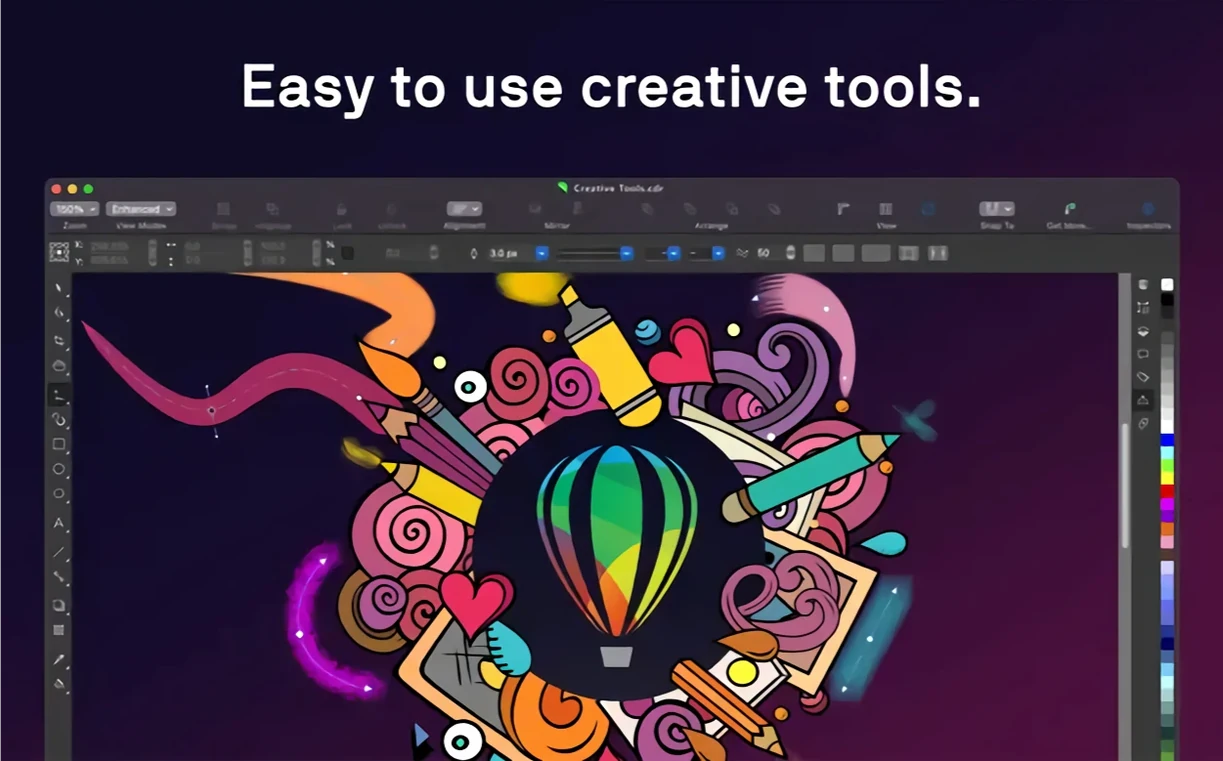
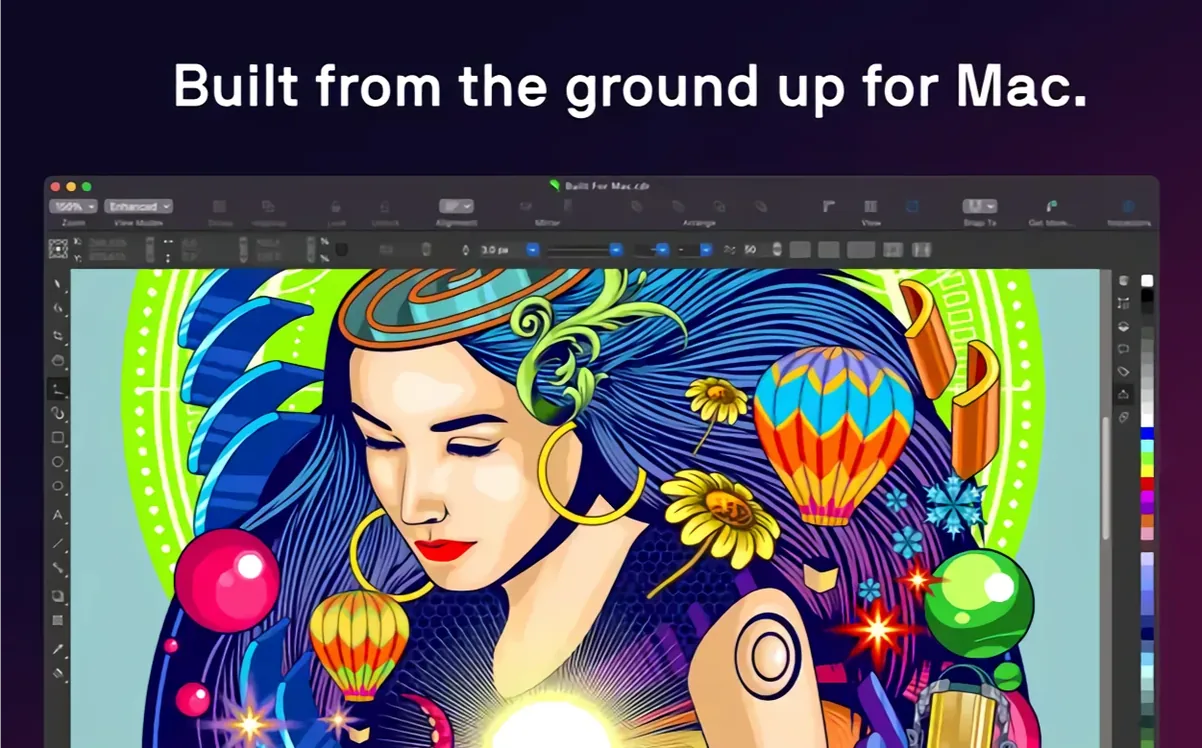
CorelDRAW Graphics Suite runs on any Mac that meets the baseline of macOS 13 Ventura. The app is a universal binary, so it runs natively on both Apple Silicon (M1, M2, M3, M4) and Intel-based Macs without going through Rosetta. You'll want at least 8 GB of RAM, though 16 GB is where it stops fighting you on complex multi-page documents.
Good for
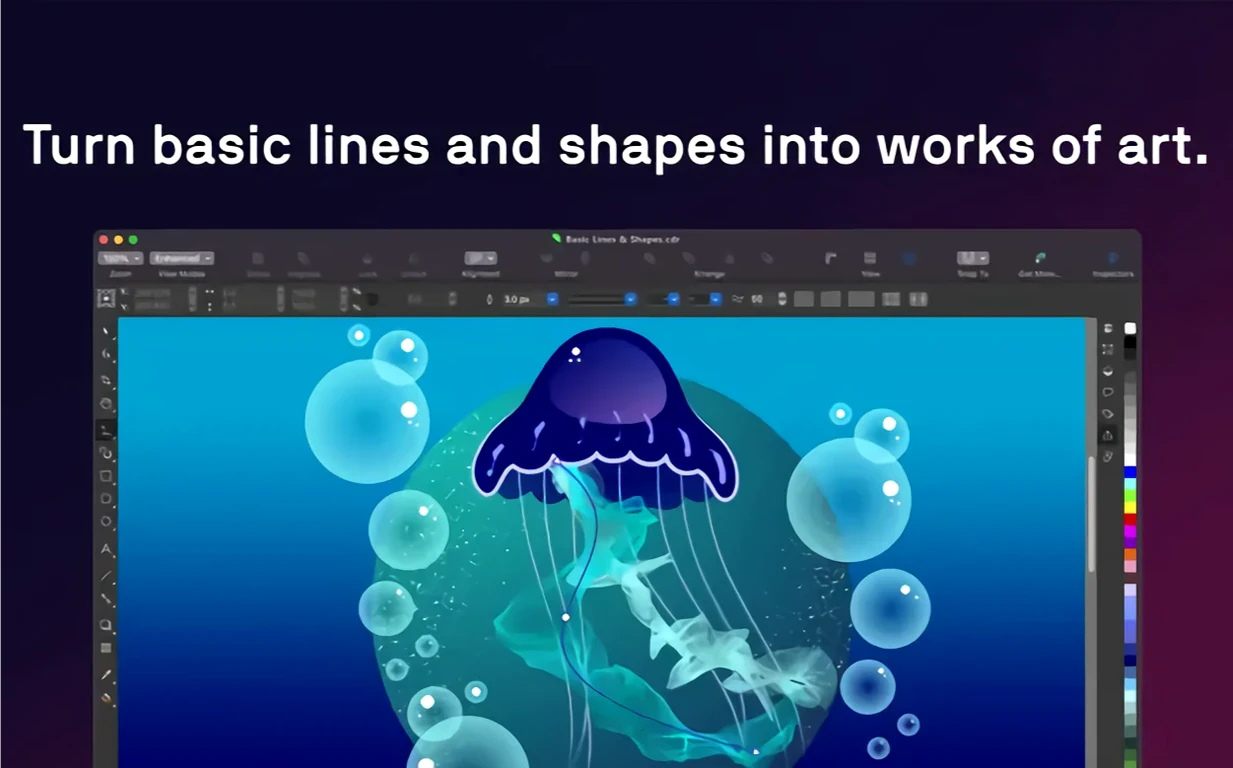
- Vector illustration work that needs precision — the pen tool, node editing, and interactive fill handles feel direct on a Mac display.
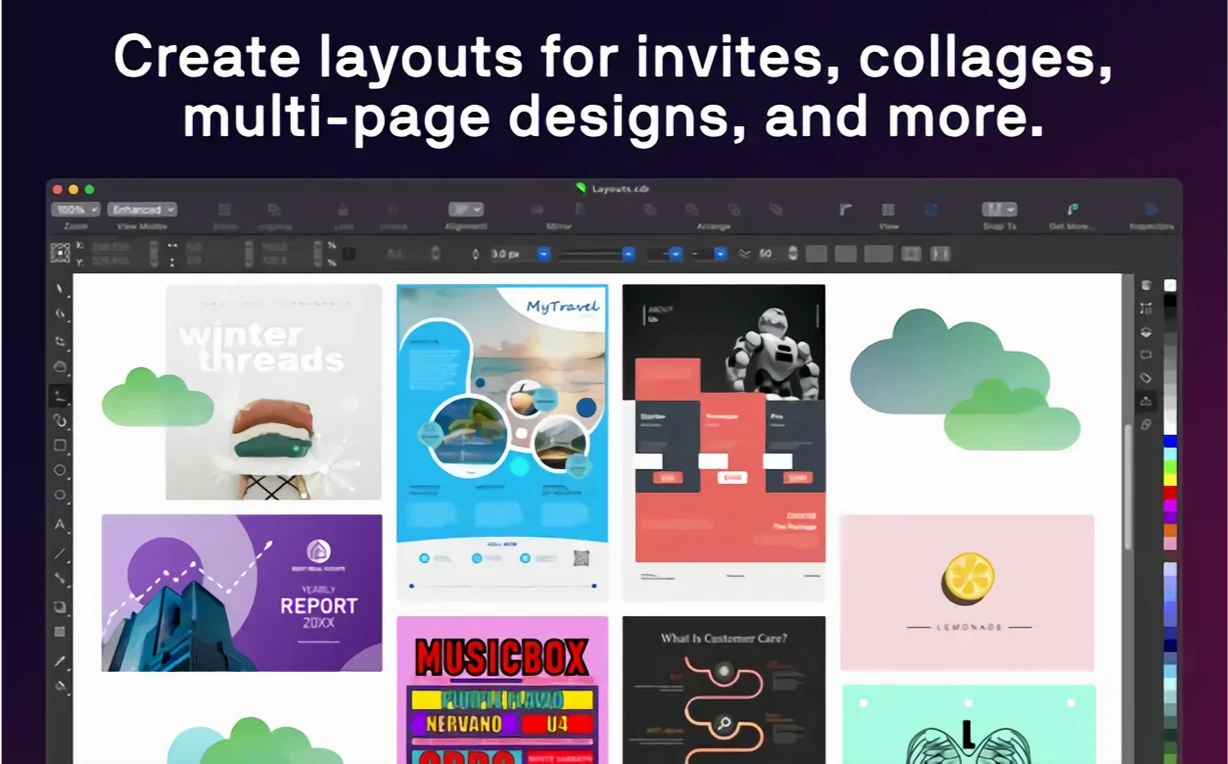
- Multi-page layout projects like brochures or catalogs. Styles and style sets let you reformat an entire document without selecting every text frame individually.
- Mixed-media workflows where you need vector, raster, and typography in one file. Having Corel PHOTO-PAINT and Corel Font Manager included in the suite means you aren't bouncing between four different apps.
- Working with variable fonts. You can interactively tune weight, width, and slant sliders and see the type update live on the canvas.
- Sidecar users. You can park your tool palettes on the Mac screen and draw with the Apple Pencil on the iPad, which is genuinely useful for freehand vector sketching.
Keep in mind
- The native macOS interface is functional, but it doesn't behave exactly like a document-based Cocoa app. Menus and keyboard shortcuts follow Corel's own conventions, not Apple's HIG.
- File interchange goes deep — it opens
.AI,.PSD,.PDF,.SVG,.DWG, and more — but round-tripping complex Illustrator files with live effects will always need cleanup. - Touch Bar support is present for layers and text tools, but only matters if you're on an older Intel MacBook Pro that still has one.
A packaging designer's morning
Imagine someone designing a label for a small-batch coffee roaster. The brief asks for a wrap-around label with metallic gold accents, the roaster's wordmark set in a condensed variable font, and a halftone illustration of a coffee cherry that needs to be traced from a rough pencil sketch scanned as a .JPG. This person isn't switching between three different applications to get it done — the whole project lives inside one .CDR file.
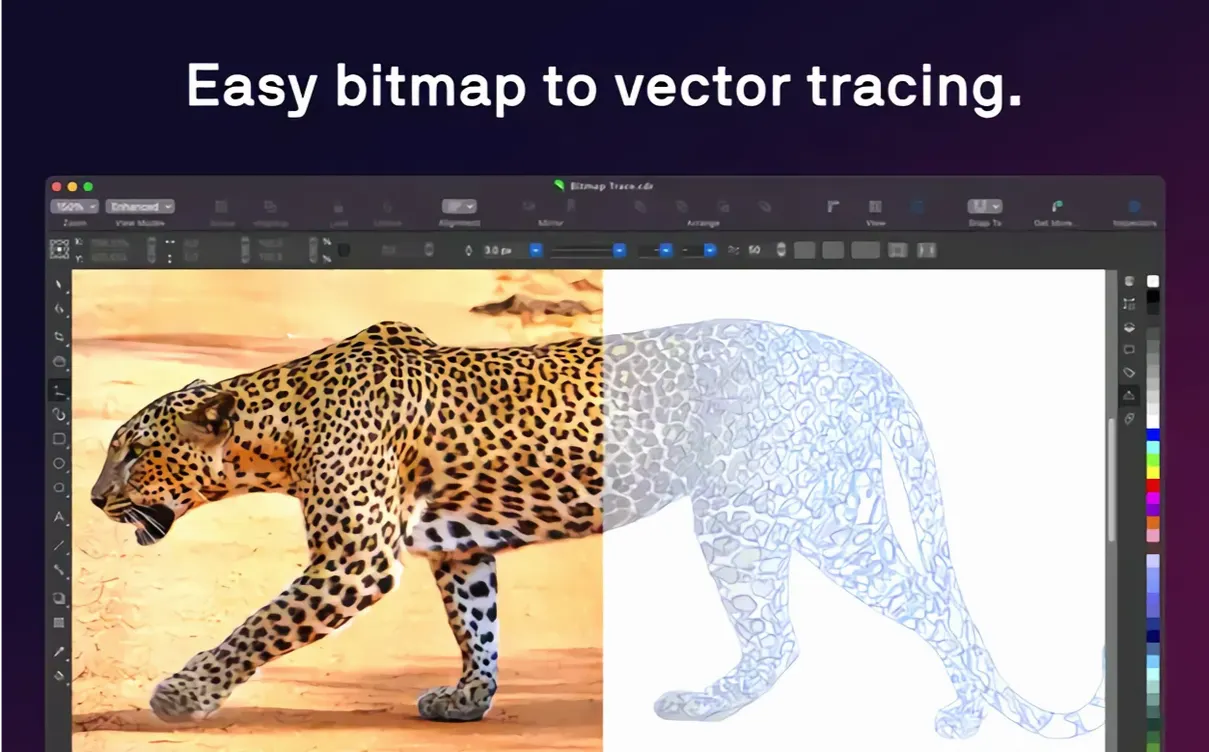
They start by importing the scanned sketch, running the raster-to-vector trace with the outline method set to "detailed logo," which gives them clean curves they can tweak with the shape tool in about four minutes. The variable font gets pulled in from Corel Font Manager, where they've tagged the roaster's brand typeface. They drag the weight slider until the wordmark feels dense enough to hold a gold foil effect, then build the metallic look with a custom fountain fill — three stops, a tight angle, and a transparency overlay that lets the label's kraft-paper background show through. PHOTO-PAINT is open in a second window for retouching the halftone dots, but they never leave the CorelDRAW workspace. When the dieline template arrives as a .DXF from the printer, they drop it onto a locked layer and align the artwork to the fold marks in under a minute.
This is the kind of workflow where the suite's breadth pays off. The designer isn't fighting format conversions or copying assets between apps. Everything that ships with the Graphics Suite — the vector engine, the bitmap editor, the font browser — talks to each other directly.
How it fits with other apps and macOS
CorelDRAW doesn't try to replace your entire toolchain, and that's actually why it sits comfortably alongside macOS-native apps. The .PSD import preserves layer names and blend modes well enough that you can rough out a composite in Corel PHOTO-PAINT, export it, and hand it to someone who finishes work in Affinity Photo or Photoshop without a rebuild. DWG and DXF support means a CAD user can send a technical drawing straight into a CorelDRAW page layout, where you overlay callouts and a title block using the text and dimension tools.
On the macOS side, the app respects system-level color management. If you've calibrated your display through System Settings, CorelDRAW picks up the profile and soft-proofs CMYK output using the same ICC profiles your print shop expects. Sidecar integration goes further than just mirroring — you can set the iPad to show only the canvas while your Mac screen holds the Docker panels, the Color Styles palette, and Font Manager. That turns the iPad into a dedicated drawing surface without cluttering it with UI chrome. The Touch Bar controls, for those still running a pre-2021 MacBook Pro, map to layer visibility toggles and text property shortcuts, which is modestly useful when you're working full-screen and don't want the Properties bar taking up canvas space.
Drag-and-drop from Finder works for all the formats the suite understands: drop a .HEIF from Photos, a .SVG from a browser download, or a batch of .PNG assets from a shared folder, and they land as import objects on the active page. Copy and paste between CorelDRAW and other Mac apps is vector-aware — copying a shape and pasting into a note won't get you much, but pasting into another vector editor that understands PDF clipboard data usually preserves the paths.
Who gets the most out of it
Sign makers and wide-format print shops are probably the most natural fit. The app's handling of large-scale layouts, contour cutting paths, and spot-color separations is something that grew out of decades of feedback from that industry. If you're running a Roland or Mimaki printer, you're likely already working in CorelDRAW because the production workflow — from the design canvas to the RIP — is direct and well-documented.
Illustrators who need both freehand and geometric precision find a sweet spot here too. The brush tools respond to pressure on a graphics tablet, and the symmetry drawing mode makes repeating patterns or mandala-style work fast. Pair that with the vector effects (contour, blend, envelope, extrude) and you can build dimensional illustrations without leaving the vector space.
Marketing teams producing multi-page product catalogs benefit from the page-layout side. Master pages, page-numbering, and style sets mean a 40-page catalog with consistent headers, body text, and color treatments stays manageable. When a product photo needs a quick background removal, PHOTO-PAINT is right there — no need to license a separate image editor.
Mac users coming from Adobe Illustrator who are tired of subscription models often land here, though there's an adjustment period. The pen tool behaves similarly, but the keyboard shortcuts and right-click context menus follow Corel's own logic. Once muscle memory adapts, the transition tends to stick because of how much is included without needing Creative Cloud.
A working session, step by step
It's 9 a.m. and a designer opens the packaging_template.cdr they built the previous afternoon. The file has three pages: the front label, the back nutritional panel, and the dieline layer shared across both. They're picking up where they left off on the back panel.
First step: they select the ingredient text frame and open the Text Properties docker. The copy needs to fit in a specific bounding box, so they toggle the "fit text to frame" option and let the point size adjust automatically. The font is a static OpenType, but the heading above it uses a variable font — they pull the width axis down to 75% to match the front label's condensed look.
Next, they need to add a barcode. They import the .EPS barcode file the client sent, ungroup it, and assign a pure black fill to the bars while deleting the white background so the kraft paper shows through. The barcode sits on its own layer, locked, so it can't be accidentally nudged during alignment.
The nutritional table is built with CorelDRAW's table tool. They adjust column widths by dragging the borders, then apply a style set that formats the header row with a bold weight and a subtle background tint. The style set was saved from a previous project — one click applies it to any table in the current document.
Mid-morning, the printer emails a revised dieline with tighter bleed tolerances. The designer opens the new .DXF in a separate window, copies the updated path, and pastes it onto the locked dieline layer, replacing the old one. The artwork already snaps to the new fold marks because the "snap to objects" setting is on.
Before lunch, they export a soft proof for the client. They choose .PDF with the PDF/X-4 preset, embed all fonts, and include crop marks and bleed. The export dialog shows a preview of separations, so they spot that the gold spot color isn't set to overprint. They cancel, fix the overprint setting on the gold-filled objects, and re-export. The whole session — from opening the template to sending the proof — lands under three hours.
What recent versions changed in everyday use
Version 27 brought variable font support to the Mac side, and that's not a bullet-point feature you try once. Once you've used it for fitting display type into tight label spaces or adjusting the apparent weight of body text across different stock papers, going back to hunting for the right static instance in a font menu feels clunky. The sliders live in the Properties bar and update live.
The AI-powered upscale and JPEG artifact removal, also added in the 27.x cycle, are genuinely practical for print work. A client sends a low-resolution .JPG of their logo pulled from a website — you can upscale it 4x and clean the compression ringing before tracing it to vector. It's not magic, but it saves the "please send a higher-res file" email that delays a project by a day.
On the performance side, the shift to native Apple Silicon in the 27.x releases means redraws on complex documents — the kind with fifty linked text frames, multiple drop shadows, and a few high-resolution bitmaps — happen at a speed that doesn't remind you to check Activity Monitor. Font Manager loads large libraries faster, and the initial launch time dropped noticeably compared to the Intel-translated versions from a few years ago.
Interface refinements in the 27.2 point release addressed some long-standing paper cuts: the Align and Distribute docker now updates previews in real time as you change offset values, and the Replace Colors dialog in PHOTO-PAINT finally respects the current mask selection without resetting it. Small things, but they accumulate across an eight-hour workday.
- No version-specific changes documented for 27.2.0.135.
- macOS 13 (Ventura) or later
- Apple Silicon or Intel processor (universal binary)
- 8 GB RAM minimum; 16 GB recommended
$ man coreldraw | grep -A2 "?"
What file formats can CorelDRAW open on a Mac?
It handles its own.CDR and .CPT formats, plus .AI, .PSD, .PDF, .JPG, .PNG, .SVG, .DWG, .DXF, .EPS, .TIFF, and .HEIF, among others.
Is there a Mac-native interface or is it a Windows port?
It's a genuine macOS interface, not a wrapped Windows version. The suite supports Sidecar, the Touch Bar, and native Apple Silicon execution, though the interface conventions remain Corel's own.
Comments 0
Sign in or create an account to leave a comment.
No comments yet. A codec, a slice, a machine — they appear after moderation.