CrossOver for macOS
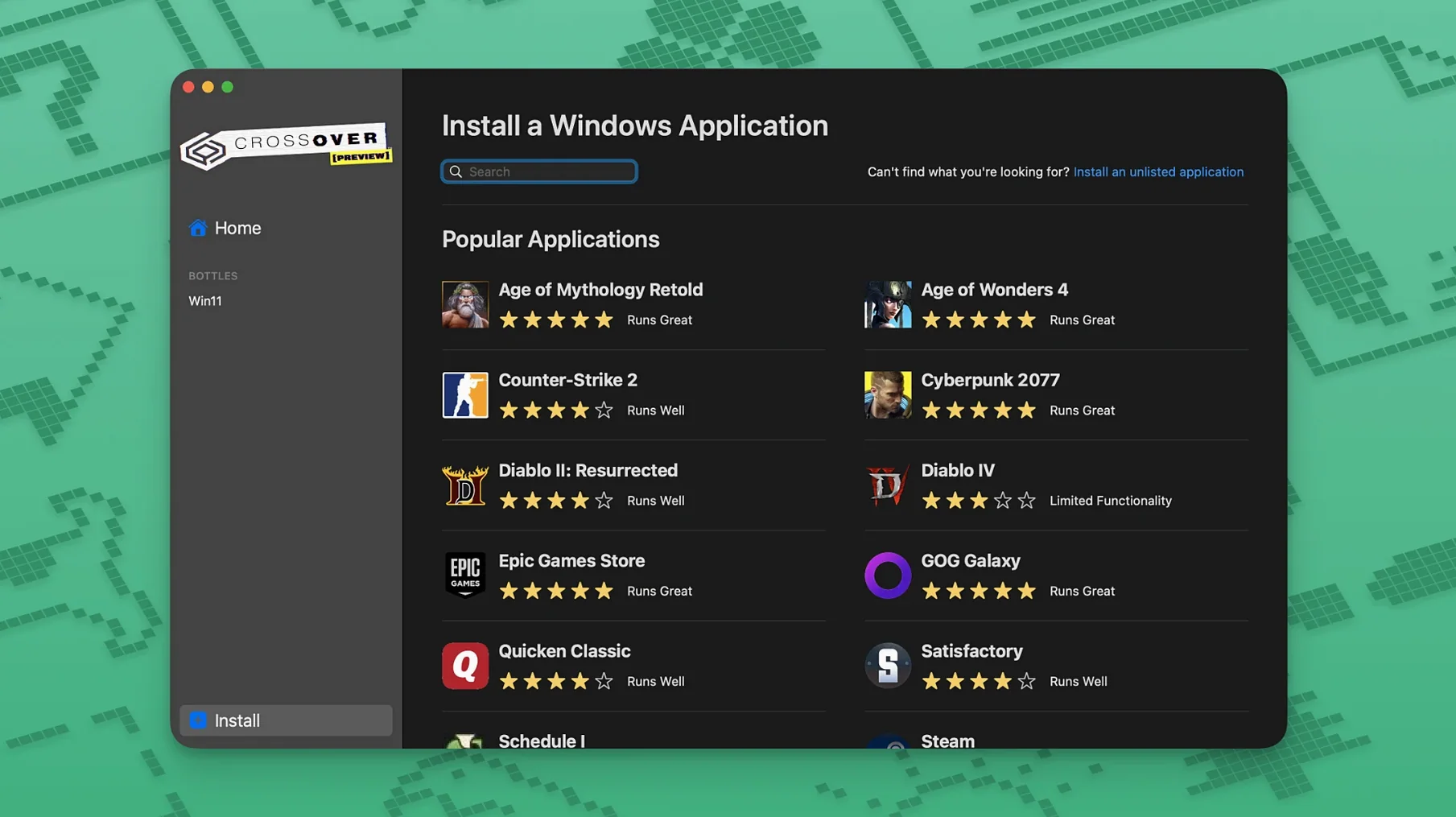
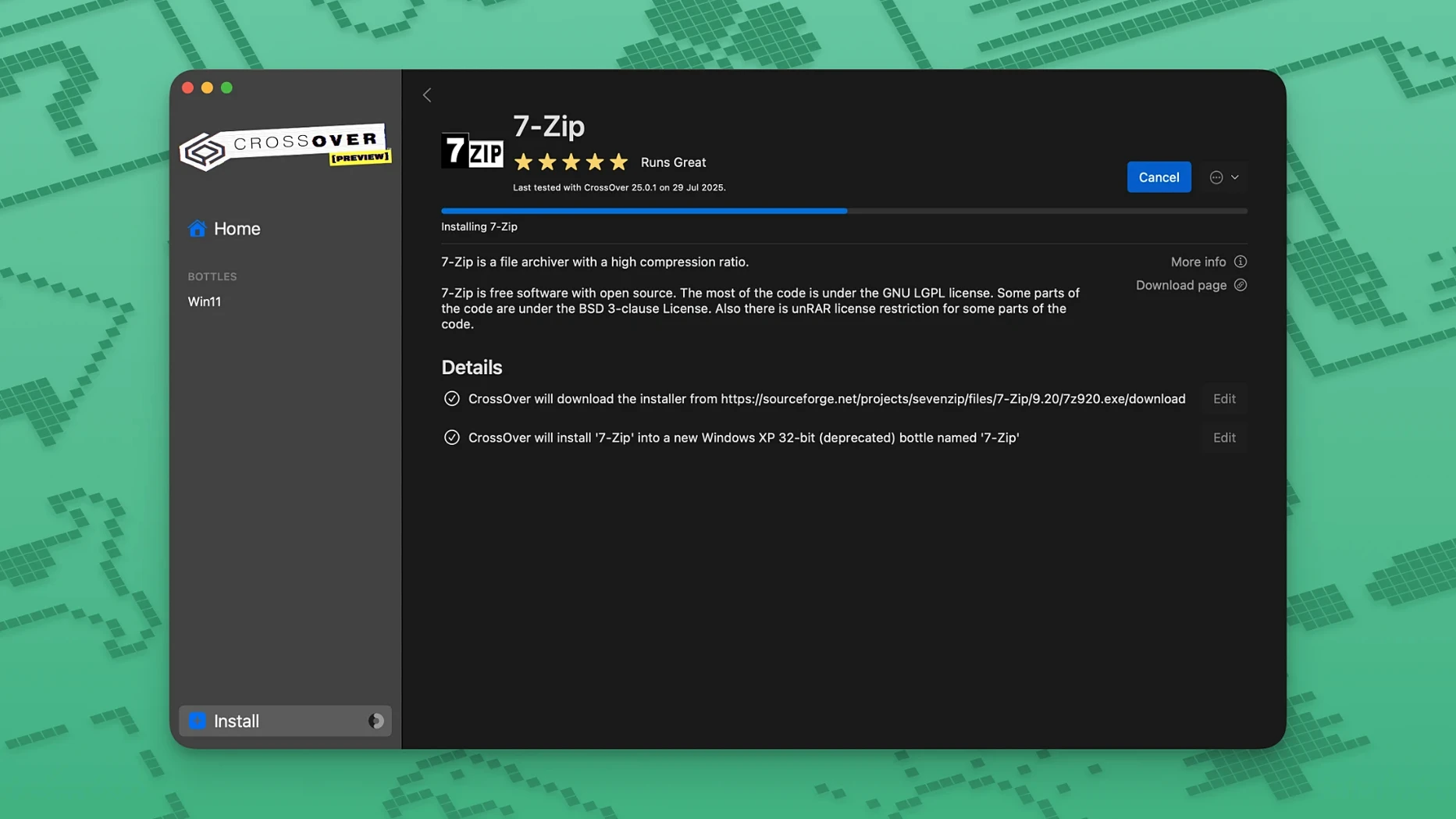
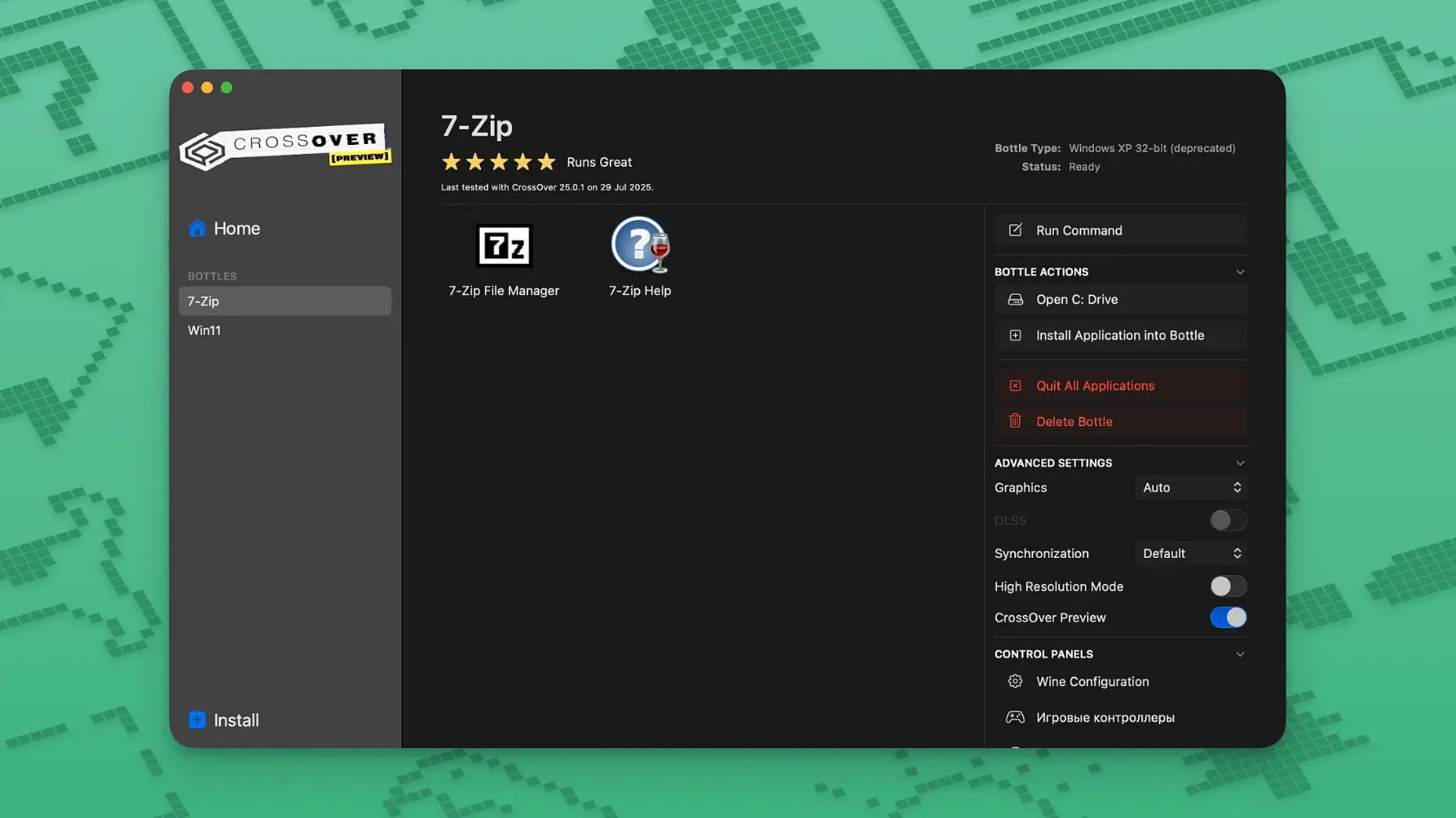
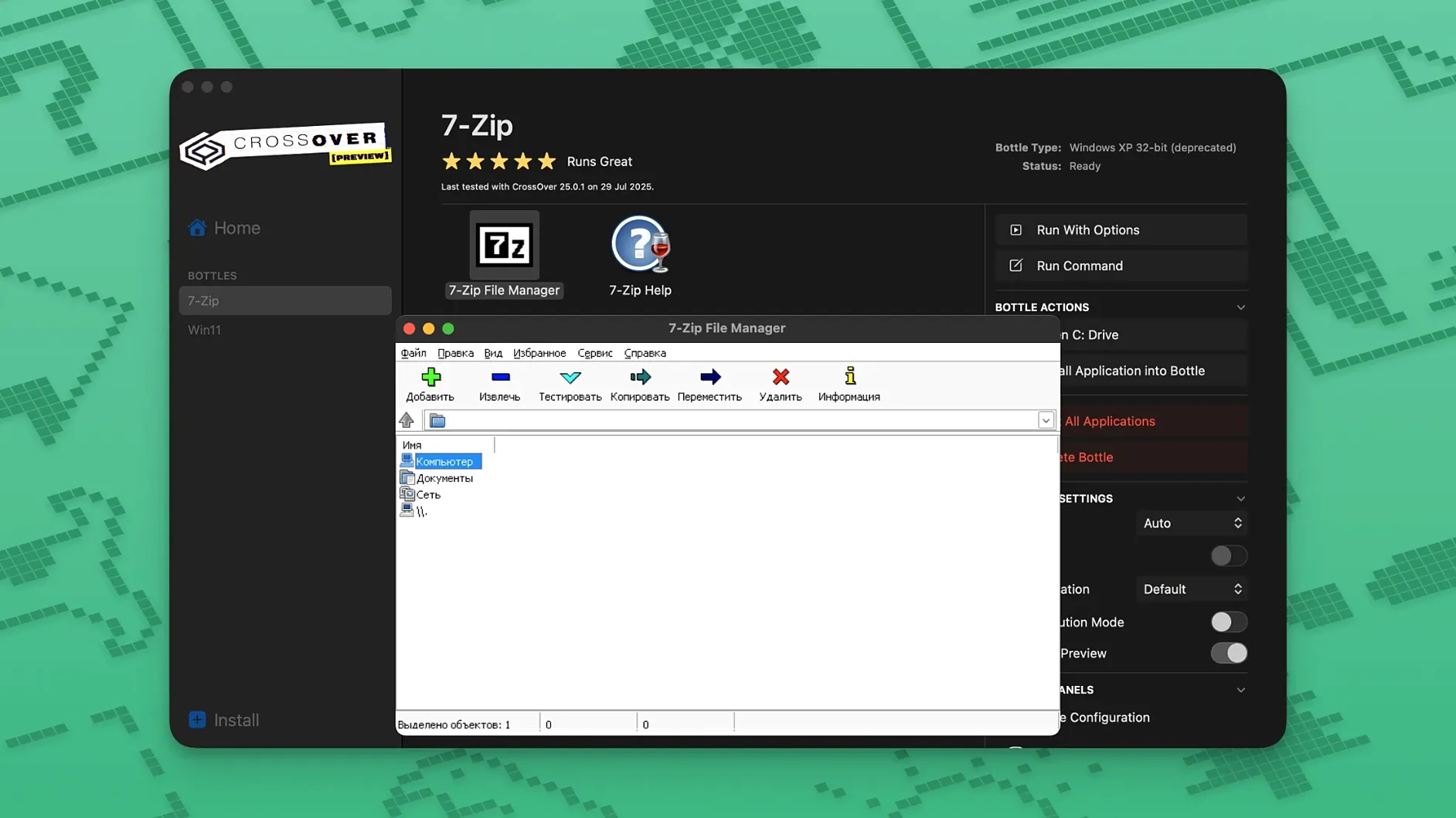
Keeping a spare machine around or rebooting into a full Windows partition just to open one work tool or an older game gets old fast. CrossOver 26 takes a different route: it translates Windows application calls into something macOS can understand directly, so no copy of Windows is required at all.
- Does it install Windows in the background? No. It uses Wine-based compatibility technology to translate commands on the fly. You never go through a Windows setup, and there is no virtual machine running.
- What is a "bottle"? Each program you install lives inside its own Windows-like environment — a bottle — complete with a simulated C drive, subfolders, and a separate registry. If one bottle breaks, the others stay untouched.
- Will any
.exework? Only applications with a support profile are tuned to run reliably. You can try unsupported titles, but expect instability or outright failure. - Which platforms are covered right now? The product family includes CrossOver for Mac and CrossOver for Linux. This page focuses on the Mac build.
Think of it less as a compatibility blanket and more as a curated set of shims. When an app sits inside its supported profile, the experience is surprisingly clean; step outside that list and you are in uncharted Wine territory where things may silently break.
- Fixed a regression where Diablo IV would not launch after a recent game update.
- Fixed Epic Games Launcher downloads breaking on Mac following an update to the client.
- Fixed the GOG Galaxy client failing to load after its latest update.
- macOS 10.15 Catalina or newer
- Intel-based Mac
Comments 0
Sign in or create an account to leave a comment.
No comments yet. A codec, a slice, a machine — they appear after moderation.