
DxO ViewPoint for macOS
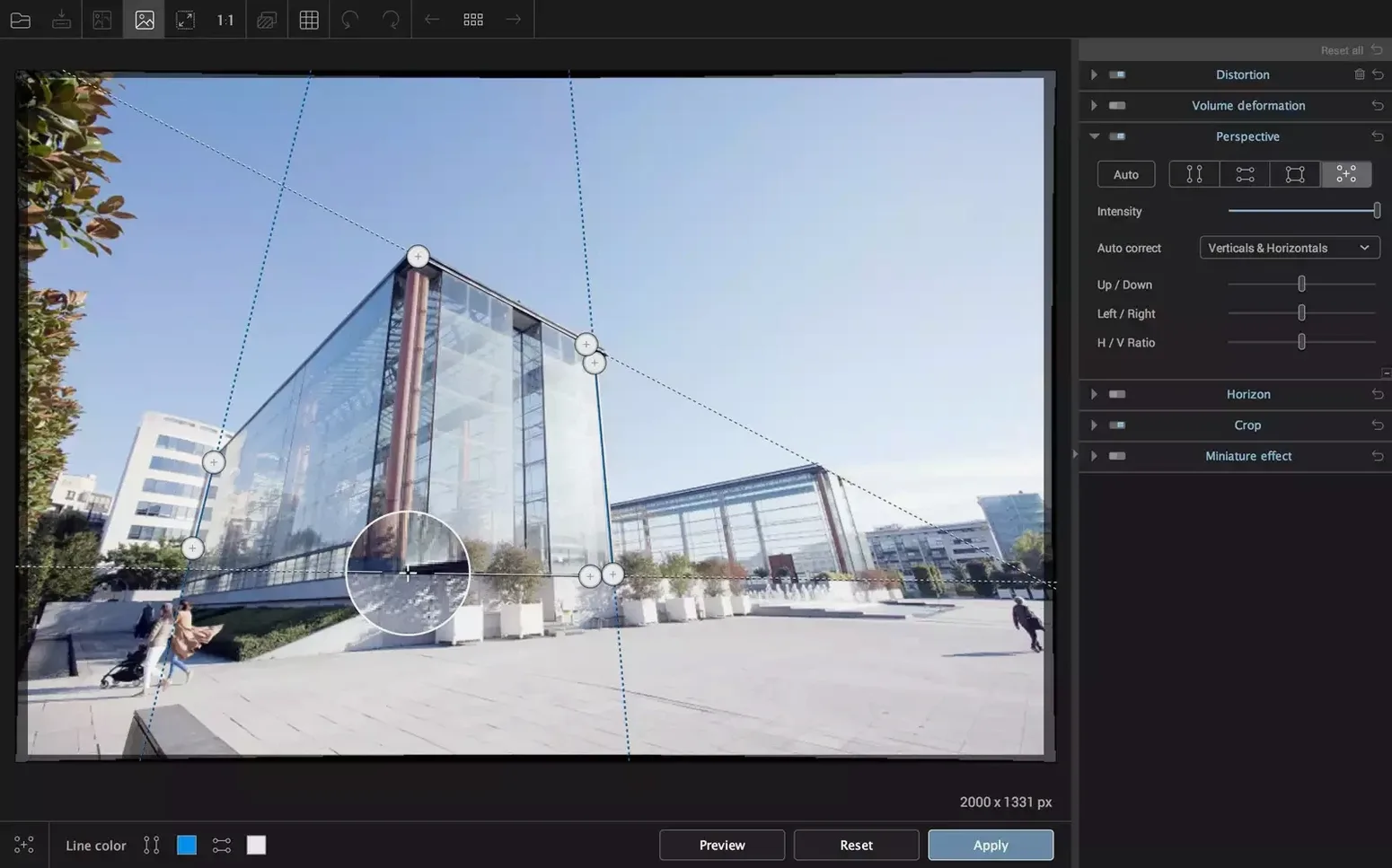
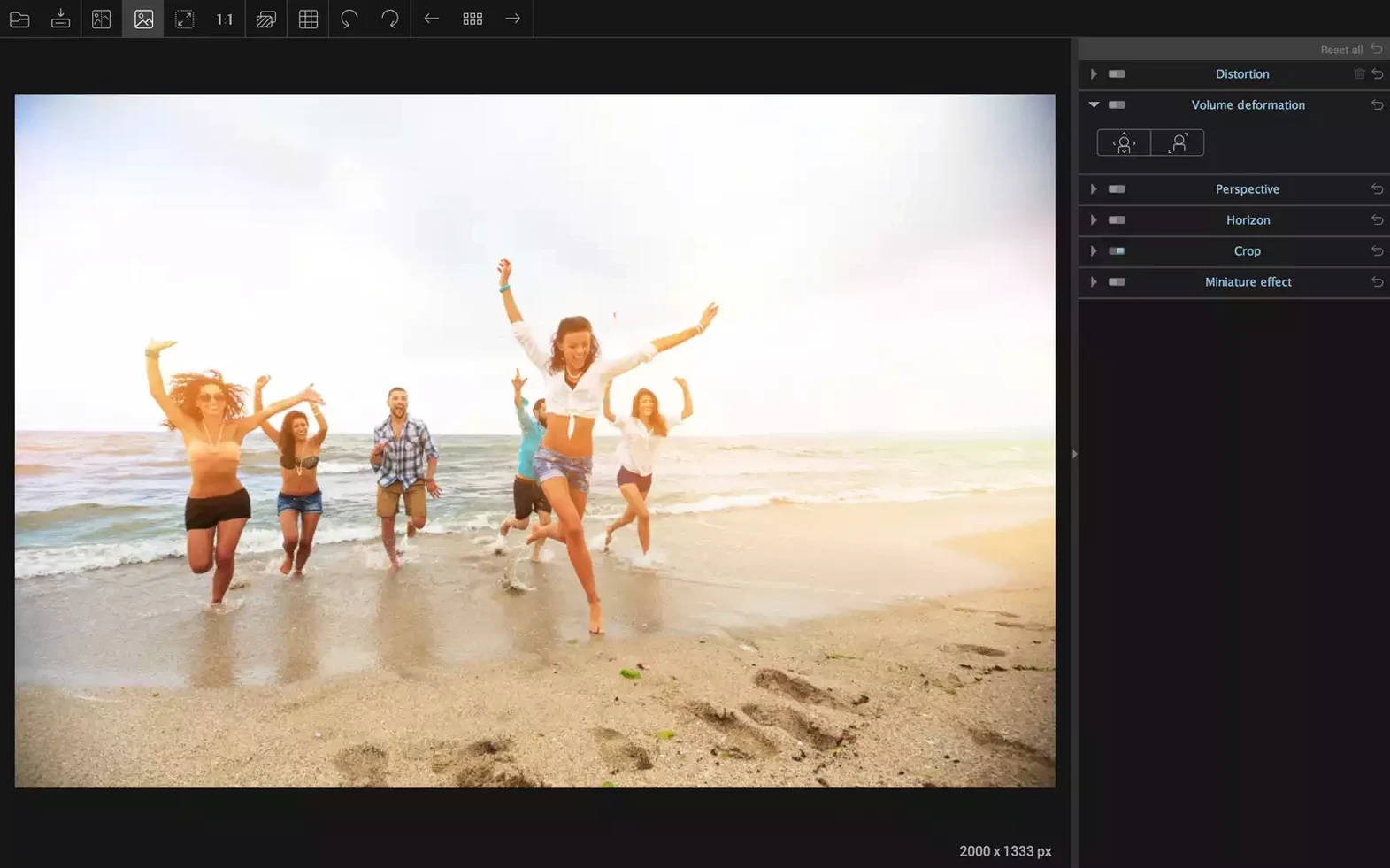
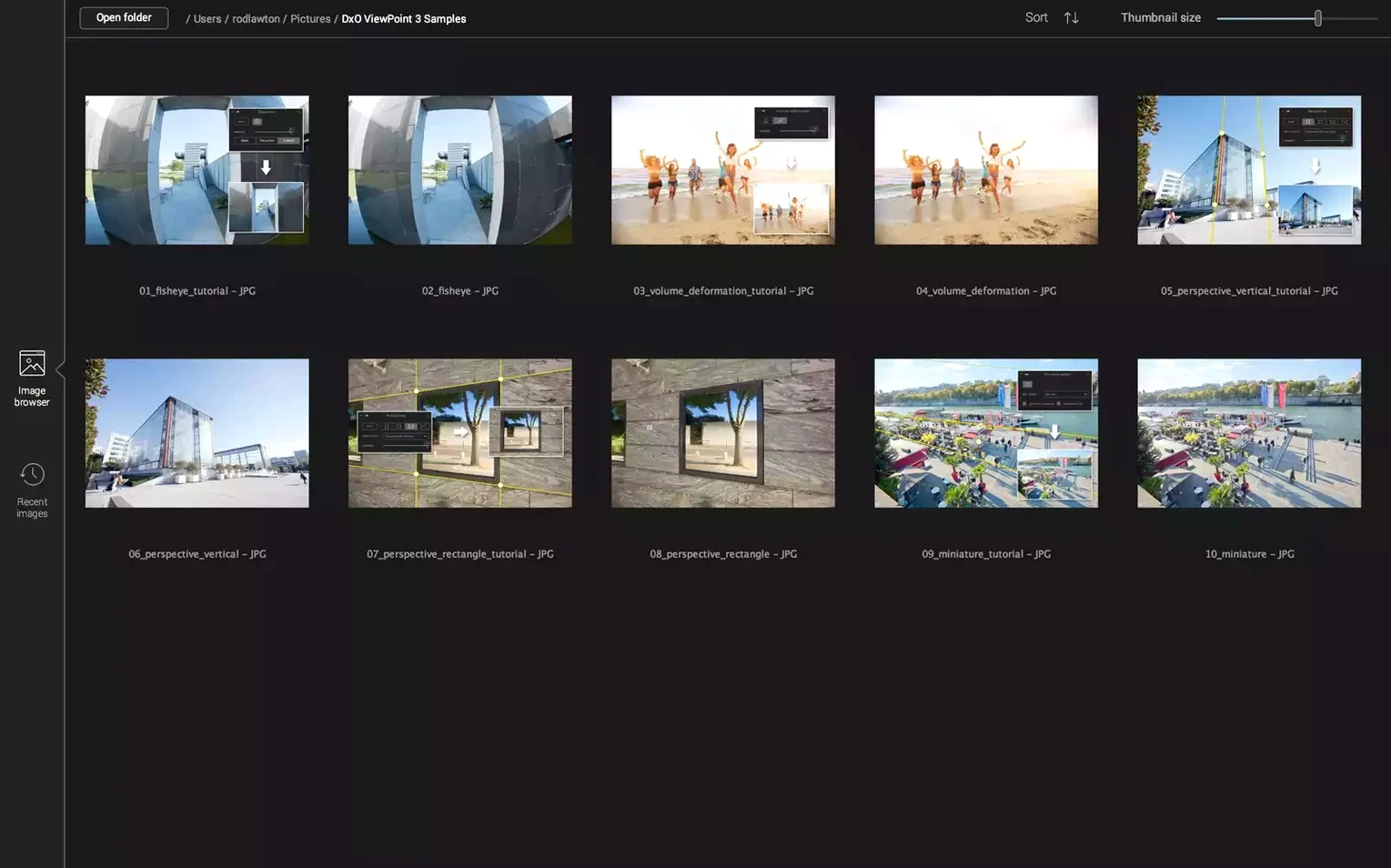
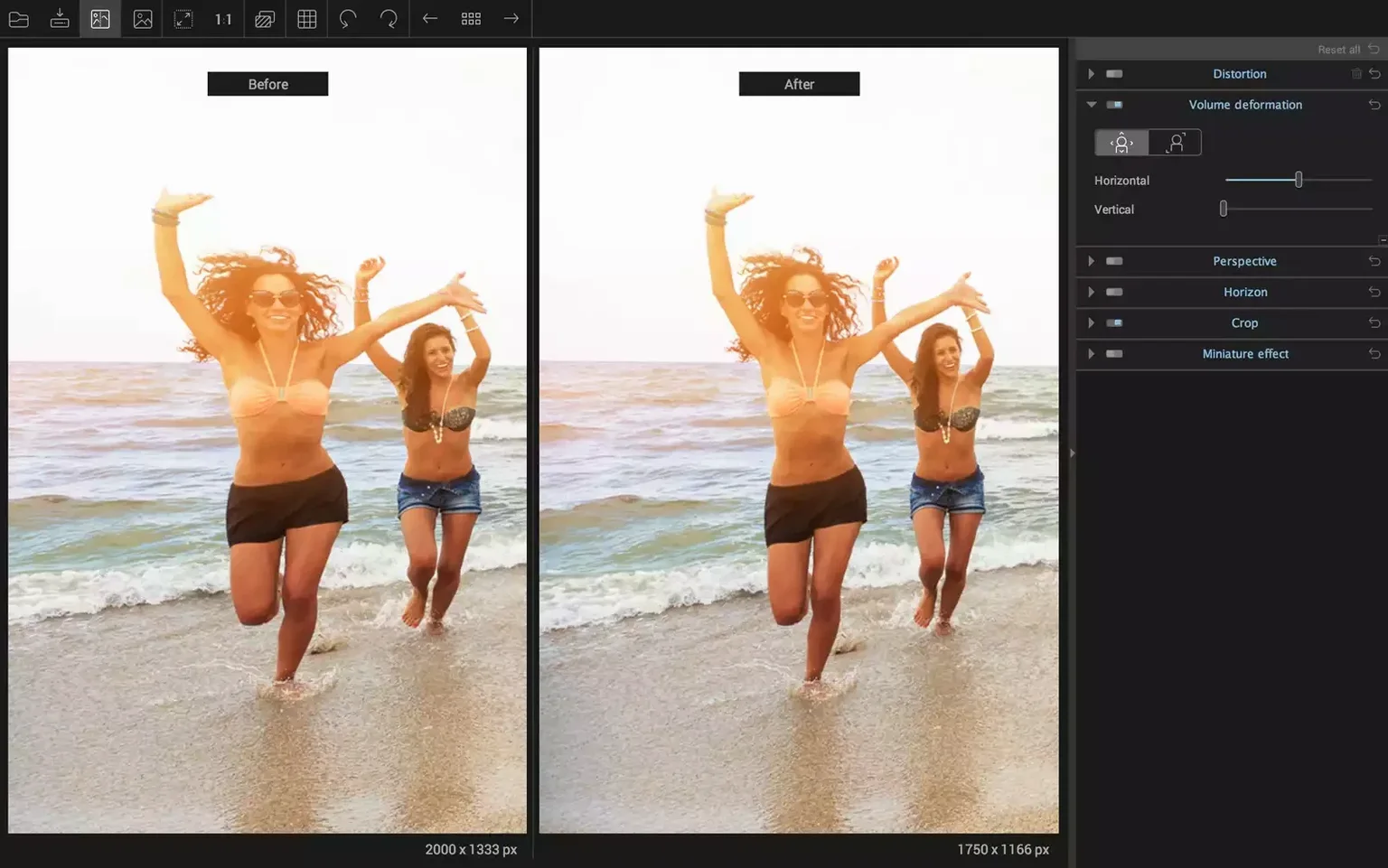
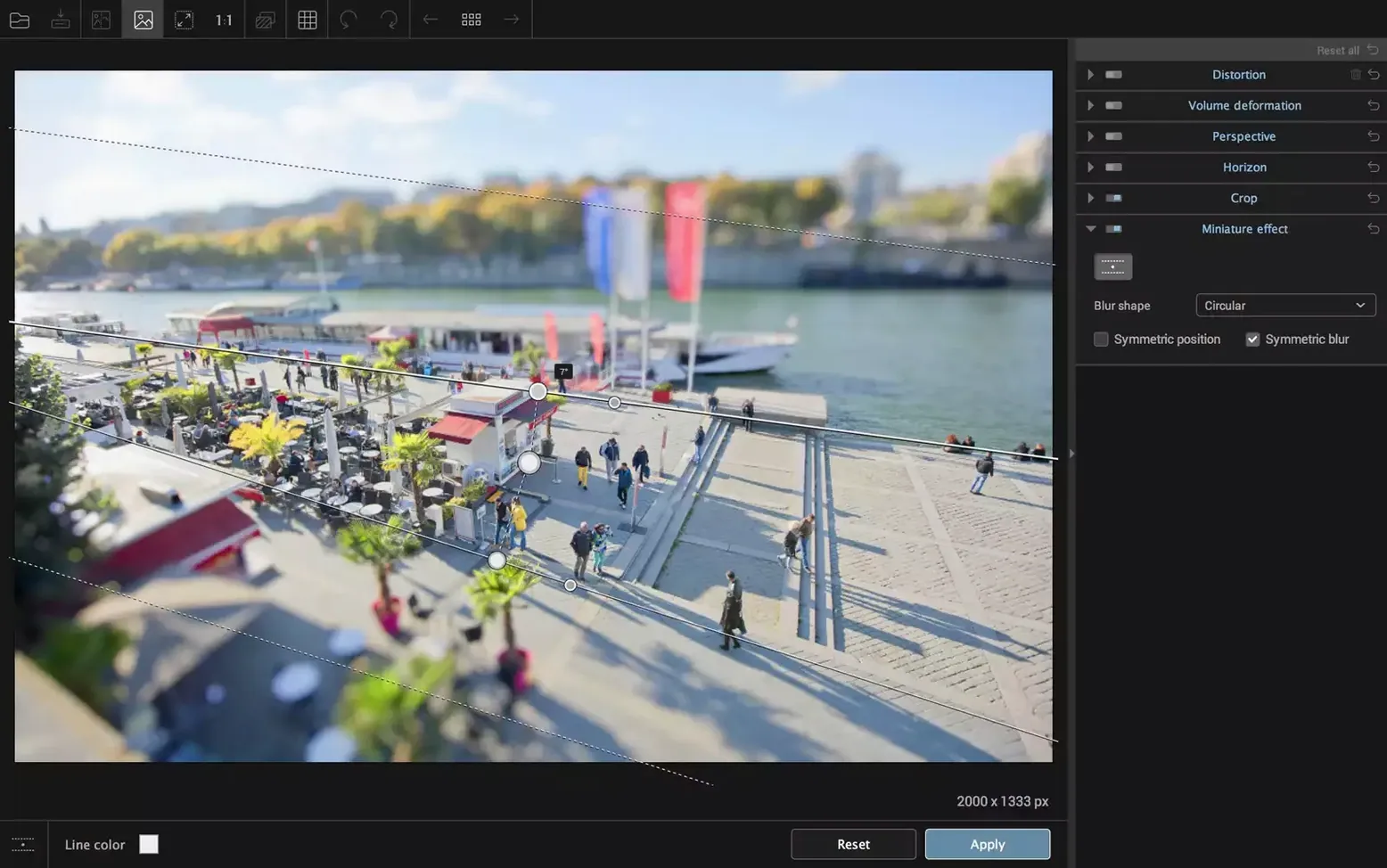
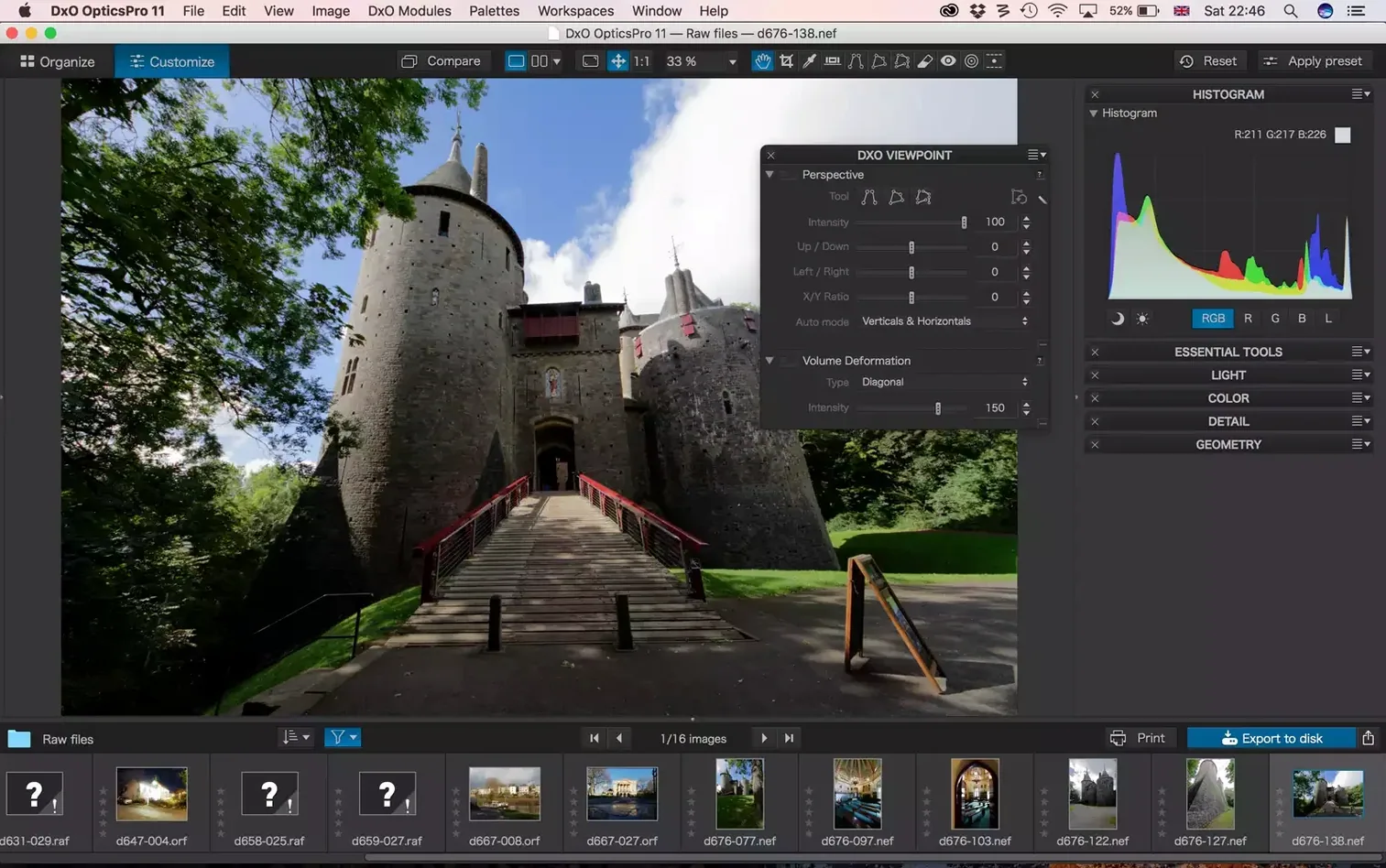
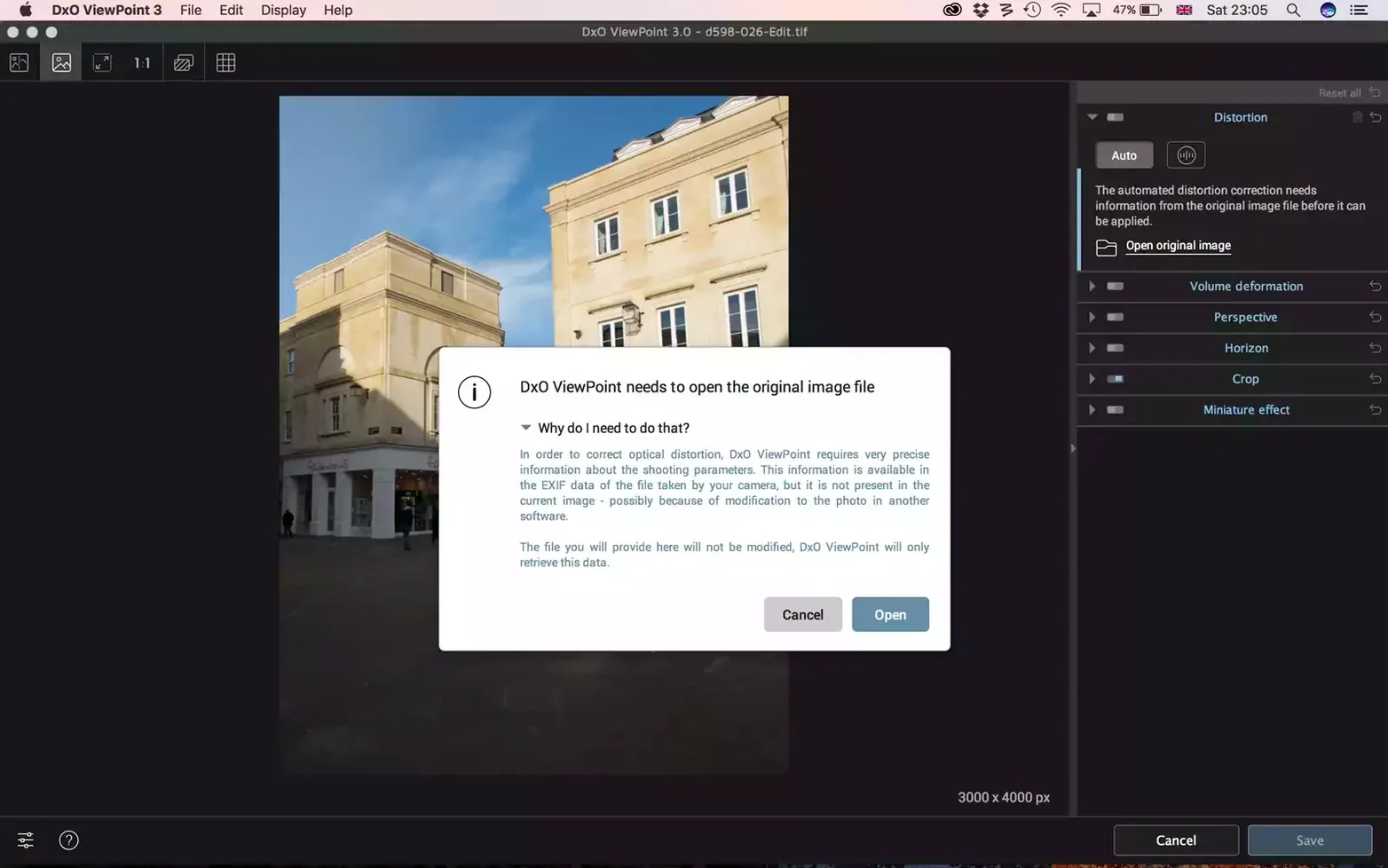
Architectural photographers and wide-angle enthusiasts reach for DxO ViewPoint when verticals start leaning and horizons refuse to sit straight. The software tackles the geometry problems that lenses introduce — keystoning, volume deformation, and that stretched look at the edges of ultra-wide shots. You can run it on its own or feed it images from Photoshop and Lightroom Classic, where it slots in as a plug-in without round-tripping files.
What corrections does it handle?
- Perspective correction for converging verticals and skewed horizons
- Barrel, pincushion, and fisheye distortion removal
- One-click edge restoration that brings natural proportions back to stretched subjects
- ReShape Fusion for moving, scaling, and rotating any part of an image independently
How the geometry tools work together
The distortion engine identifies the lens profile and flattens the field, then the perspective controls let you define vertical and horizontal reference lines directly on the image. Visual guides overlay the preview so you can see exactly which plane you are adjusting. Where it gets less common is ReShape Fusion — you drop a control point grid onto the image and warp a localized area without affecting the rest of the frame. Useful when a group portrait at the edge of a wide shot needs individual correction that global perspective sliders cannot reach.
A session from import to export
You drag a .tiff of a cathedral interior into the standalone window. First move: draw two vertical lines along the pillars that are leaning inward. ViewPoint snaps them upright and the crop rectangle adjusts automatically. Next you head to the Distortion palette and pick the lens profile — the barrel curve disappears and the altar rail stops bowing. An organist standing at the far right edge still looks stretched sideways, so you open ReShape Fusion, drop four control points around her, and scale the width back to about 92%. The horizon line tool confirms the floor is level. Export as a 16-bit TIFF, and the file lands exactly where you pointed it, with the _DxO suffix appended to the filename.
When did the progress spinner finally disappear?
The move to Apple Silicon arrived in a point release, and it matters during a session — distortion previews on 45-megapixel files now update without a progress spinner. The ReShape Fusion grid got denser control handles, which makes isolating a single figure at the frame edge noticeably quicker than the older mesh-warp approach in version 4. Volume Deformation corrections also apply more gently out of the box; earlier builds could overcorrect faces and give them a pinched look until you dialed the slider back.
A real-estate photographer's Monday morning
Someone shooting a narrow bathroom with a 14mm lens gets three things wrong at once: the shower stall tilts inward, the tiles barrel outward, and the mirror reflection shows a stretched towel rack. In Lightroom Classic you right-click the raw, hand it to ViewPoint as a plug-in, and fix all three without leaving the catalog. The perspective lines straighten the stall in seconds, the lens profile flattens the tile grid, and a quick ReShape mask compresses the towel rack back to a believable proportion. Back in Lightroom the corrected TIFF sits stacked with the original raw. The agent reviewing the listing never knows the room was barely wide enough to stand in.
- macOS 11 or later
- Intel or Apple Silicon Mac
$ man dxo-viewpoint | grep -A2 "?"
Can I use DxO ViewPoint inside Adobe Lightroom Classic?
Yes, it integrates as a plug-in inside both Adobe Photoshop and Adobe Lightroom Classic, so you can correct geometry without leaving your editing workflow.
Comments 0
Sign in or create an account to leave a comment.
No comments yet. A codec, a slice, a machine — they appear after moderation.