Dynamic Wallpaper Engine for macOS
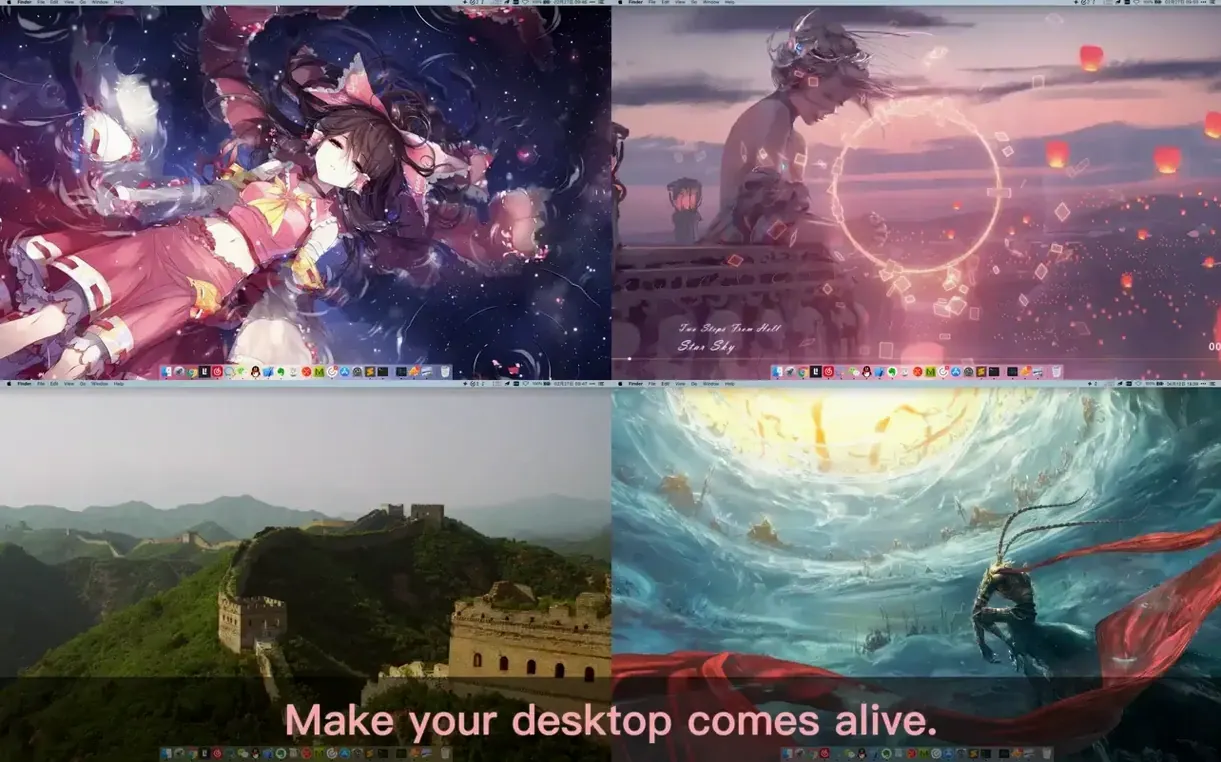
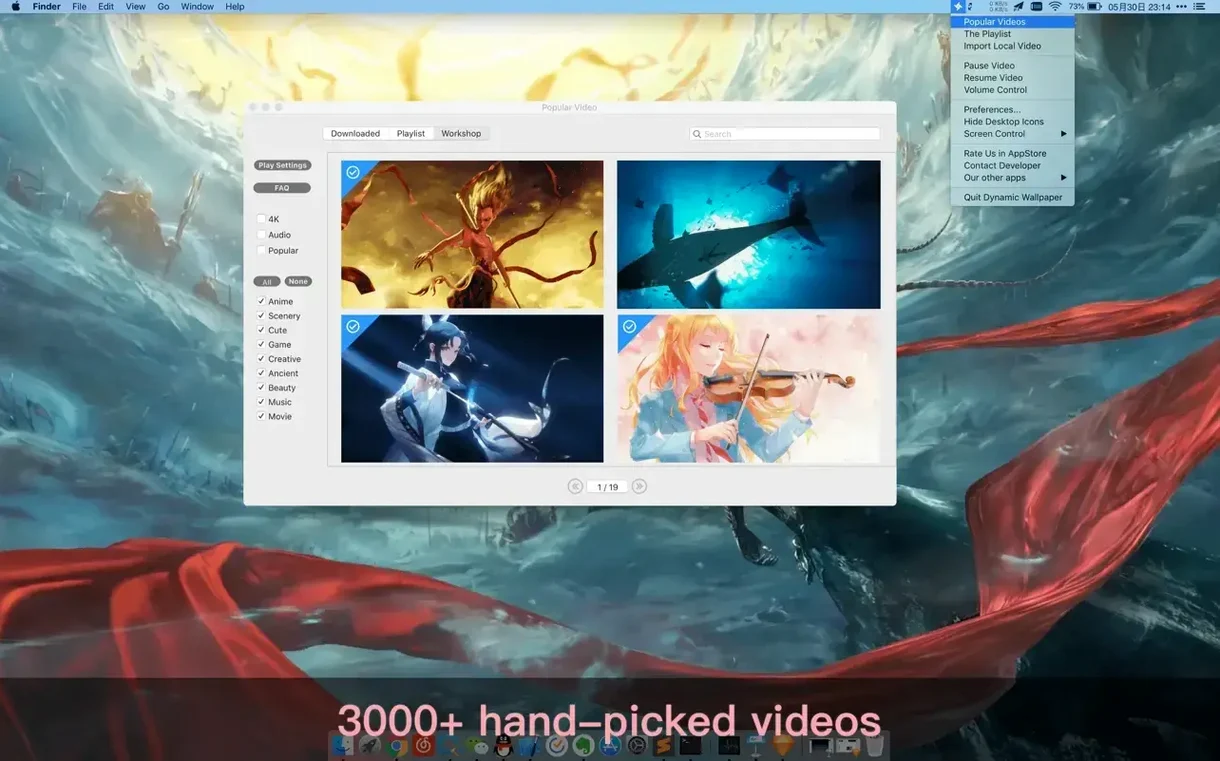
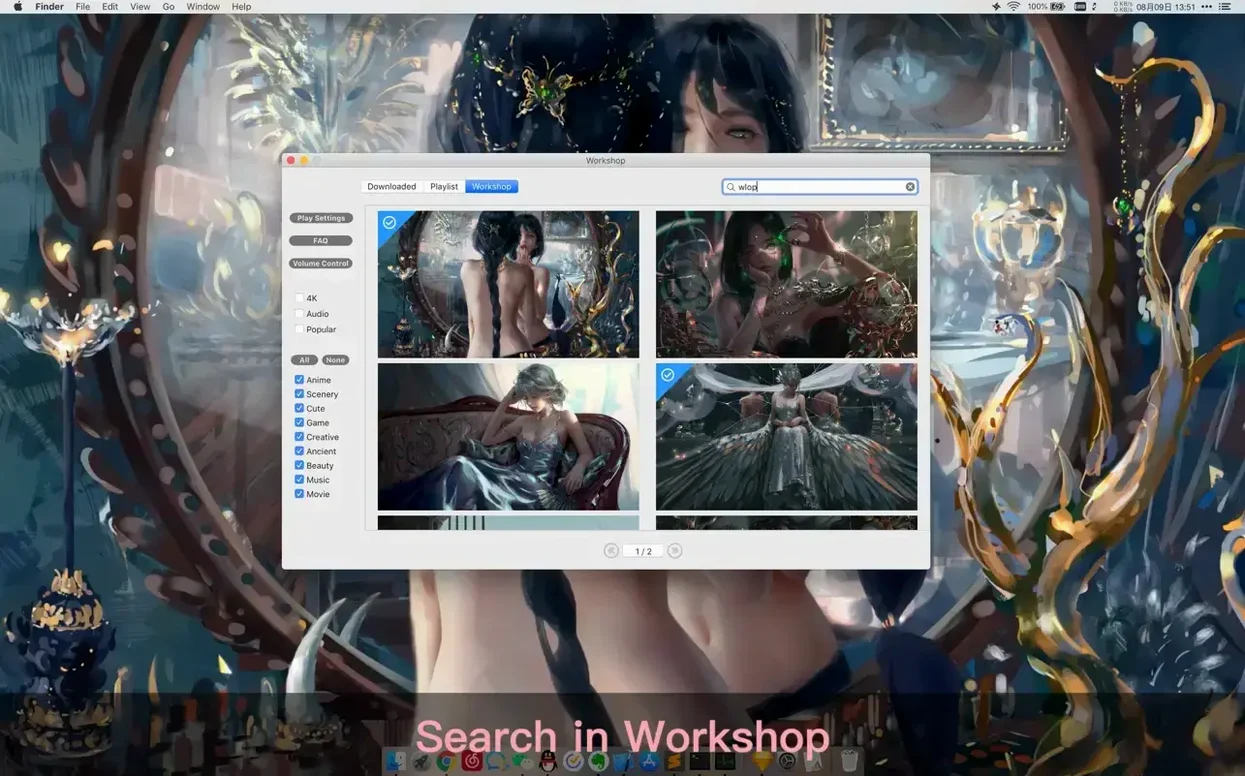
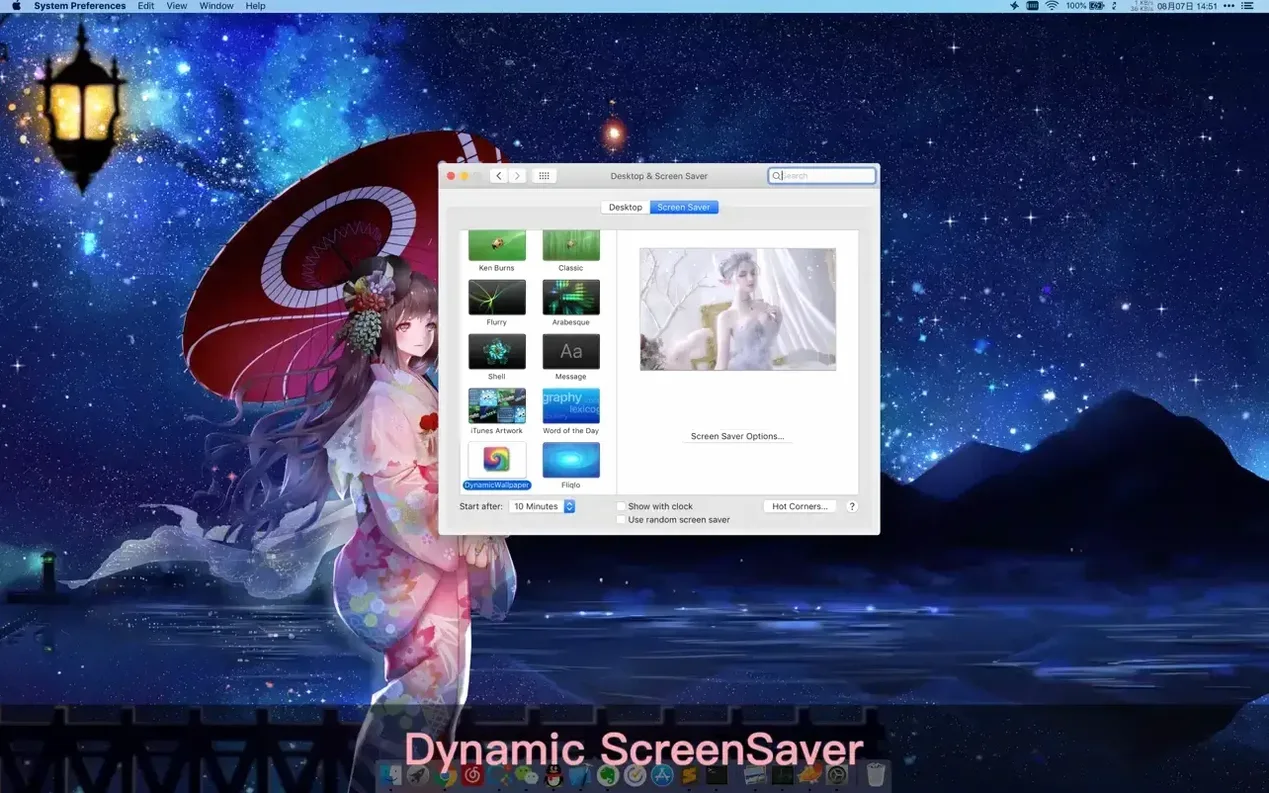
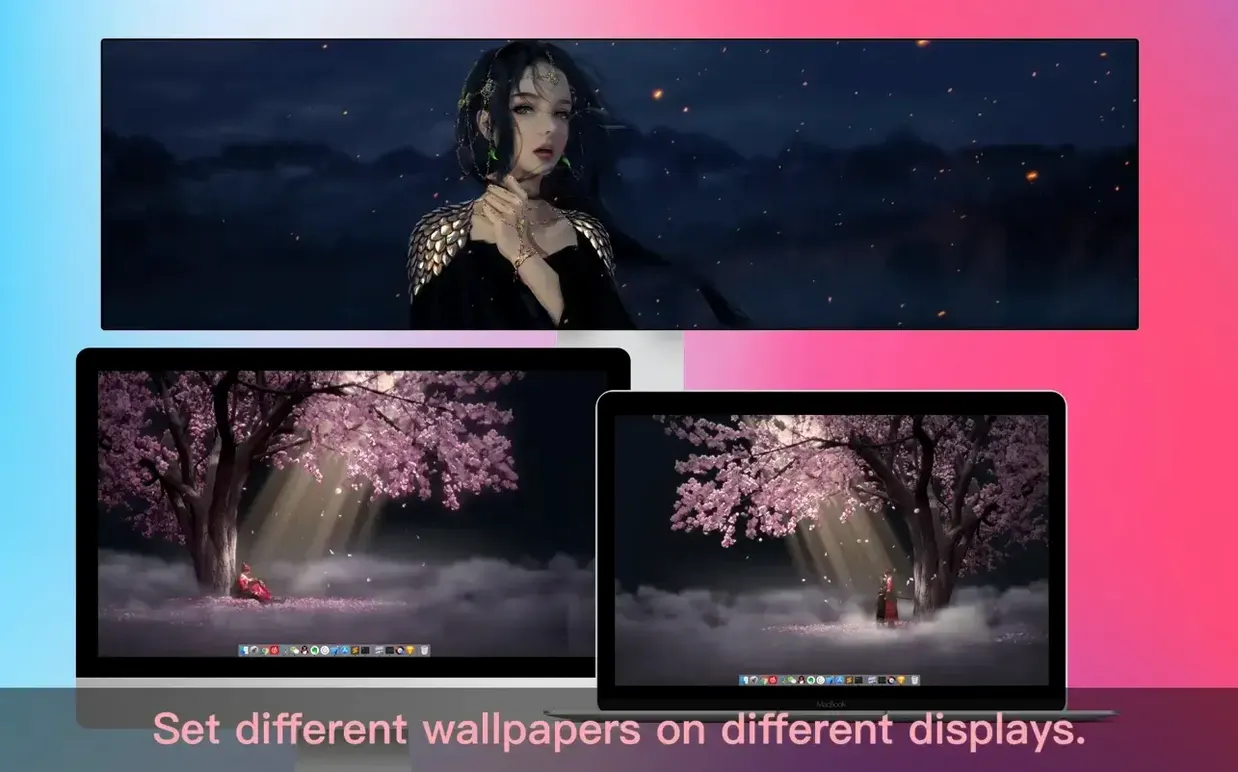
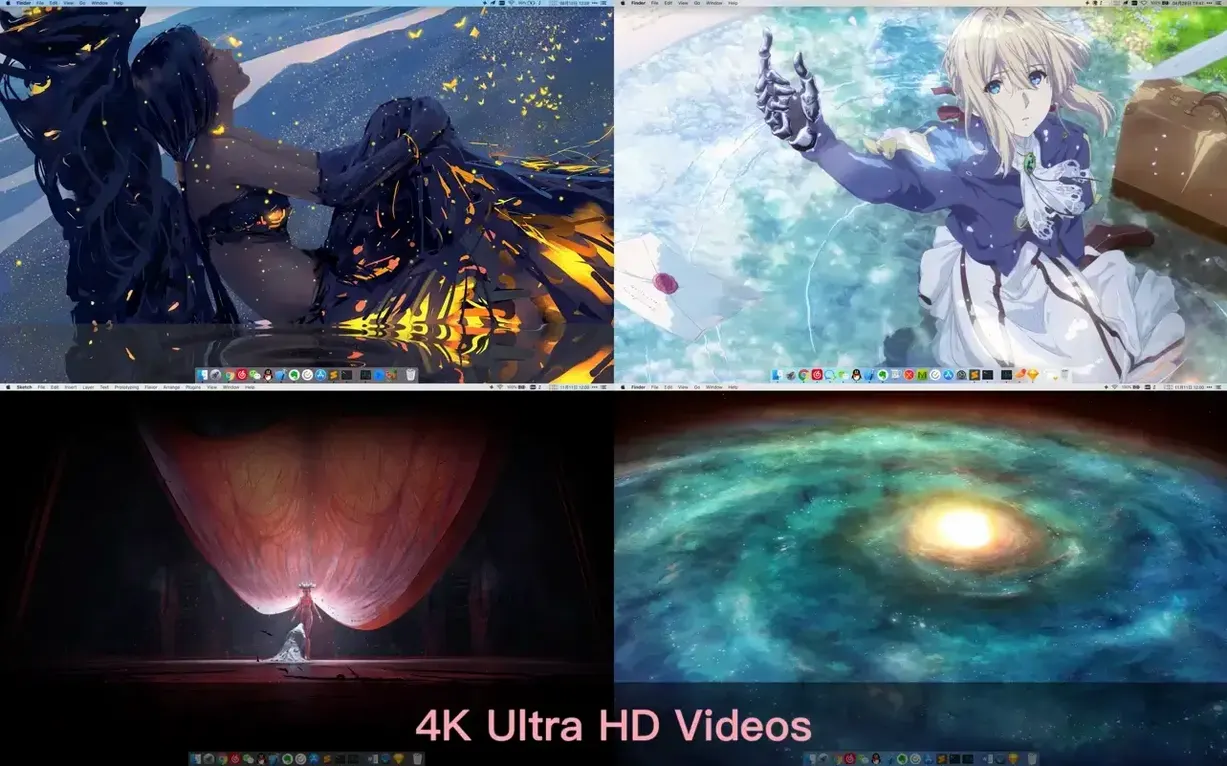
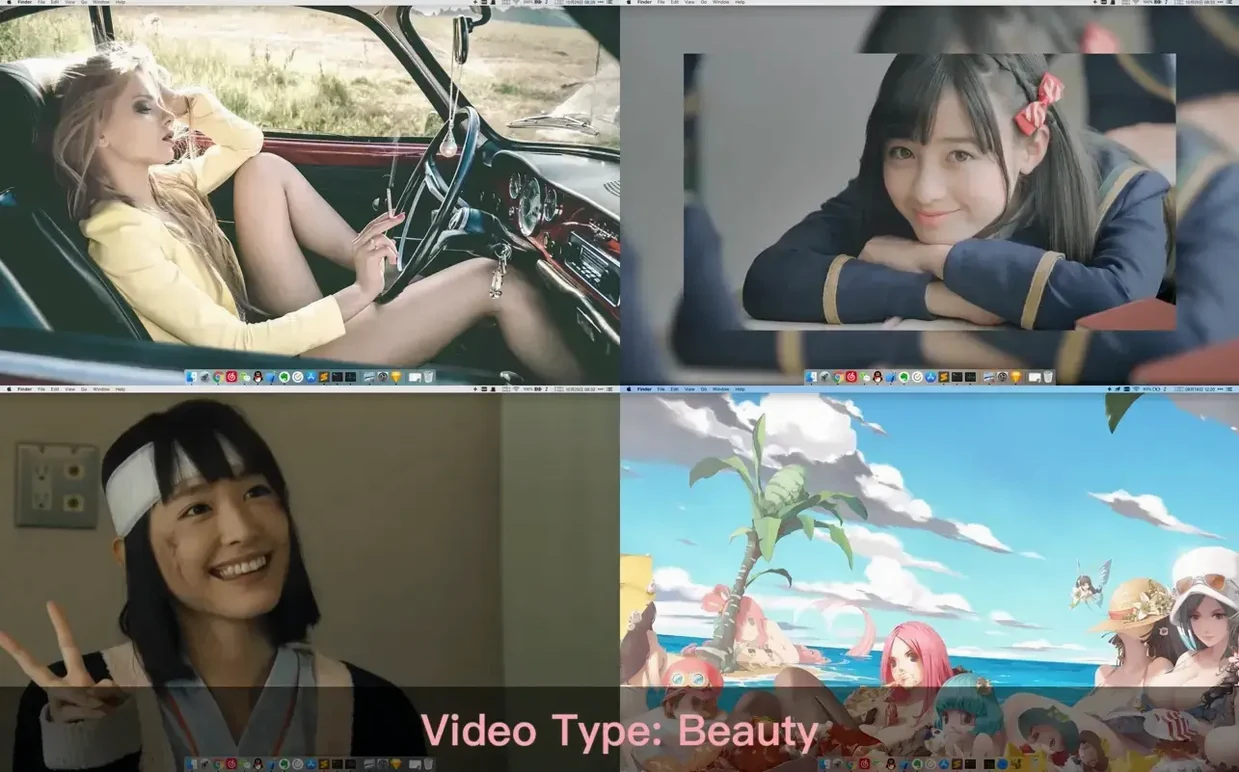
The global hotkey for hiding desktop icons is one of those small features that changes how you see your workspace. It's worth mapping early. Dynamic Wallpaper Engine gives you a feed of live wallpapers for both the desktop and screensaver, but the real fun starts when you dig into what it can do beyond the default gallery.
| Detail | Info |
|---|---|
| Current version | 25.4 |
| macOS | 10.12 and later |
| Architecture | Intel and Apple Silicon |
| Languages | English, Simplified Chinese |
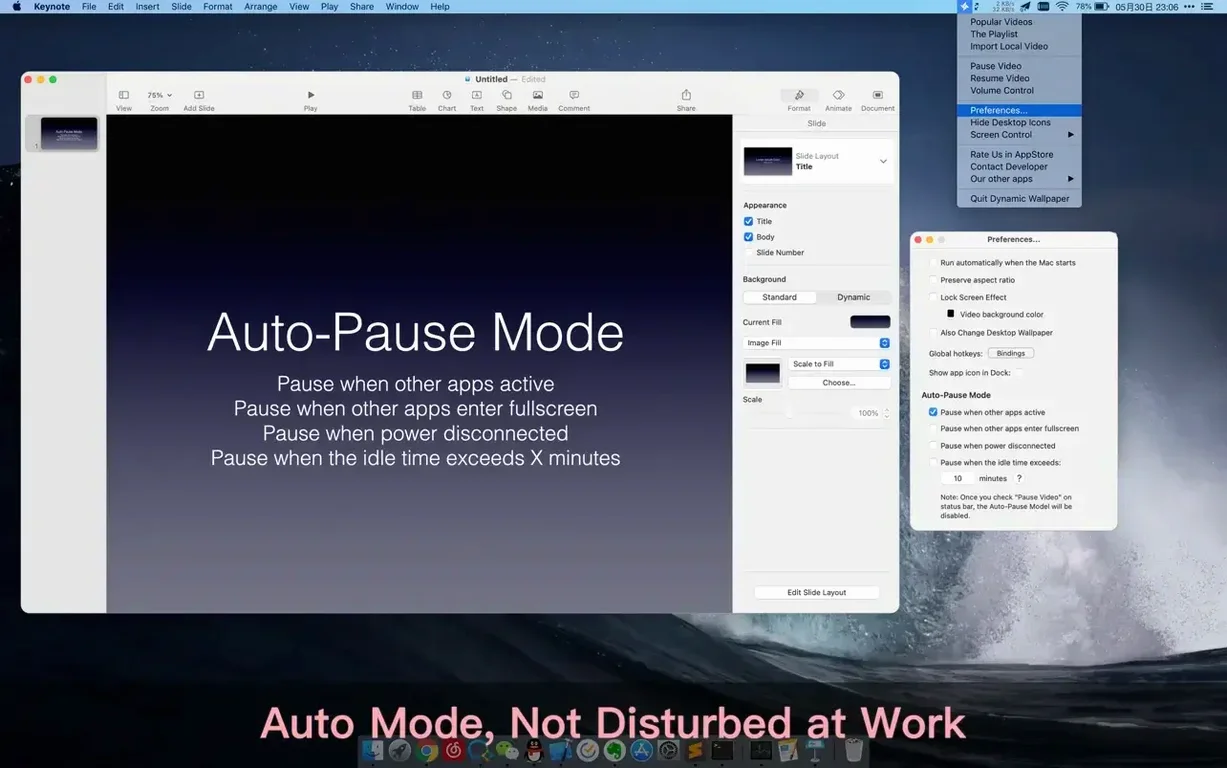
First thing to try: import a local video. The app pulls new 4K content daily, but you can also drag your own clips onto the interface and assign them per display—different animations on your laptop screen and external monitor, for instance. Next, head into the playback settings and configure the pause triggers. You can set videos to freeze after a specific idle time, when you unplug from power, or when other applications are active. That last one keeps a busy screen from becoming a distraction. The rest reminders are tucked in the same preferences panel and follow a similar logic, nudging you to step away at intervals you define. All of this is controllable through global hotkeys, so you can cycle wallpapers or blank the desktop icons without touching the menu bar.
Runs on Intel Macs back to Sierra
One question that comes up a lot is whether the app runs well on older Intel machines. The short answer is yes — the minimum requirement is macOS 10.12, and the binary includes both ARM and x86_64 slices. On a 2018 MacBook Pro, 4K video wallpapers are smooth as long as you're not pegging the GPU with other heavy tasks. People also ask if it works across multiple displays with different aspect ratios. It does, and it handles mismatched setups gracefully: you can assign a 16:9 clip to your main monitor and a vertical 9:16 clip to a side display without the app letterboxing or stretching anything.
Another common concern is whether the workshop content is safe to use — meaning, no unexpected surprises in video files. The workshop pulls from a curated feed, and the app itself only plays standard video formats through the native macOS media pipeline. It's not executing scripts or running arbitrary code. If you stick to importing your own .mp4 or .mov files, you're in completely known territory. The app also respects your privacy in a straightforward way: it doesn't require network access to function as a player, only to browse and download new wallpapers from the workshop.
What tends to trip people up?
The install step that catches most newcomers is the Gatekeeper bypass. After mounting the .dmg, the usual double-click into /Applications isn't enough on its own — you need to run the Terminal command that comes with the package. Without that step, macOS will refuse to open the app and show the standard unidentified-developer warning. Once you've pressed Enter in the Terminal window, Gatekeeper is satisfied and the app launches normally from then on.
Another small snag: hiding desktop icons via the global hotkey works instantly, but if you've never used that feature before, it can look like your files have vanished. The hotkey toggles icon visibility, and a second press brings everything back. The same toggle logic applies to the mute and pause shortcuts — there's no on-screen indicator, so a quick glance at the menu bar icon tells you the current state. If the app seems unresponsive after waking from sleep, check the idle-time pause setting; by default, it may have frozen the wallpaper after the configured interval.
For those hunting down a dynamic wallpaper engine mac download that actually respects per-display settings, the display assignment panel is easy to miss. It's not in the main preferences window — look for the monitor icon in the wallpaper browser toolbar. That's where you drag clips onto each connected screen.
Per-monitor wallpaper for mismatched displays
Multi-monitor users are the obvious winners here. If you run a laptop with an external display, or a desktop with two mismatched panels, the per-monitor wallpaper assignment alone justifies the install. Artists and designers who keep reference material or mood boards as video loops also benefit — the local file import handles .mov and .mp4 containers without re-encoding, so you can loop a rendered animation or a color palette clip directly on the desktop.
People who work in long sessions and tend to lose track of time will appreciate the rest reminder and the idle-based pause triggers. The power-disconnect pause is a battery-conscious touch that laptop users notice immediately — unplug from the charger, and the animated wallpaper freezes to save energy. If you're looking for a dynamic wallpaper engine mac free of unnecessary network chatter, the offline playback mode works exactly as you'd expect: local files play fine without an internet connection, and the only thing you lose is the workshop browsing.
Finally, anyone who has searched for a dynamic wallpaper engine mac crack should know that the Gatekeeper workaround described in the install notes is not a crack — it's a standard macOS code-signing bypass that exists because the app wasn't notarized for distribution outside the App Store. The bundle itself runs natively on both Apple Silicon and Intel, compiled as a universal binary, so there's no Rosetta overhead on M-series chips.
- Added more 4K wallpapers to the daily feed.
- macOS 10.12 or later
- Apple Silicon and Intel 64‑bit
Comments 0
Sign in or create an account to leave a comment.
No comments yet. A codec, a slice, a machine — they appear after moderation.